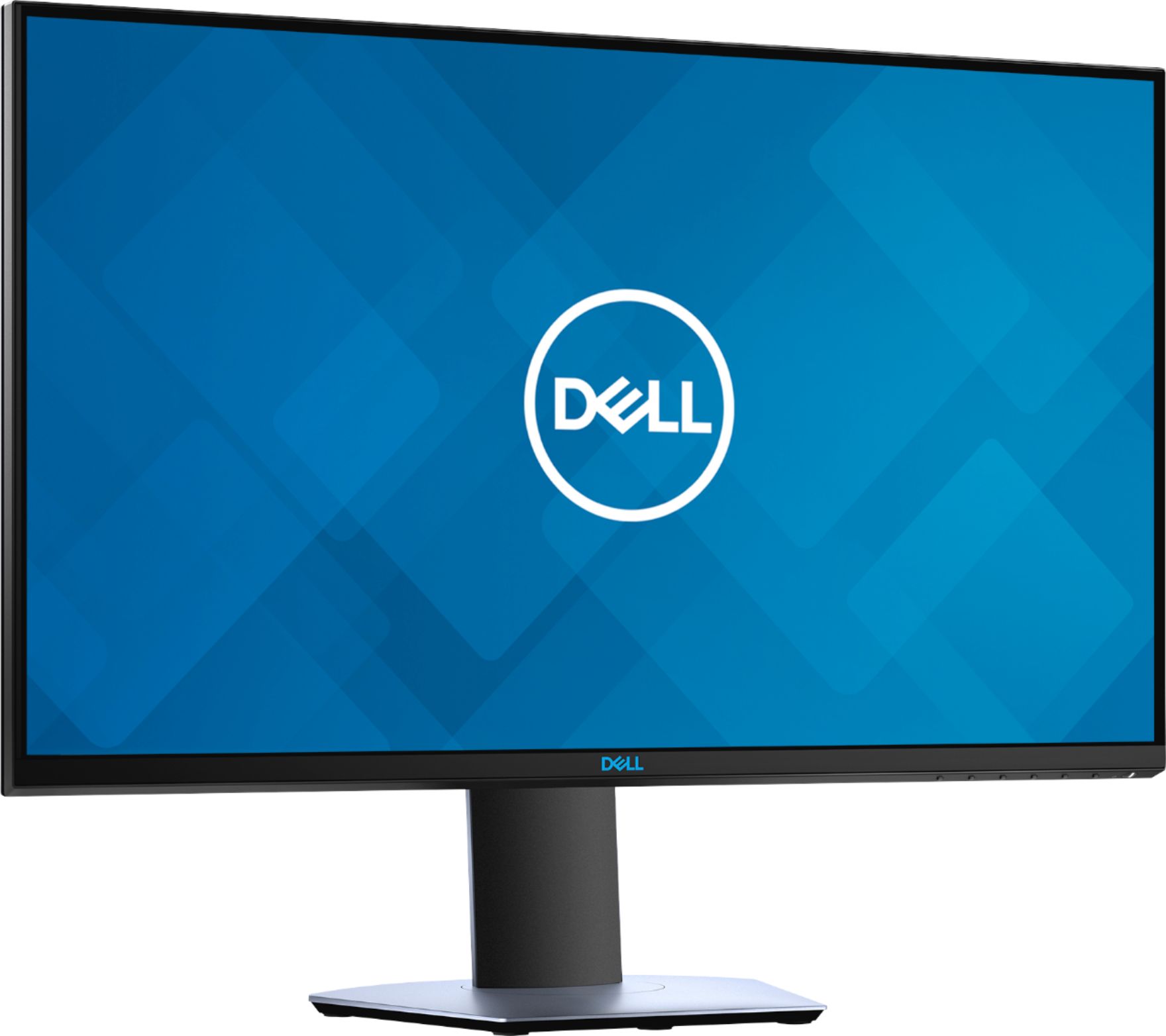
A:AnswerI just bought this monitor and yes this works well with G Sync running at 1440p and 144mhz.
You will need the following though:
10xx GTX series GPU or newer
Displayport cable (get 1.4 to be safe)
The newest Nvidia drivers. You need to manually enable G-sync for this monitor as it's not officially supported by Nvidia
A:AnswerI currently use it on my PS4/PC and it works fine. Although remember that because of the PlayStations limitations (60fps), you won't be getting the full use of the monitor. The only benefit you'll be getting is the 1ms response time. You're probably better off getting a 1080p/4K monitor since the PS4 is unable to output resolution at 1440p.
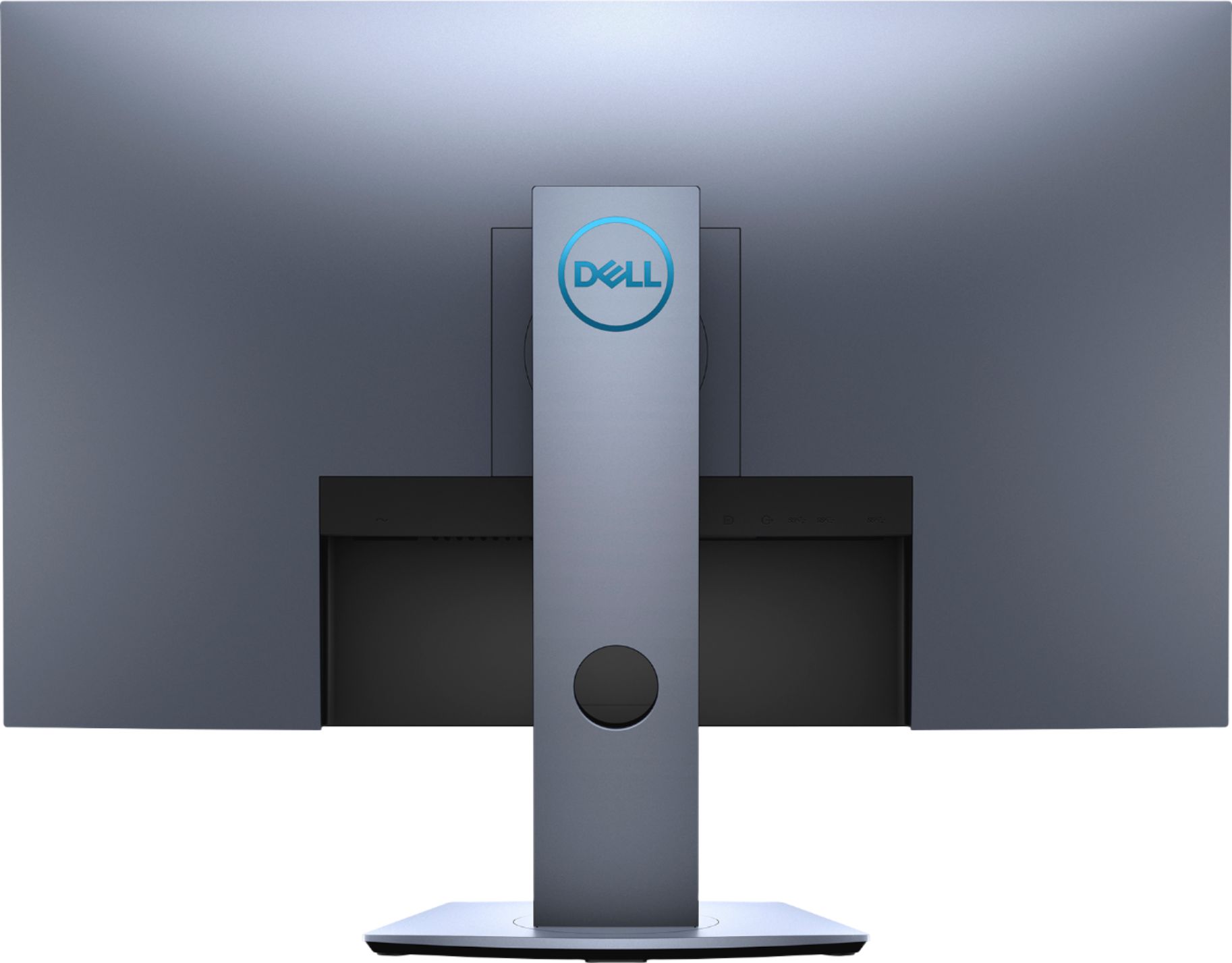
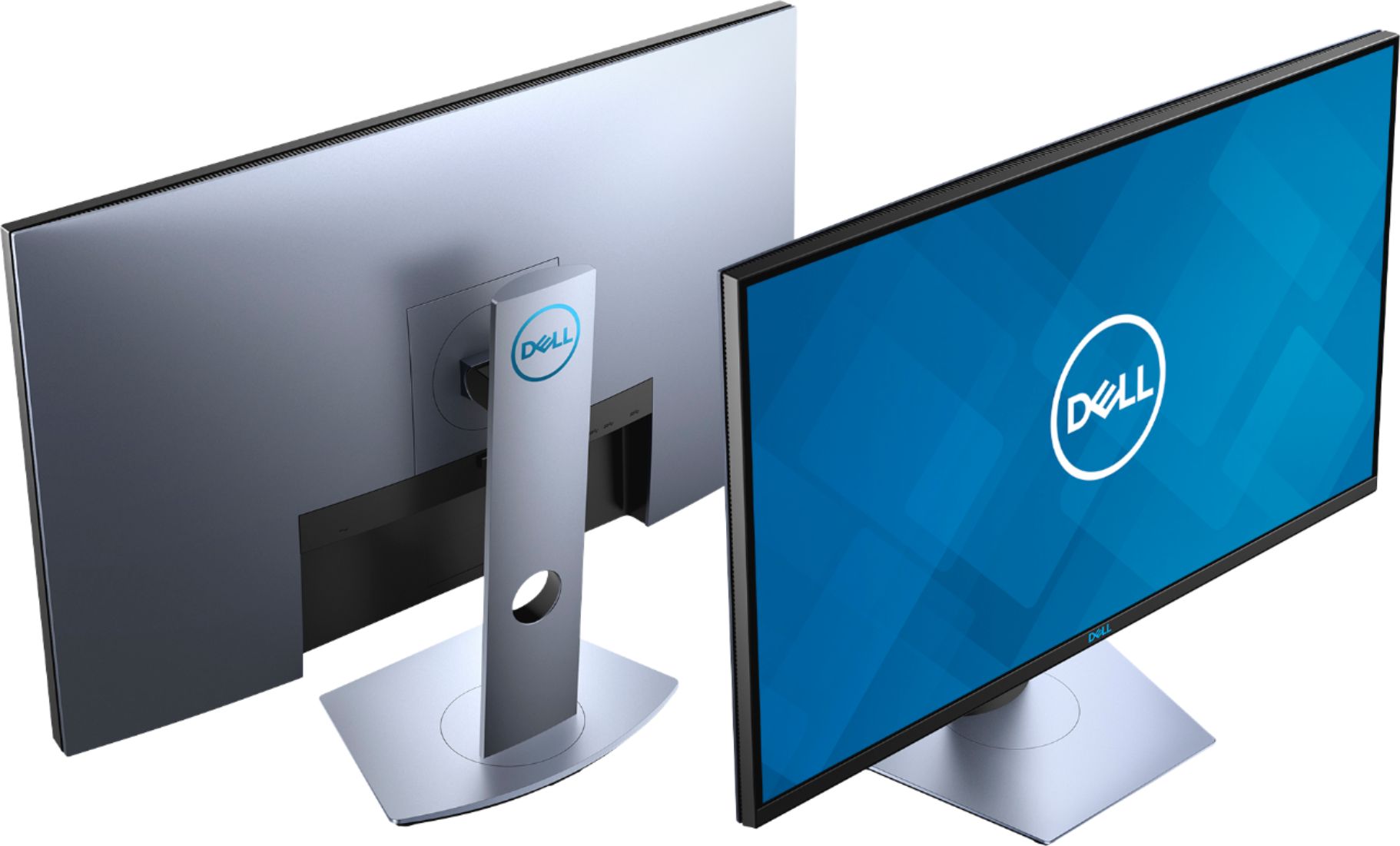
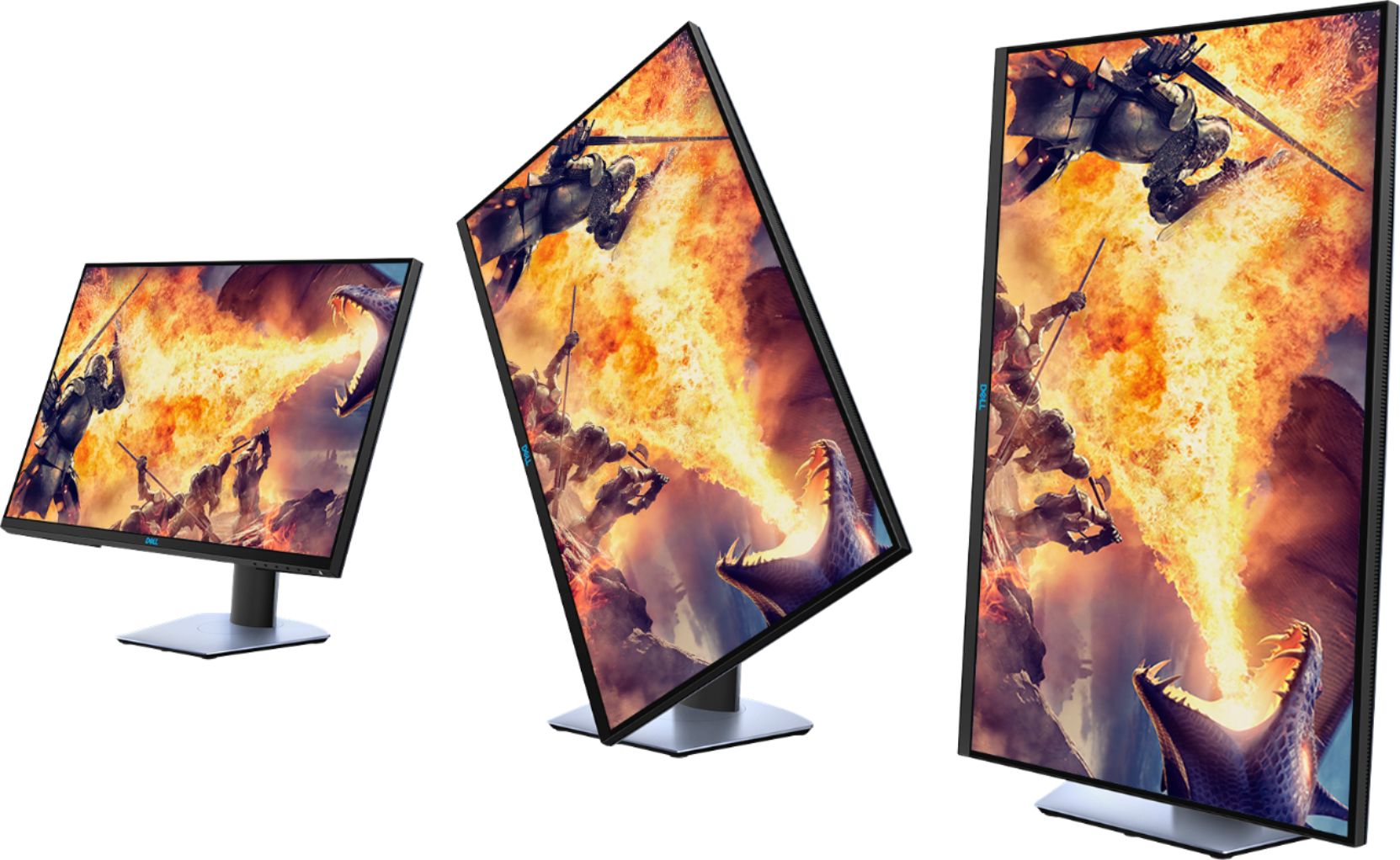
A:AnswerIt is VESA Mount compatible. I have used VESA monitor arms to mount these monitors in my office. According to your picture, it supports VESA mounts so I would say that yes, it will work for your needs.
A:AnswerThis is a very general question but generally it goes on sale every month or two. The sales usually last from a few days to a week long. Please keep in mind that Best Buy offers price matching and will match their own prices. Depending on your level they will match prices from 30 to 45 days out.
A:AnswerMatte, and very adequate at reducing glare. Def one of the deciding features for me. The color is incredible, especially if you have the saturation up a little.
A:AnswerThis monitor supports Freesync 40 Hz - 144 Hz (HDMI) and can be overclocked to 155 Hz through DisplayPort only. Also, this display supports (2560 x 1440 , up to 60 Hz) via HDMI 1.4 ports, (2560 x 1440, up to 144 Hz) via HDMI 2.0 ports, (2560 x 1440, up to 155 Hz) via DisplayPort 1.2.
A:Answeryou will probably need an hdmi adapter. we were able to use the four inch (i think) adapter to a fifteen foot hdmi cord and plug in to tv to be able to sttream from my wife's macbook air.good luck
A:AnswerWe suggest you to contact the Dell technical support team and one of the technical support representative will assist you with this issue further.