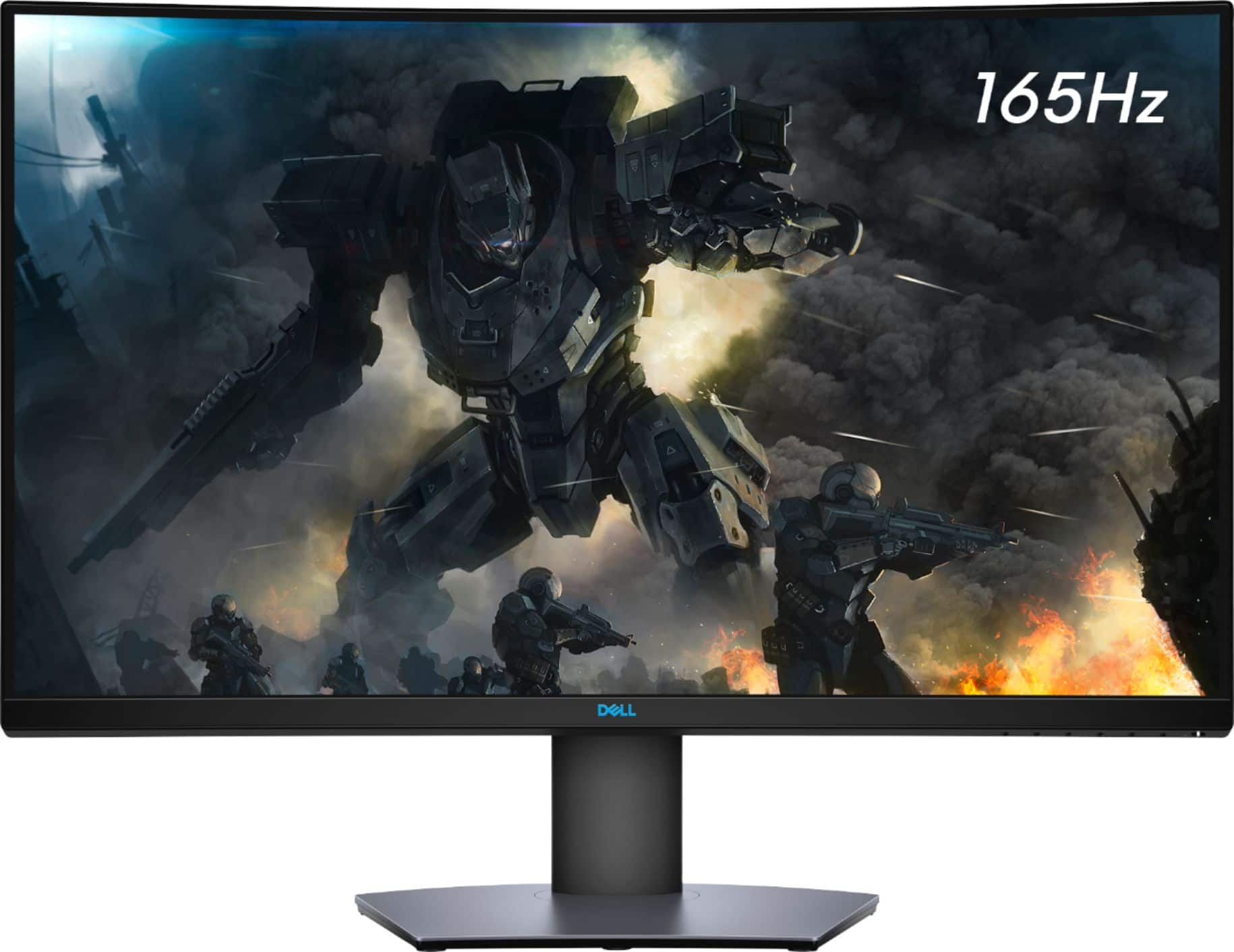
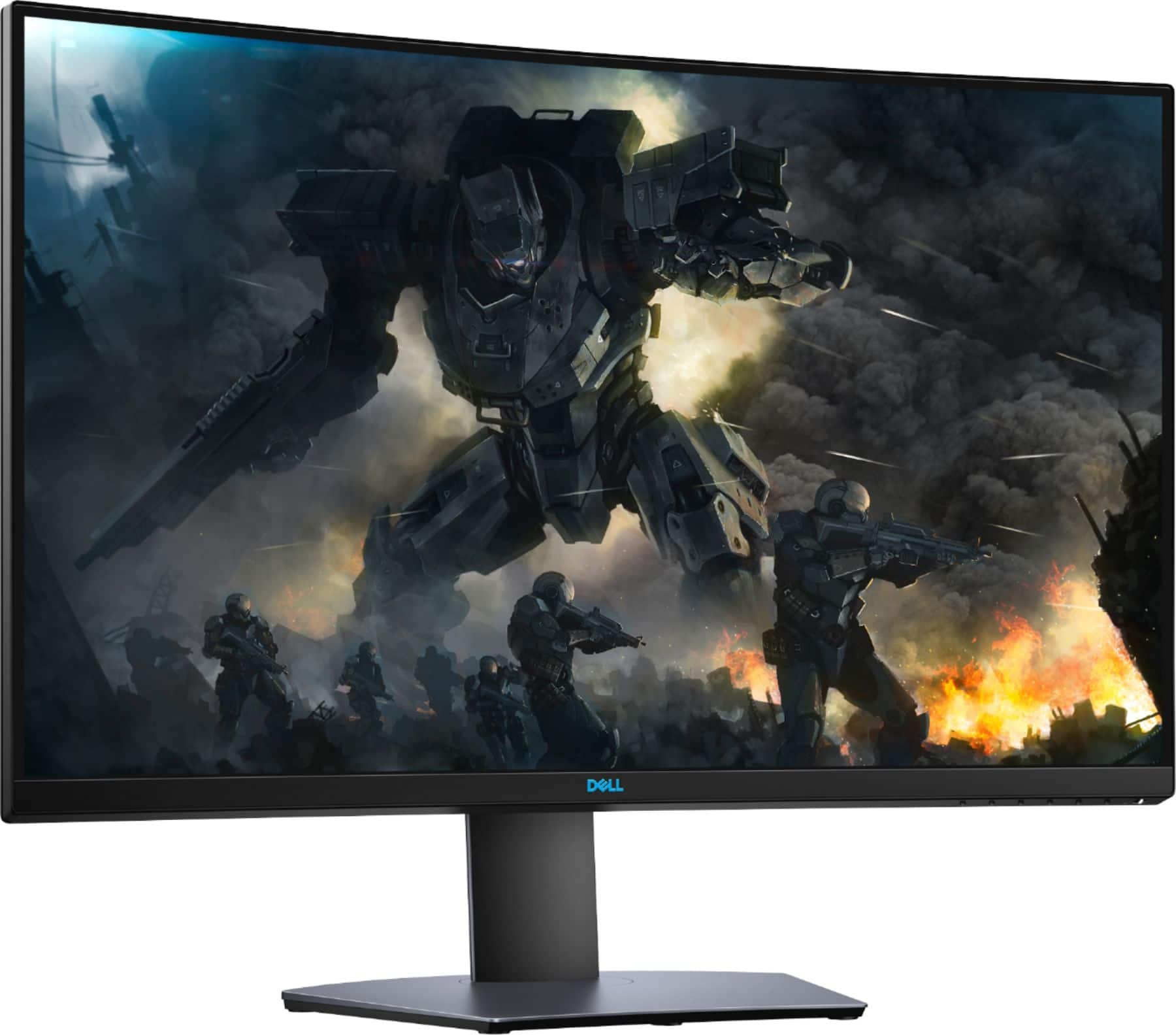
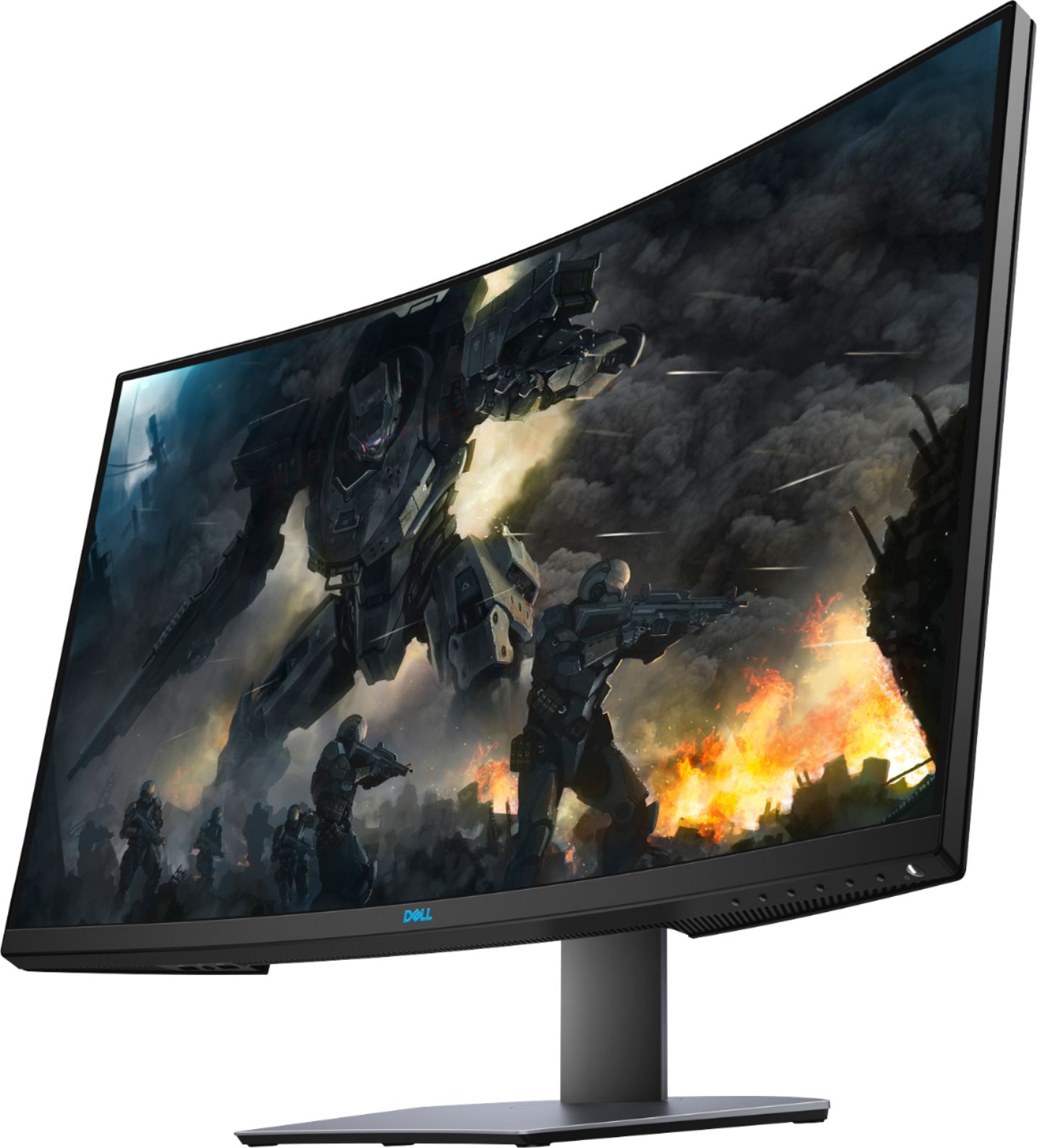
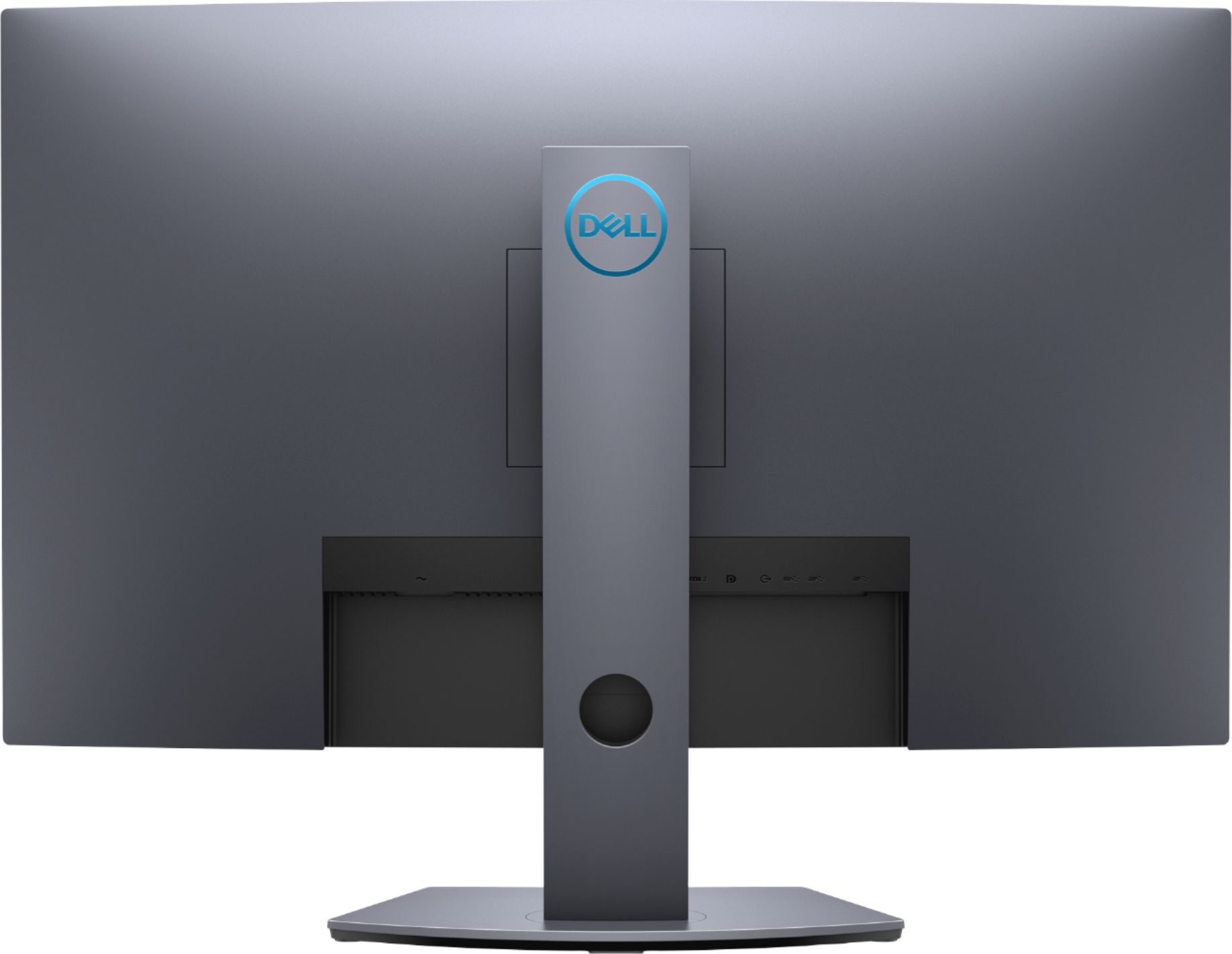
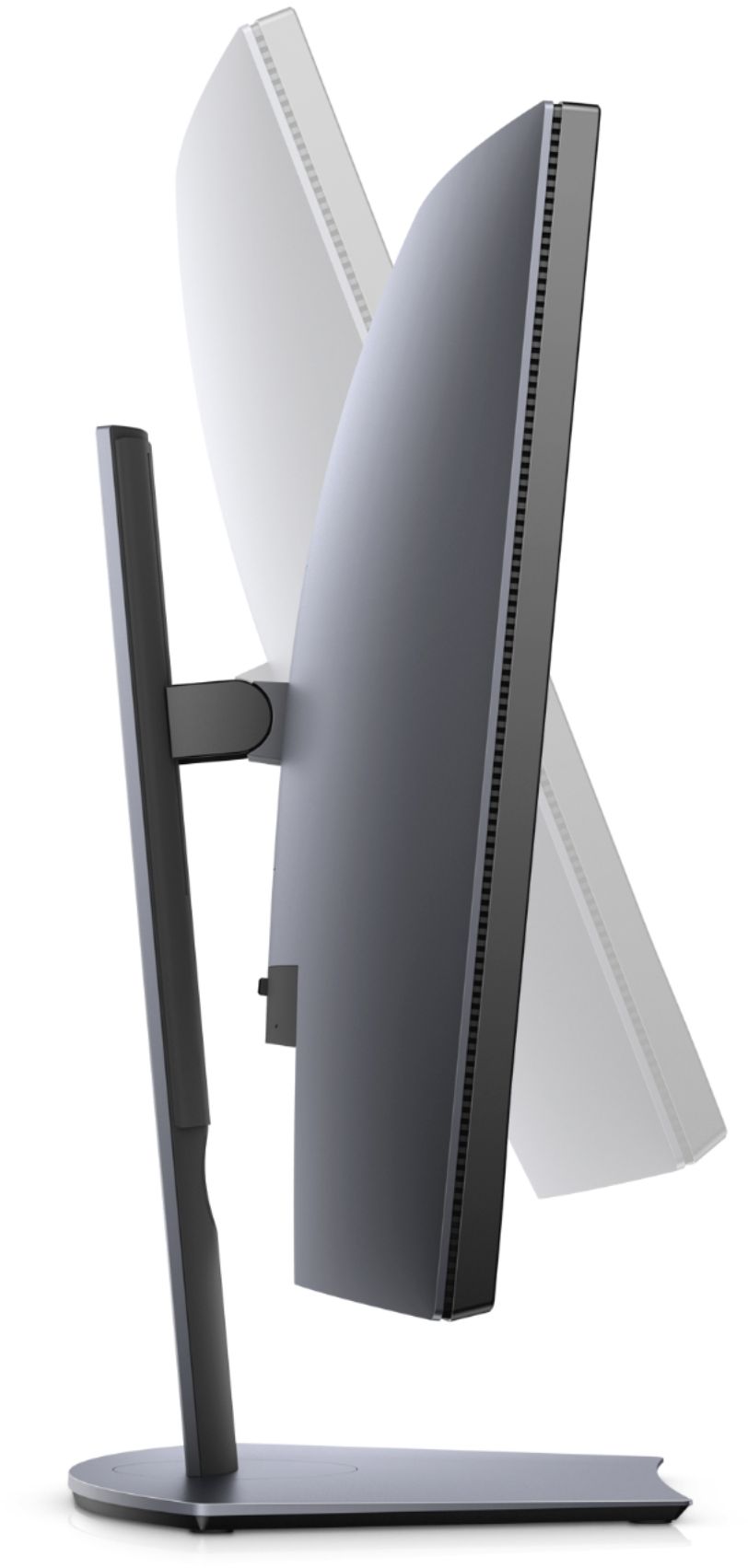
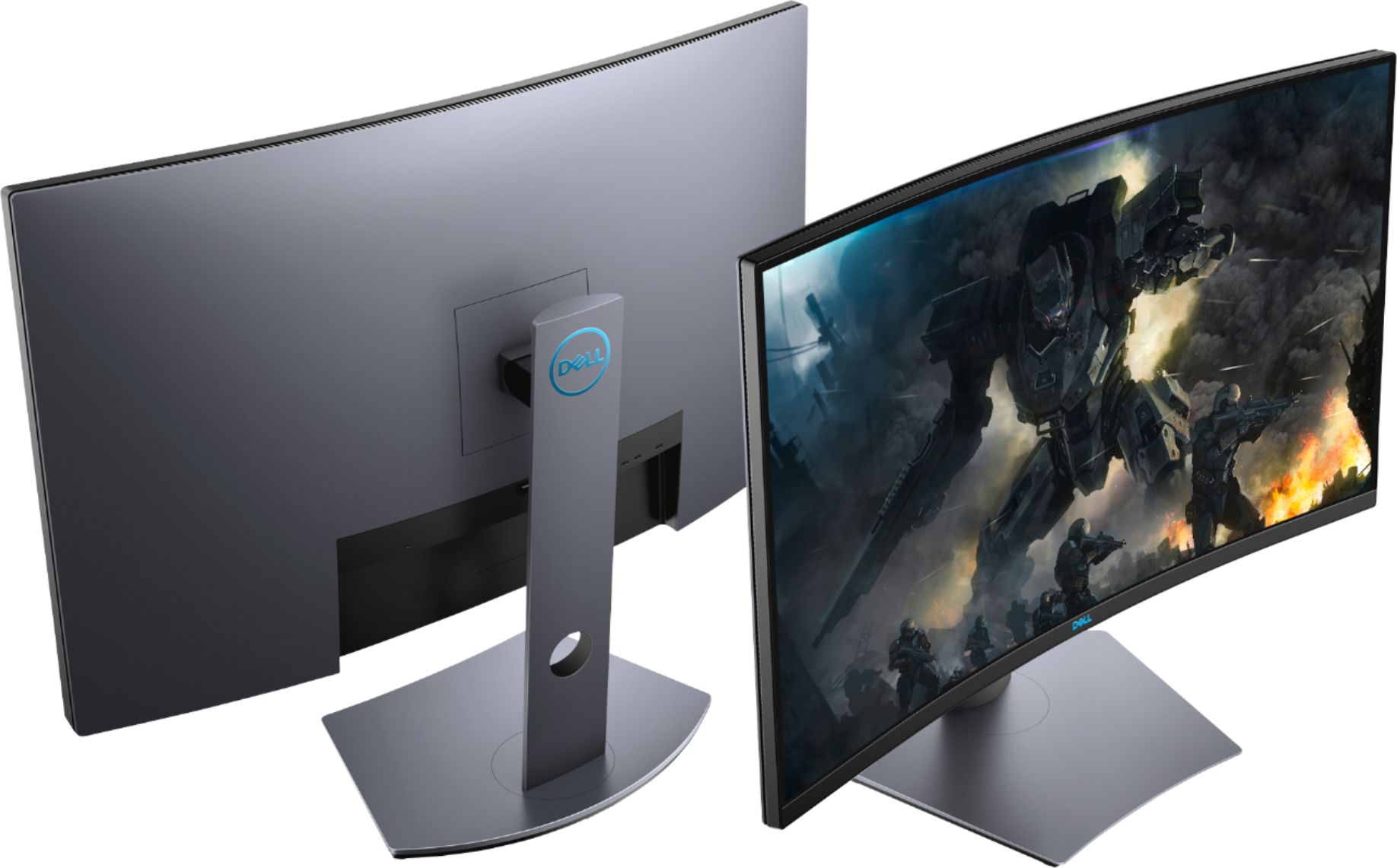
A:Answer Google S3220DFG manual, it should be the first link that appears in Google, it will walk you through some screen setup options. Alternatively, the buttons on the lower right hand side of the monitor will allow you to adjust the screen colors with some predetermined settings, for example, gamer 1, 2, and 3, or RPG or FPS etc etc, there is a custom option where if you go deep enough into that setting, you can change many of the color settings such as red, green, blue, hue and saturation as well as many others. i would leave the xbox on and adjust those settings accordingly while the game is running so you can see the difference each option makes in real time to the game. Good luck.