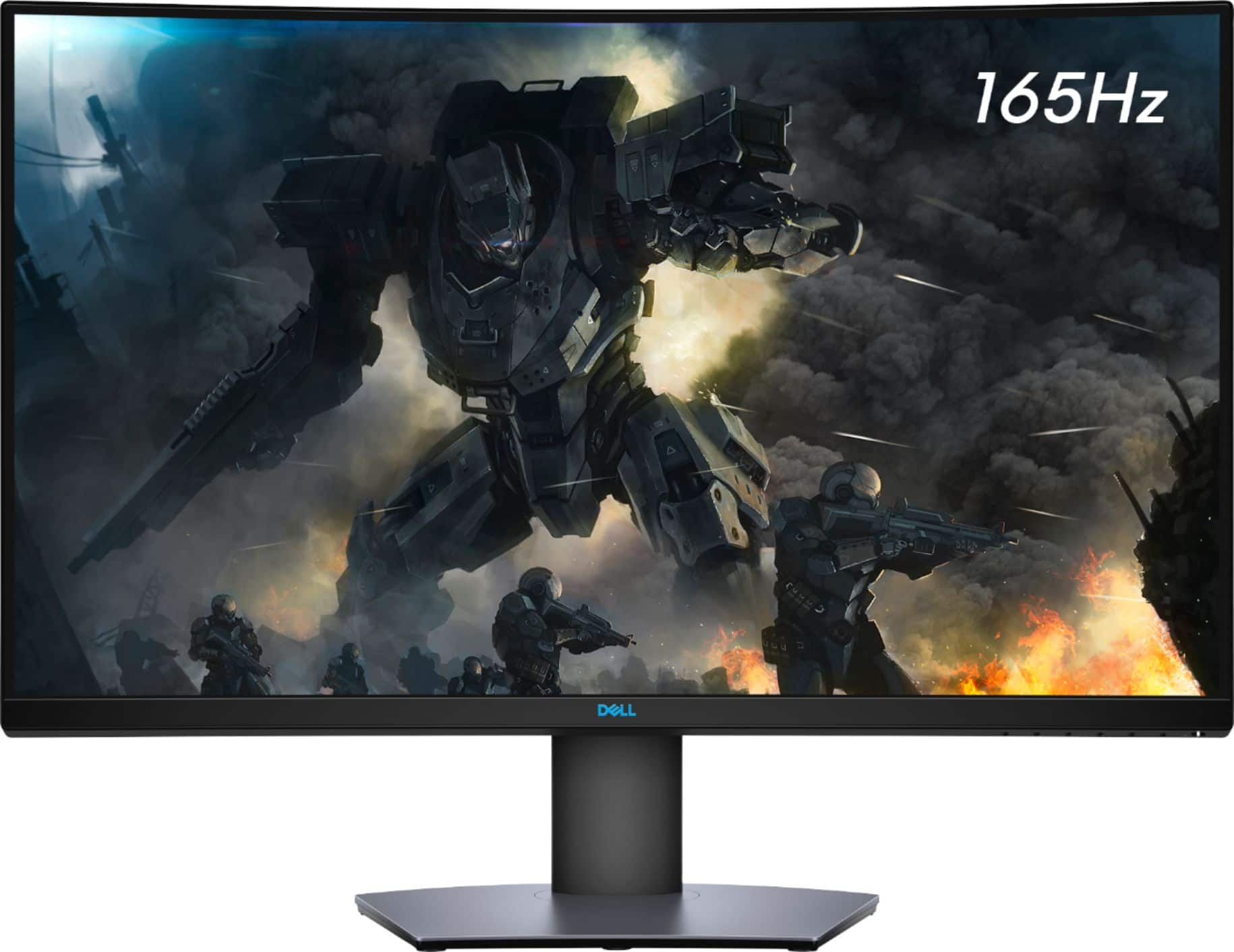
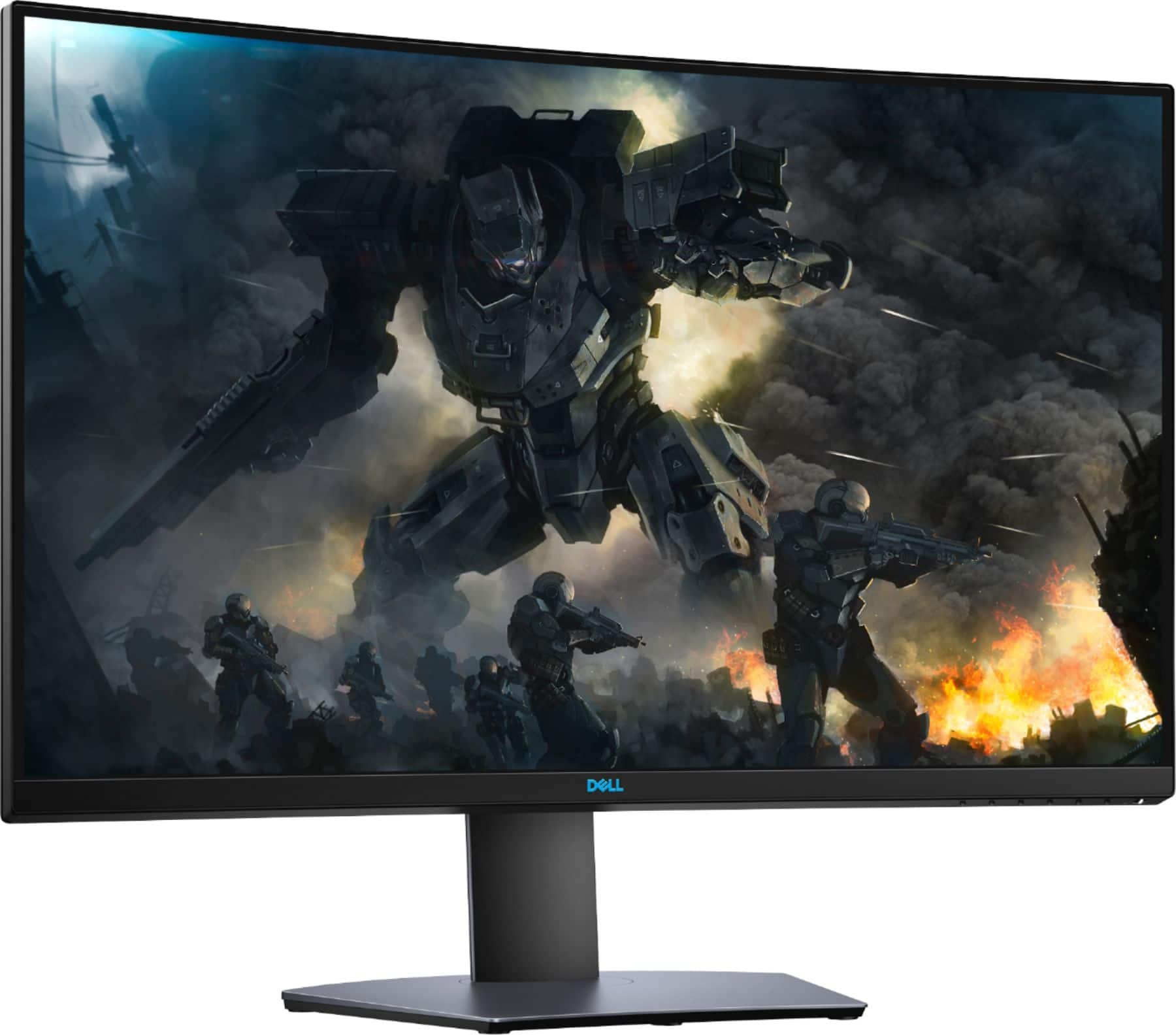
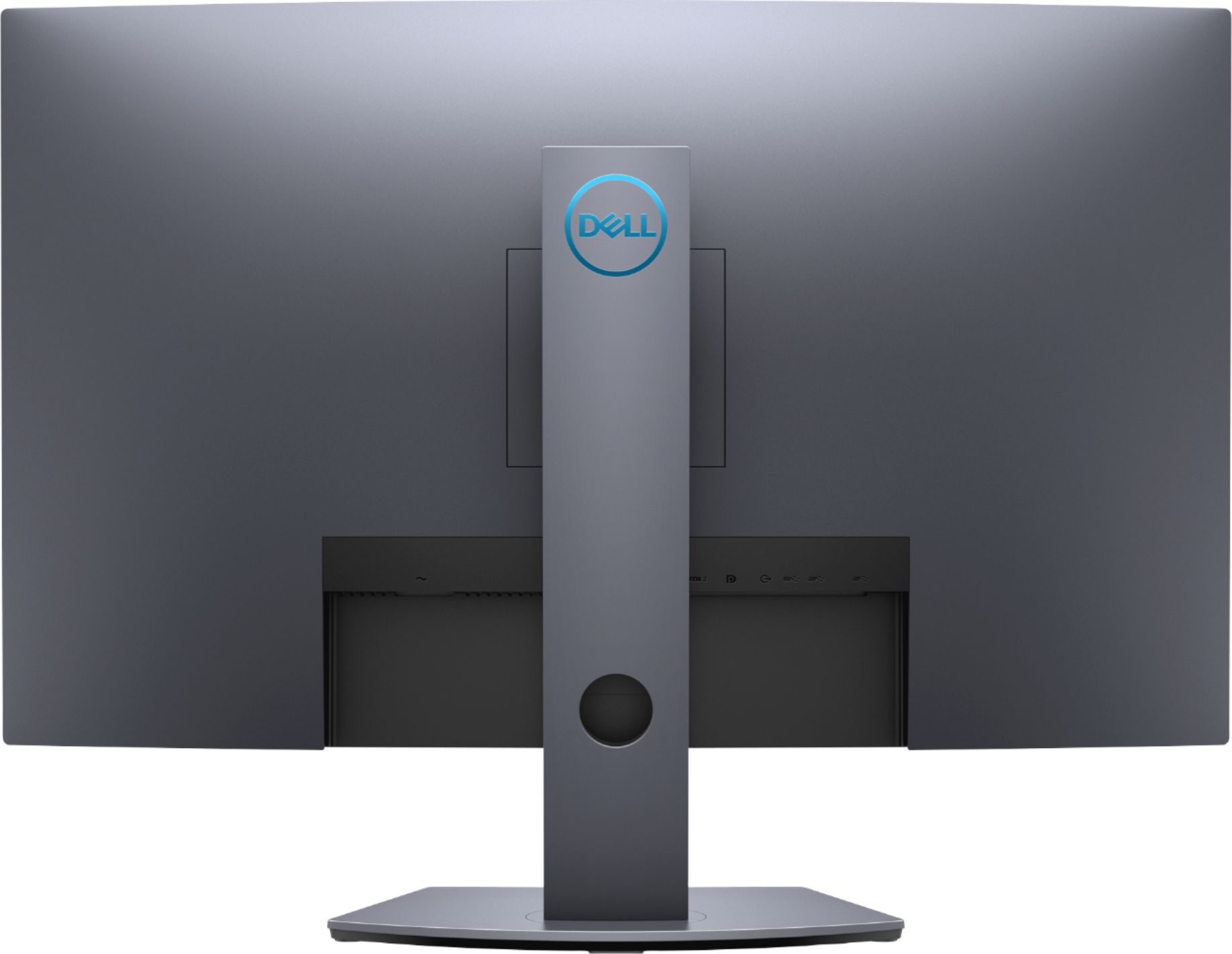
A:AnswerThere are a few generations of the Surface Book Pro out as of today so it's hard to give a definite answer. As long as your specific model has either HDMI or DisplayPort outputs it will work with this monitor no problem.
A:AnswerPlease ensure that the USB-C on your system supports display connectivity. If it does, you can use type-c HDMI or type-c display port adapter to connect the monitor.
Alternatively, you can look for a compatible docking station that can help you connect the monitor.
A:AnswerWe recommend you to get in touch with the Geek squad so that based on your overall system configuration and usage they will suggest you the right speaker.
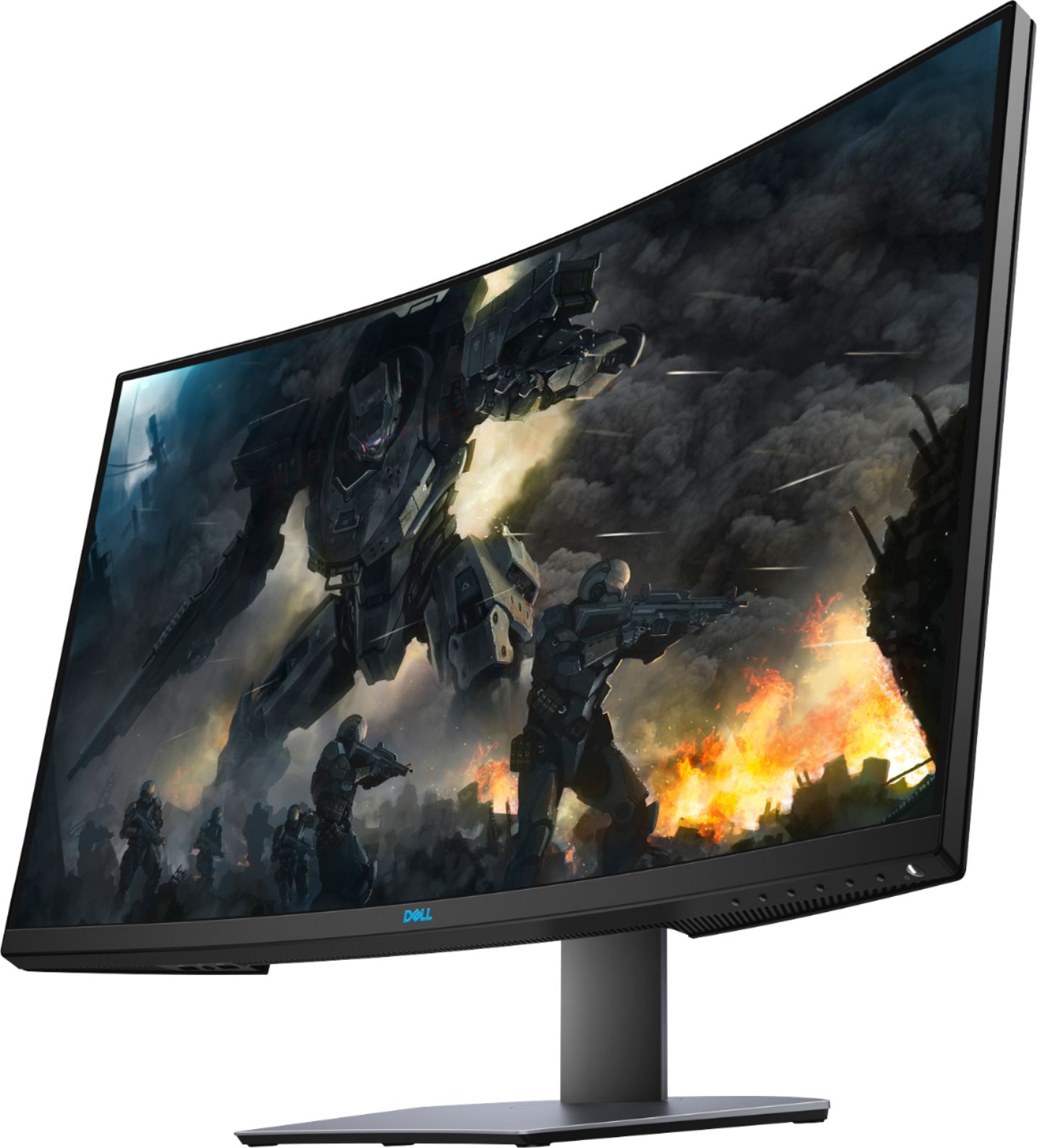
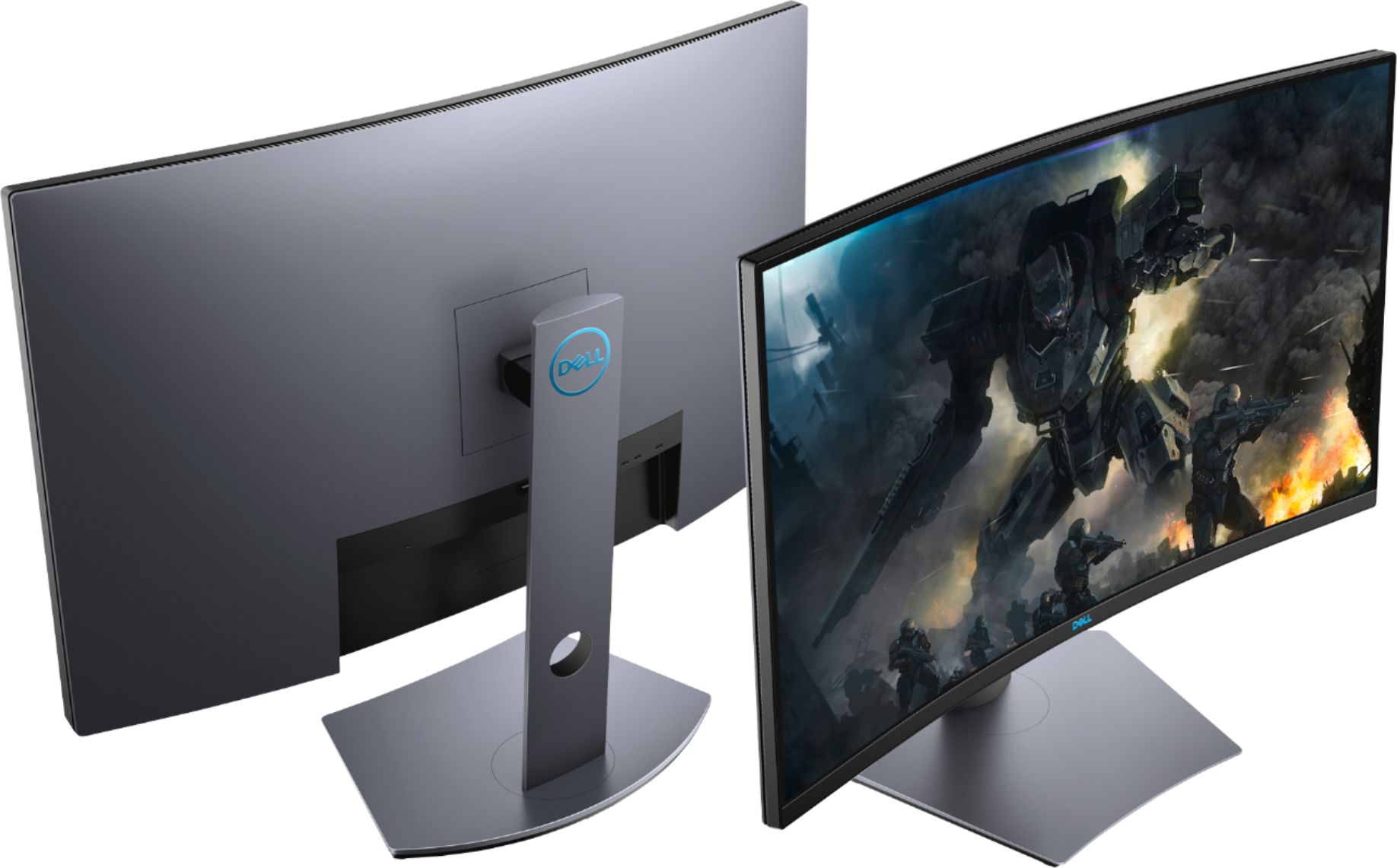
A:AnswerIt's hard to stack monsters using the curved. I am using the same system setup and its noticable. If the stacked system set up is what your after just get a flat screen or screens. I personaly love my curve screen. My second monitor is used for movies while I game on the curved.