A:AnswerYou can try IFTTT and make a personal applet activate by a command voice with Google Assistant and select the device you want to turn on or both devices.
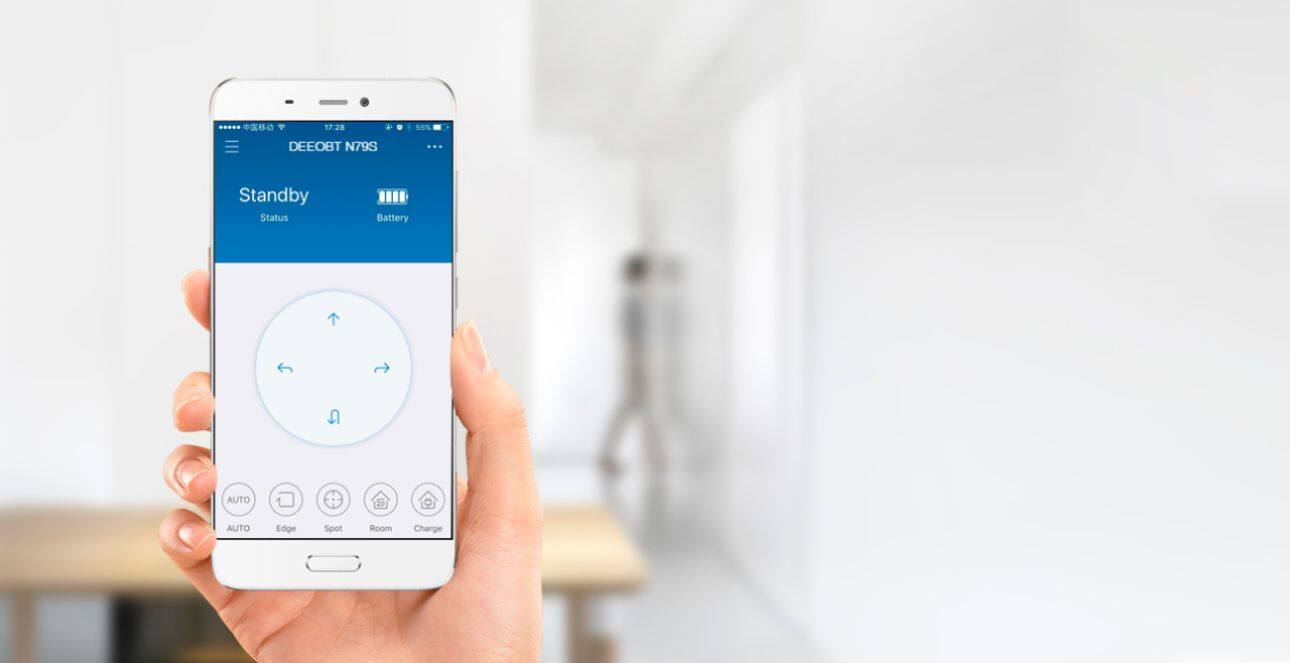
A:AnswerNo. It only works with Alexa, but I prefer using the Ecovacs app because it will control all the functions, whereas Alexa only allows you to start and stop the Auto cleaning mode.
A:AnswerNo handle, I just grab it with a hand on each side (when it's off). I had to pick it up on once too, and it was fine. Kind of like picking up a cat.
A:AnswerI have not found a way to get the unit unstuck without physically picking it up and moving it. If it gets stuck in the same place each time, you can put a border in front of it to send the unit a different direction.
A:AnswerThe N79SE is better then some of the more expensive models! When it starts to run low on juice it automatically docks and recharges. After it has charged you can restart it by pushing the Auto button. You can also set a cleaning schedule if you want it to go on its own. A charge last about an hour and a half and it will pick up hair, fine dust partials and even bigger things like a piece of candy........You will be happy with the results you get!
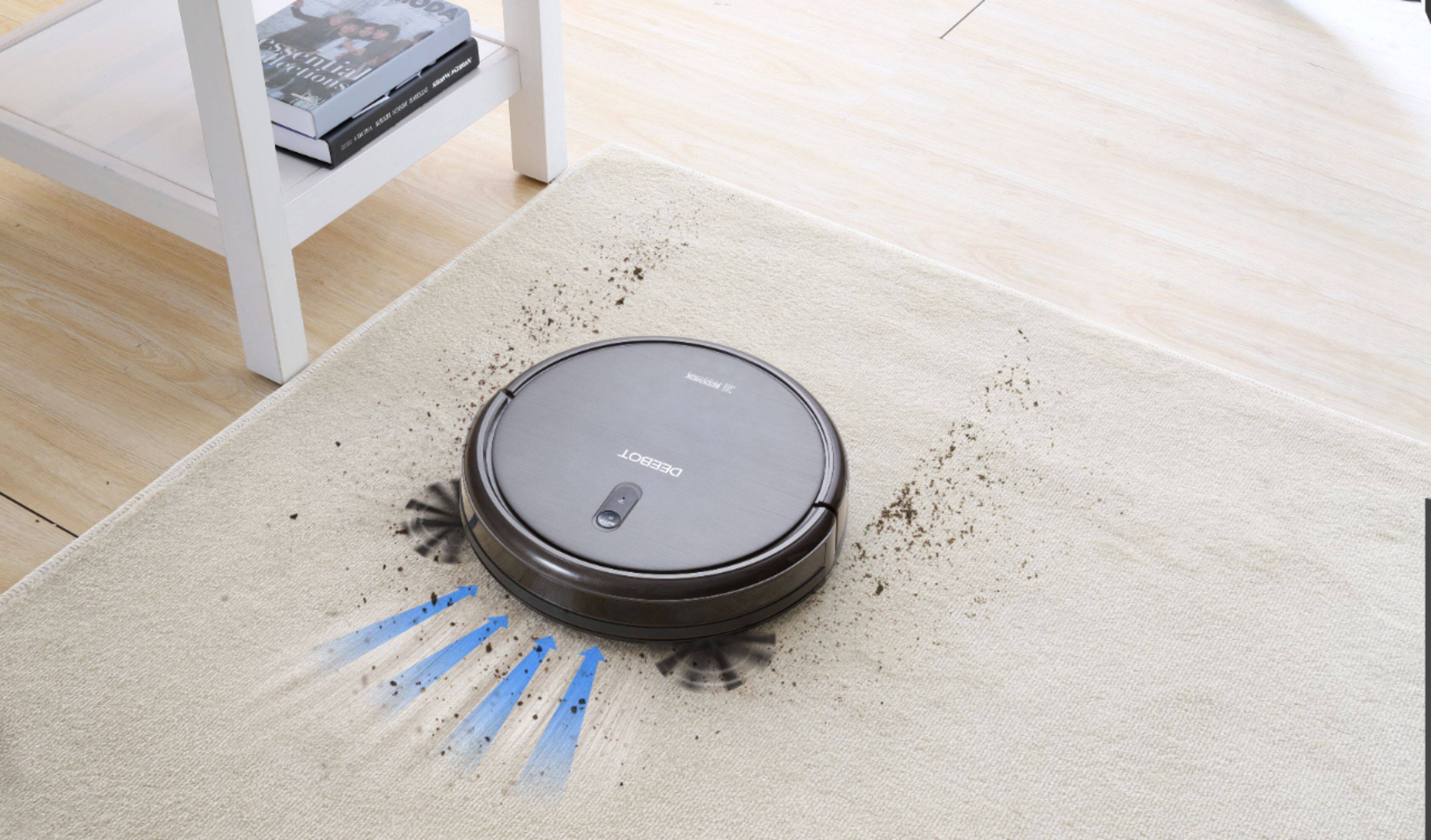
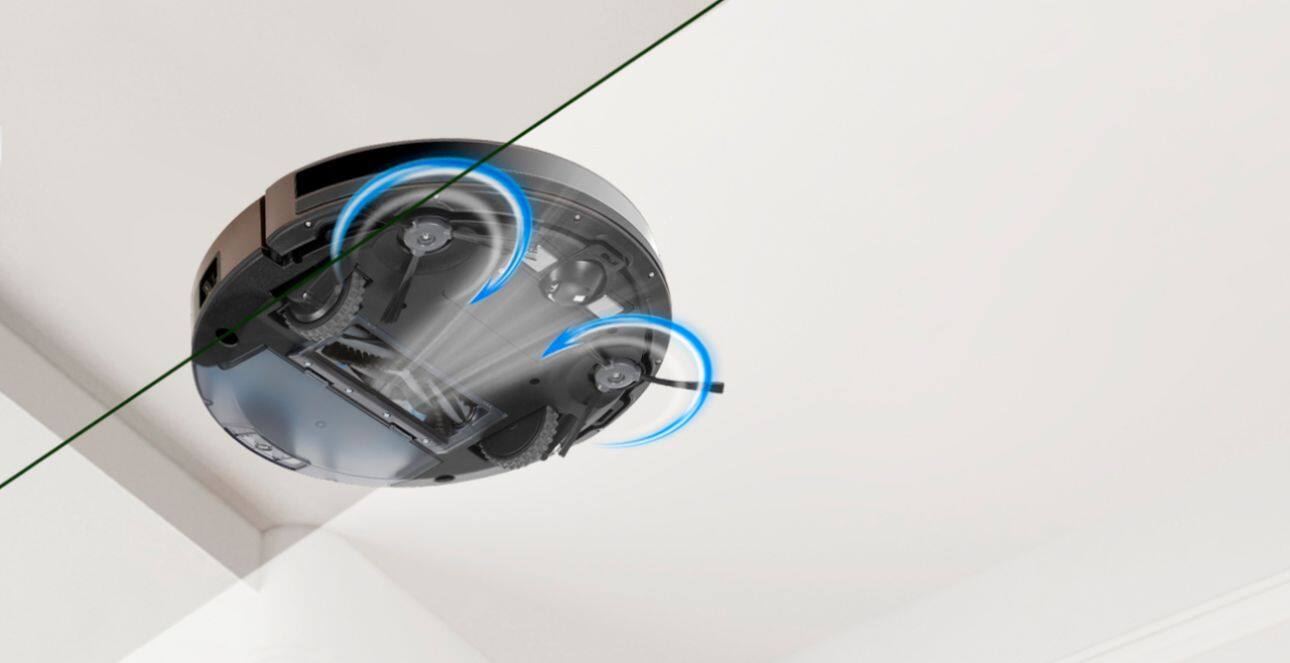
A:AnswerSuction is one of several factors that affects cleaning efficiency – how much dirt is picked up – in open areas as well as along corners and edges. Other factors include the type and number of brushes (cleaning stages) and filter efficiency. Ecovacs robots are designed to optimize cleaning efficiency and come standard with 3-stage cleaning (sweep with side brushes, lift with a roller, and vacuum) and high efficiency filters. Spot cleaning and adjustable suction power are also available for an extra boost in areas that need even greater cleaning.