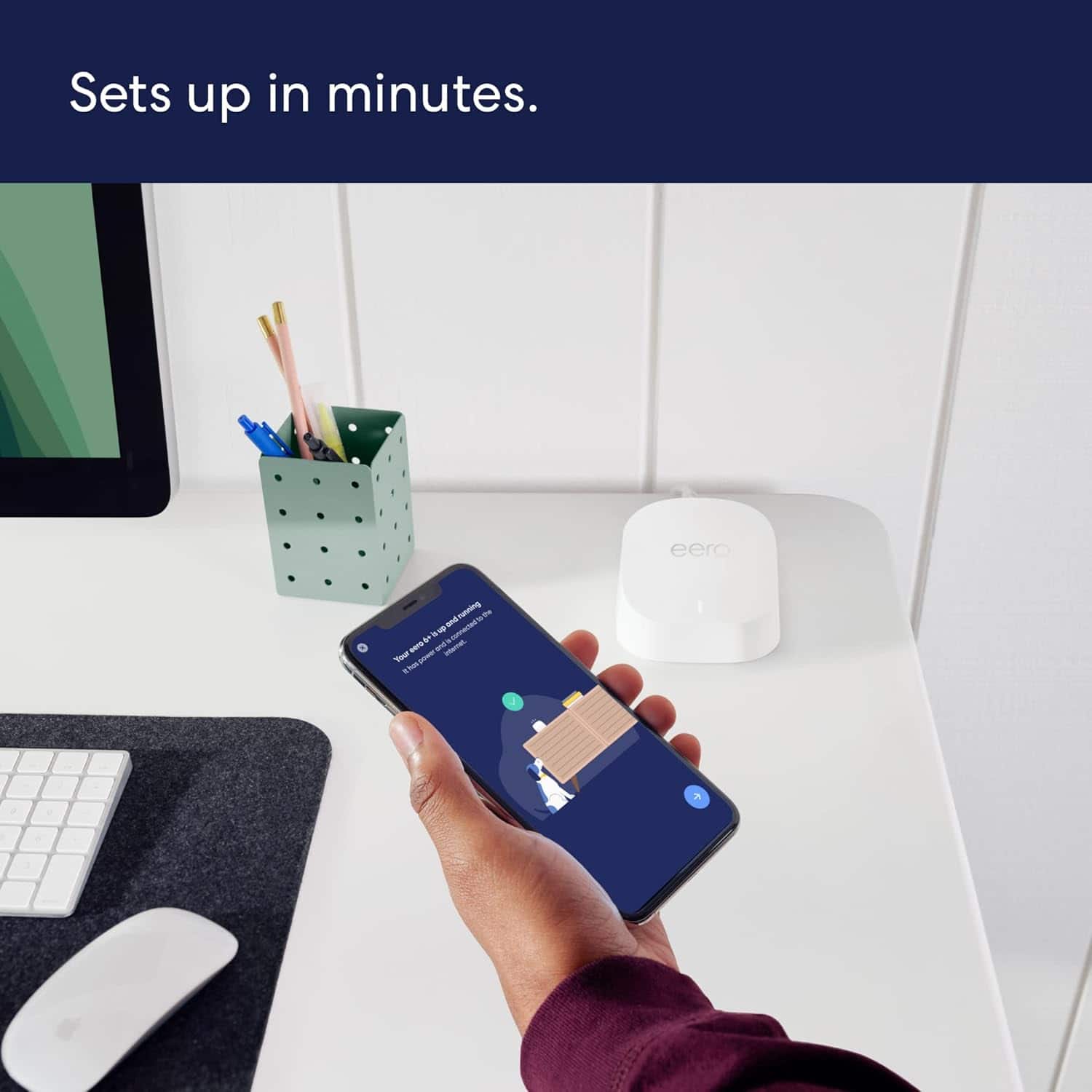
A:Answer Hello eeoBAD, we know how frustrating this is. Temporarily pausing the 5 GHz band may help you get your Sync Module setup. Devices that only operate on the 2.4 GHz band may need an extra step to get them up and running. You can use the eero app to temporarily hide the 5 GHz band while you get your 2.4 GHz devices connected. Open the eero app and tap “Settings” at the bottom of the home screen. Tap “troubleshooting” towards the bottom of the settings screen. Tap ”My device won’t connect.” Tap “Temporarily pause 5 GHz. This will pause the 5 GHz band for 15 minutes while you get your 2.4 GHz devices setup. If this doesn’t resolve the issue, please reach out directly to eero customer support at (877) 659-2347. Again, thank you for the feedback and have a great day!