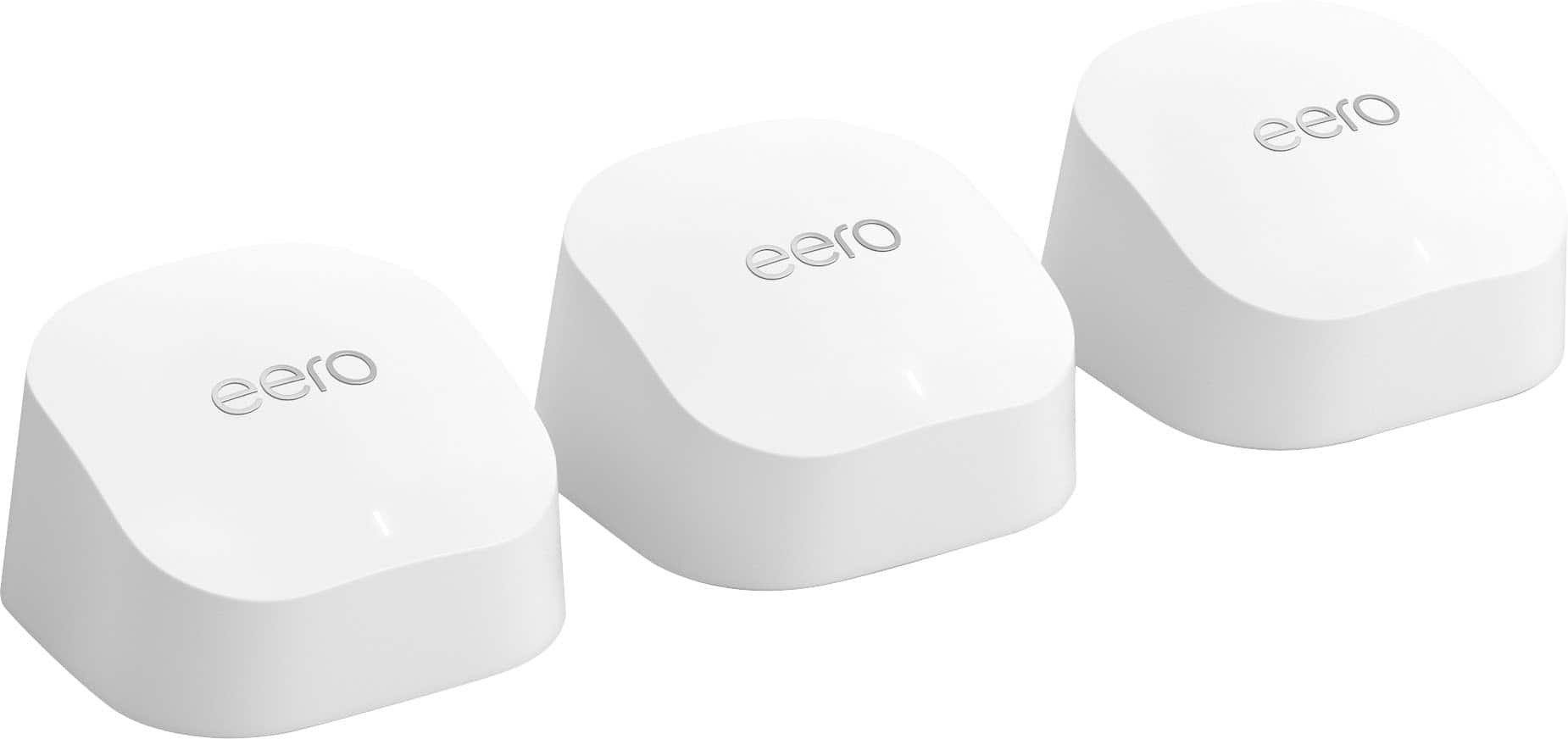
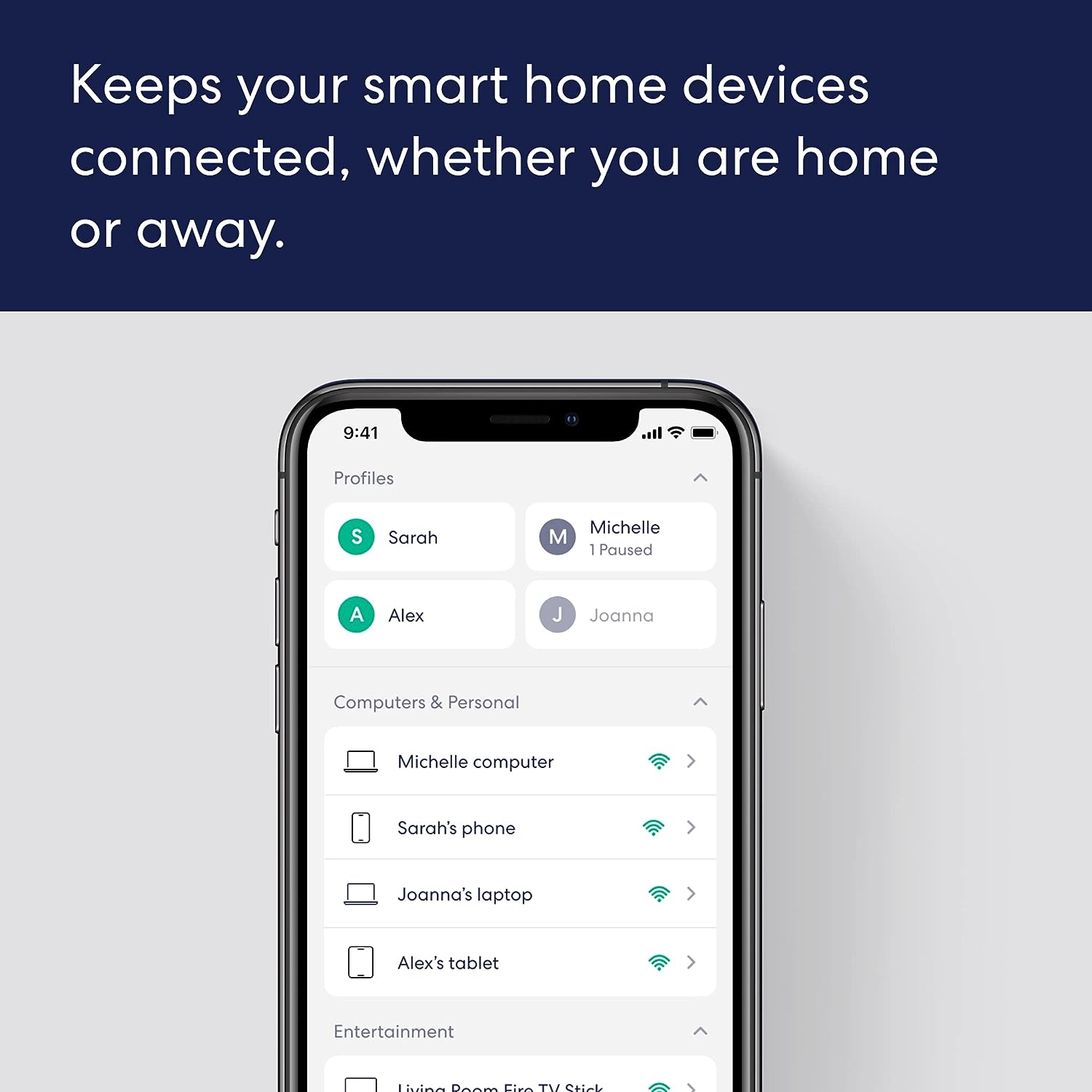
A:AnswerI bought the 6+ax3000 do not have wi-fi by my pool or in my pool shed will this fix my problem, to work Alexa and add some wi- fi cameras . and my phone and outdoor speakers ? thanks Karl
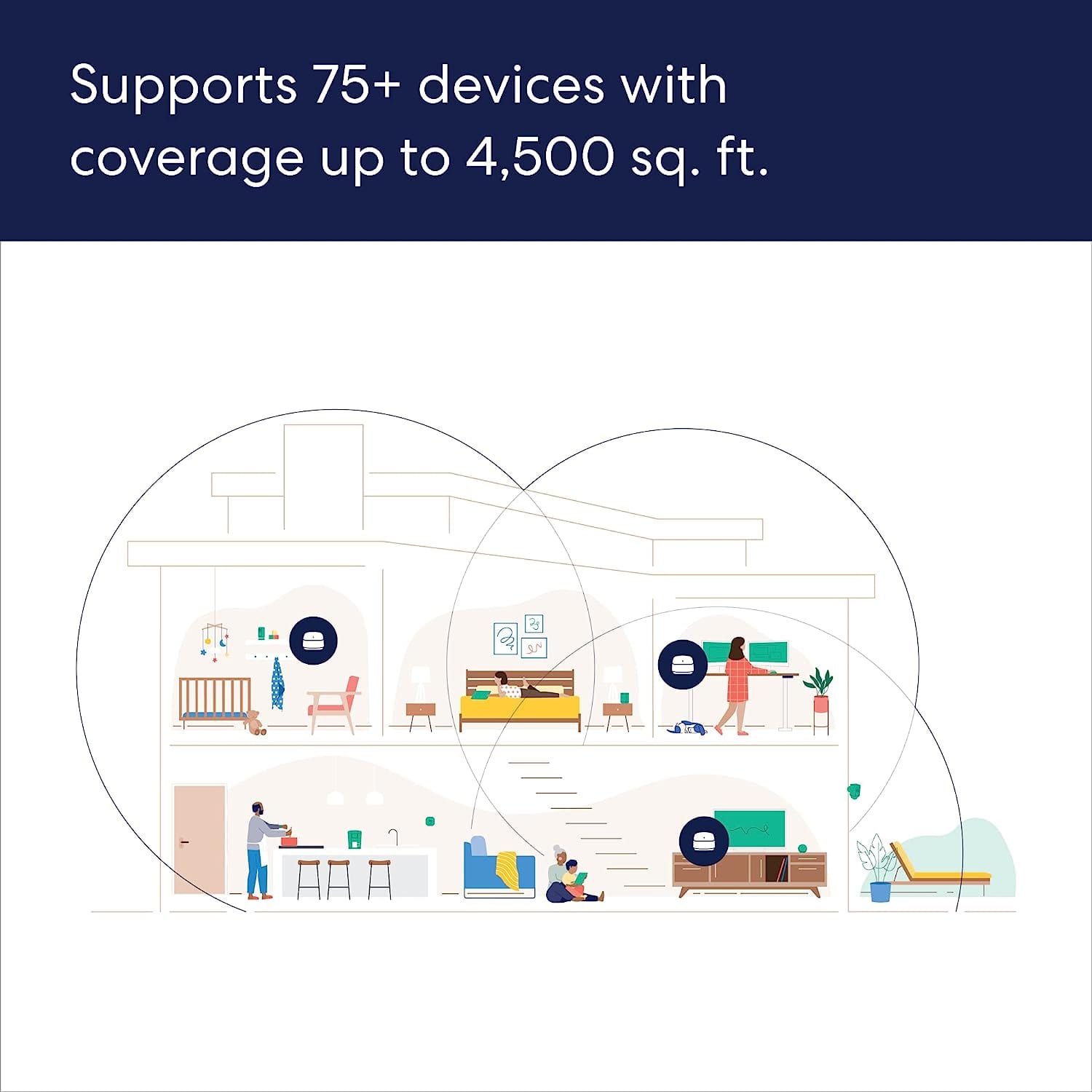
A:AnswerBest placement will be open area at the higher point
I just replaced my AirPort Extreme AC and I’m really happy ( my average speed was 300 mb, now is 900 mb)
One unit covered entire house (2000 square feet)
I’m using XFINITY and my own modem ( Motorola 7621)
And using Ethernet cable that is at least class 6 would help
A:AnswerYES and NO. You may also need Ring Chime Pro units to better assist the camera signal strength. We have both and think it was worth the extra cost.
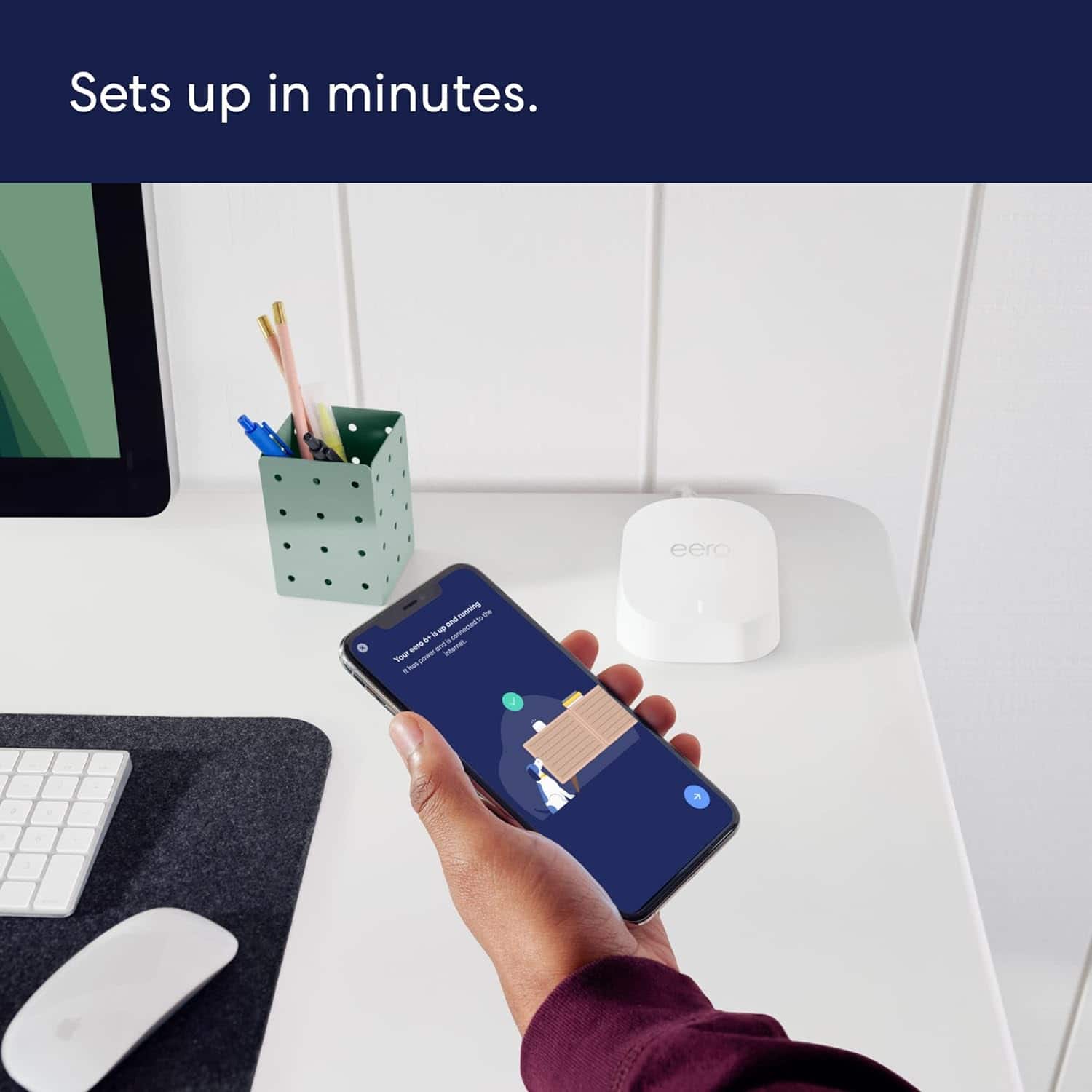
A:AnswerHello eeoBAD, we know how frustrating this is. Temporarily pausing the 5 GHz band may help you get your Sync Module setup. Devices that only operate on the 2.4 GHz band may need an extra step to get them up and running. You can use the eero app to temporarily hide the 5 GHz band while you get your 2.4 GHz devices connected. Open the eero app and tap “Settings” at the bottom of the home screen. Tap “troubleshooting” towards the bottom of the settings screen. Tap ”My device won’t connect.” Tap “Temporarily pause 5 GHz. This will pause the 5 GHz band for 15 minutes while you get your 2.4 GHz devices setup. If this doesn’t resolve the issue, please reach out directly to eero customer support at (877) 659-2347. Again, thank you for the feedback and have a great day!
A:AnswerAn ethernet cable is connected to your primary gateway Eero from your ISP modem and then any additional Eero’s can connect wirelessly to each other and/or connect to each other with an ethernet cable if desired as well.
In my example shown I have two connected over Cat6 and one over wireless along with an Echo 4th Gen over wireless too.
A:AnswerYou can just plug the ethernet cable directly from your current modem router combo to this eero and set it up.
Make sure you will still able to connect your current modem router combo. You need to remove that SSID from all the devices you have and add new eeto wifi so all traffic will go through eero to modem/router combo.