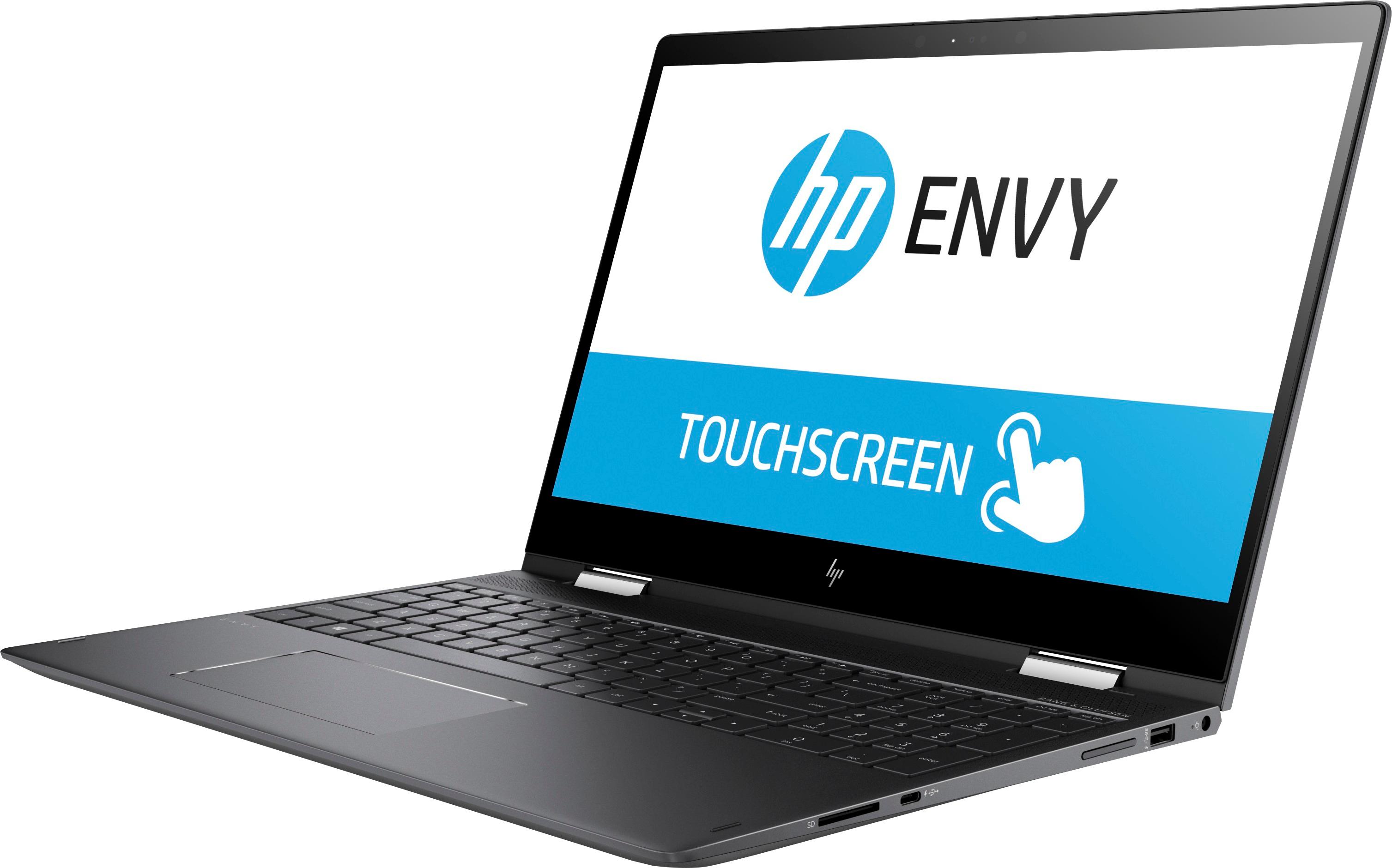
A:AnswerThank you for reaching out. What are you typically using the computer for, what processes are running? Typically the computer would be hotter when running games or watching videos. If you are concerned about the heat being untypical you should reach out to HP Support for assistance.
A:AnswerThank you for your question. This computer could certainly run a game like Minecraft or Fortnite I imagine it could handle heavier games at lower settings. However to really get a good gaming experience you need to look for a laptop designed for gaming. They will have similar specs as this but will also add a GPU for graphics processing. You could look at the HP Omen or Pavilion Gaming series. Lastly for the best performance per dollar you should check out some of the gaming desktop computers. You can easily expand and add performance as you like.
A:AnswerTo my understanding the the max speed it supports is DDR4 2400, I upgraded mine from 8GB to 16GB. In the laptop there are 2 4GB DIMMs. The DIMMs are located under an RF shield on the bottom of the laptop's motherboard.
A:AnswerThank you for your question! This computer does have an M.2 slot and will accept an SSD. You can also keep the existing hard drive and use it for storage only.
A:AnswerYes! This computer has a one year manufacturers warranty from HP. Keep in mind that this warranty only covers any defects in the material workmanship so unlike the Geek Squad Protection which covers everything from drops and spills, the HP warranty only covers items deemed defects in the product.
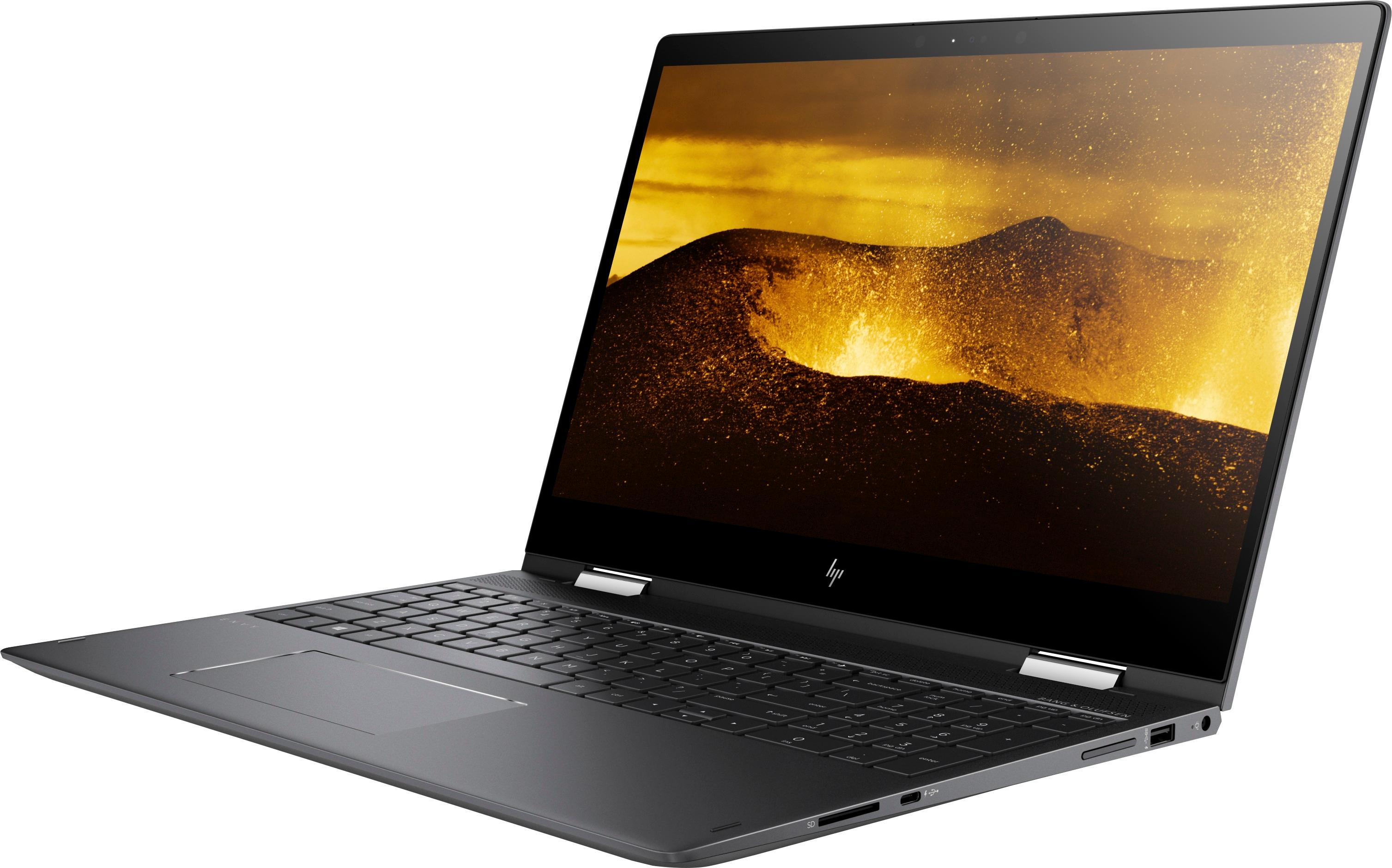
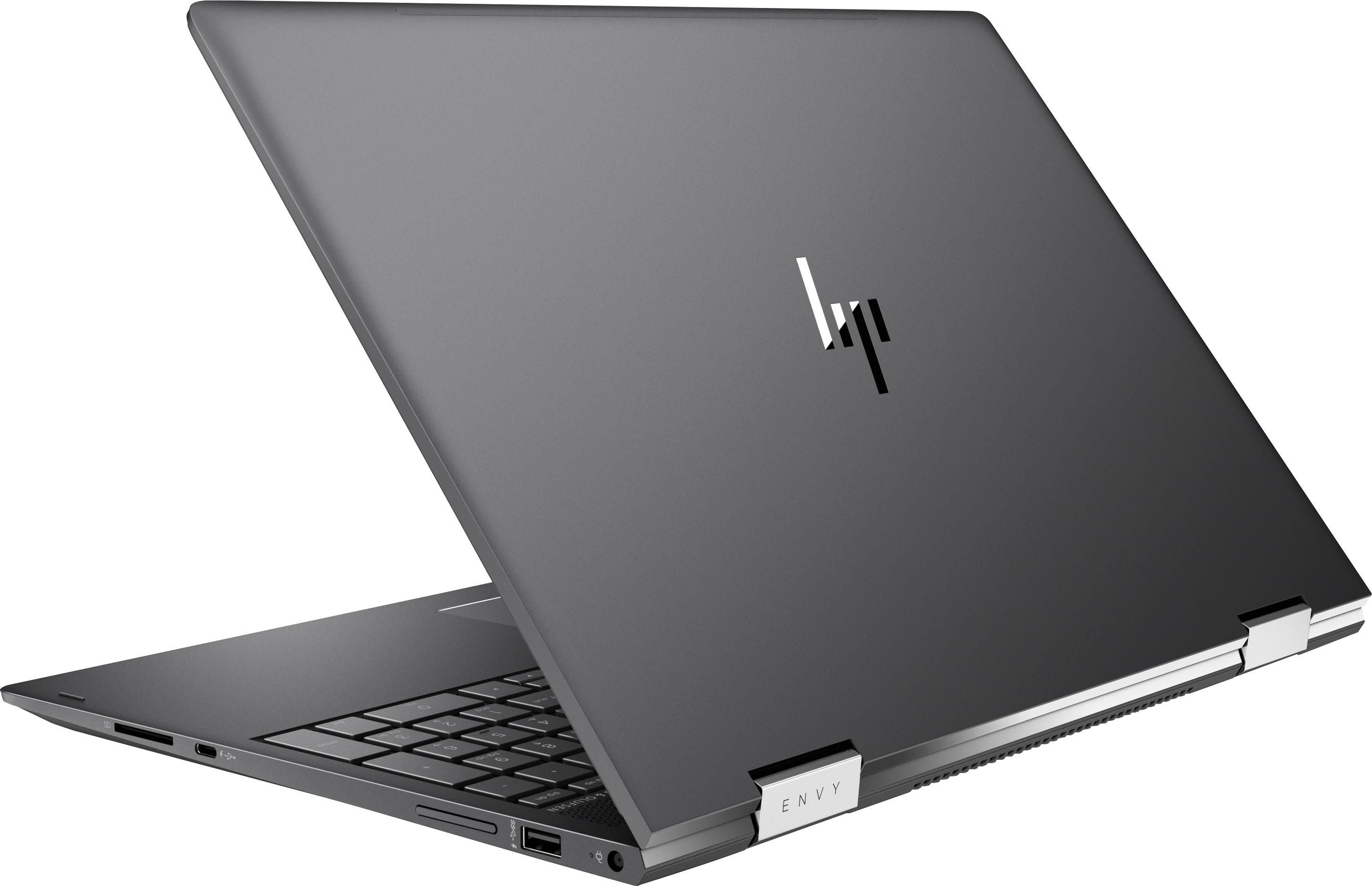
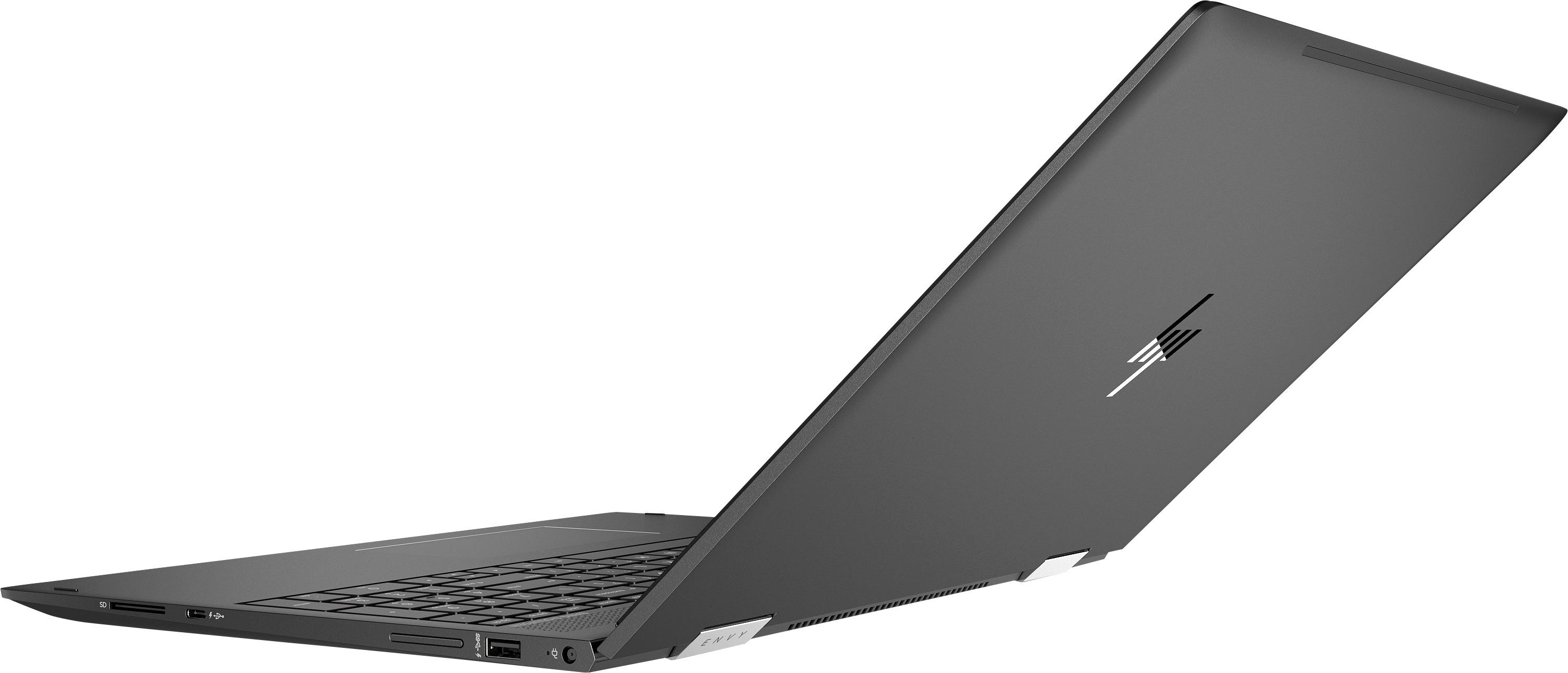
A:AnswerNo it is not, I verified this by checking the HP website and model specs for my laptop. Only the (much more) expensive HP Spectre series x360 supports thunderbolt. The usb-c connectors on my laptop only support charging while the laptop is off and that is why they have a charging indicator next to them.
A:AnswerI’d try to find a computer with a SSD or plan on adding on adding one after you buy. This machine has a good processor, but the hard drive is terrible and I’d hate to see you lose all of your files and work.
A:AnswerI was able to run Fallout 4, Wolfenstien New Order, and Doom 2016. You need to uninstall HP Bloatware and update the display adapter through the device manager but other than that it is a solid machine. You may need to upgrade the RAM from 8GB to 16GB. I managed to do it myself. Was a bit tricky but there are some videos on Youtube showing how to do it. If you are not comfortable doing this yourself you can always have the Geek Squad do it.