Questions & Answers
- Model:
- C11CJ60202
- |
- SKU:
- 6470011
Highly rated by customers for: Print Quality, Ease of use, Setup
$299.99Your price for this item is $299.99
Clearance
Comp. Value: $499.99
The comparable value price is $499.99
Page Showing 21-40 of 331 questions
Q: Questionwill the 4850 and 3850 work with 5k. Some on-line reviews say to beware of not functioning with 5k service
Asked by Susan.
- A:Answer The latest wireless routers, especially AC and above, which has pretty much been the standard for a few years now, all support dual band, and many of them no longer allow the separation of the SSIDs, and even if they do allow the separation, setting distinct SSIDs breaks the dual band capability for all other WiFi connected networked resources on the network. The lack of dual band on Epson printers, and not keeping their networking up to speed with current standards is why I elected to find a different printer and trash my Epson. I will not downgrade my internal network that supports over 20 other networked items just to support a printer who's manufacturer refuses to keep up to date on their wireless technology, 801.2n dual band has been in effect for over 10 years now, why is Epson still using single band wifi?
Answered by NewNetworks
Q: QuestionWhen my wife and I take turns scanning, can we have 2 separate email delivery addresses programmed into the printer?
Asked by Richard91108.
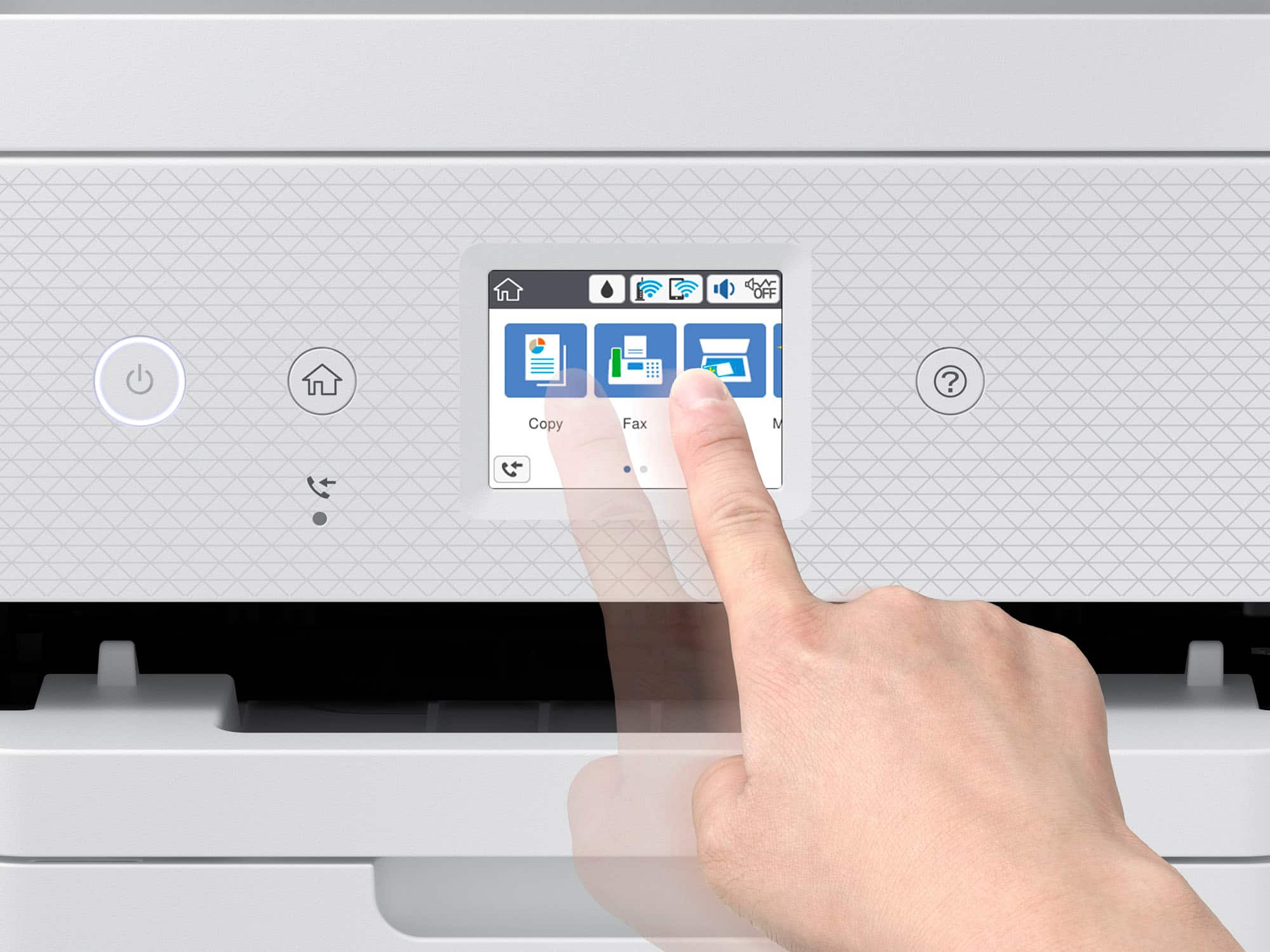
- A:Answer Hello Richard91108. The ET-4850 doesn't include scan to email functionality directly from the panel of the printer. To use a scan to email, you would need to go through the Epson ScanSmart software on your computer. Epson ScanSmart can scan an original and attach it to a message in your email programs, such as Microsoft Outlook, Mac Mail, Windows Live Mail, and Entourage. As an additional option, you can set up Epson Connect services on the printer, which allows you to print and scan documents using a registered email address. Please visit our official Epson Support page for additional information on these options. Regards, Kevin - The Epson Team.
Answered by Epson

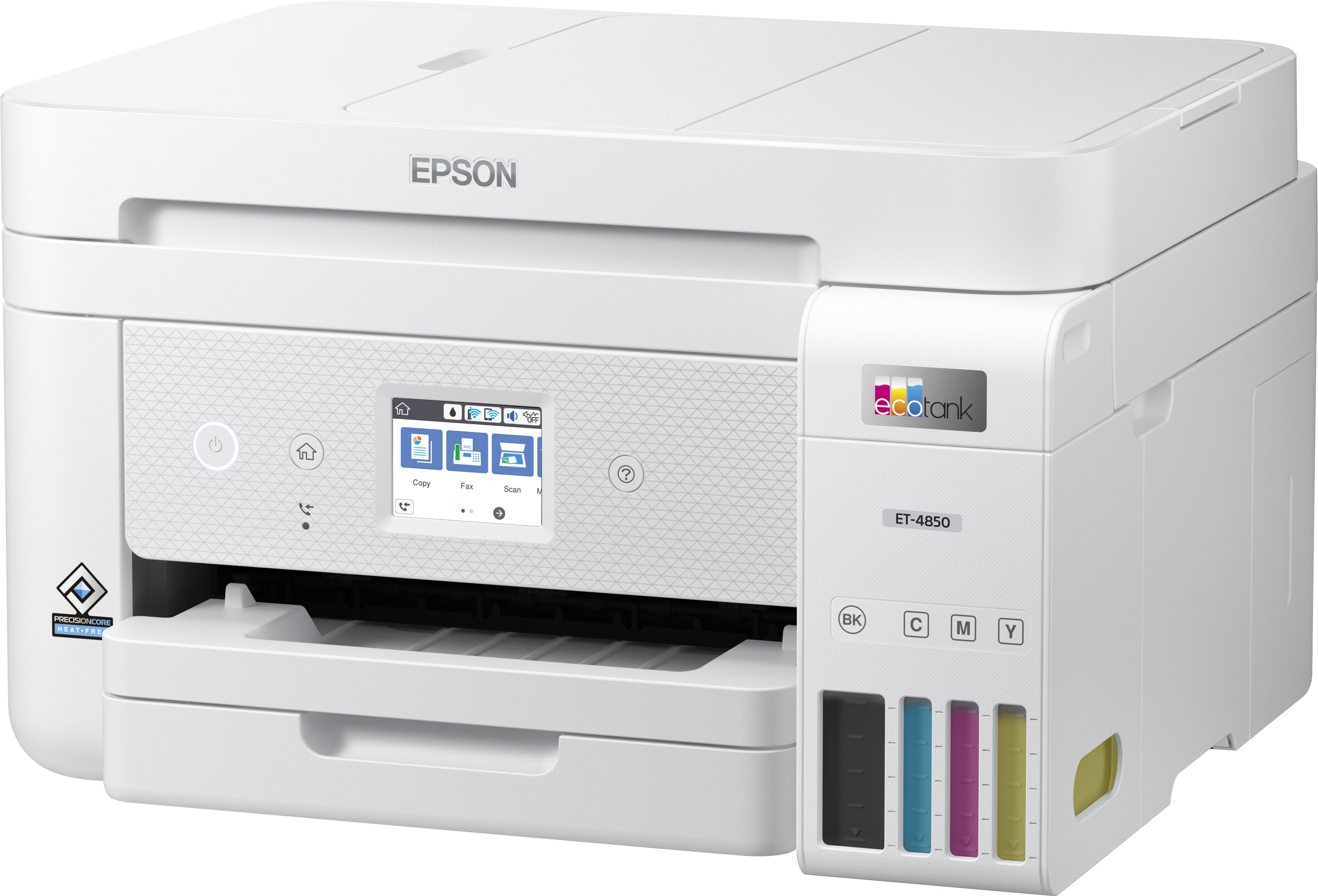
Q: QuestionDoes the Epson ET-4850 have a separate photo tray? I am comparing it to my XP-820 all in one. The separate photo tray is very convenient for me. The plus side of the newer 4850 is the ink bottles vs cartridges.
Asked by Anonymous.
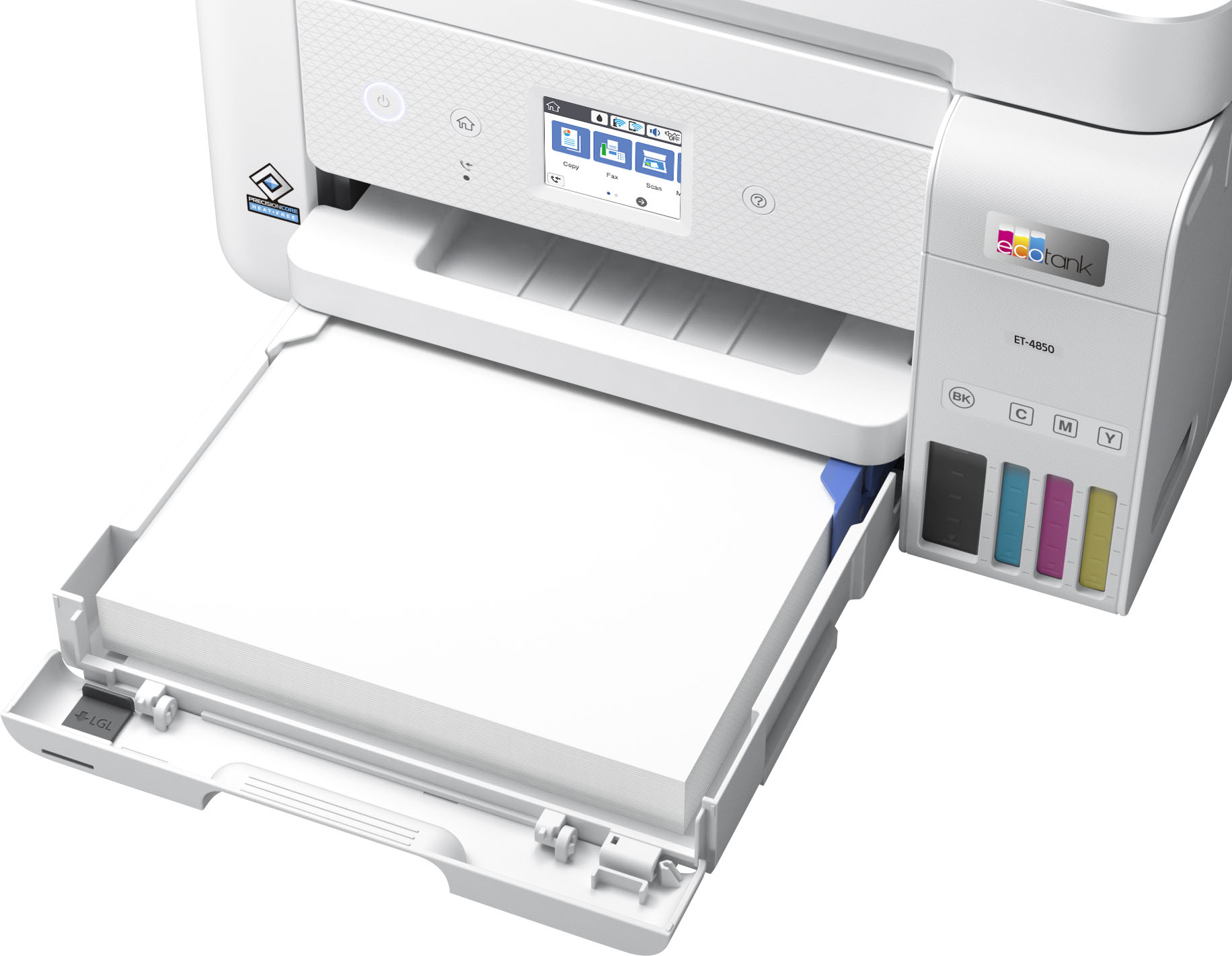
- A:Answer Hi, Sorry, no, the EcoTank ET-4850 has a single paper tray. In order to use different paper types or sizes you have to change the paper out. Dedicated photo paper trays are more common in Epson's Expression line of printers. Regards, Mark - The Epson Team.
Answered by Epson

Q: QuestionIs this printer compatible with my Mac OS Big Sur Version 11.6?
Asked by RoDawg.
- A:Answer Hi RoDawg, The EcoTank ET-4850 is compatible with Mac OS X Big Sur version 11.6. Download drivers from the Epson support site for the ET-4850. Regards, Mark - The Epson Team.
Answered by Epson

Q: QuestionWhat Epson ET printer can process and print on 110 lb card stock paper?
Asked by Morris.
- A:Answer I have the Epson-EcoTank ET-4850 and it prints on 110 pound card stock wonderfully!
Answered by Izahere
Q: QuestionIs the Epson Et 4859 a serviceable printer. If the printer head needs cleaning can it be easily cleaned
Asked by Pam.
- A:Answer I was just concerned with this very dilemma I was having. My Ecotank was banged up while moving and I thought it was damaged and would need to be serviced. It has a basic head cleaning feature thank didn't solve the issue. I then found it has a 'power' head cleaning utility I then used and it cleaned up my issue and no longer need to worry about service. I was very happy I found that feature. Service is available through Best Buy/Geek Squad but it could be pricey. I these Ecotank printers!
Answered by ShaunDG
Q: QuestionCan you tell me if the ET-4850 can print on cardstock - specifically 65lb, 80lb and/or 110lb. cardstock?
Asked by CreateKel.
- A:Answer Yes. And heavy photo paper too
Answered by OneHappyCamper
Q: Questionwhat iis the smallest paper size I can use to print photos?
Asked by Anonymous.
- A:Answer Hi, The smallest sheet the EcoTank ET-4850 can print is 3.5" x 5". The smallest borderless size is 4" x 6". Regards, Mark - The Epson Team.
Answered by Epson

Q: QuestionWill this printer handle 110 lb. cardstock? Or 80# cardstock?
Asked by Penny.
- A:Answer Hi Penny, No. The heaviest paper the EcoTank ET-4850 is specified to print is 79 lb. Epson Ultra Premium Photo Paper Glossy. Any media heavier than that may not feed through the printer. Regards, Mark - The Epson Team.
Answered by Epson

Q: QuestionDoes the fax functionality require a physical phone line or is this fax to email?
Asked by JMAC.
- A:Answer Hi JMAC, The EcoTank ET-4850 requires a standard landline connection to send and receive faxes. Just like a traditional fax machine. You also have the option of sending scans via email directly from the ET-4850, if you connect it to the Internet and sign up for a free Epson Connect account. Regards, Mark - The Epson Team.
Answered by Epson

Q: QuestionWhat is the depth of the ET-4850?
Asked by jjc654.
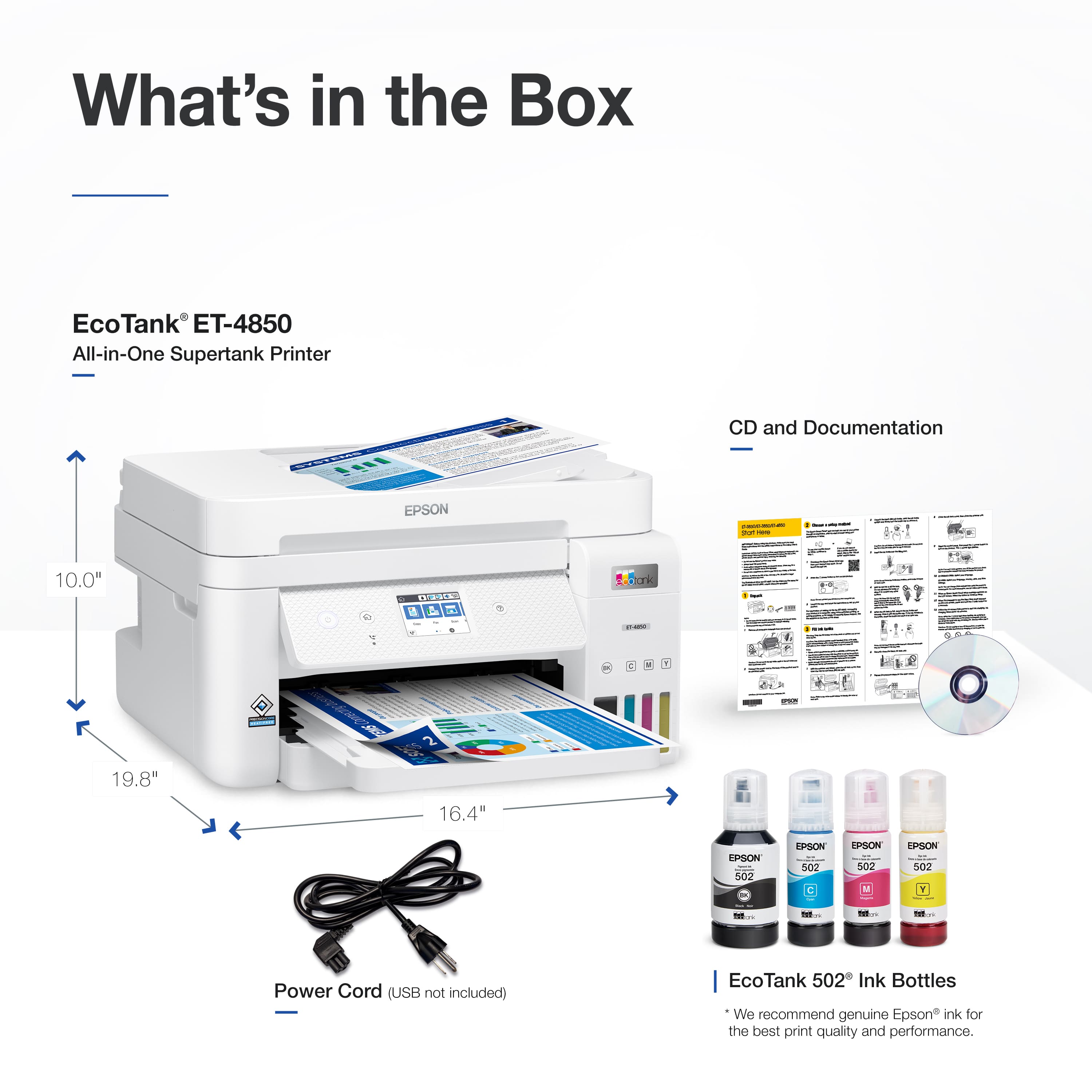
- A:Answer Hi jjc654, The depth of the EcoTank ET-4850 is 19.8" when all trays are open for use and 13.7" when all trays are closed for storage. Regards, Mark - The Epson Team.
Answered by Epson

Q: QuestionWhat are the main differences between the ET-5170 and ET-4850? Does one have better consumer reviews than the other?
Asked by CS1515.
- A:Answer Hello CS1515. Both printers are very similar in features and specifications, including print, copy, scan, and fax functionality. Besides design and size being the main difference, the ET-5170 can print 17 Black and 9.5 Color ISO ppm with a maximum supported paper size of 8.5" x 14". While the ET-4850 can print approximately 15.5 Black and 8.5 Color ISO ppm with a maximum supported size of 8.5" x 47.2". Regards, Kevin - The Epson Team.
Answered by Epson

Q: QuestionHi. How is the photo print quality with this printer? Thank you.
Asked by RLD6347.
- A:Answer Hello RLD6347. The ET-4850 uses a PrecisionCore print head and pigment-based inks, which can produce impressive photos and graphics. It has a maximum print resolution of 4800 x 1200 dpi and can print on various photo paper types with glossy and matte finishes. Regards, Kevin - The Epson Team.
Answered by Epson

Q: QuestionAny of the newer Epson all in one printers has a flash card/memory stick port to make scanning easy?
Asked by Anonymous.
- A:Answer Hello. For All-In-One Epson printers that include a port for external memory, we recommend looking at our WorkForce lineup. Unfortunately, most printers from our EcoTank do not currently have this feature. Regards, Kevin - The Epson Team.
Answered by Epson

Q: QuestionDOES THE ECO TANK ET-4850 PRINTER WORK WITH WINDOWS 11?
Asked by dtc.
- A:Answer Hello dtc. Yes, the ET-4850 is compatible with Windows 11. Please visit our official Epson Support page to download the latest driver. Regards, Kevin - The Epson Team.
Answered by Epson

Q: QuestionCan the ET-4850 accept legal size paper?
Asked by JoeB.
- A:Answer Hello JoeB. Yes, the ET-4850 supports printing on 8.5" x 14" sized paper. The machine supports paper sizes ranging from 3.5" x 5" – 8.5" x 47". Regards, Kevin - The Epson Team.
Answered by Epson

Q: Questiondoes this printer reduce and enlarge
Asked by stchr.
- A:Answer Hello stchr. Yes, the ET-4850 can reduce and enlarge copies between 25% up to 400%. For more information, please visit the official Epson Support page. Regards, Kevin - The Epson Team.
Answered by Epson

Q: Questiondoes this printer also have a fax unit
Asked by simplyus.
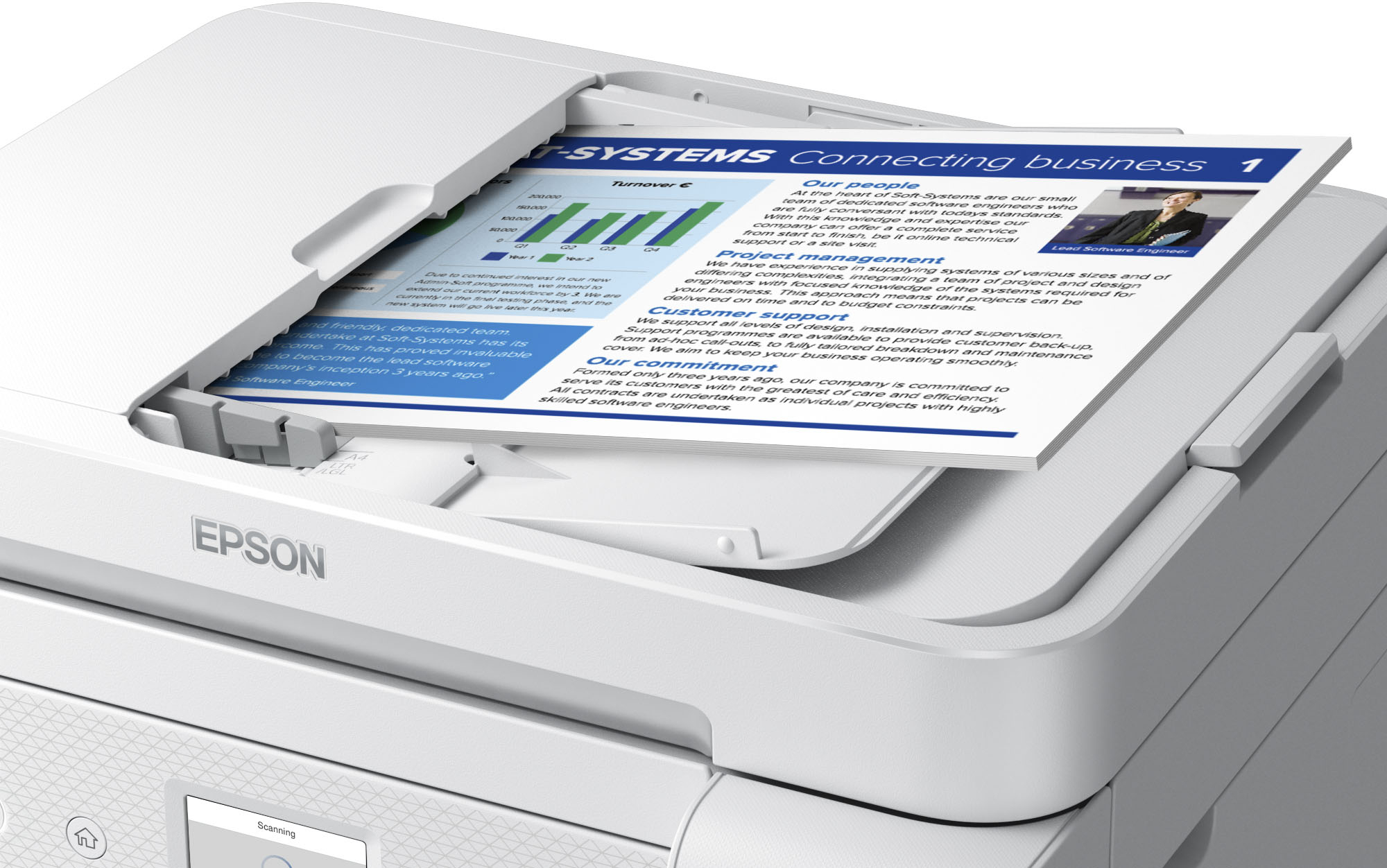
- A:Answer Fax capabilities are built-in to the ET-4850.
Answered by GadgetGuy1981
Q: QuestionCan I scan on this printer?
Asked by AnnleB.
- A:Answer Yes it can scan and does better then some other home printers/scanners.
Answered by MelF
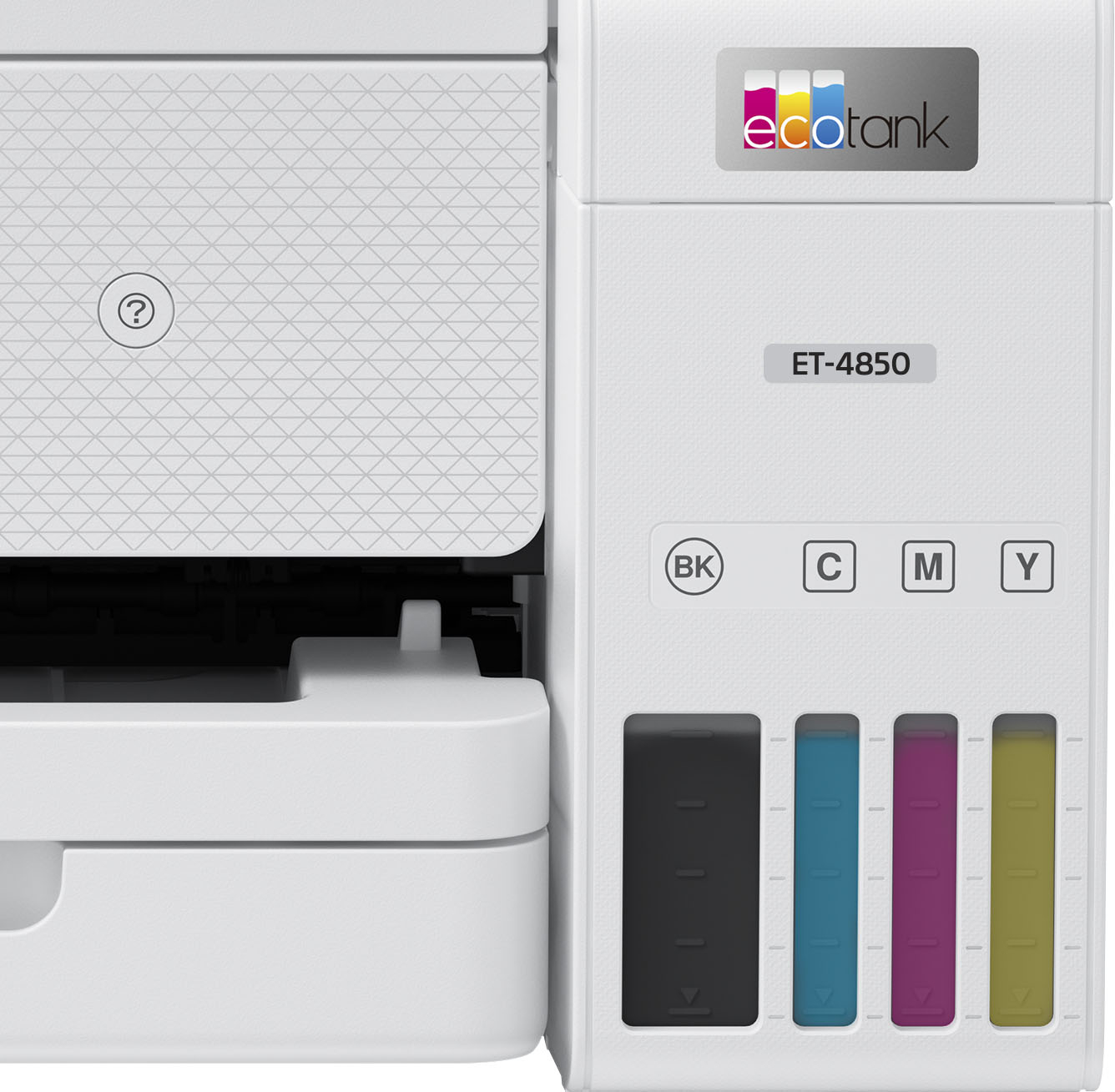
Q: Questionmy printer black ink is great but for awhile now the other color ink does not work and the tanks are full. So I can't print color
Asked by fran.
- A:Answer Make sure you use only Epson ink! Also, printers don’t like being turned off. The ink hardens in the nozzles. Do a hard cleaning (look on YouTube for directions). My son turns his off often and I’ve had to do cleaning cycles on his printer a lot. Mine is on all the time, and works great. My Last one lasted over 4 years.
Answered by mike
Top Rated
- Black Friday Deal$499.99Your price for this item is $499.99
- Black Friday Deal$179.99Your price for this item is $179.99
- $269.99Your price for this item is $269.99$369.99The comparable value for this item is $369.99
- $141.00Your price for this item is $141.00$248.00The comparable value for this item is $248.00
- $319.89Your price for this item is $319.89$469.89The comparable value for this item is $469.89
- Black Friday Deal$229.99Your price for this item is $229.99
- $449.99Your price for this item is $449.99$699.99The comparable value for this item is $699.99
- Black Friday Deal$309.99Your price for this item is $309.99
- $349.99Your price for this item is $349.99$499.99The comparable value for this item is $499.99
- $239.89Your price for this item is $239.89$369.89The comparable value for this item is $369.89
- $329.99Your price for this item is $329.99$419.99The comparable value for this item is $419.99
- $649.99Your price for this item is $649.99$849.99The comparable value for this item is $849.99
- $699.99Your price for this item is $699.99
- $199.99Your price for this item is $199.99$269.99The comparable value for this item is $269.99
- $279.00Your price for this item is $279.00$349.99The comparable value for this item is $349.99
- $378.49Your price for this item is $378.49$399.99The comparable value for this item is $399.99
- $499.99Your price for this item is $499.99$863.99The comparable value for this item is $863.99
- $429.99Your price for this item is $429.99$755.99The comparable value for this item is $755.99
- $349.99Your price for this item is $349.99$431.99The comparable value for this item is $431.99


.](https://pisces.bbystatic.com/image2/BestBuy_US/images/products/e7f7b8a3-4d8b-4350-9bbd-c97539be30a7.jpg;maxHeight=54;maxWidth=54;format=webp)

. 1 Most features require an Internet connection to the printer, as well as an Internet- and/or email-enabled device. For a list of Epson Connect enabled printers and compatible devices and apps, visit [www.epson.com/connect](http://www.epson.com/connect).](https://pisces.bbystatic.com/image2/BestBuy_US/images/products/d6e3691d-df7e-4aa7-8df7-3adddd584649.jpg;maxHeight=54;maxWidth=54;format=webp)