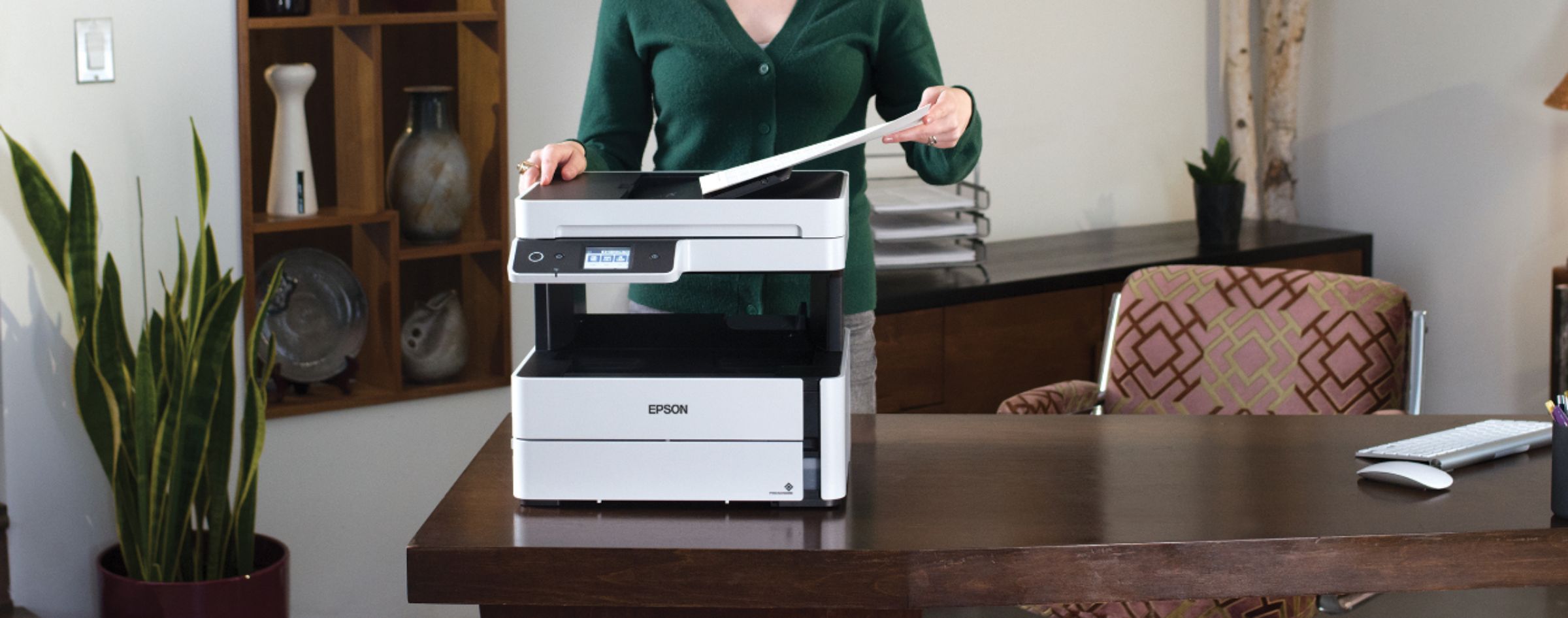
A:AnswerHi Epson, The EcoTank ET-M3170 does not have scan to USB device capabilities. It can scan to a computer, smart phone or tablet. The EcoTank Pro ET-5880 can scan to a USB flash drive. It is currently available at Bestbuy.com. (Inventory levels can vary.) Regards, Mark - The Epson Team.
A:AnswerHello. For Windows, you can print on both sides of the paper by selecting one of the 2-sided Printing options on the Main tab. On an Apple computer, you can choose the Two-sided Printing Settings from the pop-up menu on the print window. Regards, Kevin - The Epson Team.
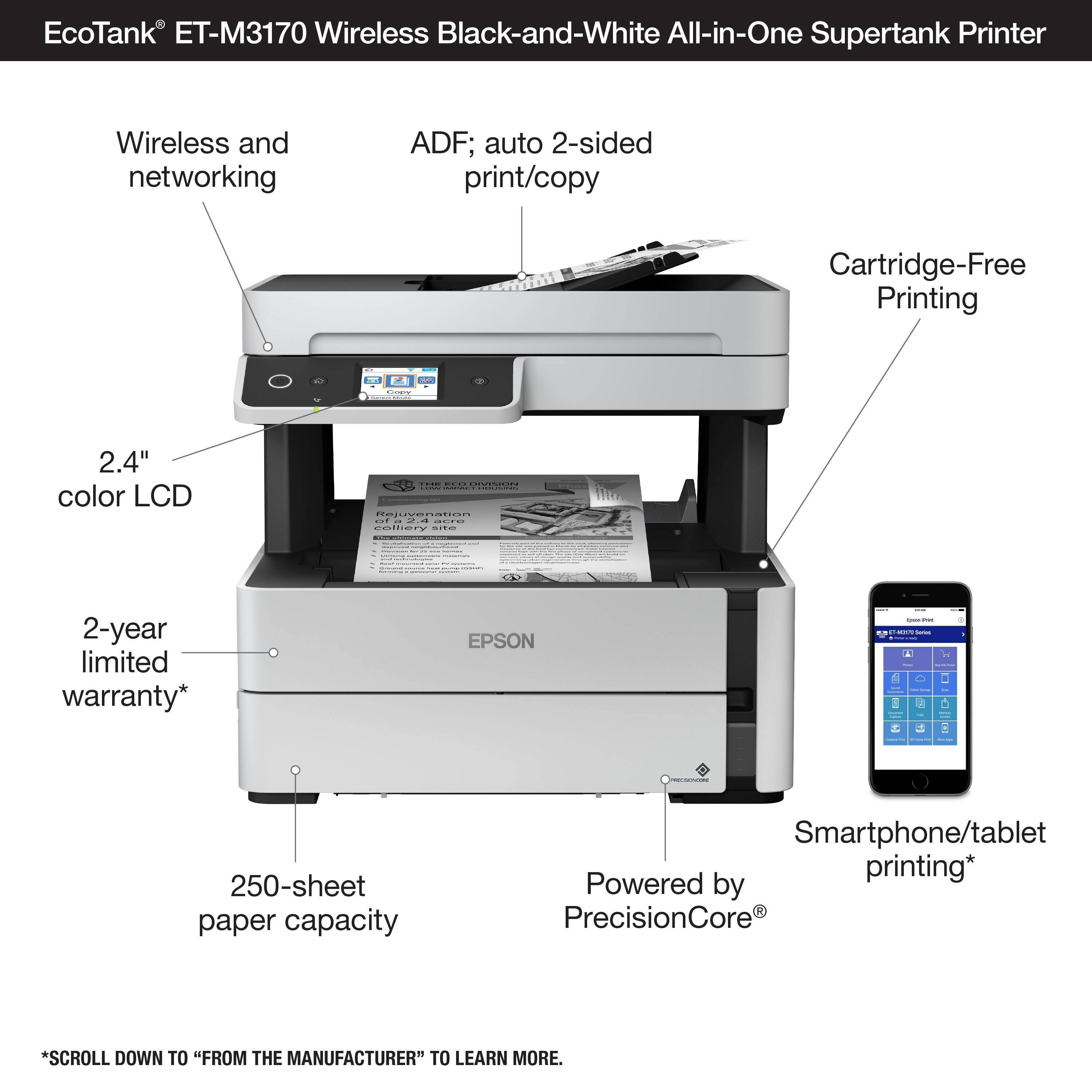
A:AnswerHello EpsonOwner. Yes, when printing on envelopes, thick paper, or business cards, you can lower the output selector above the paper tray to eject paper to the front of the printer. For more details, please see the User's Guide on our official Epson Support page. Regards, Kevin - The Epson Team.
A:AnswerHello Cher. This could be happening for different reasons, including print and application settings. Please contact our Technical Support team by phone so that we can gather more details and help resolve the issue. Regards, Kevin - The Epson Team.
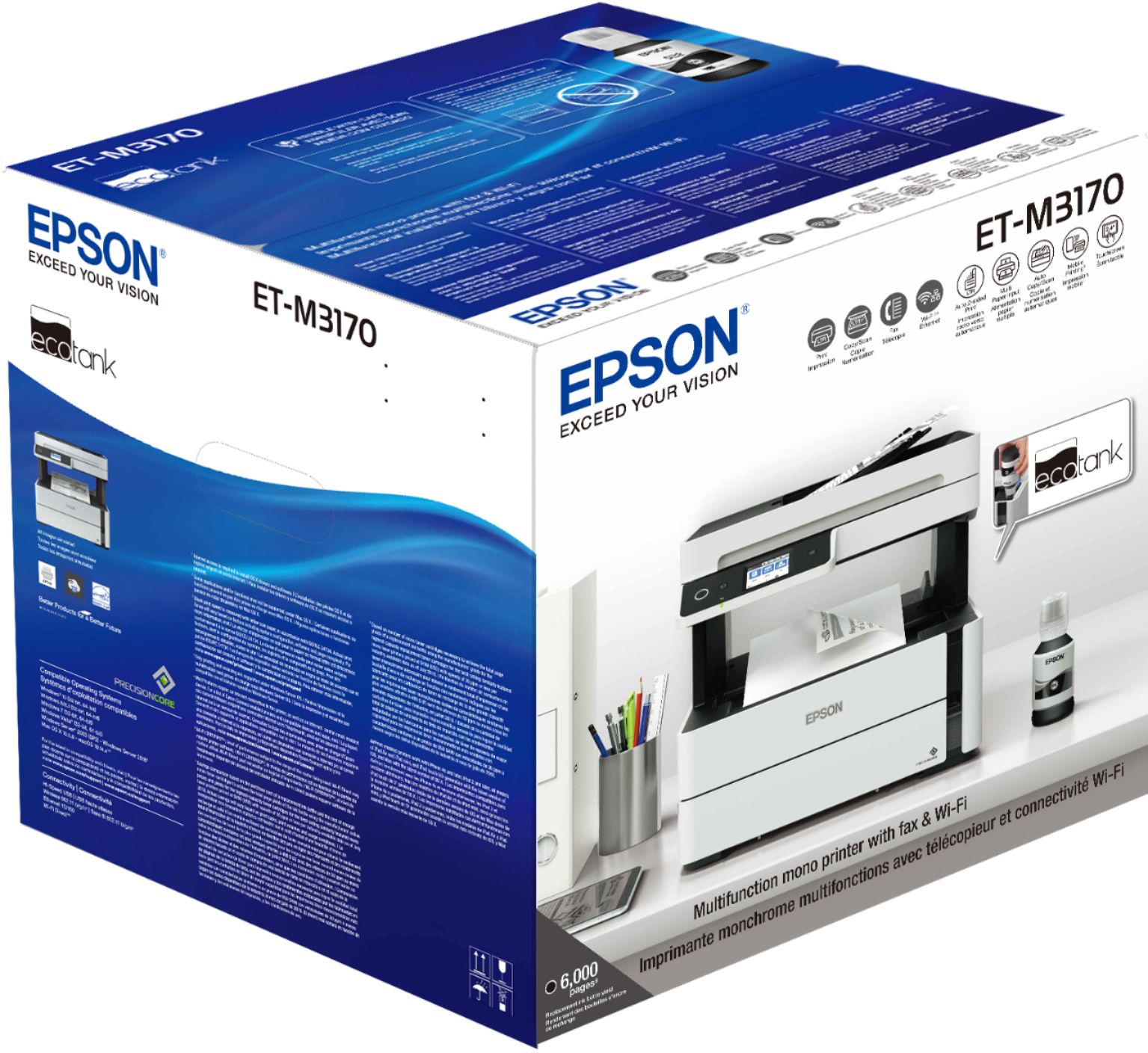
A:AnswerHi Jazz, The EcoTank ET-M3170 prints using black ink. It does not have color capabilities. The paper can be white and the case of the ET-M3170 is predominantly white, but not the ink. Regards, Mark - The Epson Team.
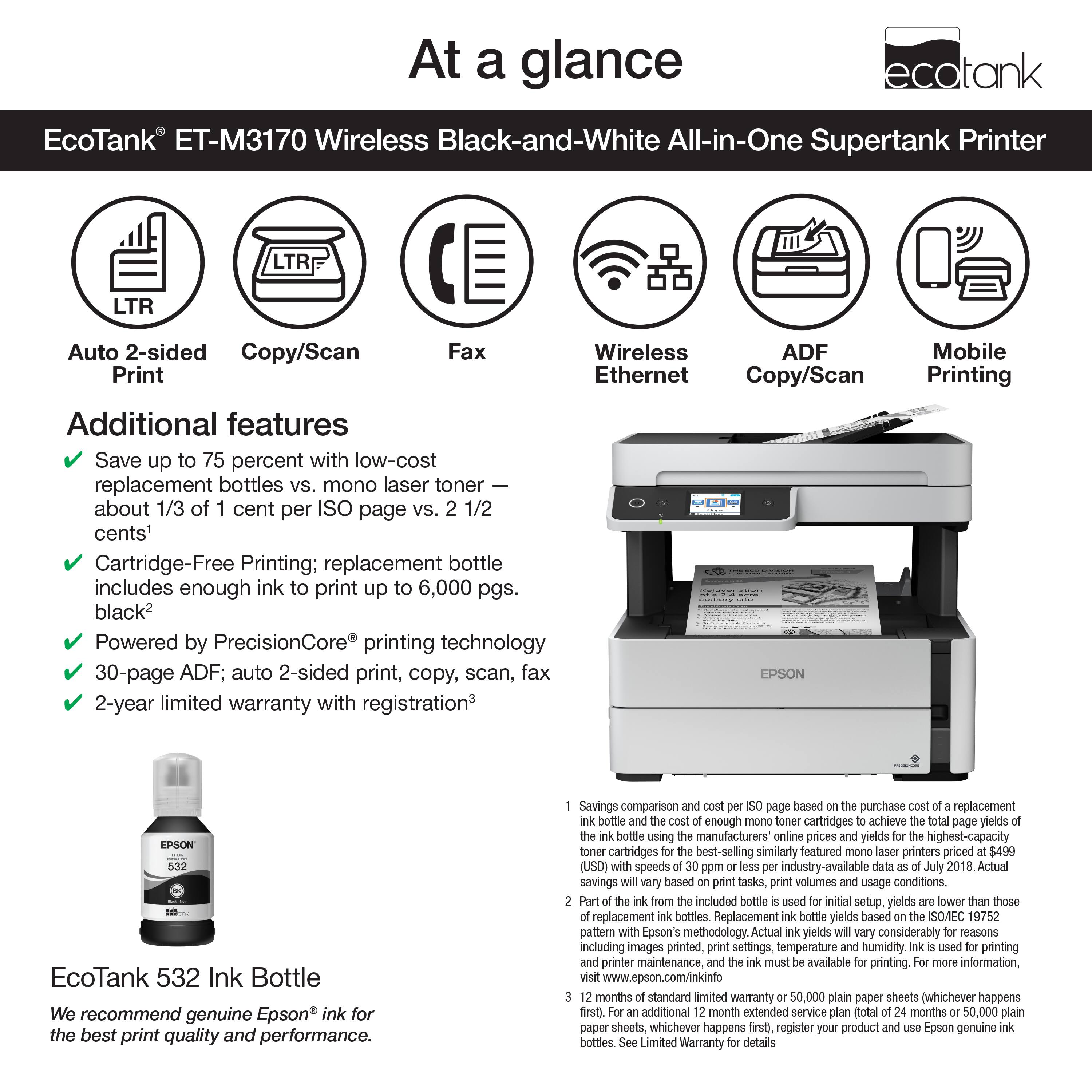
A:AnswerHello ALOHA. The M3170 includes automatic 2-sided printing. Unfortunately, automatic 2-sided scanning is not available on the printer and can only be done by manually flipping your original document. Regards, Kevin - The Epson Team.
A:AnswerHello. Yes, the automatic document feeder also has scanning functionality for multi-page documents. You can expect to load approximately 35 sheets of plain paper through the feeder. Regards, Kevin - The Epson Team.
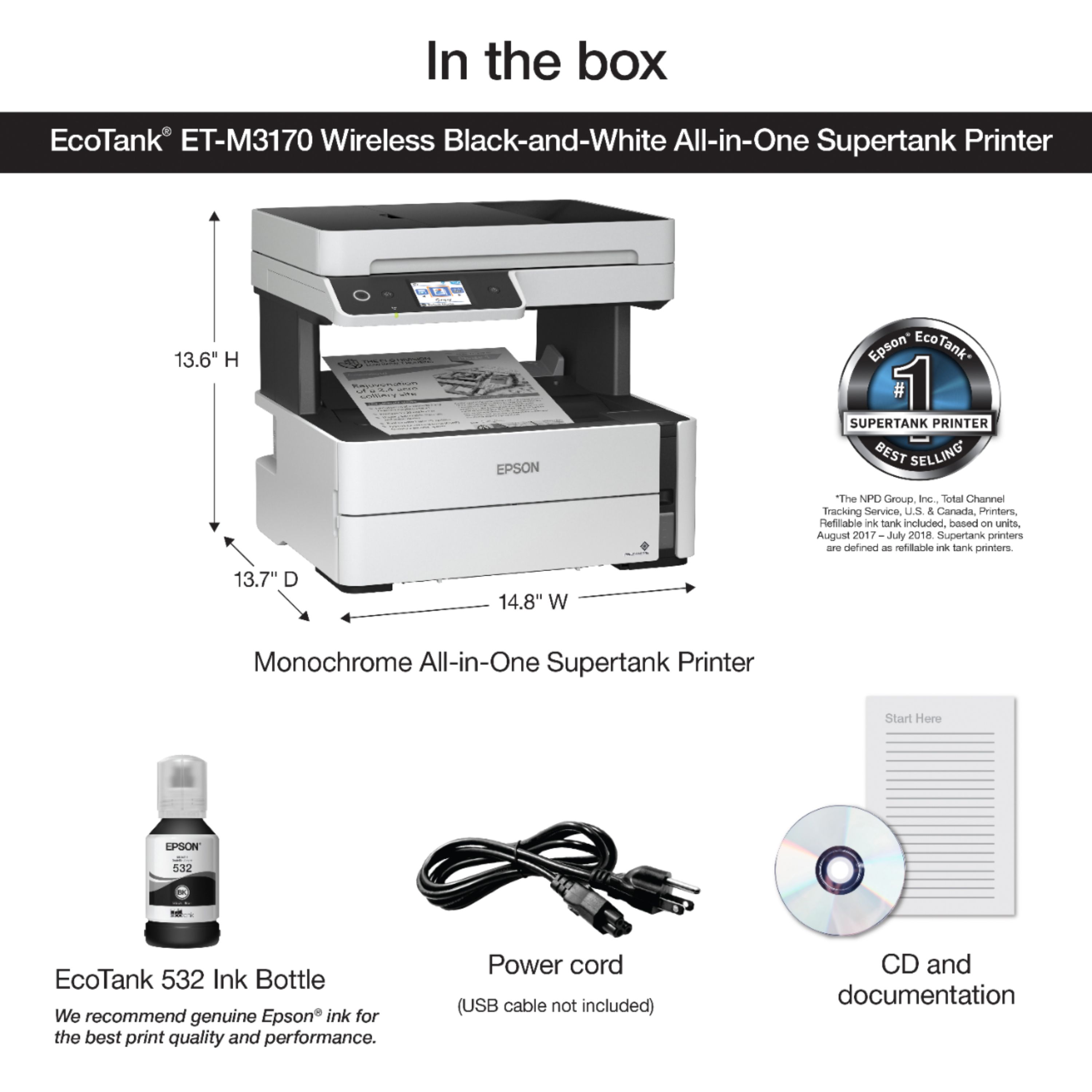
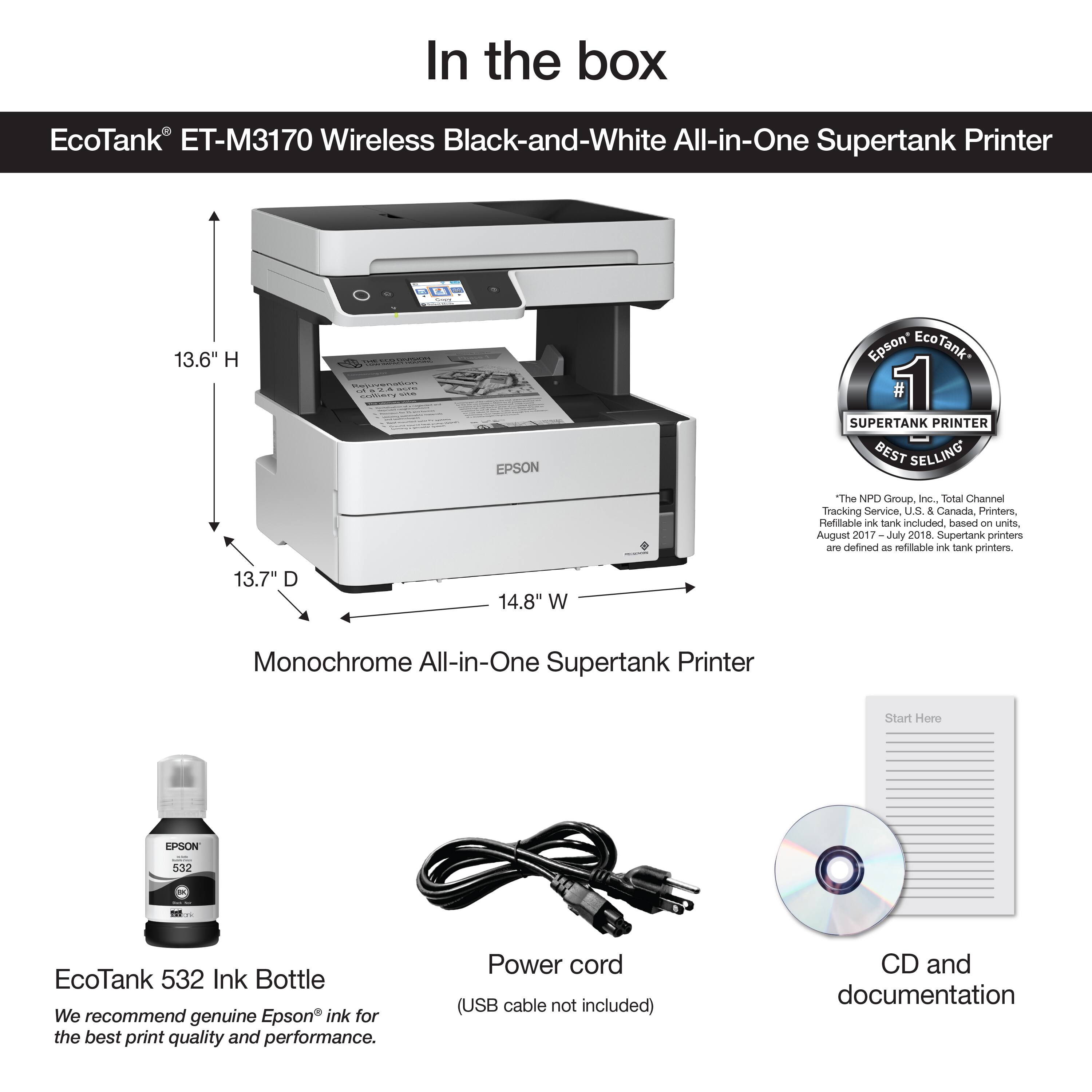
A:AnswerHi Mcl, The EcoTank ET-M3170 includes a CD for customers who have a CD drive. You can download the same drivers from the Epson support site for the ET-M3170. Regards, Mark - The Epson Team.
A:AnswerHello Macuser. The ET-M3170 is compatible with Apple computers running macOS 10.6 or later. No CD drive is necessary; you can find the latest printer driver available on our official Epson Support page. Regards, Kevin - The Epson Team.
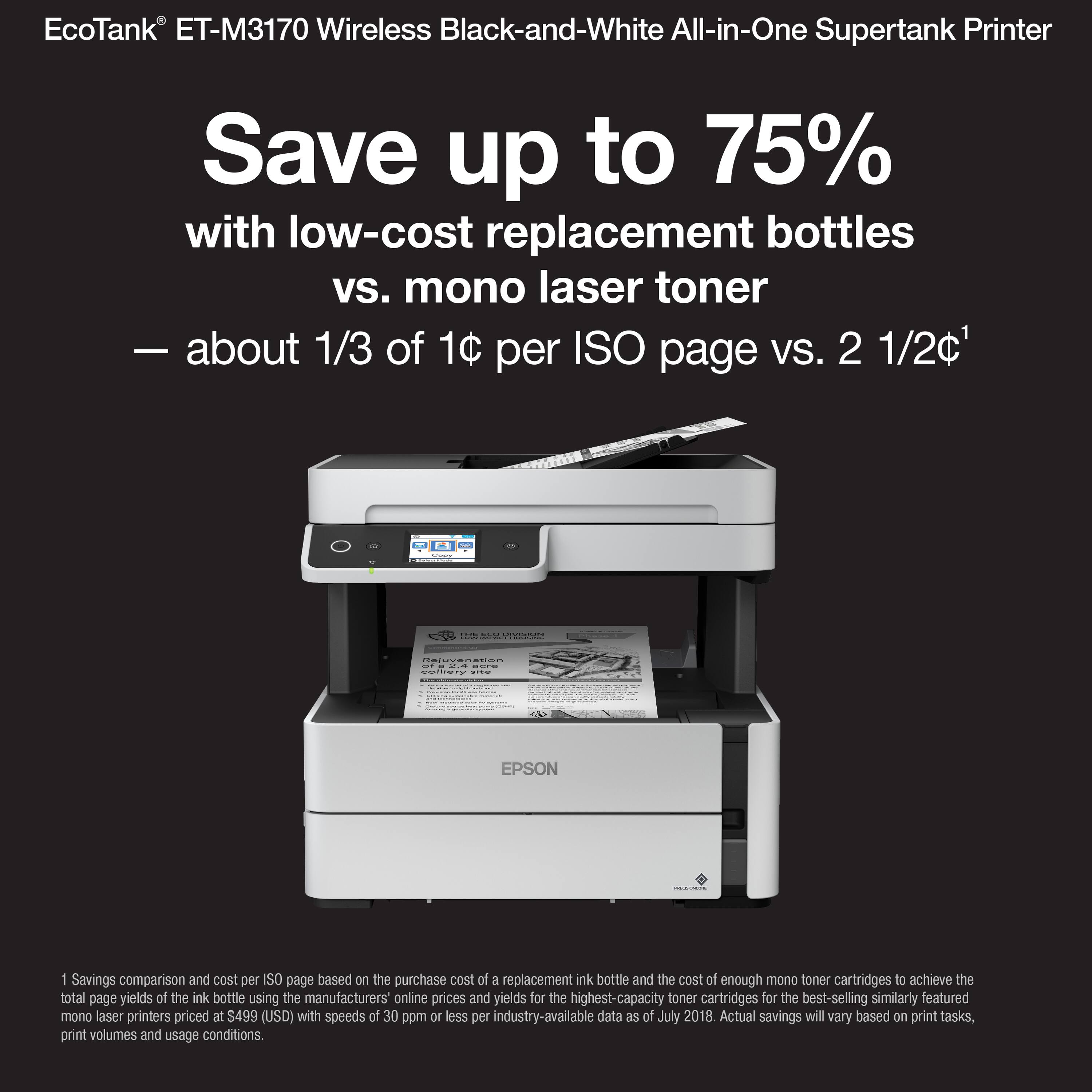
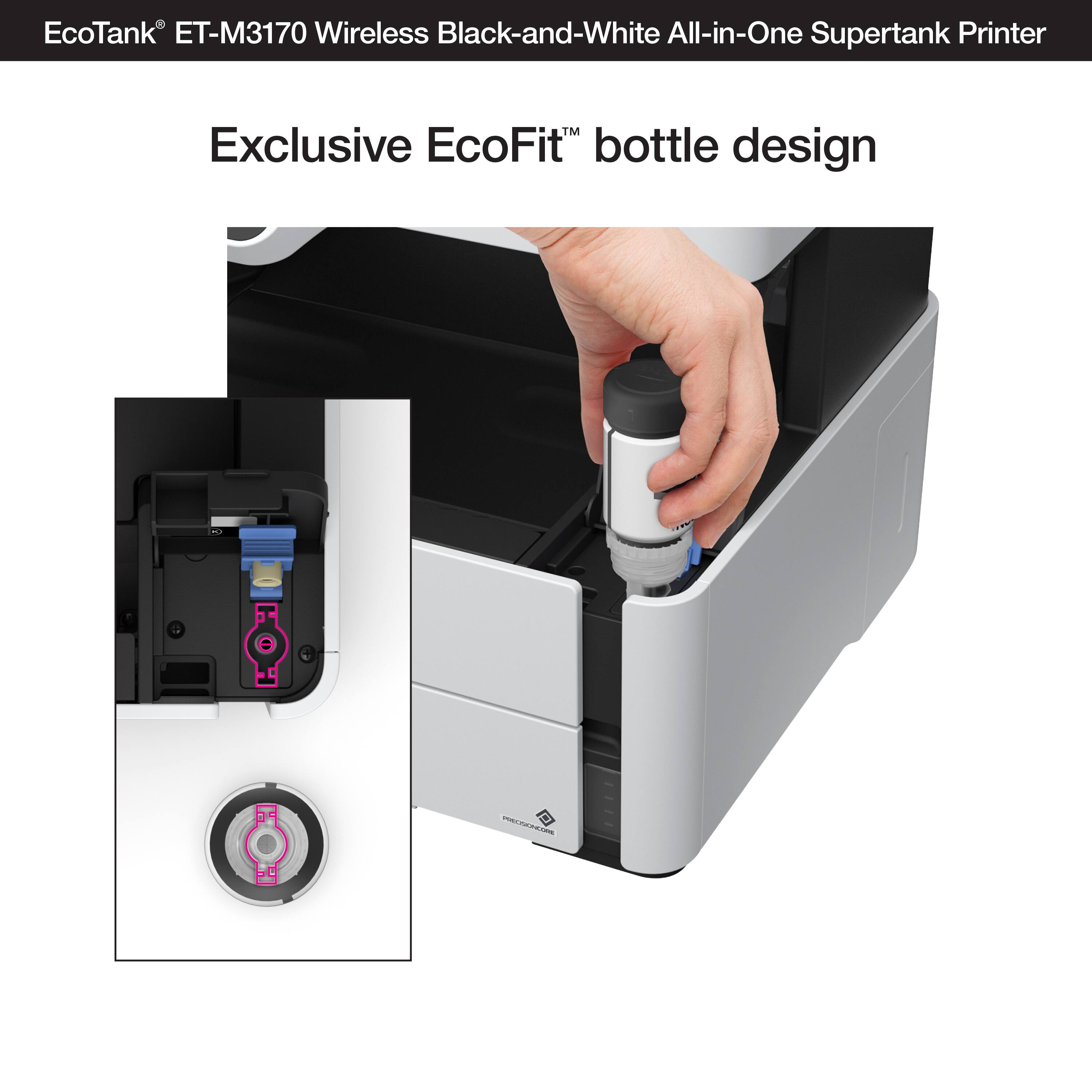
A:AnswerHi MzBrooks. Unfortunately not, the Epson ET-M3170 was not designed for dye-sublimation printing nor the use of non-genuine Epson ink cartridges. Regards, Kevin - The Epson Team.
A:AnswerHello Lulu. We would like to hear more about this issue. Please visit our official Epson Support page to contact our Tech Support team directly. Regards, Kevin - The Epson Team.