A:AnswerYou should be able to find that out by going into your settings, select printer, add/ install options. Once you input your printer info ( Epson XP 4105) it should tell you whether it's compatible or not.
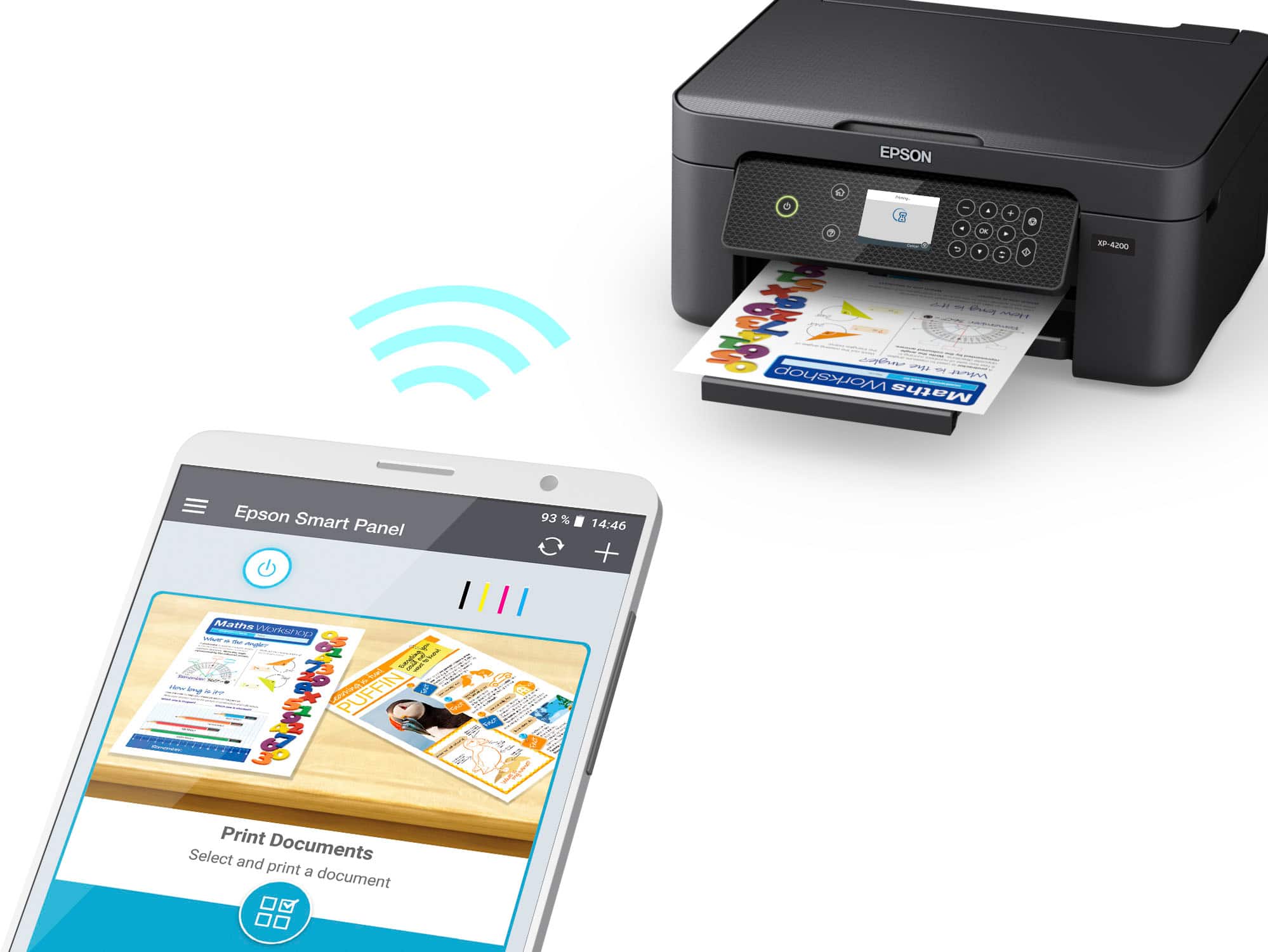
A:AnswerYes it is a wireless printer. Not having problems with it so far 2 weeks although one of the inks is already low under moderate use, otherwise all good. I believe there is a plug in option where you do not have to go wireless. However, setup requires wireless
A:AnswerMy last printer was the WF 4630 and it quit working when the ink dried up in the print heads from non use. This XP-4200 is a great machine, is backwards compatible. You download from the internet to your computer then it decides how to configure the units together to work for you, and has a screen to read set up directions. The WF4630 printed very clear, this unit does the same but faster and easier to use Icons on screen. Through the years This is my 3rd Epson printer and the fastest to print and I have not had a paper jam yet. Make sure you get a extra set of ink cartridges with the unit as it uses about 1/2 the first ones on set up, I got the set that had the double ink for black.
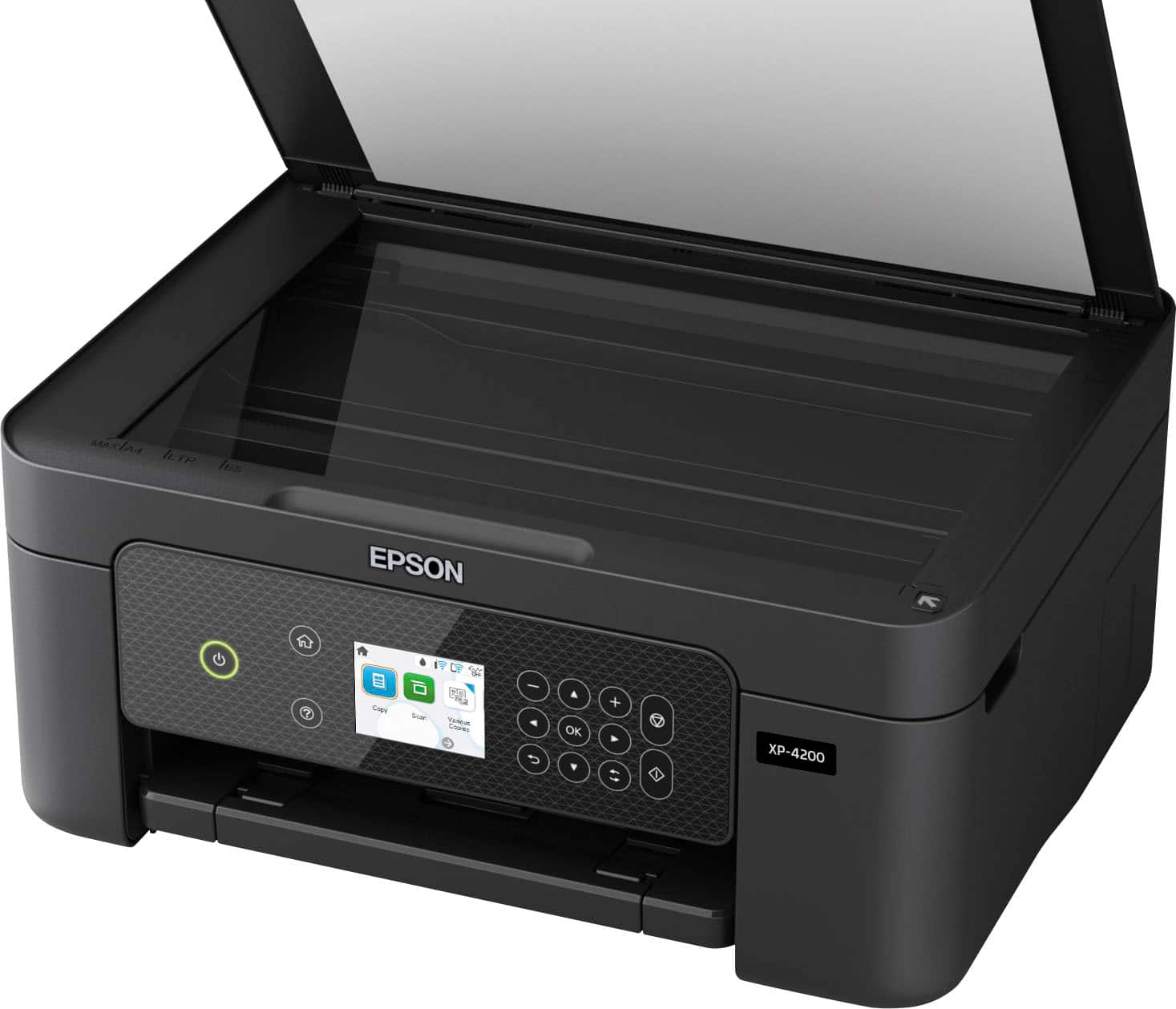
A:AnswerHi Dave, You can use the Expression Home XP-4200 with smart phones, tablets, Macs, and Chromebooks as well as PCs. You can also use it as a stand-alone copier, without any external devices. Regards, Mark - The Epson Team.
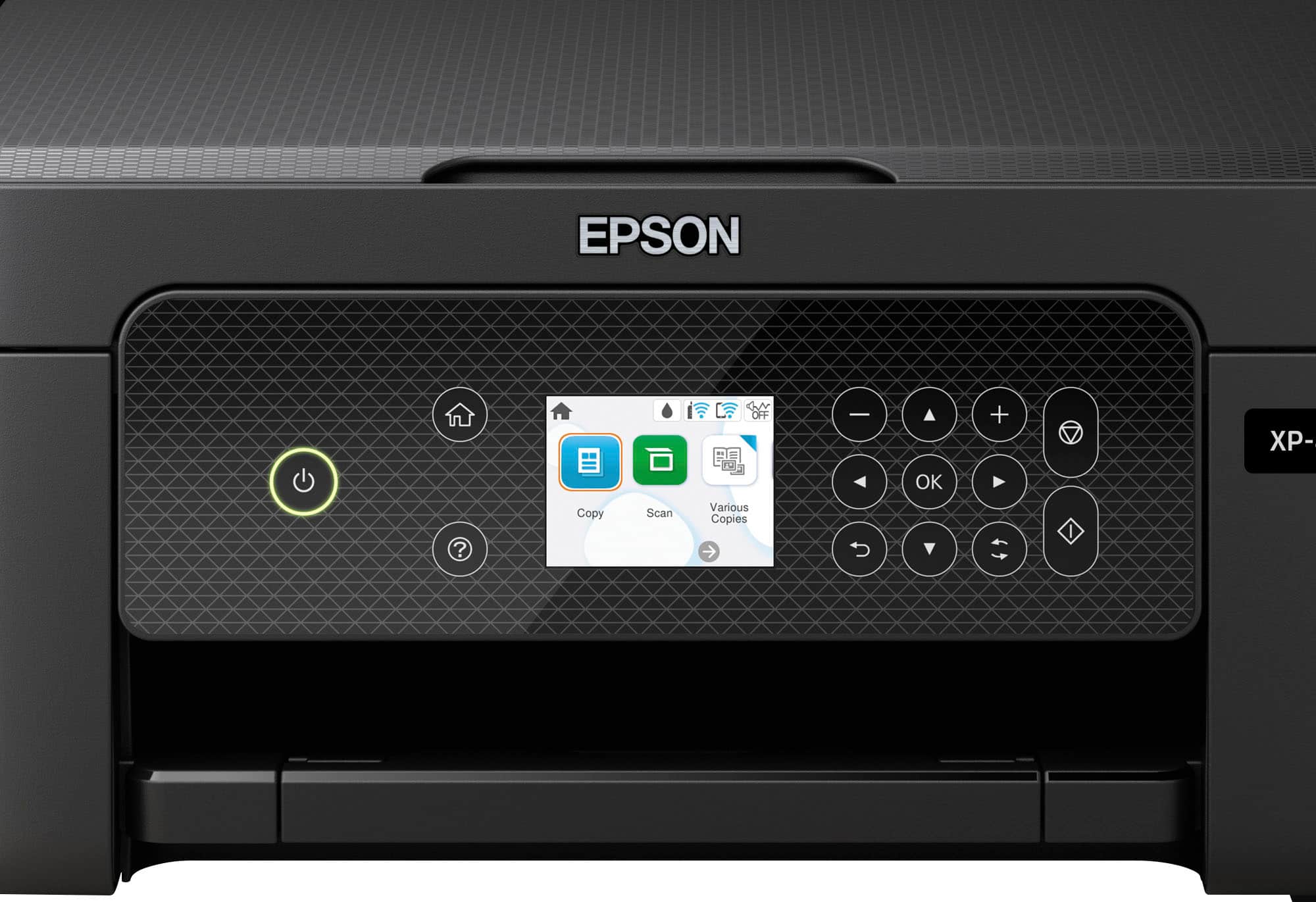
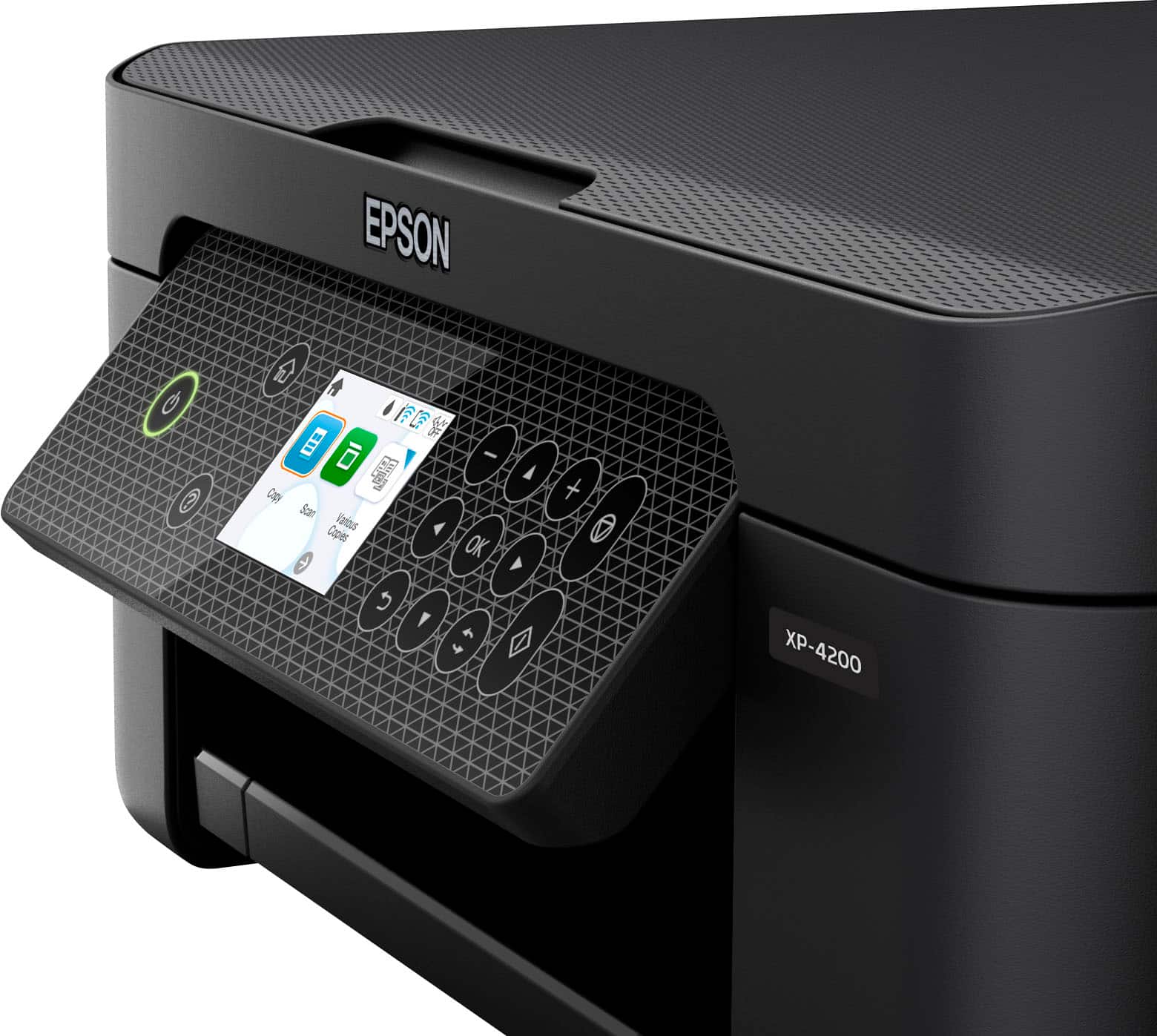
A:AnswerHi Jana, Yes, you can enlarge using the Expression Home XP-4200. If you are enlarging a print from a computer, you can use the printer driver options. If you are copying a pattern directly on the XP-4200, place it on the scan glass and use the front-panel controls. Regards, Mark - The Epson Team.
A:AnswerHi Micki, Scanning with the Expression Home XP-4200 does not use ink like printing does. If one or more color cartridges are expended, you can temporarily print using black ink only. We recommend replacing expended cartridges as soon as possible. Regards, Mark - The Epson Team.
A:AnswerHello RJM. Unfortunately, the XP-4200 does not have a dedicated tray for printing on CDs or DVDs. We recommend looking at the XP-6100 as it is the next step up in models with this feature included. It is currently in stock on BestBuy's website, but please note that inventory can change. Regards, Kevin - The Epson Team.
A:AnswerHello Searching. Yes, the XP-4200 is compatible with macOS 13. You can find the latest print driver available for download on our official Epson Support page. Regards, Kevin - The Epson Team.
A:AnswerHello Christian. The XP-4200 can print on paper sizes ranging from 3.5" x 5" up to 8.5" x 47.2". We recommend looking at our wide-format all-in-one printers as 11" x 14" paper is not supported. Regards, Kevin - The Epson Team.