A:AnswerDo not know the manufacturers warranty plan, but purchased a complete replacement warranty (except for ink), for 2 years for $10.00. With the ability to take printer to any Best Buy for replacement. Hope this helps.
A:Answerdon't know, never tried it that way. it properly will not copy without ink anyway, copy require to print with ink, you know!
if you wanted scan only, just buy a scanner!!! hope this help.
A:AnswerYes, I have used my old and new Epson printer for making copies of old photos to transfer onto the iron on.....
But note, I went to Joann's and bought the pricier transfer sheets, it was well worth the extra steps and time.
Follow the directions on the trans fer sheets for printing, drying and transferring to the letter or the time , money and effort put in will be for nothing.
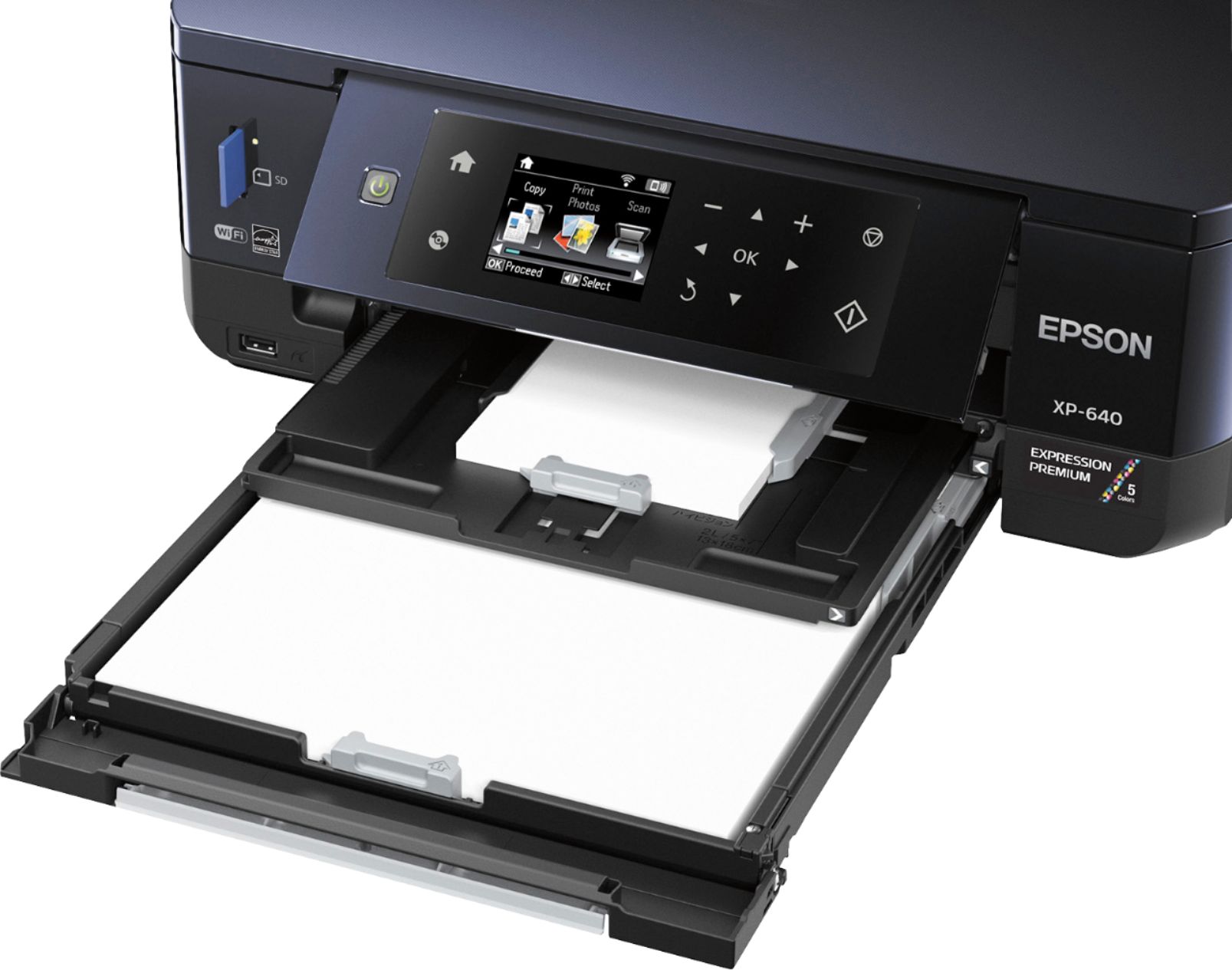
A:AnswerWatch how the first side comes out, put it back into paper tray, printed side up. Top of page goes in first. That's how I think I did it. Same way you would print on two sides with a printer that has no double sided printing feature.
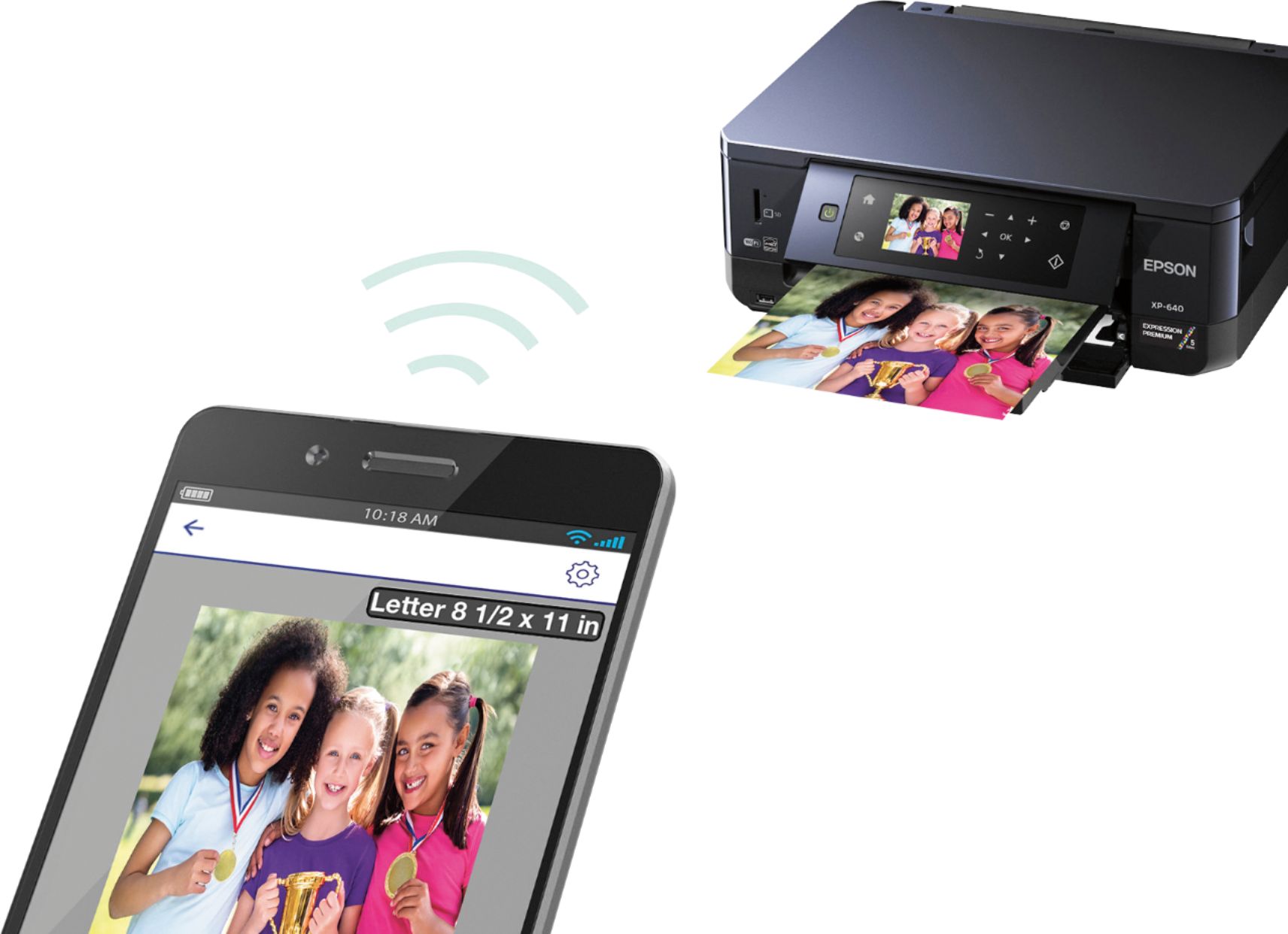
A:AnswerI have a Samsung note 4. I installed the printer via PC on my network. I downloaded Epson printer enabler on my phone then printed this picture via app to 4x6 high gloss paper in small tray. I have not tried a text doc to standard paper in large tray.
A:AnswerYes, but I bought the transfer stuff from Joann's which is pricier.....
You have to follow the instructions to the letter....from printing, dry time and transfer.....
Do head clean and alignment beforehand, run on paper first for set up.
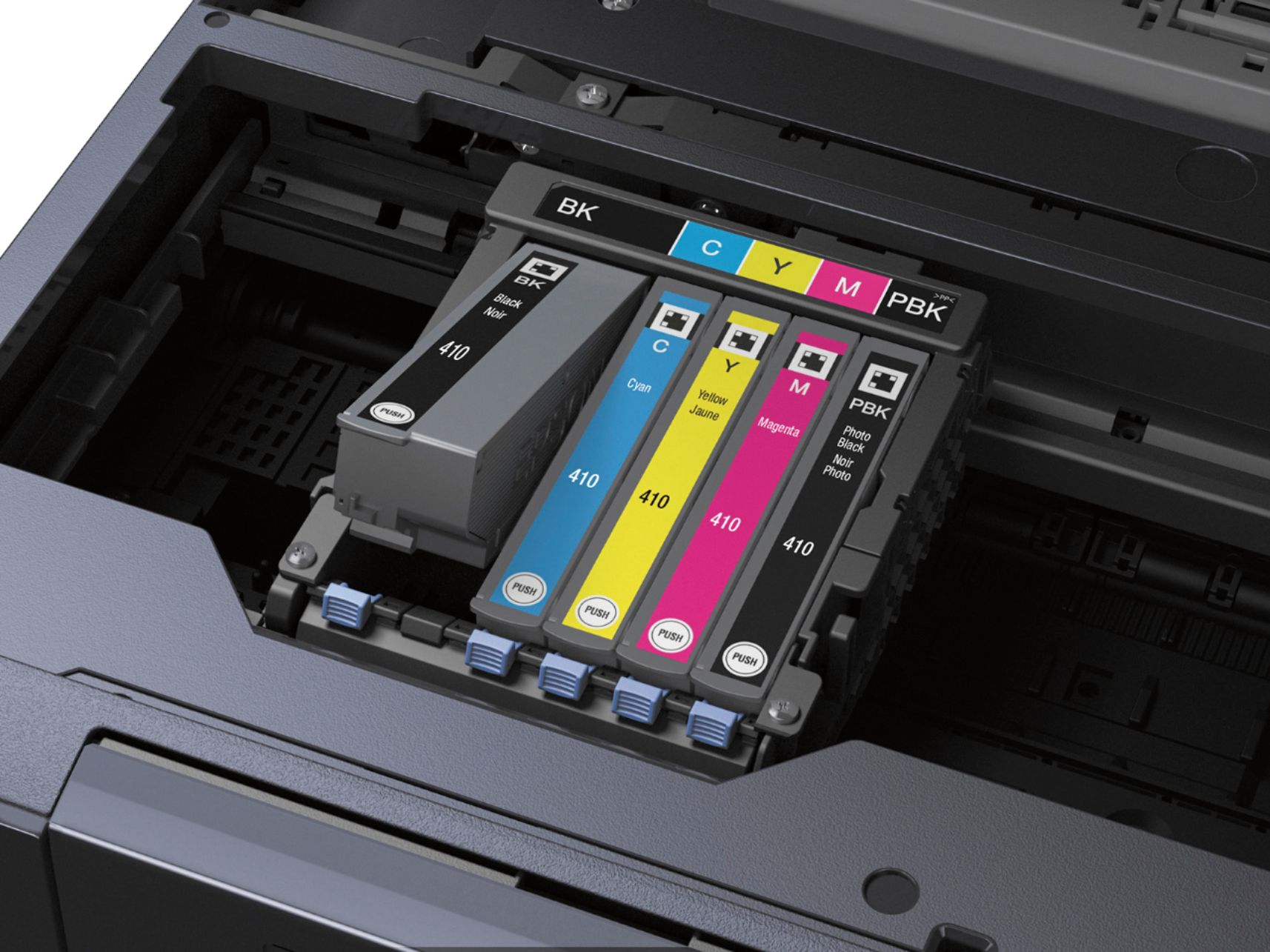
A:AnswerI have had my printer since March 5,2017. I use it several times a month. About 30% of my printing involves printing photos. Today (November 26), is the first time that I've had to buy ink. My black is at 29%, and the other inks are at 6%. Conclusion: with moderate/high usage, the cartridges last almost 9 months.