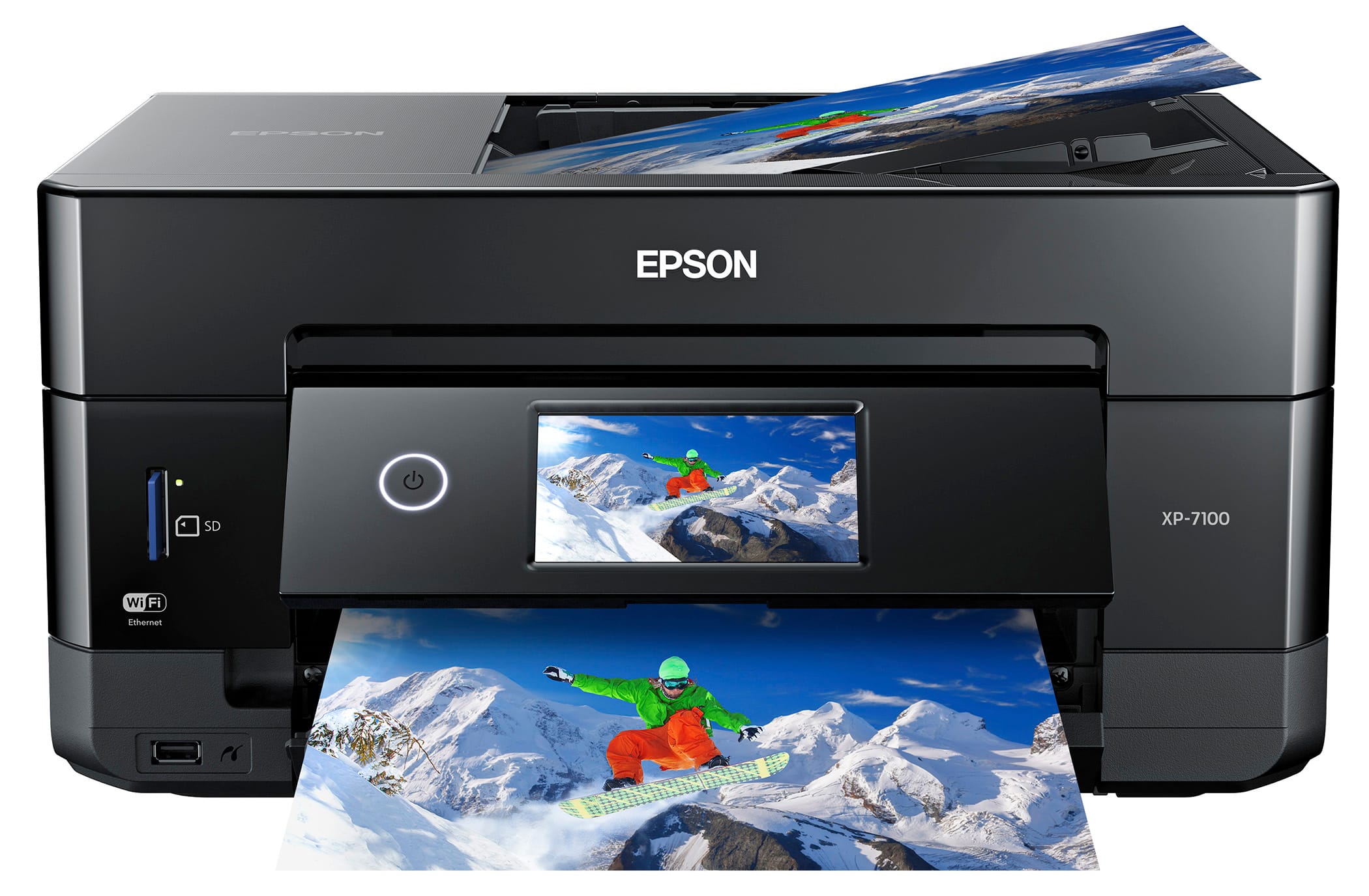
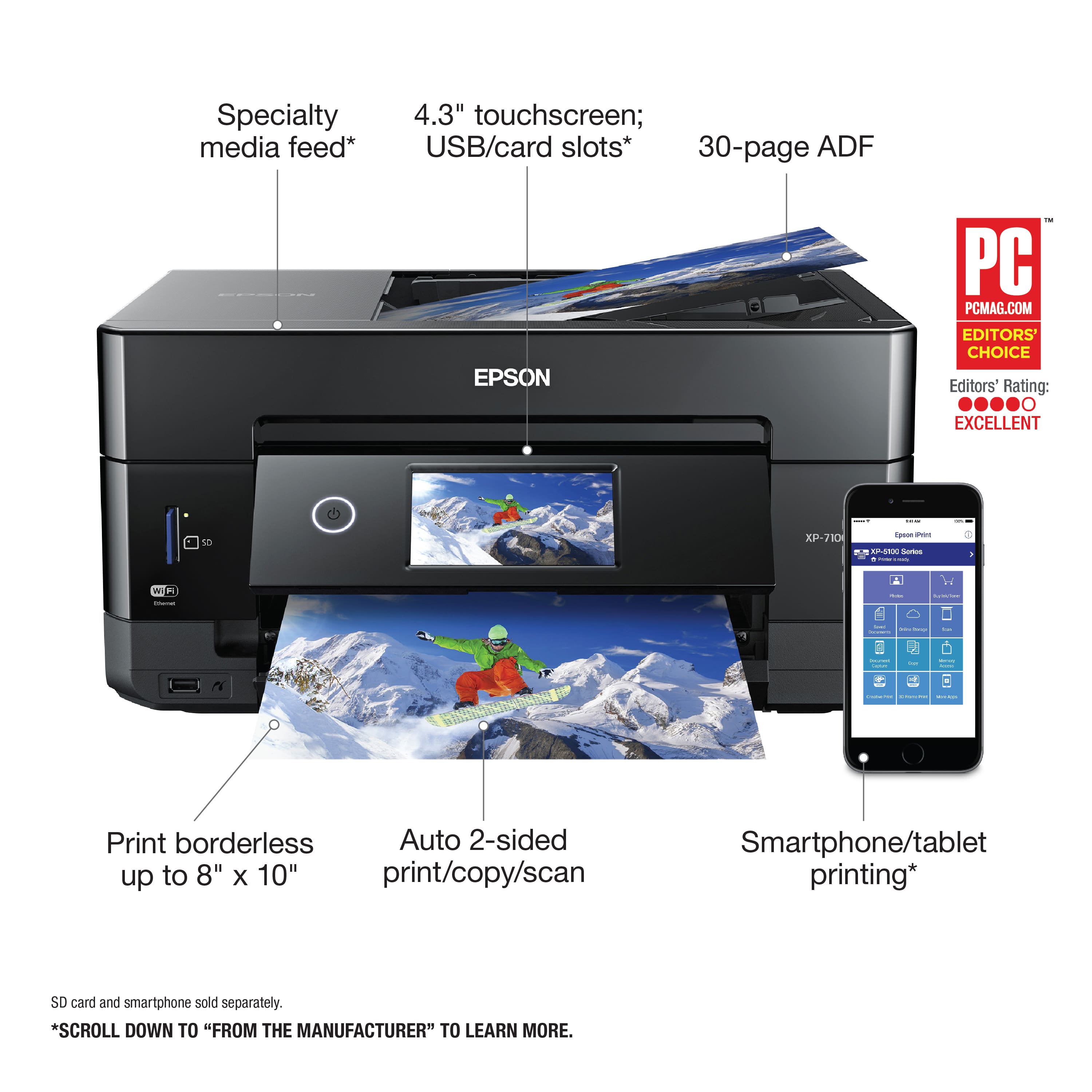
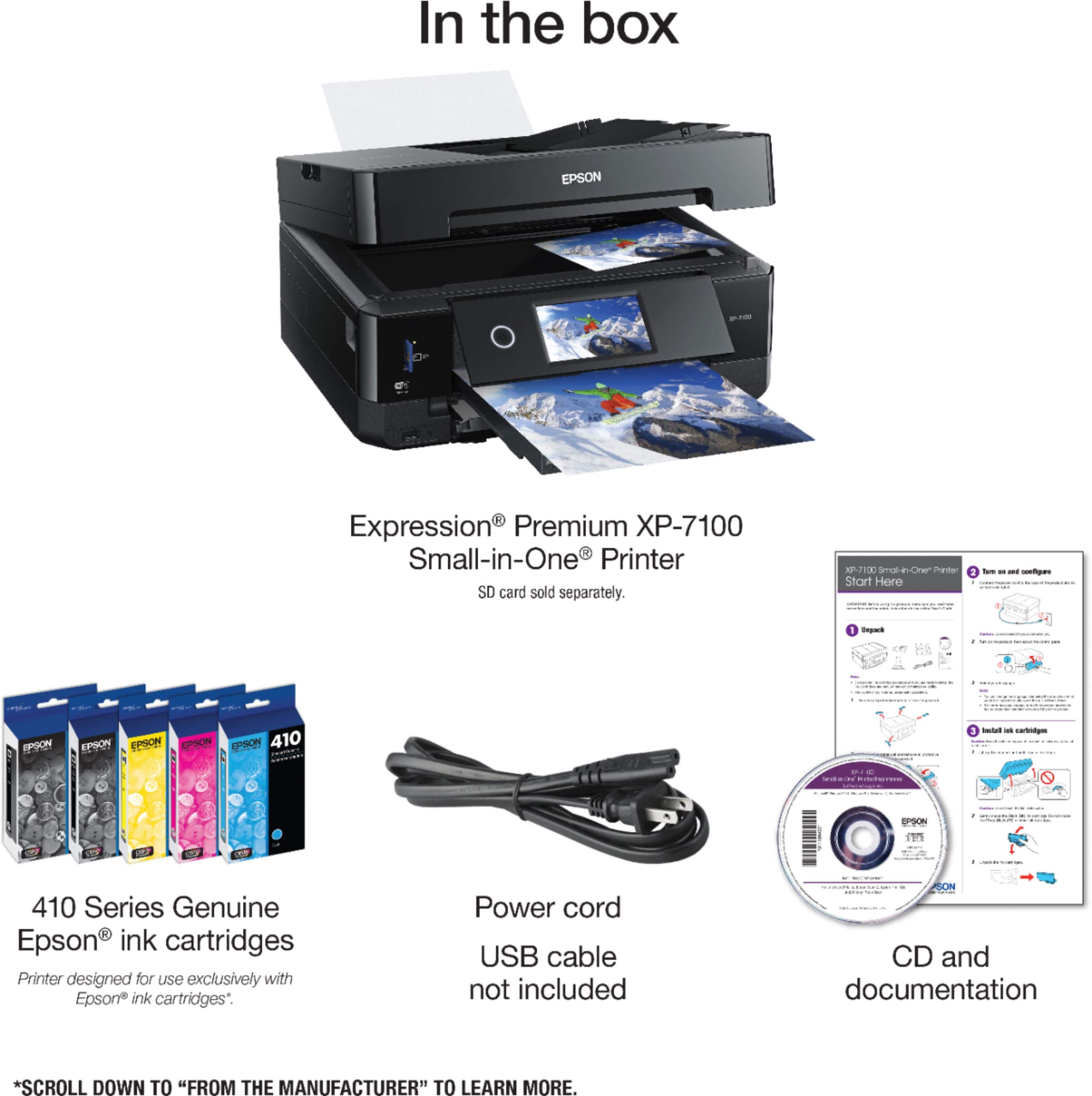
A:AnswerIn the reviews someone mentioned you need to put 8x10 photo paper in the bottom tray because the top one only takes 4x6. So the answer seems to be yes!
A:AnswerHi Connie, The Expression Premium XP-7100 works with Macs running OS X 10.5 and later. Download drivers from the Epson support site. Regards, Mark - The Epson Team.
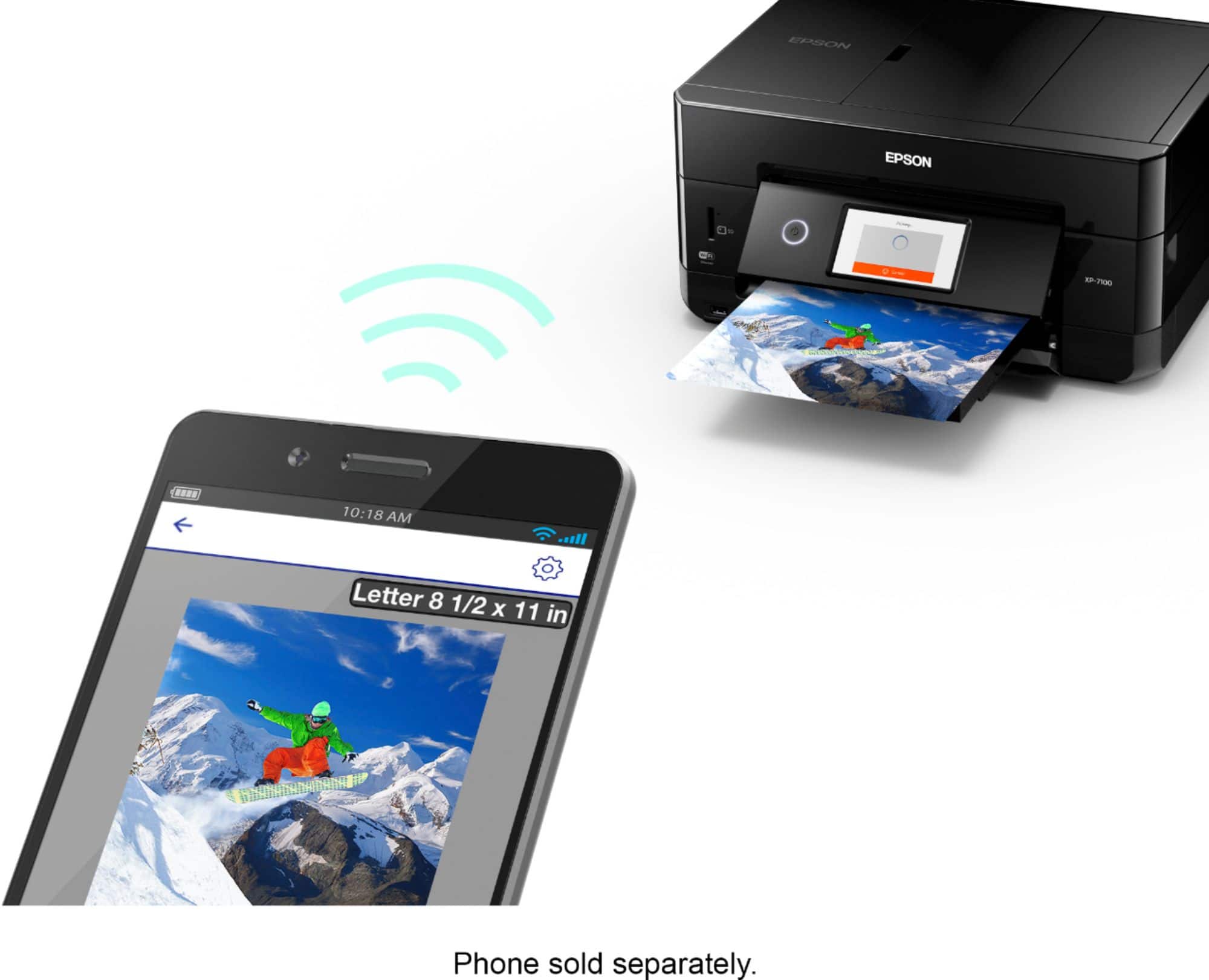
A:AnswerHello. You can download and install the latest printer driver for the XP-7100 from our official Epson Support page. Regards, Kevin - The Epson team.
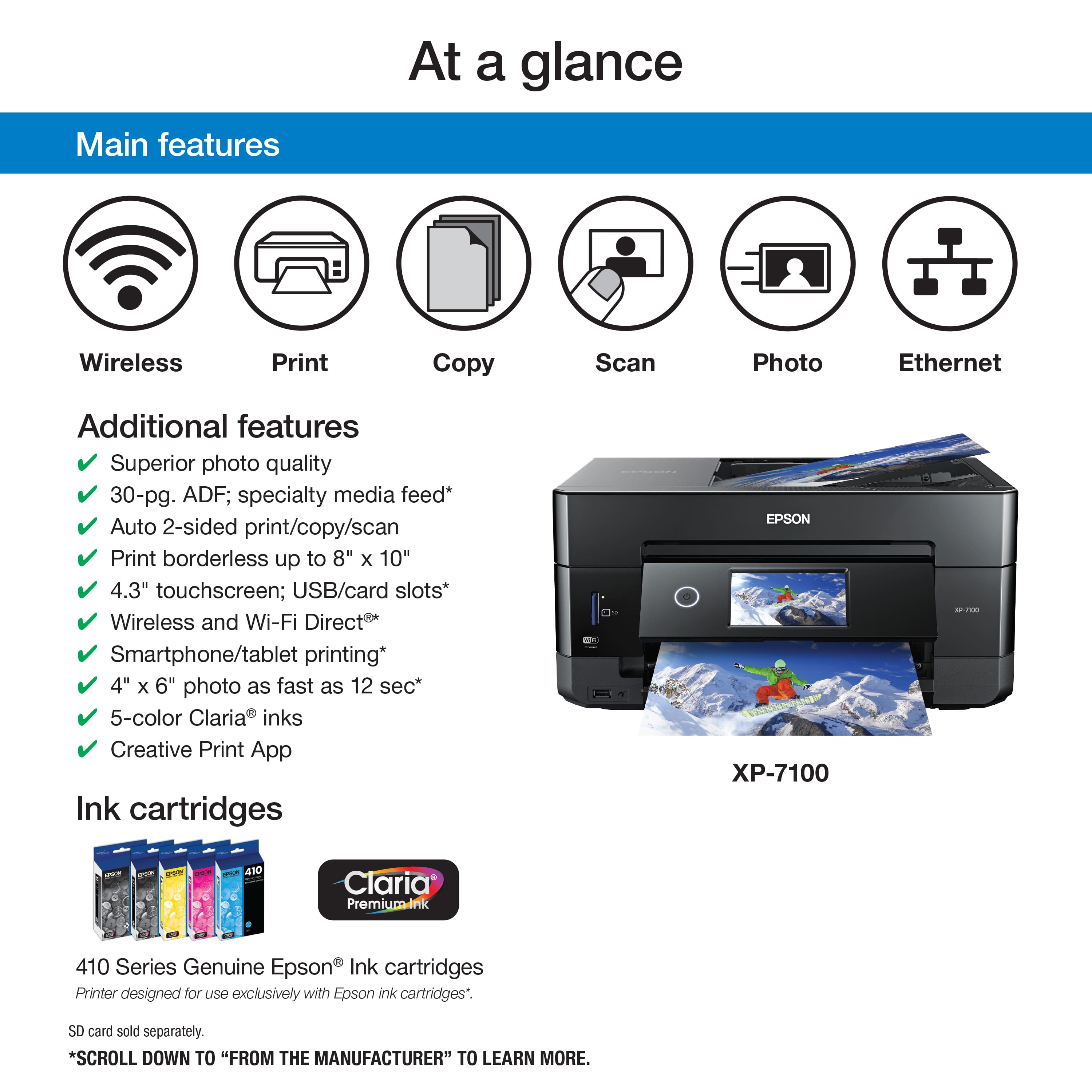
A:AnswerHi Willyum, The XP-7100 does not include fax capabilities. Fax is not available in the Epson Expression line. Our office printers like the WorkForce WF-3820 include fax. The WF-3820 is currently available at Bestbuy.com. Regards, Mark - The Epson Team.
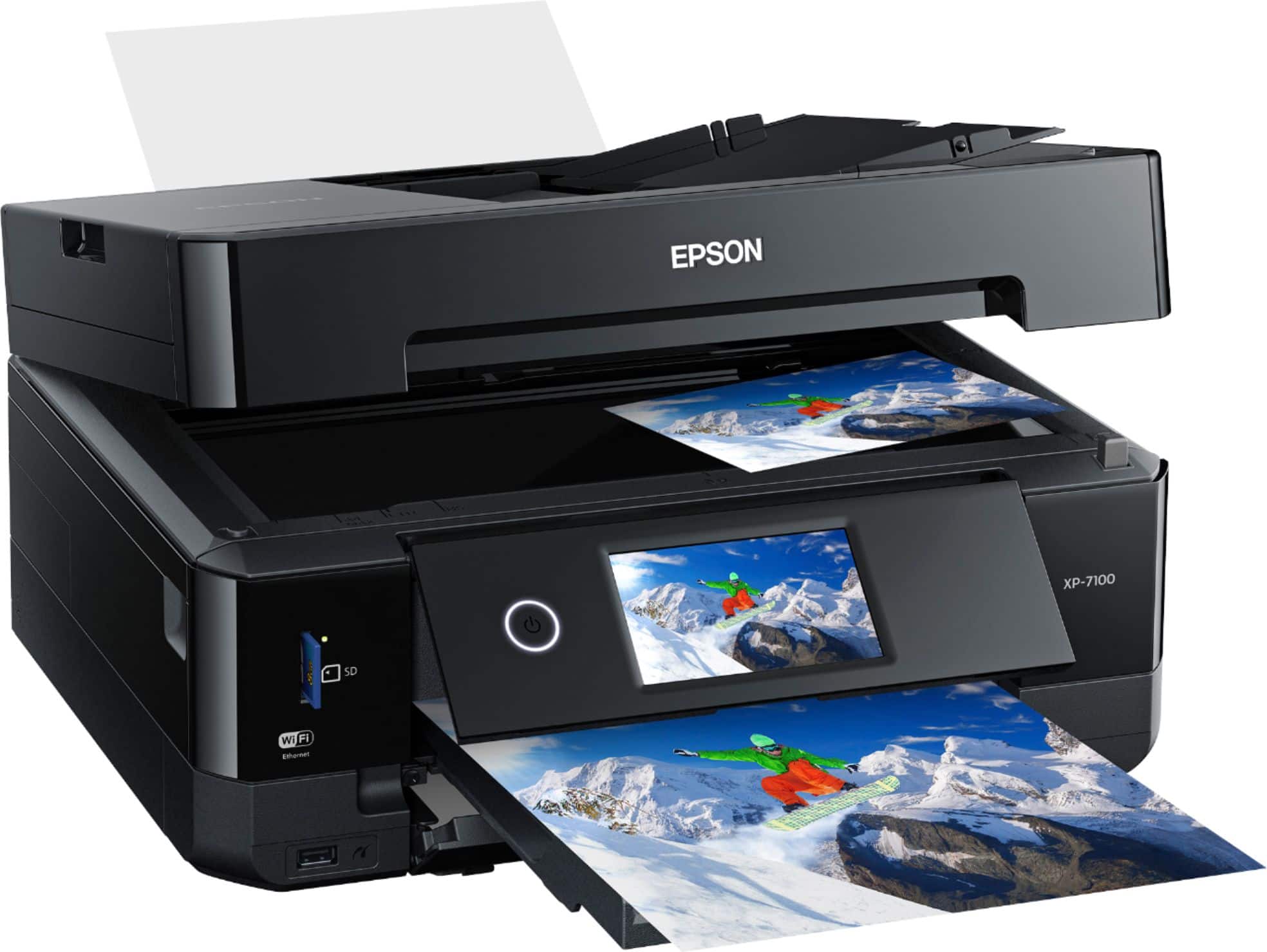
A:AnswerHello MissCill. The XP-7100 is an All-In-One printer that includes print, copy, and scan functionality. Unfortunately, it doesn't have fax features. Regards, Kevin - The Epson Team.

A:AnswerHello Cutterwrite. The Epson XP-7100 is an All-In-One printer that has print, copy, and scan functionality. Unfortunately, it does not include fax features. Regards, Kevin - The Epson Team.
A:AnswerHello Jena. Yes, the XP-7100 can reduce and enlarge copies between 25% up to 400%. For more information, please visit the official Epson Support page. Regards, Kevin - The Epson Team.

A:AnswerHello Patti. The Epson XP-7100 can print on paperweight ranging from 20 lb (75 g/m2) to 24 lb (90 g/m2). For information on supported paper types, please visit Epson's Official Support page. Regards, Kevin - The Epson Team
A:AnswerHello Erica. While it is possible, we generally recommend scanning photos using the XP-7100's flatbed to avoid any feed issues. Regards, Kevin - The Epson Team.

A:AnswerHi, the driver software for the XP-7100 does not have a crop feature. You would have to use whatever software you use to send the print to crop the image. Regards, Mark - The Epson Team.