A:AnswerYep! I bought this for my wedding slideshow three days before the event. My sister had them all (about 200) scanned in and the slideshow ready to go in under an hour. Attaching one of the scans -- me circa 1992. Pretty true to color and clarity of the original.
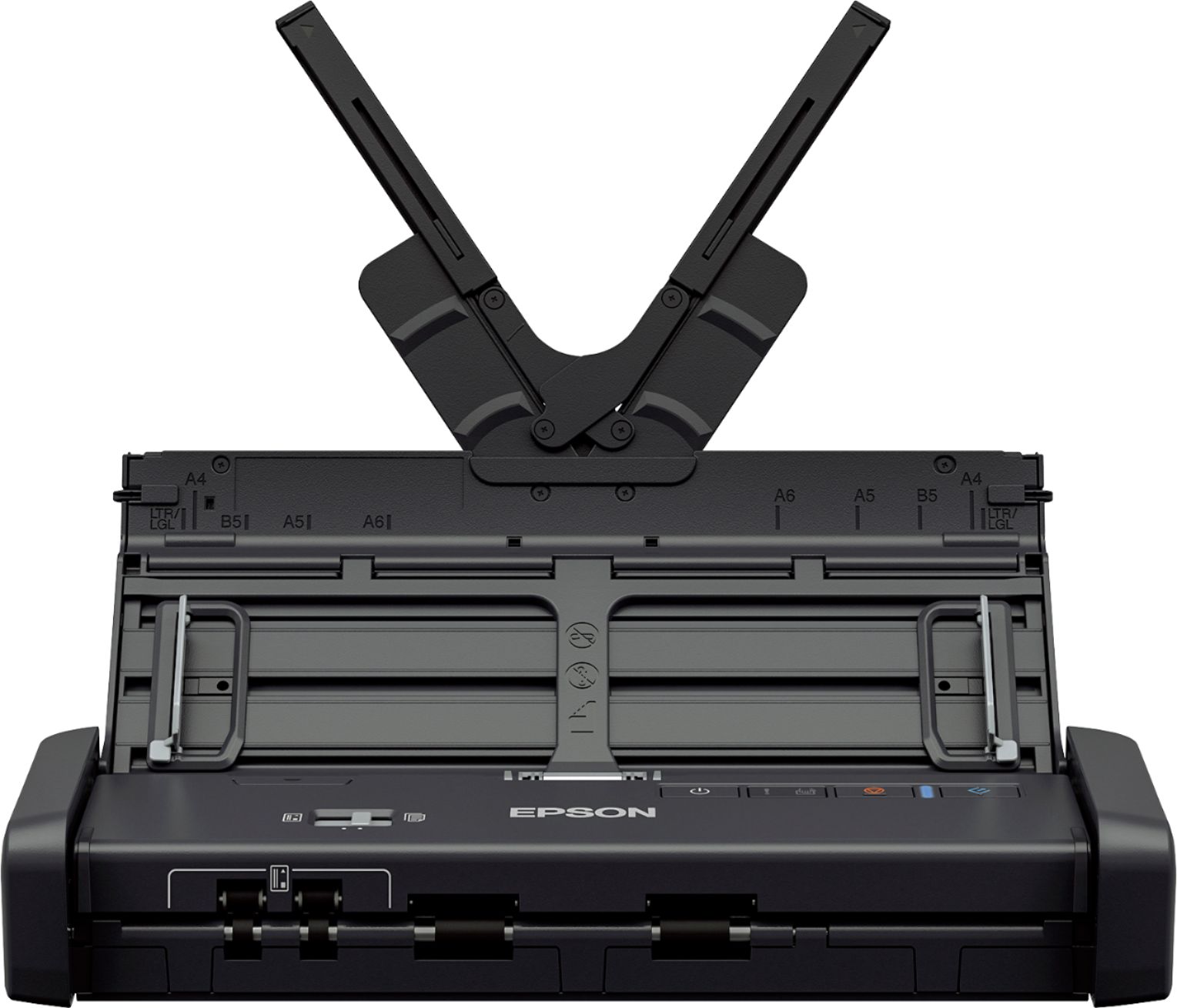
A:AnswerMy cable came with the 200, however one side will fit into the USB computer connection. The one going into the scanner seems to be a proprietary design that I have seen only on that model. Hope that helps.
A:AnswerYes and no. If you mean "can you connect a flash drive directly to the scanner?" then the answer is no. If you mean, "can you insert a flash drive into the computer and have the scanner save scans to that flash drive?" then the answer is yes.
A:AnswerThis scans on my hard drive on my desktop computer, and since a laptop functions the same as a desktop, I am sure it will work the same and save on the laptop hard drive.
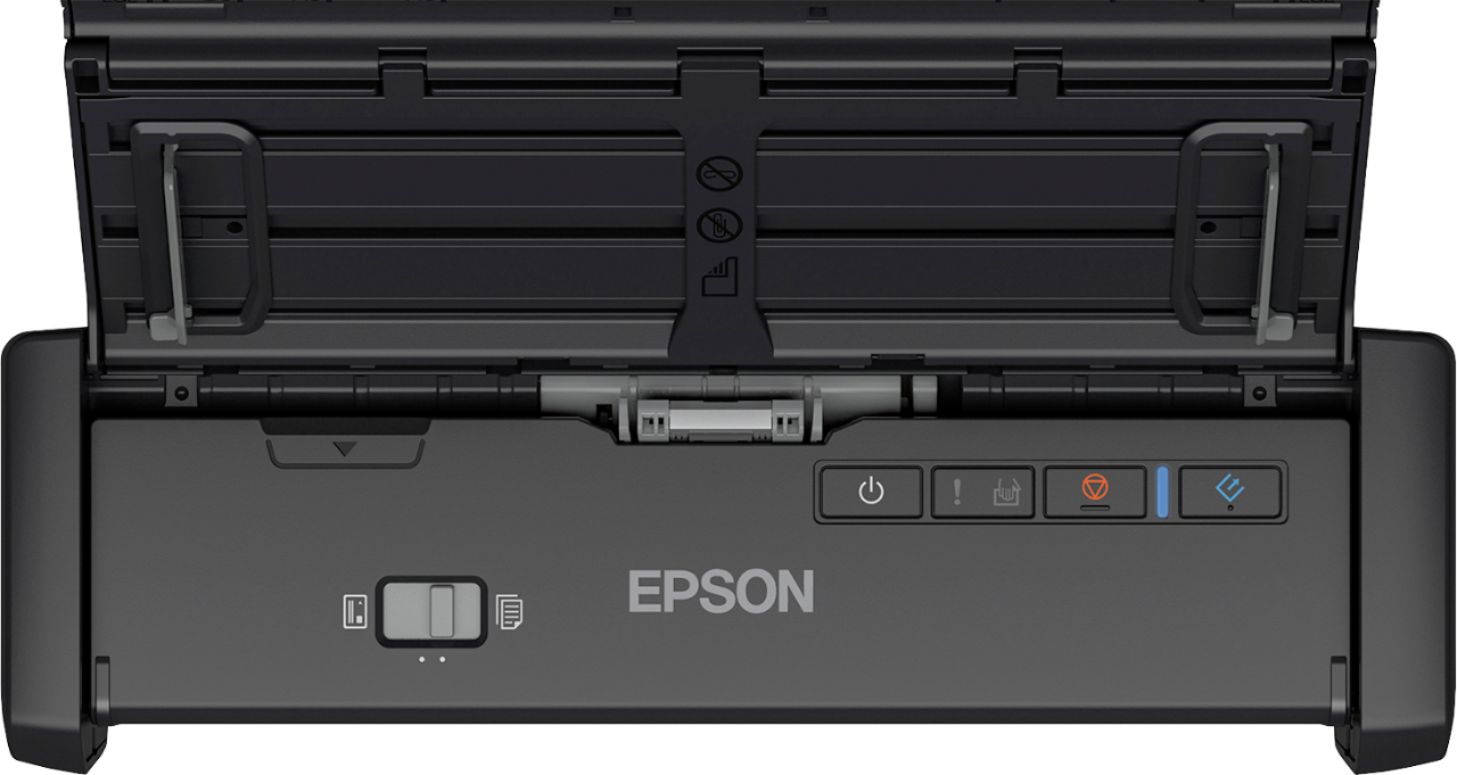
A:AnswerHi mutley, You can enable Automatic Feeding Mode in the driver. The ES-200 will feed your receipts as you load them. When Automatic Feeding Mode is enabled a light comes on on the scanner's front panel. Regards, Mark
A:Answerif you are counting on a CD for the latest software updates, you're expecting too much. By the time a product gets through the channels, to the store, and ultimately to the end consumer, there had BETTER be updates. I'm not trying to help you find a scanner, that's on you, but this one is great!!
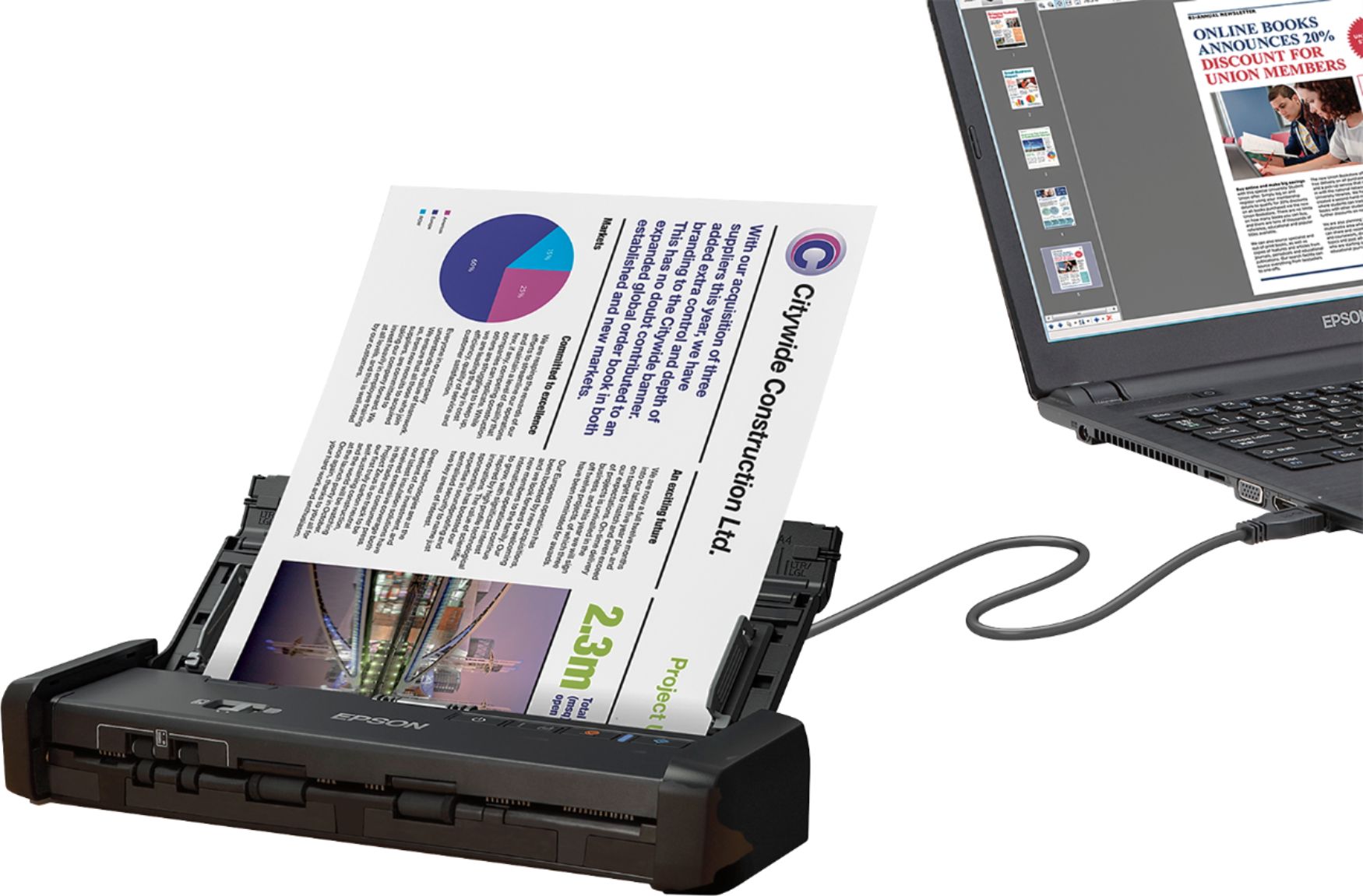
A:AnswerHi, The ES-200 is not wireless. It uses a USB cable for connectivity. Epson wireless scanners usually have a "W" in the name. Regards, Mark - The Epson Team.

A:AnswerObtain and email from the company in which it needs to be sent. Once you scan in with the epson onto computer or laptop you’ll save the files and then send them out as an attachment via email.
A:AnswerHi Mommers, The WorkForce ES-200 includes Epson Scan 2 software which allows you to rotate, sharpen, adjust contrast and brightness, and resize the image. You can also save the file as other files types than .jpeg, such as .png, .tiff, and .pdf. Regards, Dylan - The Epson Team.