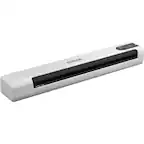
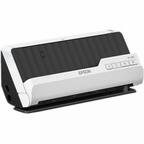
A:AnswerHi Techchallenged, Yes, you can print your scanned image and save the scanned file to your computer with the Epson WorkForce ES-50. Hope this clarifies your concern. Regards, Alexander - The Epson Team.
A:AnswerHi Mari, The Epson ES-50 Mobile color sheetfed document scanner is compatible with Mac OS X® 10.11.x to macOS® 10.15.x. If your Mac is running a version of OS X within this range, then it will work. Hope this answers your inquiry. Regards, Eduard - The Epson Team.
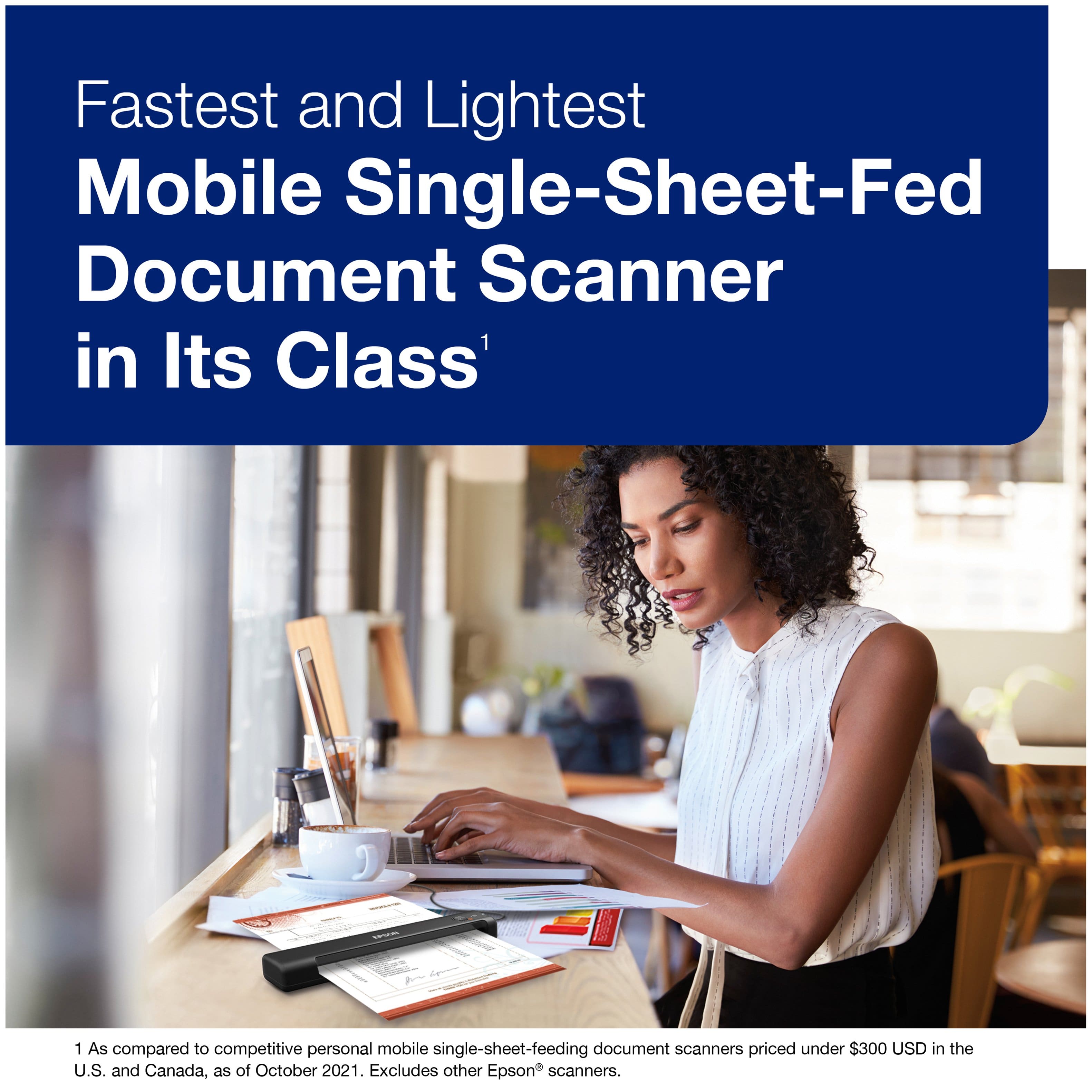
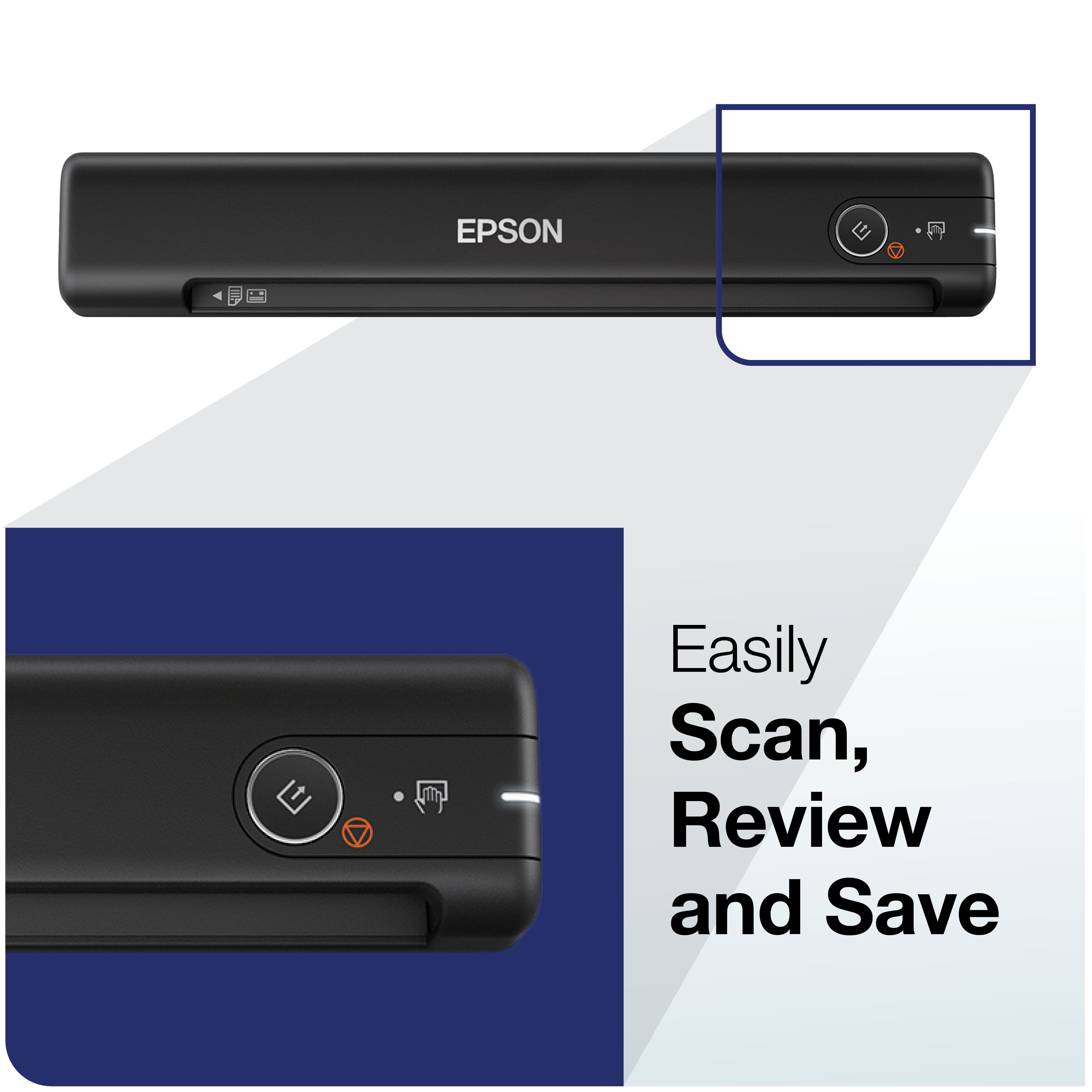
A:AnswerThe scanned document goes directly into the Epson software, which is installed. So when you scan, it shows up immediately in the application. From there, you can send, store, add to it as you wish.
A:AnswerThis is a scanner, it does not produce anything such as a printout. You need a separate printer if you want to print something. With the scanner, you feed a document that is already printed out and it puts that printed document on your computer to use, email, manipulate as you wish.
A:AnswerThe scanner does not use ink. You feed a document into it and it puts that document on your computer to use. Similar to taking a picture of the document and now that picture is on your computer to view.
A:AnswerThe scanner does not produce a printed document. The scanner allows you to take an existing document and put that document on your computer. Similar to taking a picture with your phone, then you transfer the picture to your computer. Any forms, documents, letters that you want to maintain in electronic form on your computer, the scanner allows you to scan it, then it appears as PDF on your computer.
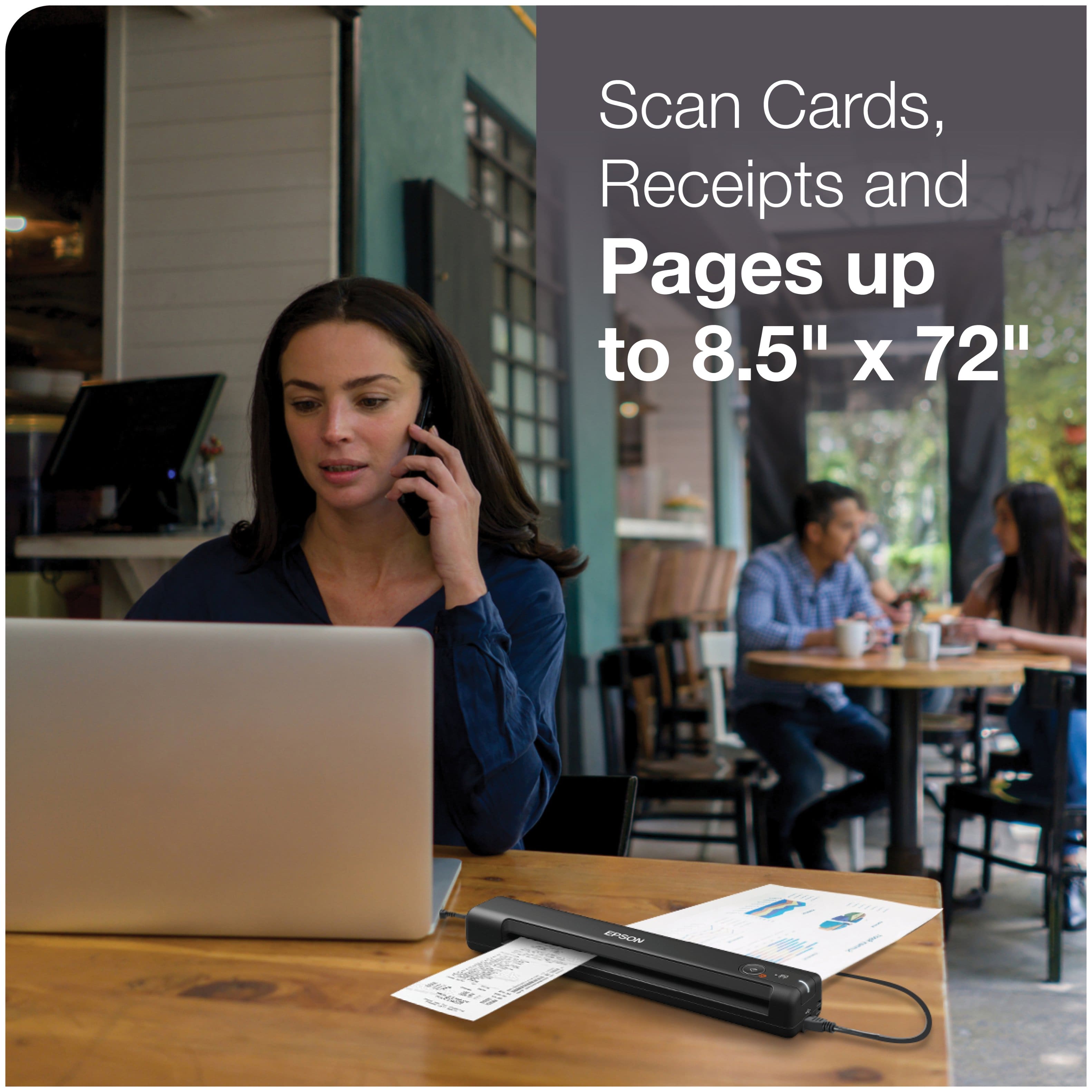
A:AnswerIt does on drivers license and IDs. Maybe a better scanner will do better if all you want to do is scan pictures. It scans at pretty high quality.
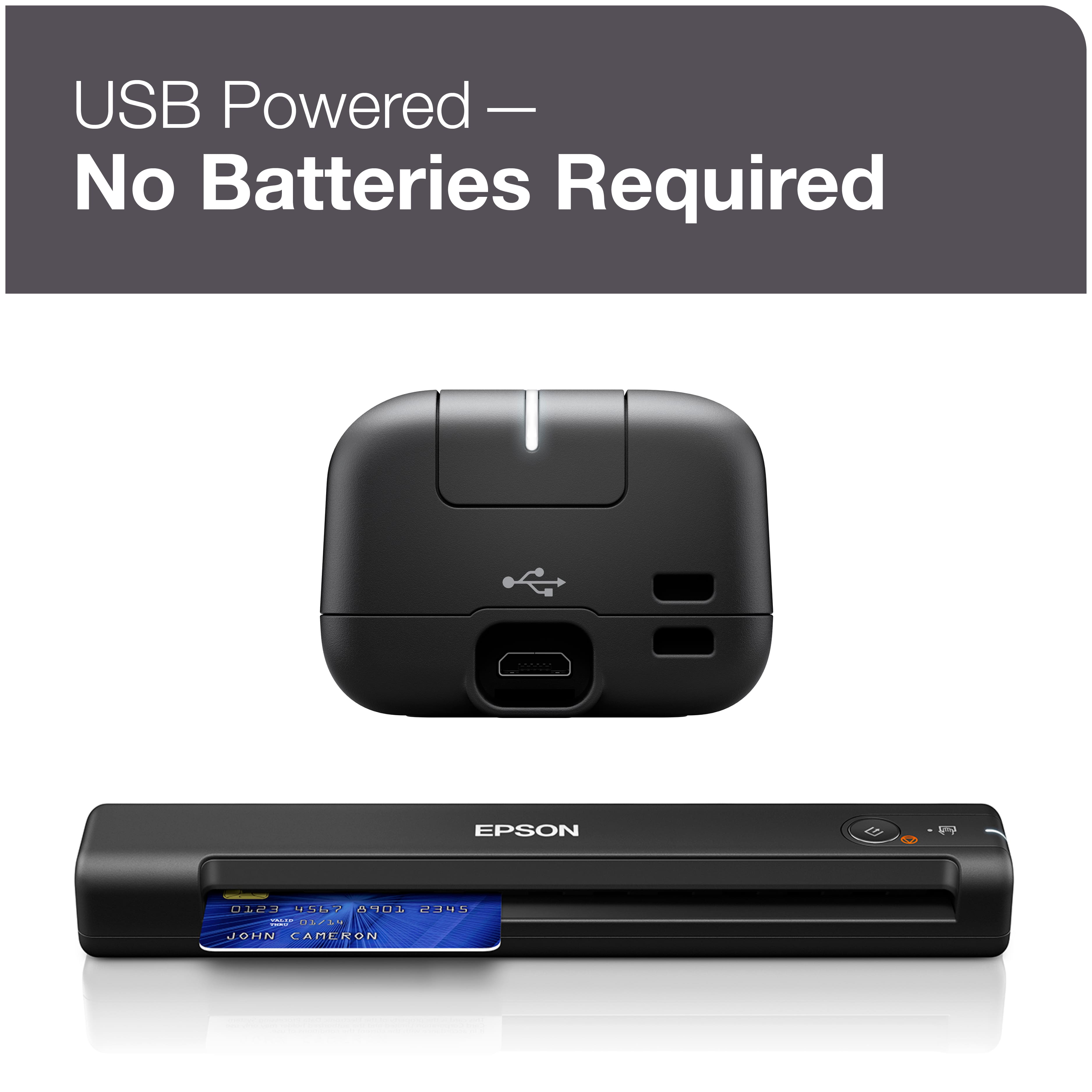
A:AnswerIf you're using a newer Mac with USB-C connections, you will need an adapter that converts you from USB-A to the new USB-C. Once you have the adapter, it's smooth sailing.