A:AnswerThe Epson Document Capture Pro software for Windows claims to be able to send the email through your email application or connect directly to an outbound SMTP server. There are even settings if your outbound email server requires authentication.
I wasn't able to send via Outlook when I tried, got an error each time. I was able to send directly through my outbound SMTP server, but the attachment was named with the MIME type "application/octet-stream" instead of a normal filename. I renamed it to a .jpeg and was able to open it but obviously that's not very good.
The Mac version, Document Capture, only seems to have the ability to use Apple Mail to send. I tried it but it didn't put the scan in the email as an attachment so not sure what may be wrong there.
So looks like it may take some work to get it to email reliably even though it boasts of that feature.
A:AnswerScans to BITMAP, JPEG, PNG, TIFF, Multi-TIFF, PDF and Searchable PDF. It looks like you can also save to DOCX, XLSX, and PPTX via 'Document Capture Pro' as well.
A:AnswerYes, this can be connected via a USB cord directly to your PC or PC docking station from the scanner. It works great wirelessly as well. This is a great scanner! We love it!
A:AnswerI did not use to scan baseball cards but did recently use to scan photos and it was done in seconds. The photos were various sizes and you have the option to scan front and back into one JPEG or PDF. Or you can change your settings to scan single sided only as I did. Again, I love this scanner. Super fast!
A:AnswerThe scanner holds a stack of paper. If it doesn’t hold all of the pages that you want in one pdf, you can refill it once the pages are scanned to continue scanning into the file.
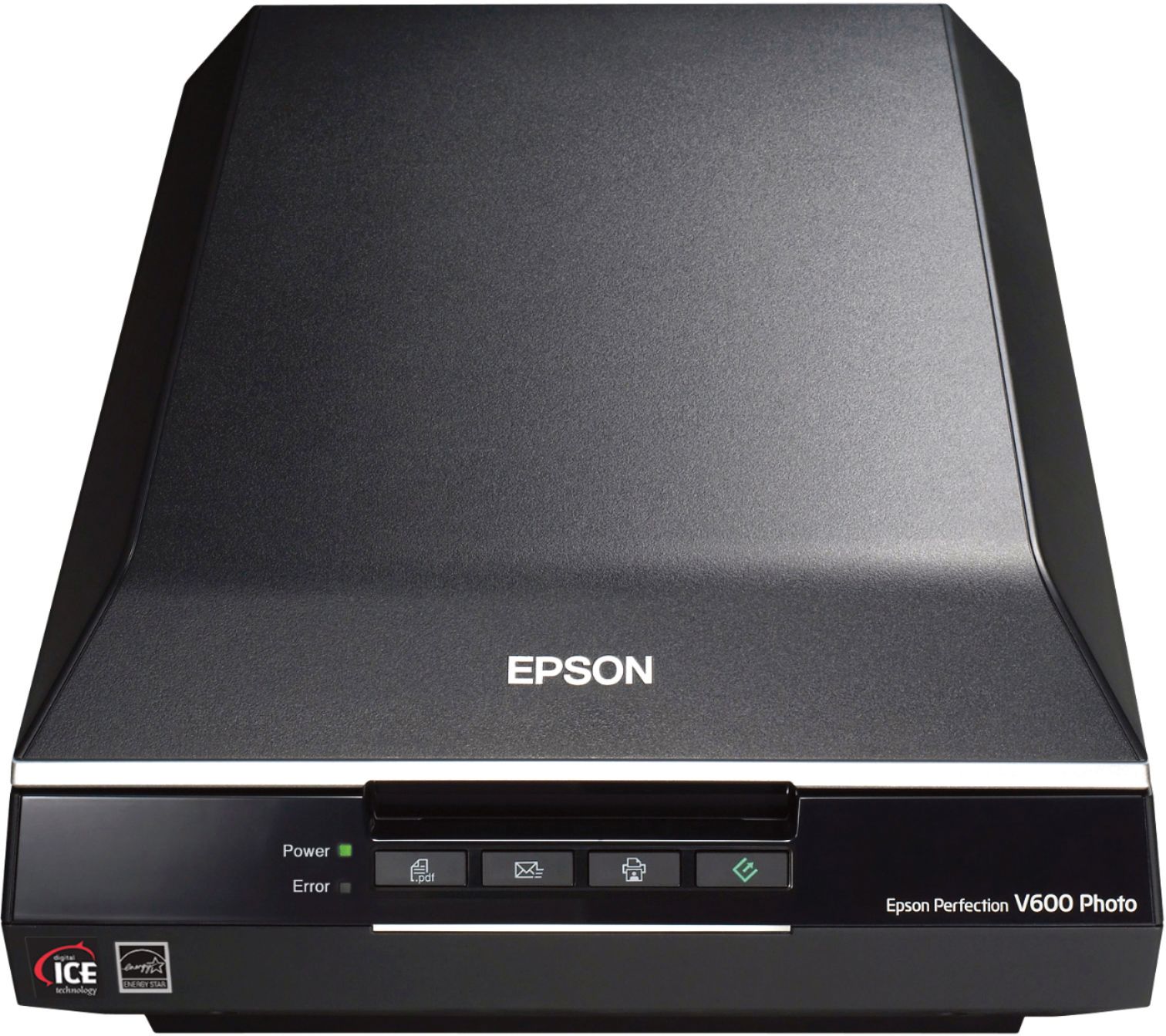
A:AnswerThis would not be a good scanner for that as this is a feed scanner. You would have to cut out all the pages. A flat bed would be better, like the Epson V600.
A:AnswerGo to My Documents folder, find the scanned document, open the scanned document and print. Bring up email, click on attach, browse My Documents folder for scanned document and then attach just like any other attachment. This is the only way I know right now. My device is new and I am still learning!
A:AnswerThis site describes how to hide the Epson ScanSmart icon from the menu bar in macOS Catalina:
https://stevenwestmoreland.com/2020/07/how-to-remove-the-epson-scansmart-icon-from-the-macos-menu-bar.html
A:AnswerHi Closer, PDF size depends on settings. Scanning 50 pages with the ES-500W as non-searchable text with maximum compression in black and white can be a few kilobytes. Scanning 50 pages of images in color with minimal compression can result in a PDF document that runs to many megabytes. Regards, Mark - The Epson Team.
A:AnswerHi RajW, The Epson WorkForce ES-500W is a document scanner. It can scan both sides at up to 35 pages per minute. A better solution for scanning photos quickly would be a dedicated photo scanner, like the Epson FastFoto, available at Best Buy. Regards, Mark - The Epson Team.