Questions & Answers
- Model:
- C11CH70201
- |
- SKU:
- 6469374
Highly rated by customers for: Print Quality, Ease of use, Overall Performance
$199.99$199.99
Save $80
The comparable value is Comp. Value: $279.99
Page Showing 21-40 of 74 questions
Q: QuestionWill this printer print on waterproof inkjet film sheets?
Asked by Tonya11.
- A:Answer Hello Tonya11. Unfortunately, we have not tested waterproof inkjet film sheets on the WF-7310. We recommend contacting the film manufacturer and confirming that they will work with our inkjet printers using pigment-based ink. Regards, Kevin - The Epson Team.
Answered by Epson

Q: QuestionIs this printer for subulation? Are u able to use subulation inks ?
Asked by Cindy.
- A:Answer Hello Cindy. The WF-7310 is not designed for dye-sublimation printing nor the use of non-genuine Epson Ink Cartridges. Using sublimation Ink in this printer can affect warranty coverage and create print head and ink-system issues. Regards, Kevin - The Epson Team.
Answered by Epson

Q: QuestionIs this good for photos?
Asked by Dd.
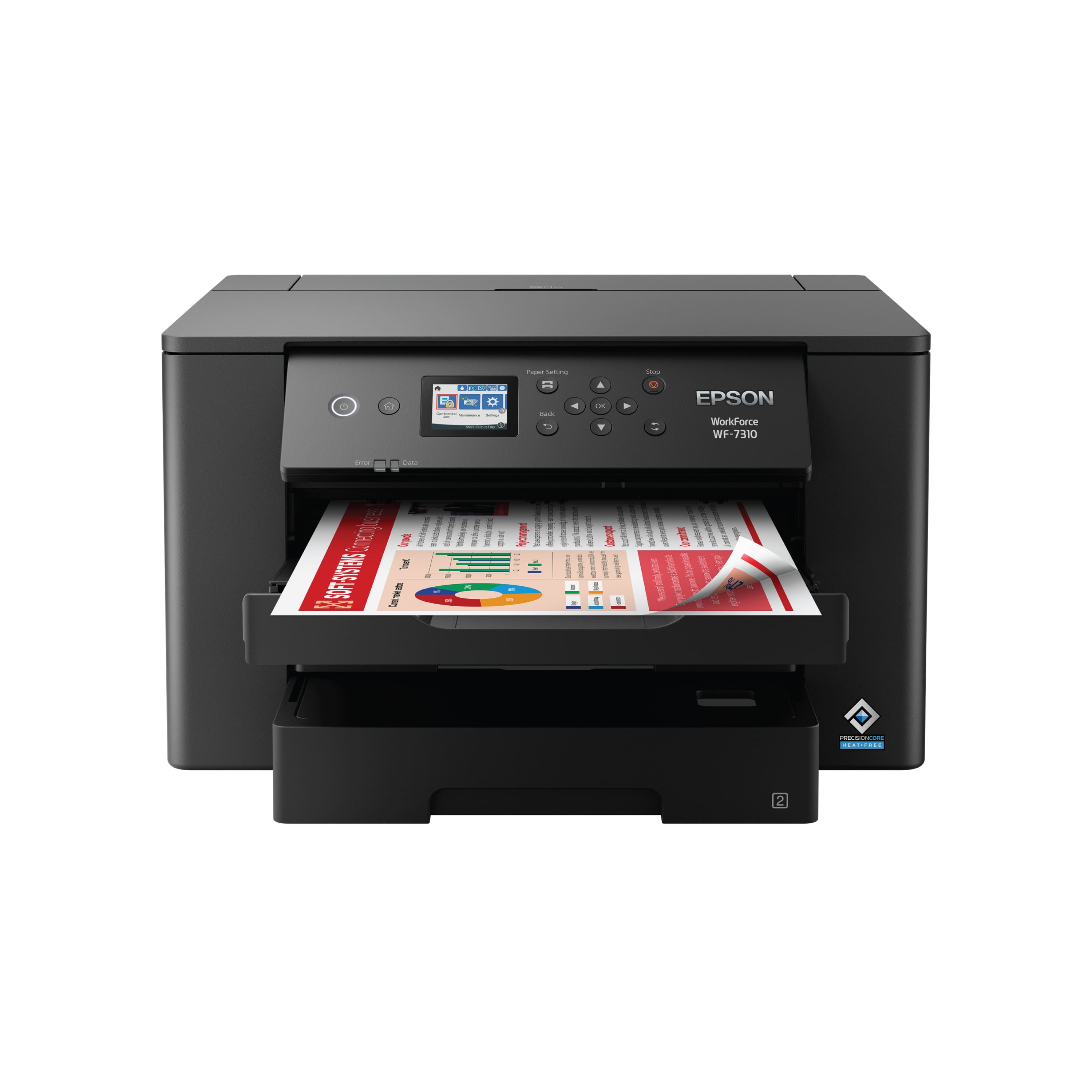
- A:Answer Hi Dd, The WF-7310 is primarily designed for home and office document printing, but if you use Epson photo or photo matte paper and set it to high quality, the WF-7310 prints good photos. If you want excellent-quality photos, consider a printer from the Epson Expression line. Regards, Kevin - The Epson Team.
Answered by Epson

Q: QuestionDoes the 7310 print borderless?
Asked by Nora.
- A:Answer Hello Nora. Yes, borderless printing is available on the WF-7310. Please note that borderless printing is only available when selecting specific paper types and sizes. For more details, see the "Borderless Paper Type Compatibility" section in the User Guide. Regards, Kevin - The Epson Team.
Answered by Epson

Q: QuestionDoes this machine autoduplex? And can it print DVD?
Asked by Wantitall.
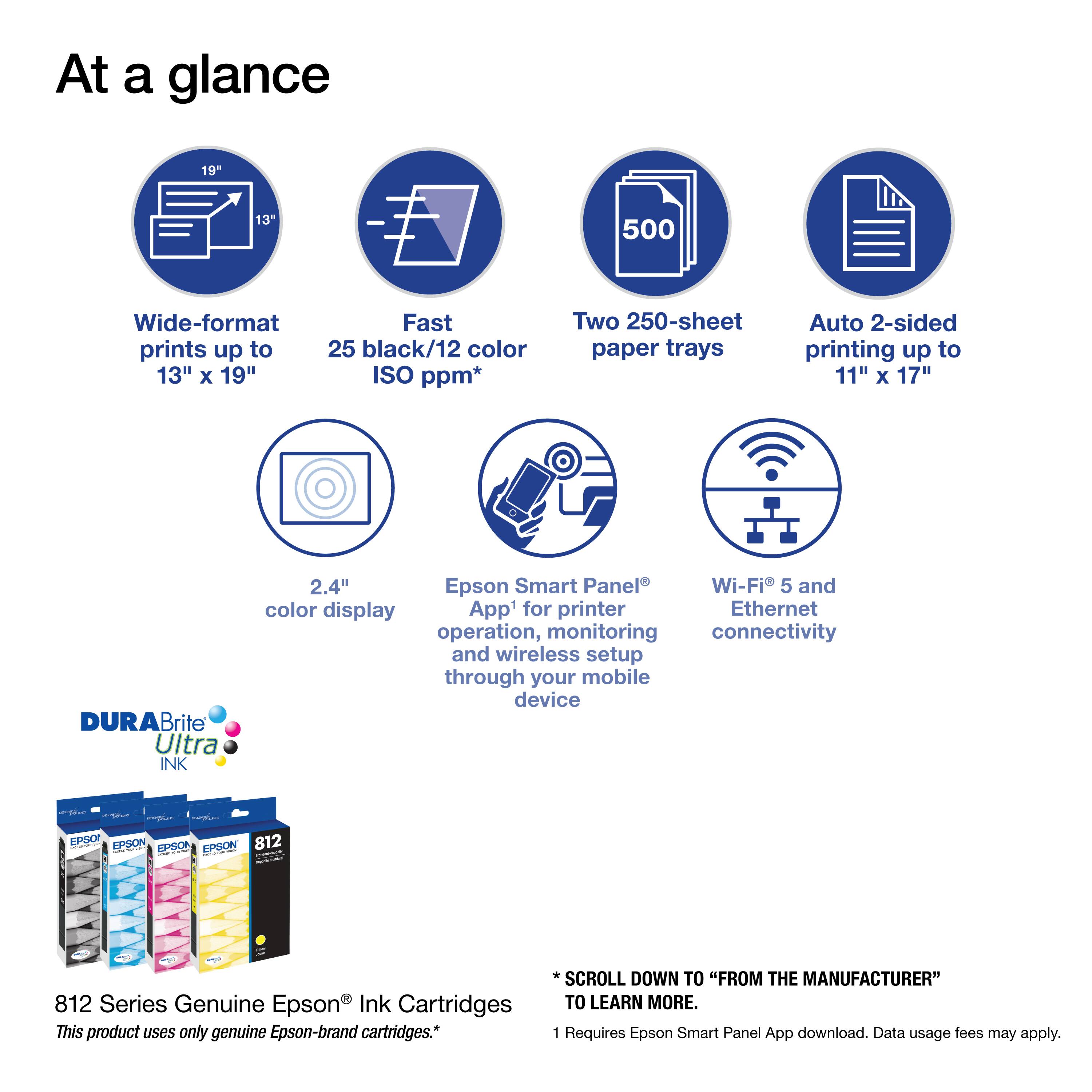
- A:Answer Hello Wantitall. Yes, the WF-7310 supports automatic 2-sided printing. Unfortunately, CD/DVD printing is not available for this model. Regards, Kevin - The Epson Team.
Answered by Epson

Q: QuestionIf it can print on 11x17 size paper, can it also print on 8.5x14 size paper?
Asked by cfesta.
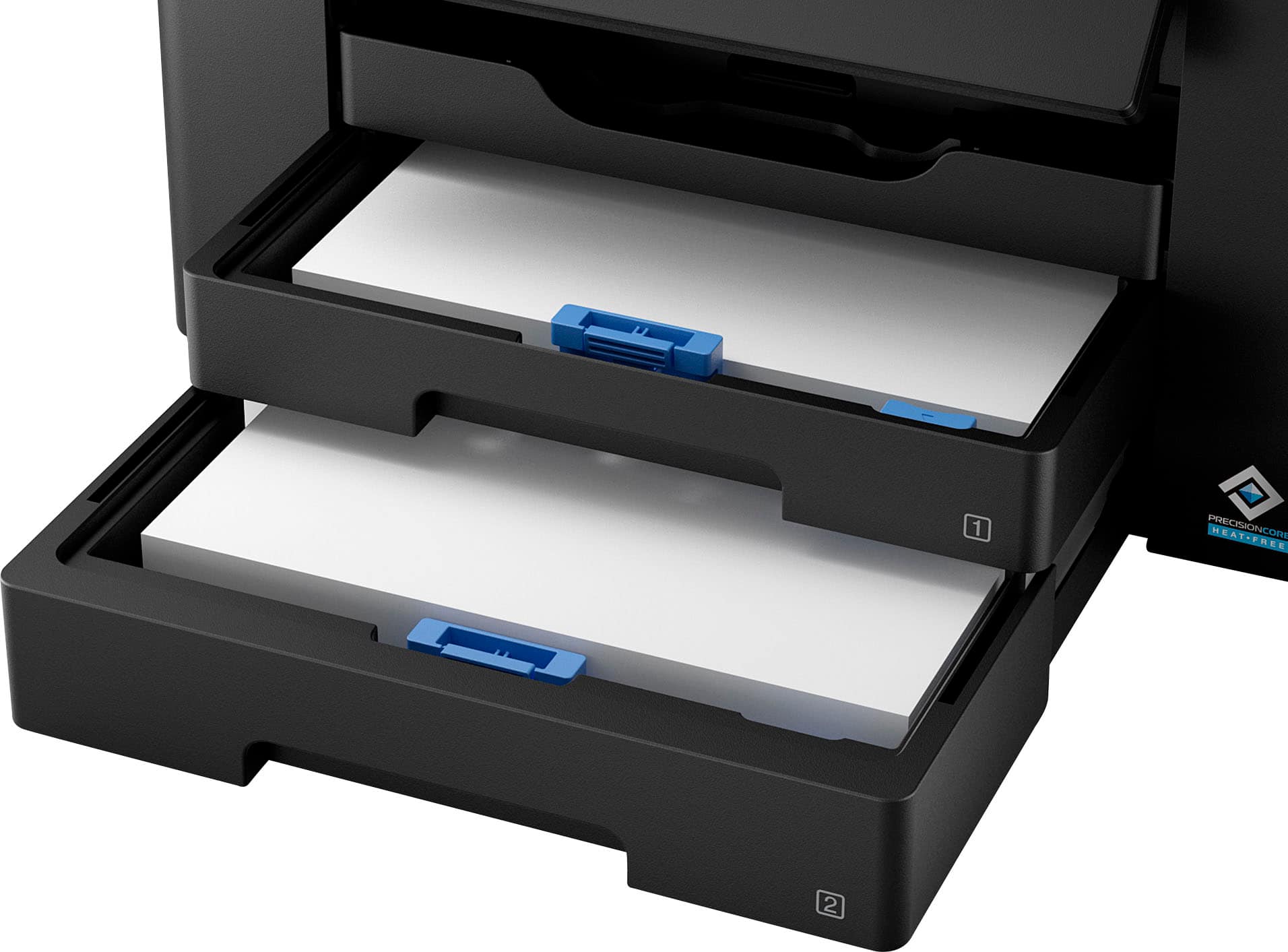
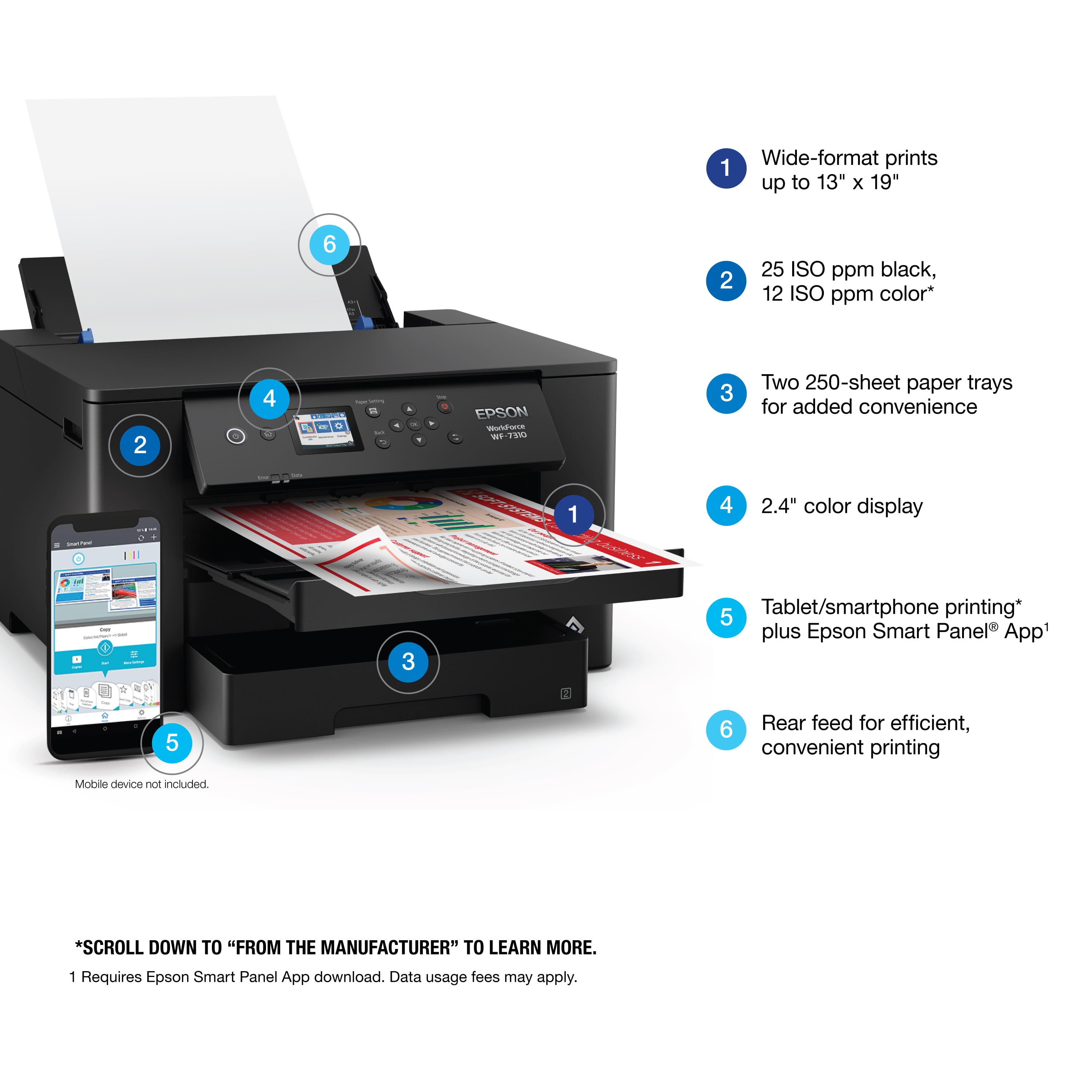
- A:Answer Hello cfesta. Yes, the WF-7310 can print on 8.5" x 14" paper. The printer supports sizes ranging from 3.5" x 5" to 13" x 19". Regards, Kevin - The Epson Team.
Answered by Epson

Q: QuestionCan the EPSON WF-7310 PRINT OUT A 11x17 size print from my laptop?
Asked by Boston.
- A:Answer Hello Boston. Yes, the WF-7310 can print on 11" x 17" paper. The printer supports paper sizes ranging from 3.5" x 5" to 13" x 19". Regards, Kevin - The Epson Team.
Answered by Epson

Q: QuestionMy PC doesn't have a CDROM drive, can the drivers be downloaded for setup?
Asked by Battenkill.
- A:Answer Hello. Yes, you can find the latest drivers and software available for download on our official Epson Support page. Regards, Kevin - The Epson Team.
Answered by Epson

Q: Questionwhat are my options for the WF-7310 if I only want to print black ink for screen printing film positives? can i just put 4 black cartridges in?
Asked by yoyowutup.
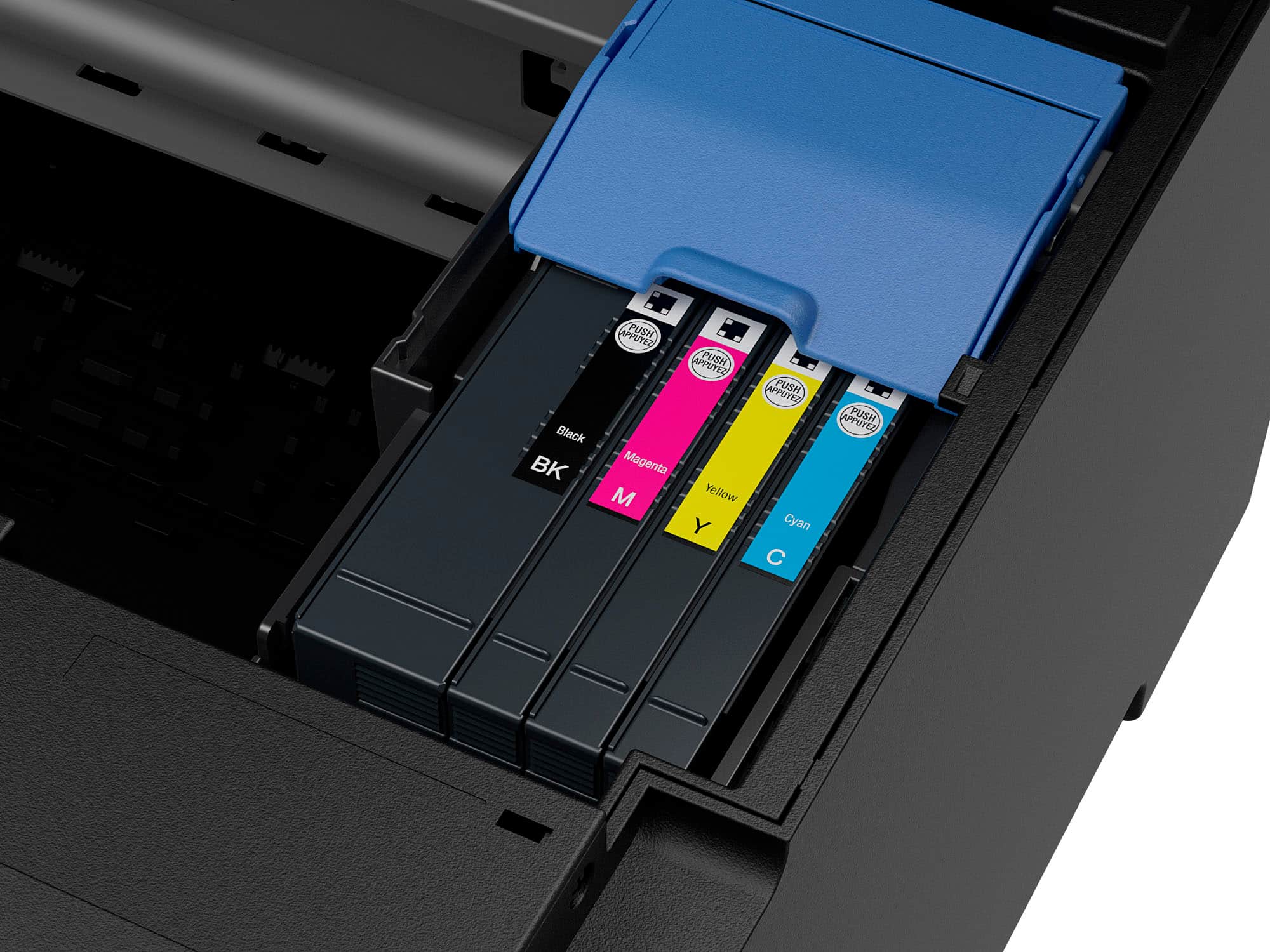
- A:Answer Hello yoyowutup. The WF-7310 can only be used with four Epson Cyan, Magenta, Yellow, and Black 812 Ink Cartridges. Unfortunately, the machine will not work if you use four Black Ink Cartridges only. Regards, Kevin - The Epson Team.
Answered by Epson

Q: Questionis this a printer, scanner , fax
Asked by test.
- A:Answer Hello test. The WF-7310 does not include fax features. We recommend looking at the WF-7820 as an alternative printer with fax functionality included. Regards, Kevin - The Epson Team.
Answered by Epson

Q: QuestionI tried running 11 x 17 paper through the printer and it just comes out the top cassette part without printing anything, what’s the problem here?
Asked by Ddog.
- A:Answer Hello Ddog. Please ensure the paper size & source settings on your print software are properly selected. This can sometimes result in a blank page. If you need additional assistance, please contact our Technical Support team by phone. Regards, Kevin - The Epson Team.
Answered by Epson

Q: QuestionWill this model print on 11x17 paper?
Asked by Mountaineer.
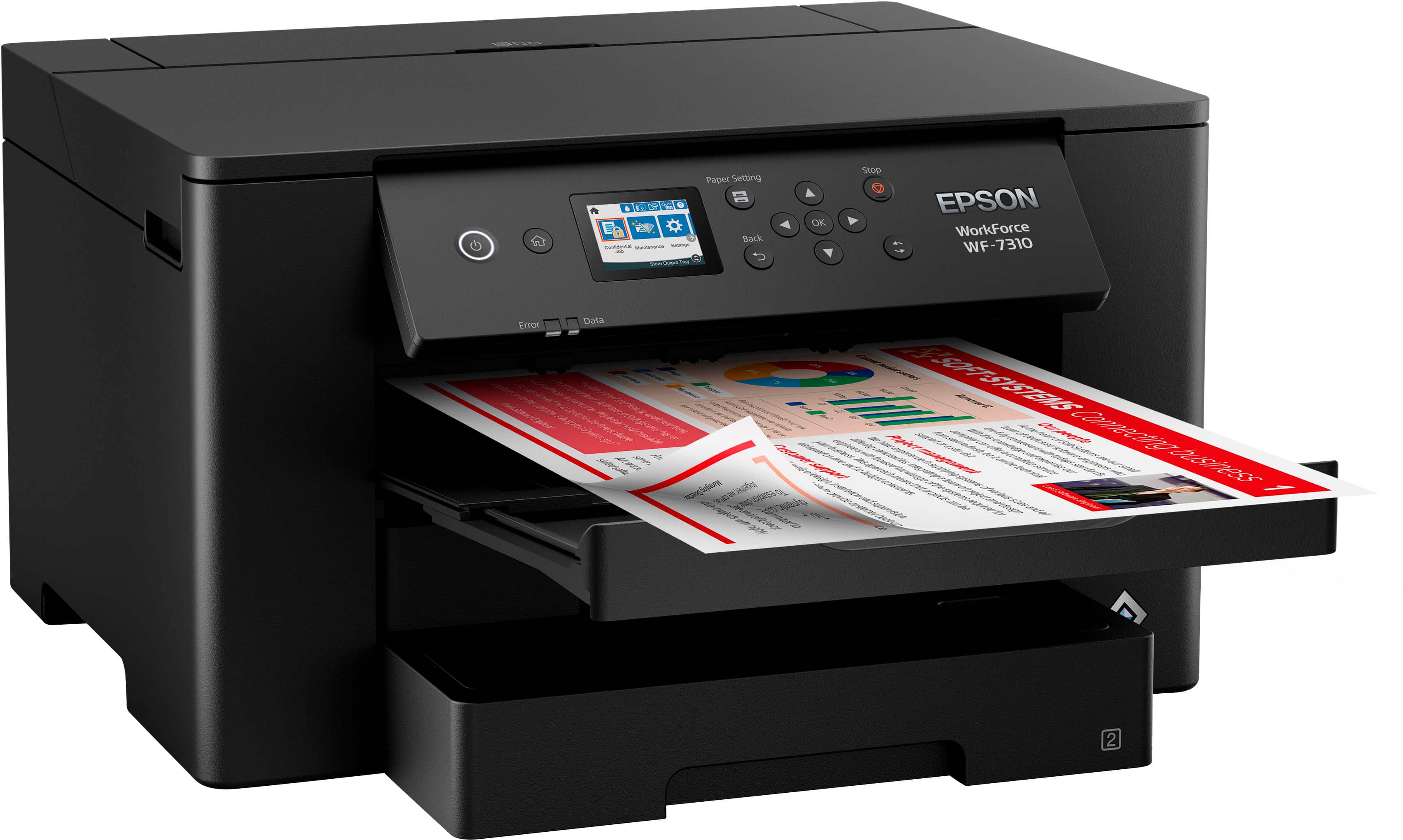
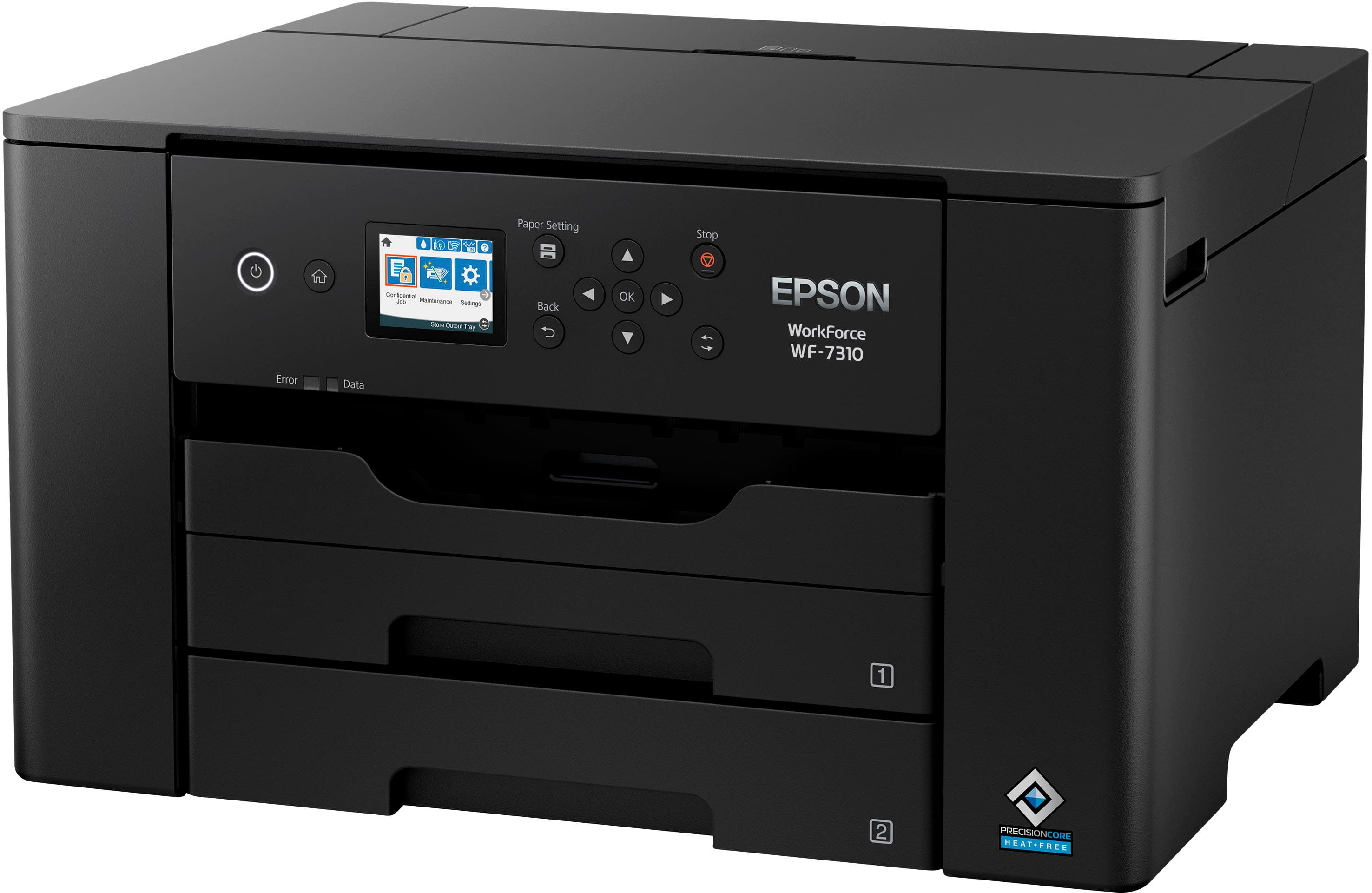
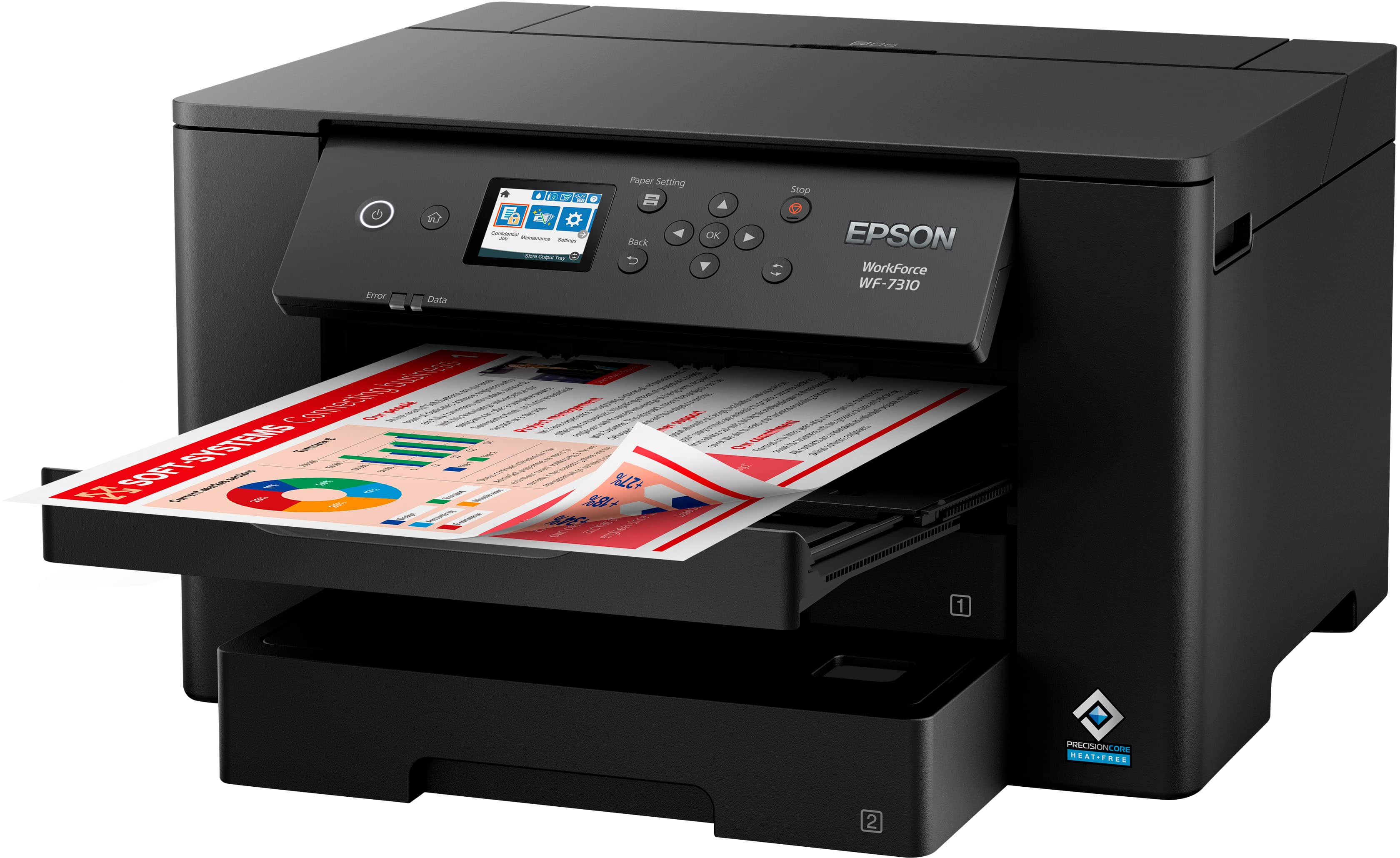
- A:Answer Yes - either in an extendable paper cassette or top rear feed.
Answered by Mark
Q: QuestionCan this printer print on vinyl sticker paper? Or vinyl matte premium paper? If not which printer would you recommend for vinyl sticker printing?
Asked by Papercomparability.
- A:Answer Hello Papercomparability. The WF-7310 is designed to print on compatible Epson photo paper and plain paper. Unfortunately, we have not tested vinyl paper on the machine, so your results will vary. We recommend contacting the vinyl manufacturer to confirm compatibility. Regards, Kevin - The Epson Team.
Answered by Epson

Q: QuestionIs there a place to add 13 x 19 paper somewhere other than the rear paper tray one sheet at a time
Asked by littlebit.
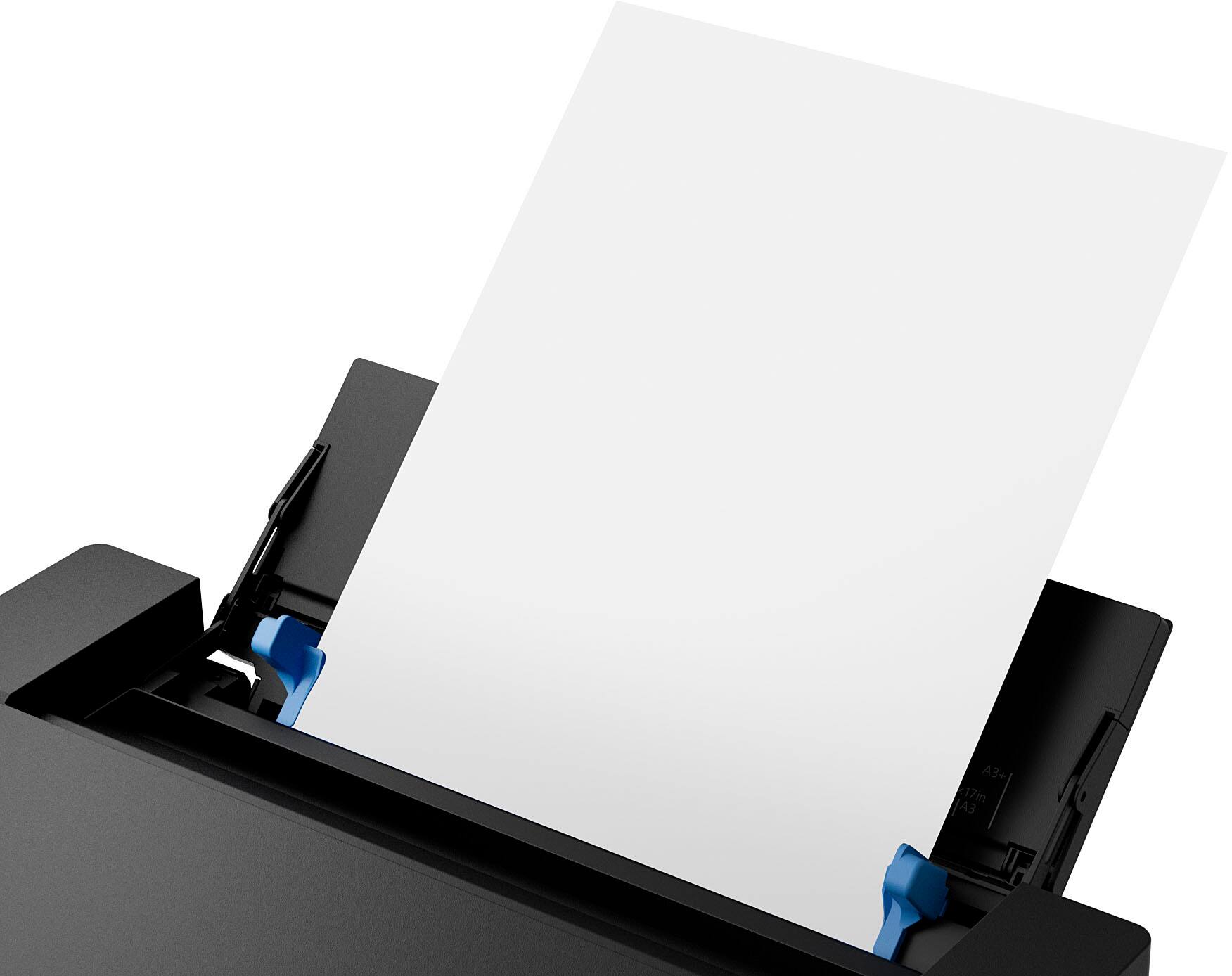
- A:Answer Hi littlebit, The WF-7310 does not have a paper tray that accepts more than one sheet of 13" x 19" paper at a time, but the Epson ET-16600 does! The ET-16600's rear tray accommodates up to 50 sheets of 13" x 19" plain paper at a time. The ET-16600 is currently available at BestBuy.com (inventory levels can vary). Regards, Dylan - The Epson Team.
Answered by Epson

Q: QuestionIs the Epson Work Force Pro WF-7310 compatible with a Apple Mac Mini with M2 chip.
Asked by Printer.
- A:Answer Hello Printer. Yes, the WF-7310 is compatible with computers using Apple's M2 processor. You can visit our official Epson Support page to download the latest driver. Regards, Kevin - The Epson Team.
Answered by Epson

Q: QuestionDoes this printer take 13x19 photo paper.
Asked by Larry.
- A:Answer Yes - thru the top rear feed.
Answered by Mark
Q: QuestionCan I fill the ink tans with sublimation ink?
Asked by Nancy.
- A:Answer Hello NancyZ. The Epson WF-7310 is not designed for dye-sublimation printing nor the use of non-genuine Epson Ink Cartridges. Using sublimation Ink in this printer can affect warranty coverage and create print head and ink-system issues. Regards, Kevin - The Epson Team.
Answered by Epson

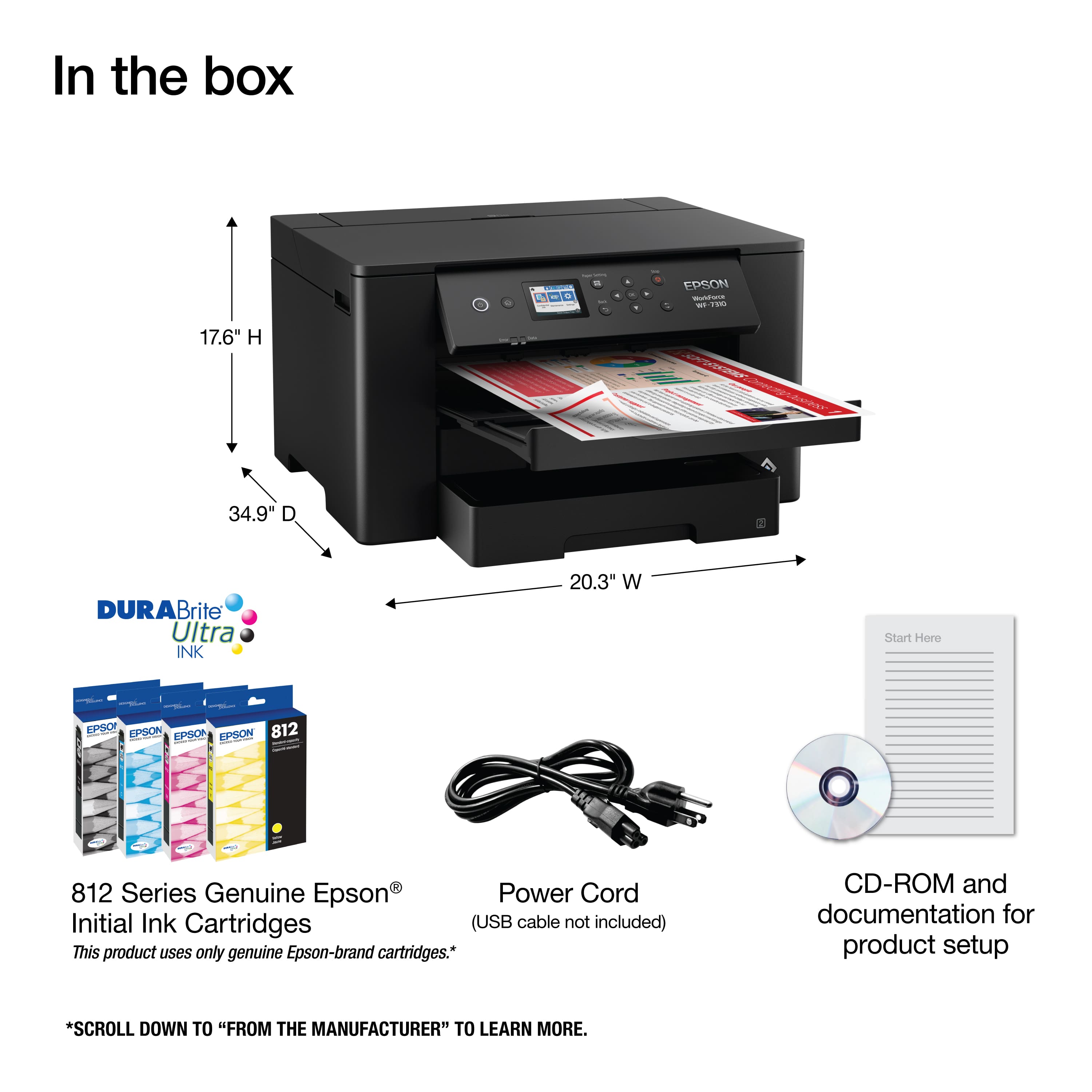
Q: QuestionCan this printer take 12 x 12 card
Asked by Pollyd.
- A:Answer Hello Pollyd. Yes, the WF-7310 can print on 12" x 12" paper. Please note we have not tested 3rd party paper with our machines. Your results will vary depending on the paper thickness you use. Regards, Kevin - The Epson Team.
Answered by Epson

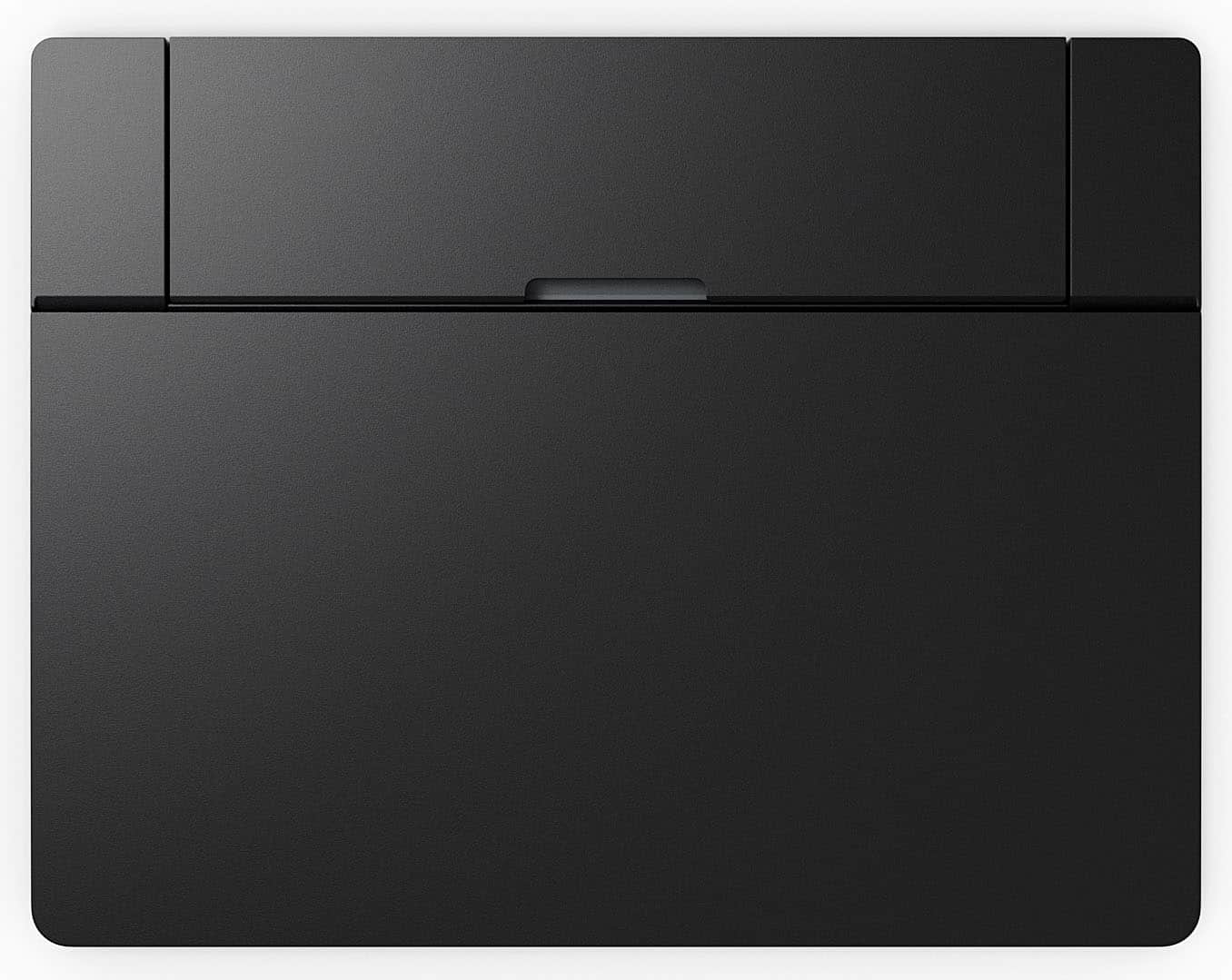
Q: QuestionIs there an SD card slot? Will it print photos?
Asked by rj.
- A:Answer Hi rj, The Workforce Pro WF-7310 does not have an SD slot. It will print good photos on photo or photo matte paper. If you want to print excellent-quality photos using a printer that does have an SD slot, check out Epson's Expression printer line. Regards, Mark - The Epson Team.
Answered by Epson

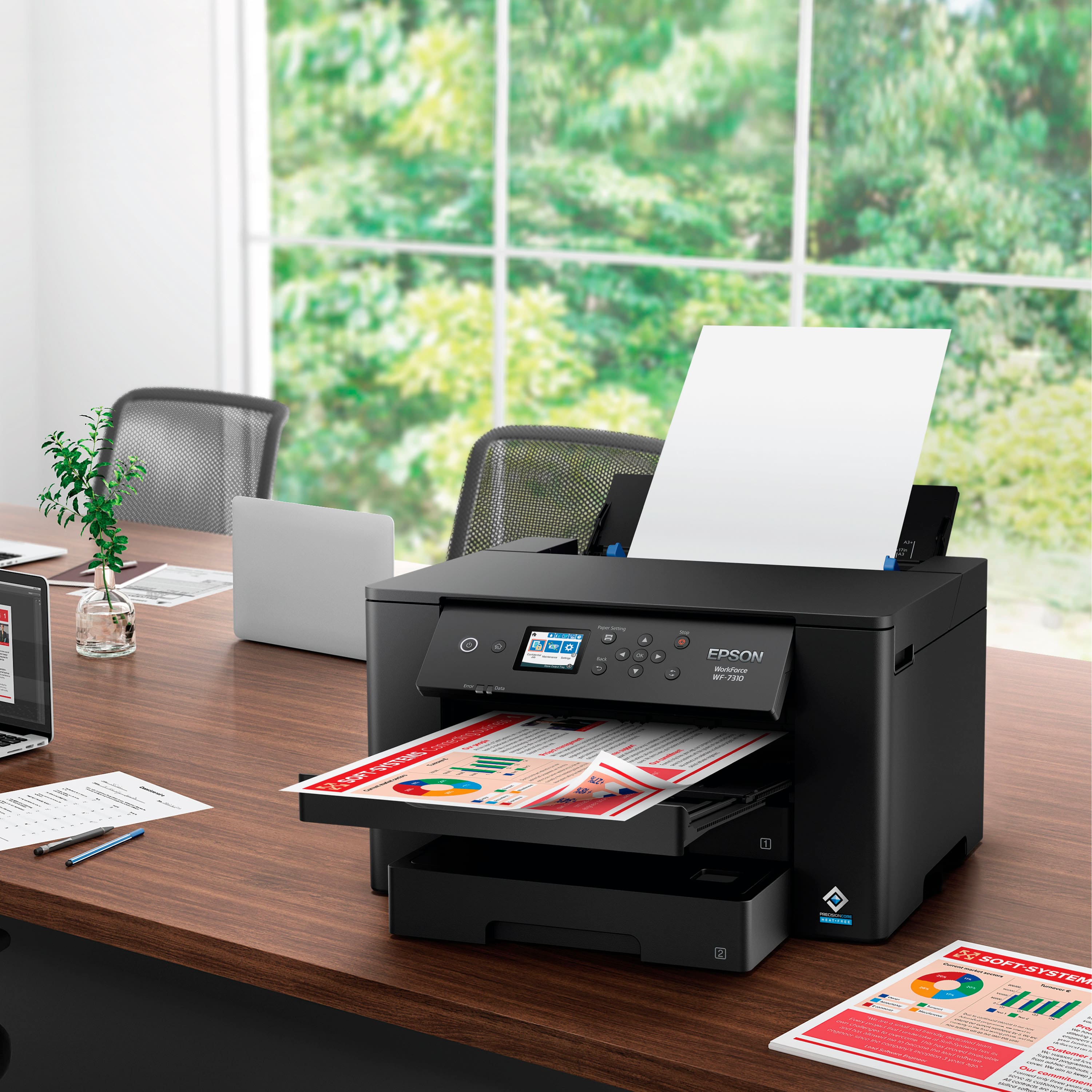
Q: QuestionIs the 7310 good using heat transfer paper for tee shirts?
Asked by Wano.
- A:Answer Hi Wano, The WorkForce Pro WF-7310 works well with Epson Iron-on Cool Peel Transfer Paper. If you try another brand, start with a small print job to make sure the results are satisfactory. Regards, Mark - The Epson Team.
Answered by Epson

Most-viewed items
- $222.00$222.00The price was $249.99
- $132.80$132.80The price was $140.00
- $54.99$54.99The price was $94.99
- $69.00$69.00The price was $107.00
- $129.99$129.99The price was $199.99
- $299.89$299.89The price was $429.89
- $79.99$79.99The price was $149.99
- $148.99$148.99The price was $161.00
- $249.99$249.99The price was $323.00
- $249.99$249.99The price was $349.99