Questions & Answers
- Model:
- C11CH78201
- |
- SKU:
- 6426723
Highly rated by customers for: Print Quality, Ease of use, Setup
$329.99Your price for this item is $329.99
Page Showing 21-40 of 117 questions
Q: QuestionDoes ink cartridges come with the printer? Does a USB cord come with the printer?
Asked by Pam.
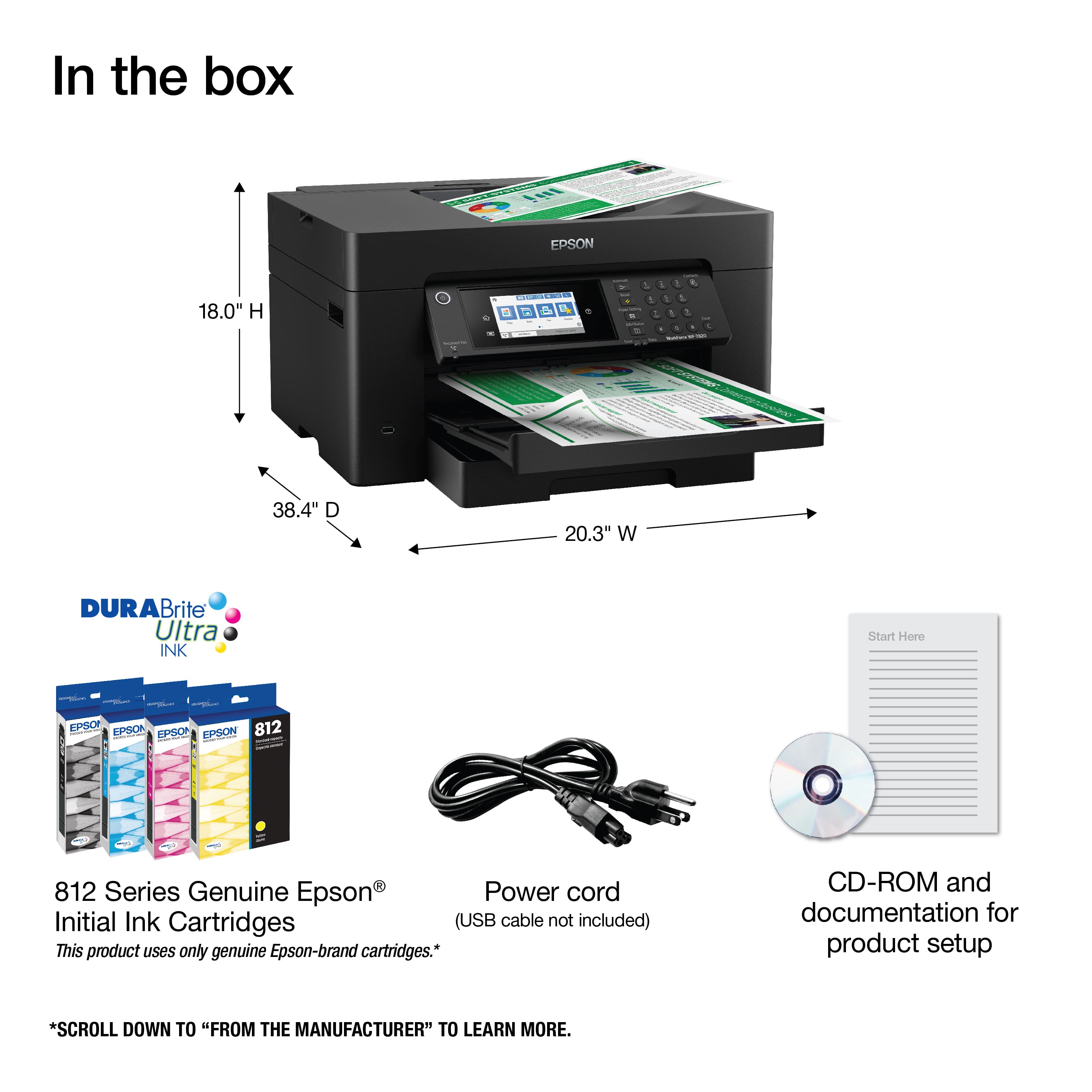
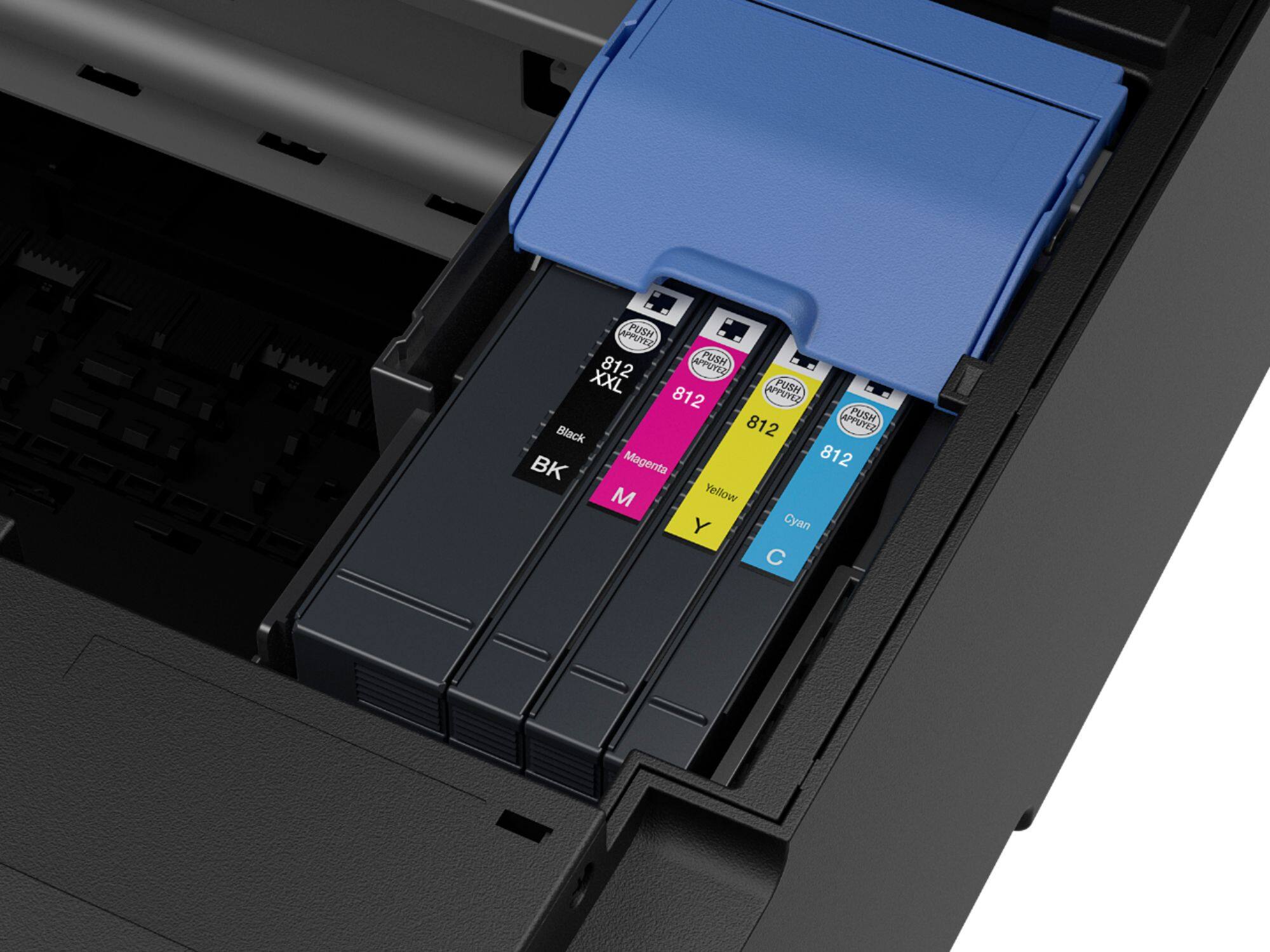
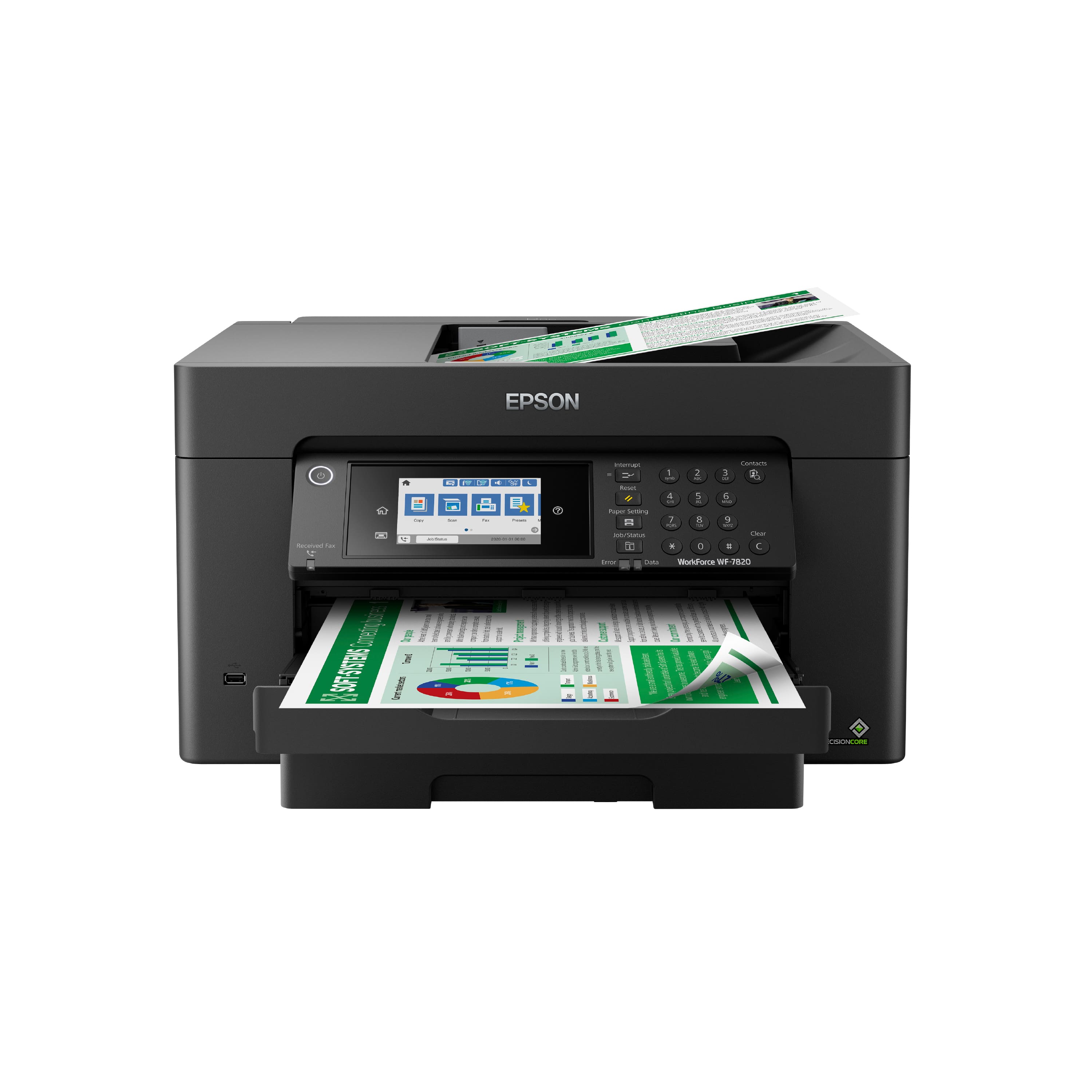
- A:Answer Hi Pam. No, a USB cable is not included with the WorkForce Pro WF-7820. However, this printer does come with four ink cartridges (Cyan, Magenta, Yellow, and Black) for the initial setup only. Most of this ink is used to charge the ink delivery system and the rest will be available for printing. Regards, Bobby - The Epson Team.
Answered by Epson

Q: QuestionDoes the software package include OCR type of capability for the scanner?
Asked by OCR.
- A:Answer Hi OCR. No, the EPSON Scan OCR Component is not a part of the Drivers and Utilities Combo Package Installer. However, it can be downloaded and installed for free from the official Epson Support website or running the Epson Software Updater. Regards, Bobby - The Epson Team.
Answered by Epson

Q: QuestionIs it able to print on Printable Heat Transfer Vinyl?
Asked by Yazmin.
- A:Answer Hi Yazmin, No, the WorkForce Pro WF-7820 cannot print on vinyl media. For a complete list of compatible paper types please see the Epson support site. Regards, Mark - The Epson Team.
Answered by Epson

Q: QuestionCan this printer do borderless printing, all the way to 11x17?
Asked by Elia.
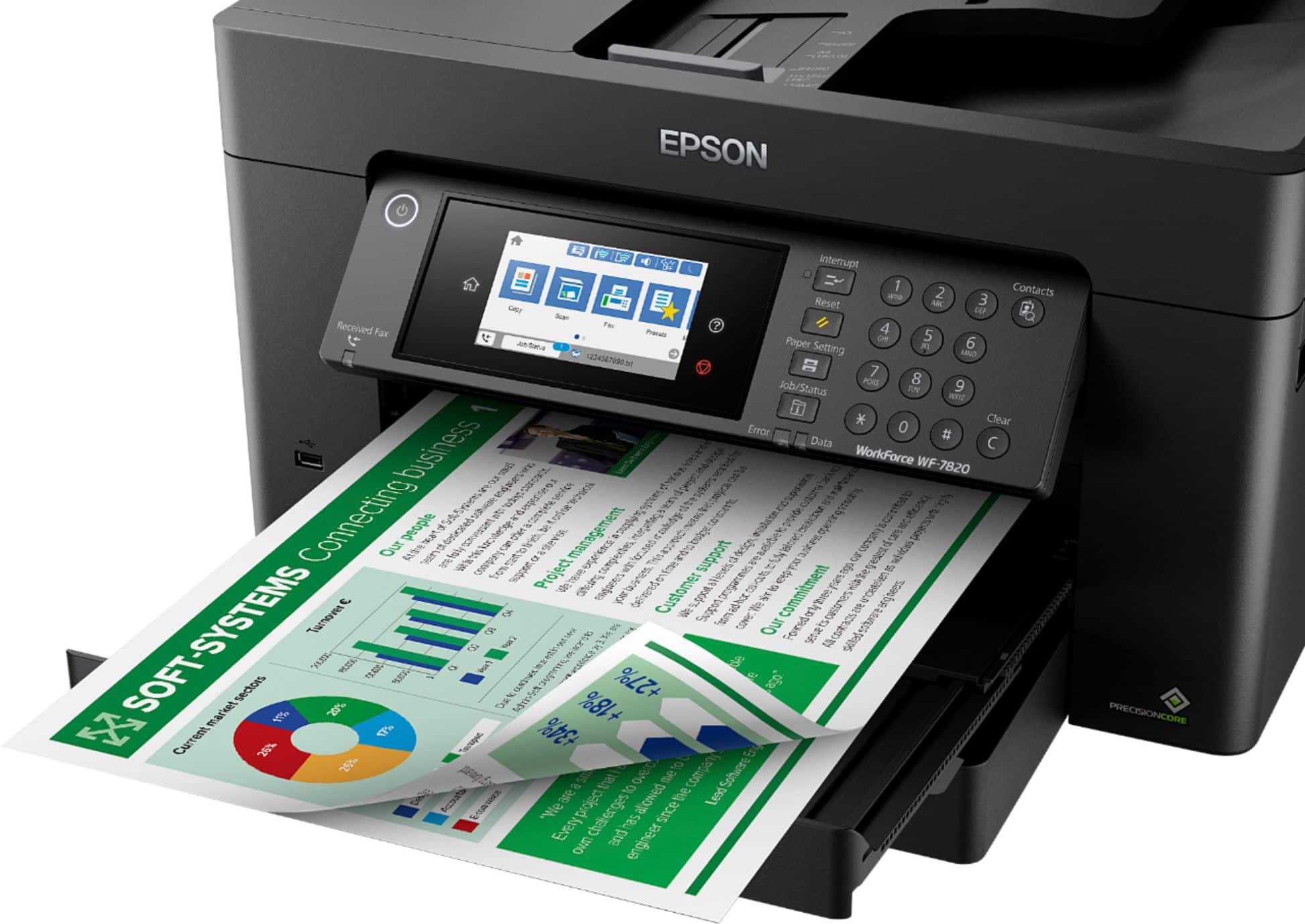
- A:Answer Hello Elia. Yes, the WF-7820 can print 11" x 17" borderless images. Please note that borderless printing is only available when selecting specific paper types. For more details, see the "Borderless Paper Type Compatibility" section in the User Guide. Regards, Kevin - The Epson Team.
Answered by Epson

Q: QuestionCan this print from several computers with different versions of Windows? Right now, my WF7510 won't print from Win 7 and 10 machines - only one or the other. It gets confused and I have to reinstall the Epson software to get it to work again.
Asked by Lotsocomputers.
- A:Answer Hello Lotsocomputers. Yes, you can use the WF-7820 with several computers running Windows 7 - 11. You want to ensure you download and install the latest driver from our official Epson Support page before using the printer on each computer. Regards, Kevin - The Epson Team.
Answered by Epson

Q: Questiondoes it enlarge and reduce
Asked by ErpJr.
- A:Answer Hello ErpJr. Yes, you can reduce and enlarge prints directly from the print settings on your computer. You can also reduce and enlarge copies between 25% to 400% from the control panel. On the copy screen, you can find the option under the basic settings tab. Regards, Kevin - The Epson Team.
Answered by Epson

Q: QuestionCan you use the workforce WF 7820 to print stickers? If you can, what kind?
Asked by Lola.
- A:Answer I used the paper studio sticker paper
Answered by CassJ
Q: QuestionHow is this for printing checks, particularly a single check?
Asked by Designerang.
- A:Answer Hello Designerang. The WF-7820 can print a check image. However, printing checks could require using "MICR" ink, which the printer does not support. Regards, Kevin - The Epson Team
Answered by Epson

Q: Questioncan I send a fax with this machine.????
Asked by Anonymous.
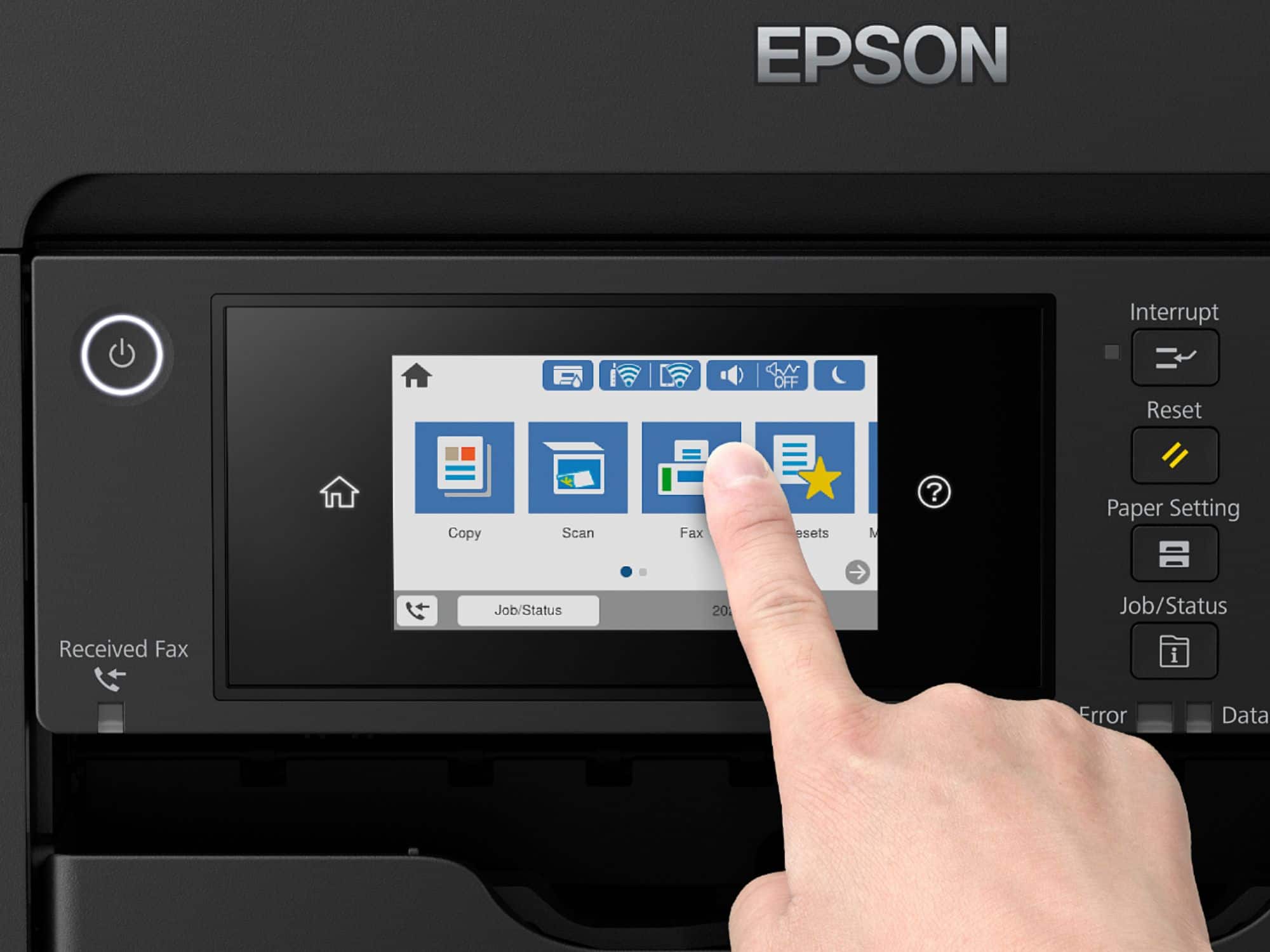
- A:Answer Hello. Yes, the WF-7820 is an All-In-One printer that includes copy, scan, print, and fax functionality. Regards, Kevin - The Epson Team.
Answered by Epson

Q: QuestionHow large of an area can be scanned with this scanner?
Asked by RetiredGuy.
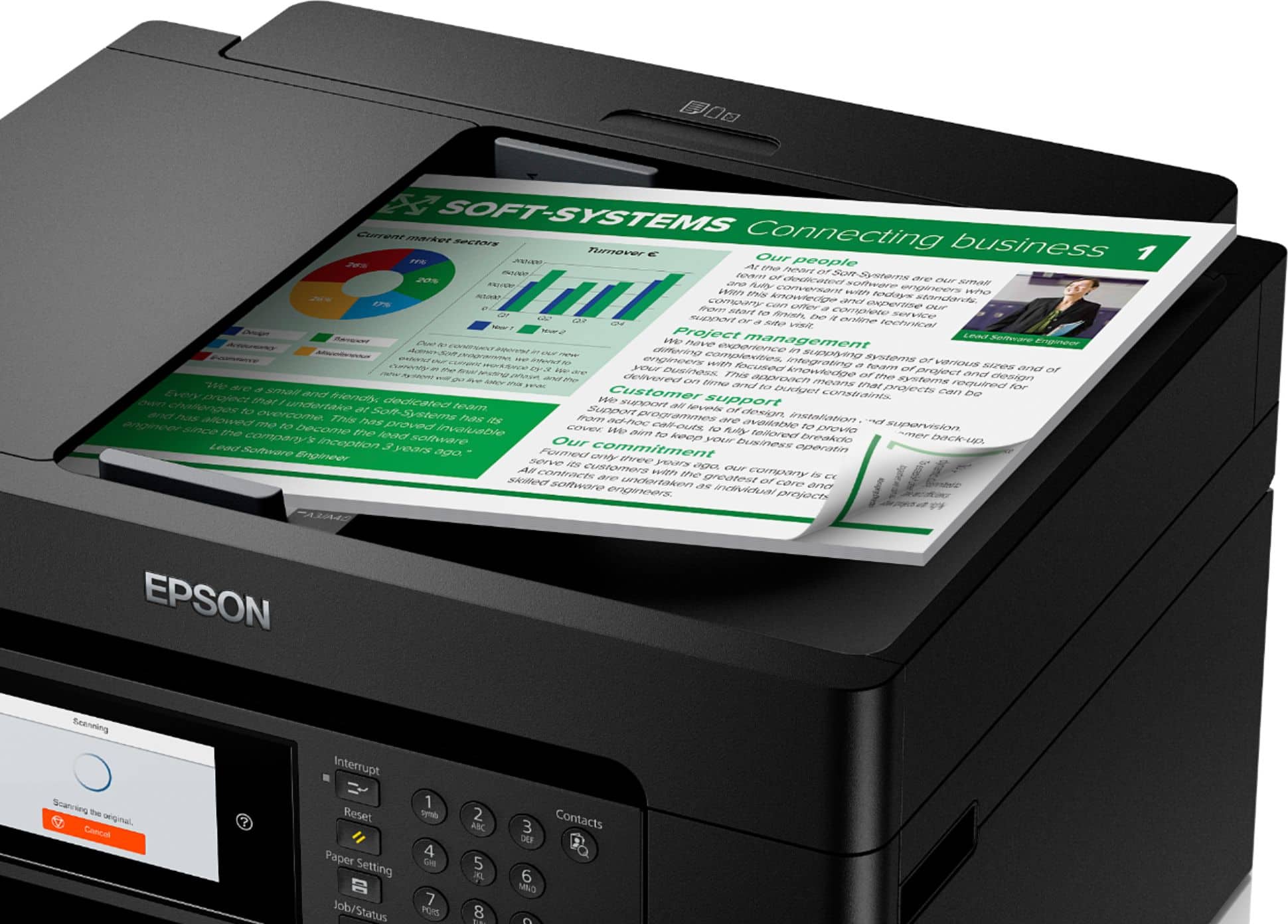
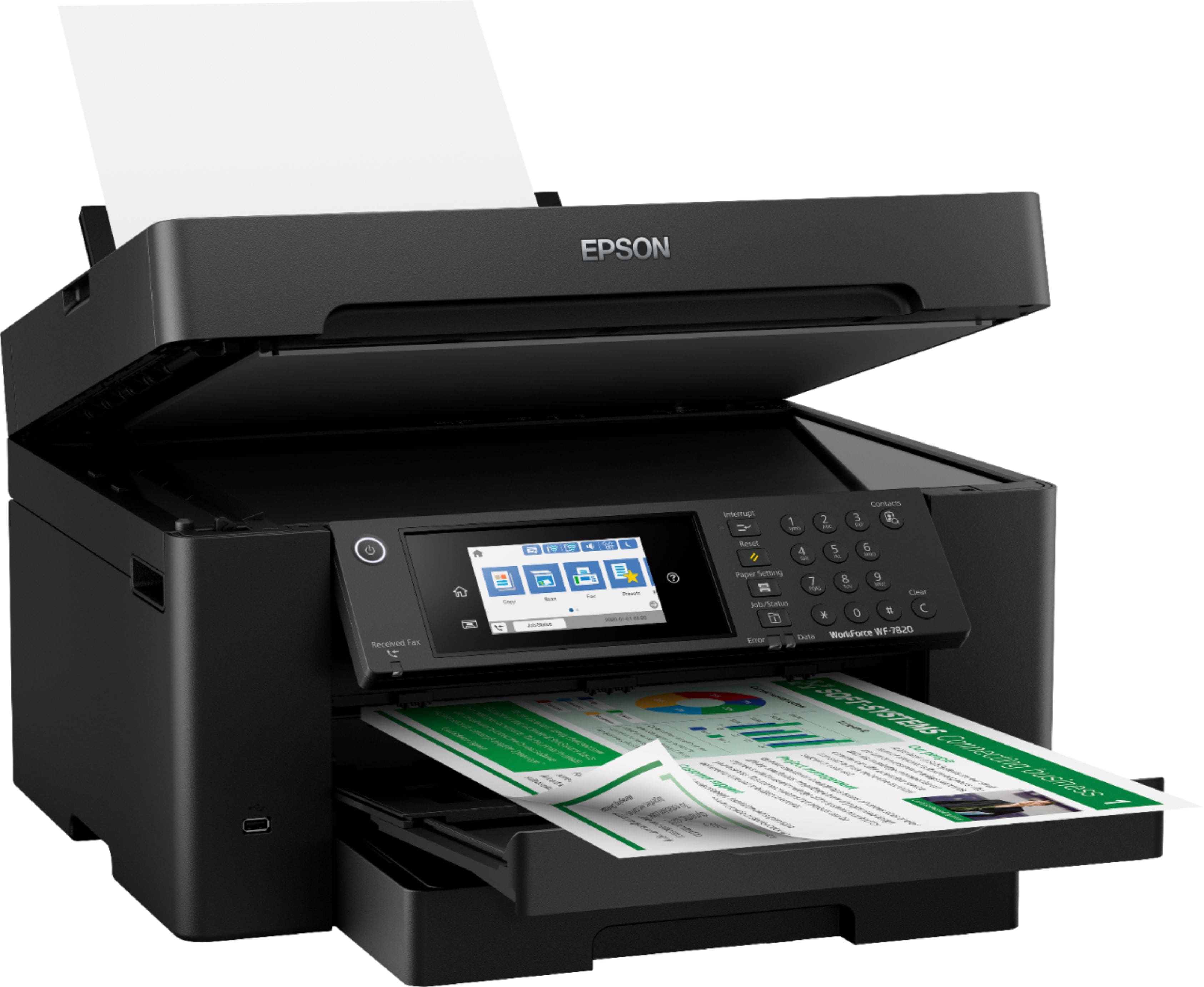
- A:Answer Hi RetiredGuy. The Epson WorkForce Pro WF-7820 can scan documents up to 11" x 17". Regards, Bobby - The Epson Team.
Answered by Epson

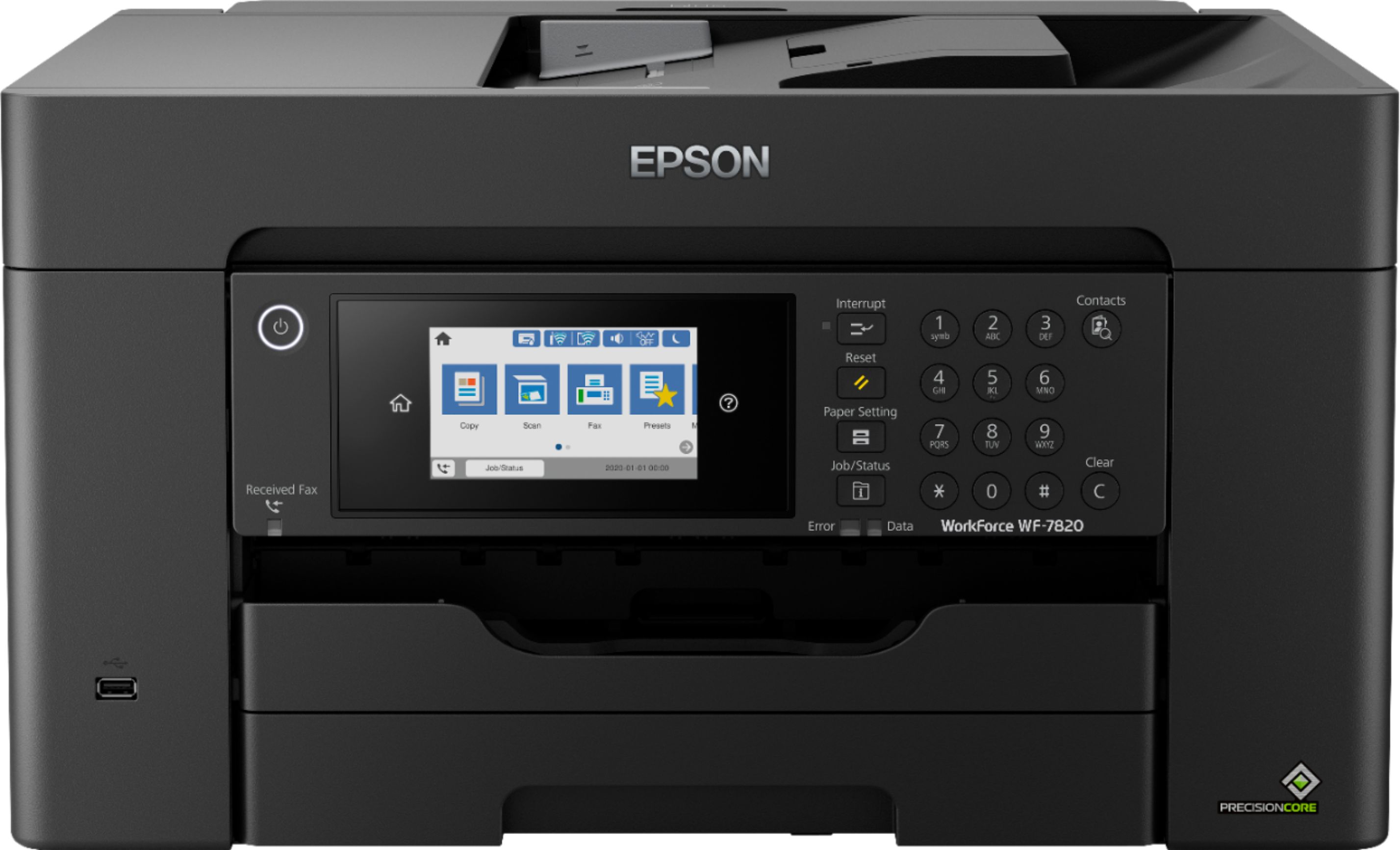
Q: QuestionIs there a cassette for 13x19 paper or is it rear feed?
Asked by jakay.
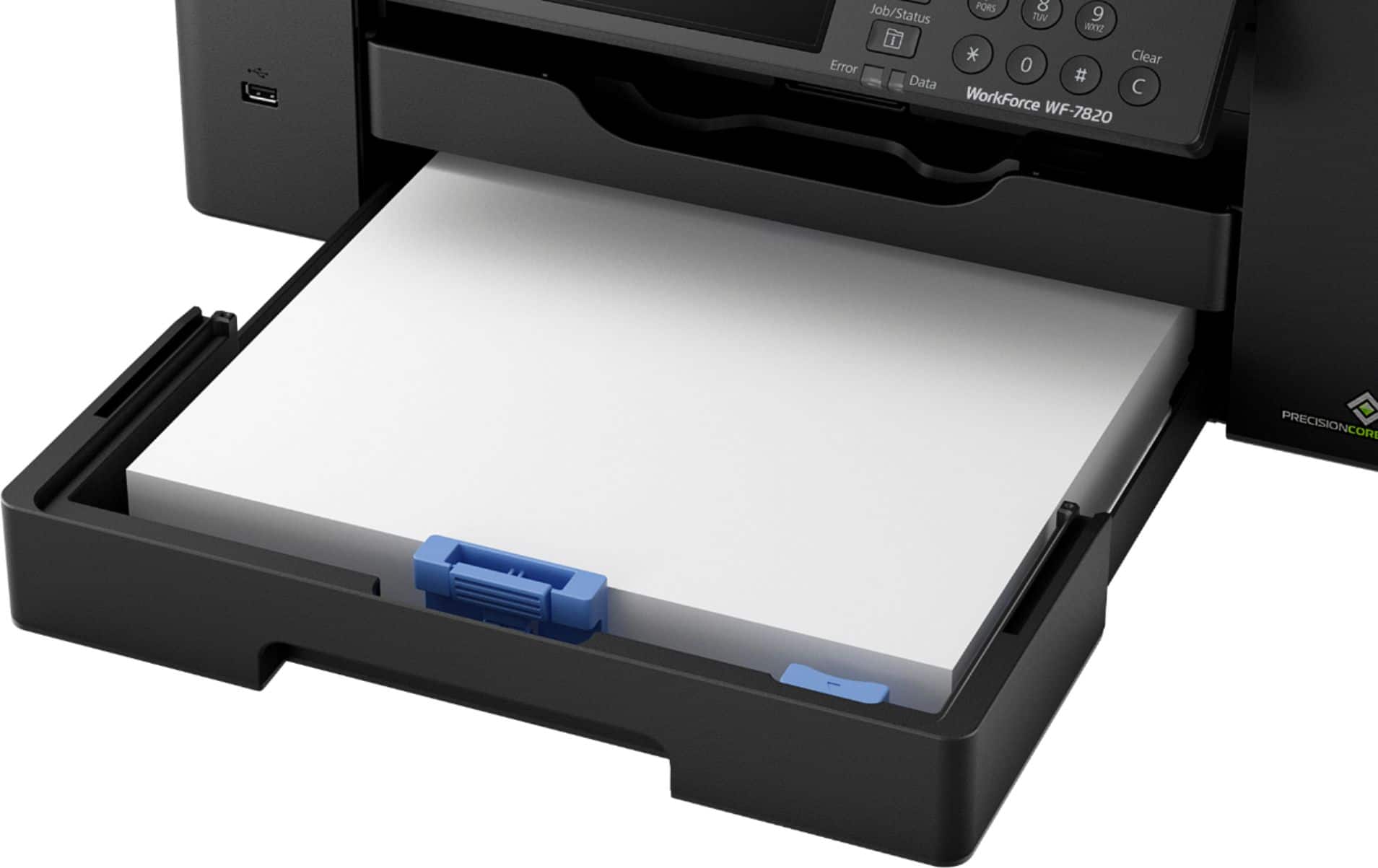
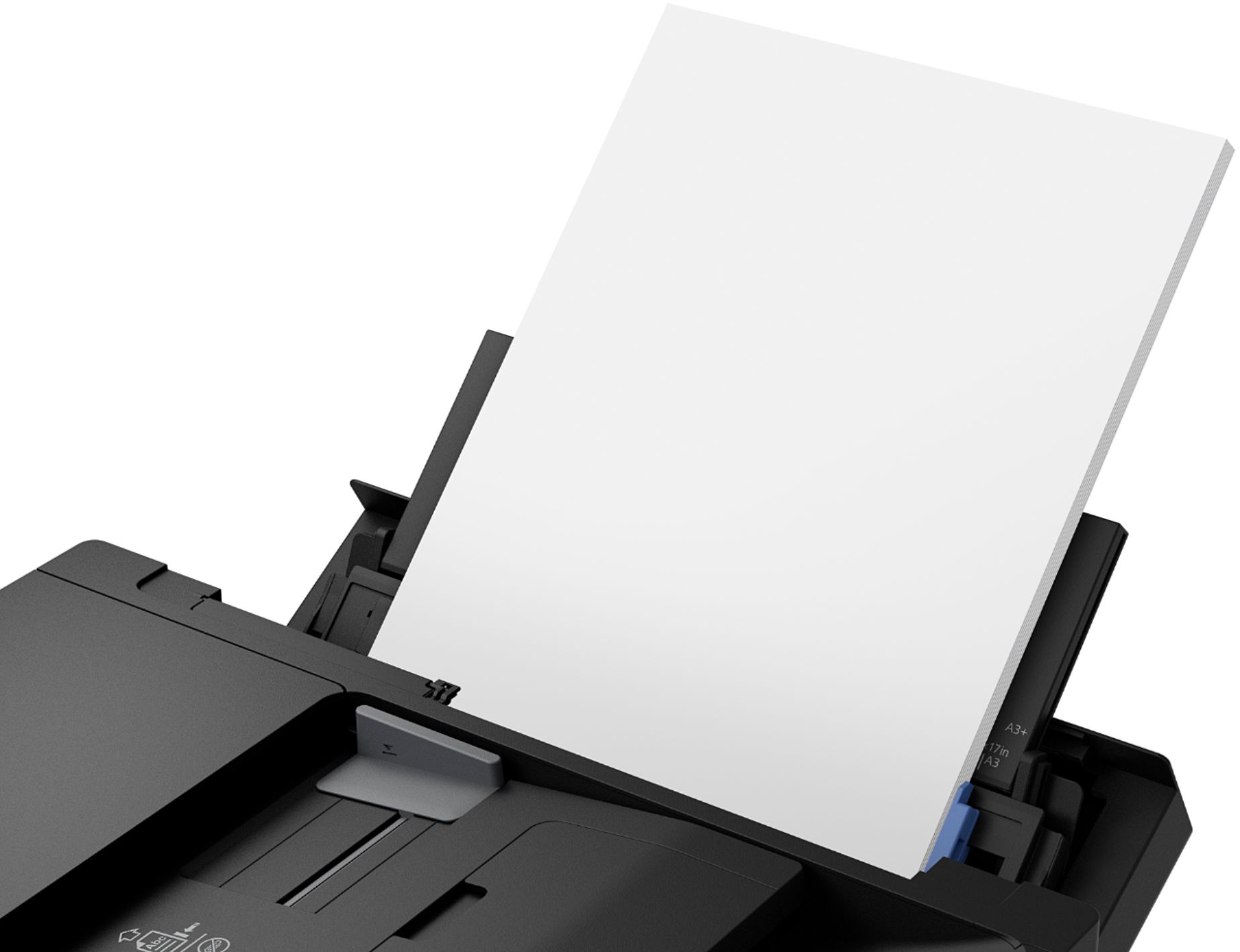
- A:Answer Hi jakay. A3 (13" x 19") need to be loaded into the rear paper tray on the Epson WorkForce Pro WF-7820. Up to 50 sheets can be loaded at a time. Regards, Bobby - The Epson Team.
Answered by Epson

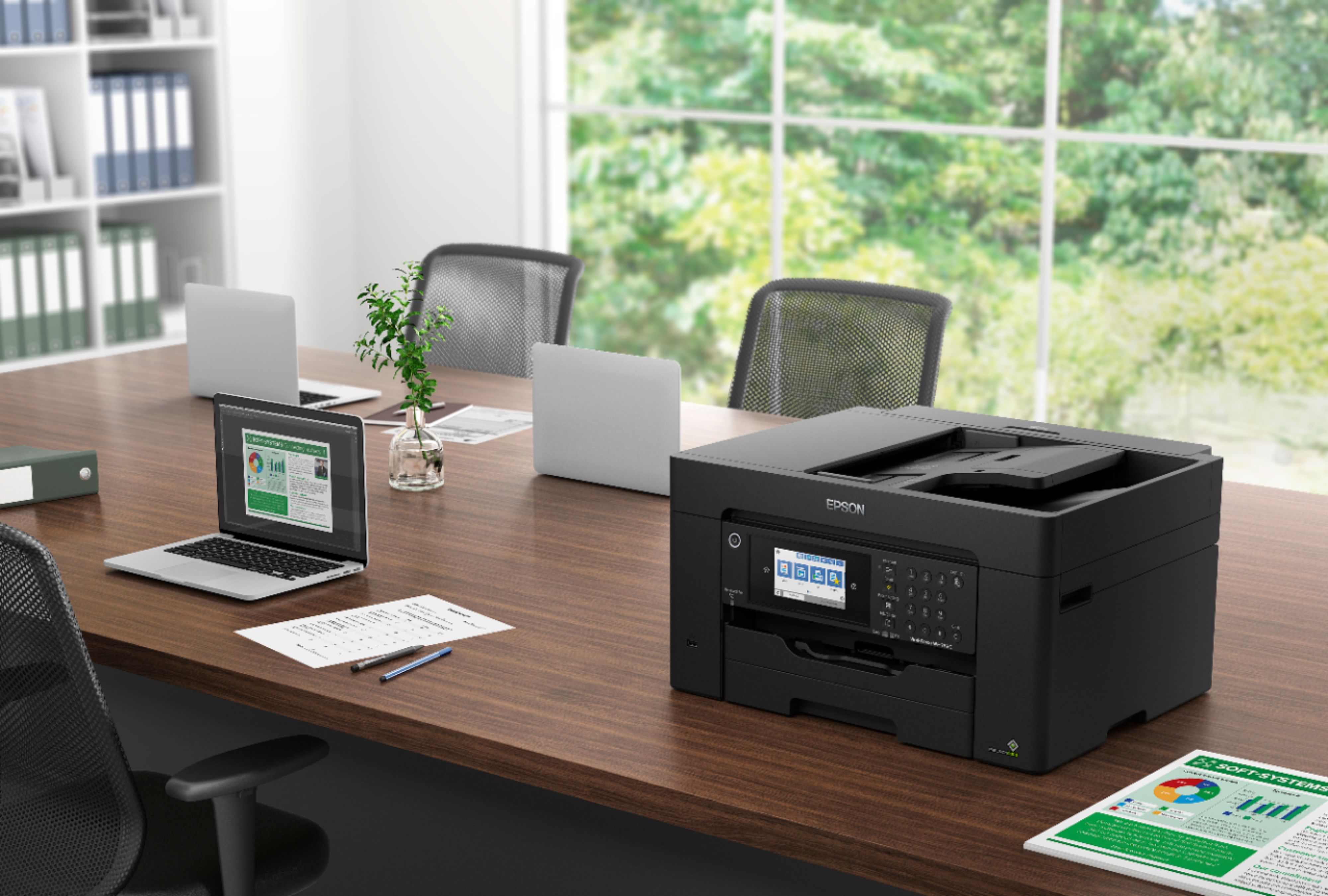
Q: QuestionIs this specific model a laser printer? It comes up when I search large format laser printer. Thank you,
Asked by Type.
- A:Answer Hi Type. No, the Epson WorkForce Pro WF-7820 is an cartridge-based inkjet printer. Regards, Bobby - The Epson Team.
Answered by Epson

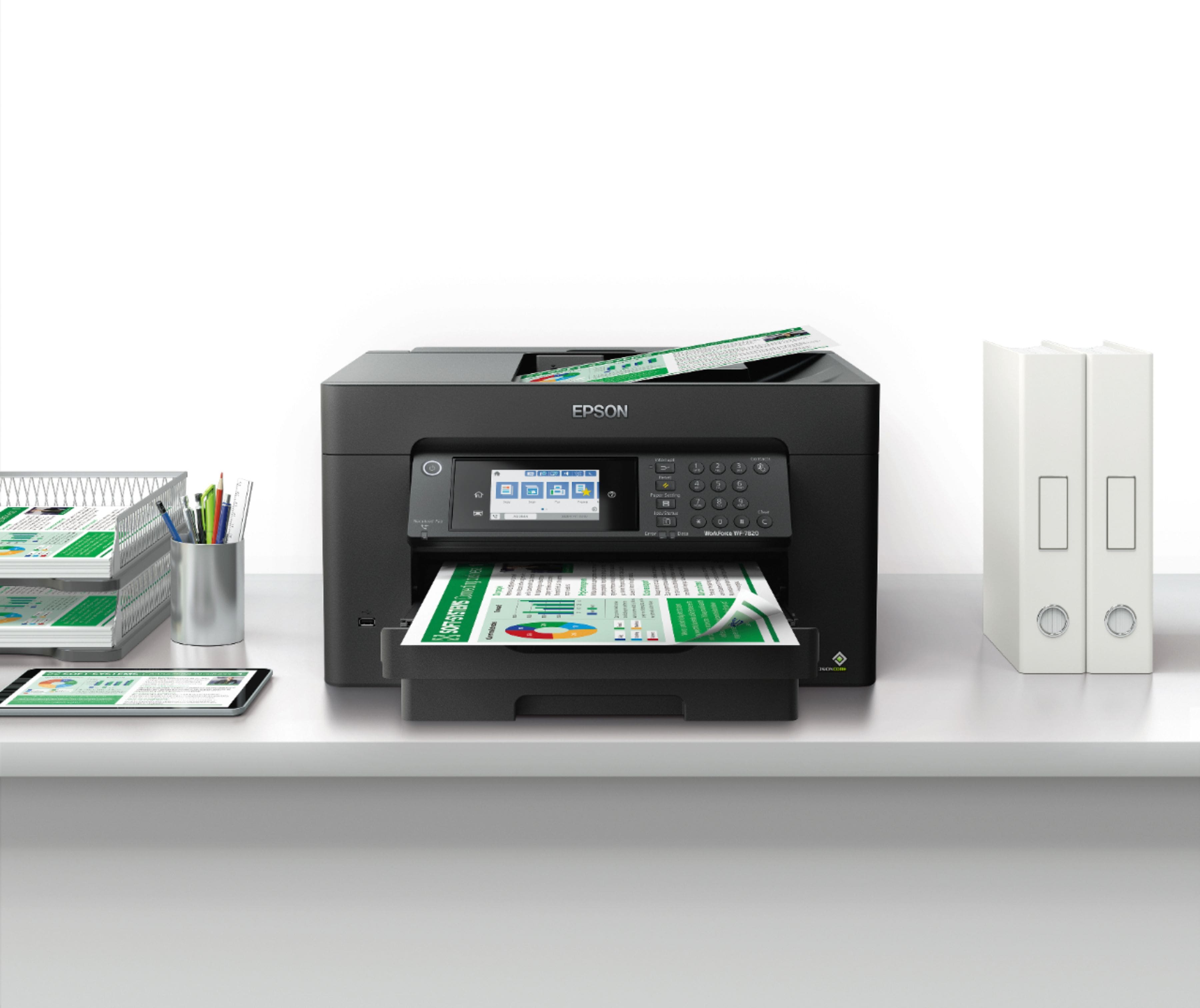
Q: QuestionDoes this printer print on 140-lb watercolor paper through the feeder?
Asked by Stephanie.
- A:Answer Hi Stephanie. No, the Epson WorkForce Pro WF-7820 supports paper between 20 - 27 lbs (or 75 - 100 gsm) in weight. Regards, Bobby - The Epson Team.
Answered by Epson

Q: QuestionDoes this have fax capability
Asked by Rick.
- A:Answer Hi Rick, The WorkForce Pro WF-7820 includes fax. It is a printer/scanner/copier/fax device. In order to use the fax capabilities, the WF-7820 must be connected to a standard phone line. Regards, Mark - The Epson Team.
Answered by Epson

Q: Questionis it similar to Workforce 3720?
Asked by Anonymous.
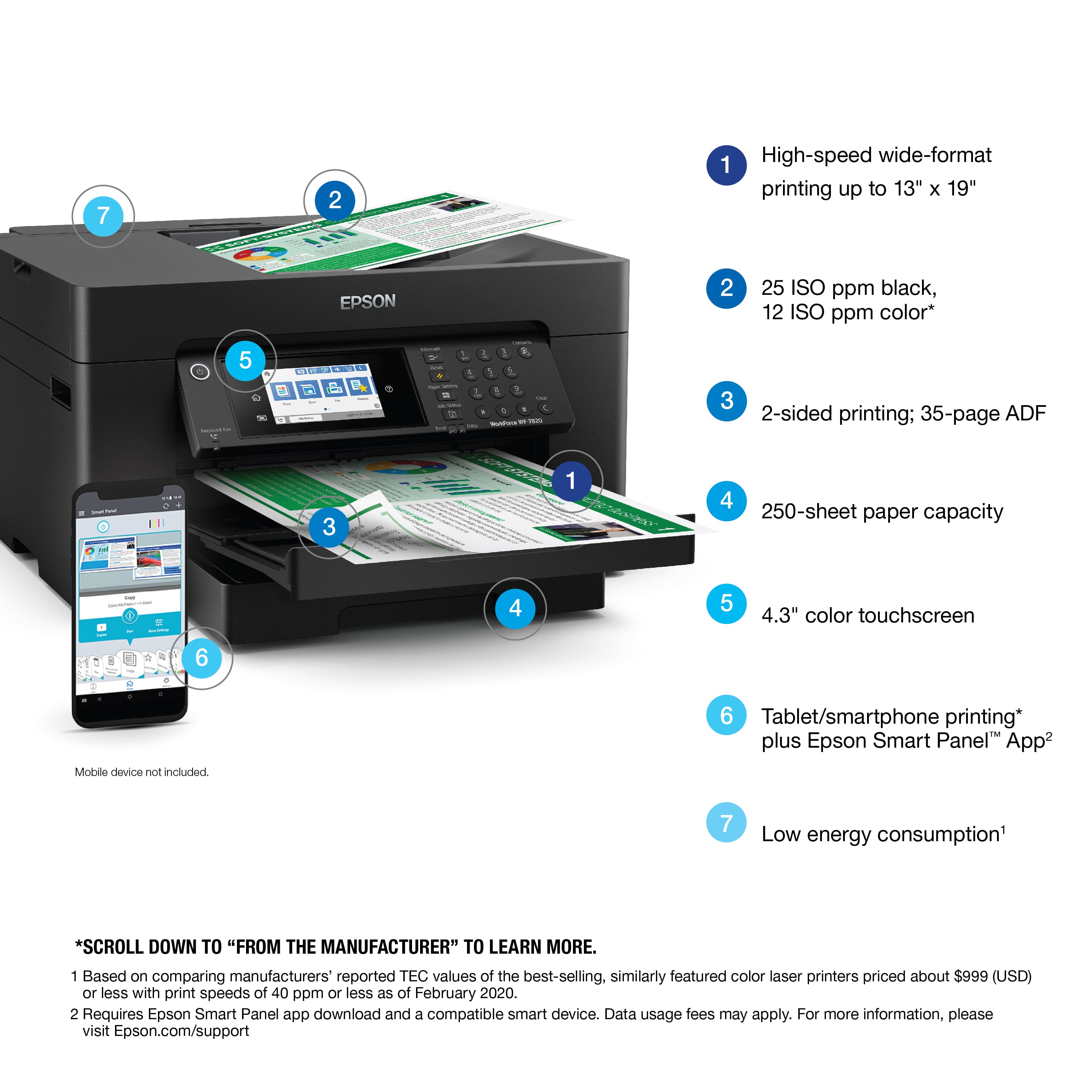
- A:Answer Hello. Both printers share a similar design, but the WF-7820 offers more options, including faster print speeds, a larger color touchscreen, support for larger paper sizes up to 13" x 19", and the ability to scan documents up to 11" x 17". Regards, Kevin - The Epson Team.
Answered by Epson
Q: QuestionIs this printer compatible with Windows 11?
Asked by Windows11.
- A:Answer Hello. Yes, the WF-7820 will work with Windows 11. You can find the latest driver on our official Epson Support page. Regards, Kevin - The Epson Team.

Answered by Epson
Q: QuestionIs the scan function auto feed or do I have to feed one page at a time? If it is auto feed, how many pages can I feed at a time? Thank you
Asked by Chickie.
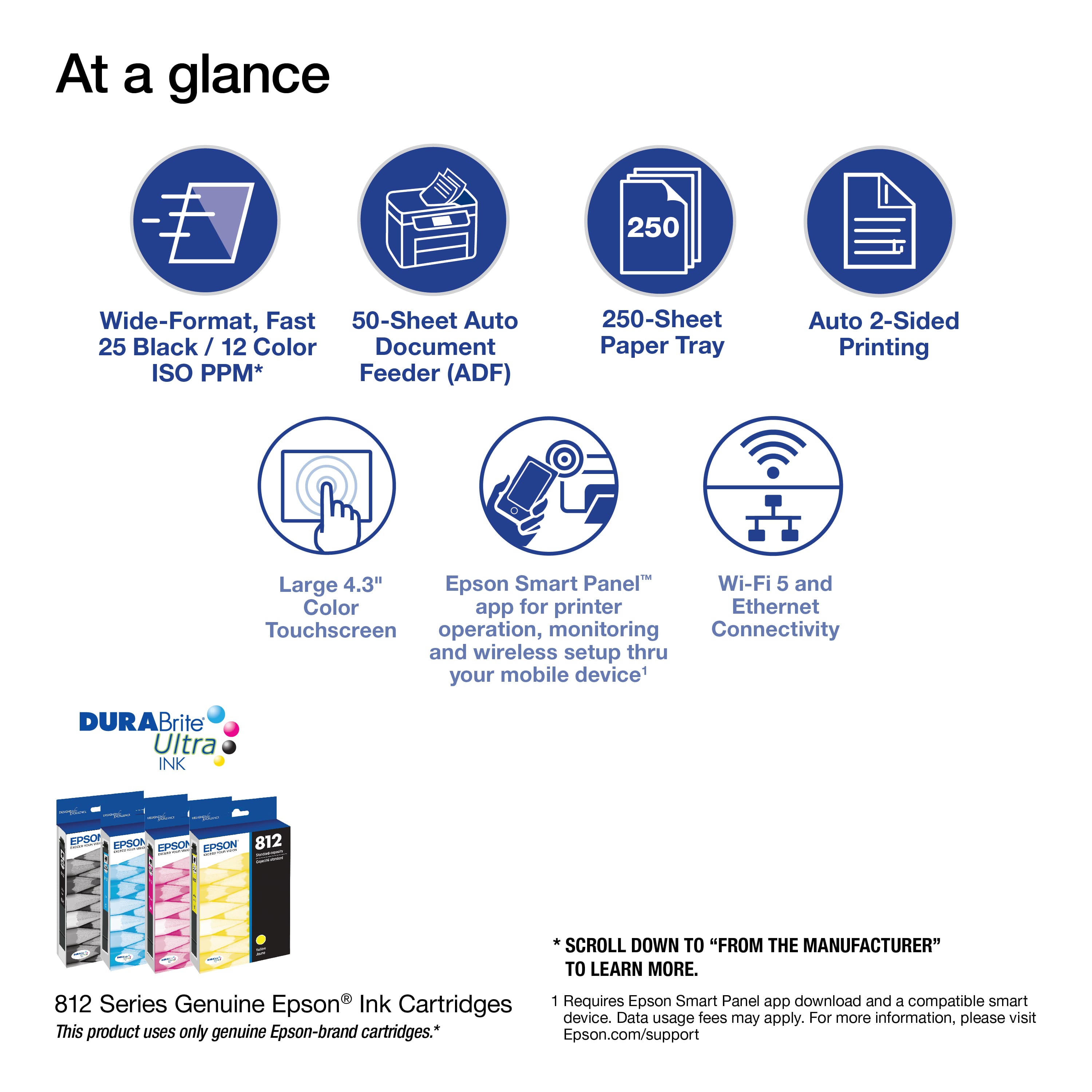
- A:Answer Hi. Yes, the WF-7820 includes an automatic document feeder that allows you to scan multiple pages without loading them one at a time. It can hold approximately 50 sheets of US letter-sized paper; however, depending on the size of the originals, that number may be lower. Regards, Kevin - The Epson Team.
Answered by Epson

Q: QuestionDoes this machine have a scanner?
Asked by Maggie5.
- A:Answer Hello Maggie5. Yes, the WF-7820 is an All-in-One printer that includes print, copy, scan, and fax features. Regards, Kevin - The Epson Team.
Answered by Epson

Q: QuestionCan this printer be connected via wifi and cable?
Asked by SLK.
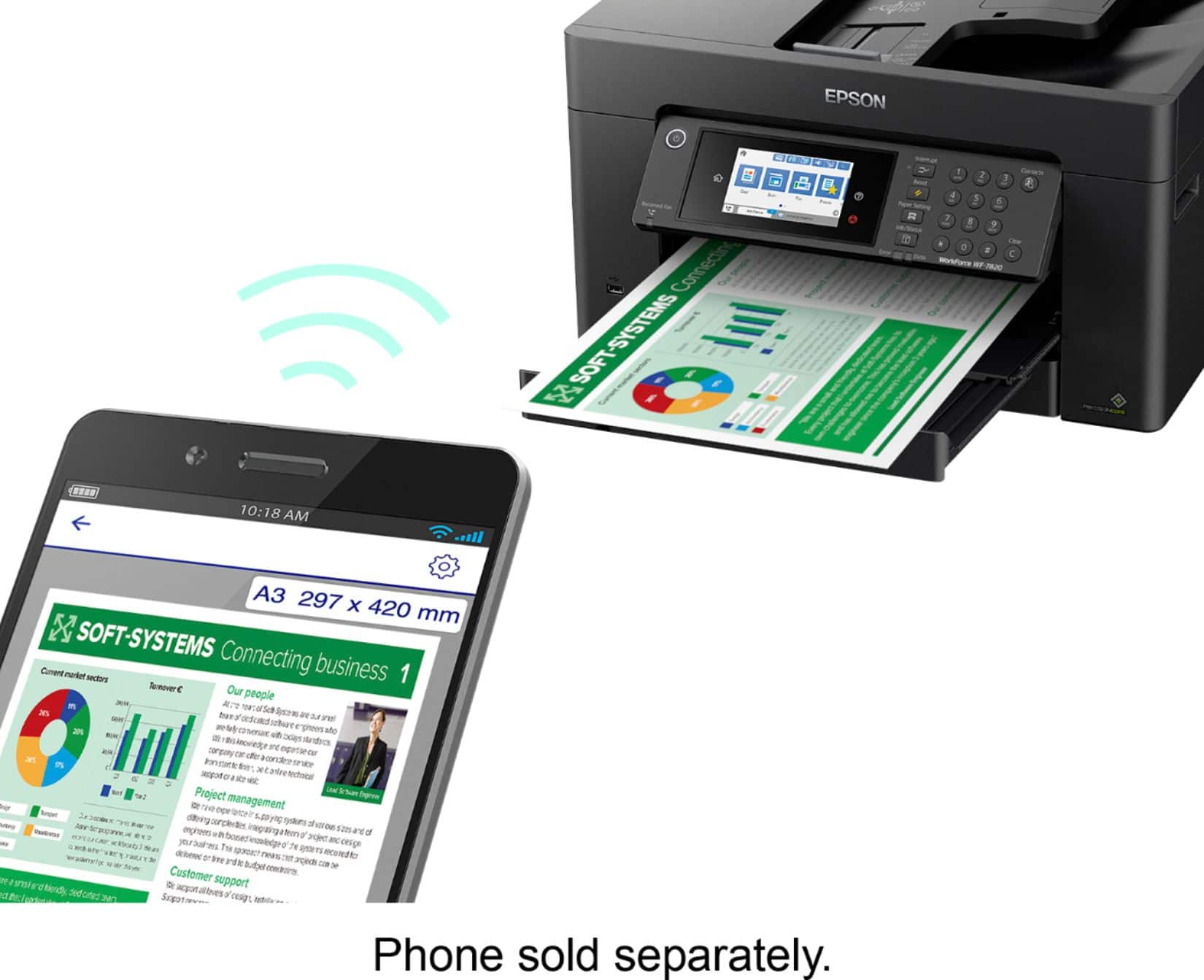
- A:Answer Hello SLK. Yes, the WF-7820 can be used wirelessly over Wi-Fi or a USB cable. Depending on your computer, you will need a "USB A to B" or "USB B to C" cable, which is sold separately. Regards, Kevin - The Epson Team.
Answered by Epson

Most-viewed items
- Black Friday Deal$79.89Your price for this item is $79.89
- Black Friday Deal$49.89Your price for this item is $49.89
- $69.00Your price for this item is $69.00$107.00The comparable value for this item is $107.00
- $149.99Your price for this item is $149.99$249.99The comparable value for this item is $249.99
- $209.89Your price for this item is $209.89$309.89The comparable value for this item is $309.89
- $159.89Your price for this item is $159.89$239.89The comparable value for this item is $239.89
- $69.00Your price for this item is $69.00$140.00The comparable value for this item is $140.00
- $99.99Your price for this item is $99.99
- $229.99Your price for this item is $229.99$379.99The comparable value for this item is $379.99
- $149.00Your price for this item is $149.00$215.00The comparable value for this item is $215.00
- $139.89Your price for this item is $139.89$179.89The comparable value for this item is $179.89
- $129.99Your price for this item is $129.99$194.99The comparable value for this item is $194.99
- $59.89Your price for this item is $59.89$89.89The comparable value for this item is $89.89
- $54.99Your price for this item is $54.99$86.99The comparable value for this item is $86.99
- $229.00Your price for this item is $229.00$323.00The comparable value for this item is $323.00
- $119.00Your price for this item is $119.00$161.00The comparable value for this item is $161.00
- $129.89Your price for this item is $129.89$159.89The comparable value for this item is $159.89
- $329.89Your price for this item is $329.89$429.89The comparable value for this item is $429.89