Questions & Answers
- Model:
- C11CH78201
- |
- SKU:
- 6426723
Highly rated by customers for: Print Quality, Ease of use, Setup
$199.99Your price for this item is $199.99
Comp. Value: $329.99
The comparable value price is $329.99
Page Showing 101-117 of 117 questions
Q: QuestionI have Epson work force 7820 . How do I print the current screen view from my computer ?
Asked by Larry.
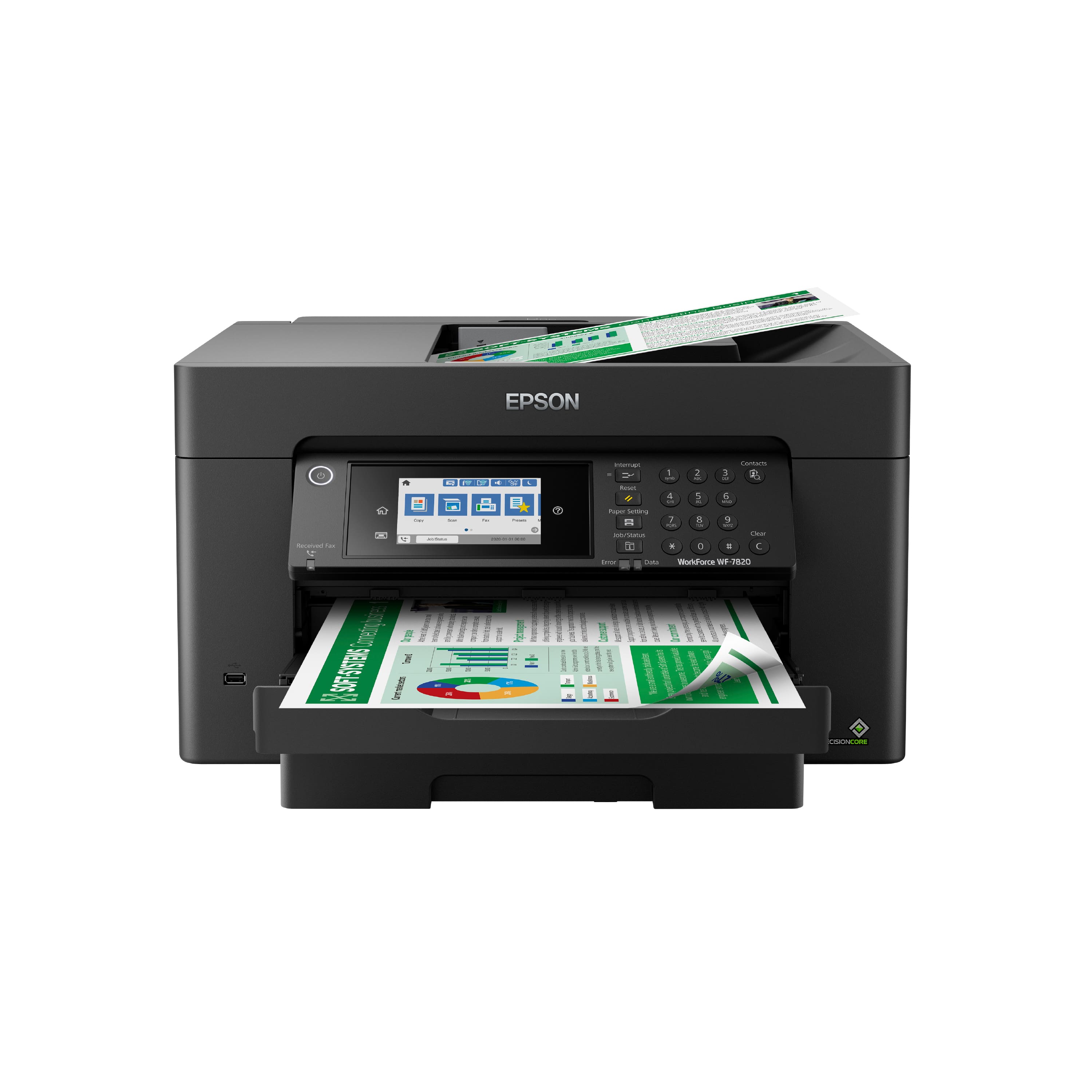
- A:Answer Hi Larry, Printing the view on your screen is the same with any Epson WorkForce printer. If you have a PC, press the PrtScn key on your keyboard to save a screen shot to the clipboard. Then, open an appropriate program of your choice, like MS Paint and paste the saved image into the program. Print the image on your WF-7820. Done. If you use a Mac, hold the Shift+Cmd+3 keys down at the same time. As screenshot image will be save to your desktop folder. Open the image and print it on your Epson printer. Regards, Mark - The Epson Team.
Answered by Epson

Q: QuestionCan you put 13 x19 paper in the cartridge?
Asked by Anonymous.
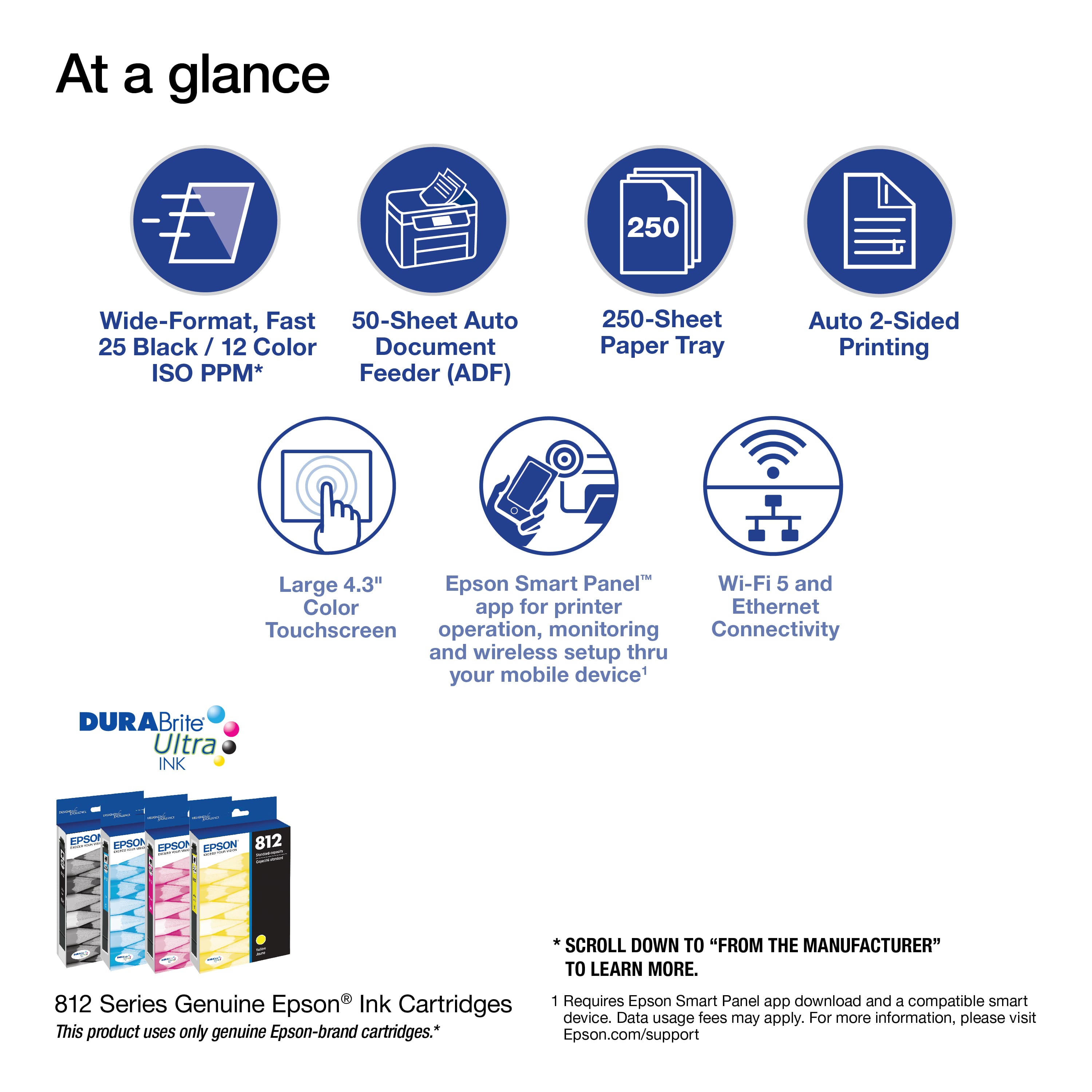
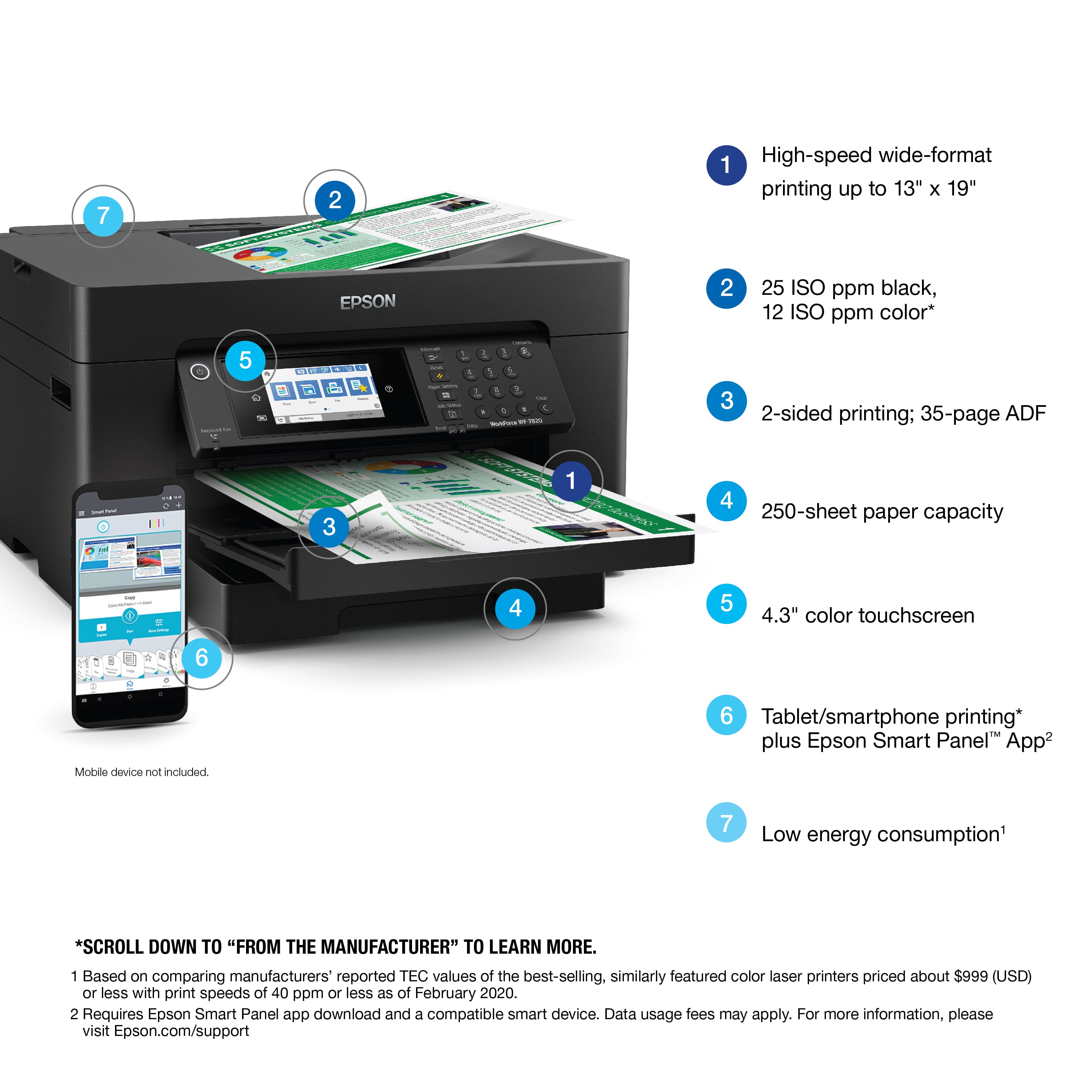
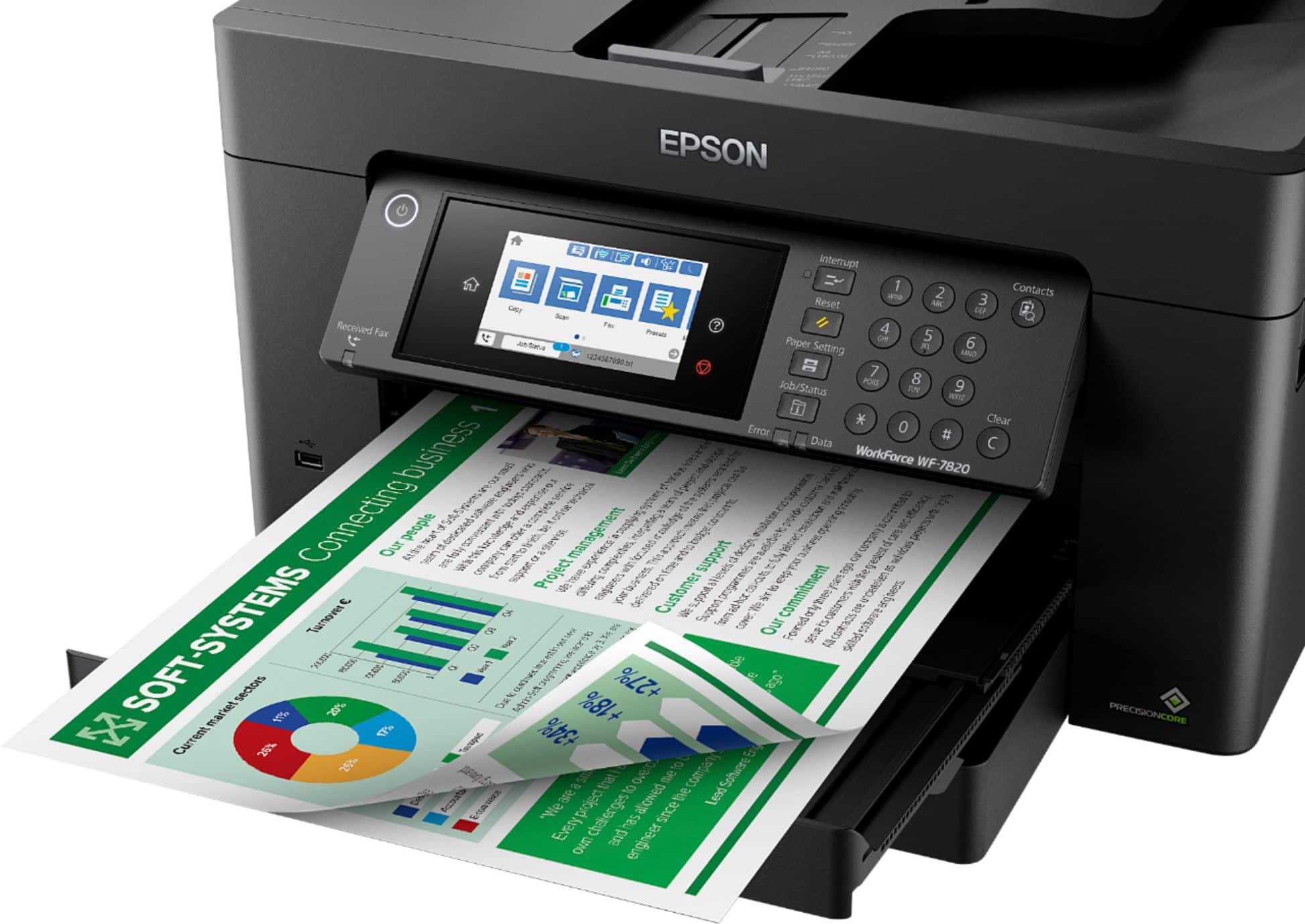
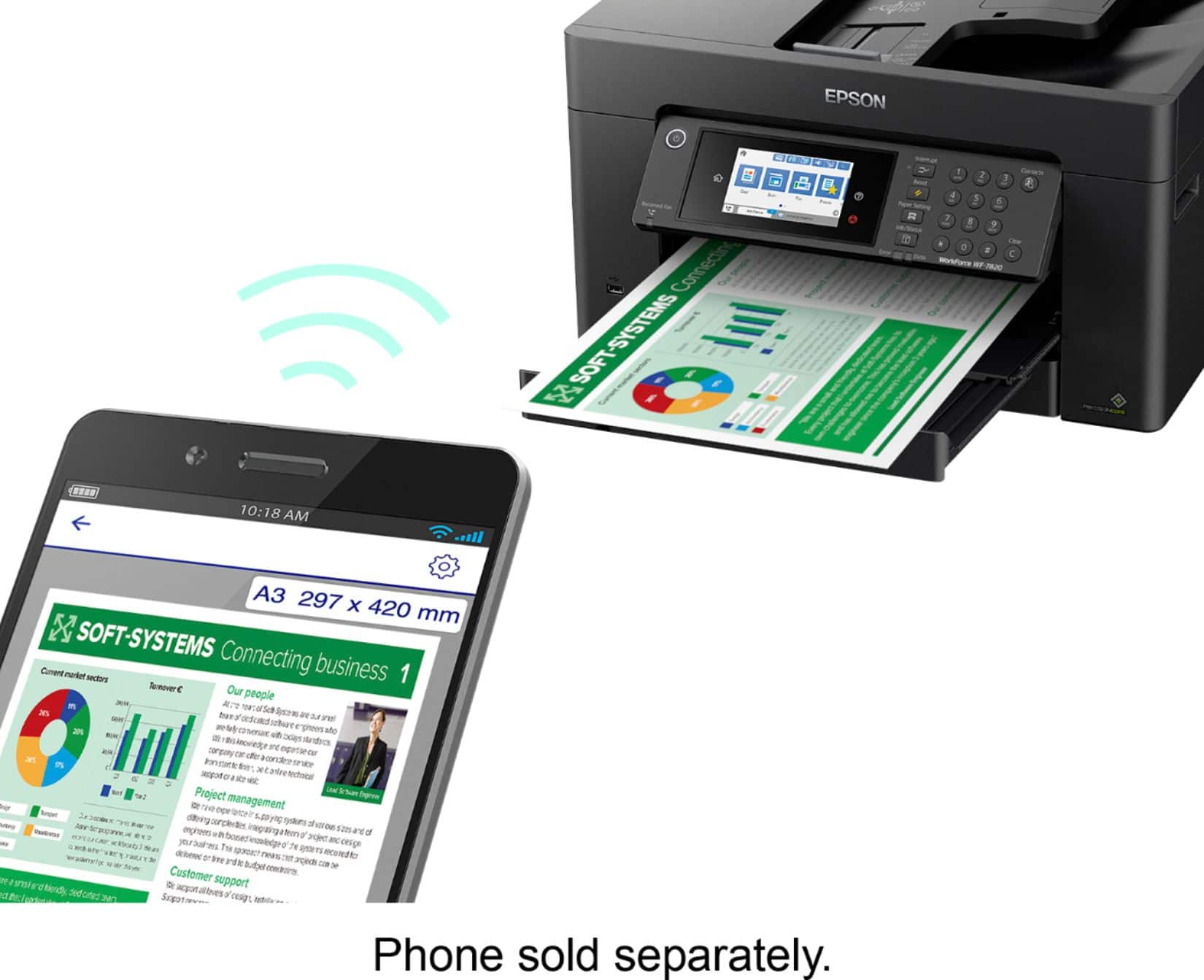
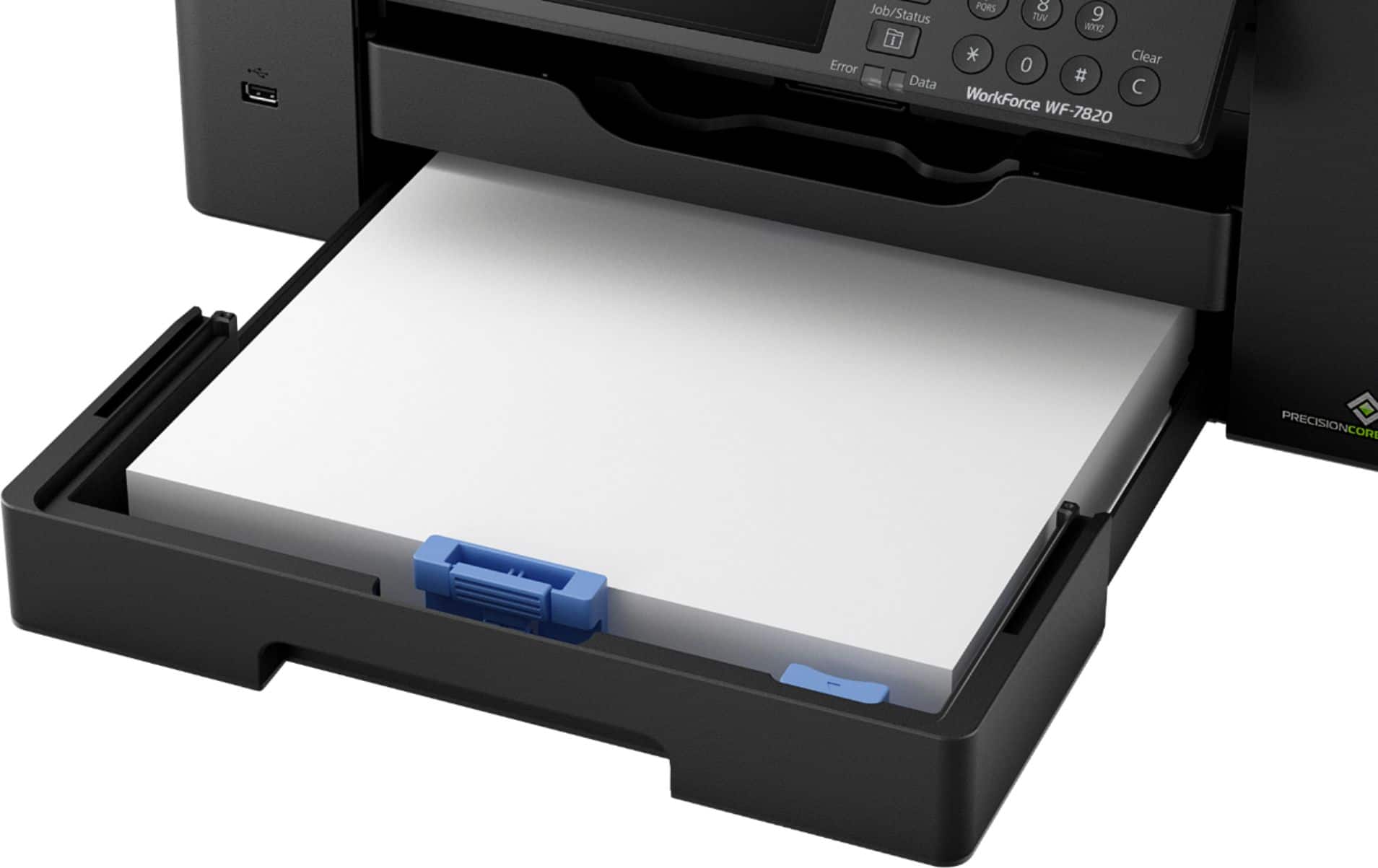
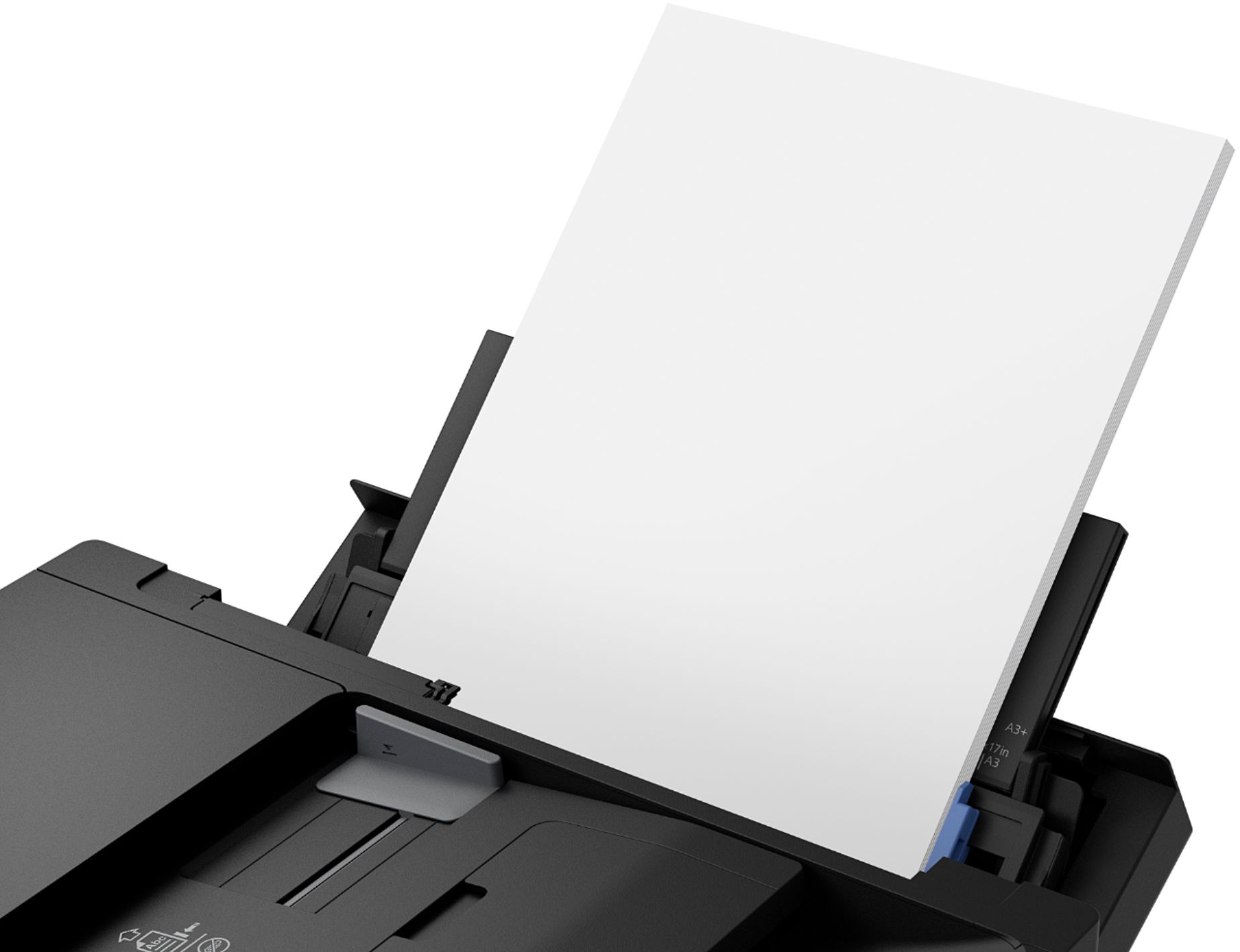
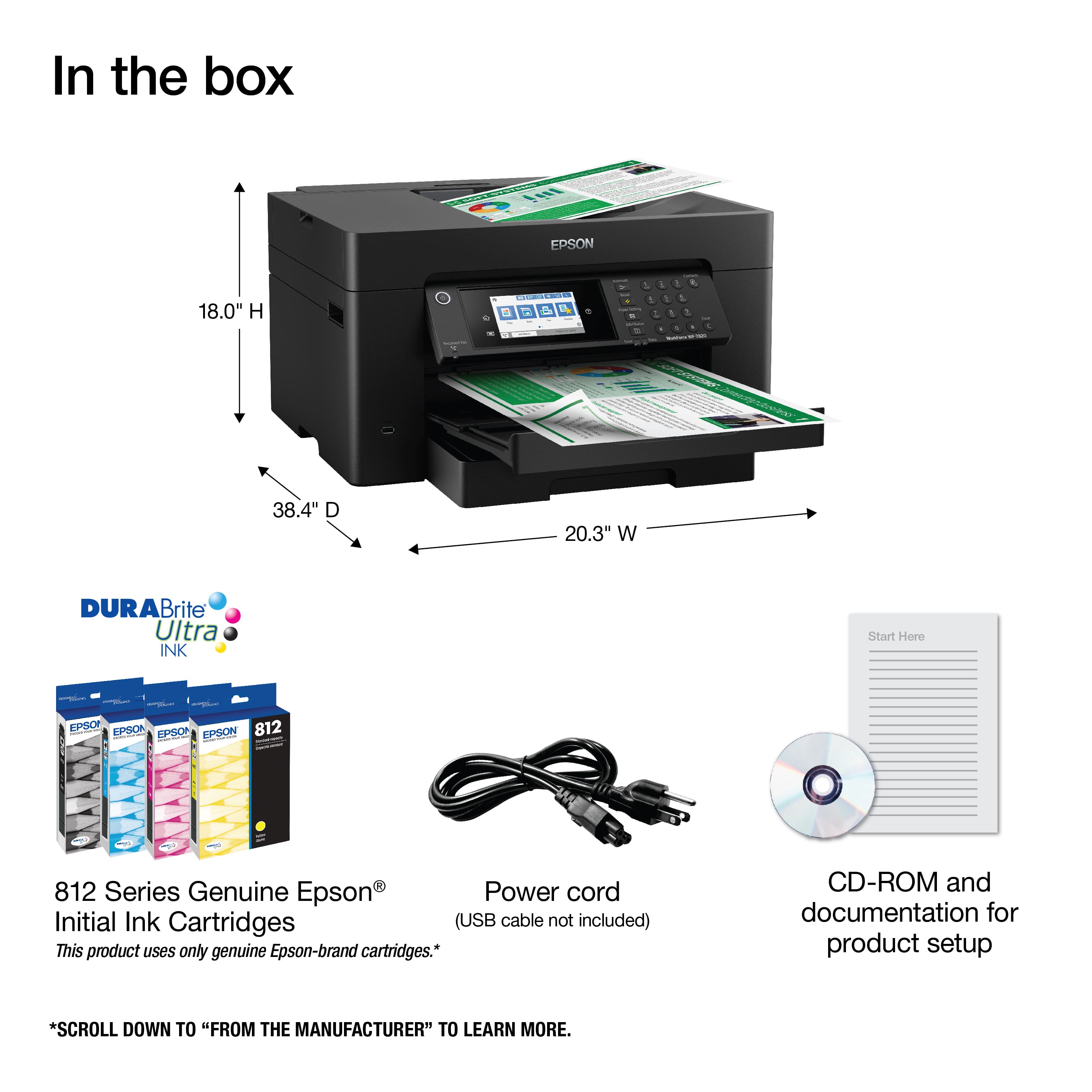
- A:Answer Hi, The paper cassette on the WF-7820 can hold 250 13" x 19" sheets of plain paper. Regards, Mark - The Epson Team.
Answered by Epson

Q: Questioncan this printer reduce or enlarge a scanned item and up to what percentage.
Asked by Kathy.
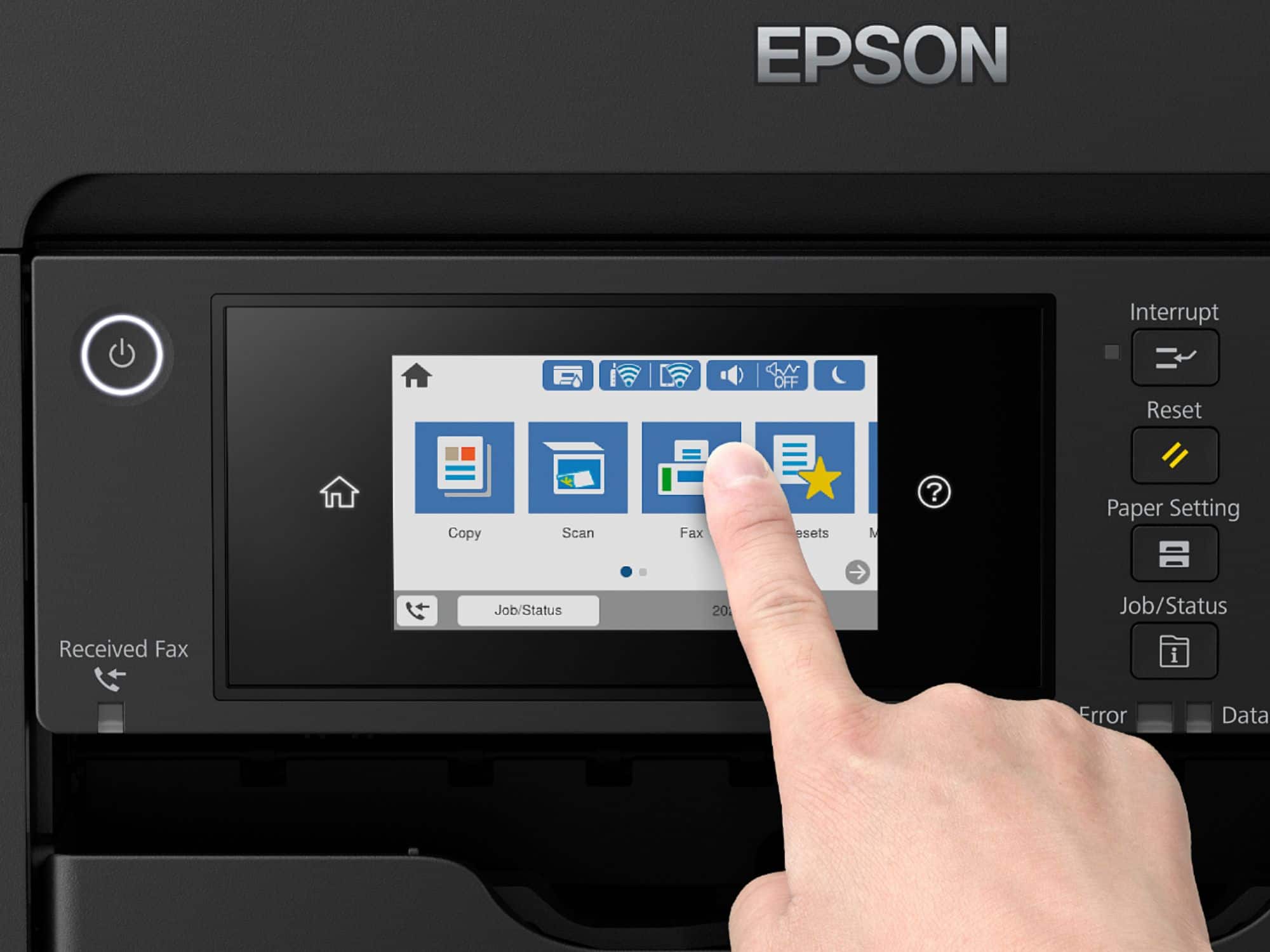
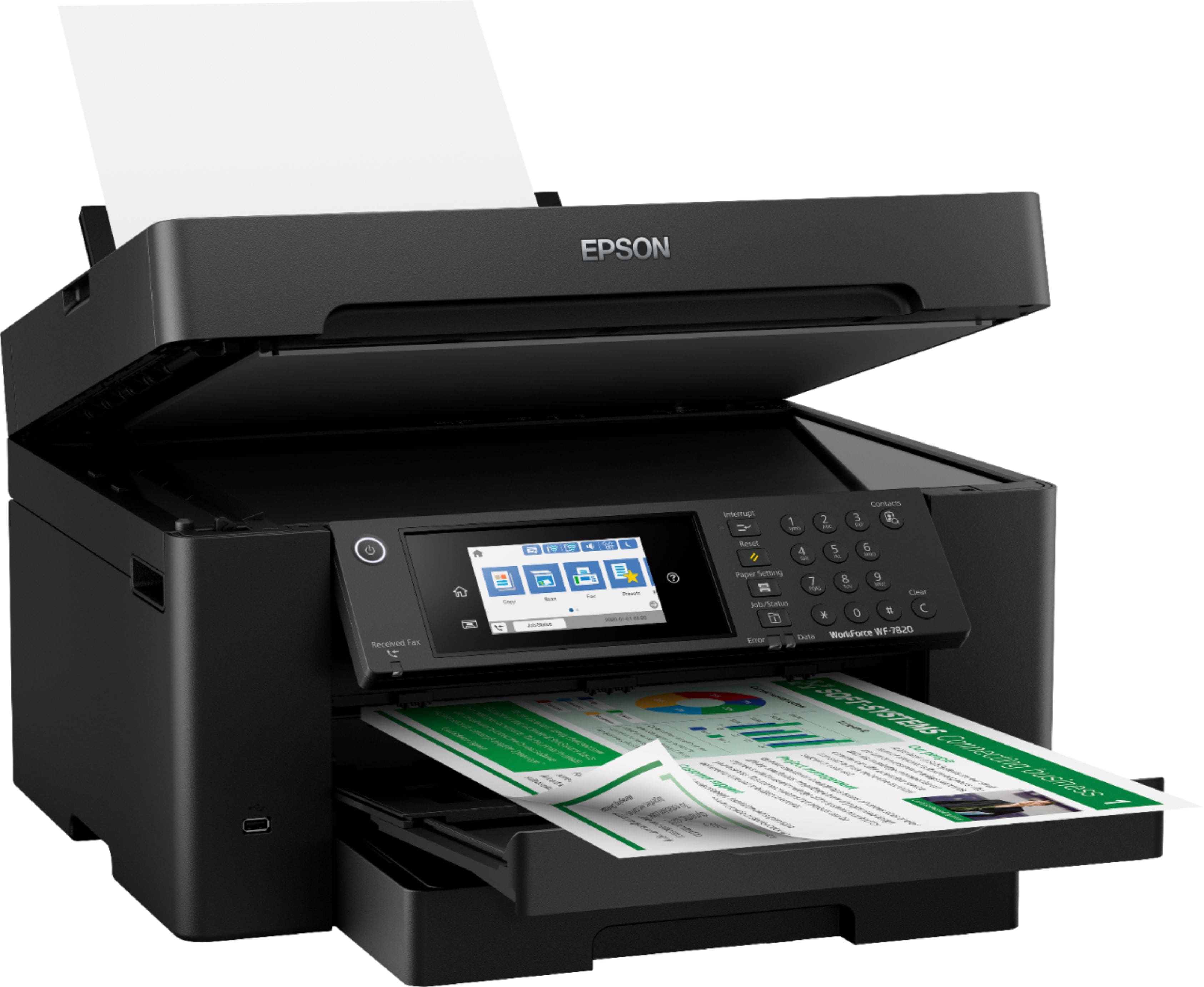
- A:Answer Hi Kathy, Using the front panel you can enlarge or reduce a copy from 25% to 400%. The scan software included with the WF-7820 allows you to scan at 1200 dpi or higher for enlargement. Regards, Mark - The Epson Team.
Answered by Epson

Q: QuestionCan you do sublimation printing with this printer?
Asked by Melody.
- A:Answer Hello Melody. The Epson WF-7820 is not designed for dye-sublimation printing nor the use of non-genuine Epson Ink Cartridges. Using sublimation Ink in this printer can affect warranty coverage and create print head and ink-system issues. Regards, Kevin - The Epson Team.
Answered by Epson

Q: Questioncan this printer be converted to a sublimation printer
Asked by Mon.
- A:Answer Yes it can.
Answered by JHPDesignz
Q: QuestionAre there separate trays for 8.5 x 11 paper and 11 x 17 paper? How do you print an envelope? Can it function as a fax as well?
Asked by Larck.
- A:Answer Hello Larck. The WF-7820 can load envelopes and paper up to 11" x 17" in size in the paper cassette. The printer includes print, copy, scan, and fax functionality. Regards, Kevin - The Epson Team.
Answered by Epson

Q: QuestionNeed a printer that can handle 12 x 12 130lb cardstock. Will the WF-7820 handle this?
Asked by Terry.
- A:Answer Hi Terry. The WF-7820 supports compatible paper types distributed by Epson, with paperweight ranging from 25 lb (91 gsm) to 68lb (256 gsm). Regards, Kevin - The Epson Team
Answered by Epson

Q: QuestionHow to use the bottom paper tray as default for printing rather than the tray on the back of printer.
Asked by Skip.
- A:Answer Hello Sandy1. We would be more than happy to assist you. Please visit our official Epson Support page to find the contact information for our technical support team. Regards, Kevin - The Epson Team.
Answered by Epson

Q: QuestionCan you print on cardstock?
Asked by Garrick.
- A:Answer Hi Garrick. The Epson WorkForce Pro WF-7820 supports thick paper between 25 - 68 lbs (91 - 256 gsm) in weight. Regards, Bobby - The Epson Team.
Answered by Epson

Q: QuestionCan I convert this printer for sublimation printing?
Asked by Mary.
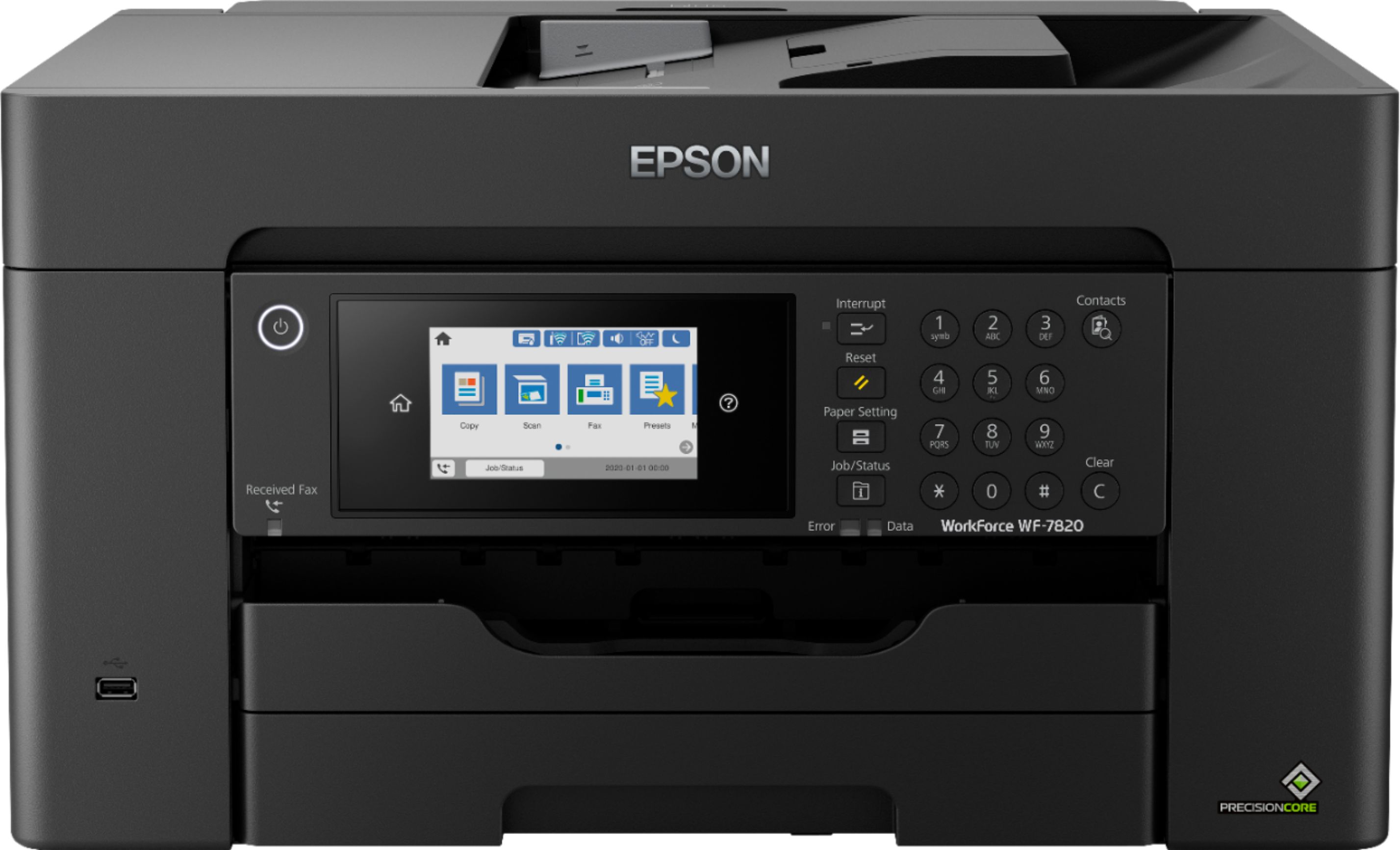
- A:Answer Hi Mary, The Epson WorkForce Pro WF-7820 is designed for T812 and high-capacity T812XL and T812XXL cartridges. Using any other type of ink such as sublimation ink is not supported. Regards, Mark - The Epson Team.
Answered by Epson

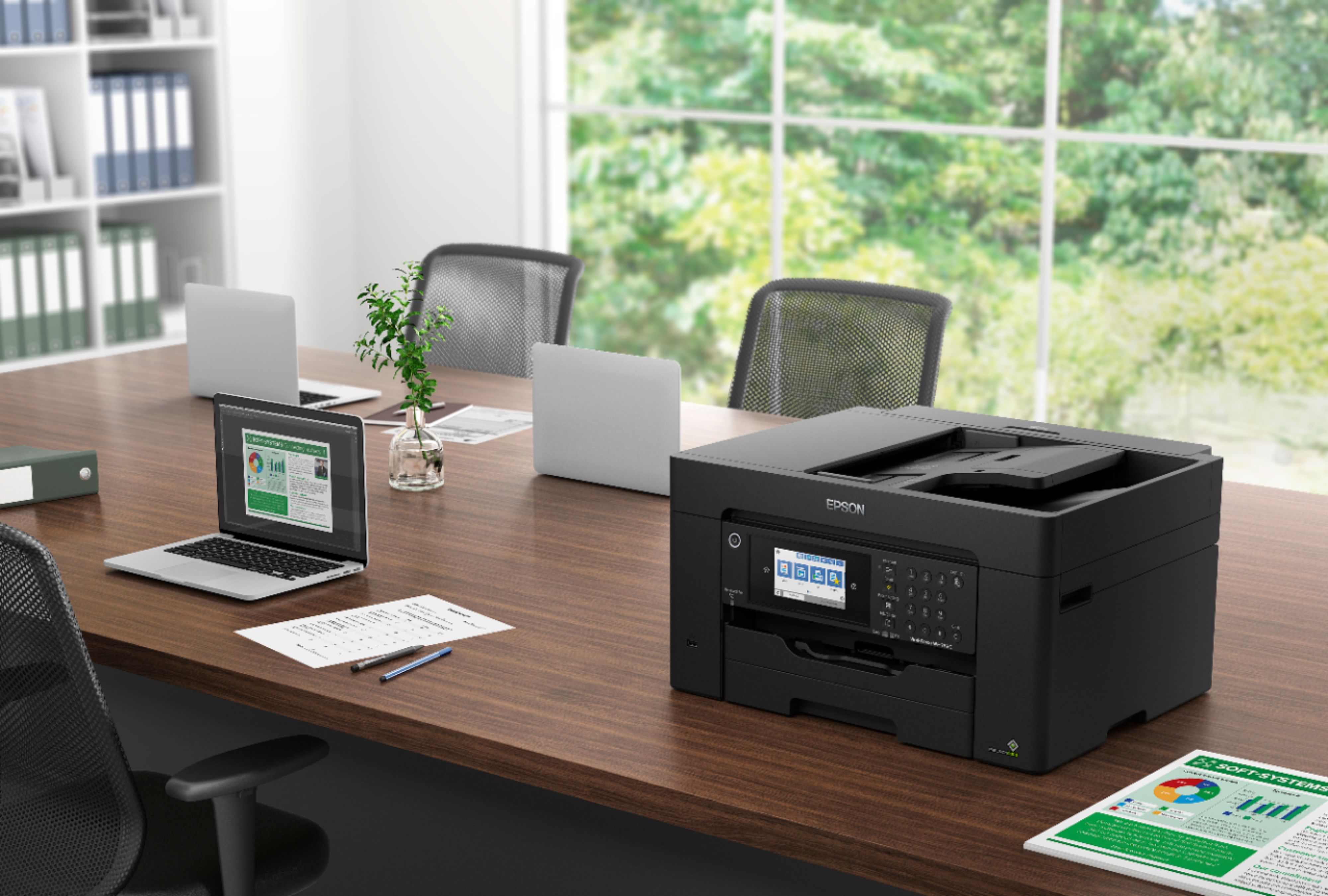
Q: QuestionHow do I set the front paper tray to be default tray. At the moment, I can only print from the rear paper tray.
Asked by Ed.
- A:Answer Hi Ed, Open Printer Preferences from the printer control panel. Settings you make there will become defaults. Regards, Mark - The Epson Team.
Answered by Epson

Q: QuestionDoes the WorkForce Pro WF-7820 have single-pass scanning?
Asked by Brad.
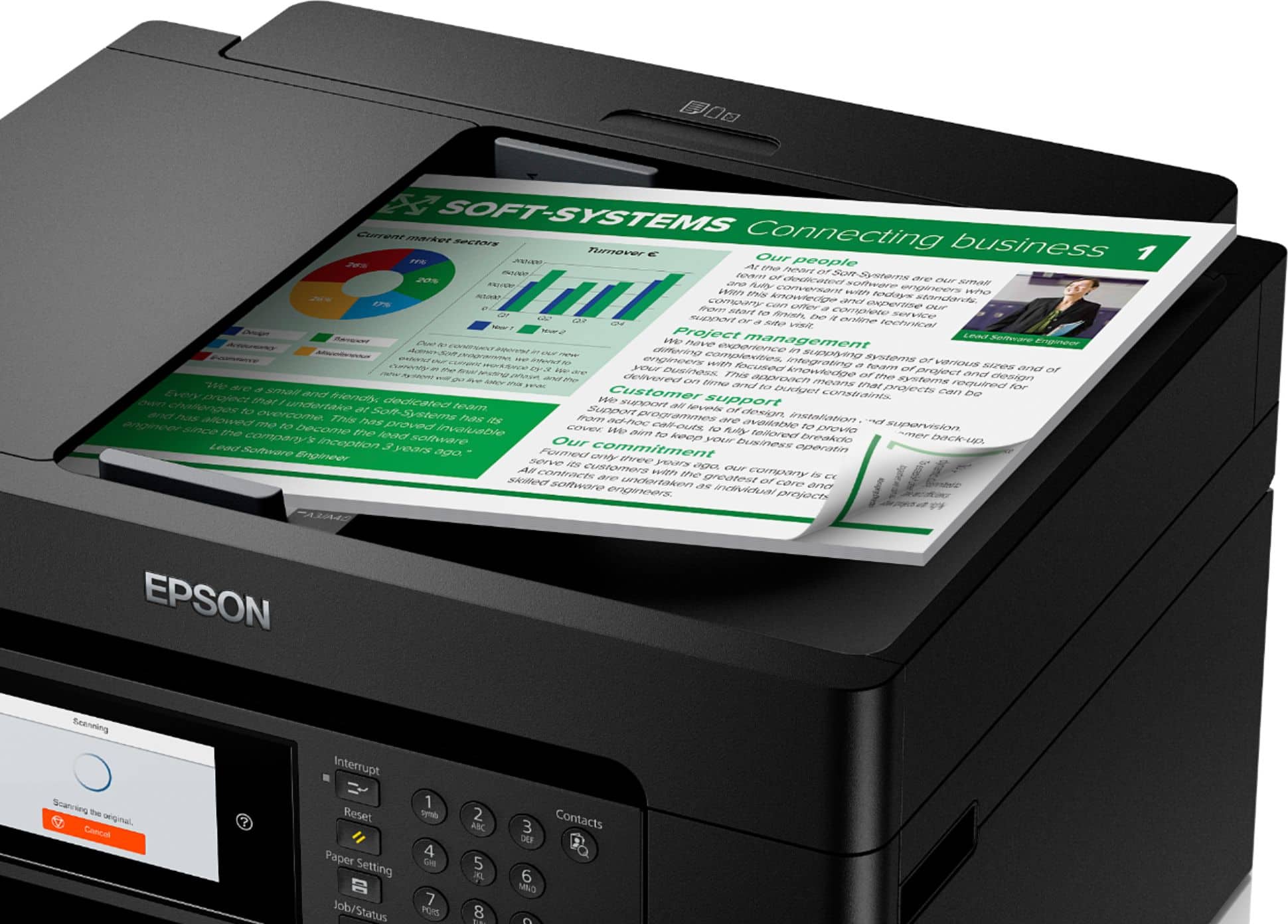
- A:Answer Hello Brad. The WF-7820 is a complete duplex solution that can do automatic 2-sided print, copying, and scanning. Regards, Kevin - The Epson Team.
Answered by Epson

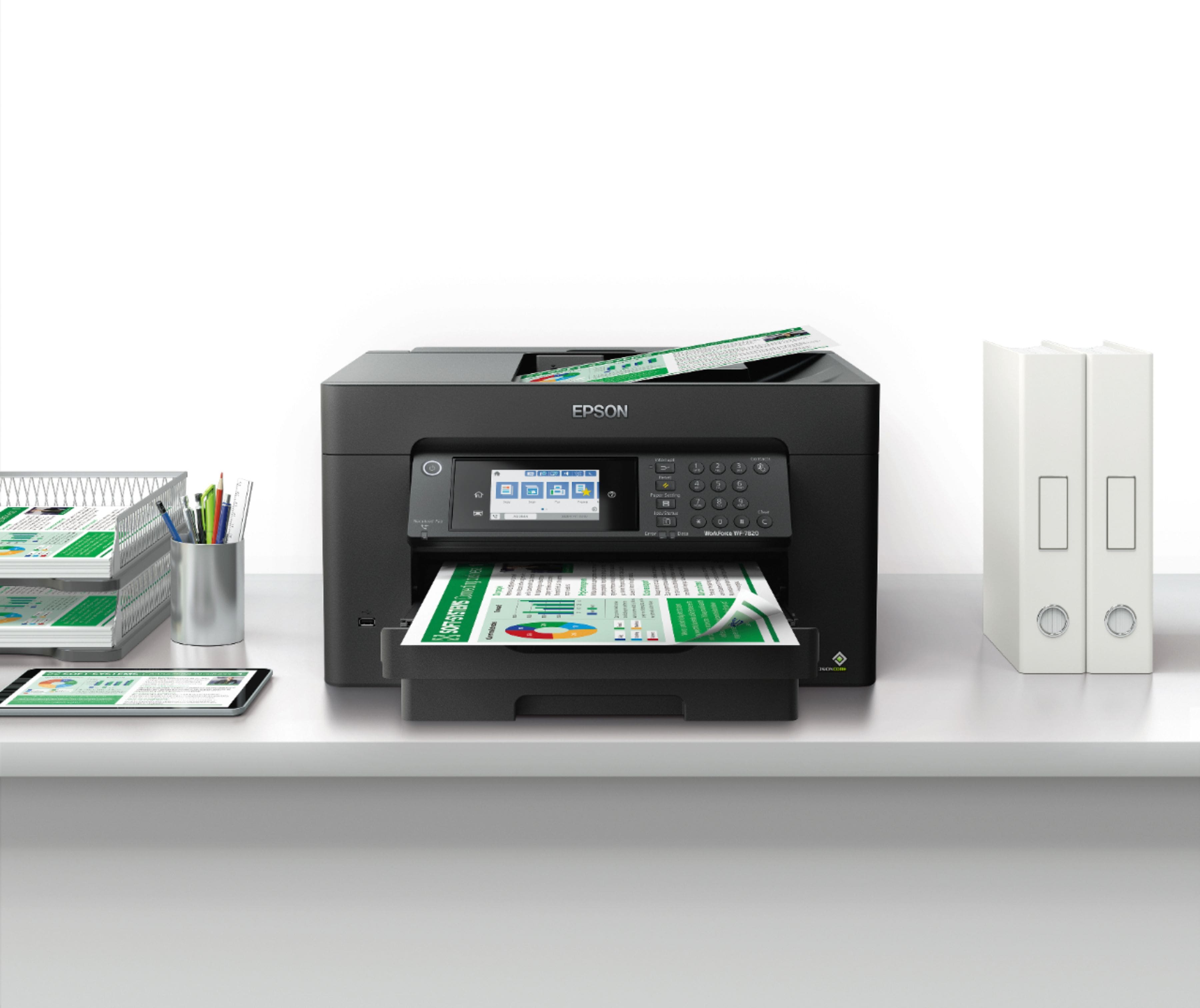
Q: QuestionCan the WF-7820 print quality transparencies up to 13x19 for screen printing? There is no mention of transparencies in any of the literature.
Asked by guest.
- A:Answer Hi guest, Sorry we do not test third-party media types in the WF-7820, so cannot guarantee the print quality. All compatible Epson paper types are listed on the Epson support site. Regards, Mark - The Epson Team.
Answered by Epson

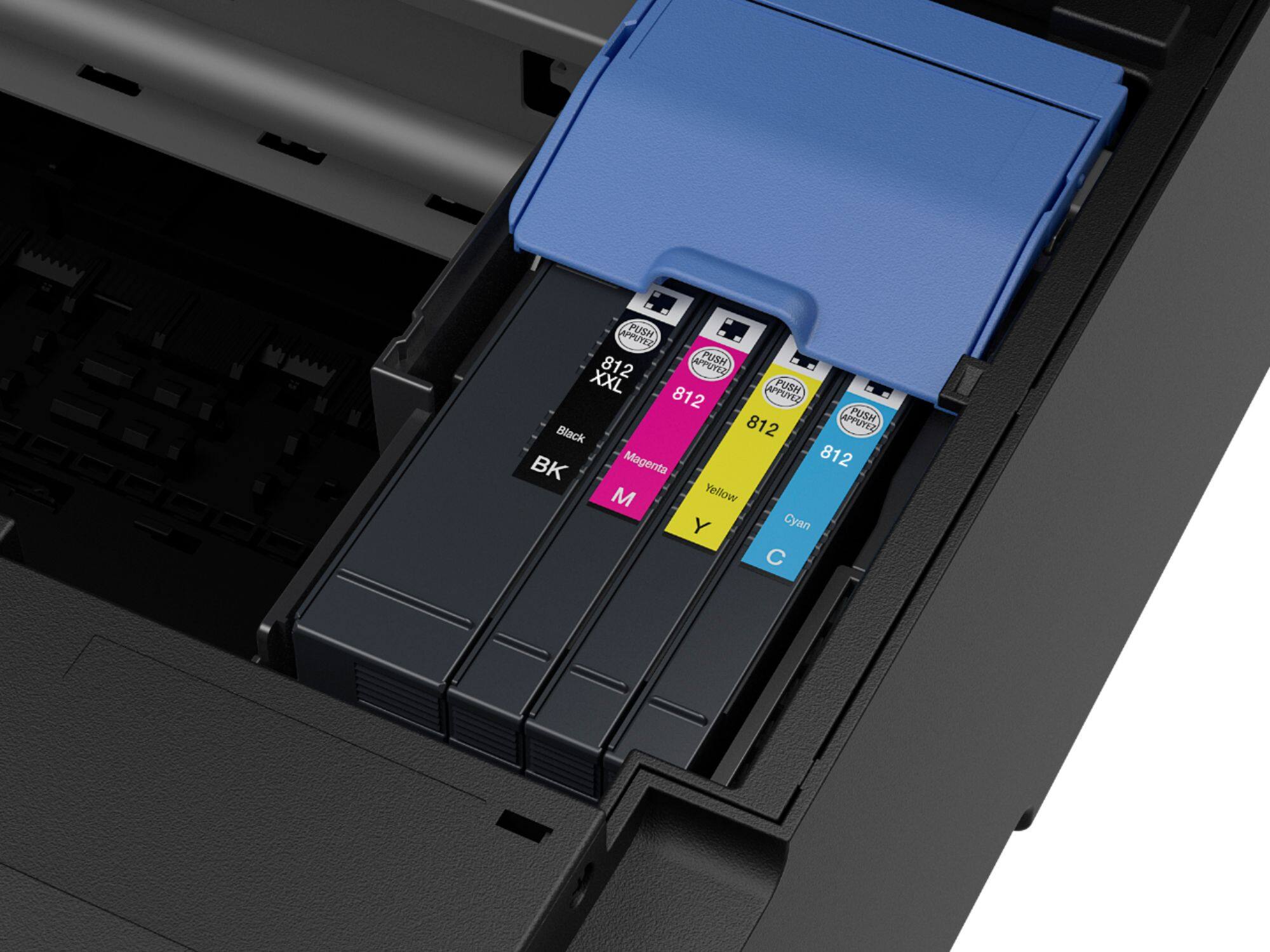
Q: QuestionIs ink included and how much?
Asked by CMDNJ.
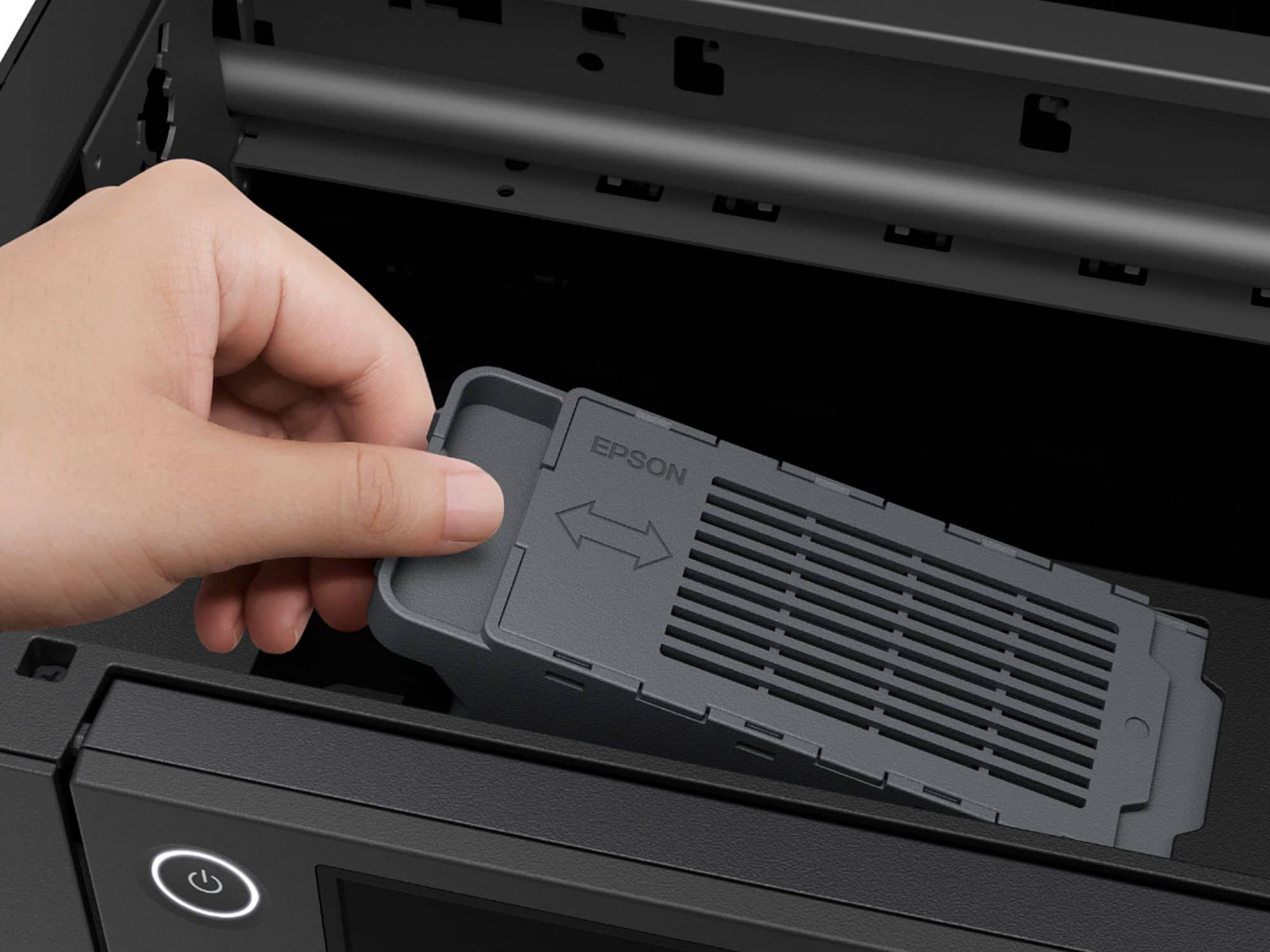
- A:Answer Hi CMDNJ, The WF-7820 includes four cartridges. One each of black, cyan, magenta and yellow. Regards, Mark - The Epson Team.
Answered by Epson

Most-viewed items
- $79.89Your price for this item is $79.89$149.89The comparable value for this item is $149.89
- $49.89Your price for this item is $49.89$89.89The comparable value for this item is $89.89
- $69.00Your price for this item is $69.00$140.00The comparable value for this item is $140.00
- $149.99Your price for this item is $149.99$249.99The comparable value for this item is $249.99
- $159.89Your price for this item is $159.89$239.89The comparable value for this item is $239.89
- $69.00Your price for this item is $69.00$107.00The comparable value for this item is $107.00
- $99.99Your price for this item is $99.99
- $209.89Your price for this item is $209.89$309.89The comparable value for this item is $309.89
- $129.99Your price for this item is $129.99$199.99The comparable value for this item is $199.99
- $129.99Your price for this item is $129.99$194.99The comparable value for this item is $194.99
- $59.89Your price for this item is $59.89$89.89The comparable value for this item is $89.89
- $139.89Your price for this item is $139.89$179.89The comparable value for this item is $179.89
- $129.89Your price for this item is $129.89$159.89The comparable value for this item is $159.89
- $229.00Your price for this item is $229.00$323.00The comparable value for this item is $323.00
- $329.89Your price for this item is $329.89$429.89The comparable value for this item is $429.89
- $229.00Your price for this item is $229.00$323.00The comparable value for this item is $323.00
- $229.99Your price for this item is $229.99$379.99The comparable value for this item is $379.99