A:AnswerHello theprinterguy. Unfortunately, we have not tested "seed" paper on the WF-110 to confirm. We recommend reaching out to the manufacturer to verify that it works with Epson All-In-One inkjet printers. We only test Epson paper on our machines. To see a list of compatible paper types, please visit our official Epson Support page. Regards, Kevin - The Epson Team.
A:AnswerHi, The WorkForce WF-110 is not designed for sublimation printing or sublimation paper. For a full list of compatible paper types visit the Epson support site. Regards, Mark - The Epson Team.
A:AnswerThis Q&A is for the Epson WorkForce WF-110 Wireless Inkjet Printer. Therefore, this is not a Canon printer. Suggest that you ask the question on a Canon printer. :>)
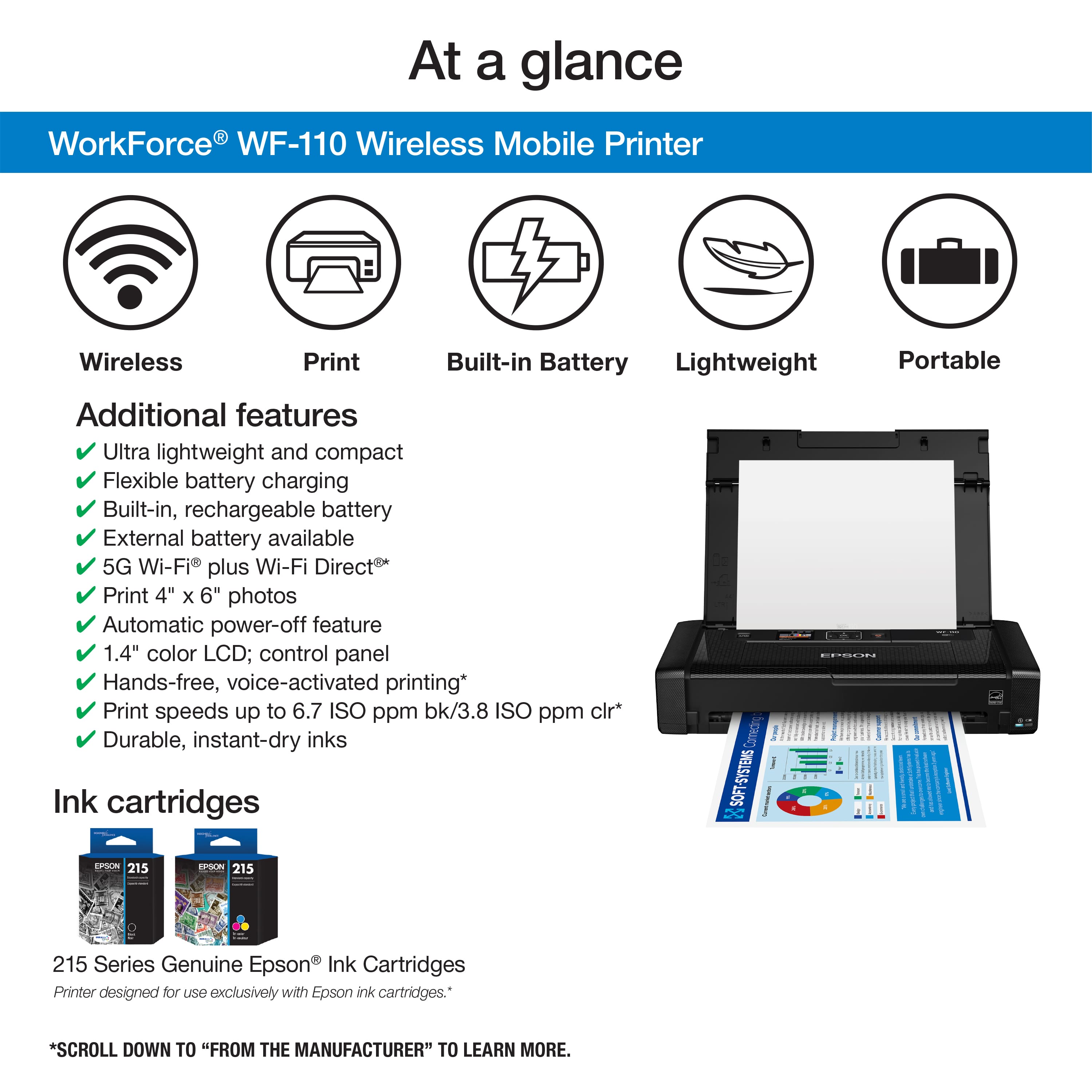
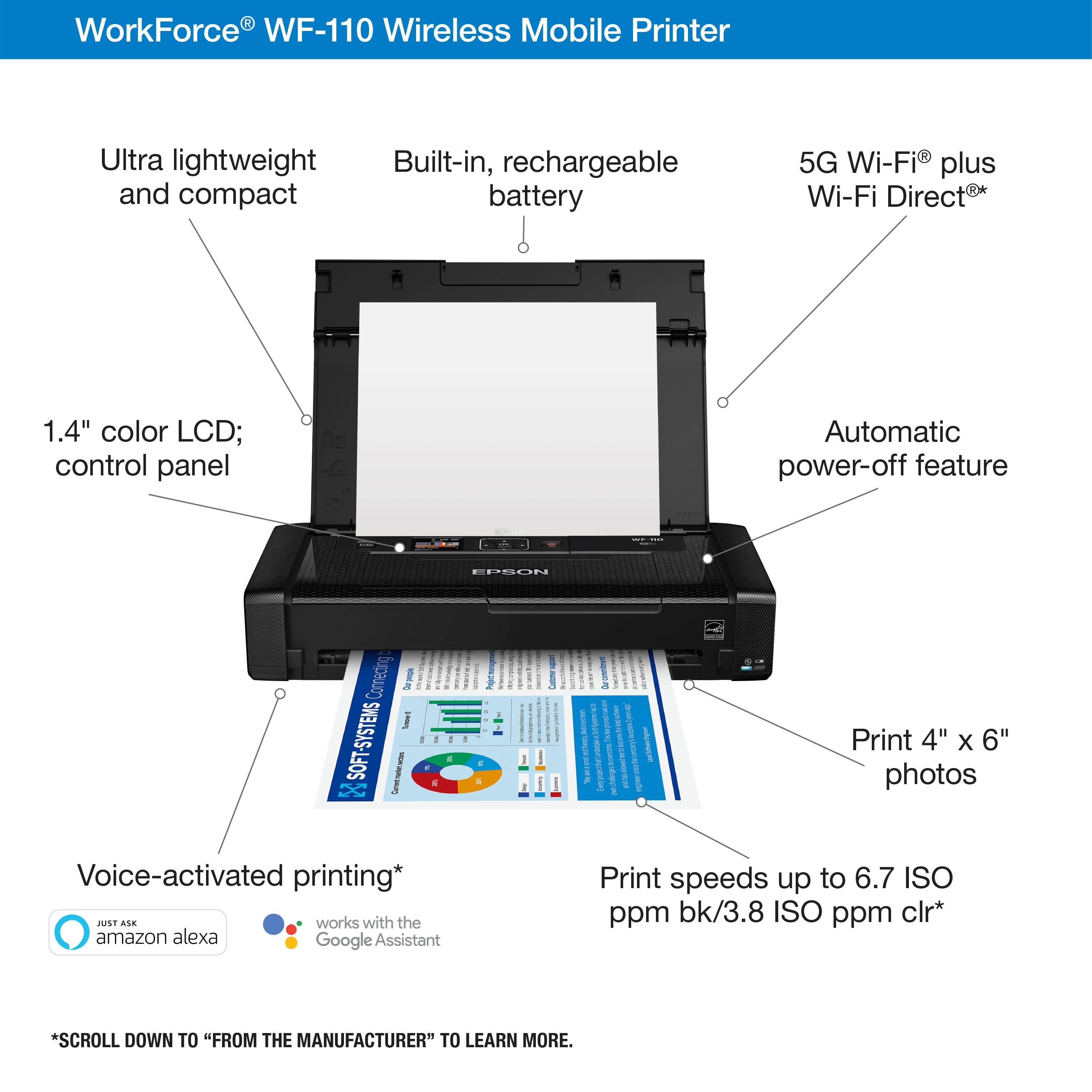
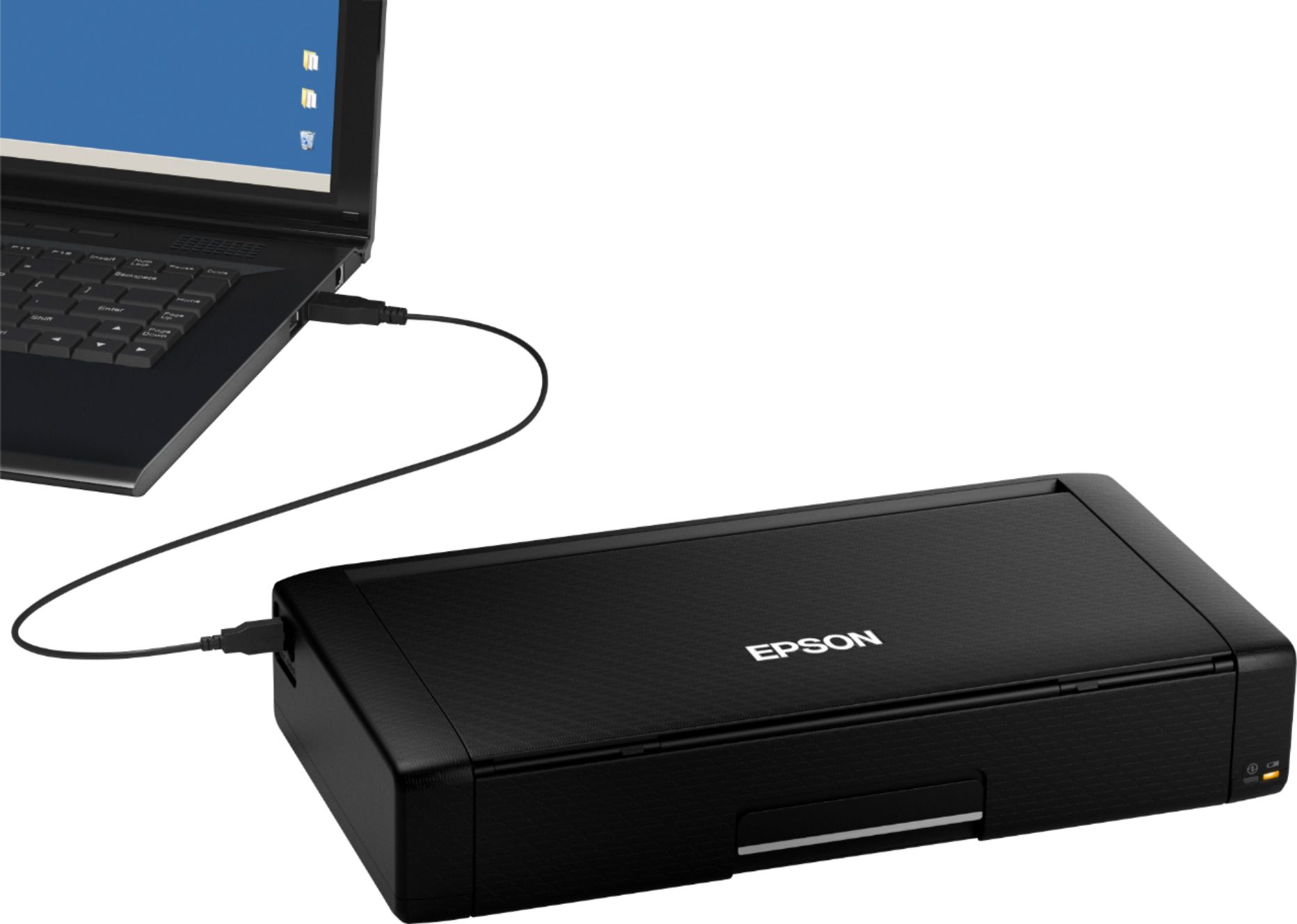
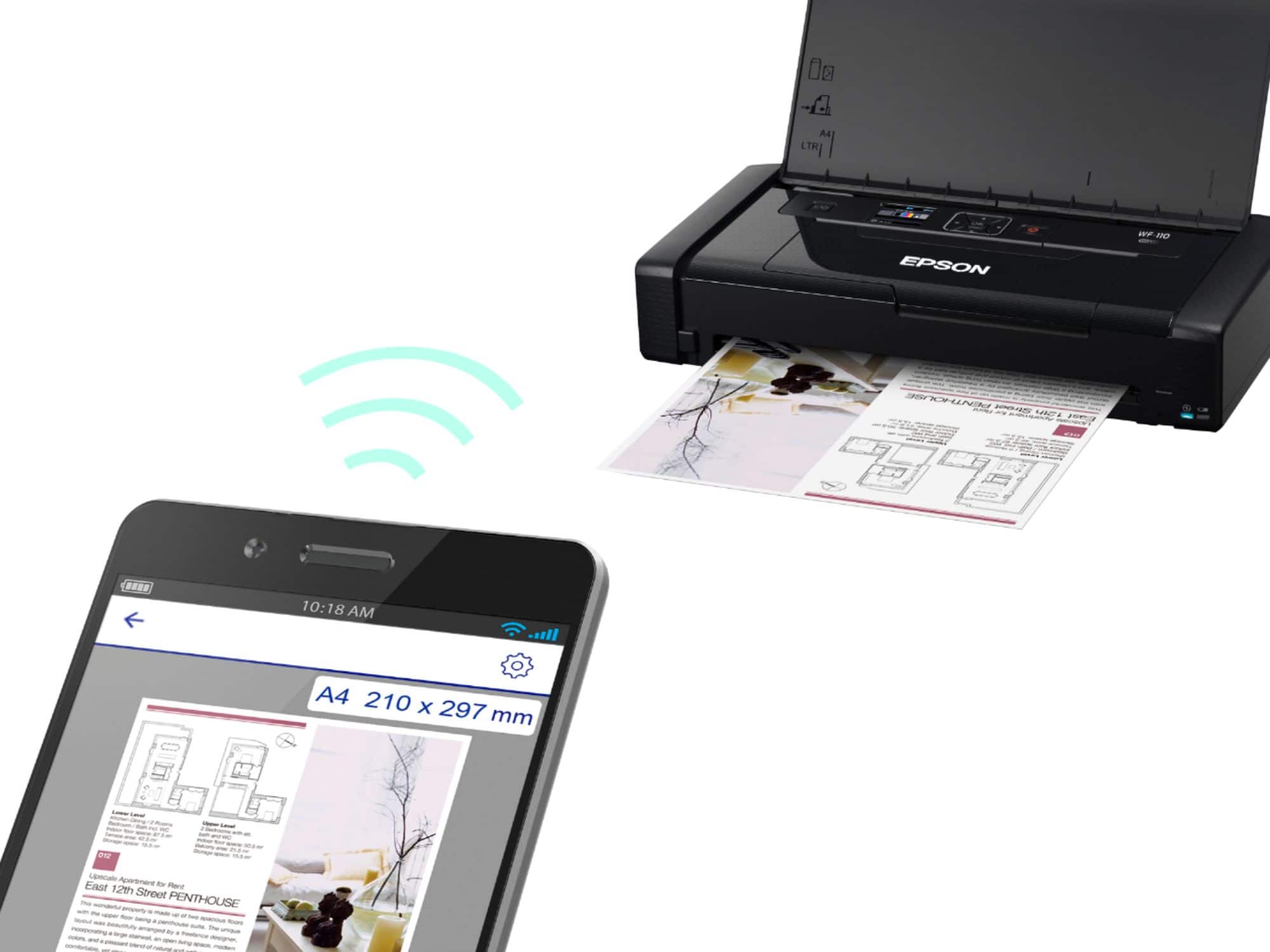
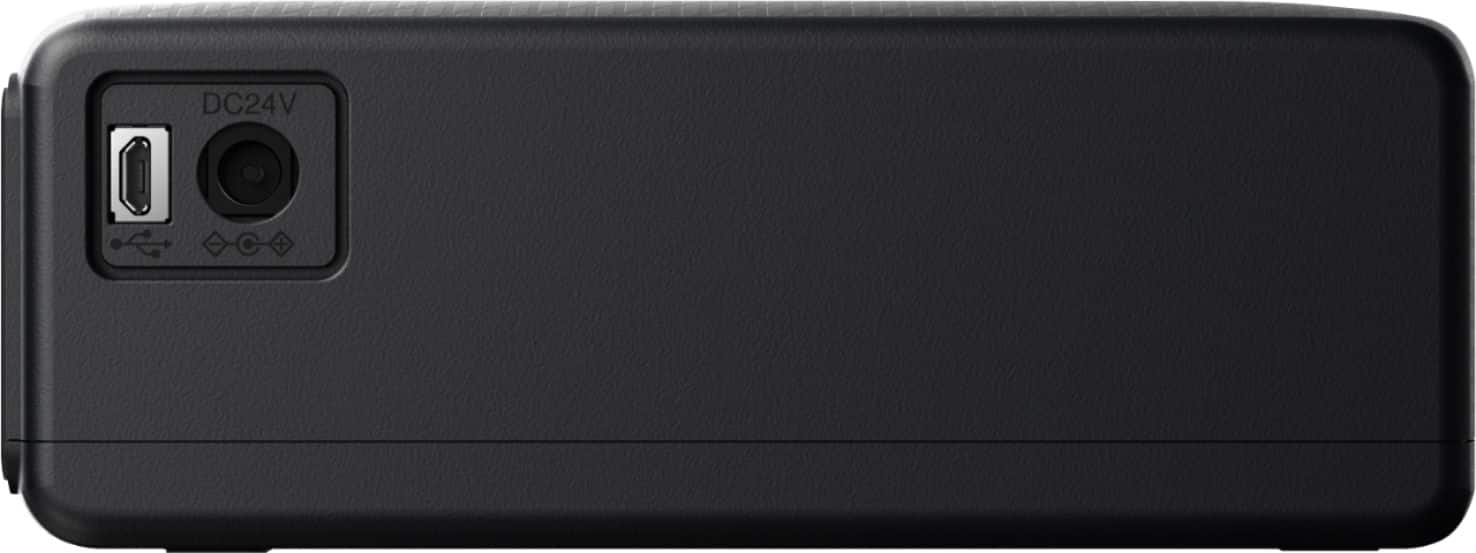
A:AnswerHello LaysaE. The WF-110 supports a wireless connection when connected to a phone. If you are connecting to a computer, you have the ability to connect over a USB cable. For more information, please visit the official Epson Support Page. Regards, Kevin - The Epson Team.
A:AnswerHi Chet, We do not test the WorkForce WF-110 with third-party paper types, so we cannot guarantee the print quality. For a list of compatible paper types we have tested, please visit the Epson support site. Regards, Mark - The Epson Team.
A:AnswerHi, Yes, the Epson WorkForce WF-110 works with Macs. Download the drivers from the Epson support site for the WF-110. Regards, Mark - The Epson Team.
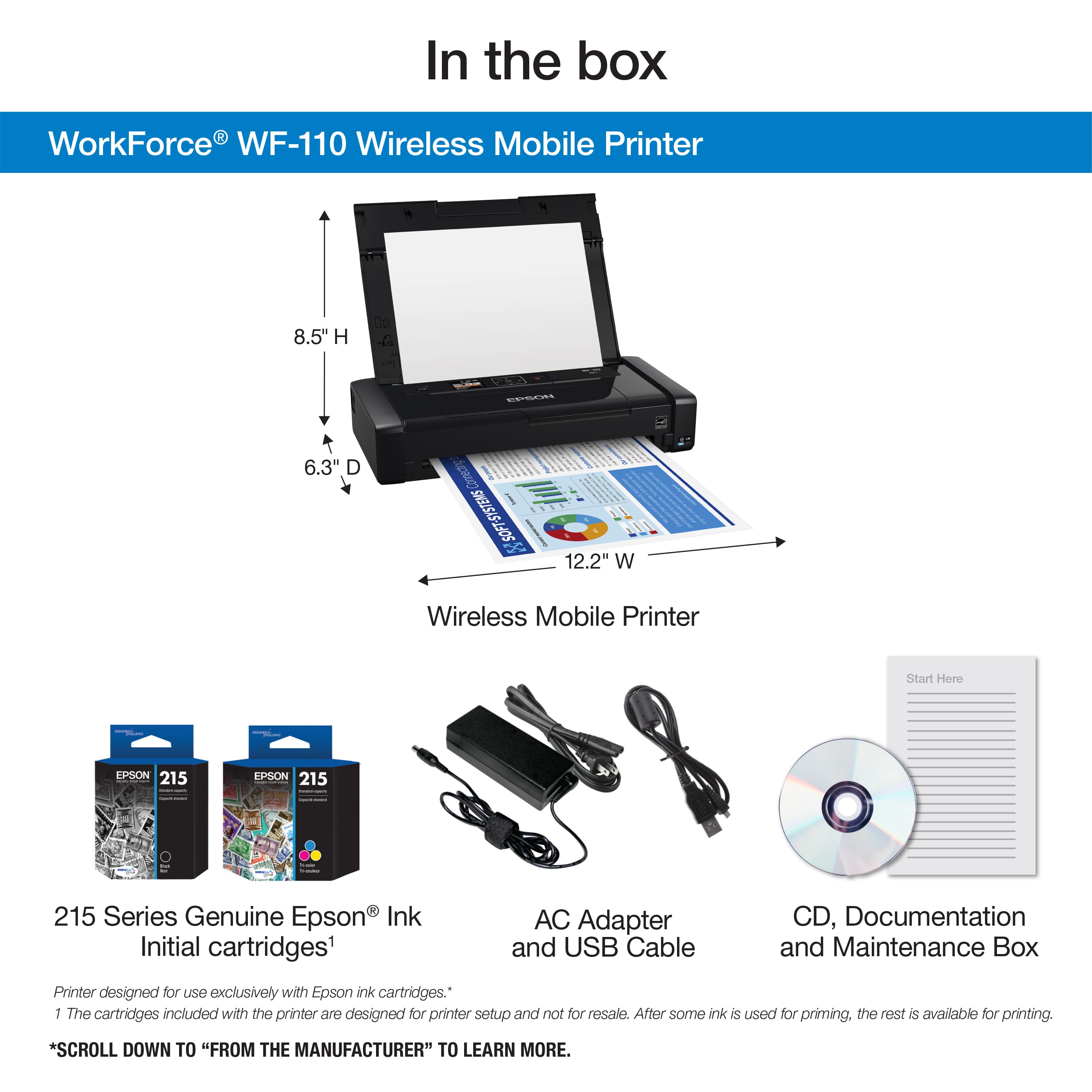
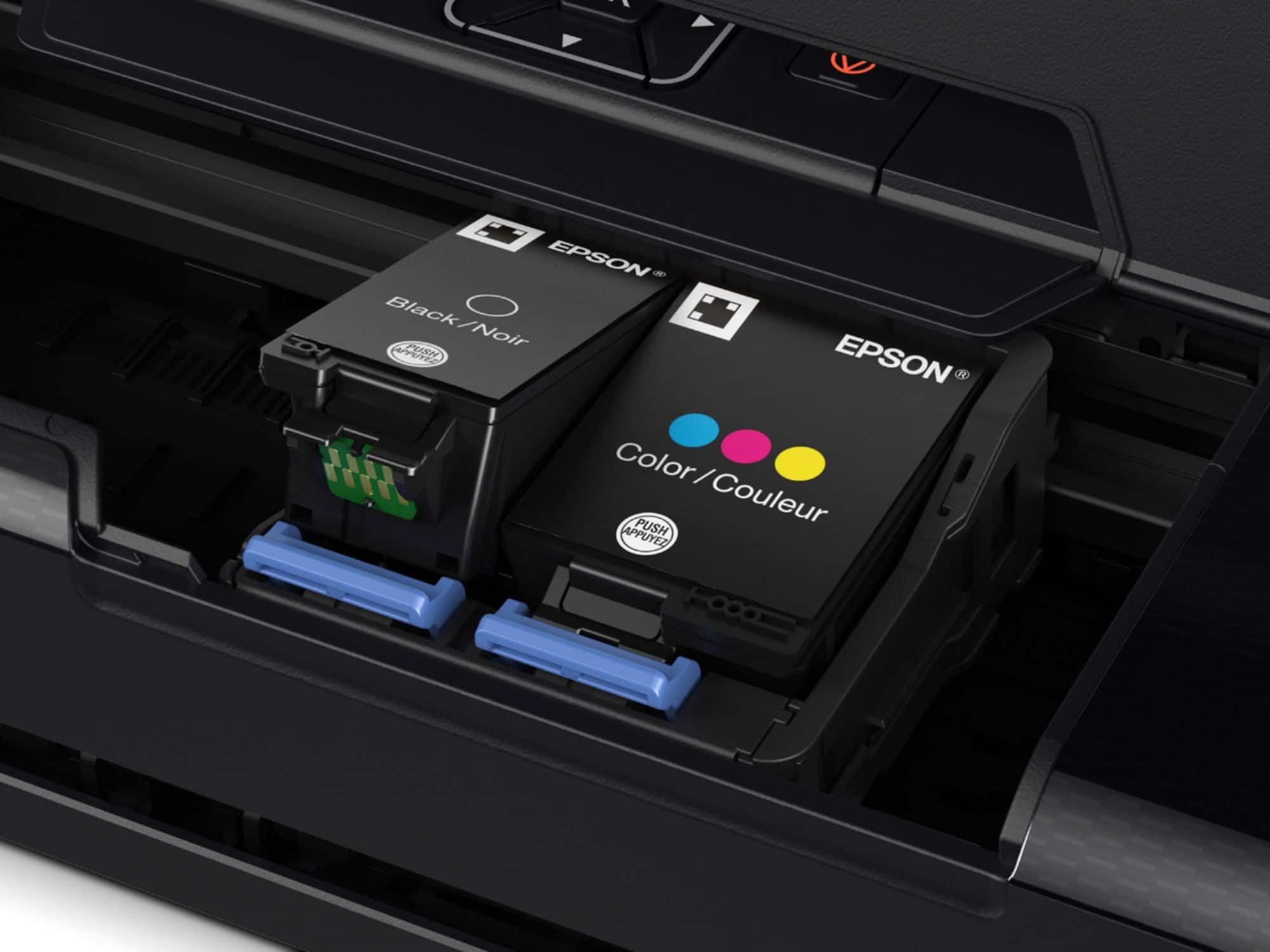
A:AnswerHi gratia, The WorkForce WF-110 includes the ink cartridges in the box, along with an instruction sheet showing how to install them. Regards, Mark - The Epson Team.
A:AnswerHi Sam. The WorkForce WF-110, using genuine Epson 215 ink cartridges, is rated to yield 250 ISO pages in black and 200 ISO pages in color. Regards, Bobby - The Epson Team.
A:AnswerHi, The WF-110 is compatible with Epson Photo Quality Self Adhesive Sheets. We do not test with third-party media so we cannot guarantee the quality. Regards, Mark - The Epson Team.