Monster deals on the tech you wantDoorBOOsters coming Oct. 31.Shop now

Main Content

Questions & Answers

Page Showing 21-40 of 170 questions
  • QuestionDoes this printer print on glossy paper?

    Asked by Hello1234.

    • Answer Hello Hello1234. Yes, the WF-2930 can print on various types of Epson glossy paper. We have not tested 3rd party paper with the machine, so results will vary if you plan to use other brands. Regards, Kevin - The Epson Team.

      Answered by Epson

  • QuestionIs this printer compatible with an Asus L210MA-DB01 ?

    Asked by ChristopherS.

    • Answer Hello ChristopherS. To confirm compatibility, we need to verify which version of Microsoft Windows your computer is running. If it uses Windows 7 - 11, then you can download the latest driver from our official Epson Support page. If you have Windows 10 S Mode, the software automatically installs when you connect your product. Please keep in mind, that print and scan functions are limited as Windows 10 S only supports apps installed from the Windows Store. Regards, Kevin - The Epson Team.

      Answered by Epson

  • QuestionCan the printer work with. OS. 10. 1. To. 11

    Asked by Anonymous.

    • Answer Hi, Yes it does! In fact, the WorkForce WF-2930 works with Mac OS from 10.5 to the latest version 13. Drivers are available at the Epson support site for the WF-2930. Regards, Mark - The Epson Team.

      Answered by Epson

  • QuestionWill I be able to print things off on A5 paper? I know some printers don’t.

    Asked by Journalists.

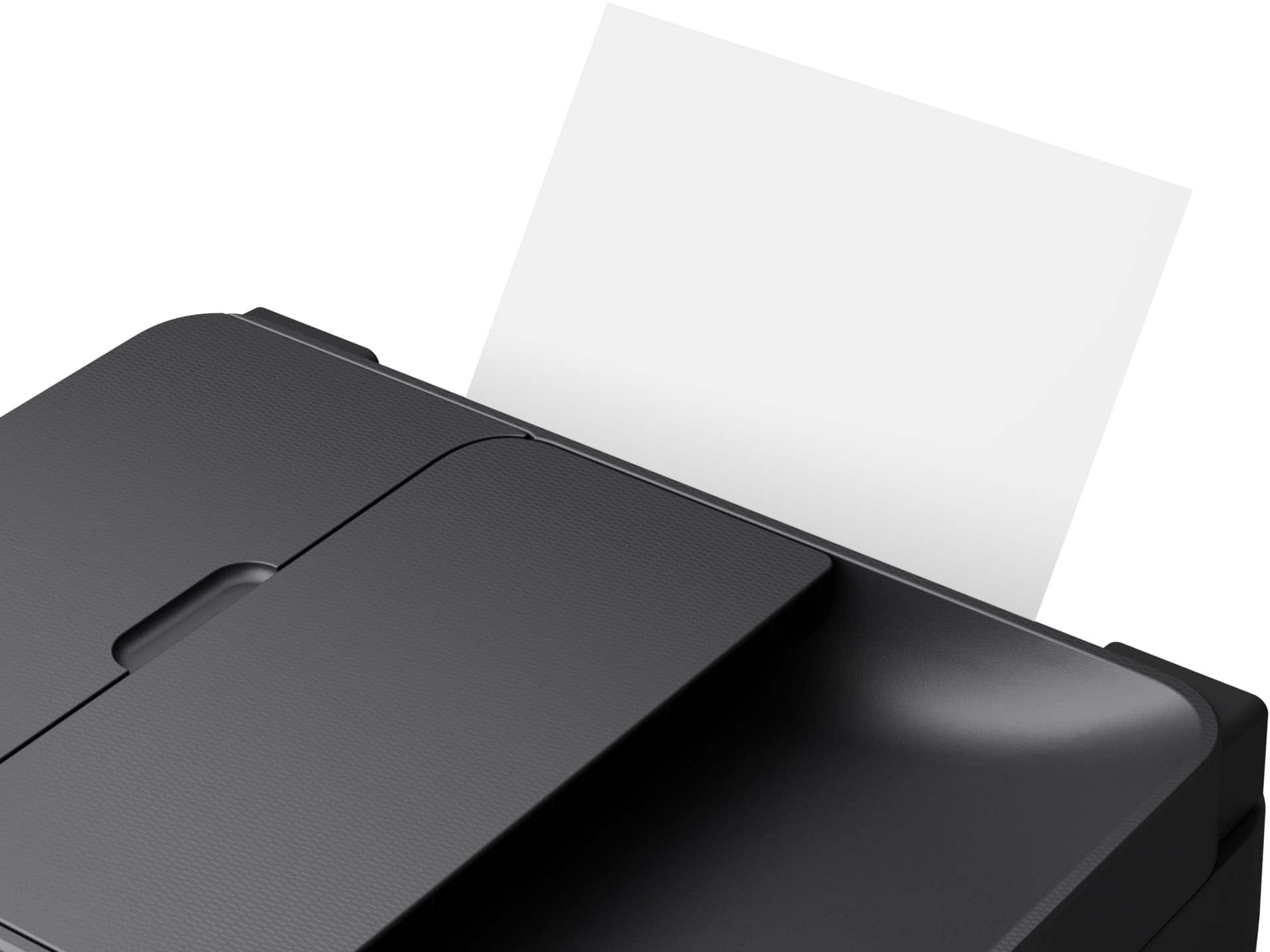
    • Answer Hello Journalists. Yes, the WF-2930 can print on paper sizes ranging from 3.5" x 5" to 8.5" x 47.2". Regards, Kevin - The Epson Team.

      Answered by Epson

  • QuestionDoes this printer print in Draft mode?

    Asked by Tutu.

    • Answer Hello. Yes, the WF-2930 can print in draft mode. The option can be found under "Print Quality Options" on your computer. Regards, Kevin - The Epson Team.

      Answered by Epson

  • QuestionIs this Bluetooth capatable?

    Asked by Kat4.

    • Answer Hello Kat4. The WF-2930 only works with a USB connection or Wi-Fi. Unfortunately, Bluetooth functionality is not available for this printer. Regards, Kevin - The Epson Team.

      Answered by Epson

  • QuestionDoes this printer have duplex printing capability?

    Asked by TM.

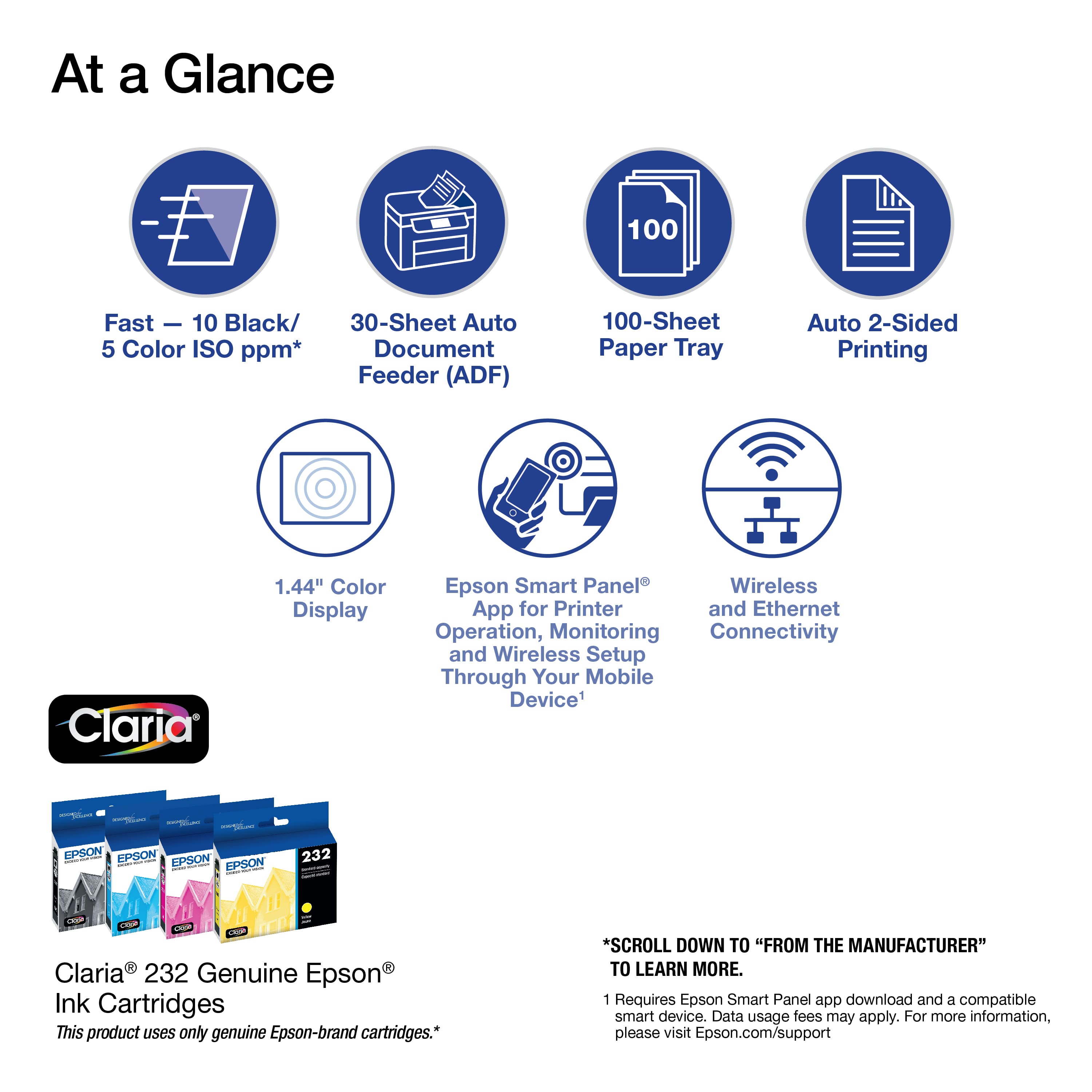
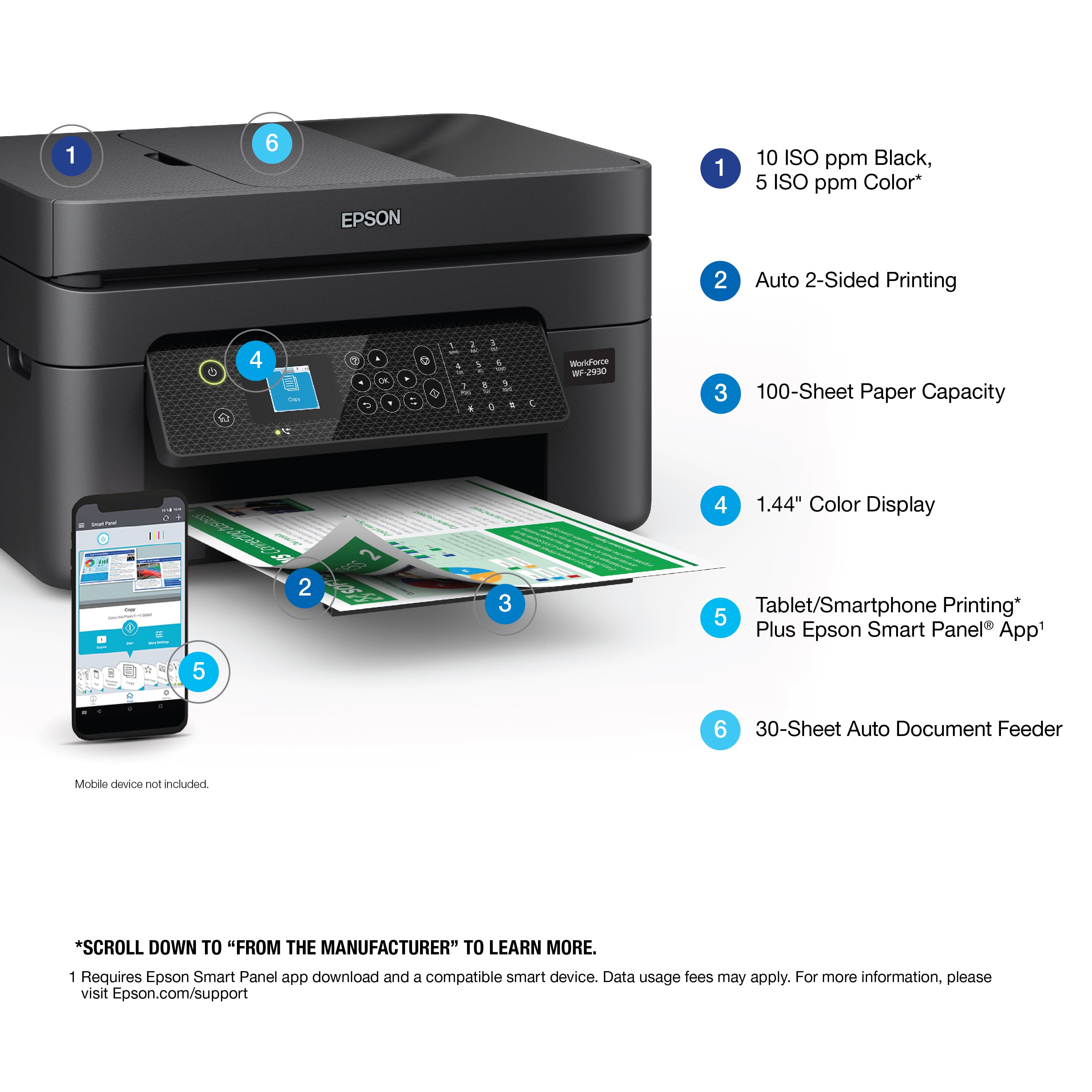
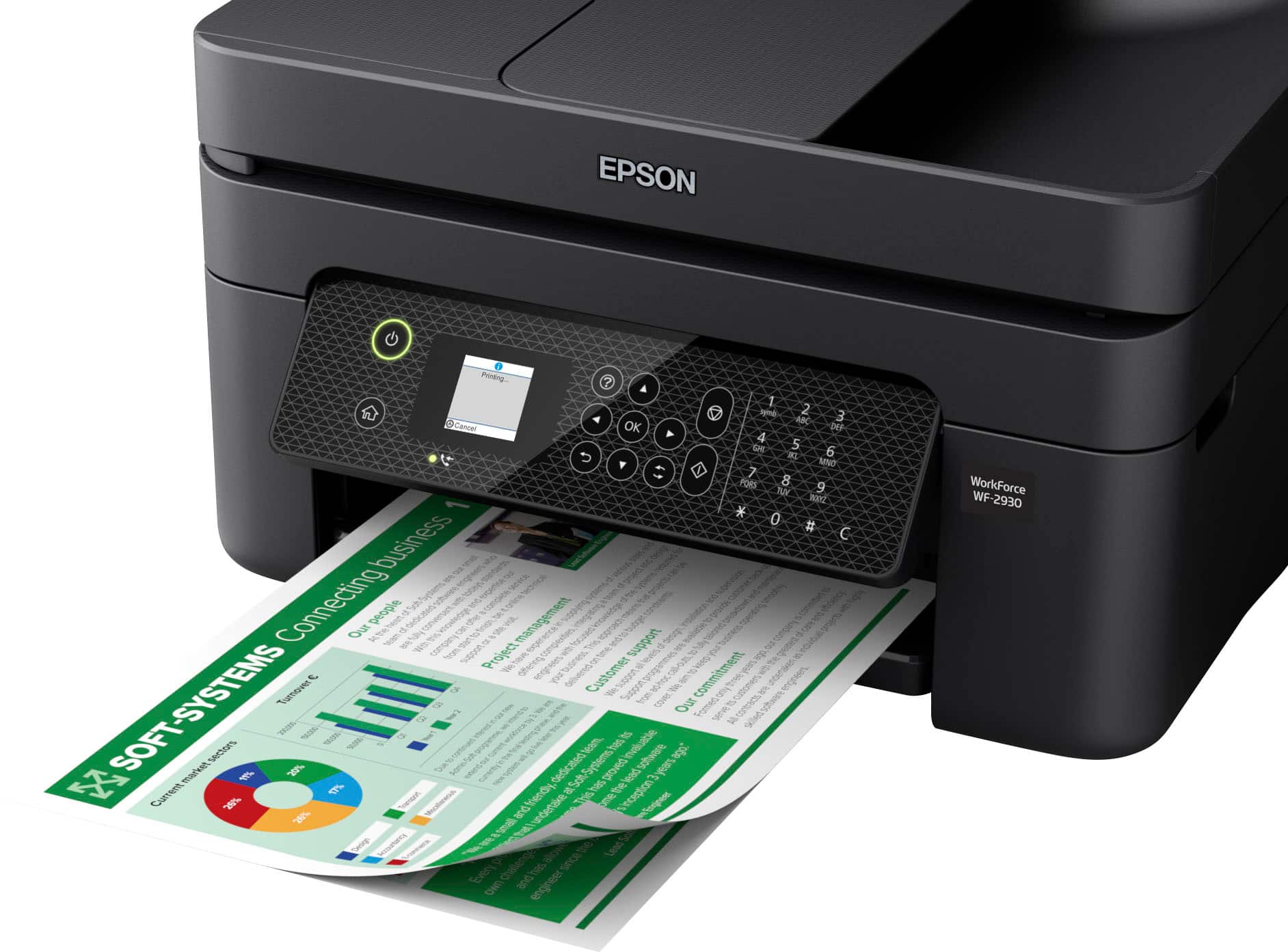
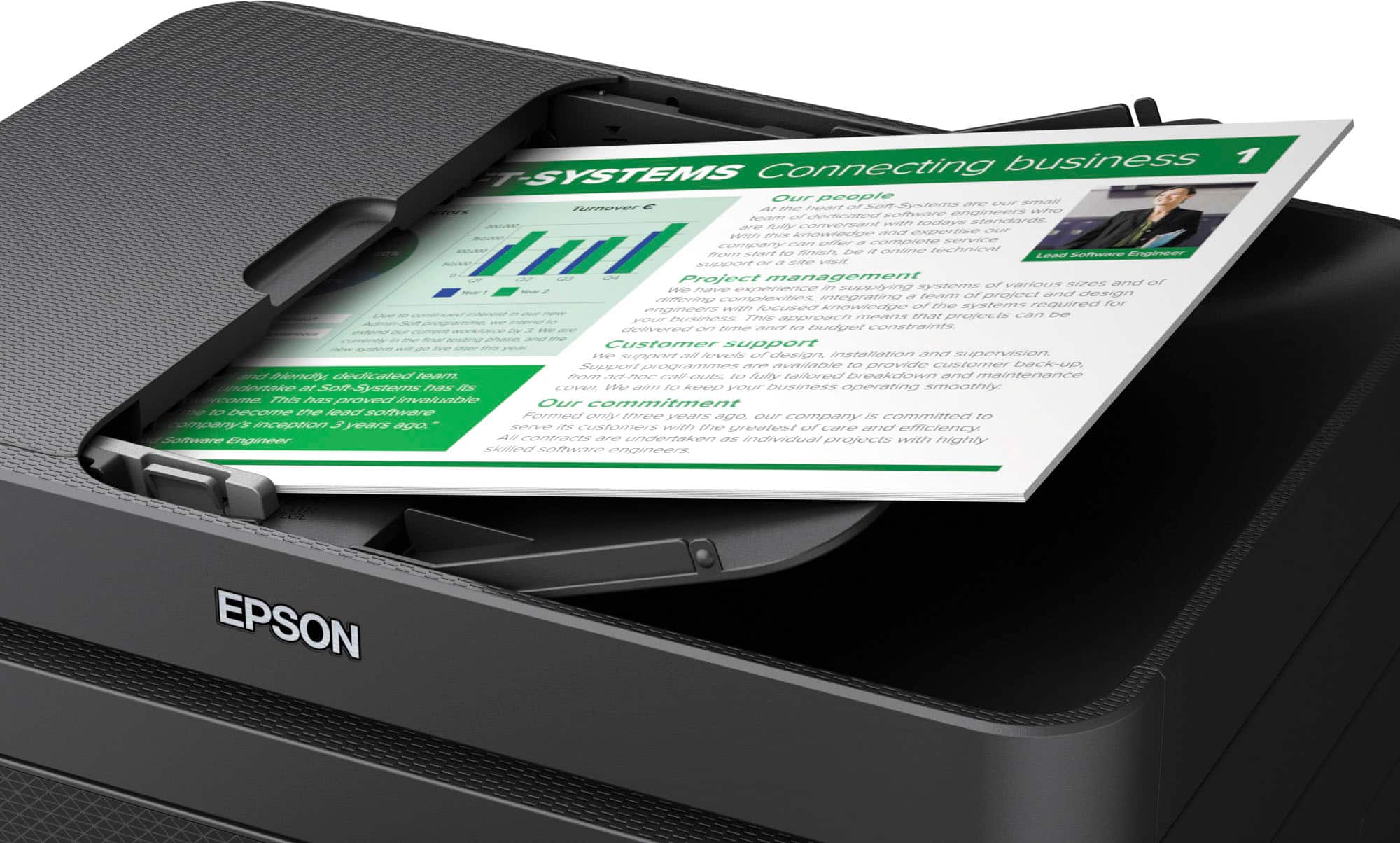
    • Answer Hello TM. Yes, the WF-2930 includes automatic 2-sided printing. You can load approximately 100 sheets of plain paper that will print on both sides of the page. Regards, Kevin - The Epson Team.

      Answered by Epson

  • QuestionAm I able to hook my phone up to the printer wifi to print?

    Asked by wireless.

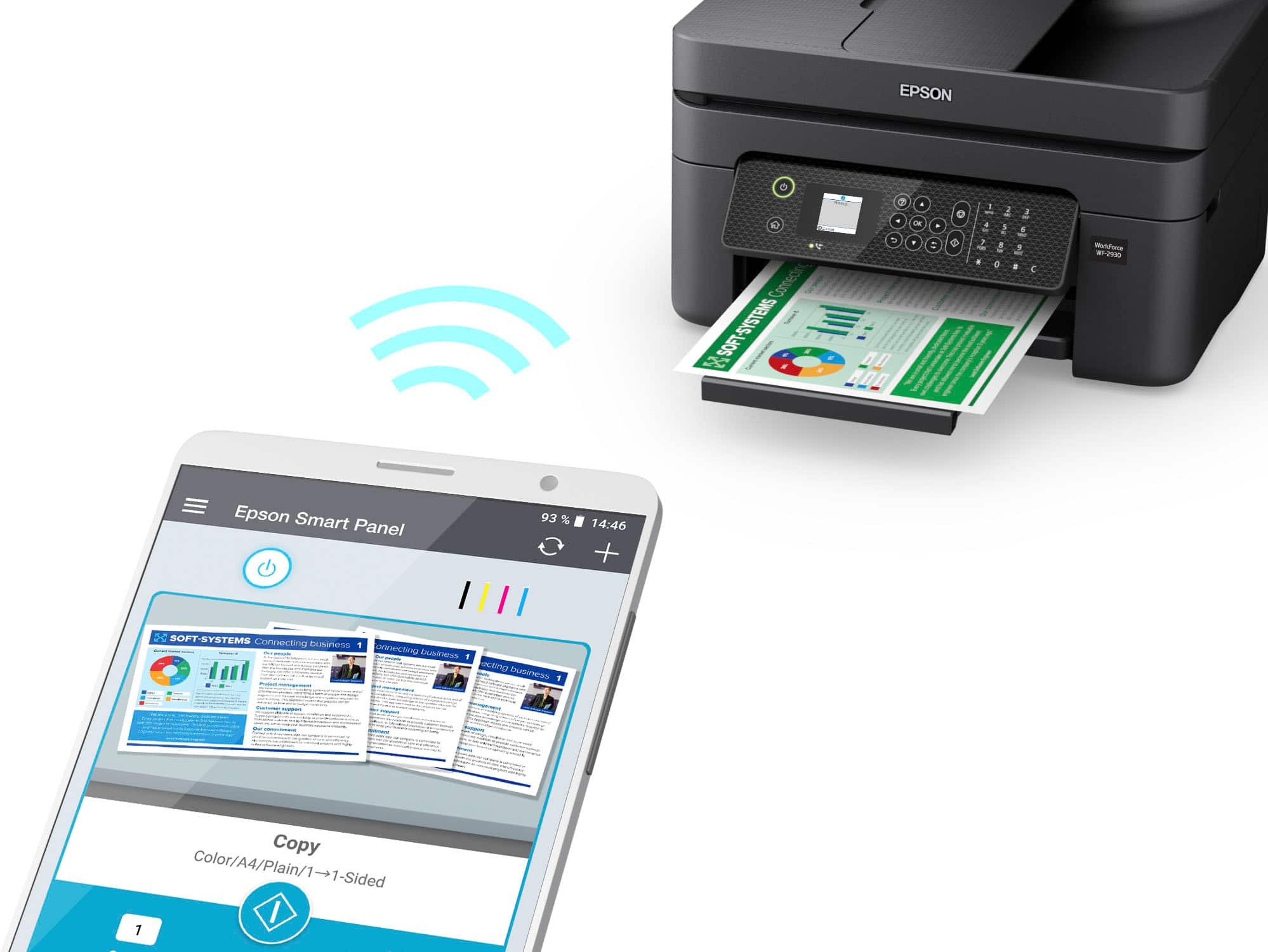
    • Answer Hello wireless. Yes, the WF-2930 can be connected to your phone via Wi-Fi. You can download the Epson Smart Panel app from the App Store on your phone to set up and use the printer. Regards, Kevin - The Epson Team.

      Answered by Epson

  • QuestionIs this printer and scanner compatible with with Mac?

    Asked by sly.

    • Answer Hello sly. Yes, the WF-2930 is compatible with Apple computers running macOS 10.6 - 12. You can find the latest printer driver and software on our official Epson Support page. Regards, Kevin - The Epson Team.

      Answered by Epson

  • QuestionOne of the reviews said you had to scan to your phone, save it, and then email to your PC. Is that accurate??? You can't scan directly to your PC??

    Asked by bfab.

    • Answer Yes you can scan directly to your pc,you need to download drivers for this printer on your pc

      Answered by Neal

  • QuestionDoes this fax as well? and how many pages can be faxed at one time?

    Asked by NP.

    • Answer Hello NP. The WF-2930 includes fax functionality. Using the fax utility, you can fax up to 100 pages at a time, including a cover sheet. Regards, Kevin - The Epson Team.

      Answered by Epson

  • QuestionWhere can I get a manual to set up the printer

    Asked by Anonymous.

    • Answer Hi, The Start Here - Installation Guide and the full User's Guide are available on the Epson support site for the WF-2930. Regards, Mark - The Epson Team.

      Answered by Epson

  • QuestionWILL I BE ABLE TO SCAN THE OPEN PAGES OF A SMALL BOOK: 6X9 INCHES SO...9" HIGH BY 12" WIDE APPROX? IS IT ECONOMICAL WITH INK ? THANKS

    Asked by BUDDHA.

    • Answer Hello BUDDHA. When scanning originals such as books, it's best to avoid exterior light from shining directly onto the scanner glass. Please note that your results will vary, so we usually recommend using a standalone scanner with a removable lid like the V600 Photo Scanner. Epson uses ISO/IEC 24711 tests to determine page yield. A new set of standard capacity T232 ink cartridges can print approximately 150 Black or 140 Color ISO pages. Regards, Kevin - The Epson Team.

      Answered by Epson

  • QuestionHow do you adjust the size of the image you are printing? Where can I view the manual?

    Asked by Anonymous.

    • Answer Hello. The process of adjusting the image size varies based on the application you are using to print. Most programs have print settings where you can select the correct paper size or layout. You can also select the paper size directly from the printer's control panel. If you need assistance, please contact our Technical Support team by phone. Regards, Kevin - The Epson Team.

      Answered by Epson

  • QuestionCan you scan to a flash drive

    Asked by Anonymous.

    • Answer Hello. The USB port on the WF-2930 is designed to be used with a USB cable when you're connected to a computer. Unfortunately, it doesn't have a port for a flash drive. Regards, Kevin - The Epson Team.

      Answered by Epson

  • QuestionI am looking for a Wired printer not wireless Do you have any

    Asked by Ralph.

    • Answer Hello Ralph. Yes, the WF-2930 can be used wirelessly over Wi-Fi or with a physical USB connection. Depending on your computer, you will need a "USB A to B" or "USB B to C" cable, which is sold separately. Regards, Kevin - The Epson Team.

      Answered by Epson

  • Questiondo startup cartridges come with?

    Asked by Anonymous.

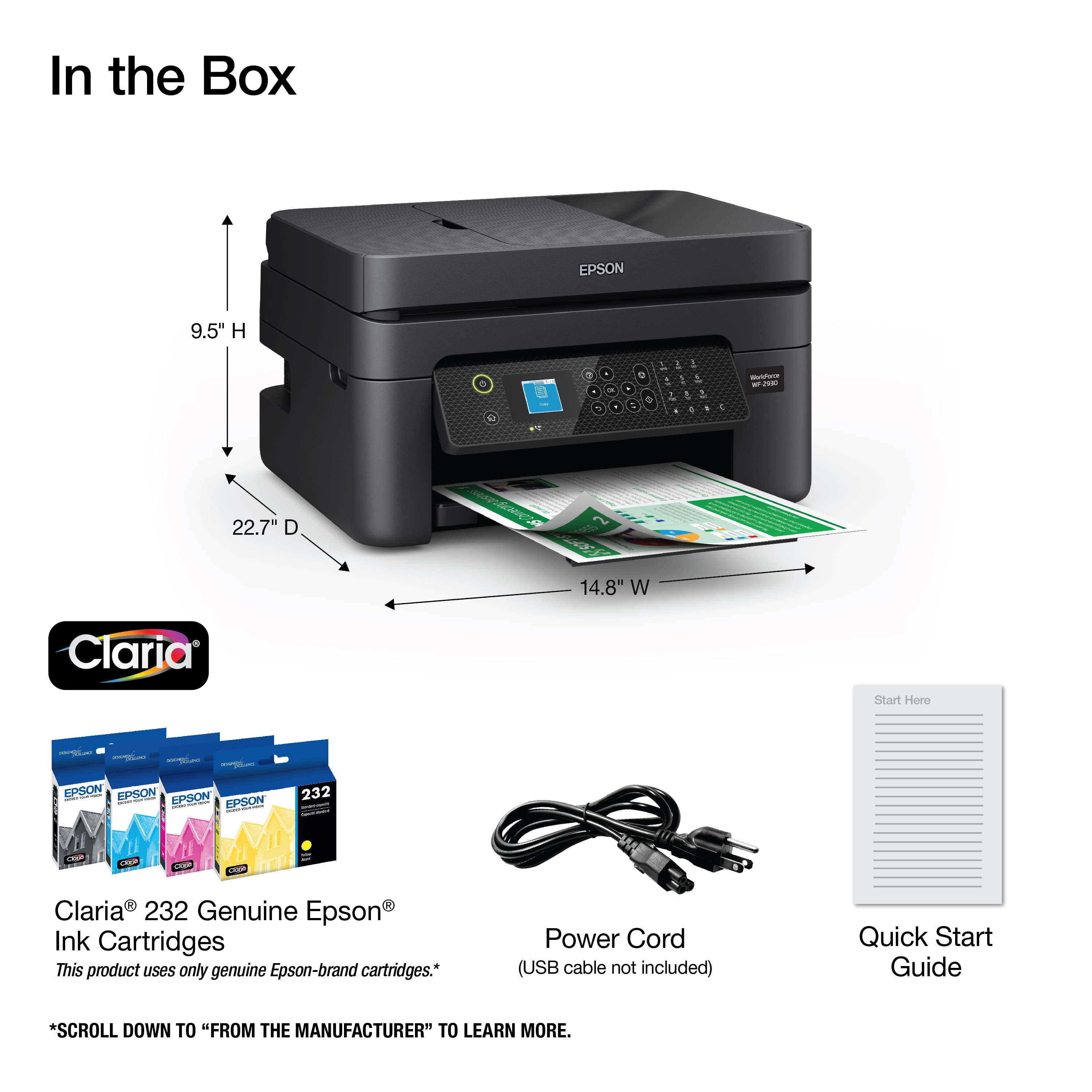
    • Answer Hello. Yes, the Epson WF-2930 includes four ink cartridges (Cyan, Magenta, Yellow, and Black) intended for initial setup. Most of this ink is used to charge the ink delivery system, and the remaining ink will be available for printing. Regards, Kevin - The Epson Team.

      Answered by Epson

  • Questioncan the printer handle card stock?

    Asked by artech.

    • Answer Hello artech. The WF-2930 can print on card stock. However, the thickest paper we have tested on the machine is Epson Ultra Premium Photo Paper Glossy, which weighs 79 lb. For cardstock, we have tested similar Epson paper that weighs around 44 lb. Please be aware that these recommendations are for Epson paper only. You can try a cardstock that falls in that range, but your results can vary when using other brands and heavier paper. Regards, Kevin - The Epson Team

      Answered by Epson

  • Questiondoes this have email function scan to email?

    Asked by Don.

    • Answer Hello Don. Using your computer, the WF-2930 can scan an original and attach it to a message in your e-mail program, such as Microsoft Outlook, Mac Mail, Windows Live Mail, and Entourage. As an additional option, you can set up Epson Connect services on the printer, which allows you to print and scan documents using a registered e-mail. Please visit our official Epson Support page for additional information on these options. Regards, Kevin - The Epson Team.
      Answered by Epson

  • QuestionDoes this printer come with a USB cable?

    Asked by Tommy.

    • Answer Hello Tommy. The USB cable is sold separately. You want to ensure you use a "USB A to B" or "USB B to C" connection depending on your computer. Regards, Kevin - The Epson Team.
      Answered by Epson