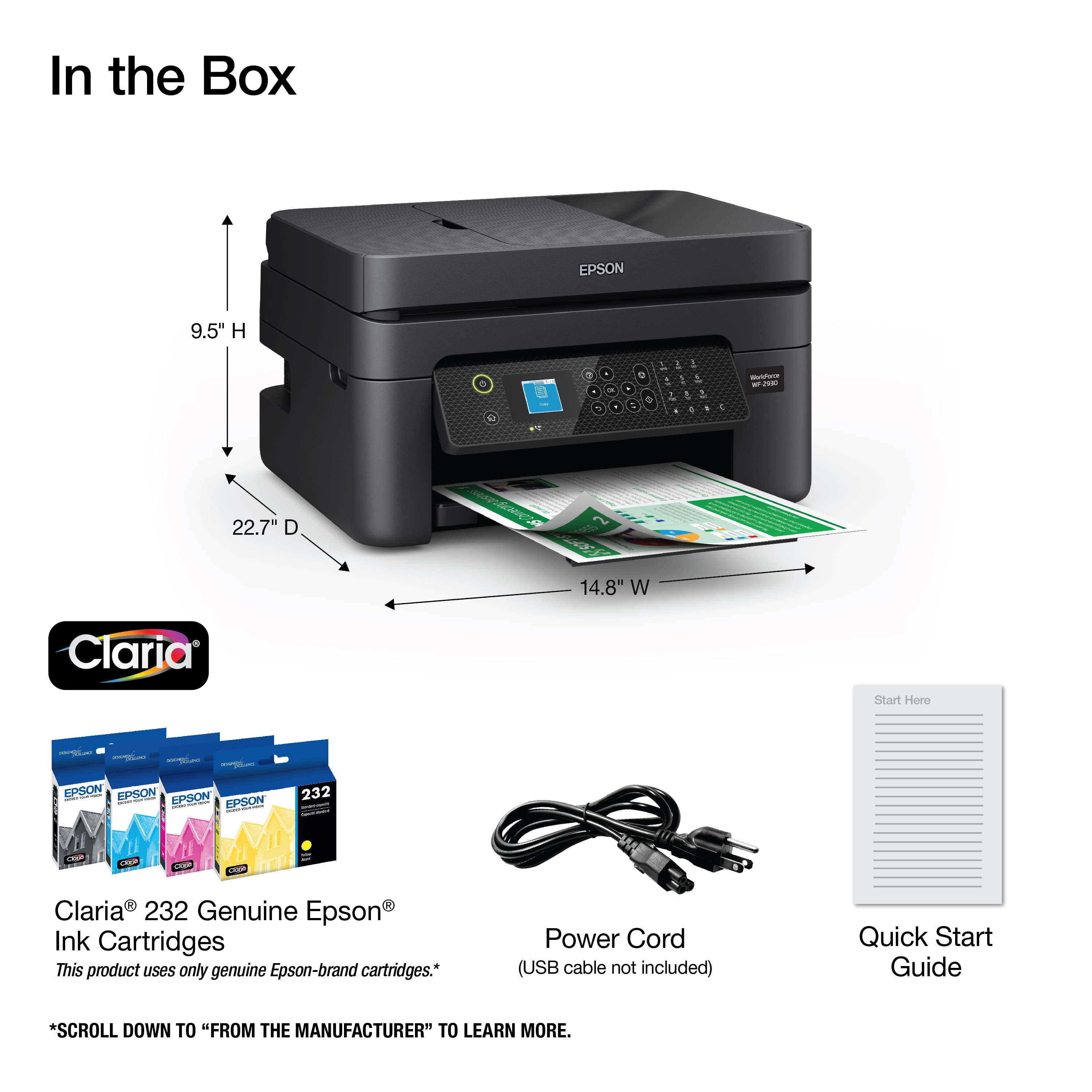
A:AnswerHi Ifaber1. The Epson WF-2930 was not designed for dye-sublimation printing nor the use of non-genuine Epson ink cartridges. Using sublimation ink in this printer could damage the print head and impact warranty coverage. Regards, Kevin - The Epson Team.
A:AnswerHello 8kin4. The scanner function on the Epson WF-2930 will work even if one of the genuine Epson Ink Cartridges is depleted of usable ink and the printer displays the replace cartridge message. Regards, Kevin - The Epson Team.
A:AnswerHello Sharon. The WF-2930 can print on supported Epson Photo Paper. Please note this printer is tailored more for office document printing, including presentations and corporate graphics. For All-in-One printers better suited for photos, we recommend looking at our Expression Photo XP printers. Regards, Kevin - The Epson Team.
A:AnswerHello Ivan. The WF-2930 is not designed to work with remanufactured Ink Cartridges. Using 3rd party Ink with the machine can cause ink-system issues and affect warranty coverage. Regards, Kevin - The Epson Team.
A:AnswerHi pudgyplanter, If your laptop is running WIndows from XP through the latest version 11, then it should work. You can download drivers for the WorkForce WF-2930 from the Epson support site. Regards, Mark - The Epson Team.
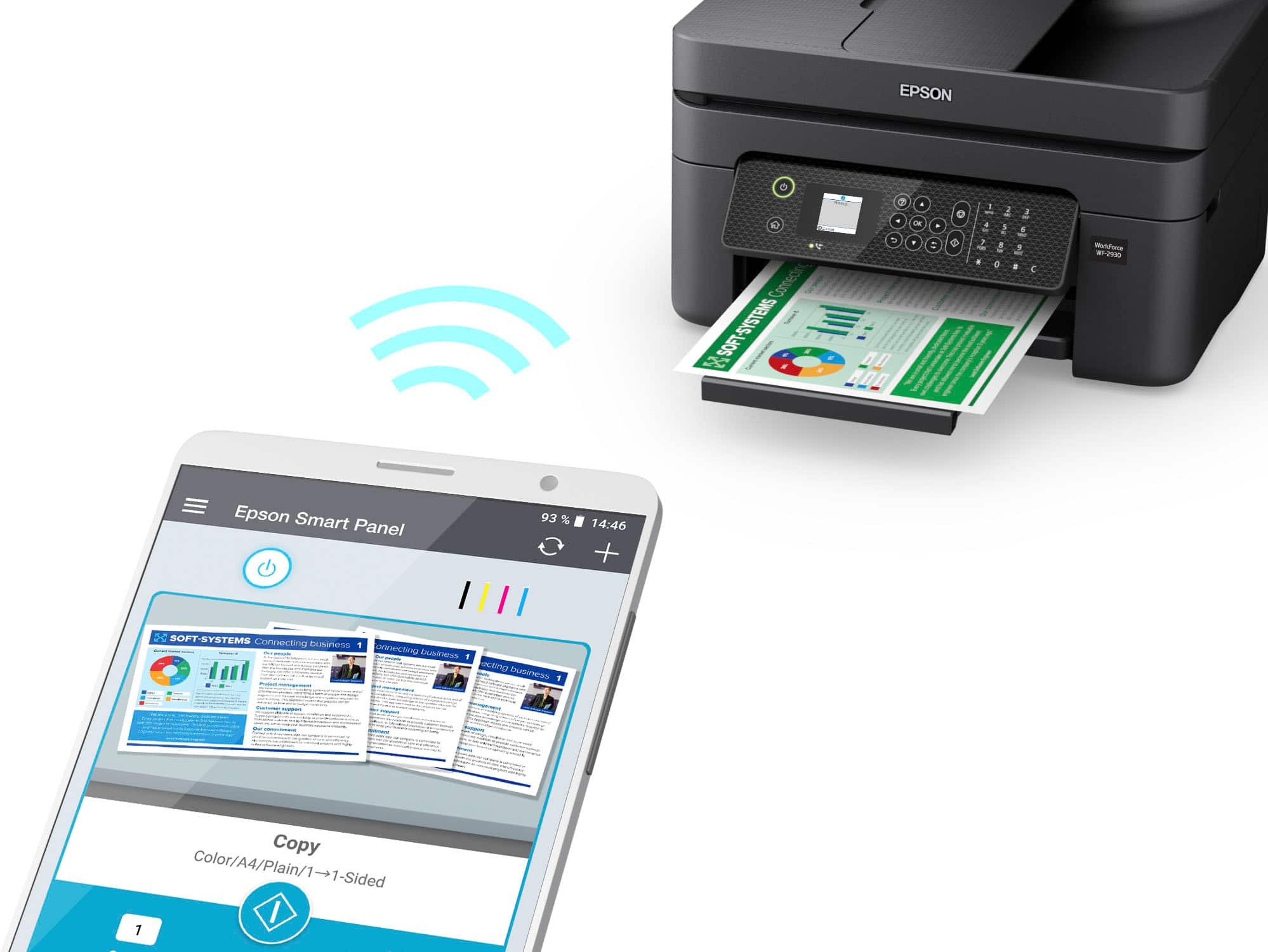
A:AnswerHi print, Yes you can. In order to print or scan with the WorkForce WF-2930, your Apple devices must be connected to the same 2.4 GHz Wi-Fi network as the printer. If you are using a 5 GHz router and it is dual-band capable you can set it for 2.4 GHz/5GHz operation. Regards, Mark - The Epson Team.
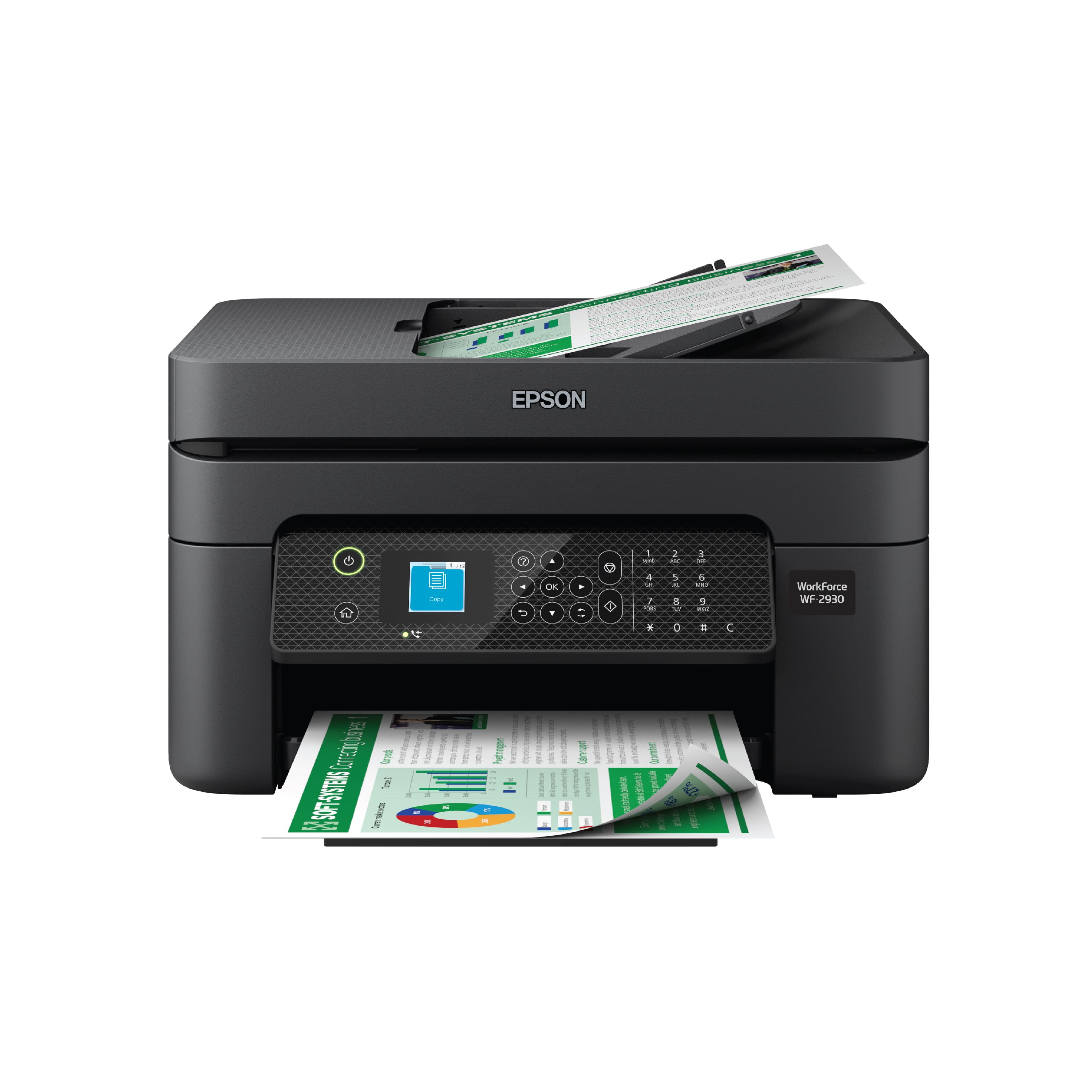
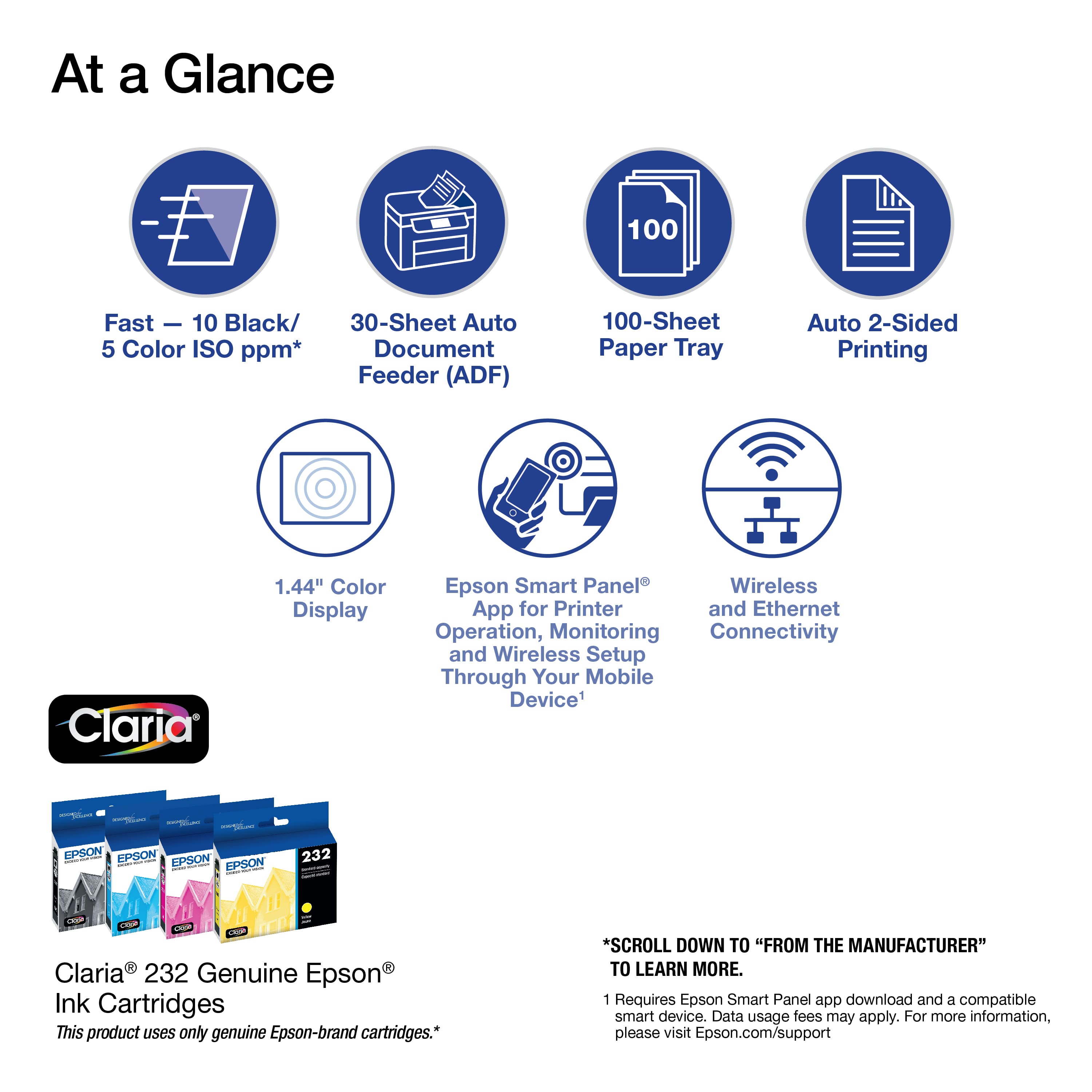
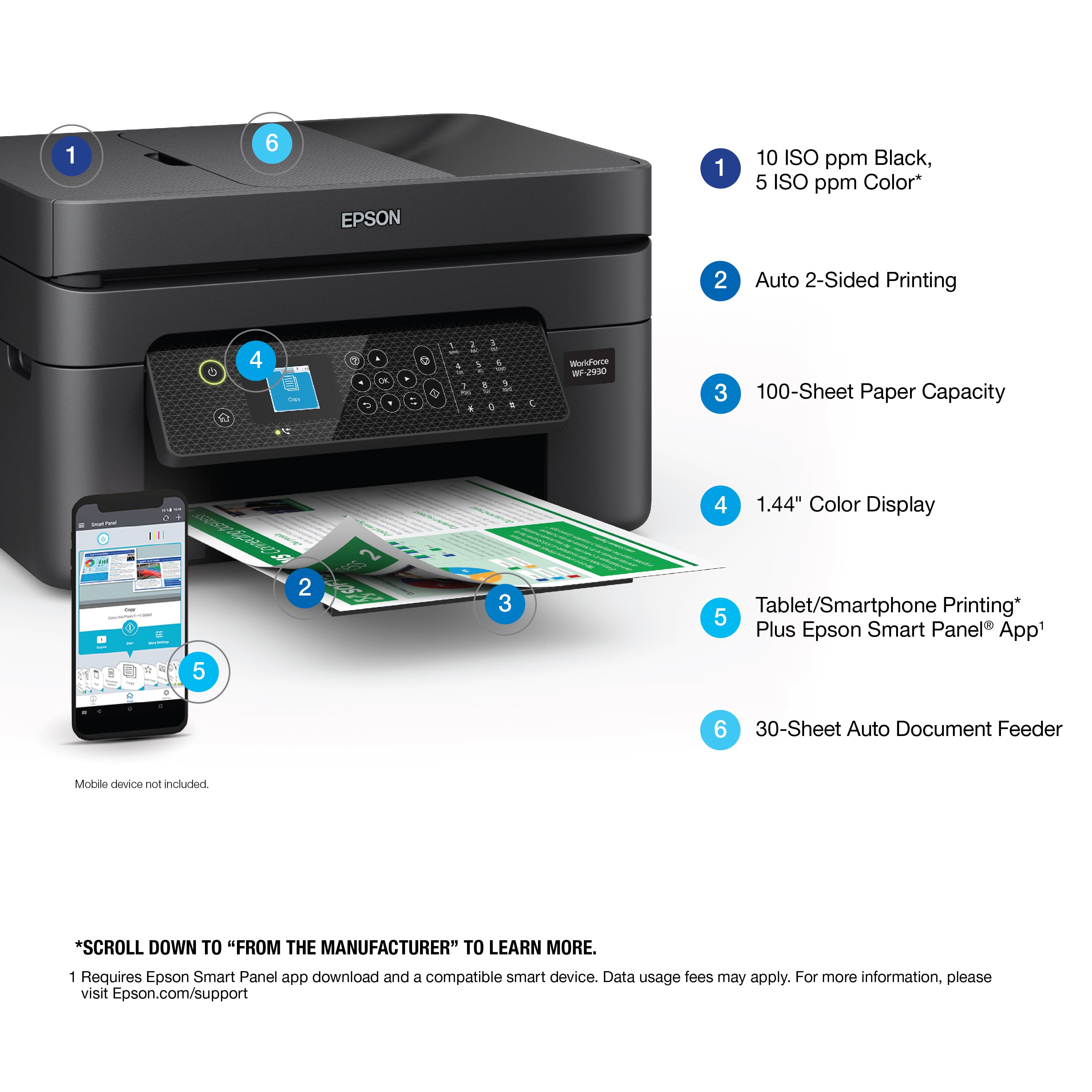
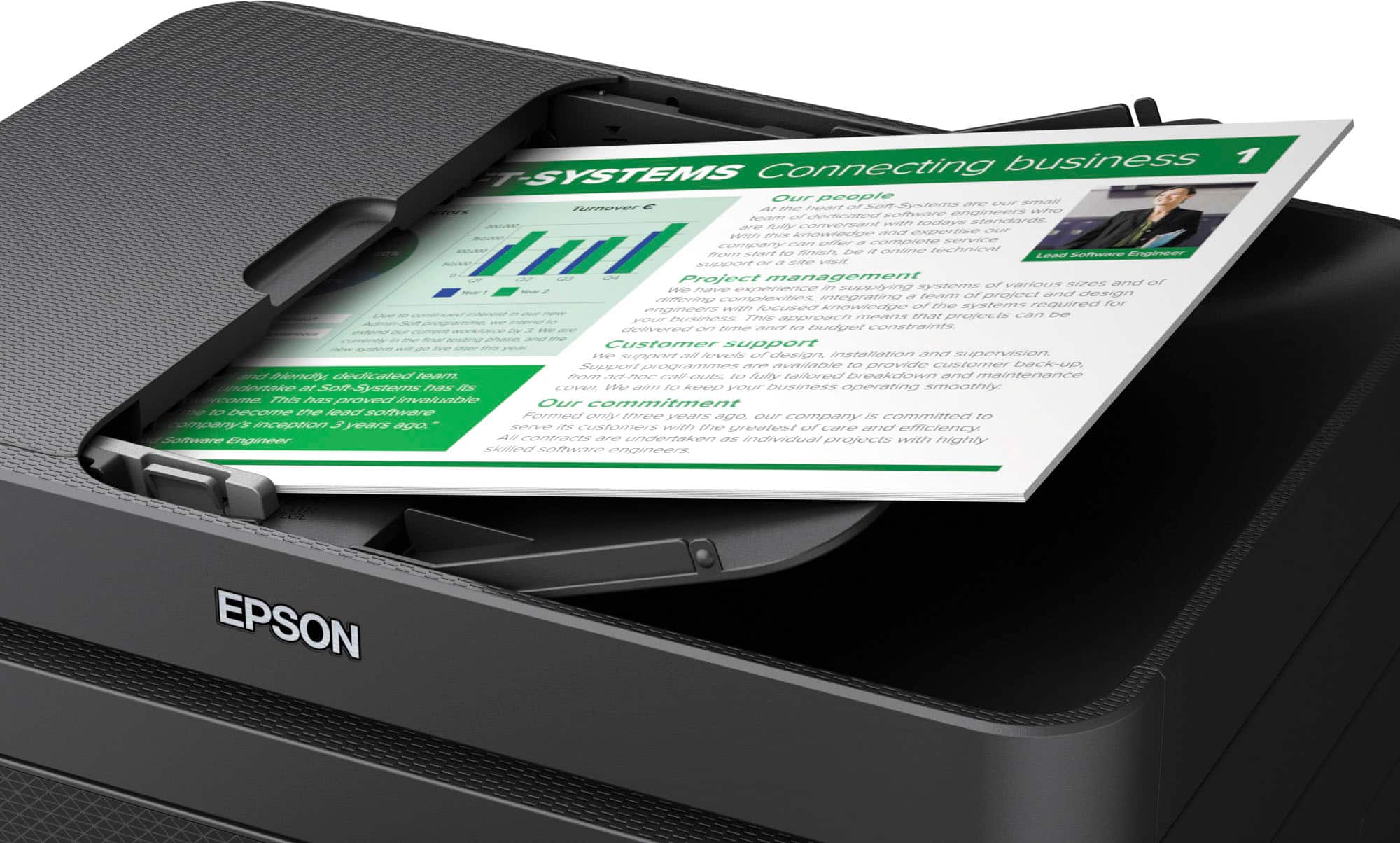
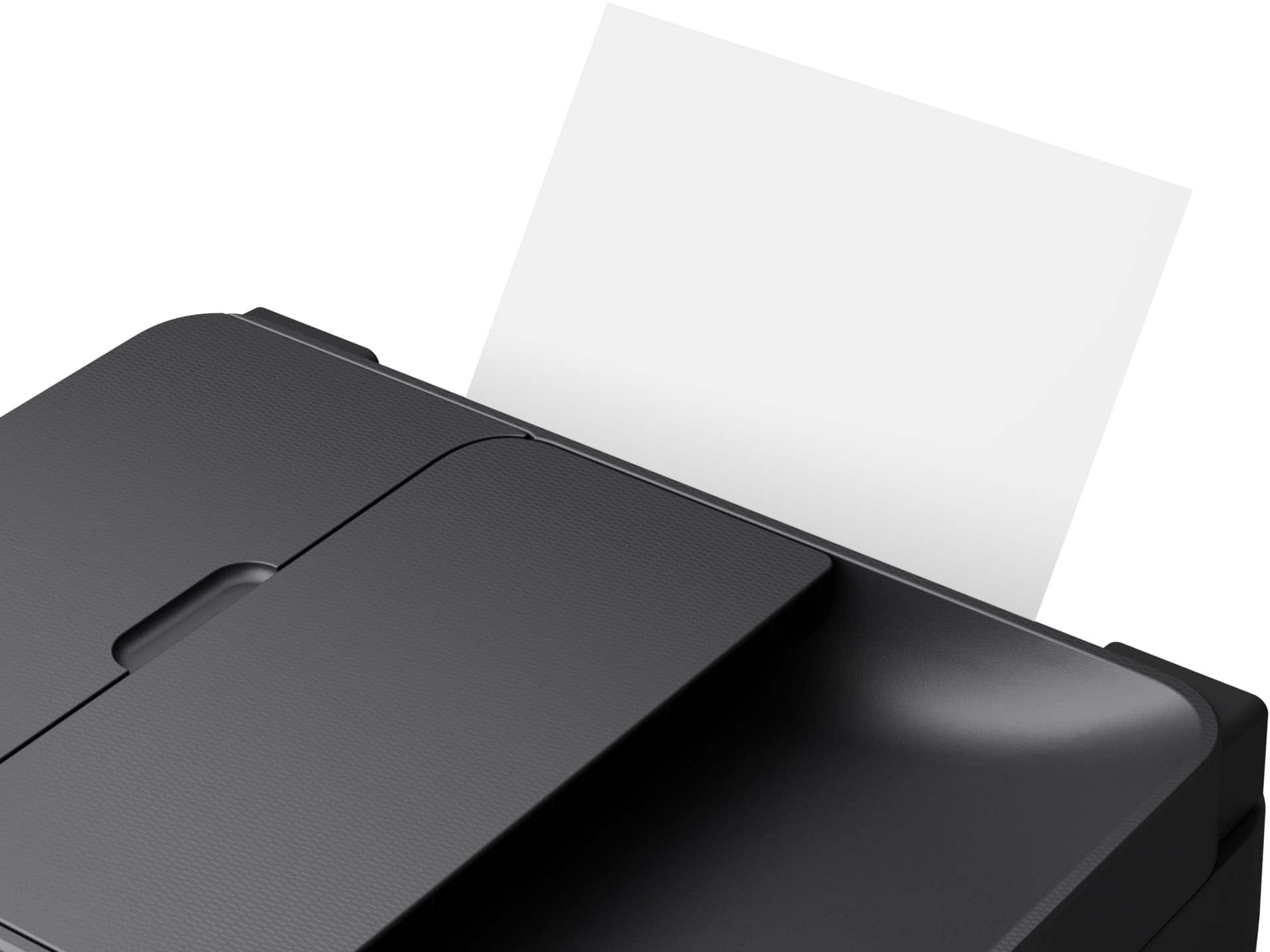
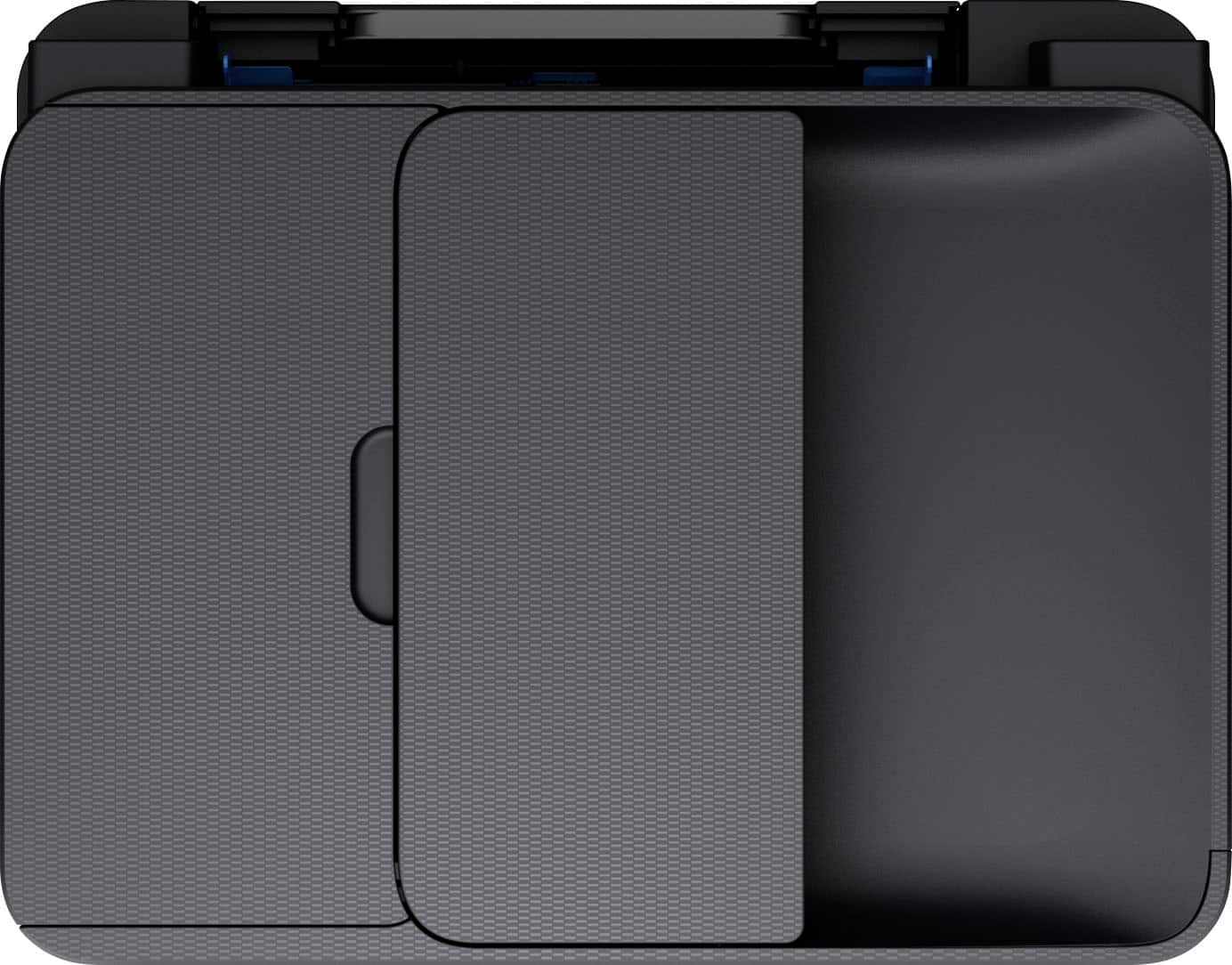
A:AnswerHi Rock, the WorkForce WF-2930 is a printer, copier, scanner, and fax machine all in one. You can load 30 sheets of plain, letter-size paper in the auto document feeder to copy them. Regards, Mark - The Epson Team.
A:AnswerHello craig. We would like to assist you further with setting up your WF-2930. Please contact our Technical Support team by phone so that we can gather more details in resolving the ink initialization issue. Regards, Kevin - The Epson Team.