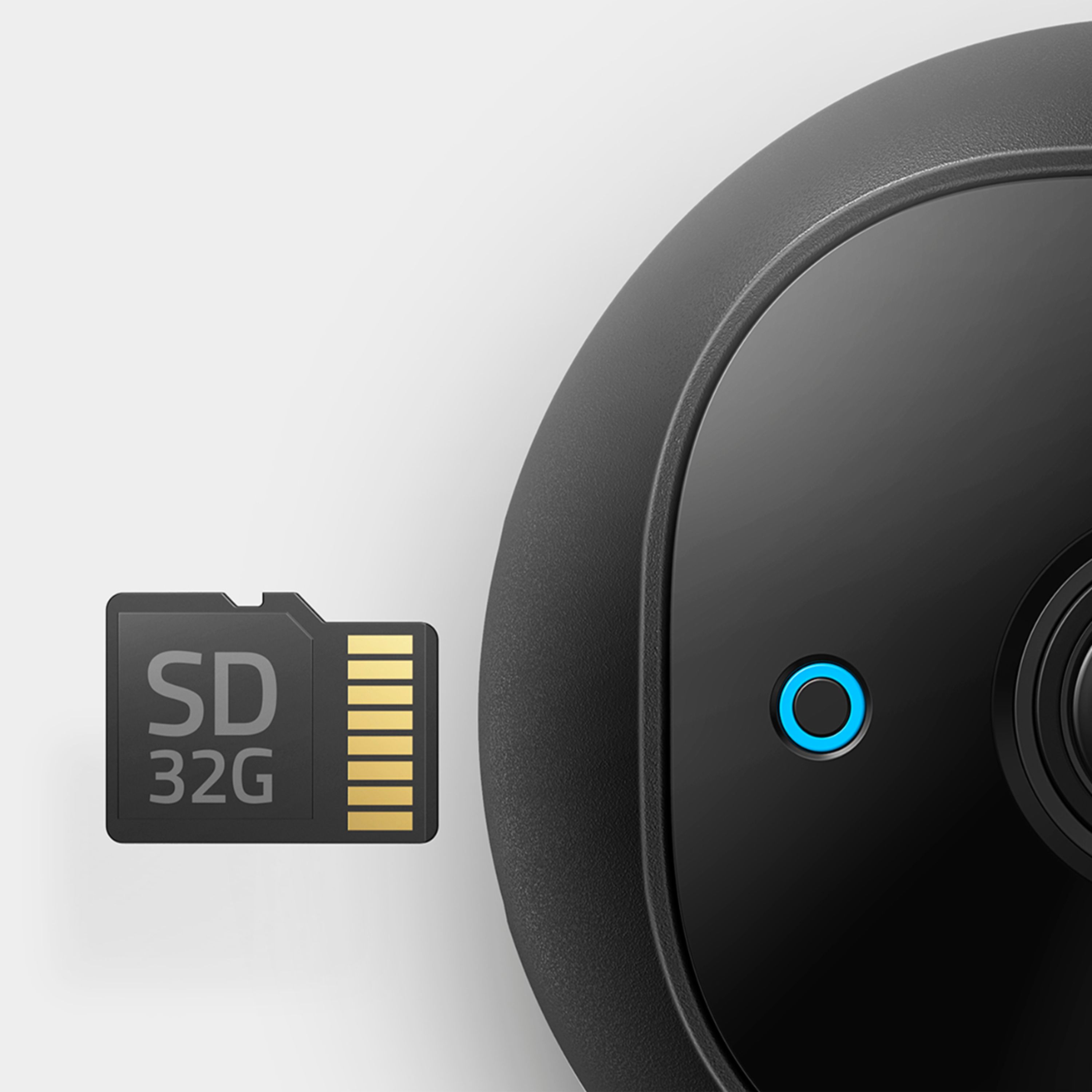
A:AnswerI have two Eufy cameras. One has a 32gb card where it doesn’t record much motion (a few motion events a day) as it’s on the rear of my house. That card has recorded a little over 3 months. I have a 128gb card in the camera on the front of my house which records multiple events an hour due to cars and people going past my house. That card has recorded about the same as the one of the rear of my house. So, if it’s going to be recording a lot of events, get the bigger card. The sales rep at Best Buy even found a cheaper 128gb card on Amazon and price matched it for me.
A:AnswerMaybe. USB cable has small wires that carry the current. Those small wires are more prone to voltage drop over longer distances which could cause the camera to not receive enough power. House wiring and extension cords have much larger 12AWG and 14AWG wires to carry more current further.
A:AnswerThe Eufy 2K cameras are only supported by cell phone, no NAS, no PC and no Mac apps exist or are likely to be developed...according to Eufy 2021. The closest you can get is to use an Android or Apple cell emulator on a PC or Mac. It may or may not support all of the features of the camera. If you can be happy using your cell exclusively, you're good. Otherwise, there are better brand choices that are fully supported in Onvif (Free!).. Onvif supported cameras provide feature and connectivity compatibility for many affordable cameras. Unfortunately, Eufy has ignored the option to develop for Onvif. I initially went Eufy when the 2K indoor camera went on sale, but quickly discovered that I didn't want to be tied to my cell phone, I dumped the Eufy product and went for Reolink cameras that are fully supported by the Onvif utility. I now have many more options, including those available to my Synology NAS, QNAP NAS and PC.
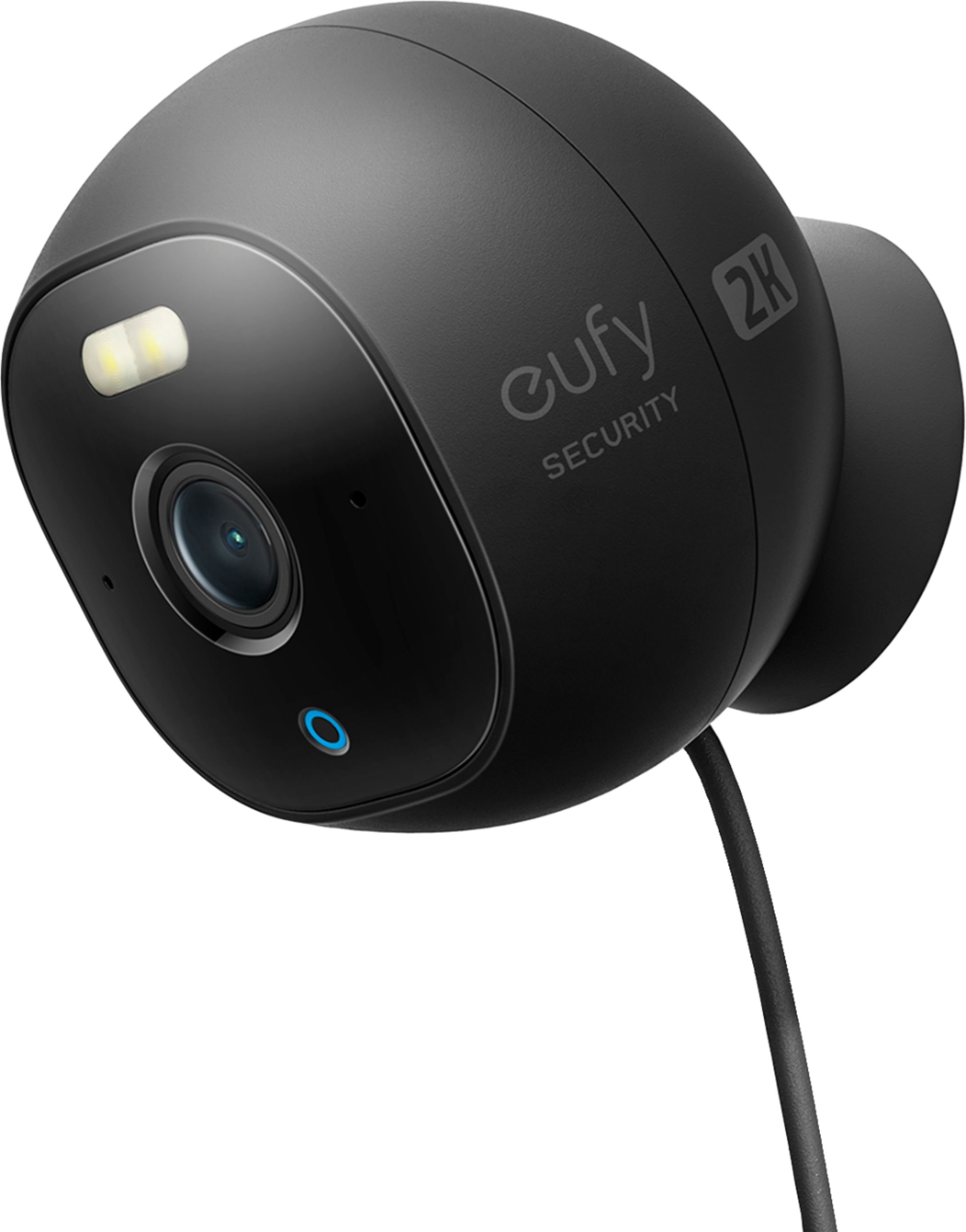
A:Answerno idea why you would want to do that as most would put this up high so no one can just walk up and remove the micro card or grab the camera if it's reachable. it would be a hassle to go up every time you want to view what's on the micro card.
A:AnswerYou don't need to charge this camera, it plugs directly into a charger and is powered all the time. Because it's a wired camera you will need to consider its location carefully and maybe even drill a hole through your exterior wall so considered carefully.
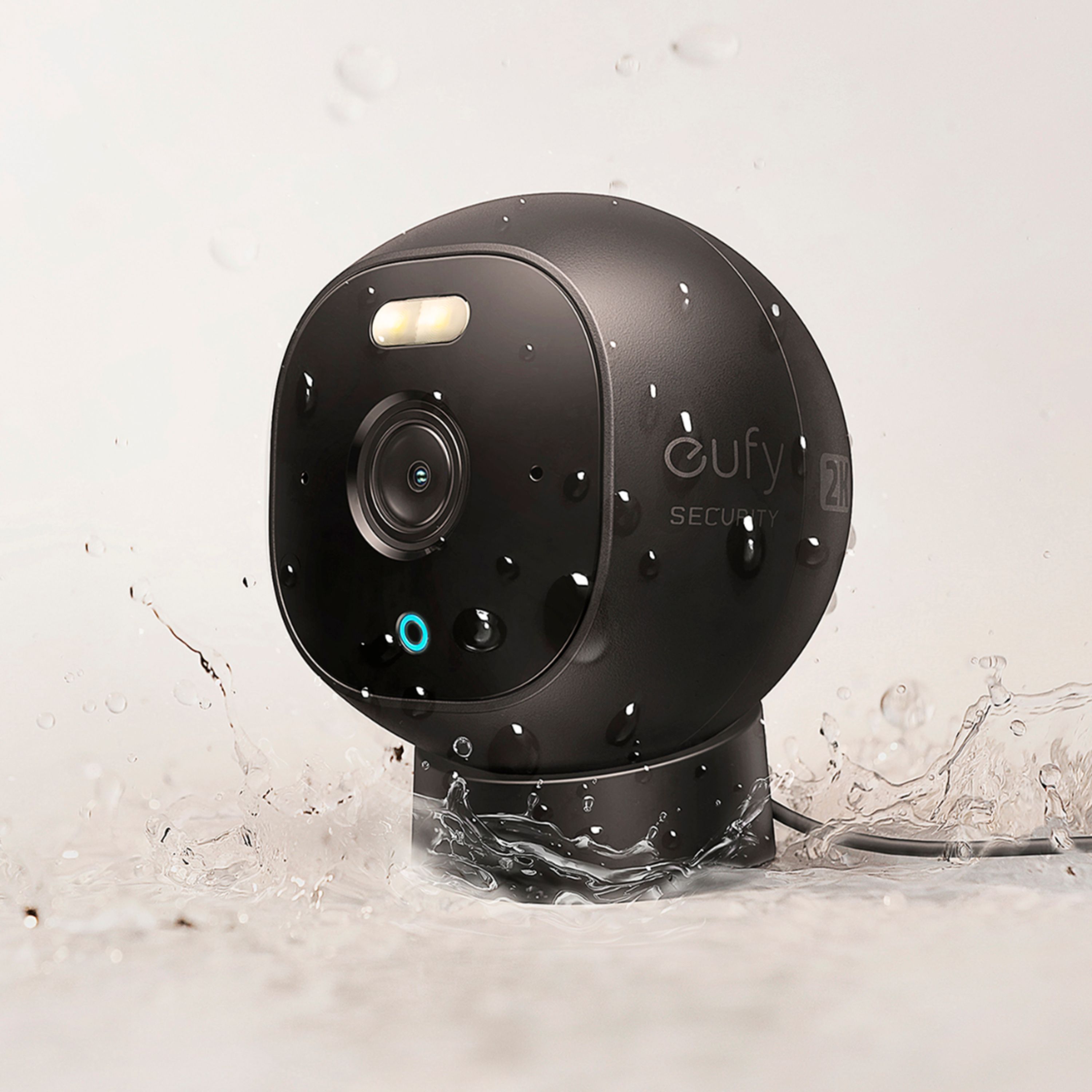
A:AnswerThe item is for outdoor use. However, in order to avoid the problem of rapid aging of equipment due to excessive sunlight or heavy rain erosion, we recommend you use some cover to shield the surface of the outdoor cam if there is a lot of sunshine.
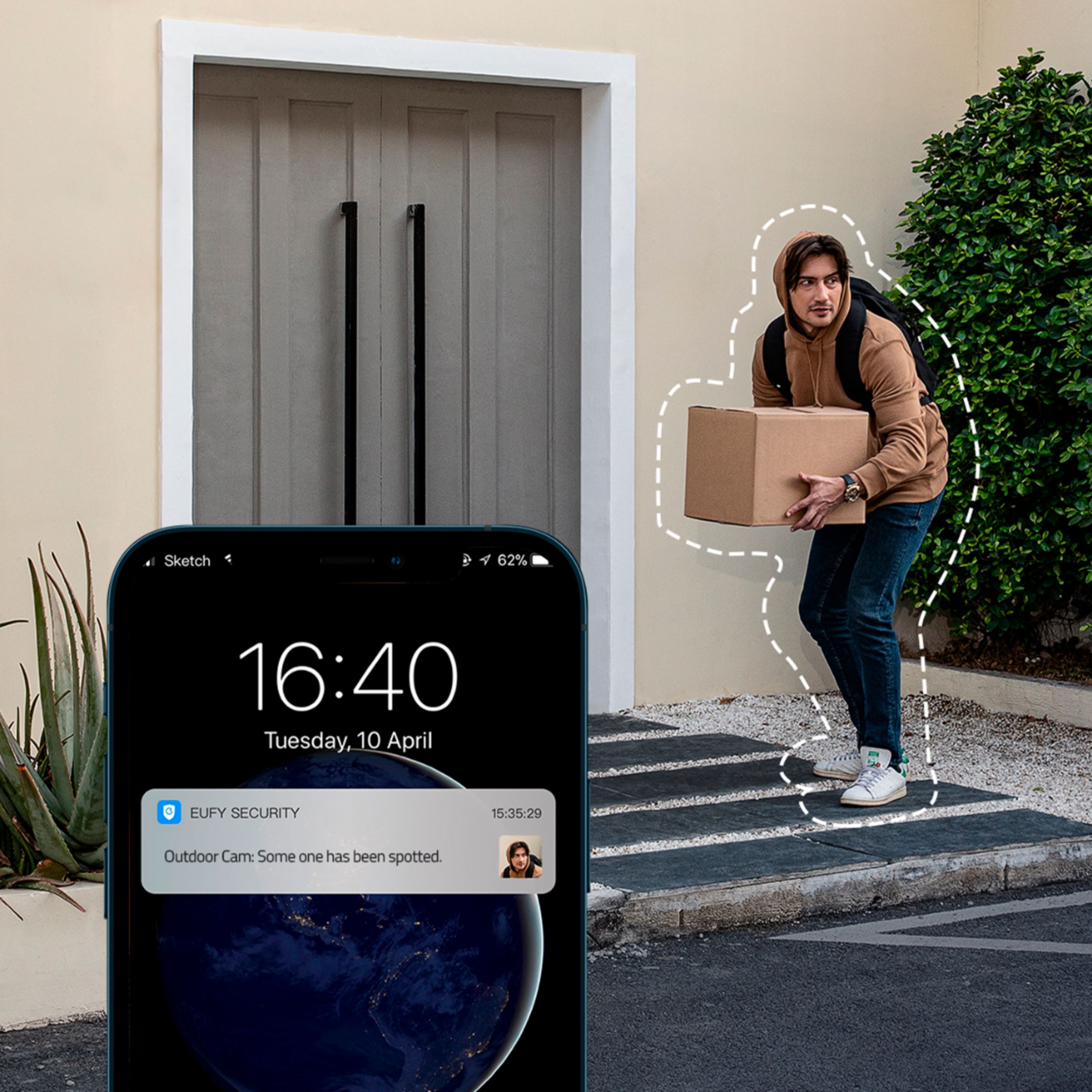
A:AnswerNo. Once you are in Live View, you have to tap the Record icon to start recording. Keep in mind that by the time you receive a motion alert, the event has already taken place. Sometimes it took place several minutes before you even receive the motion alert. So by the time you open the app for live view, there’s nothing to view because whatever it was is done and gone. I speak from experience.
A:AnswerYou can mount it there. The magnetic part is only on the bottom of the camera. However in settings you can flip the picture so you can mount the camera upside down. If that makes any sense. It does have some play with the adjustment. For the price and the features night vision spotlight it’s not a bad camera.Picture is very good. Easy to set up on phone so you can view from anywhere. Hope that helps. Good luck