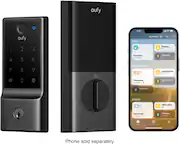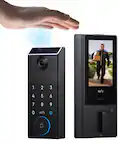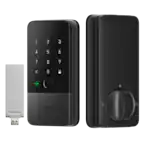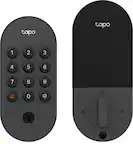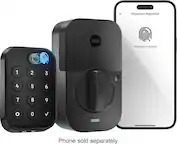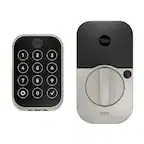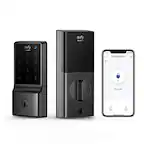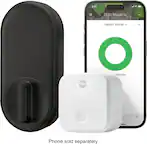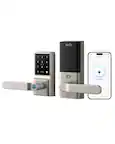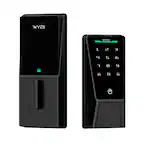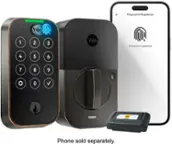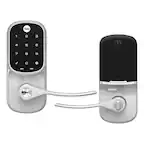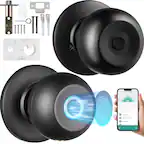
A:AnswerNot a lock out for the whole system; however, ALL but the main "person" can be scheduled to not work at certain times. So currently one person's info will always work but you have the ability to shut off ALL others' code/fingerprint,
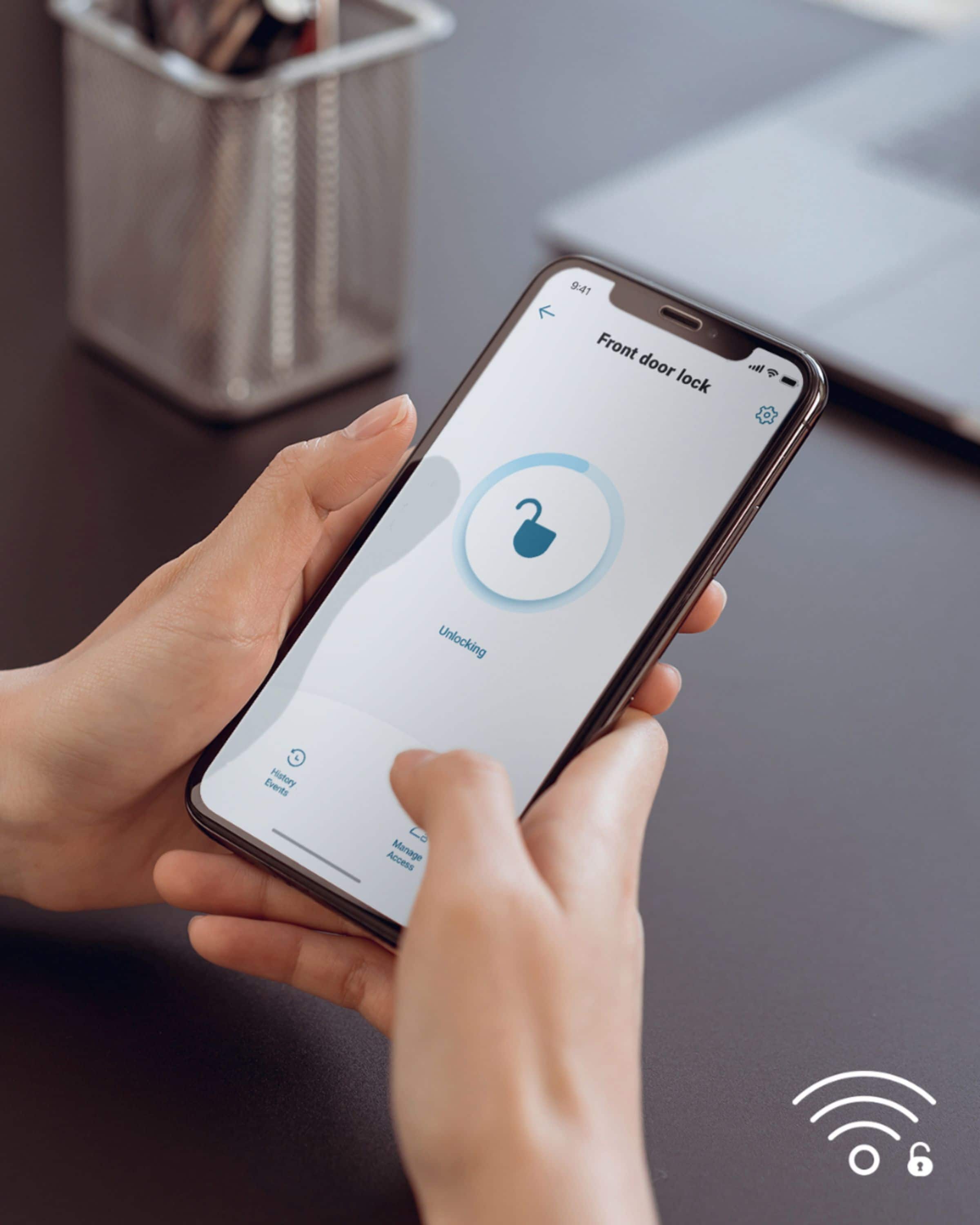
A:AnswerIt is a smart wifi lock you set up to your home wifi. Therefore it works well where you can unlock the door away from home. Comes in very handy if you are on vacation or at work and you need to open the door for someone who needs to stop by and then re-lock the door after they leave.
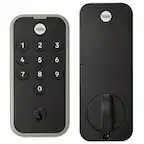
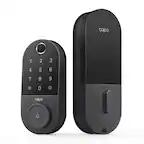
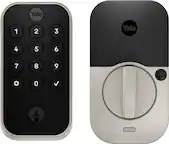
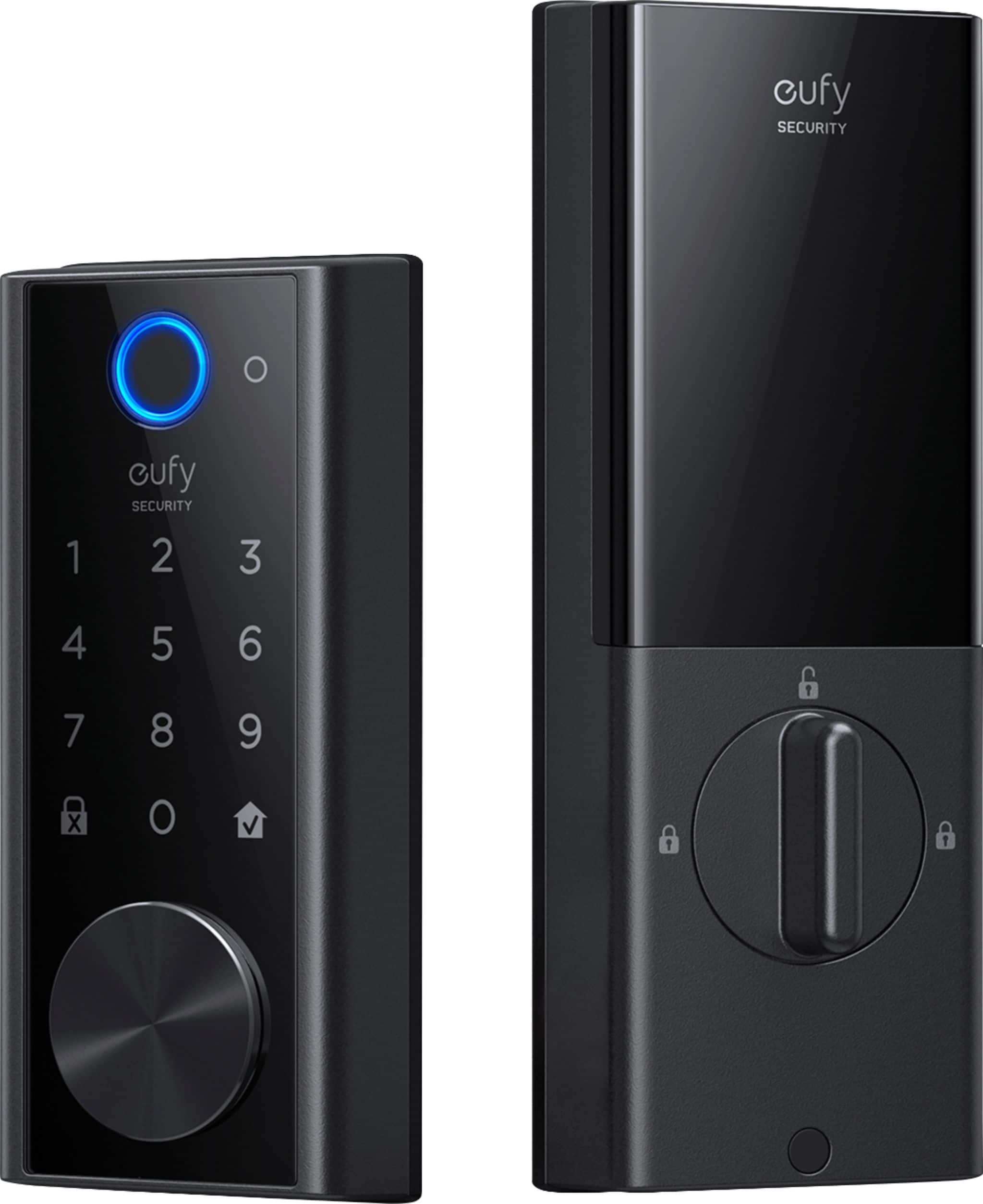
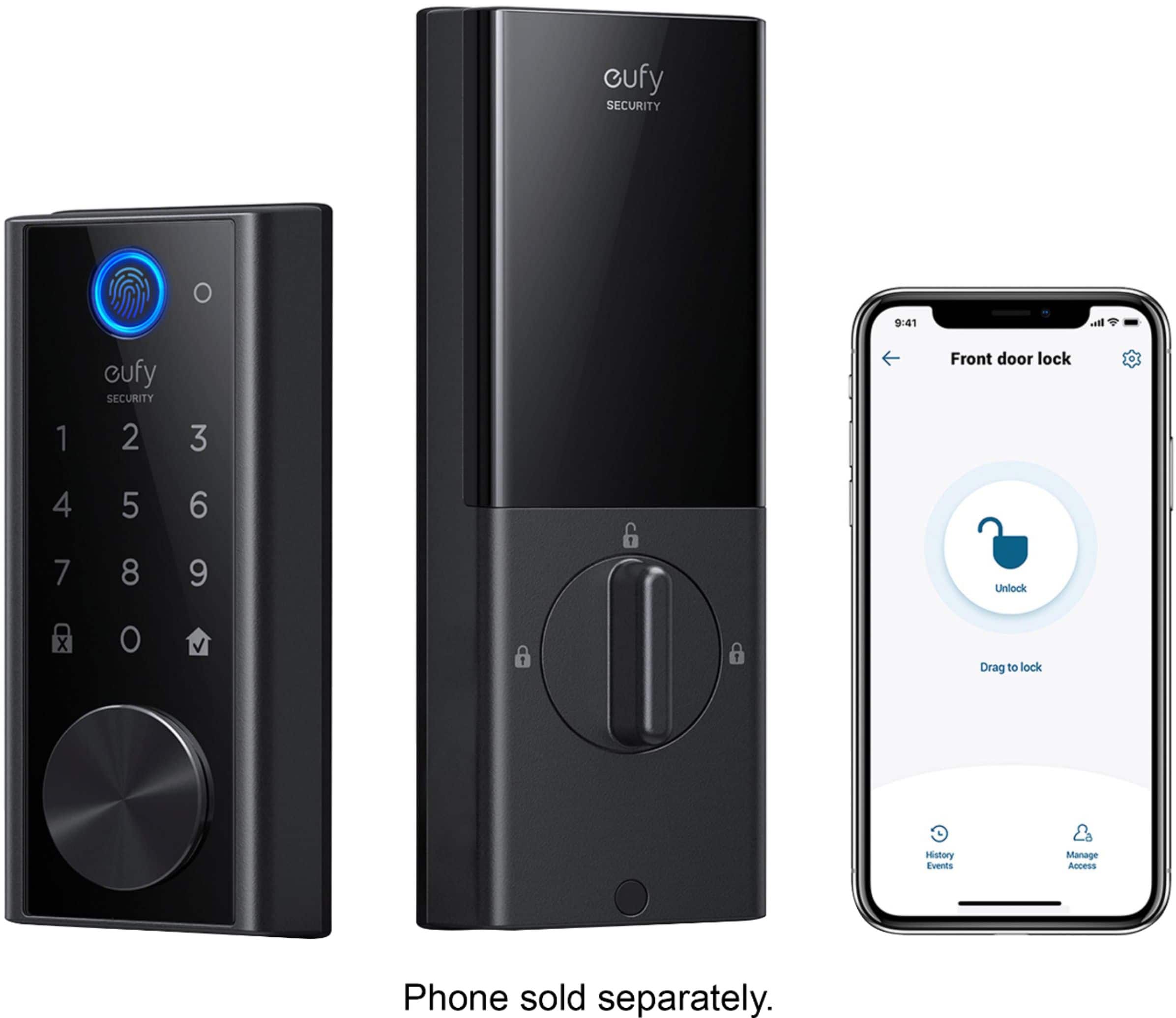
A:AnswerThe design allows for both right hand and left hand doors. The bolt is notated with an "up" stamp and the mechanism has a locking knob that has emblems on both sides of the interior panel so that you can twist it either clockwise or counter-clockwise to work the bolt.
A:AnswerYes -- it will verbally tell you that the door isn't closed. And, if you set the timer to one second, as I have, once you actually close the door your phone will also show the activity as well as you can hear the deadbolt engage.
A:AnswerI repined my pair of locks to use the same key and while I had it open I confirmed the outer cylinder dimensions look to match Kwikset, Wiser and Weslock so they should be able to swap the cylinder for one of those.
Any locksmith who is not scared away can just remove the 6 screws under the stuck on rubber backing then just swap out the cylinder and reuse the tail pice.
You’re not likely to find many locksmiths in the US who can source the sidebar pins used in this lock so they will not be able to repin the existing cylinder to make multiple locks use one of the keys us came with. This lock type is only common in Asia.
Just have them swap the cylinder instead if trying to repin.
A:AnswerLock extends out about 1&1/8 inch on the front of the door at its widest point at the key hole. The unit is 2.75 inches wide and 6 1/8 inch long.
A:AnswerThe operating temperature range for this item is -30℃~70℃(Outdoor) (-22F~158F). We don't recomment you use this item under -22F.
If you have any further questions, please feel free to contact us via [email protected] or call us at +1 (800) 988 7973.
A:AnswerYou can have two of them and you should be able to name them seperate for google home to lock/unlock them
one thing is that the keys will be different for these locks and they cannot per the vendor rekeyed to match.
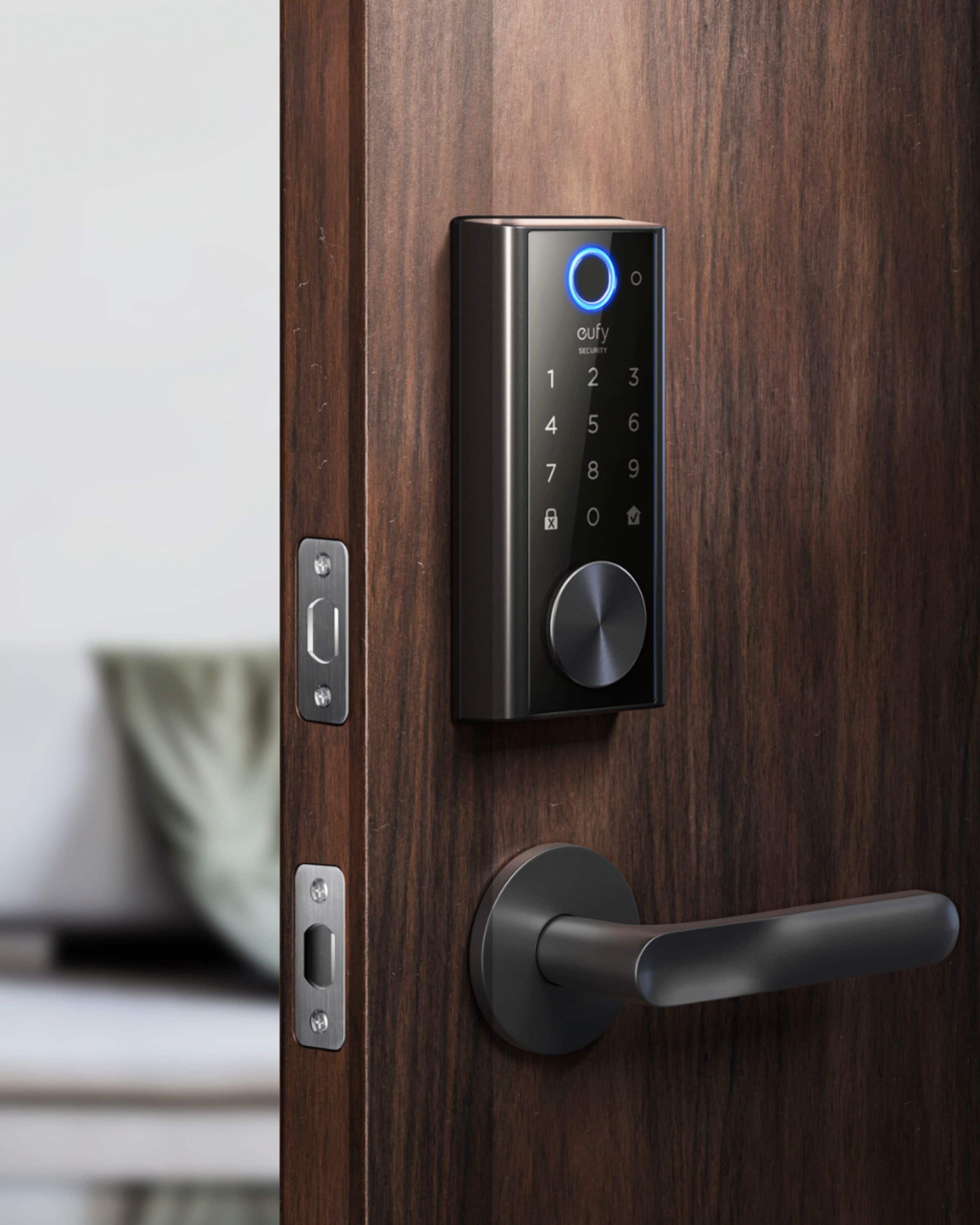
A:AnswerNo. The exterior unit is secured on the inside of the house by the interior unit and there are three screws that go into the interior plate to secure it to the door. It doesn't need any new screw holes in your interior or exterior door.
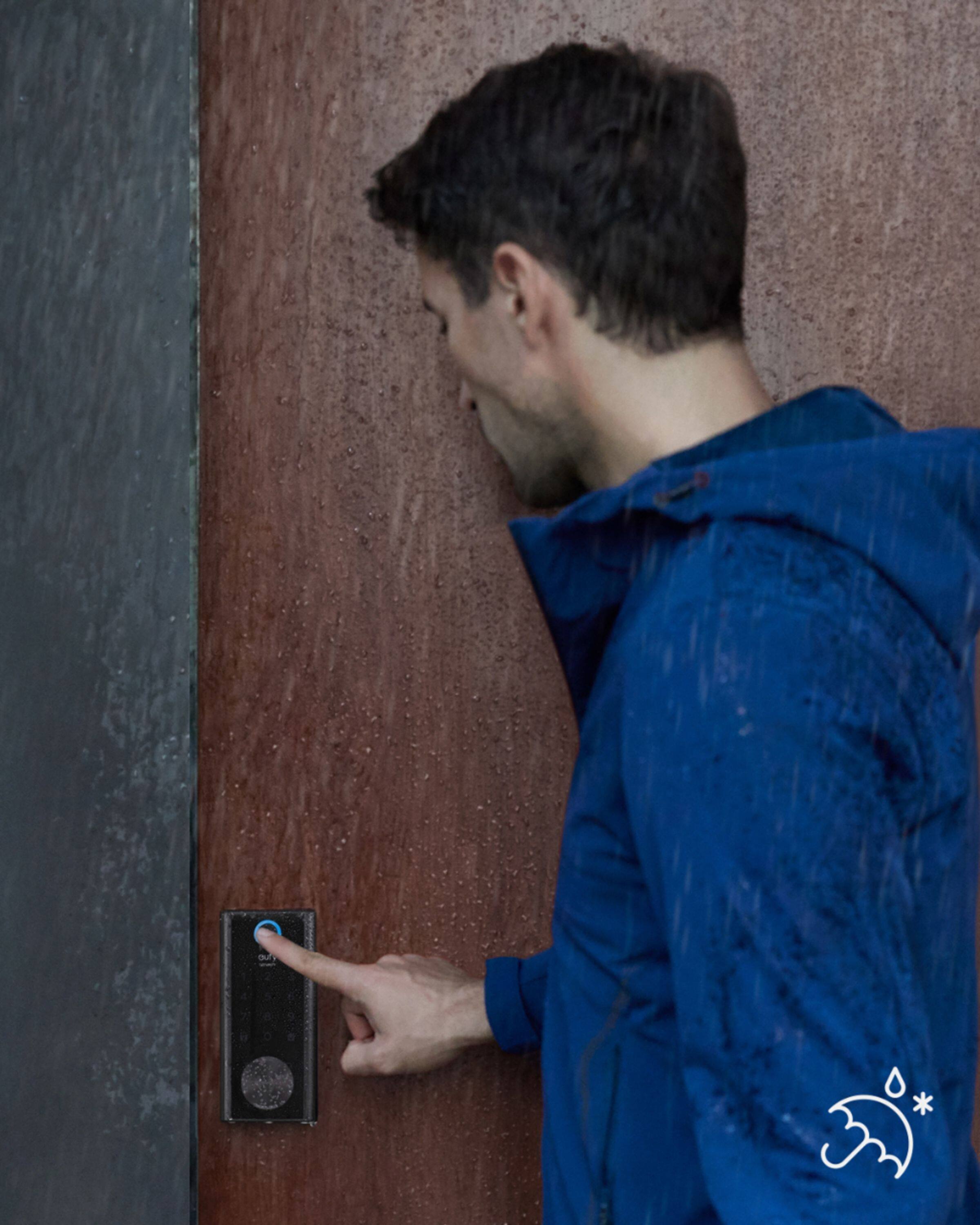
A:AnswerAll evidence thus far indicates it can. Mine is installed on a door which directly faces the ocean and which is subject to frequent exposure to salt spray. I've used locks in the past with exposed push buttons and found myself replacing them often, either due to buttons sticking, batteries dying unexpectedly, or the product just failing to function. It was so bad, I installed a realtor's lock box near the door with a key inside. This product has a protected pad, a rechargeable battery, and gives notice when it's time to recharge rather than just dying and leaving you locked out. I also love the thumbprint access and the easy to operate app.
A:AnswerYes, the eufy Security Smart Lock Wi-Fi Replacement Deadbolt can be installed and managed from the US using the eufySecurity app, even if it's outside of the US. As long as the smart lock is connected to a working Wi-Fi network, you can remotely control and manage it using the app. Both Admin and Guest accounts can lock/unlock the smart lock using the eufySecurity app.
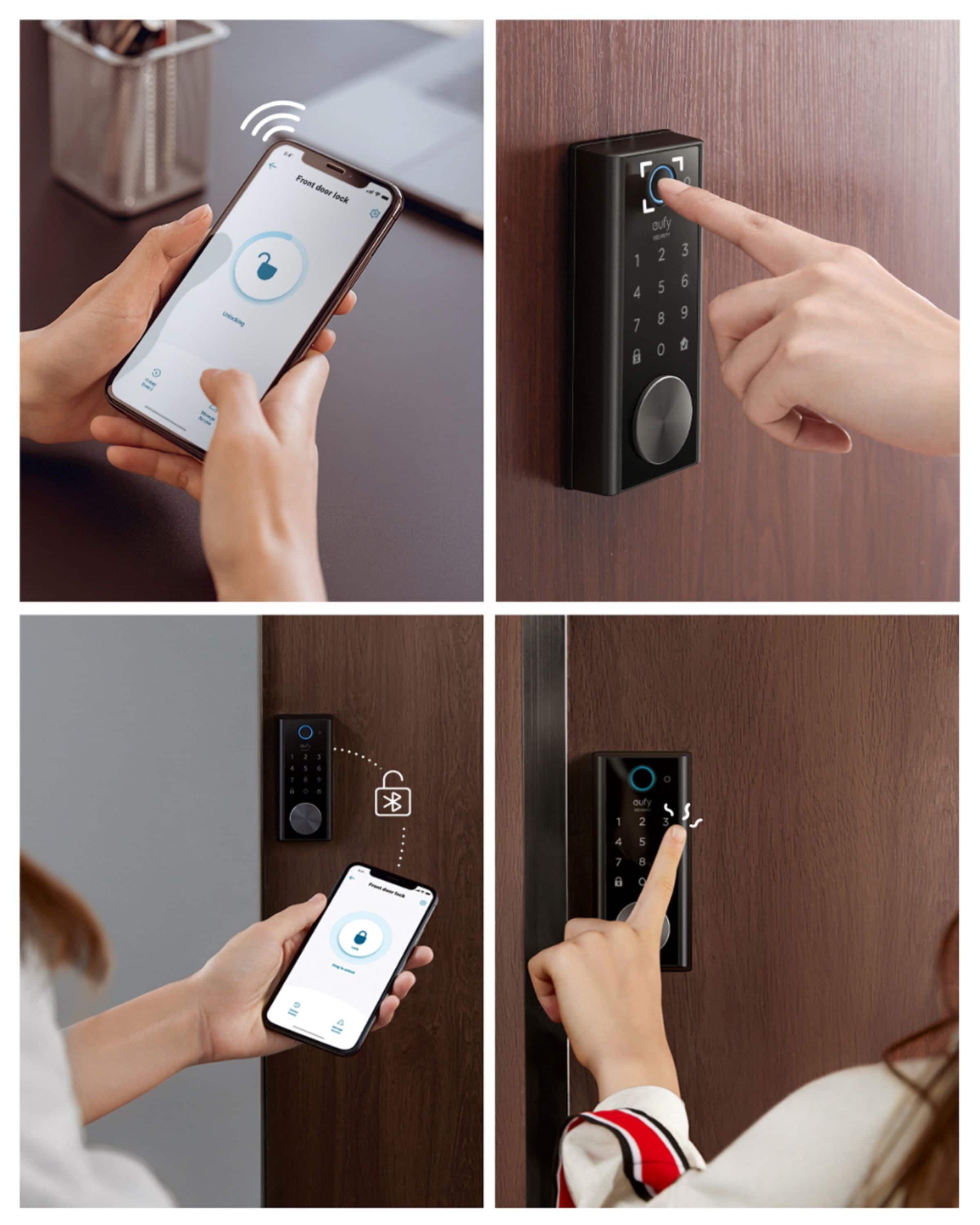
A:Answerhello . This lock is very good. I love it, you can unlock and lock it remotely from your phone with a permanent or temporary code for visitors and using your fingerprint as well and that of your family if it is for your main house. or placing a temporary code with start day and expiration day is great. I hope my comment helps you.