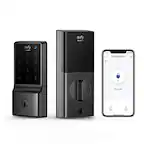
A:AnswerIf your eufy Security Smart Lock cannot reconnect to Wi-Fi after a network change, here are some steps you can follow to troubleshoot the issue before considering a full setup from scratch:
Reboot the Router and Check Signal Strength: Restart your router and, if possible, move it closer to the Smart Lock to ensure a strong and stable Wi-Fi connection.
Power Check: Ensure that the Smart Lock has sufficient power and is functioning properly.
Manually Wake the Lock: Try unlocking or locking the Smart Lock manually or touching the keypad to wake it up. This may prompt it to reconnect to Wi-Fi automatically.
Wi-Fi Password Check: Make sure there are no special characters or spaces in the Wi-Fi password, as these could interfere with the connection.
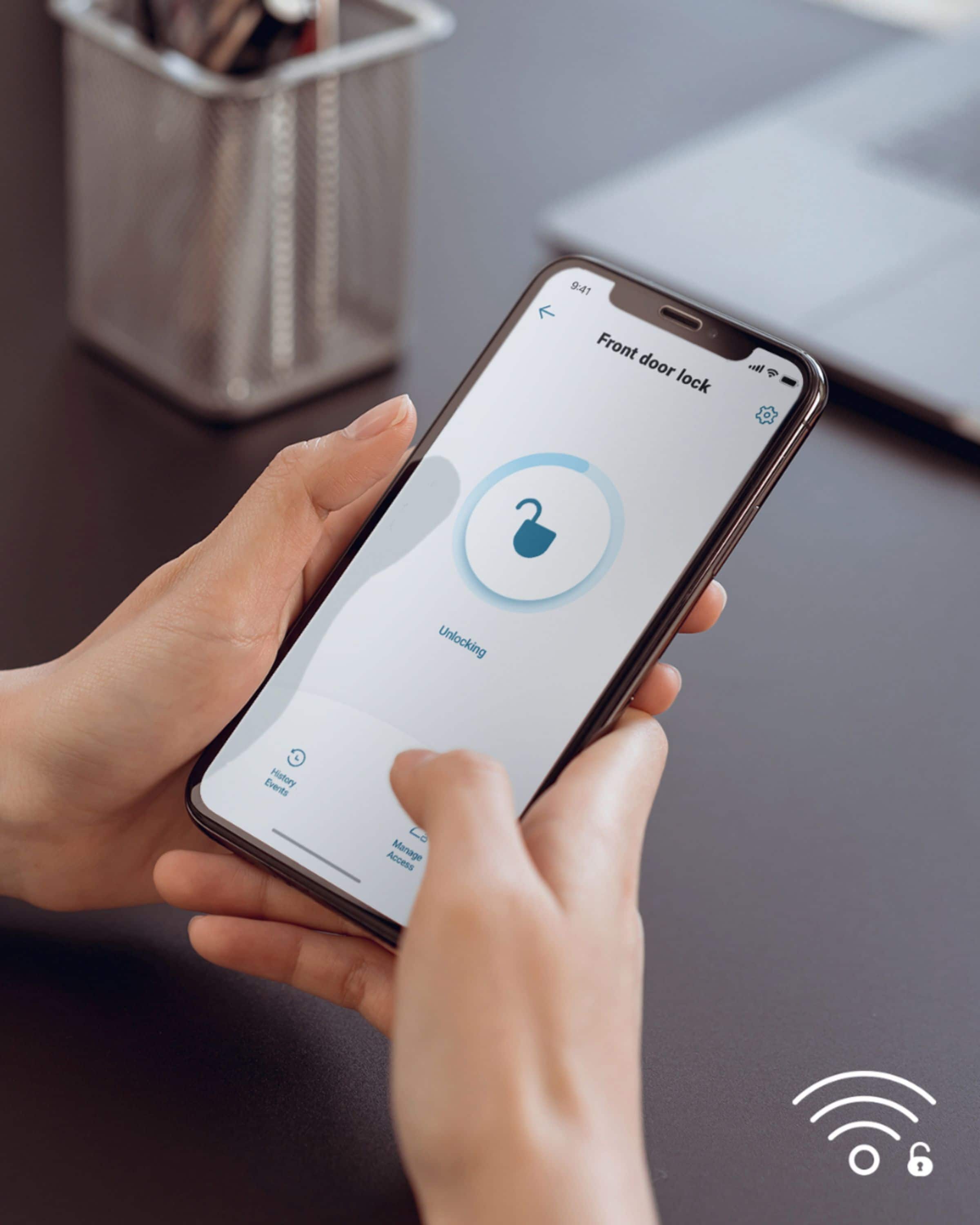
Connect Through the App: Go to the app, navigate to lock settings > general > connection, and attempt to reconnect to the correct Wi-Fi network or try connecting via a hotspot.
Reset and Reconnect:
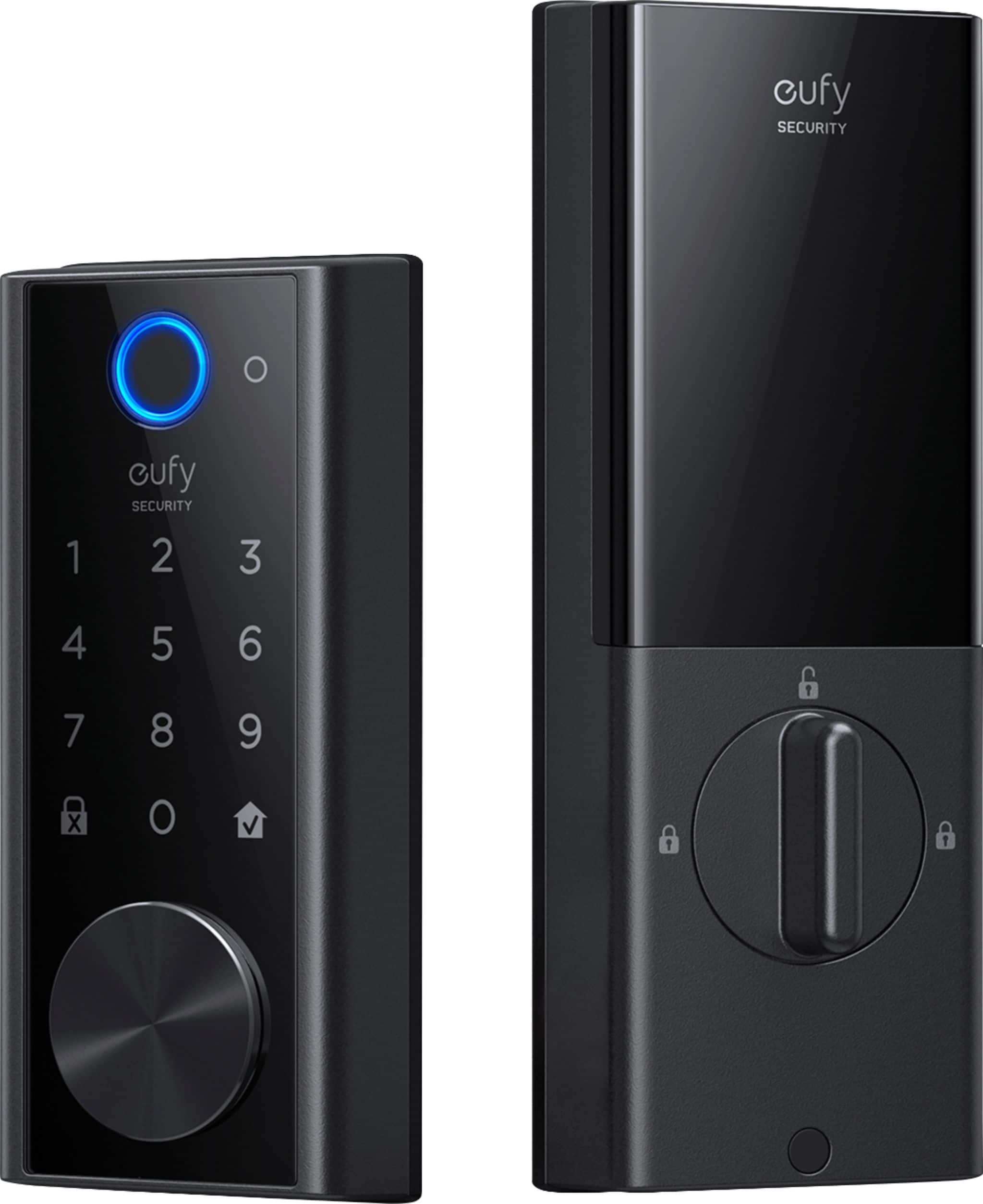
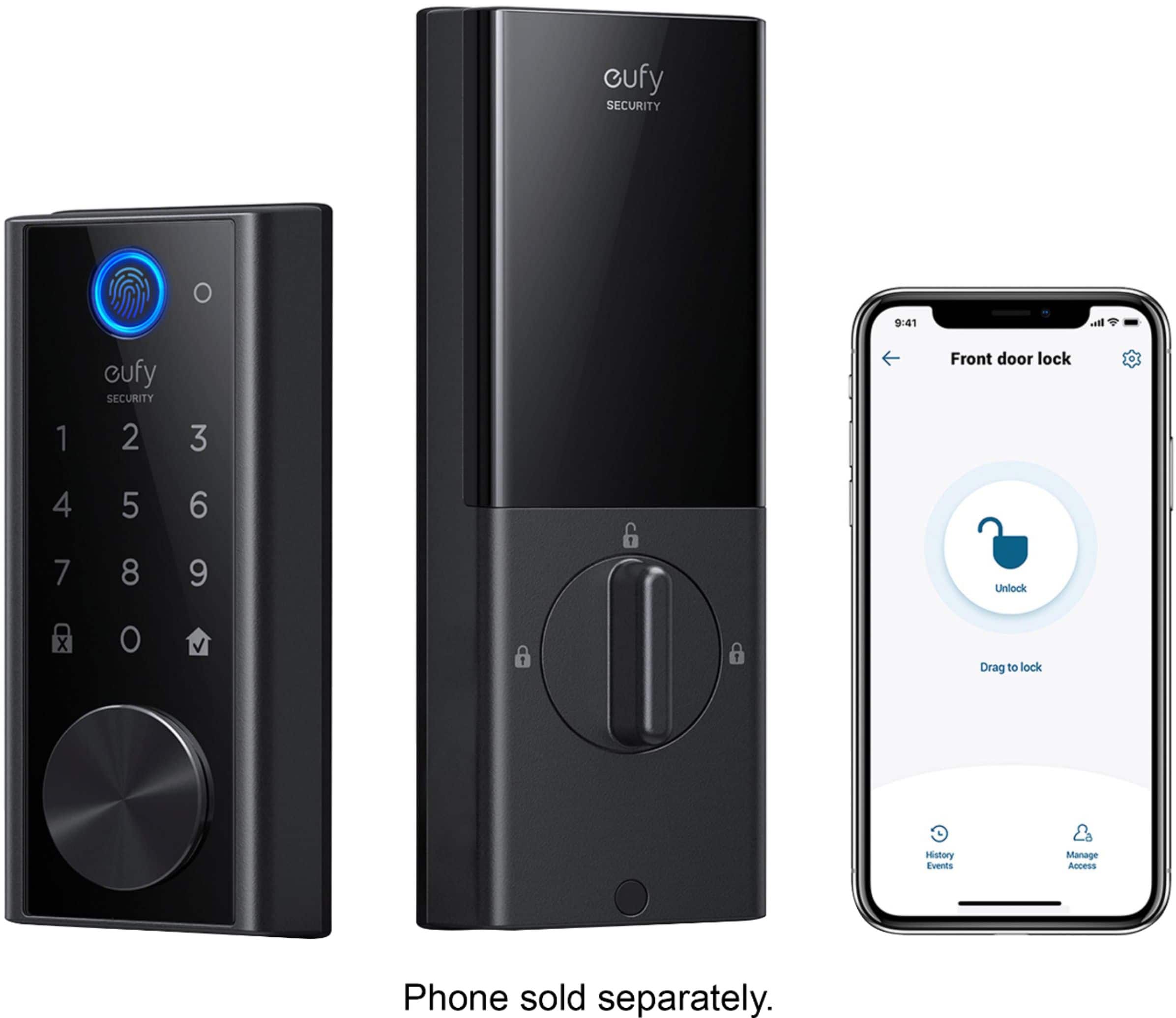
Restart the lock by pressing the reset button located at the bottom of the lock to see if this resolves the issue.
If necessary, disconnect the wire plug between the exterior and interior assembly of the lock, reconnect them firmly, and retry.
Remove and Re-add the Device: As a last resort, you may need to remove the device from the app and set it up as a new device. To do this:
Press and hold the "SYNC" button on the lock for 10 seconds to reset it (for some models, this may vary, so confirm based on your lock model).
Resume the setup process through the app.
These steps should help you reconnect your Smart Lock to the updated Wi-Fi network without requiring the complete disassembly of the lock.
A:AnswerYou can program many codes and fingerprints for different individuals. You can adjust the access by date and time and they can expire after a certain amount of time or days. They do keep a log of which codes accessed the lock at which times and you can set notifications so you are alerted directly.
A:AnswerYou can program it to lock from 1 second through 3 minutes after the door is closed. You can also set a schedule for it to lock and unlock say (10pm-6am).
You can add up to 100 users by passcode or 50 users by fingerprint.
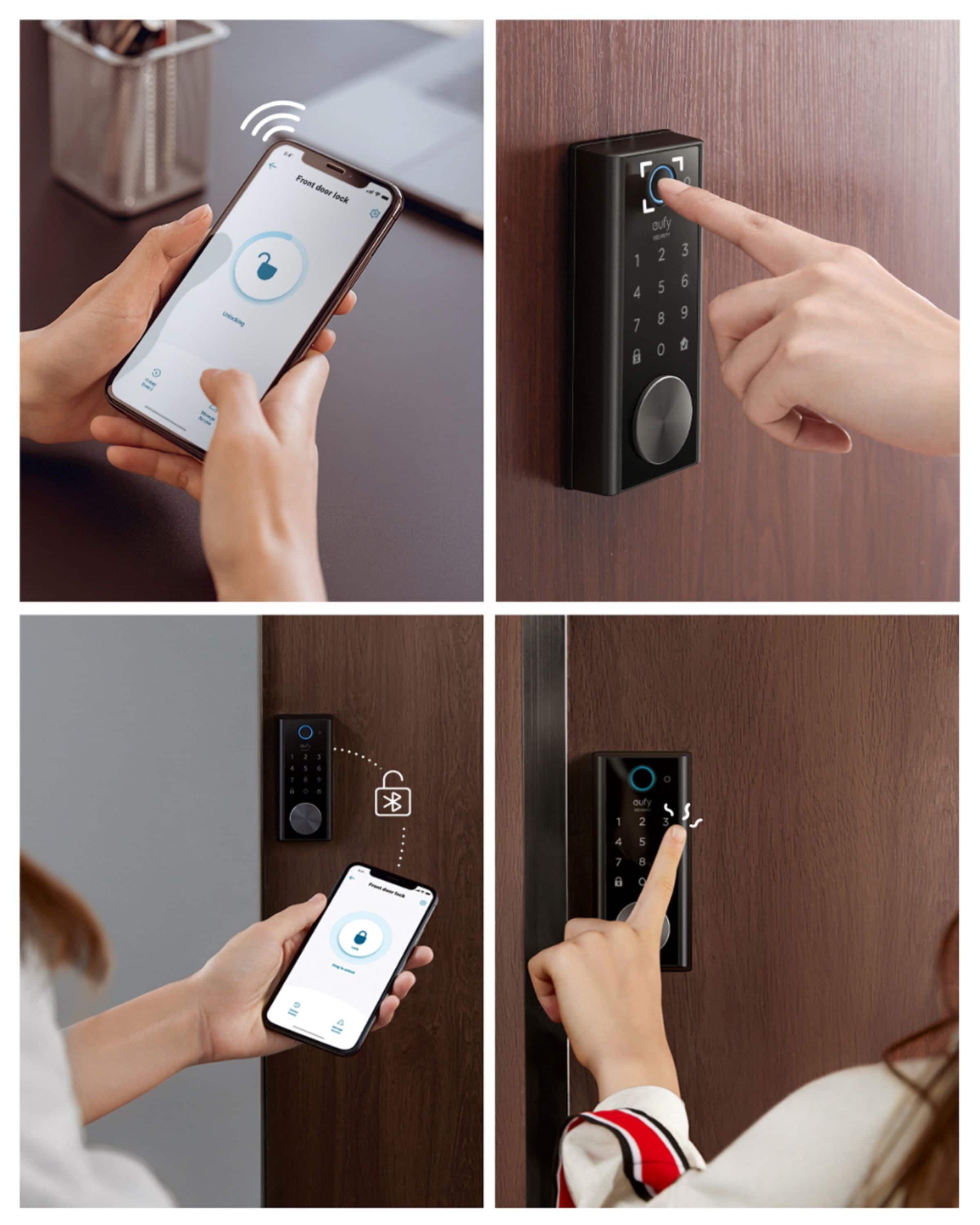
A:AnswerWhen you are leaving you can lock it through several means:
1) use the app
2) Fingerprint
3) pin code
4) the app says you can hold the lock the button on the pin pad and it will lock. I have not tried that yet but the app says it an option
5) you can set the door to auto lock when its closed after so many seconds. You could also rely on that.
A:AnswerThe unit comes with a rechargeable sealed battery pack. The pack has an LED on the outside that changes color when it is fully charged. A microUSB cable and charger are needed, both of which you'll need to provide. I let mine initially charge for about 8 hours, although 6 hours would probably have been plenty. Eufy indicates that a full charge should last about 12 months of normal use.
A:AnswerI have had NO progress getting duplicate keys. Evidently they're not standard blanks and Eufy says they do not make blanks for duplication. Without the bland, even a locksmith might not be able to make dupes, so beware - if you need more than the two keys furnished, you're sol, at least for now.