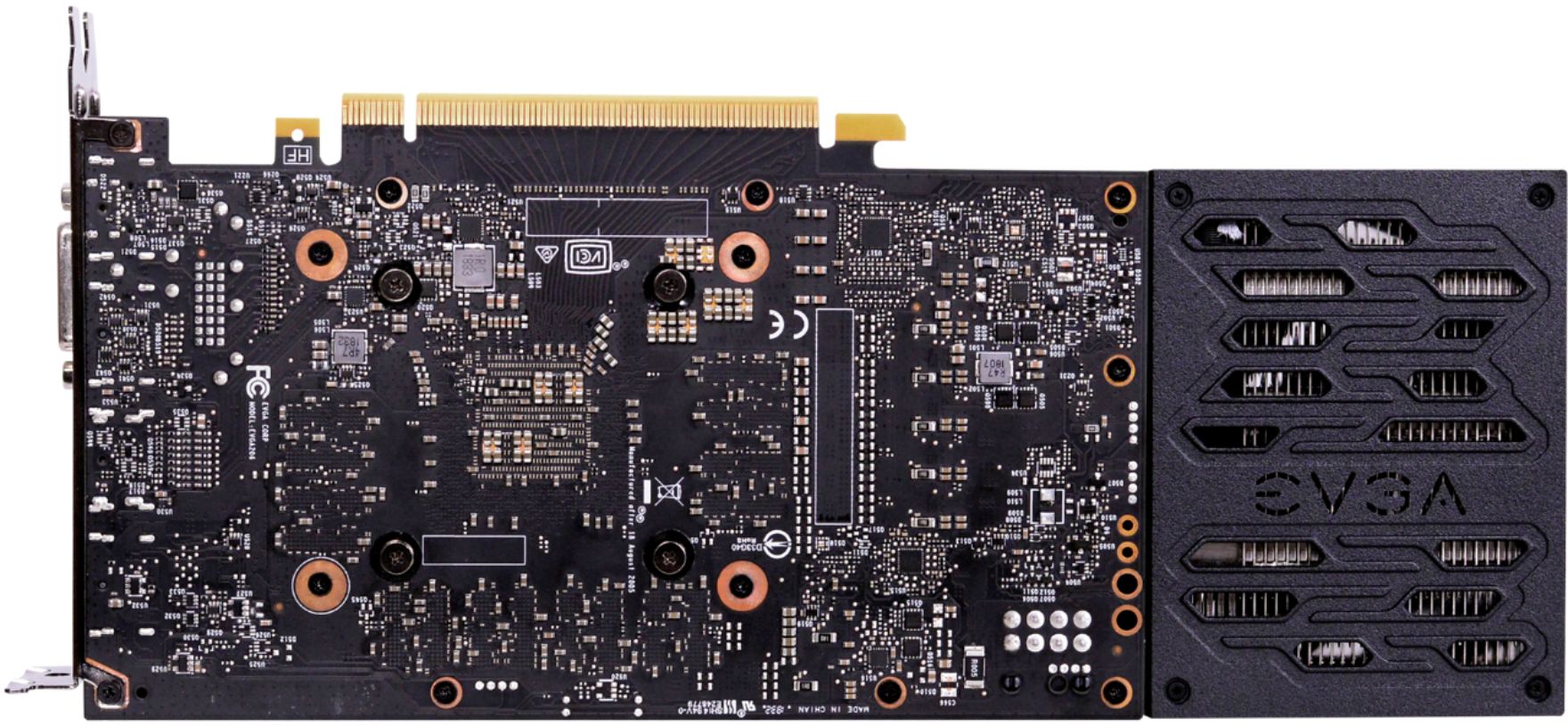
A:AnswerHey, just to be safe I would get a bigger power supply. I have almost the same specs other than I have an 850 watt power supply. I would get a bigger power supply just in case.
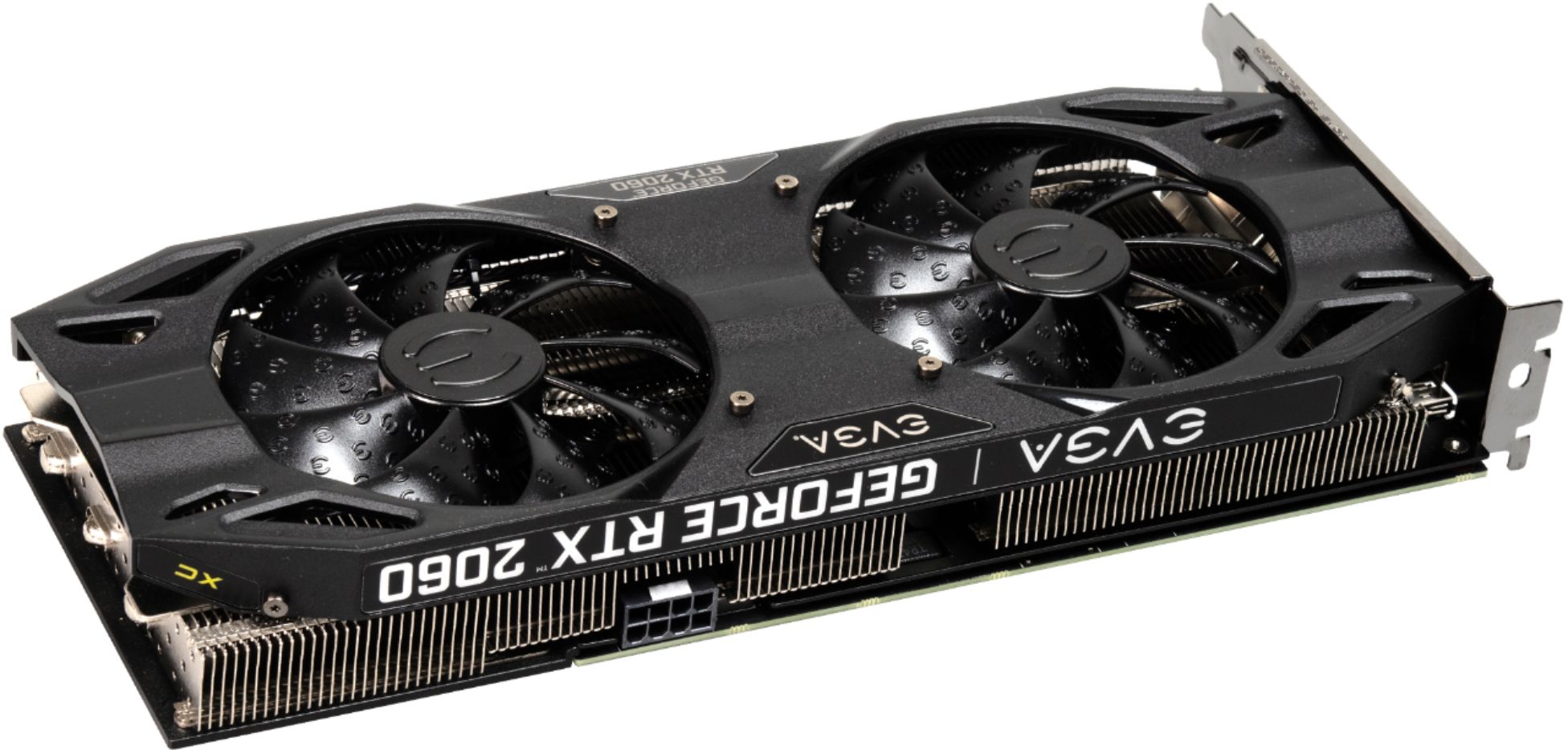
A:AnswerI did this exact upgrade for my own pc. The only problem you might have is the power supply since it’s a pre built system. A gtx 1060 only required a 6 pin connector and the RTX cards require a 8 pin connector and draw more watts
A:AnswerAs far as component compatibility is concerned, (i.e. it ACTUALLY working), it should so long as your power supply is rated for at least 500 watts. The only thing that I cant foresee, and something I HIGHLY recommend you check is the 'clearance' spec of the computer case for GPUs (i.e. if you can physically fit the 2060 into the computer case and close it without any trouble). I would imagine you could go to Dell's or Alienware's support page for your desktop and look up those specs in the User Manual. Hope that helps...
A:AnswerThis card uses a PCI express slot which is most likely what you have if you were using a GTX 1060. I replaced a 1060 with this card myself and my 1060 used a 6 pin power plug while this 2060 uses an 8 pin.
A:AnswerYeah it will, but at what frames depends on the games and like the settings...I play dota 2 and fortnite, and with both I average over 200fps, although my monitor is only a 144hz, thats another story...lol..I will say its a very good card for the price, obviously if you have more money, go for a 2070-2080 or 2080ti...cheers
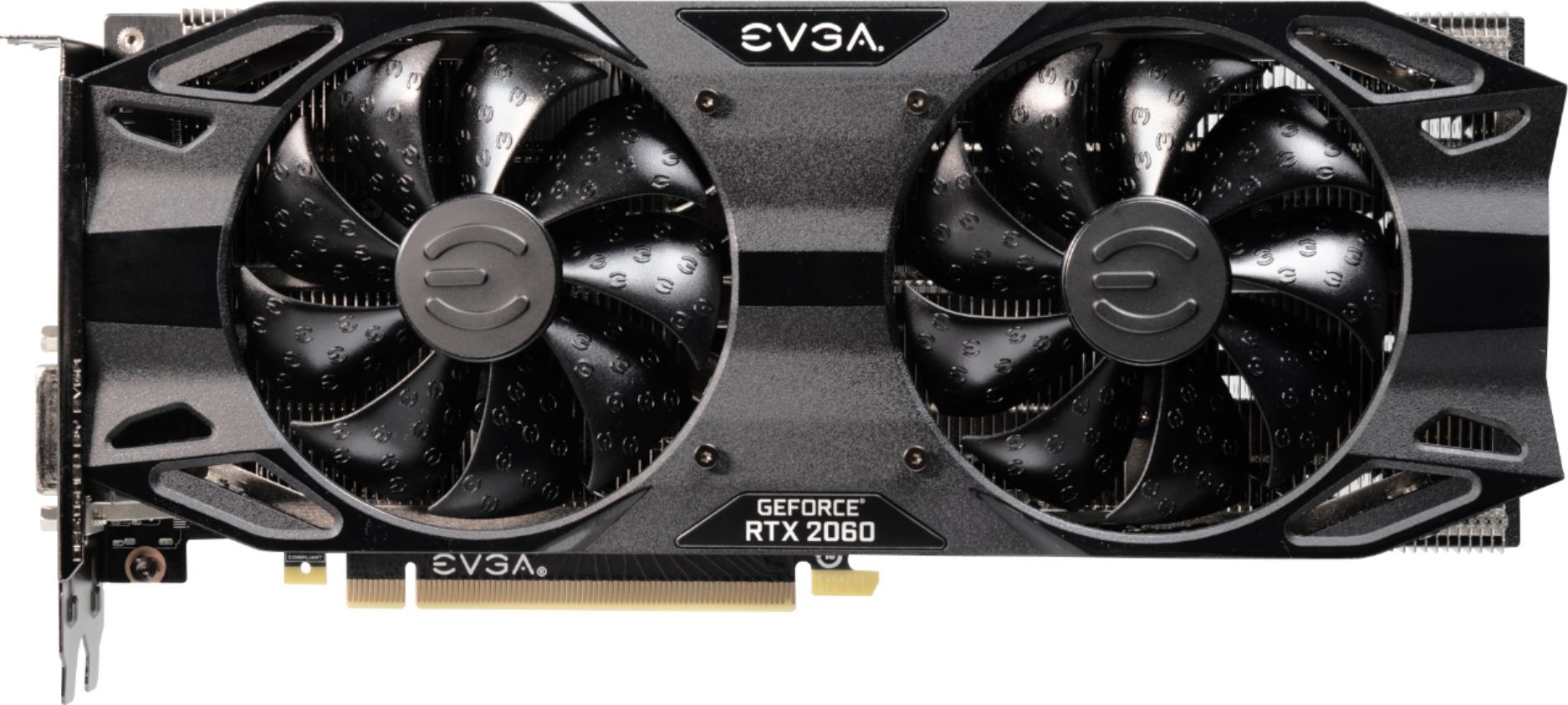
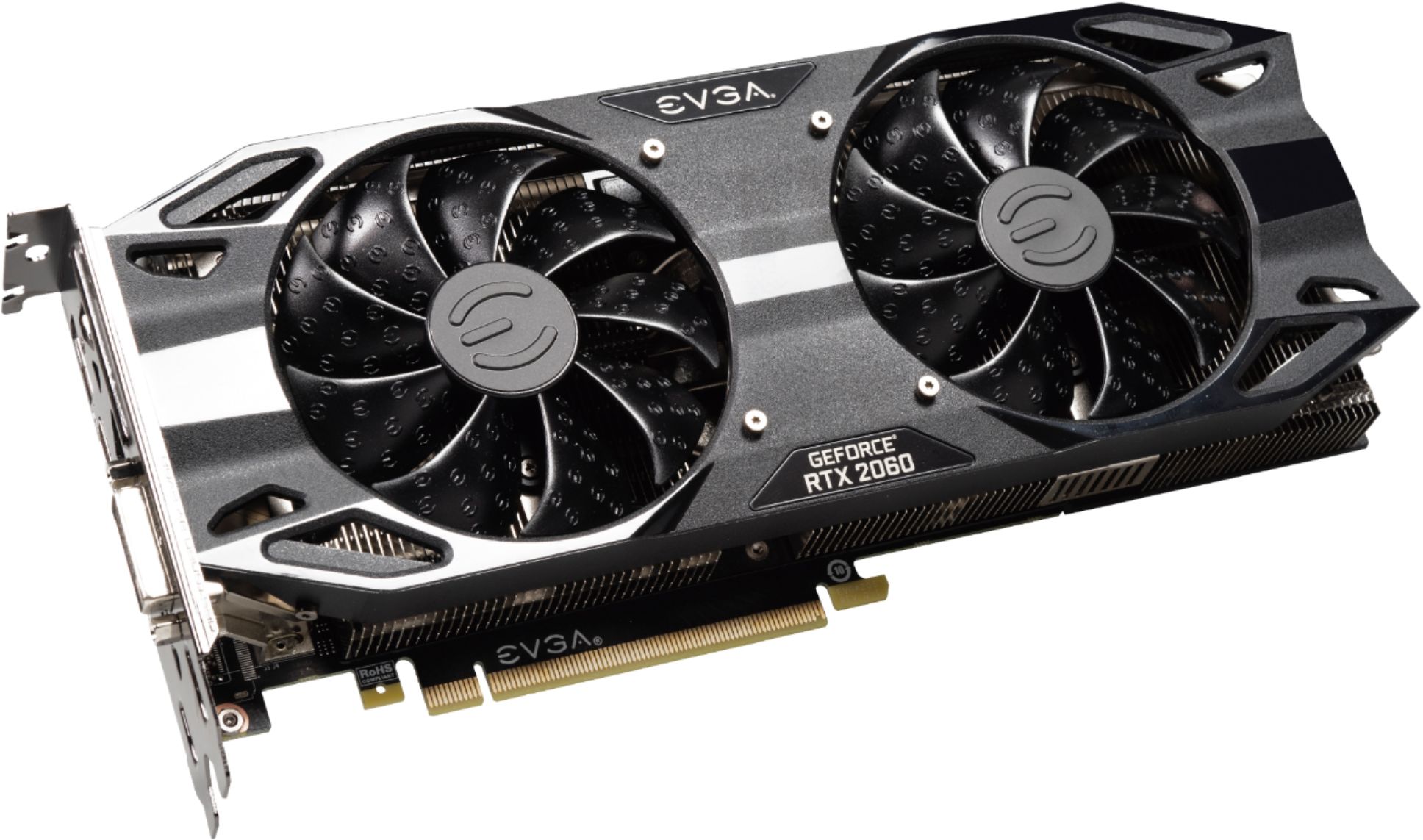
A:AnswerDepending on how big the card is I would recommend a one fan rtx 2060 just to give you some room just in case it does not fit in the case if not then there would probably be a fix for that online.
A:AnswerCheck on PC part picker online.it will help you with what is compatible with your motherboard. But you said a ryzen 5 but not which one. So I’m assuming that the 2060 won’t be able to run at its highest since that’s a ryzen 5 and not a 7 x series