A:AnswerIt can track them if you enter it on the food log, but the database is limited. I use my fitness pal because the food database is more extensive and it can be synced to Fitbit It will not appear on the device can be seen on your page at Fitbit.
A:AnswerYes women can wear it, I got one for my boyfriend for his birthday and loved his so I asked for one for my birthday. We both love them and as I have never had a problem with mine. He has twice broke the band on his and both times they sent him a brand new replacement! When I say they sent him a replacement they sent the entire product not just the band (they don't supply replacement parts, so they send the entire Surge Fitbit Replacement) I love the Fitbit Surge!
A:AnswerYou do not need a new ISP provider, however we are having many issues with Fit right now. The community blog is exploding with text/call and snycing issues since many Android cells updated, even the mighty ios has had issues snycing, etc. Fitbit ignored, gave tech go arounds, and finally responded with, "We know about the issues but have no answers or time frame for fixing." So if you still wan't one, have at it.
A:AnswerWhen you open the app on your phone, it should go straight to the "dashboard" display. At the very top it will show which device you have, click on that. When you do that, it will go to the next display of your device and under that will have the option "use bluetooth". Click on your device again, this will then take you to a lot more options and just under your device you will see the option for all day sync and that is where you can turn it off and on. There are also a lot more options that are kind of cool so take a look! hope that helps.
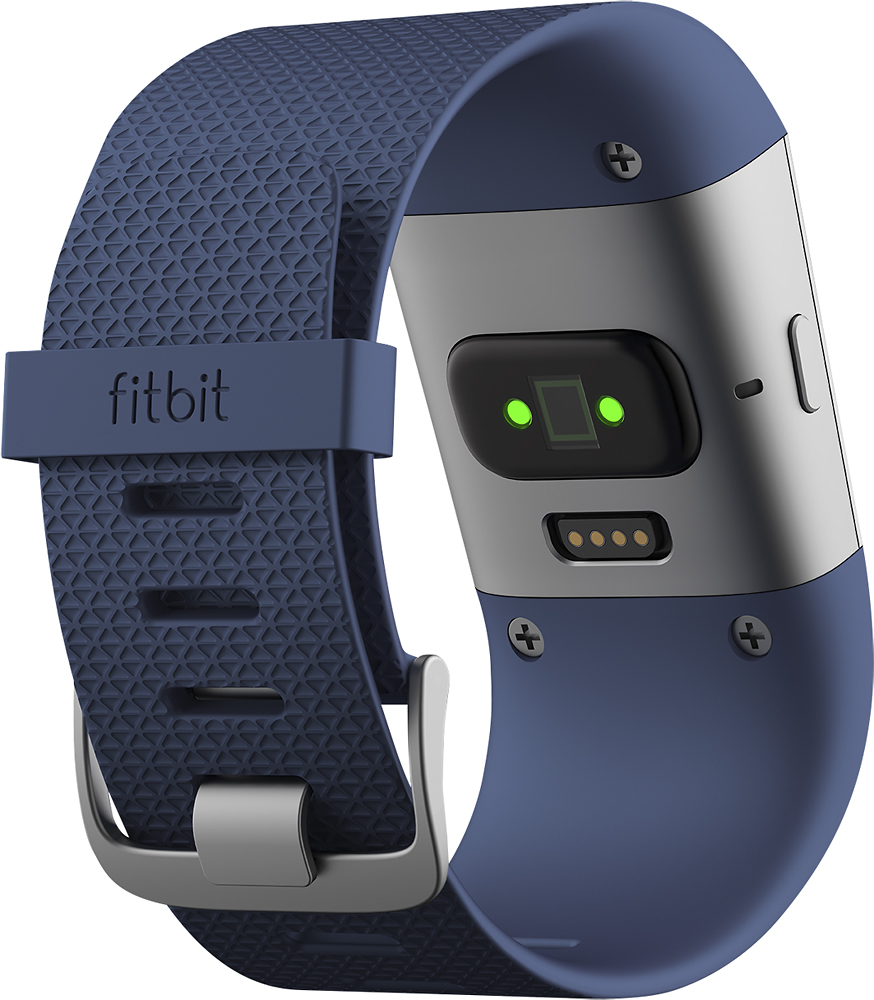
A:AnswerThe black plug is a wireless dongle in case you are syncing to a PC/laptop instead of your phone. If you are using your phone, just pack the dongle away with the guide.
A:AnswerIt does have a timer. The watch doesn't make any noises so all alarms (timer, alarm, incoming texts) are marked by vibration. I mention this in case you take your watch off to lift--there's no audible signature so you will have to monitor it closely. Hope that helps.
A:AnswerNo, it does not monitor blood pressure just heart rate. Fitbit.com did have a tracking option for blood pressure but it was entered manually and would chart out the historical data. Fitbit made upgrades to the tracking website this year and blood pressure tracking was eliminated all together.
A:AnswerChris,
I have not had this happen; I actually reached 162 for a short period of time and did not have an issue. When you say "shuts down" do you mean the screen goes blank, the monitor won't show anything over 143, or the HR doesn't register at all? This may be worth checking with customer service to see if this is common.
~GolfGirlRN
A:Answerit is sync and it does gets the calls I get on my cell phone. I do not think I have to be within a close proximity to get my message, if you mean answer calls with this product I would not know since I did not know it could do it if it does. I will check the guide.
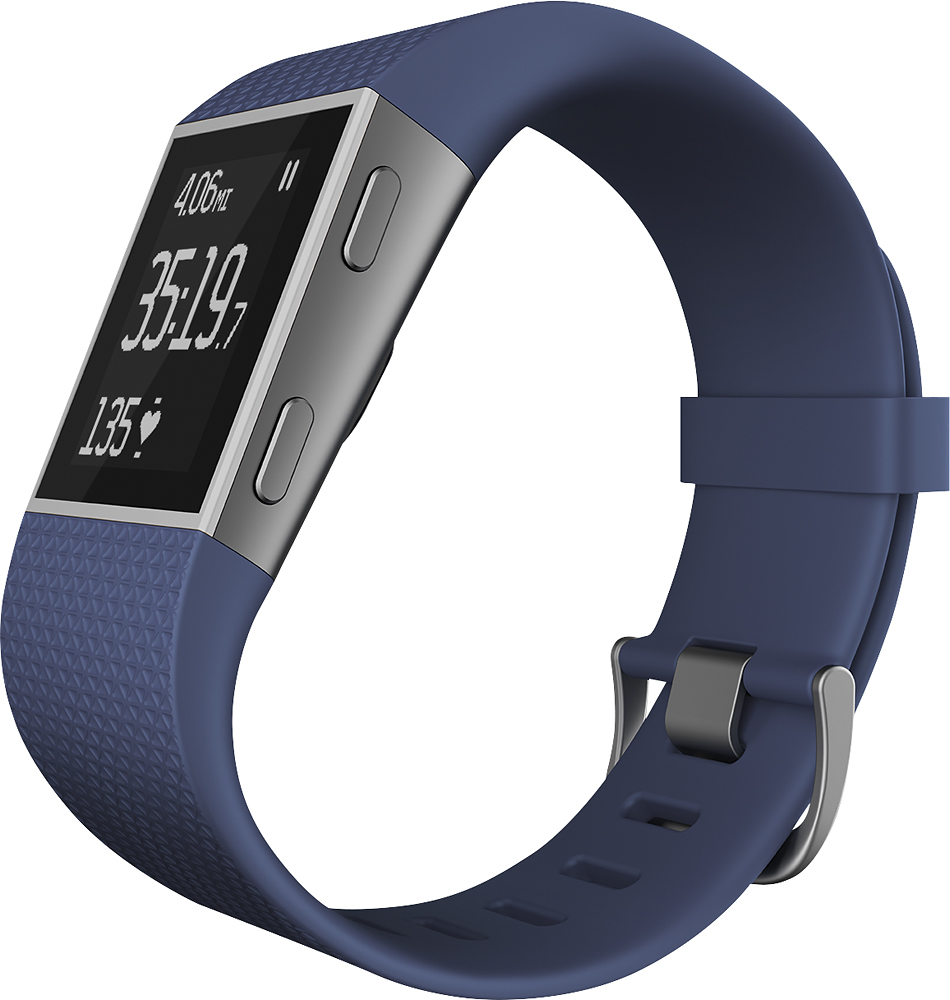
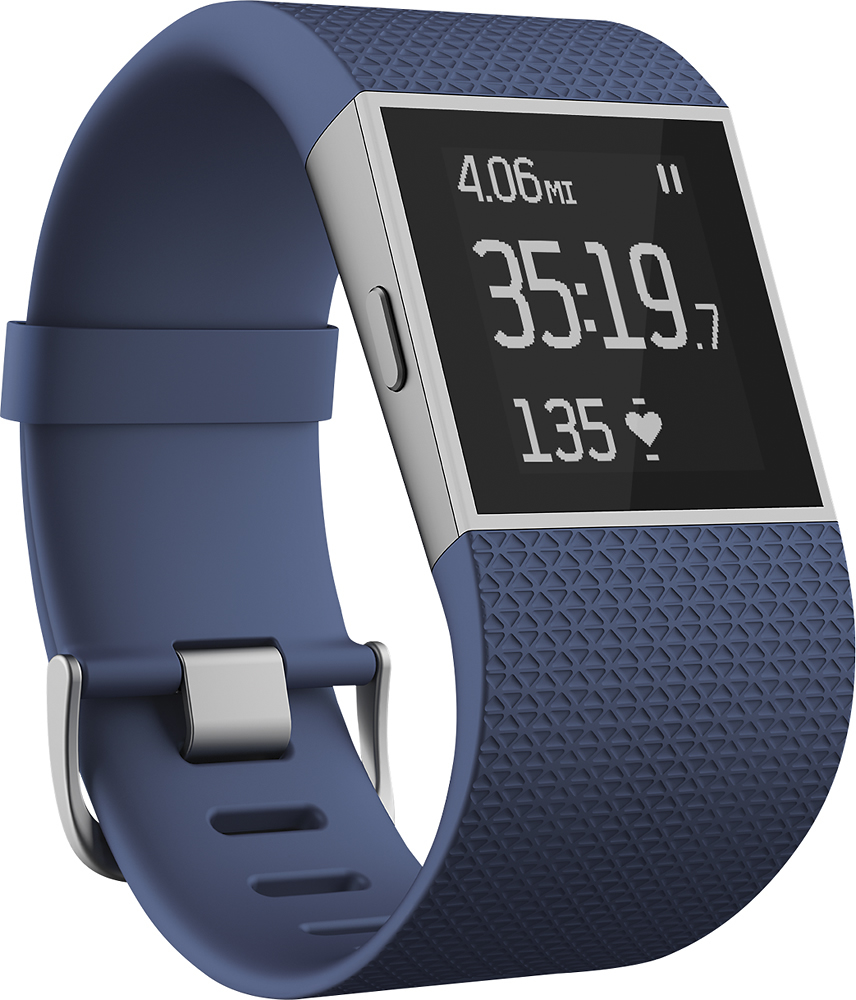
A:AnswerYes it shows the time and date with several formats to choose from. You an also cycle to the time while exercising and displaying elapsed time, HR etc.