A:Answer Chico,
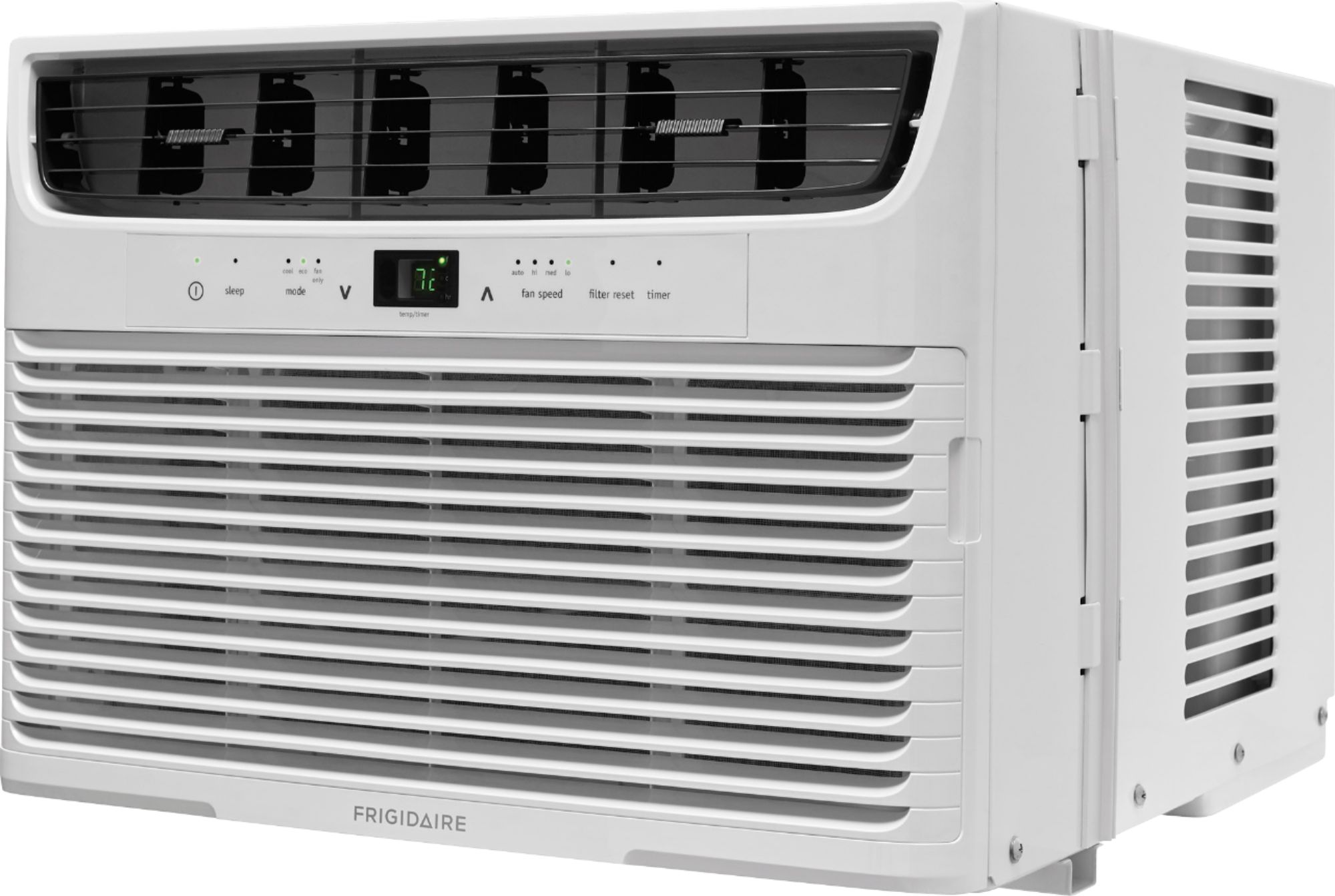
There are 2 "sleep" features on this unit.
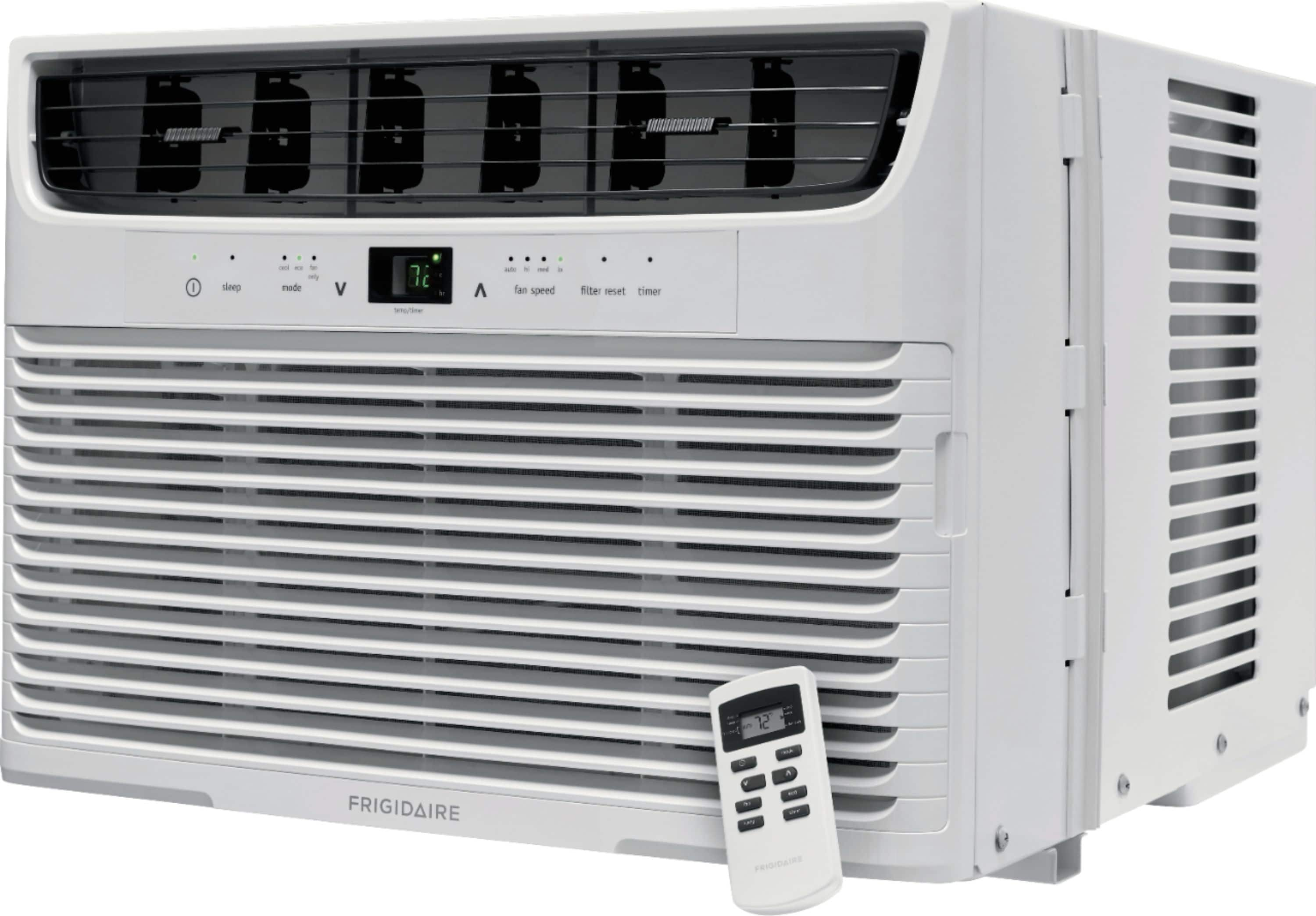
1. The "sleep" button on the remote is a pre-programmed feature (it is not described in the manual for some reason). To use this function, you simply press the "sleep" button on the remote. In 30 minutes the temperature setting will increase by 2 degrees, and 30 minutes after that the temperature setting will increase by another 2 degrees. Then it will stay at this new setting for 7 hours, and after 7 hours the temperature setting will return to the original setting (4 degrees lower). You can cancel sleep more at any time by pressing "sleep" again on the remote.
2. The more typical sleep mode is called "delayed stop" on this unit. To use this:
--- a. The A/C must be turned ON.
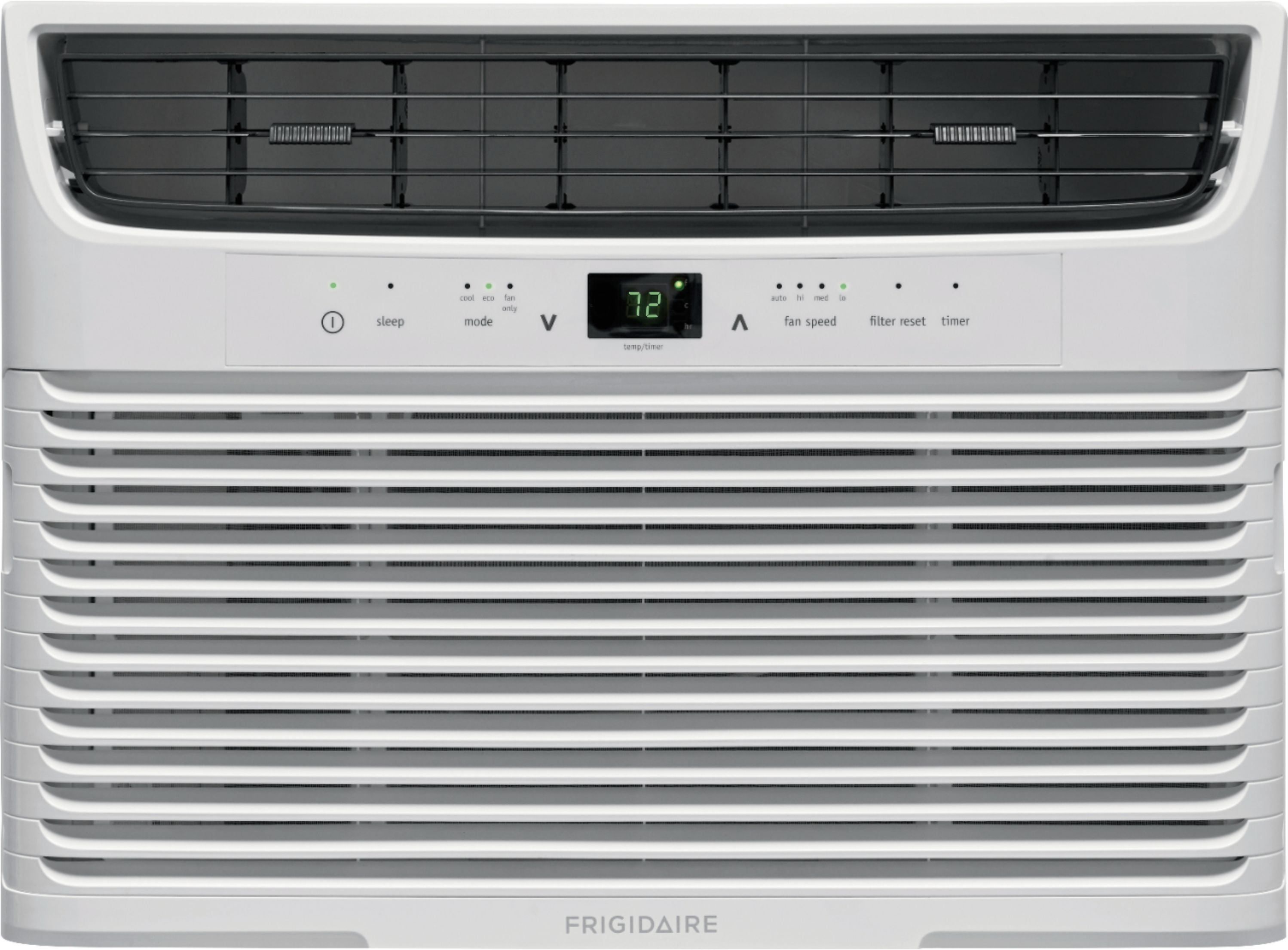
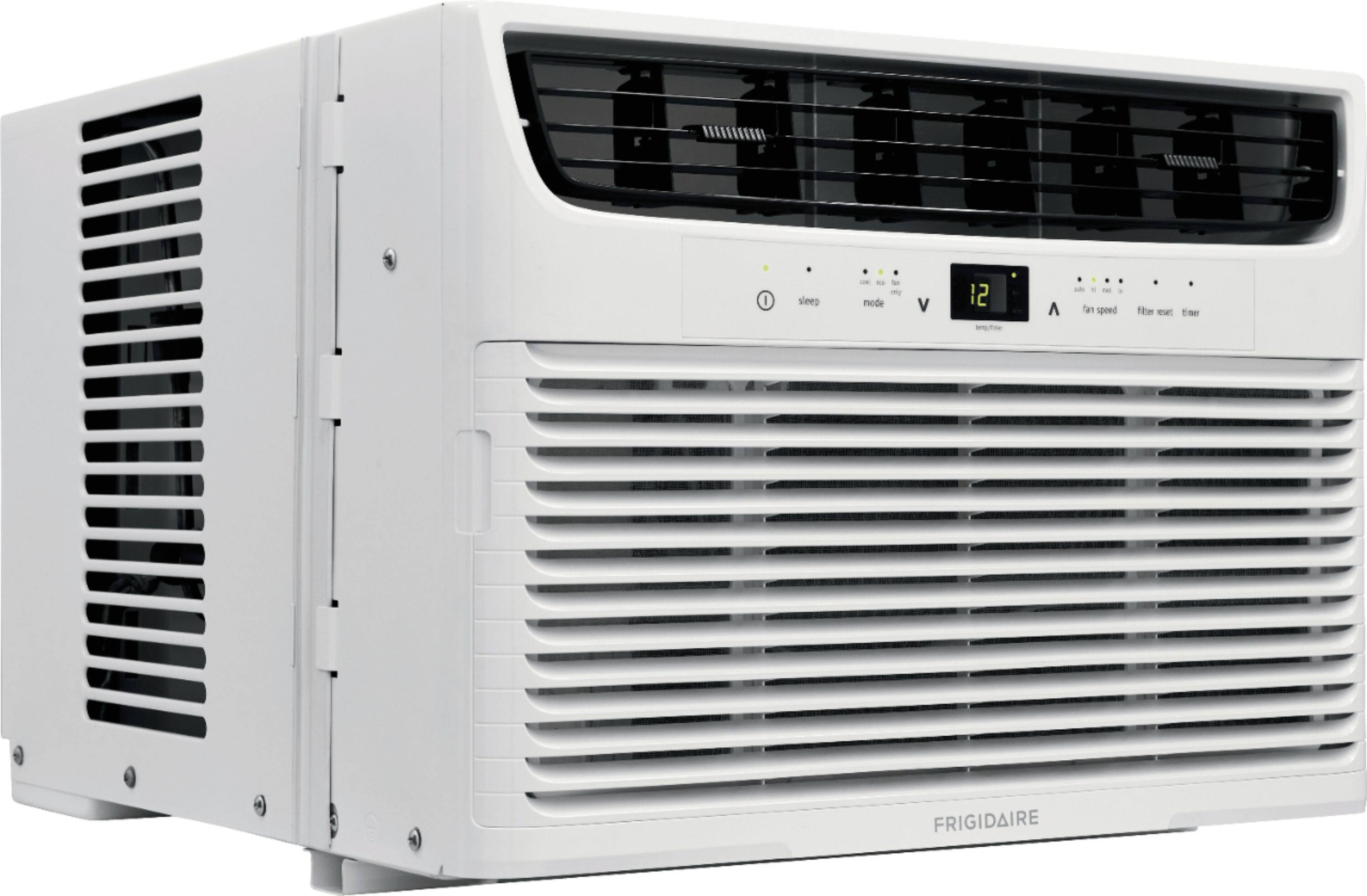
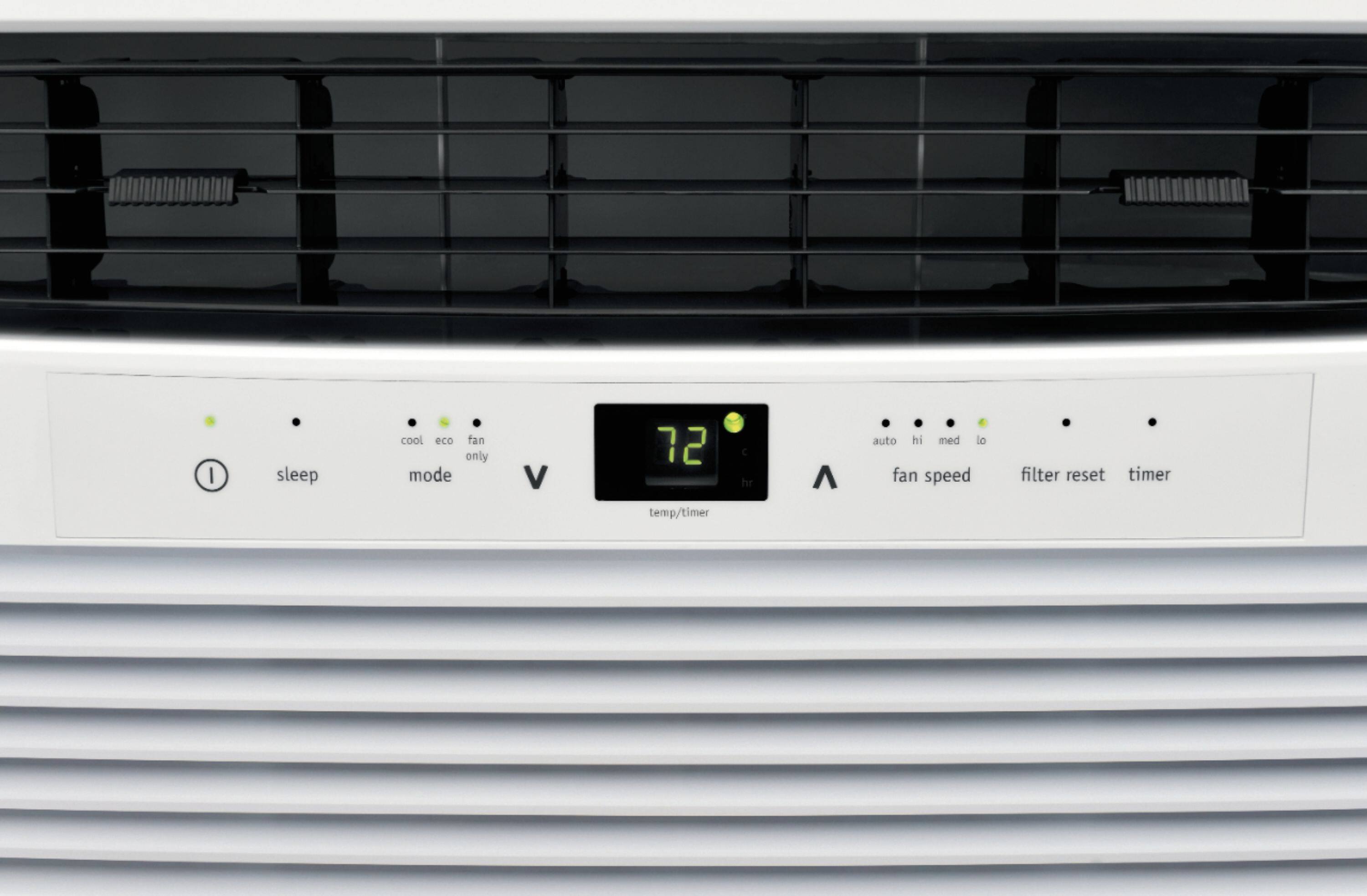
--- b. Press the "timer" button on the remote (or control panel on the unit).
--- c. Press the up or down arrows to select how much time before the unit will turn OFF.
3. There is also a "delayed start". To use this:
--- a. The A/C must be turned OFF.
--- b. Press the "timer" button on the remote (or control panel on the unit).
--- c. Press the up or down arrows to select how much time before the unit will turn ON.