A:AnswerYes, City Navigator® Europe maps can be purchased and added to this device. There are two options for adding these maps to this device: Purchase a pre-programmed microSD™/SD™ Card or Purchase downloadable maps to be installed with the Garmin Express program. Please see the Garmin Support Center article about Traveling to Another Country with a Garmin Automotive Device: https://bit.ly/2YTNdCB
A:AnswerYes, this model includes the Trip Planner feature that can be used to create and save a trip with multiple stops. An Optimize Order feature is also included to manually have the device calculate the optimum order in which to travel to all the entered points.
A:AnswerI had a very old Garmin Nuvi 255W ( I am thinking at least 8 years old) that was still getting updates so I am thinking they are supported fro much longer than one would think. I recently purchased the Drive Smart 52 only because my battery on the Nuvi was shot and I felt it was time for upgrade.
A:AnswerYes, all of them can be transferred using the Garmin Express program. Garmin Express transfers Favorites, Saved Places, and Routes from one compatible device to another. This Garmin FAQ provides all of the details: http://bit.ly/2kxlwz1
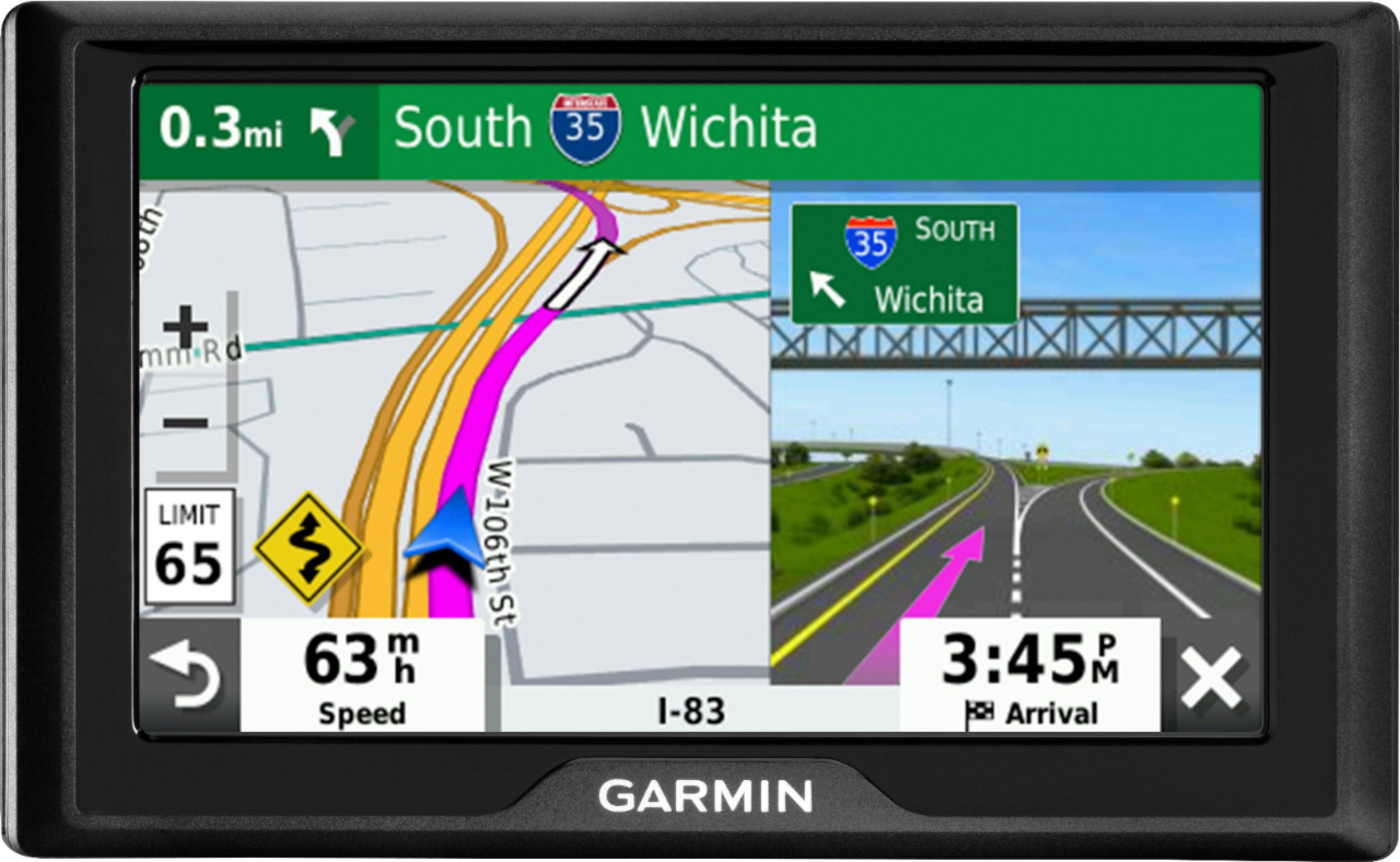
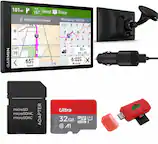
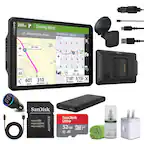
A:AnswerSorry for the confusion. This model should fit in most vehicles. It includes a Vehicle suction cup mount to attach the GPS to your vehicle’s windshield and a vehicle power cable that connects to the vehicle’s cigarette lighter/power port.
A:AnswerTypically altimeter readings are reserved for our aviation devices. Our automotive devices allow you to view your current location's elevation though.
NOTE: Elevation on automotive devices is based solely on map data and may not be completely accurate, depending on satellite signal strength and available map data.
To Locate your Current Elevation:
Ensure the device has acquired a satellite signal
1.Touch View Map
2.Touch the vehicle icon/position indicator
3.The elevation of that location will be displayed along with the geographical coordinates.
A:AnswerThis model includes maps of US & Canada includes: 50 United States, Canada, Puerto Rico, US Virgin Islands, Cayman Islands, Bahamas (New Providence Island and Grand Bahama), French Guiana, Guadeloupe, Martinique, Saint Barthélemy, and Jamaica.
A:AnswerThese Garmin units seem to last a few years until they fail (likely due to vibration). Mine travel in a waterproof Otter Box (clear touch sensitive window) riding on Ram mounts (1" rubber ball mounts), with a short 90-degree USB cord permanently (and well sealed to water) going through the back of the case. A rigid mount on a bike with lots of vibration would fail sooner, I expect.
There *are* motorcycle specific Garmin models ($$$$).
A:AnswerYes and no. While gps systems are designed for hot weather, there really isn't anything going to save the battery from wearing down premature. Most people get 2-3 years out of the before battery goes sideways but I've had them die in Texas heat in a year if that. I would suggest taking it in with you if you want it to last longer. It will work yes, for how long, that's up to how hot it gets in your car. If I remember right lithium batteries have a upper limit of 120 degree operating temp, car gets hotter than that in summer. The other issue is screen layers are kept together with glue to hold the LCD and digitizer together so after a while there might be bubbling on the screen so take it in during the summer, any gps will have issues after a while that contain a battery. Plus with thefts going up nationwide, you don't want to give someone a reason to bust your window.