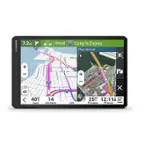
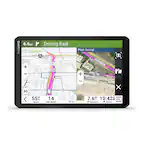
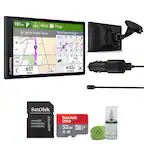
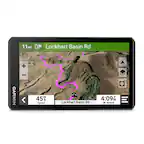
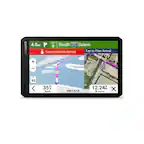
A:AnswerThe Garmin DriveSmart 86 8" display does come with a window mount. I bought a Garmin friction mount, but it will not work with the DriveSmart 86; the Garmin Friction mounts ONLY work with DriveSmarts' 51 to 76.
The 86 DriveSmart has a bigger Ball/hitch design to attach to the separate back plate that goes into the Garmin Device. Then there is knurled knob that you have to tighten down to keep the device set in place. To change the position of the DriveSmart 86, you will have to loosen the knob, change position then re-tighten.
Be very wary of any company or website stating their mounts fit the 86. The plate that fits into the back of the Garmin DriveSmart 86 is made to fit the bigger ball/hitch. To my chagrine, I also purchased another mount system from another website, stating it fits the 86 and was suppose to use the cup holder. The system on this was for the other Garmin GPS units not the 86.
I'm sure there are other mounts that will work but I'm leery paying out anymore money just to find out they don't fit the DriveSmart 86.
As to your question about a CD Tray mount for the 86; I have not found one that will fit the 86. I have been searching for mount systems for almost 5 weeks now. After purchasing two different mount systems that were suppose to work and come to find out they do not fit the DriveSmart 86, I will stick with my window mount that came from Garmin.
I was thinking about sending my window mount to someone that does 3D printing to see if they could make me a mount with the correct ball/hitch size for the Garmin DriveSmart 86...
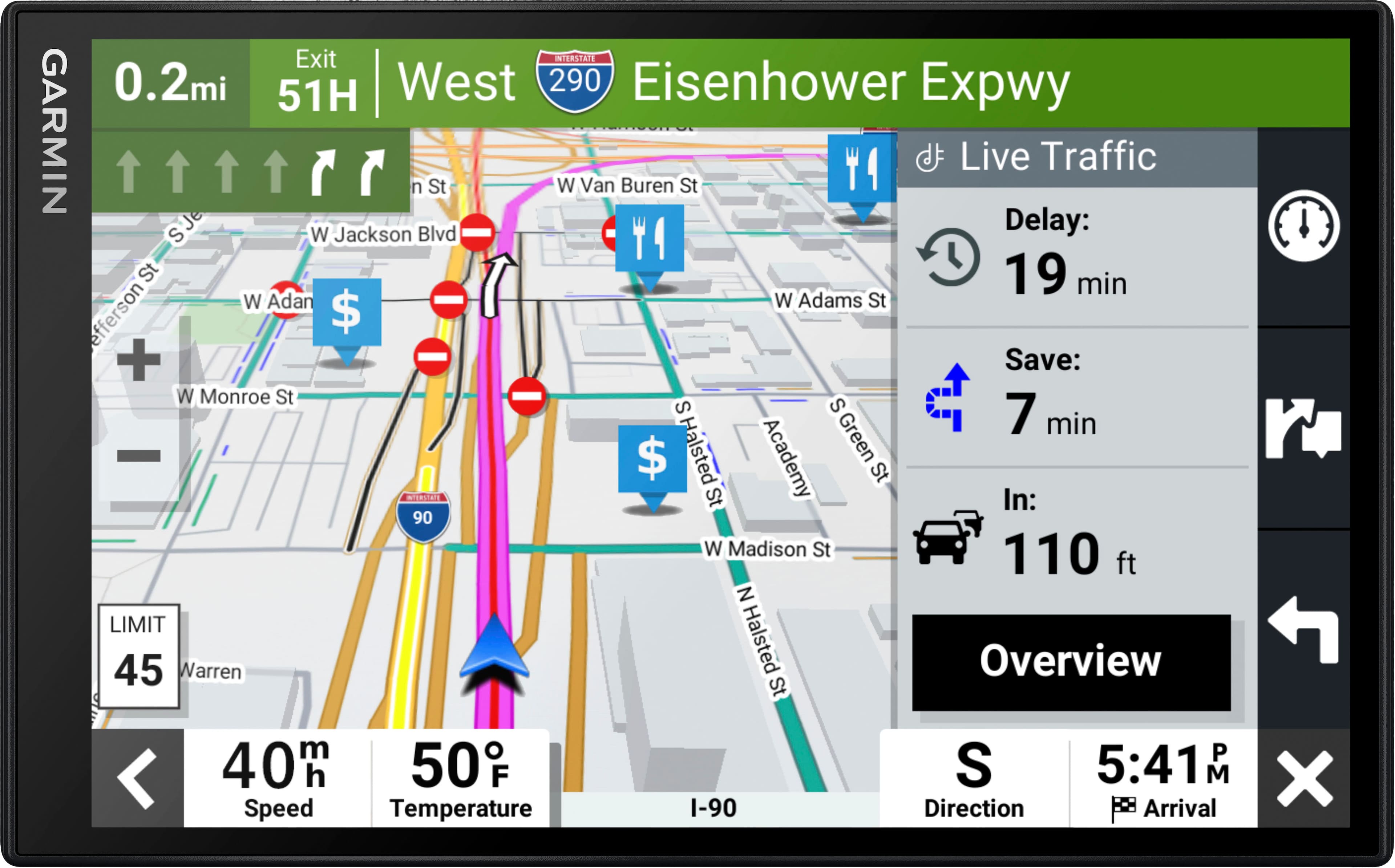
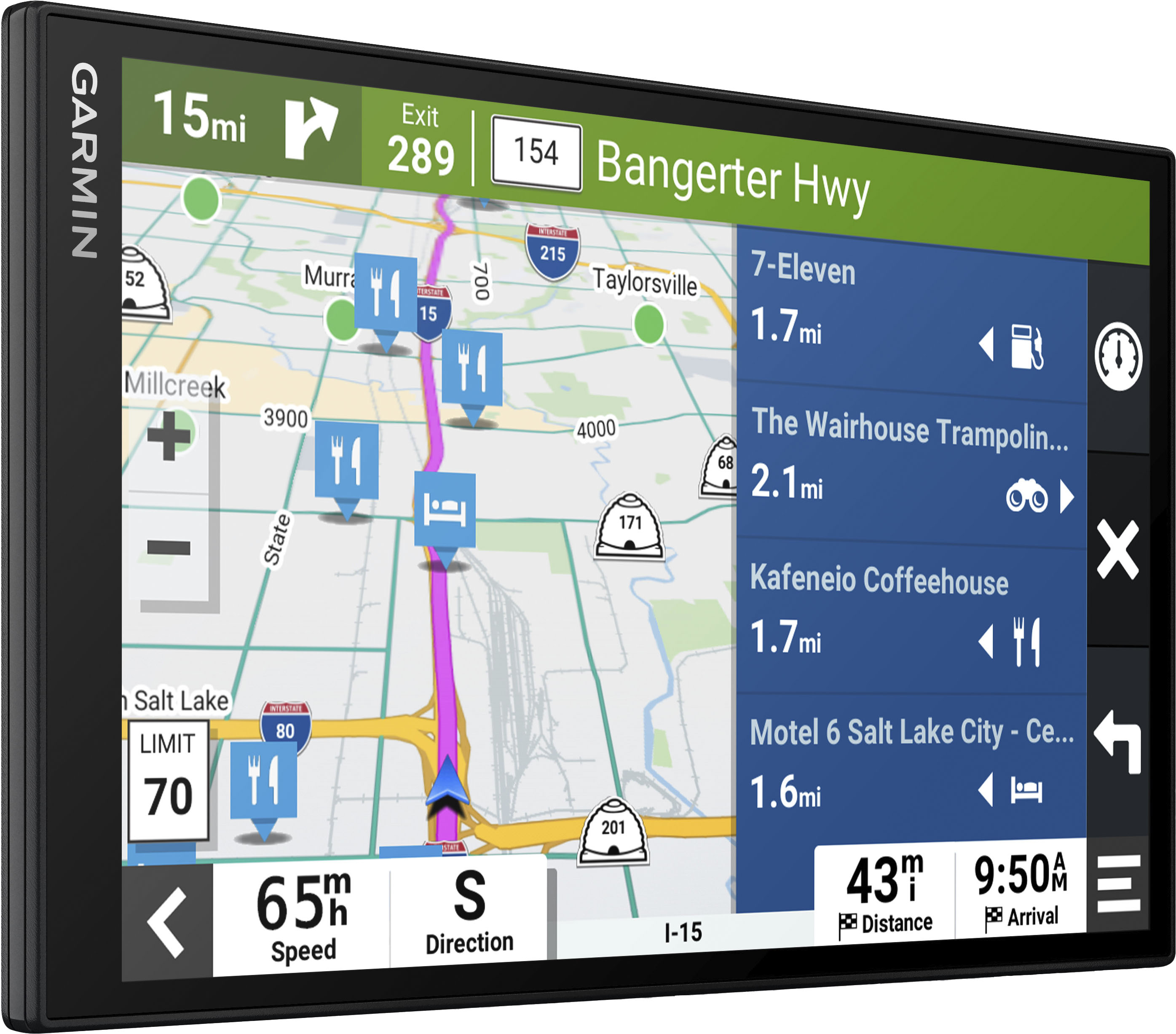
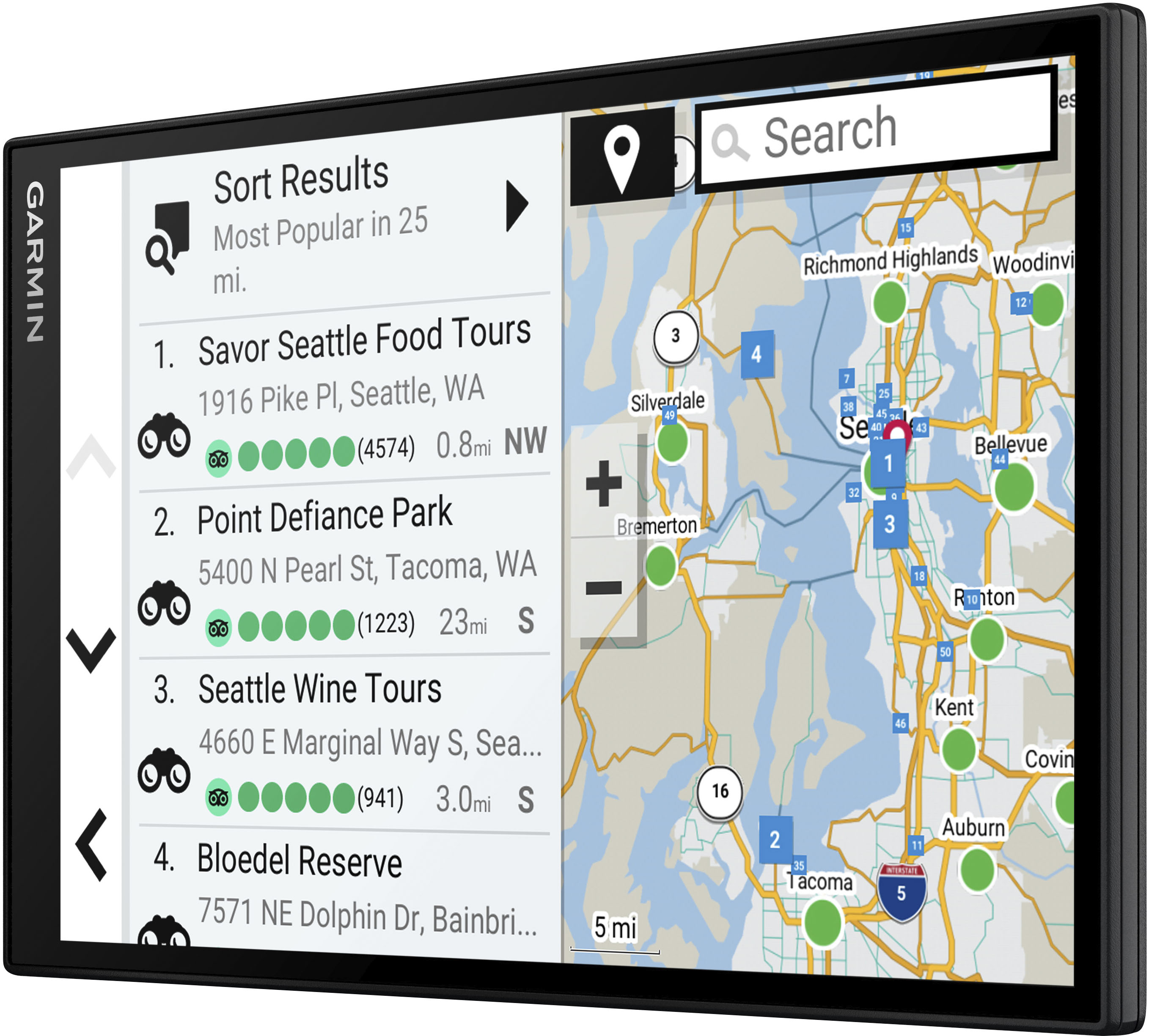
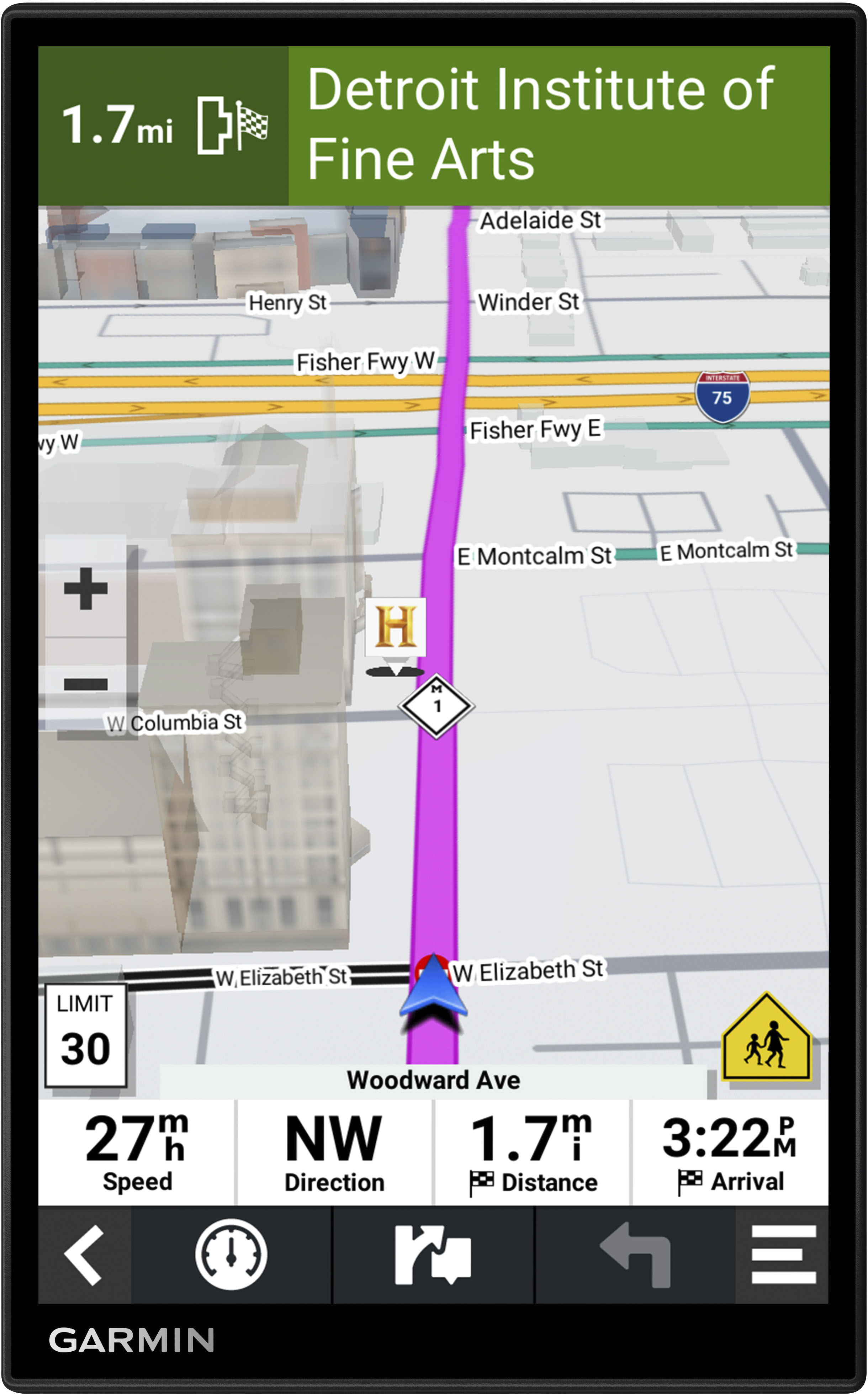
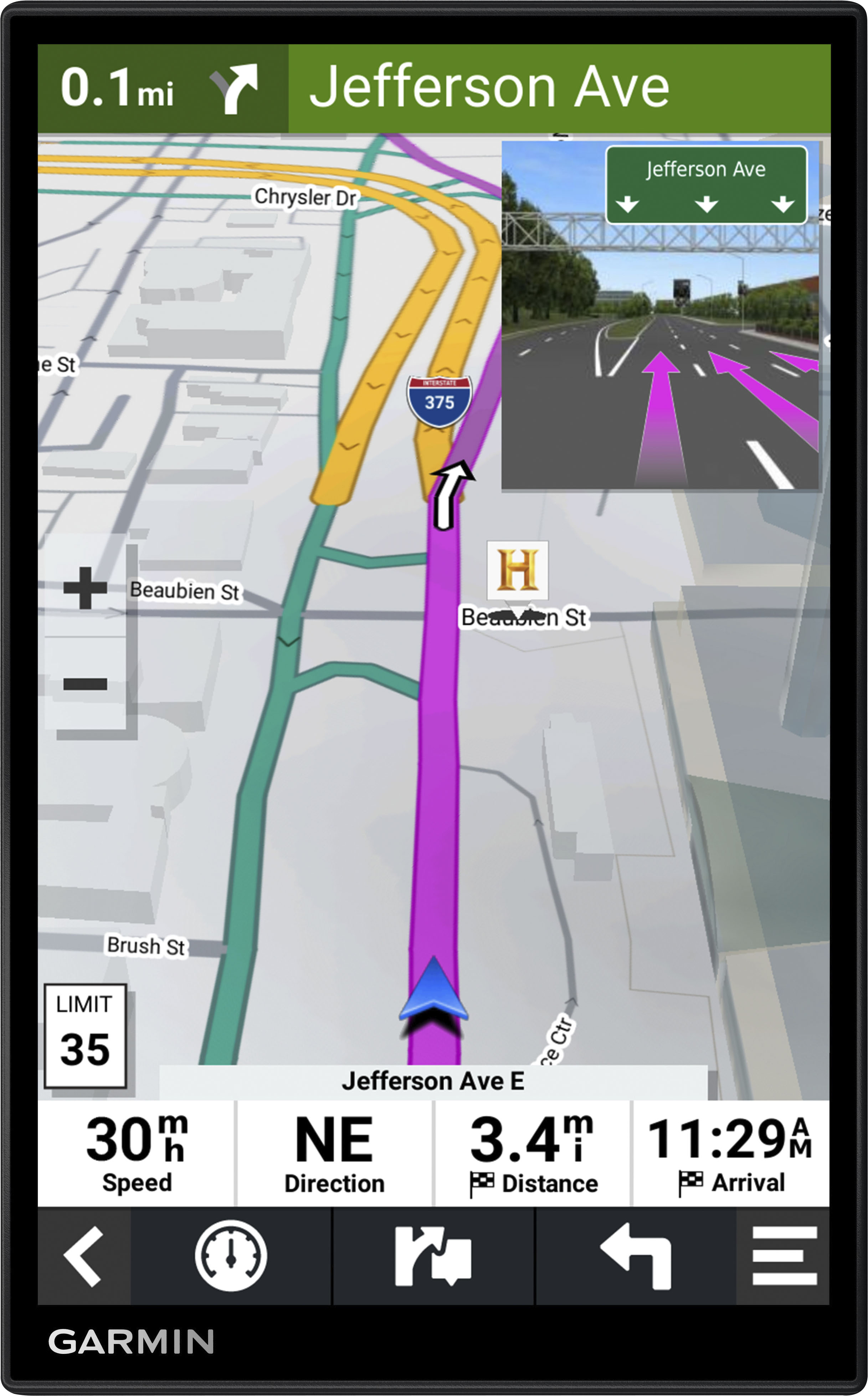
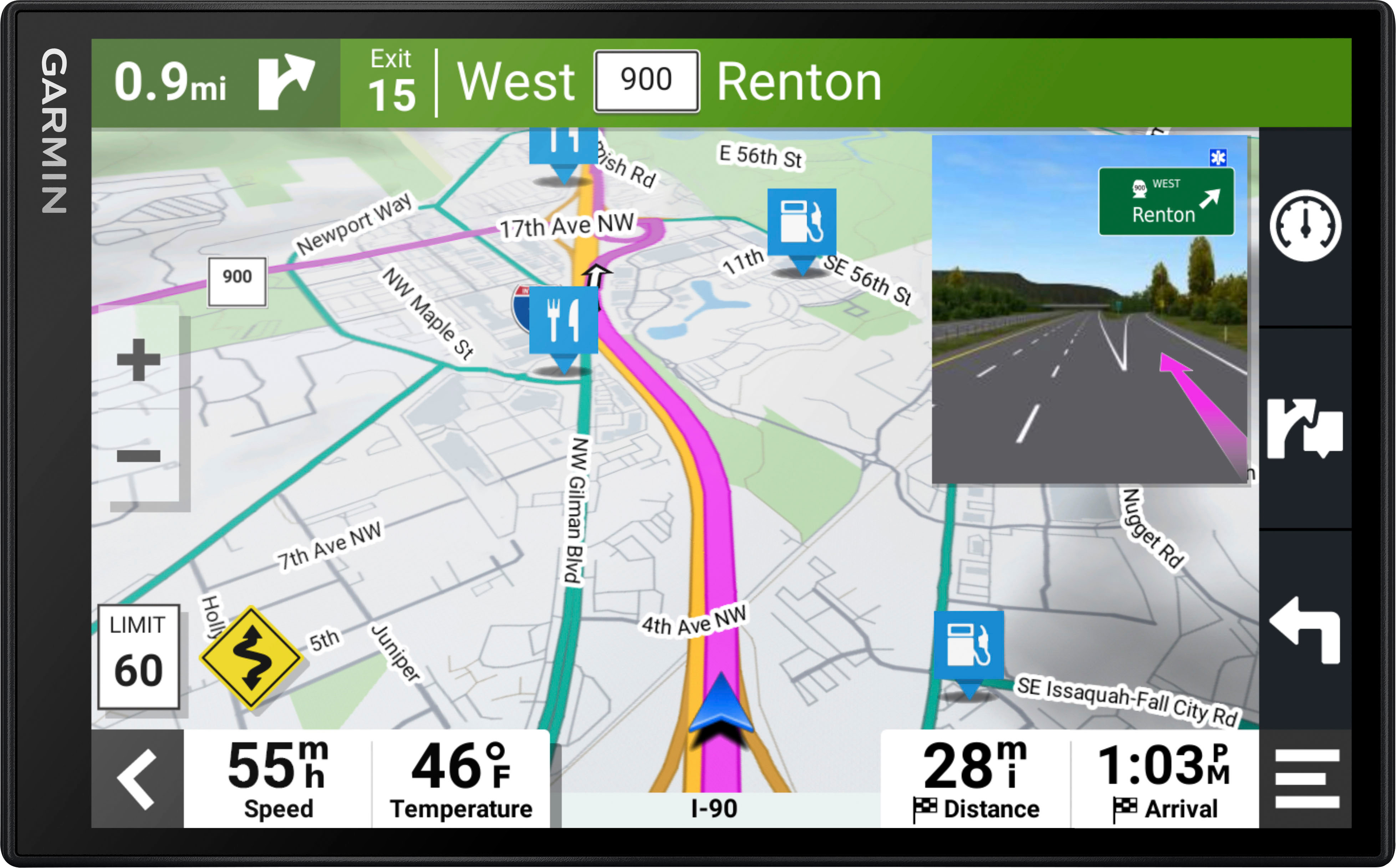
Other than the very poor selection, even from Garmin website, of mounts this is a very big display for Garmin GPS, it has voice activation along with Alexa if you want to have that. It also has 4Square and other Apps, like the History App, that will shows historical parks, buildings, etc... on your routes. I also purchased the BC40 camera, you will have to set the camera up and set the adjustment lines, but so far it's a good system for older vehicles that did not come with a back up camera. It does have real time traffic alerts through the power cable that receives the FM broadcast.
A:AnswerYes, this device is an easy-to-use, dedicated GPS navigator that does not rely on Wi-Fi, Bluetooth or cellular signals and is unaffected by cellular dead zones.
A:AnswerIn most situations, 2 MB of data per hour of active use with an automotive device is a reasonable estimate for data usage. For example, if the device is used 5 days a week on a 30-minute commute each way, the Garmin Drive App would use about 40 MB of data per month. Phones battery should display little to no impact.
A:AnswerYes, the City Navigator® Europe NTU (010-13088-00) map can be added to the Garmin DriveSmart™ 86. For more information and instructions for purchasing additional maps, please see the following link: https://bit.ly/3LSlVo8
A:AnswerThe Drivesmart 86 will have its own mount bracket and the previous are not compatible. Large Suction Cup Mount Garmin part number 010-13199-02.