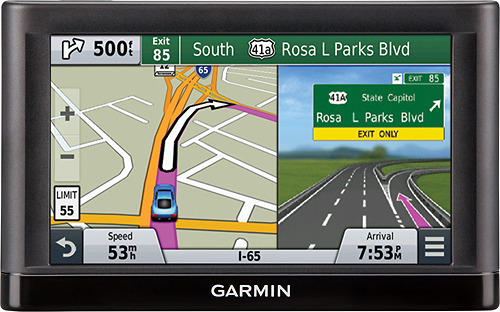
A:Answer The Garmin nüvi 65LM does give you the option to take different routes. This can be done before or after you start a route.
To do it before a route, first find the location and press "Routes", which at that point it will give you up to three possible routes to your destination.
To do this after a route has been created, press on the menu button (bottom right corner of map screen), then press "Change Route" and then you given several option to alter the route (ie: Detour - find a different route, Detour by Distance, Detour by Road, etc).
Lastly, the device does have "Avoidances" which, when enabled, will alter the route it creates. {CW}