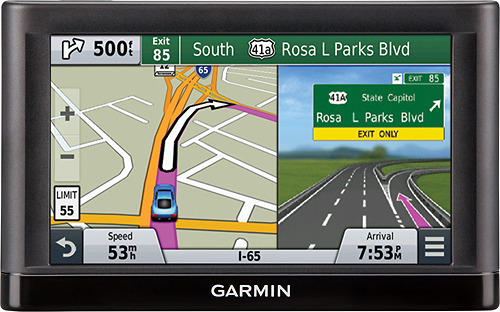
A:Answer You can customize which data appears on the map, such as icons for points of interest, by following these steps:
1. Select Settings.
2. Select Map & Vehicle.
3. Select Map Layers.
4. Select the layers to include on the map, and select Save.
Thank you! (KS)