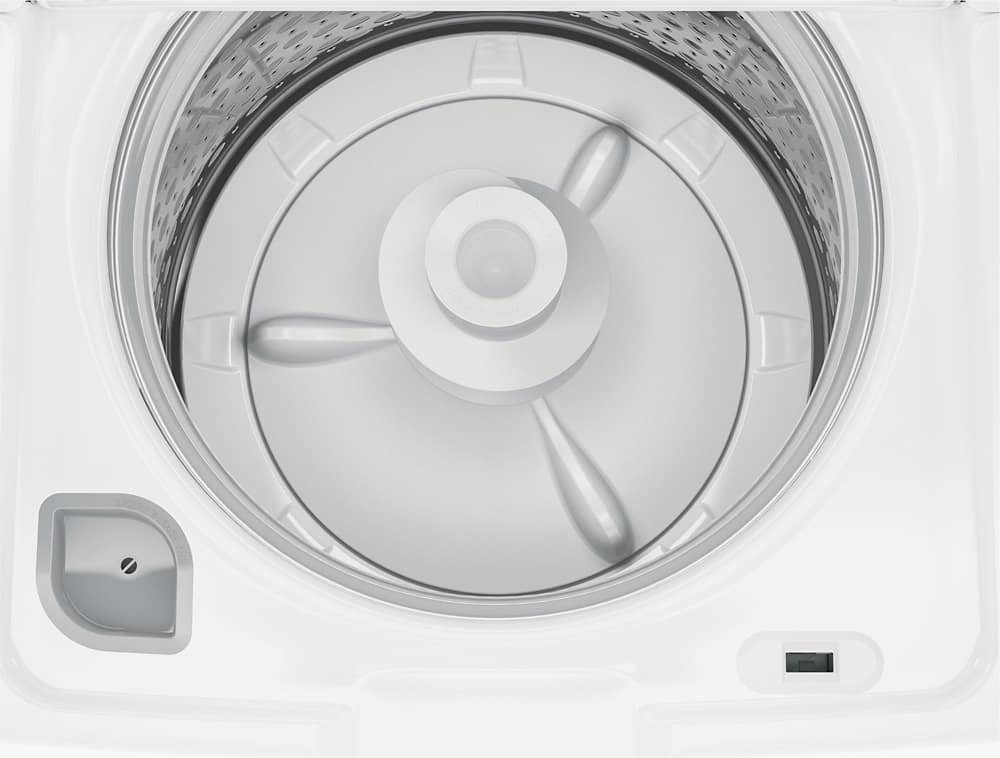
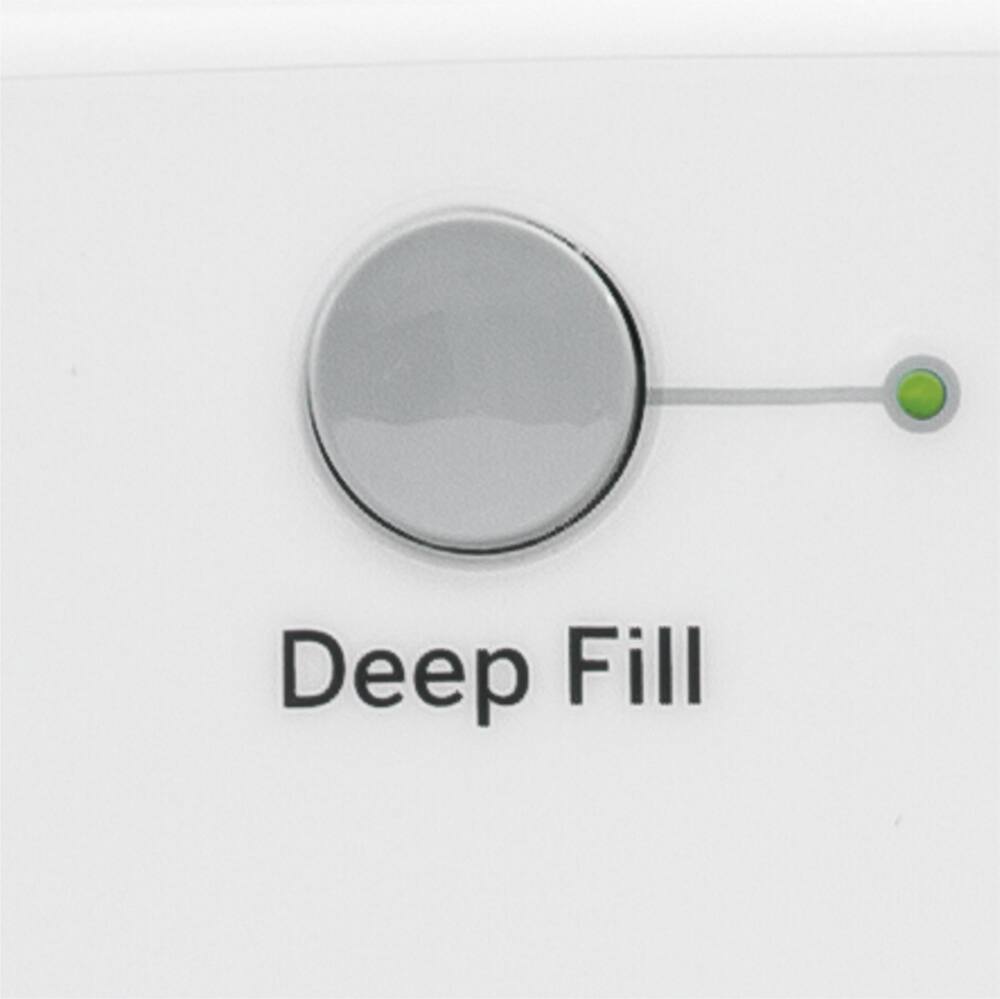
A:AnswerHi Tbird- Yes, the Deep Fill button can also be pressed after the washer has completed filling and is in the wash phase if additional water is desired. For reference, view page 13 of the Owner's Manual- Deep Fill: https://products.geappliances.com/MarketingObjectRetrieval/Dispatcher?RequestType=PDF&Name=49-90576-2.PDF - Also, check out the following link- TOP LOAD WASHERS - DEEP FILL: https://products.geappliances.com/appliance/gea-support-search-content?contentId=22718 - Further note that new GE Appliances washer models meet or exceed the latest energy and water efficiency requirements. Therefore, you may notice that your washer fills with less water than your prior model did. This is normal. GE Appliances washers are designed for and are thoroughly tested using modern water levels and will provide the exceptional cleaning you have come to expect from GE Appliances. See illustration on page 15 of the Owner's Manual. The dual-action agitator will drive clothes down into the water for thorough cleaning. Keep in touch! Sue
A:AnswerHi Red- START-UP SEQUENCE: Any time the washer is being started or restarts after the washer lid has been opened and closed, the washer will turn on the cold water valve for two short periods followed by a 10 second pause before continuing. If the lid is opened during this period, the washer will pause. You will have to push the Start button again to restart the cycle. AUTOMATIC DRAIN SEQUENCE: Machine will automatically drain any time the lid is left open for more than 15 minutes and water is present. Also, machine will automatically drain if left in a paused state with the lid closed for more than 24 hours and water is present. If Fill light is on: Check your house water supply. Did you forget to turn on one or both supply valves after installation or
coming back from vacation? As soon as the light starts to flash, the washer will initiate a 4 minute lockout period. The washer controls won’t respond/change during this time. After the 4 minutes, you can
begin your cycle again. If you try to bypass the lock-out period by unplugging the washer, the 4 minute timer will start over again. For reference, see page 13 of the Owner's Manual: https://products.geappliances.com/MarketingObjectRetrieval/Dispatcher?RequestType=PDF&Name=49-90576-2.PDF - To reset electronics, unplug washer, wait 2 minutes, plug back in and press Start. If you need further assistance, a qualified service technician is required for an accurate diagnosis. We encourage you to contact GE Appliance Service at 1-800-432-2737 for assistance or conveniently schedule an appointment online at GEAppliances.com: https://www.geappliances.com/ge/service-and-support/service.htm?ICID=GEARsupportflyout-service - Keep in touch! Sue
A:AnswerHi Curtis- We are happy to help! If the fill light stays on (water not entering the washer), Check your house water supply. Turn on both supply valves after installation. As soon as the light starts to flash, the washer will initiate a 4 minute lockout period. The washer controls won’t respond/change during this time. After the 4 minutes, you can begin your cycle again. If you try to bypass the lock-out period by unplugging the washer, the 4 minute timer will start over again. For reference, see page 13 of the Owner's Manual at this link: https://products.geappliances.com/MarketingObjectRetrieval/Dispatcher?RequestType=PDF&Name=49-90576.pdf - Also, view TOP LOAD WASHER - FILL FUNCTION: https://products.geappliances.com/appliance/gea-support-search-content?contentId=36353 - TOP LOAD WASHER - NO FILL: https://products.geappliances.com/appliance/gea-support-search-content?contentId=17383 - Keep in touch at 1-800-626-2005 or GEAppliances.com - Sue
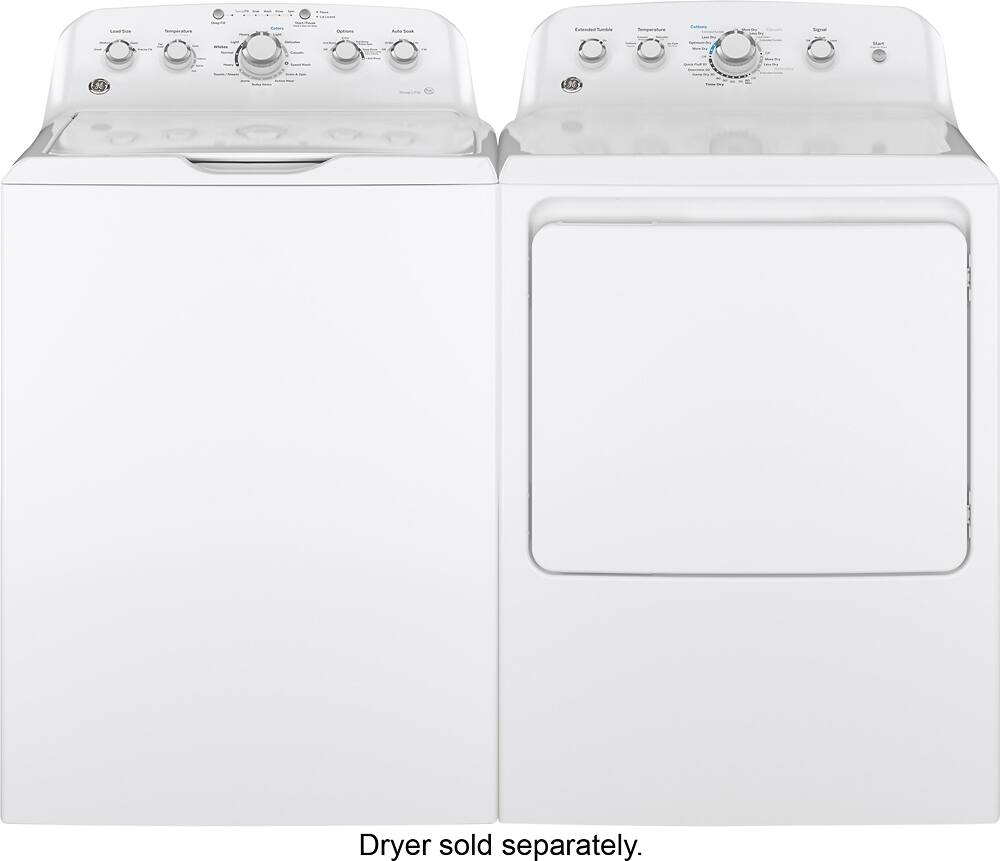
A:AnswerHi Sara- Thanks for considering GE! Here are the approximate cycle times with no options selected: Normal / Colors - 40 minutes. Speed - 23 minutes. Check out the matching GE® 7.2 cu. ft. Capacity aluminized alloy drum Electric Dryer
GTD42EASJWW (Gas GTD42GASJWW). Keep in touch! SUE@GEA
A:AnswerHi Josh- We are sorry to hear of the difficulty with your washer. You may want to reset the motor. See the following link for details: https://products.geappliances.com/appliance/gea-support-search-content?contentId=17391 - Also, try resetting the electronics. Unplug the washer, wait 2 minutes, plug back in and press Start. A qualified service technician is required for an accurate diagnosis. We encourage you to contact GE Appliance Service at 1-800-432-2737 for assistance or conveniently schedule an appointment online at GEAppliances.com - Keep in touch! SUE@GEA
A:AnswerHi Sk1993- We suggest to push the Start/Pause button again to restart
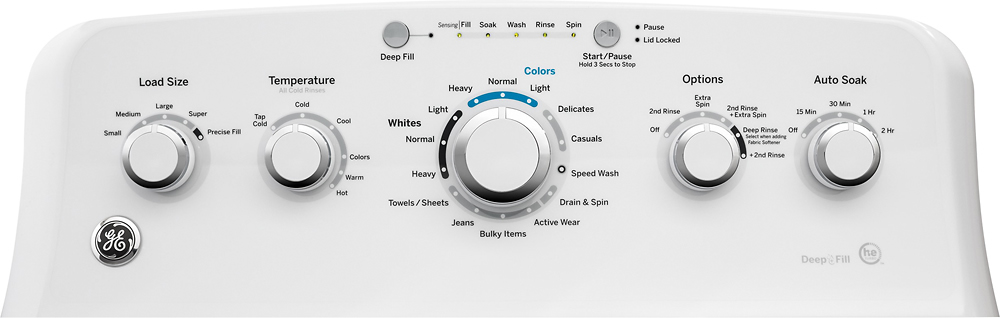
the cycle. If you press and hold Start/Pause for 3 seconds, this should stop the washer and cancel the cycle. If you press and release Start/Pause, this should only pause the cycle (Pause indicator light will blink). Press Start/Pause again to begin the cycle. See page 8 of the Owner's Manual: https://products.geappliances.com/MarketingObjectRetrieval/Dispatcher?RequestType=PDF&Name=49-90576.pdf - If the electronics need to be reset, unplug washer, wait 2 minutes, plug back in and press Start. See page 24 of the Owner's Manual. We hope this is helpful. Keep in touch at 1-800-626-2005 or GEAppliances.com - SUE@GEA
A:AnswerHi Sullivan- Yes, models with Precise Fill (load sensing) will lock during the load sensing period and during the spin cycle. Pausing the machine will allow you to open the lid. During the spin cycle, pausing the washer does unlock the lid, but you must wait until the basket has completely coasted down to a stop before the lid unlocks, for safety reasons. Keep in touch! SUE@GEA
A:AnswerHi - Thanks for reaching out to us! We are happy to provide assistance. Lid Locked light will flash if 3 cycles have been started without opening the lid. The washer will not start another cycle until the lid is opened. Try opening, then closing the lid and starting a new cycle. If the problem persists, we encourage you to call GE Appliances at 800.GE.CARES (800.432.2737) for service or schedule online: https://www.geappliances.com/ge/service-and-support/service.htm?ICID=GEARsupportflyout-service - For reference, see page 13 of the Owner's Manual online: https://products.geappliances.com/MarketingObjectRetrieval/Dispatcher?RequestType=PDF&Name=49-90576.pdf - Or view the following link WASHERS - CONSUMER HELP INDICATOR: https://products.geappliances.com/appliance/gea-support-search-content?contentId=35949 - We hope this is helpful. Keep in touch! SUE@GEA
A:AnswerHi MrLaundryMan- Thanks for your purchase! We're glad to have you in the GE Appliances Family. We are sorry to hear your questions were not addressed in the Owner's Manuals included with your washer and dryer. We suggest to view our Video Gallery at the following link: https://www.geappliances.com/ge/videos/support-troubleshooting-fix.htm?icid=GEARsupportflyout-videos - We encourage you to call us for assistance with your particular model at 1-800-626-2005 or chat or email us from our Contact Us page at GEApplances.com: https://www.geappliances.com/ge/service-and-support/contact.htm - We look forward to hearing from you soon! SUE@GEA
A:AnswerHi Lglo- Rest assured the dual-action agitator is designed for longevity. The powerful reversing wash action rotates your laundry for a thorough clean every time, including heavy jeans, towels, etc. This design provides better circulation and turnover of clothes. Also, the agitator is designed to be slightly loose. This "wobble" allows the agitator to flex with the clothes when washing heavy loads, which helps protect clothing. The agitator does not need to be tightened; this is normal. Play Video: https://www.youtube.com/embed/tRtHk5hk8v4?rel=0 - We hope you'll place your trust in us! Keep in touch- SUE@GEA
A:AnswerHi Rose- Thanks for choosing GE! We suggest to view the following link which includes videos of the normal sounds you may hear during the washer cycle (agitation): http://products.geappliances.com/appliance/gea-support-search-content?contentId=21894 - The normal operating sounds you may hear are also provided on page 26 of the Owner's Manual at this link: http://products.geappliances.com/MarketingObjectRetrieval/Dispatcher?RequestType=PDF&Name=49-90576.pdf - You must remove the shipping material just before sliding the washer into place. Do not remove the shipping material prior to sliding into place, since using the washer on a cart or dolly without it can cause the washer to be noisy and vibrate. Make sure the washer is level. The more the legs are extended, the shakier the washer will be during operation. Unbalanced loads can cause the washer to vibrate more. Stop the machine and redistribute the load, if necessary. See the following link- TOP LOAD WASHER WALKING OR VIBRATING: http://products.geappliances.com/appliance/gea-support-search-content?contentId=17445 - We hope this is helpful. Keep in touch! SUE@GEA
A:AnswerHi Pls- Thanks for choosing GE! This model features Precise Fill- Precise Fill allows the washer to determine the optimum water required to wash the items in the basket by sensing the load during the water filling portion of the cycle. Therefore, no need for manual load size selections. Select the Deep Fill feature for loads where extra water is needed. The Deep Fill feature is recommended for special case loads only, not for typical use. Press the Deep Fill button once before starting the cycle to add an incremental amount of water (3 gallons) to the wash load. Holding the Deep Fill button for 3 seconds will provide the deepest fill level possible (26 gallons). NOTE: The Deep Fill button can also be pressed after the washer has completed filling and is in the wash phase if additional water is desired. On Energy Star models with this option, Deep Fill is available on all wash cycles except the Normal/Colors cycle due to 2016 Department of Energy regulations. See page 13 of the Owner's Manual: http://products.geappliances.com/MarketingObjectRetrieval/Dispatcher?RequestType=PDF&Name=49-90576.pdf - Also view TOP LOAD WASHERS - DEEP FILL: http://products.geappliances.com/appliance/gea-support-search-content?contentId=22718 - Keep in touch! SUE@GEA
A:AnswerHi Bigmacpie- Thanks for choosing GE. We are sorry to hear of this experience. The lid must be down when using the Deep Fill option. The washer will automatically drain any time the lid is left open for more than 15 minutes and water is present. Also, any time the Deep Fill feature is turned on, the Deep Fill LED light is illuminated regardless if it was a one-time press (added 3 gallons) or if it was held for 3 seconds (full deep fill). The light stays on even after the selected fill is complete to show that the feature was selected. See Deep Fill: http://products.geappliances.com/appliance/gea-support-search-content?contentId=22718 -
If the electronics need to be reset, unplug for 2 minutes. If you need further assistance, a qualified service technician is required for an accurate diagnosis. We encourage you to contact GE Appliance Service at 1-800-432-2737 or conveniently schedule an appointment online at GEAppliances.com - Keep in touch! SUE@GEA