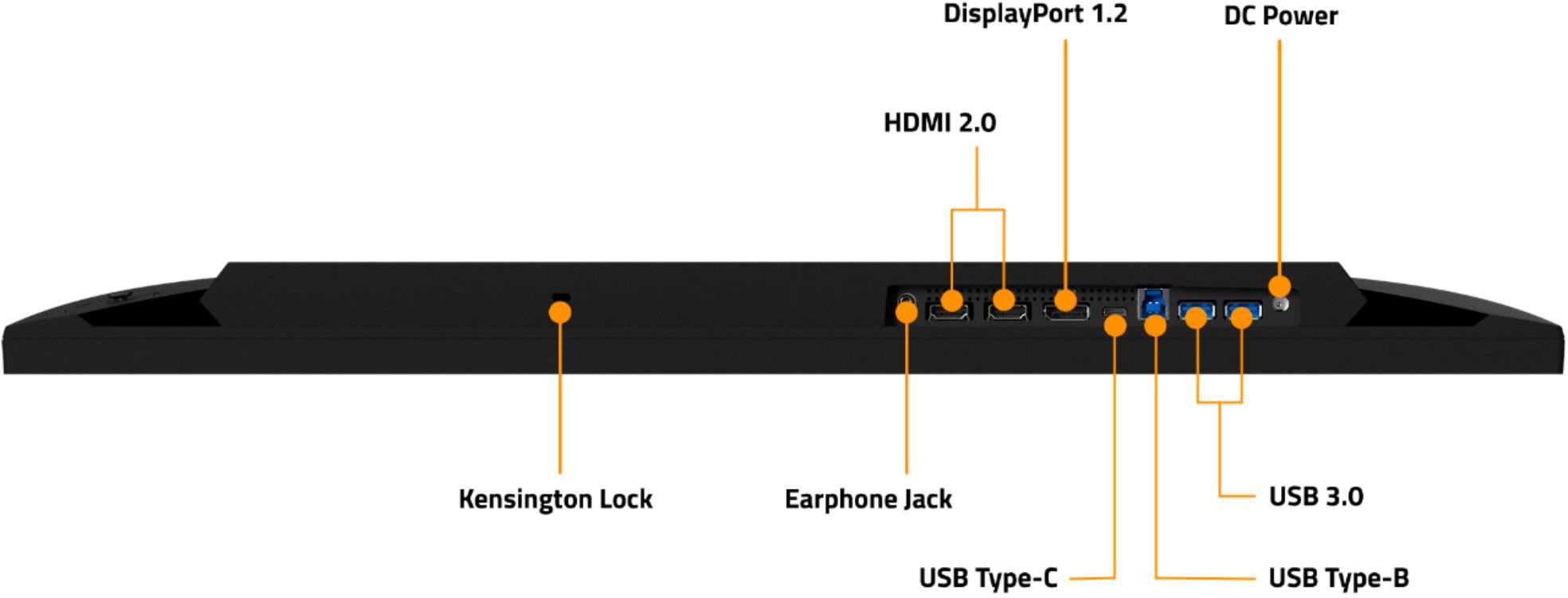
A:AnswerI work in IT and the displayport cable and HDMI cable it comes with seem of good quality. Haven't used the supplied Displayport cable, but the HDMI cable it comes with has worked out great.
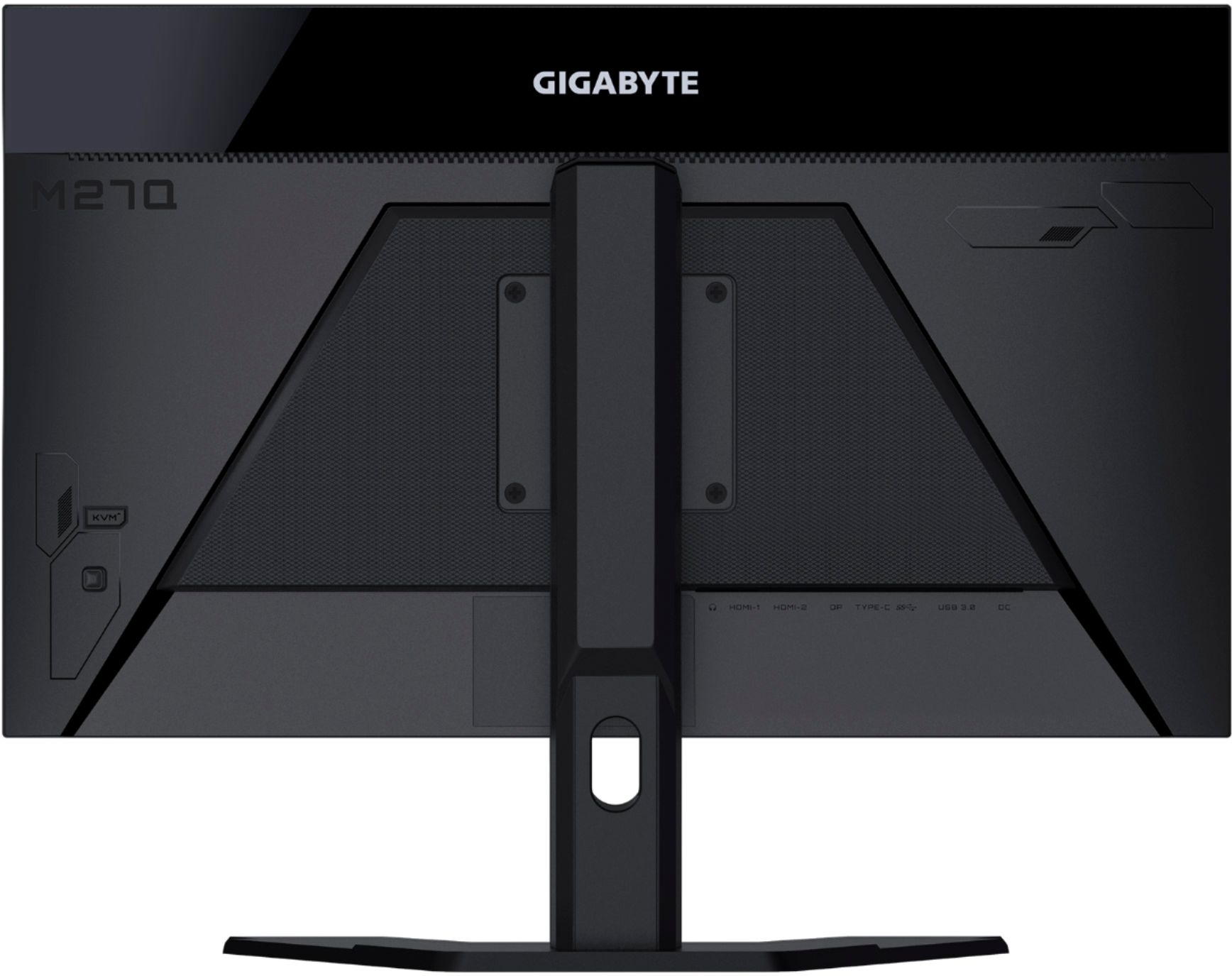
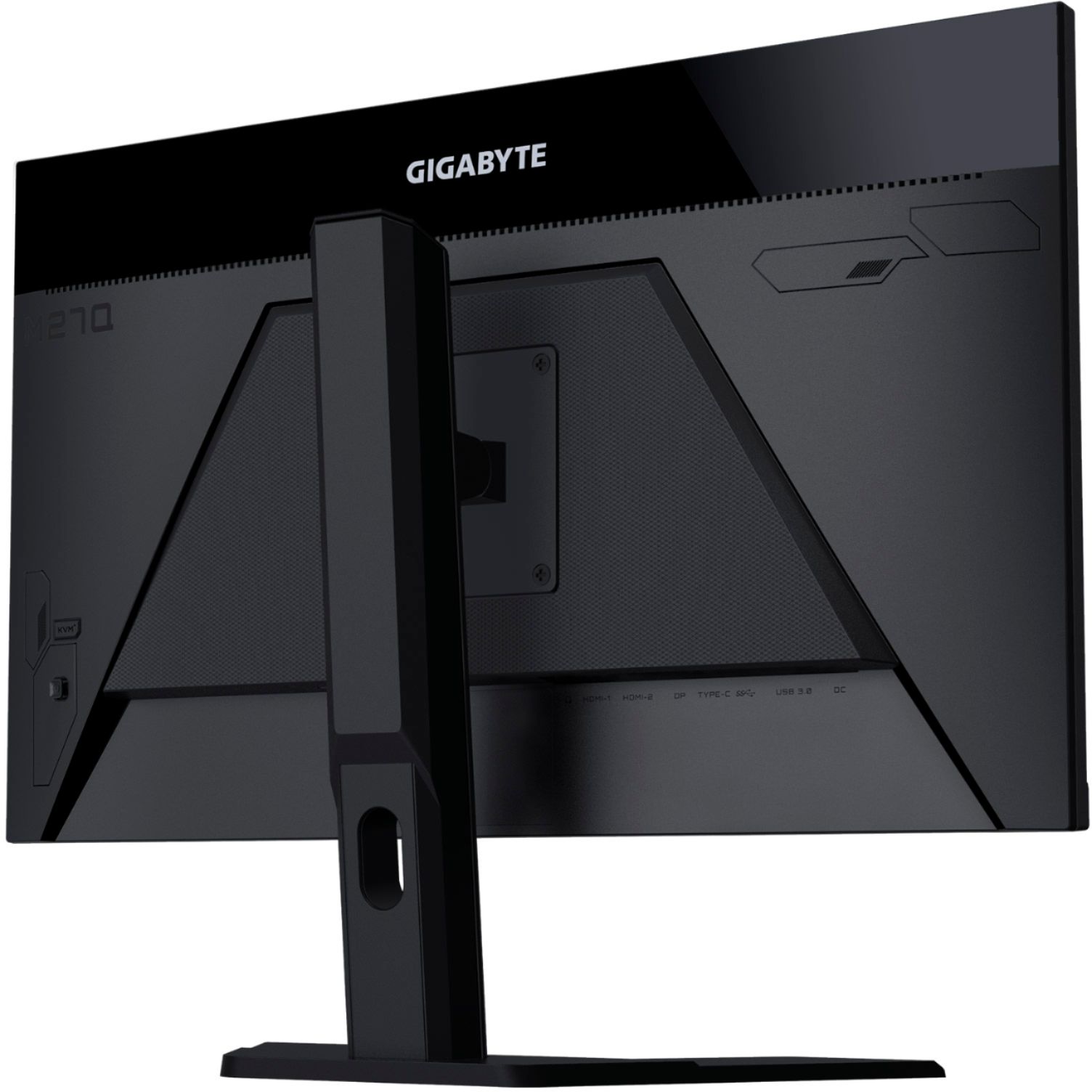
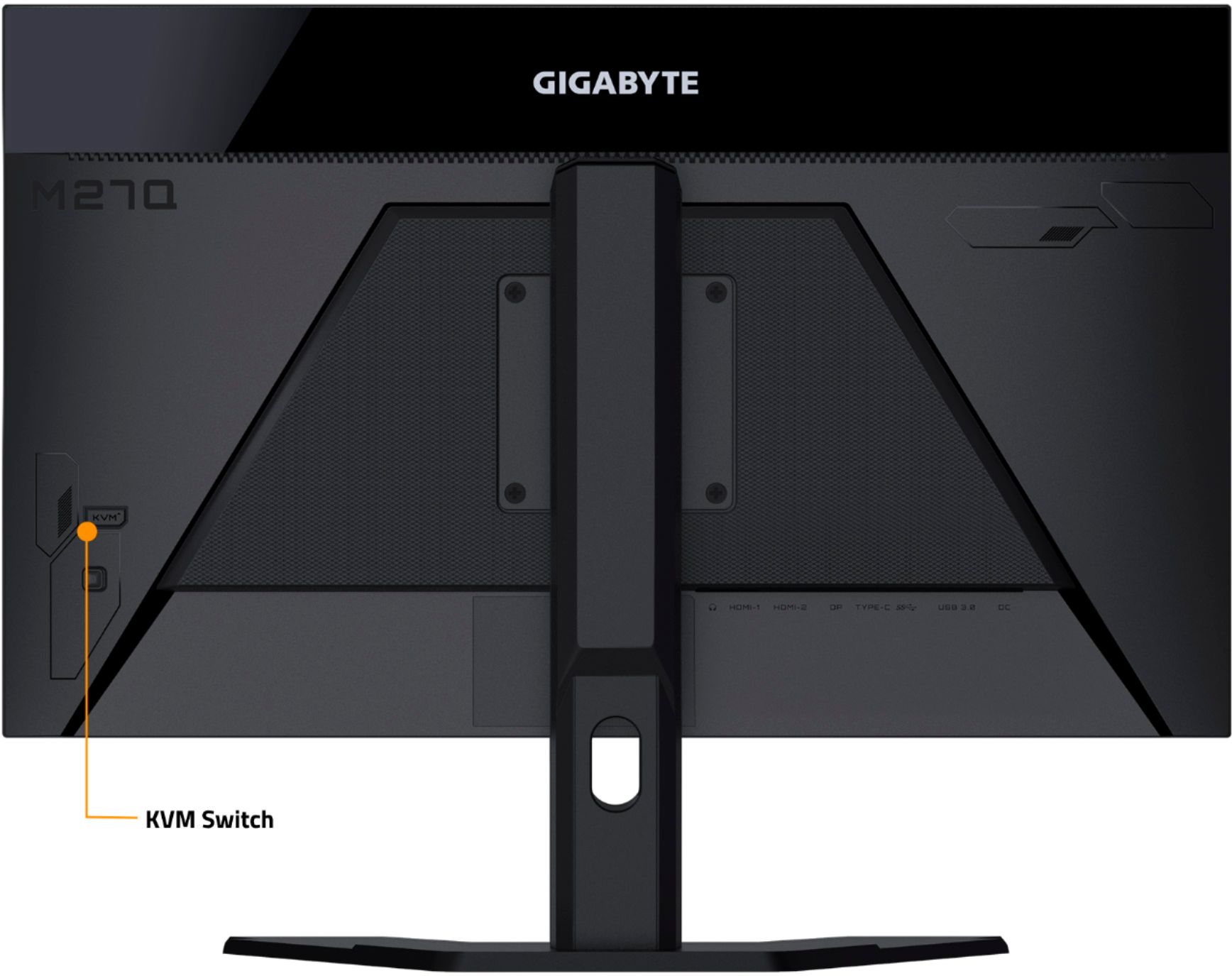
A:AnswerNo, just two. For the KVM to work you need to connect the USB cables too. There's one USB-in to go with DP/HDMI (computer 1). Then there's the USB type-c connection for both display and peripheral (computer 2).
A:AnswerNo it will not charge a laptop via USB-C. I’ve tried plugging in my laptop through the USB-C port and my laptop immediately gave me a message saying that there isn’t enough power being provided by the input. I’m pretty sure the primary use of the USB-C port is meant for a downlink of some sort, but I’m not entirely sure on how it’s implemented. A few reviews on YouTube touched upon it, so you can probably get some better information from there.
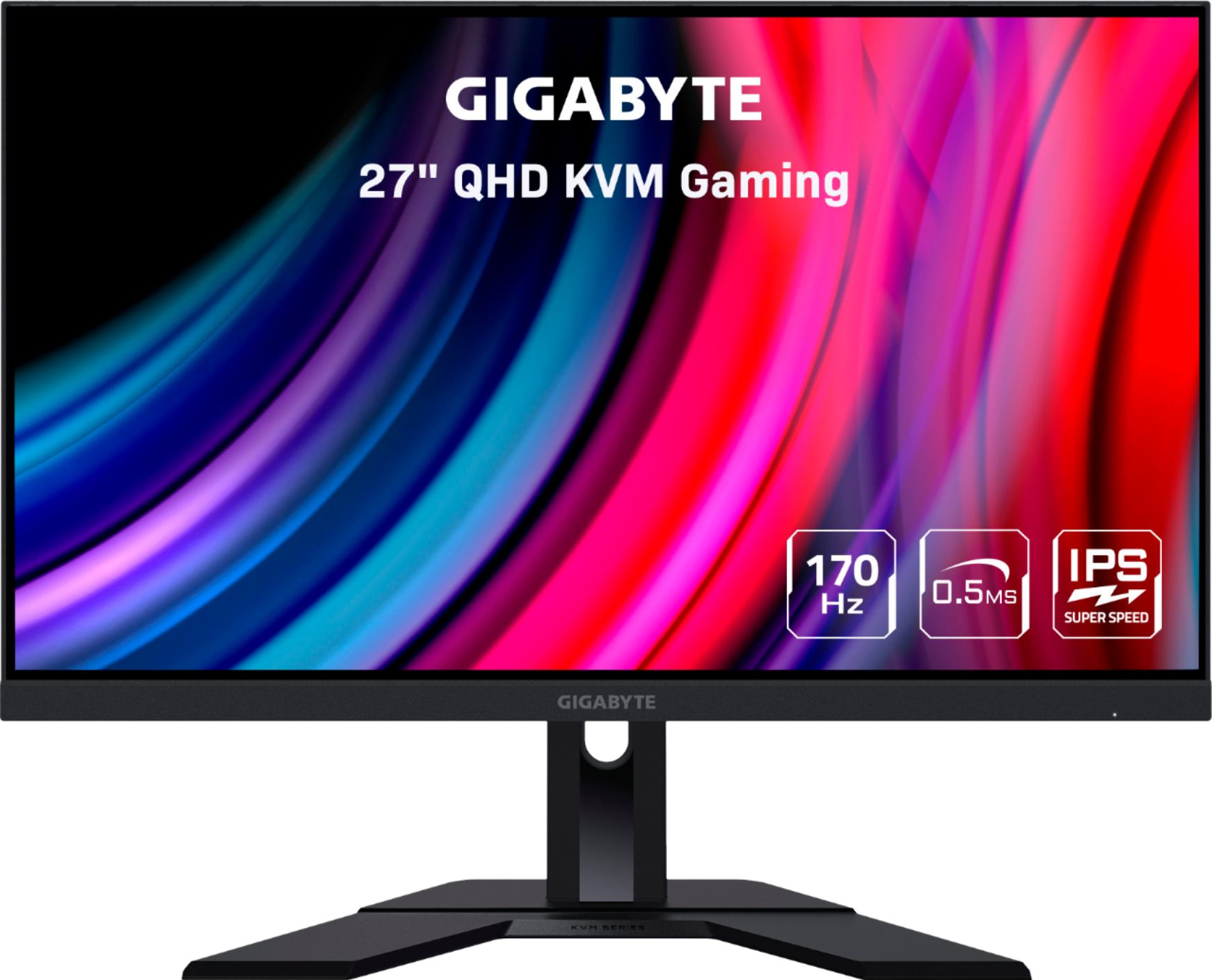
A:AnswerI firmware update was just pushed out through the Sidekick gigabyte app. You can get 1440p 120 fps with vvr but no HDR10 at 1440p. You can correct HDR adjusting the settings or you can push out 4k and the HDR will work but everything will get downgrade to 1440p. Making the HDR look terrible IMO.