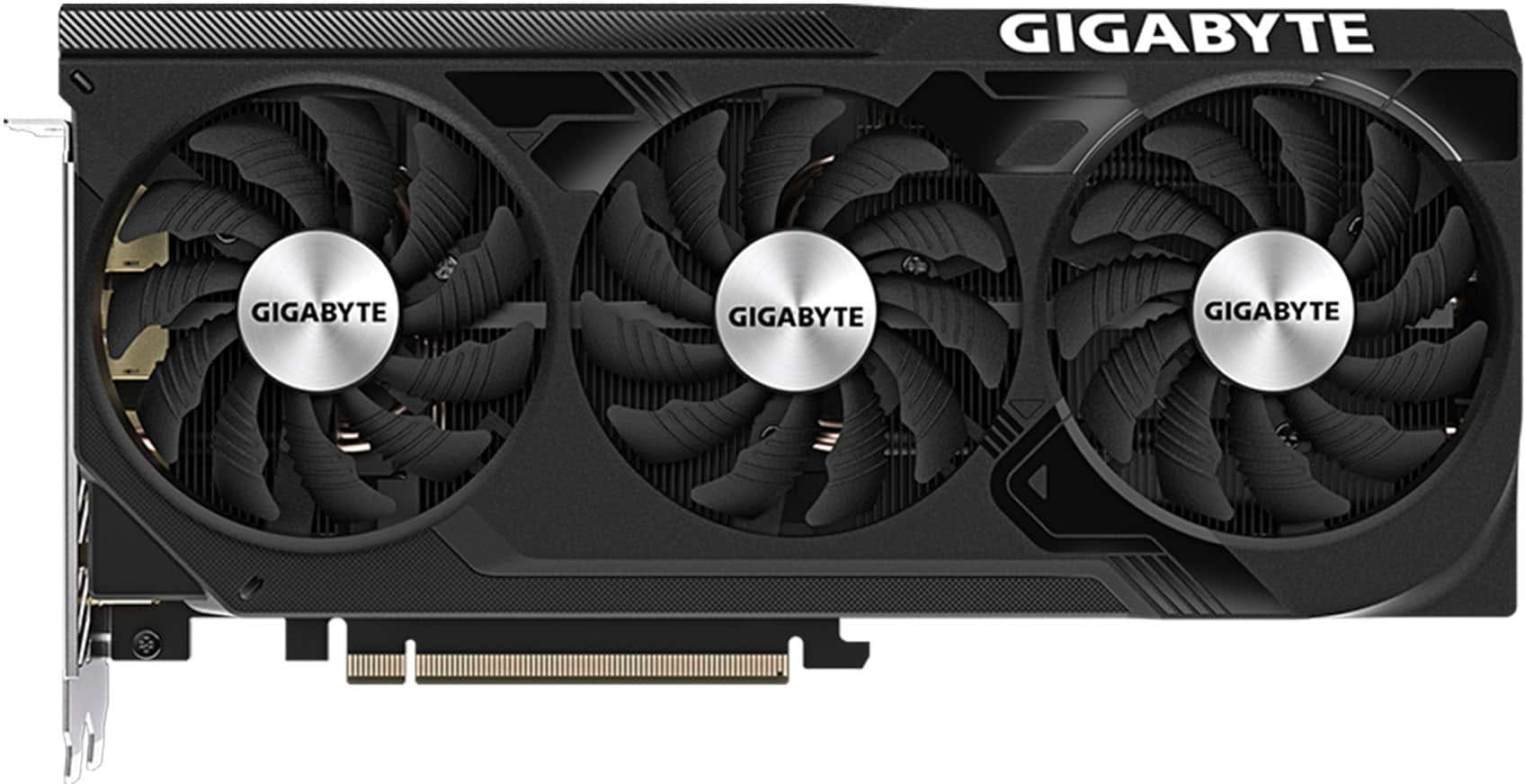
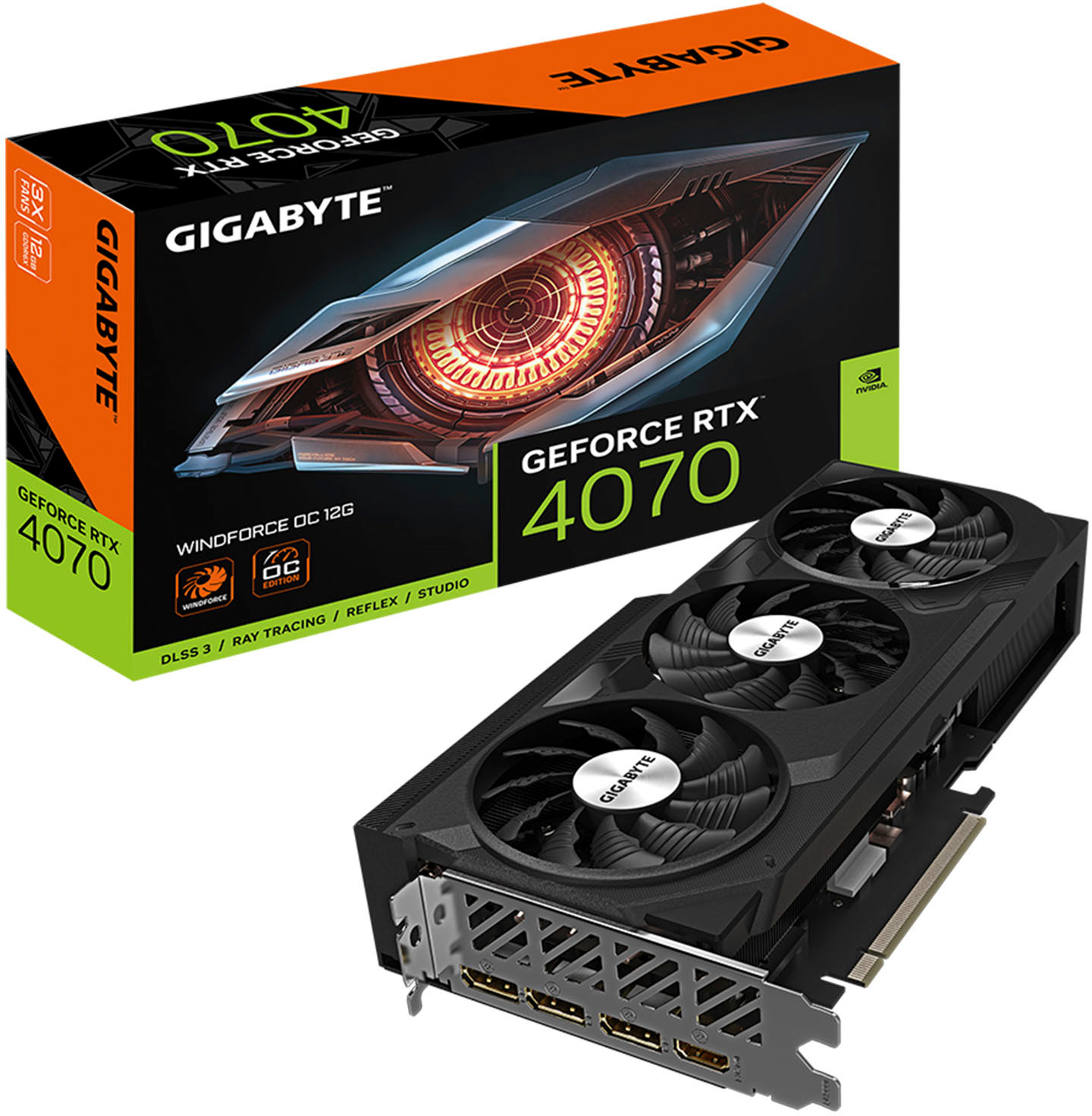
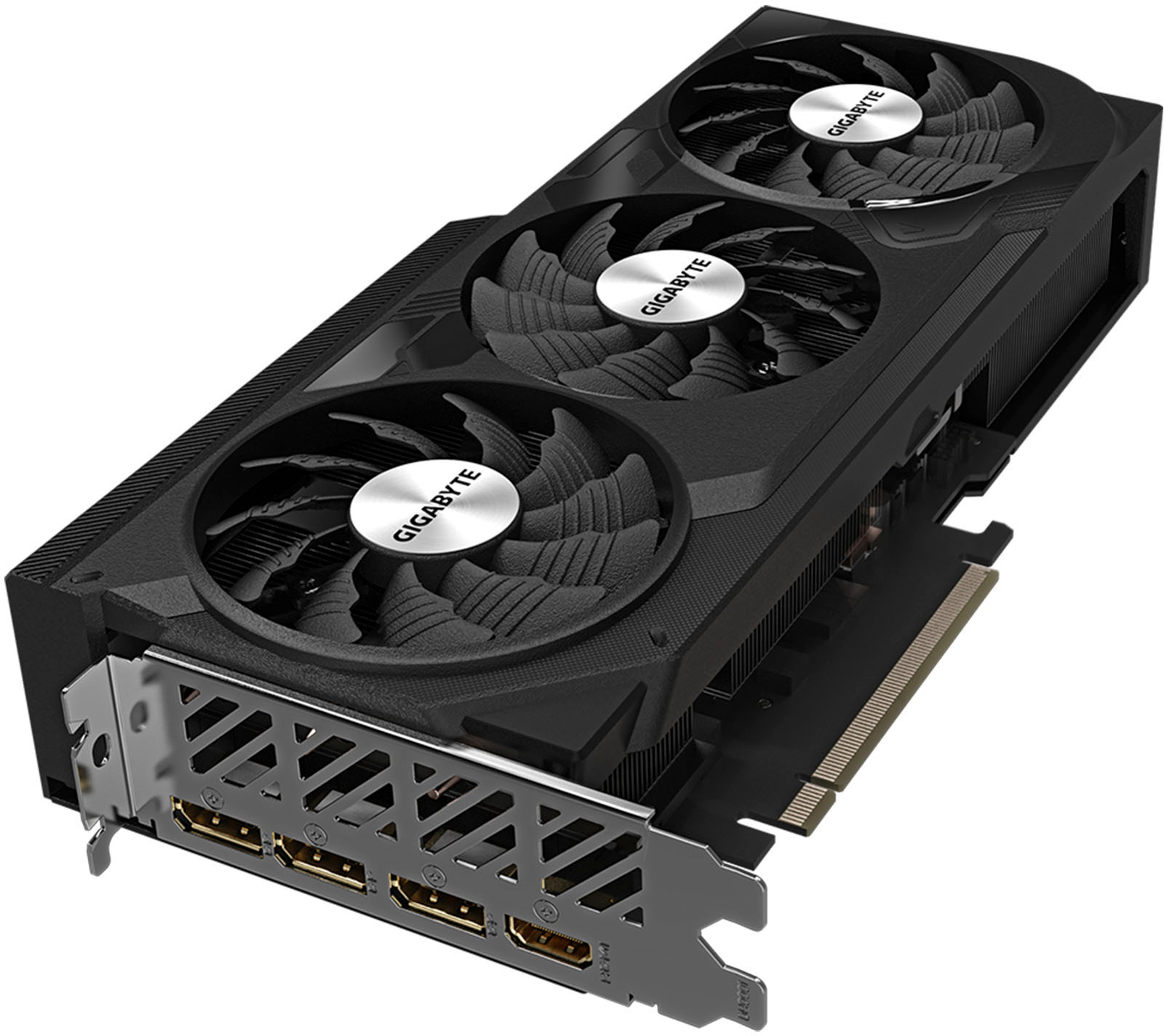
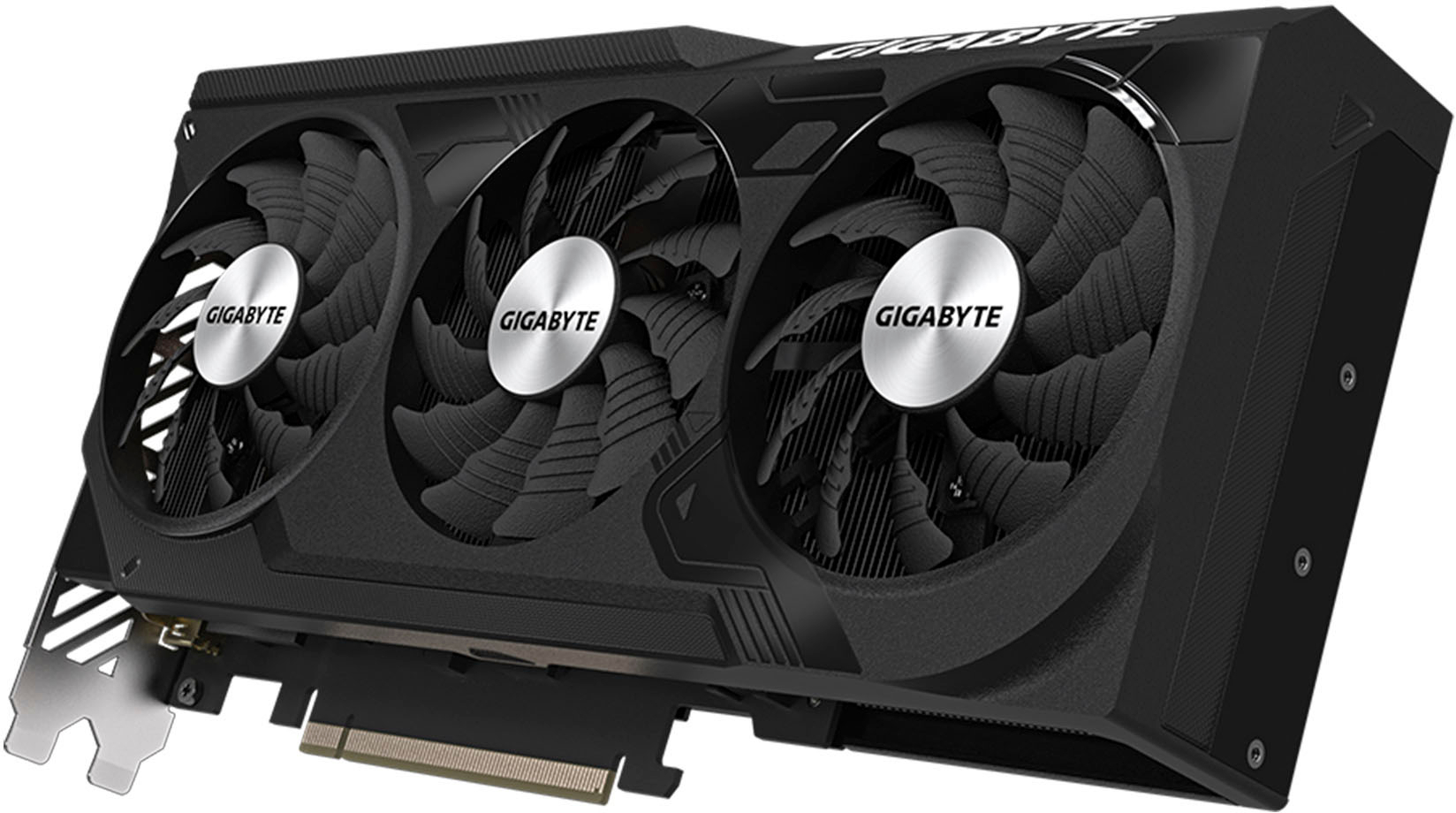
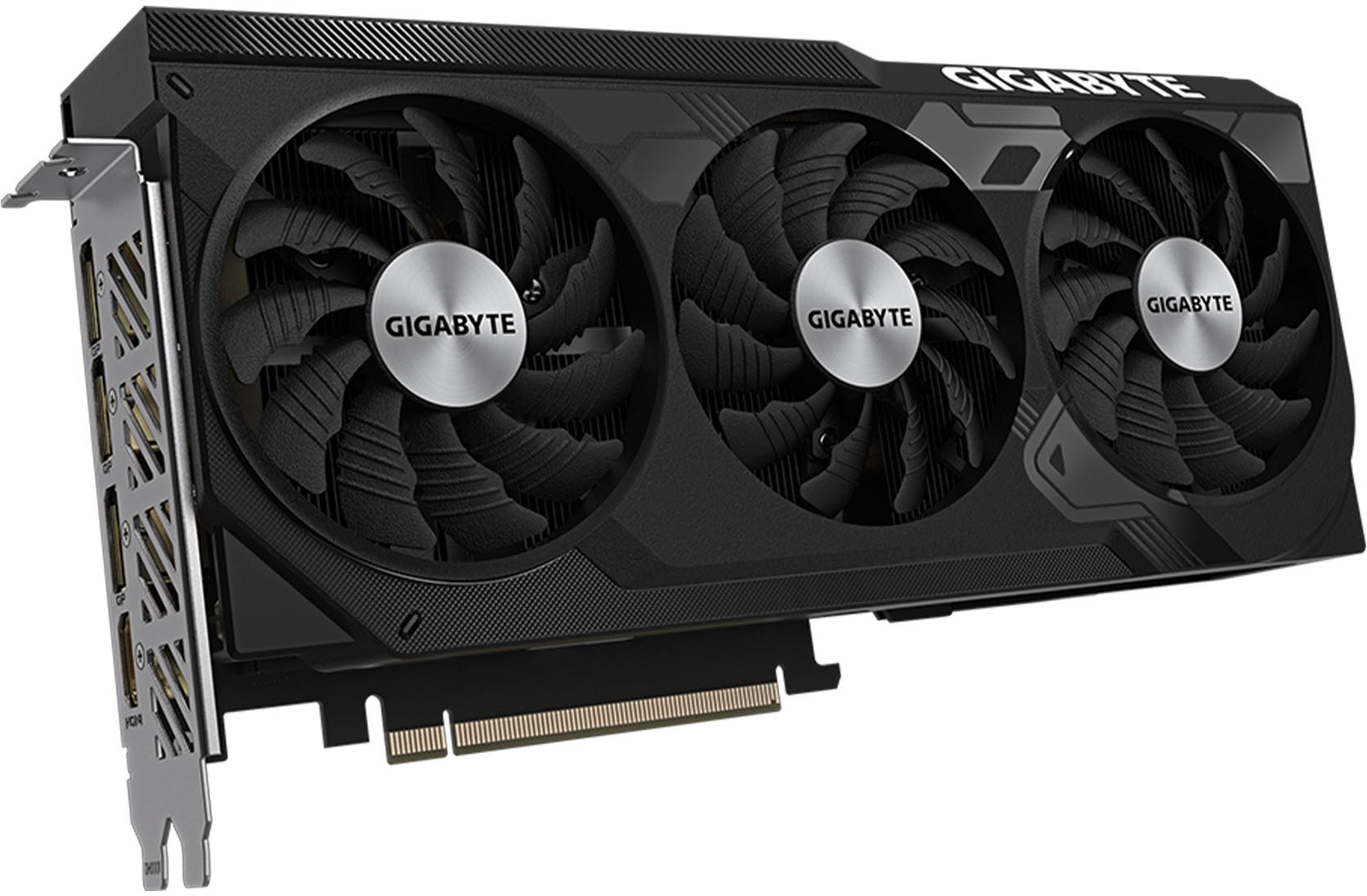
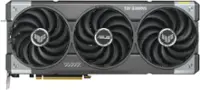
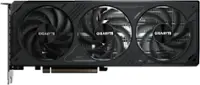
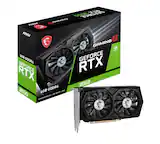
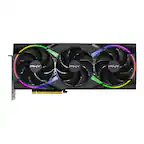
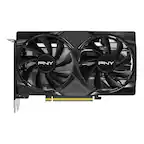
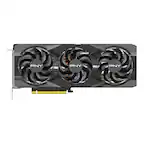
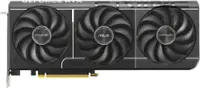
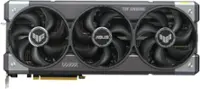
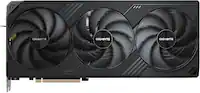
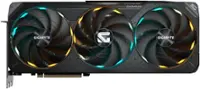
A:Answer I haven't used a 760 before but at a glance I'd say you should check your power connectors for your PSU. This one uses an 8 pin connector. Very cursory research suggests that the 760 uses two 6 pin connectors. So make sure you'd have the appropriate cable on your PSU to connect this (and if you don't have an 8 pin PCIe cable then consider upgrading your PSU as well).
Additionally, I'd only really bother getting this if you have a motherboard with a PCIe 4.0 x16 slot. The 760 looks to be PCIe 3.0. If your mobos PCIe slots are only 3.0 then you may be throttling this card, at least if you want to take advantage of up-scaling and ray-tracing. (Note that you for sure don't need PCIe 5.0 for this card, or any current graphics card.)