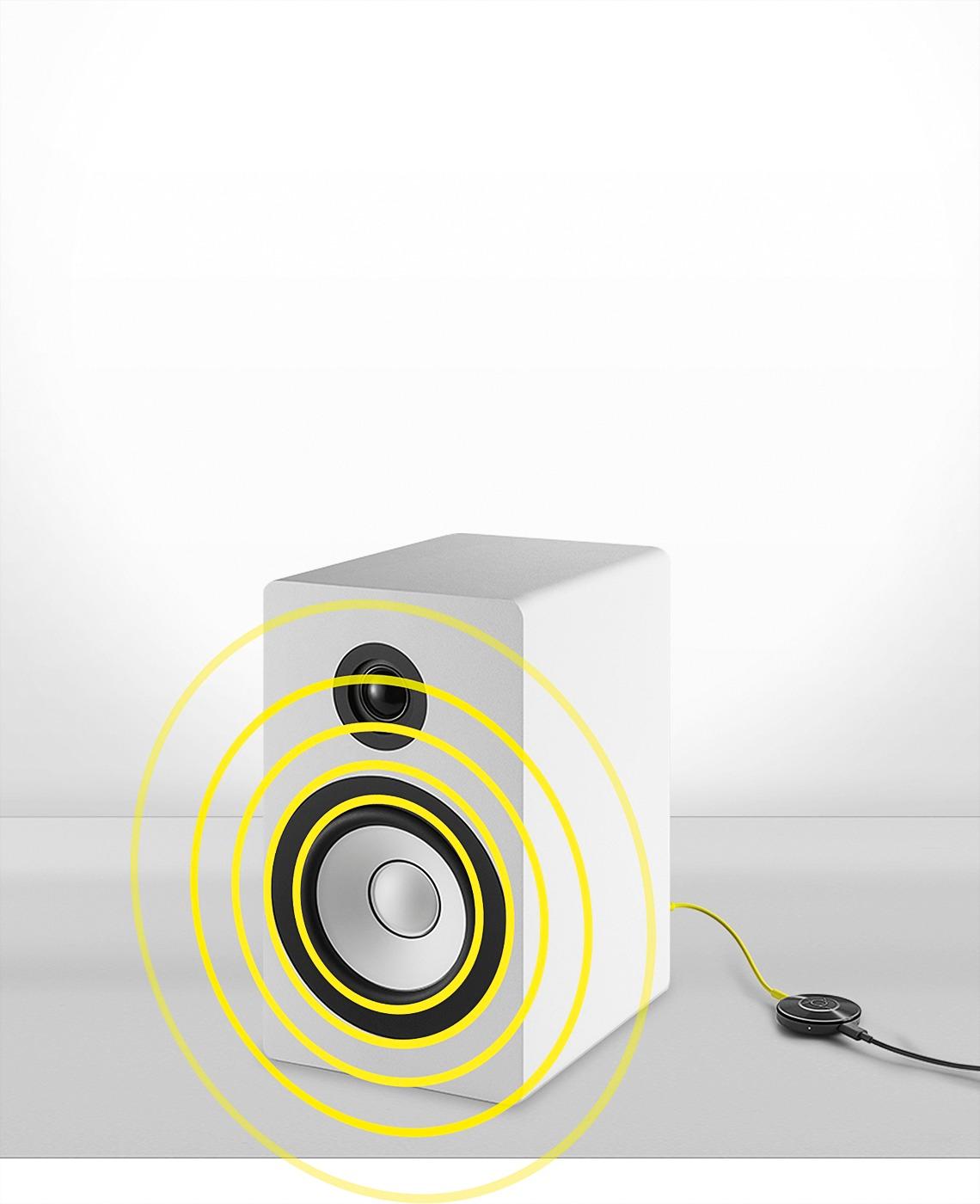
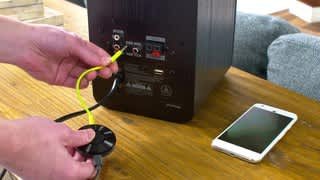
A:AnswerPersonally I use this in connection with my Sonos Play 5 set up. It enables my guest to cast their music/playlist from their smart phone to the Sonos. Its a great hit every party! But really this item is more geared towards use with speakers that do not have bluetooth connectivity so you can cast your music from your smart phone to said speaker.
A:AnswerFor I rather use chromecast for your Home stereo , sound better and free up your phone , and for sure you can still use your Bluetooth earpiece for calling or receiving call.
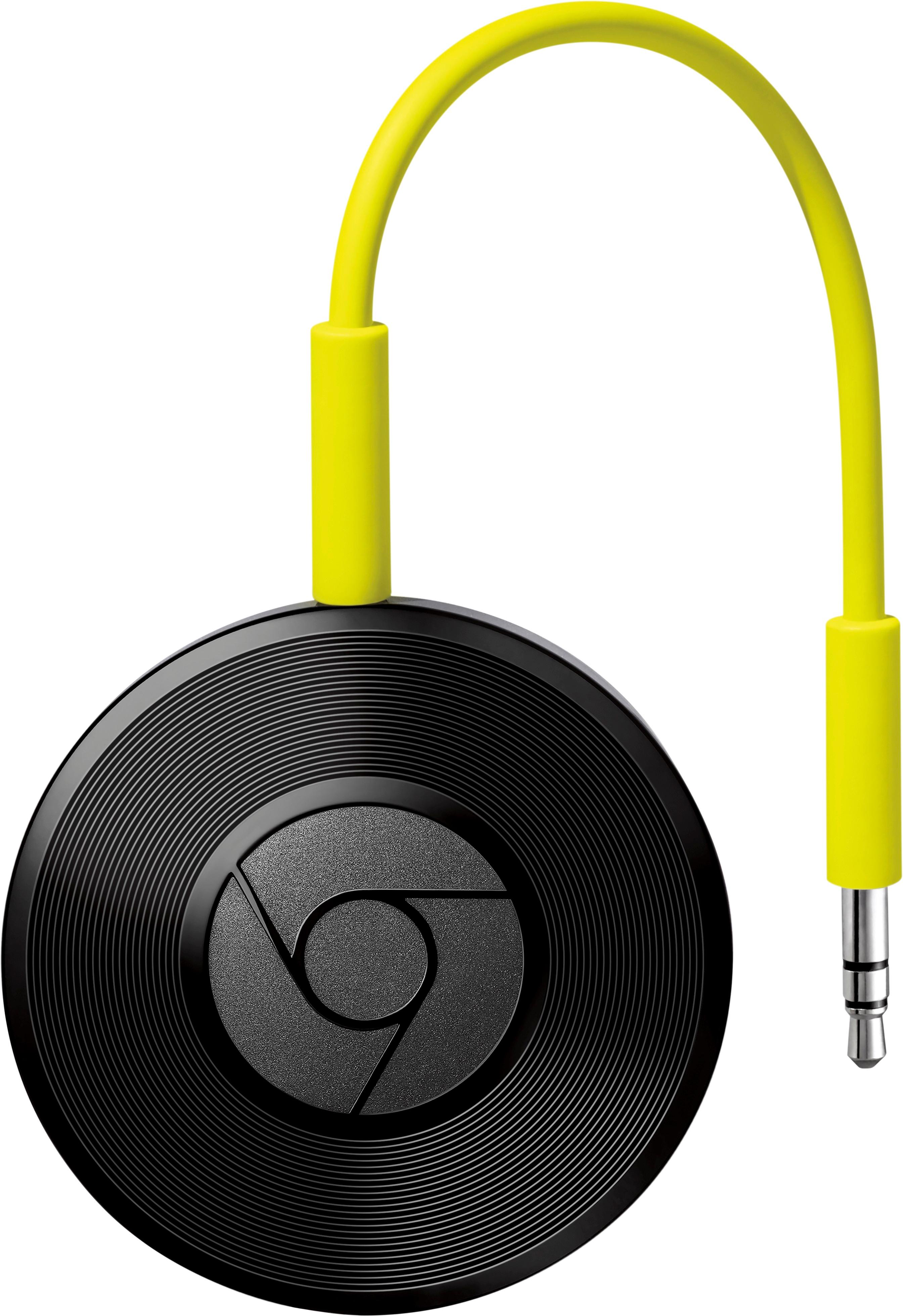
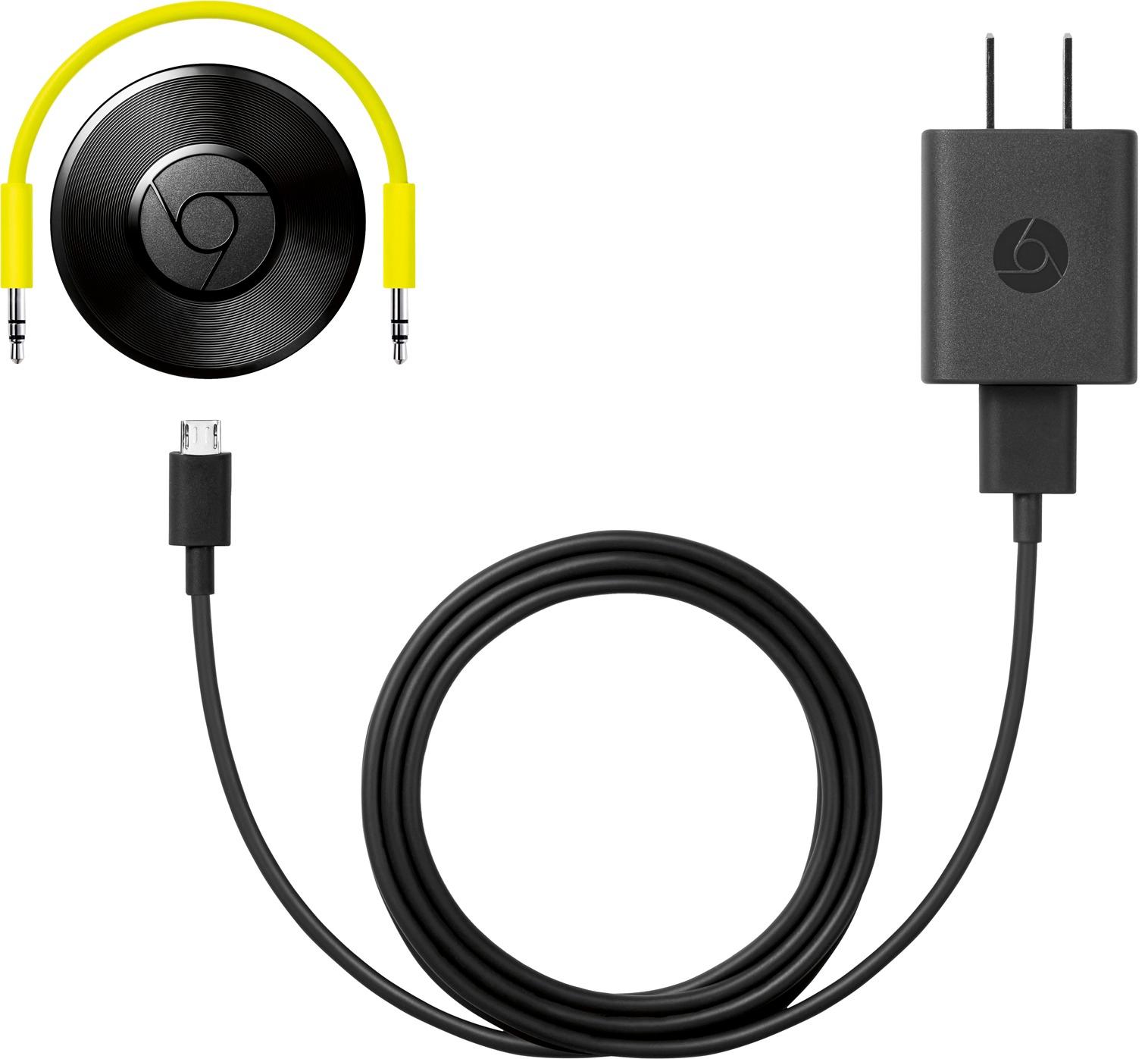
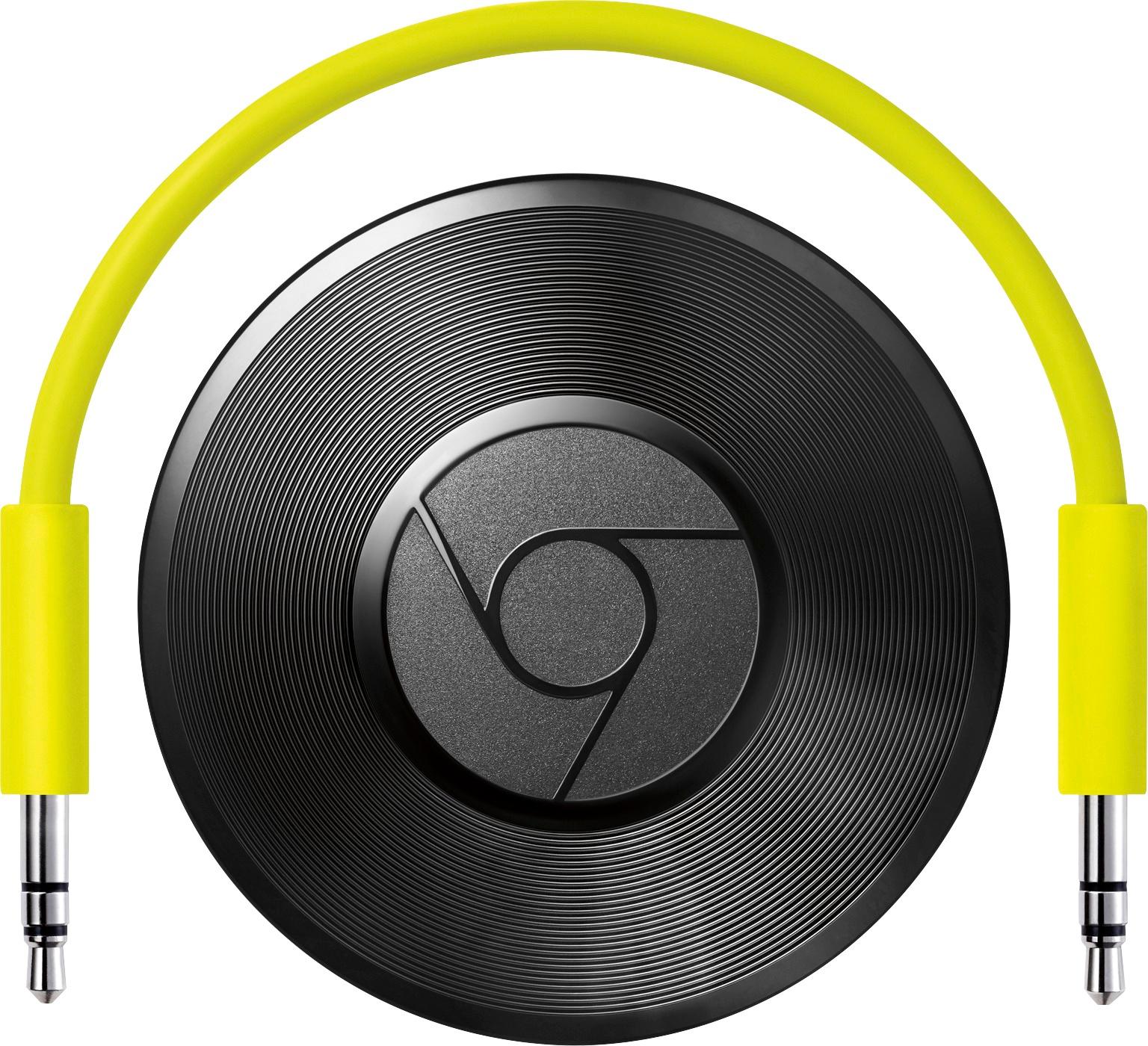
A:AnswerMake sure the Bose device has a "line in" connector and Google cast should work with it. You will need a 3.5mm connection cable, a 6" cable comes with, that plugs into GOOGLE Cast then to your device. (the same 3.5mm plug at each end) This cable comes in different lengths.
A:AnswerNot sure if there's a Google home app for Windows phone, but you can set up everything using a browser, then use whatever music streaming service to stream music through it.
A:Answersure, just be sure to use a quality stereo RCA to Mini cable though, because if you don't use a stereo cable it will most likely only play in mono...
A:AnswerFor $35 it may be worth a shot but if you have USB in your car you probably have Bluetooth which is a simpler solution. If not, just plug your phone into the USB. Hope this helps.
A:AnswerI have not experienced the sound cutting out like you are. Maybe like once a week that happens but it's more like the Chromecast disconnects and I have to re-cast. It happens rarely. I can stream music for hours and hours with no problems.