A:AnswerNo, you can not. I "broke the internet" one morning...Had a lot of devices running, just so happened my Internet Provider was working on the lines...lol... I desperately tried to set up my new ChromeCast using a mobile hotspot that I created with my Samsung Galaxy S5 from C-Spire to no avail. I even tried using an xFinity hotspot after I logged into my Comcast account and installed the WiFi hospot apps on both my phone and my laptop, and it wouldn't allow me to connect my ChromeCast either. In both cases, my phone/laptop kept "switching networks" from the hotspot I was trying to use to "ChromeCast#### WiFi Network"---and then the ChromeCast would be connected to the hotspot for a minute, so it was a total tease because whenever I finally got the ChromeCast connected to the hotspot, my device wouldn't be connected to the same WiFi---or even a real WiFi at that... SO WEIRD!! And it was a total tease, so I kept trying, and I reset and unplugged my ChromeCast, and turned off my TV and devices and reset them, I even installed and uninstalled the ChromeCast apps on both my phone and my laptop. Wasted WAY too much time trying to figure out what the heck was going on. BOTTOM LINE: Don't waste your valuable time trying to use any type of Hotspot to connect to your ChromeCast. Ask a friend/neighbor for their WiFi password if you're in a pinch... Hope this long response helped you out; please let me know if you ended up being able to use a Hotspot of any sort somehow because I would love to know what the trick is in case I need it in the future. Thanks so much! Good luck!
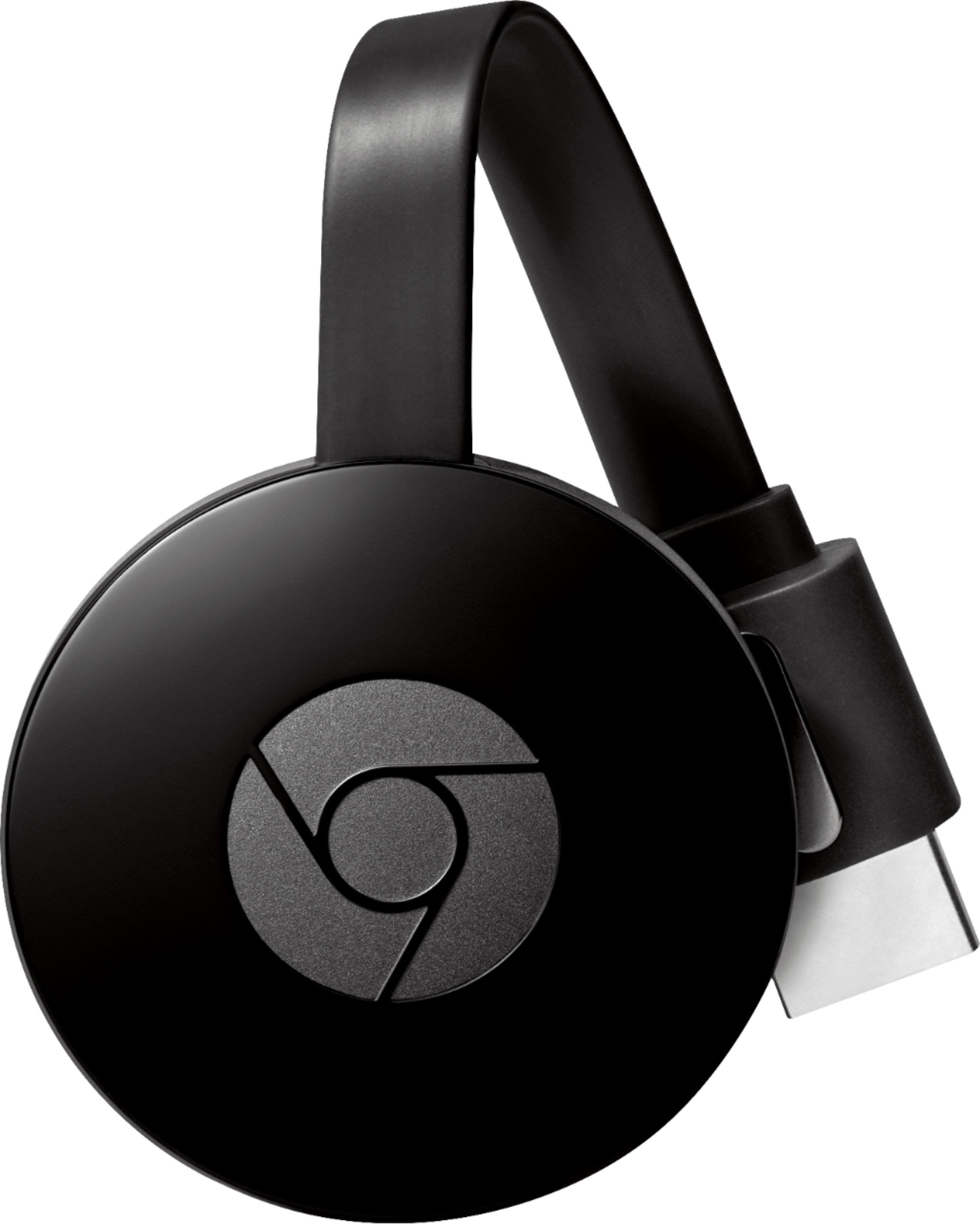
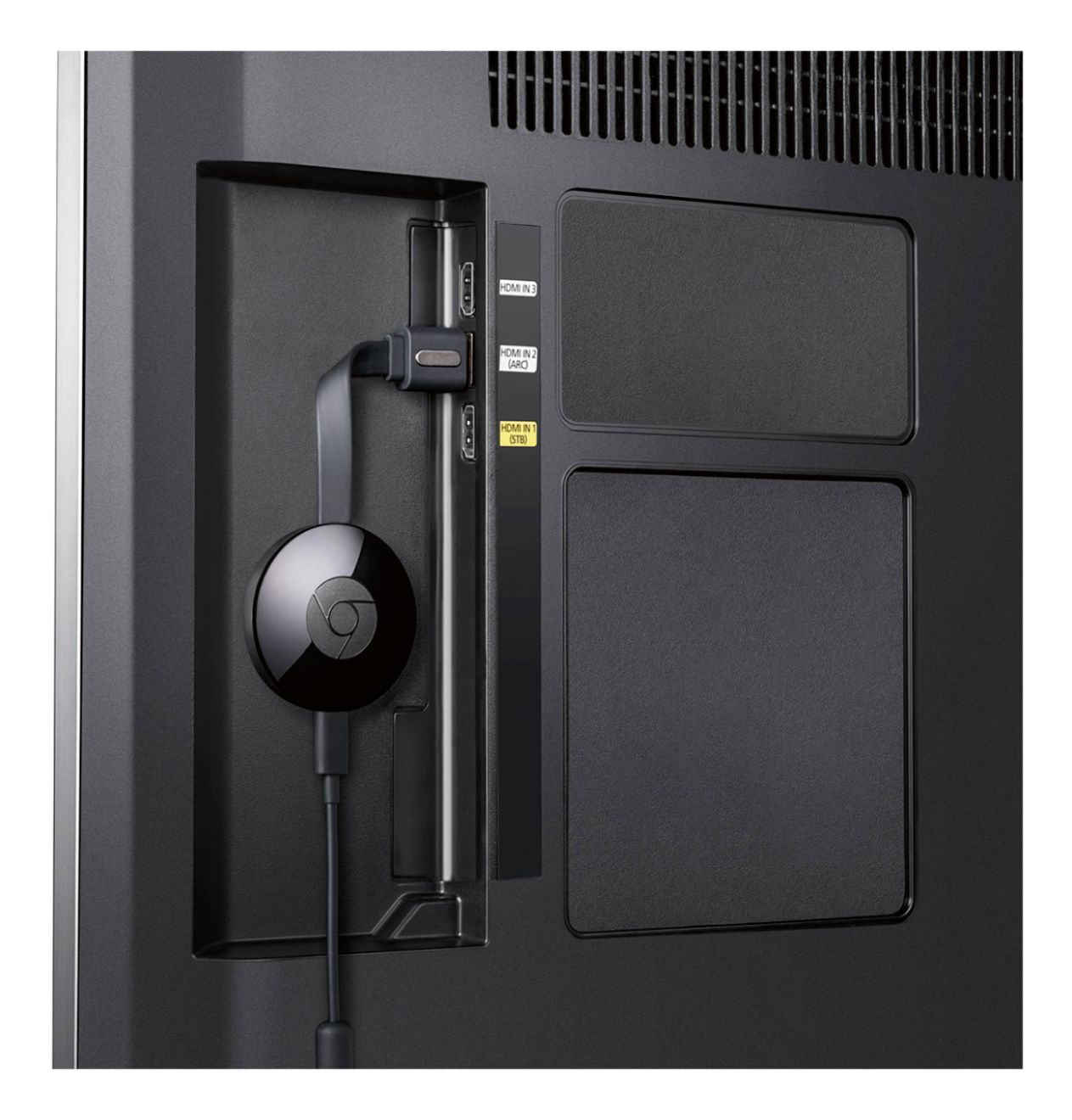
A:AnswerYou need to hook the Chromecast to the HDMI input on your TV. Then use Google Chrome as your web browser. Chrome has the ability to connect to Chromecast built in.
A:AnswerNot being familiar with either item as well, I bought both on Black Friday. Based on what I can tell from now using both, Chromecast is for streaming content from other devices (I've used my phone and laptop) to your TV. Think of it as opening Youtube on your phone, and having the video played on TV. It feels almost entirely dependent on the third device (1. Chromecast; 2. TV; 3. Phone/Laptop) to be used. Not much else functionality.
The Firestick, on the other hand, is more independent. It comes with a handful of apps already loaded, and you can download more. You don't need anything else other than TV to use it.
A:AnswerNo app is available on Chromecast. However, you can connect the device to your TV HDMI port and broadcast YouTube from your phone , laptop or tab using the same WiFi connection.
A:AnswerThe only music it plays for me is Spotify and Pandora, I don't think Apple Mauic is on there and as far as I know it doesn't stream saved videos from your laptop, I think a different caster would be better for that specific need
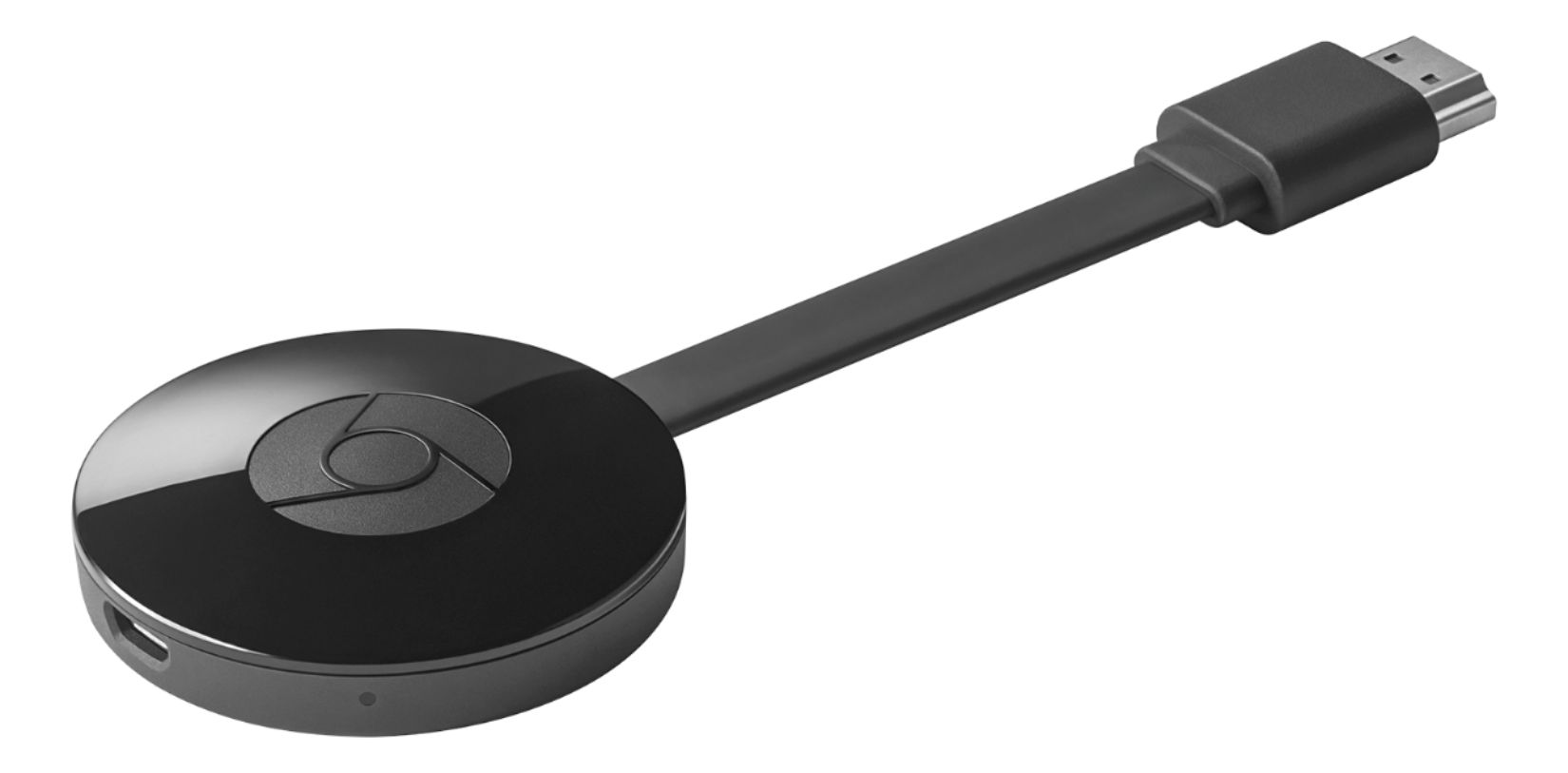
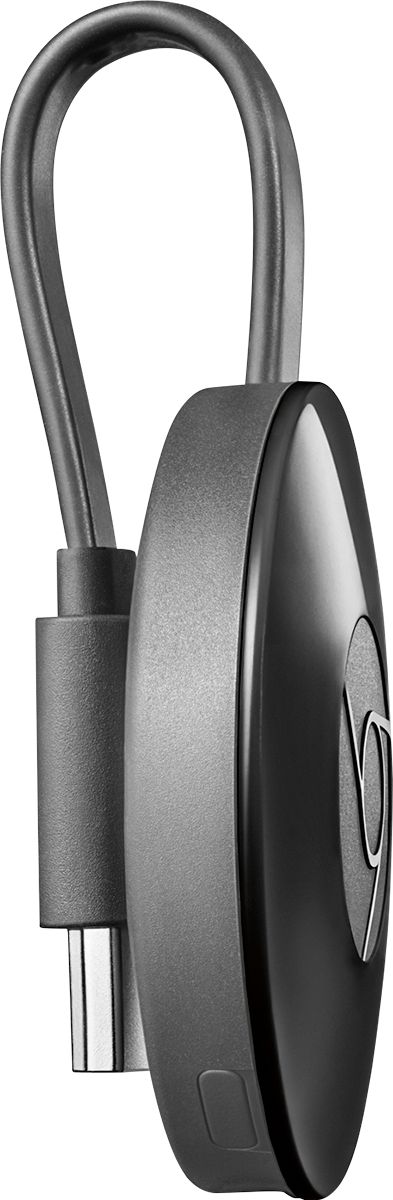
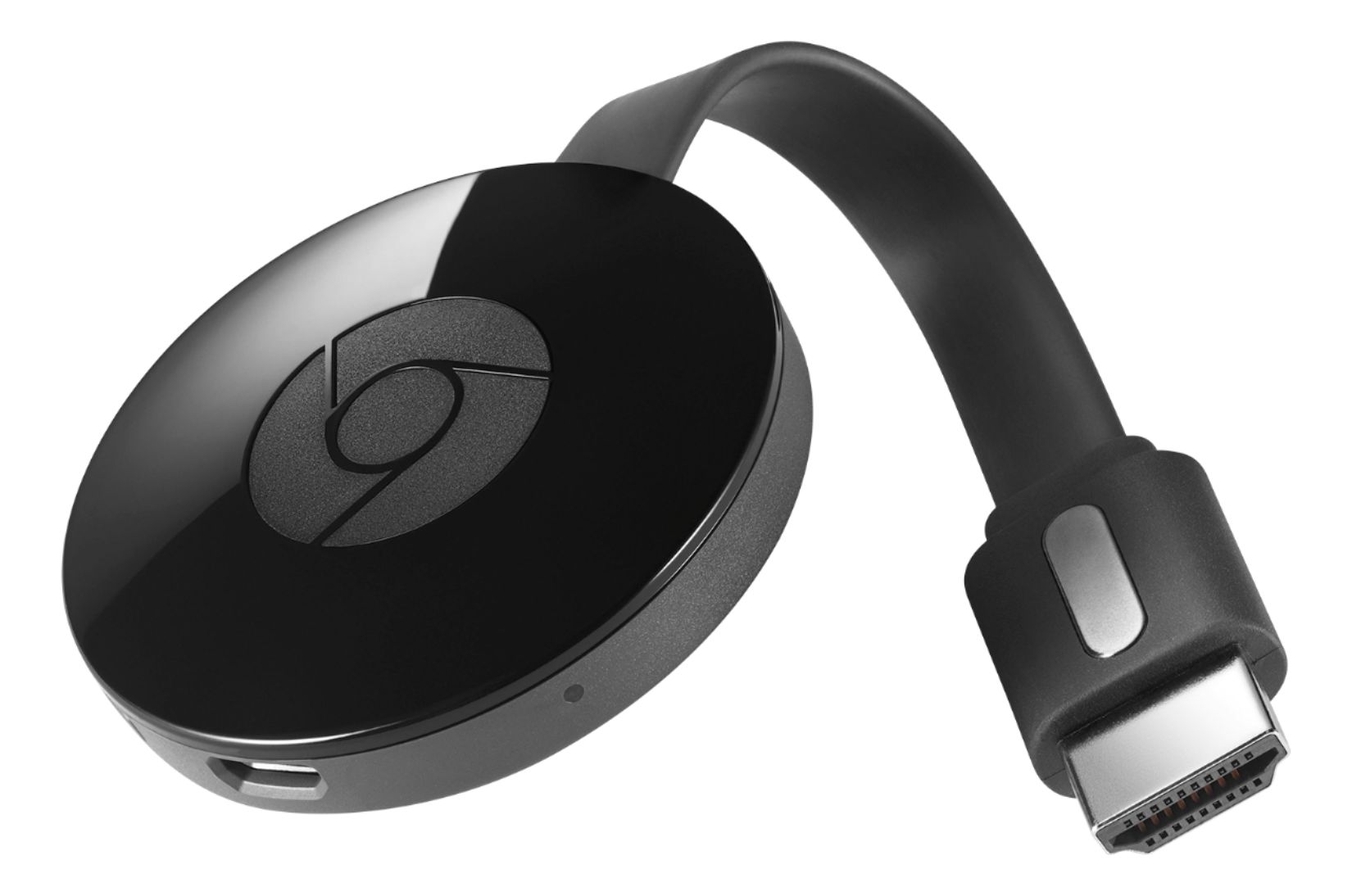
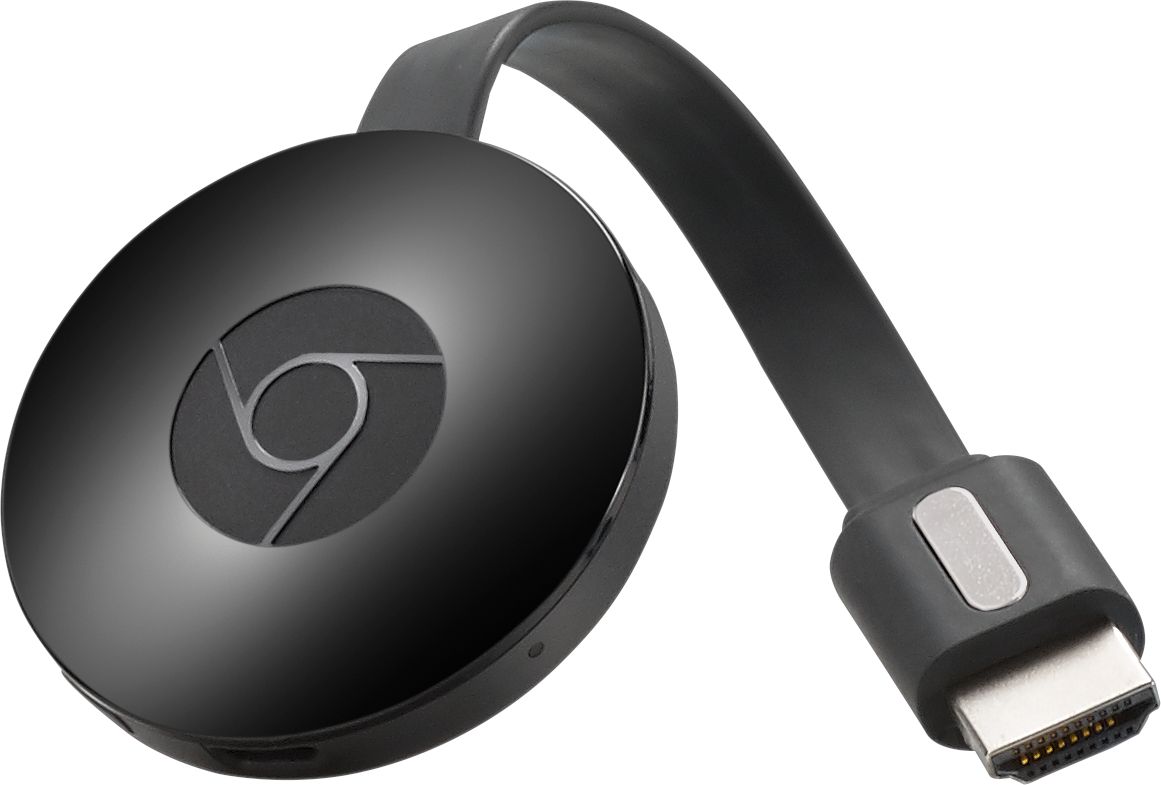
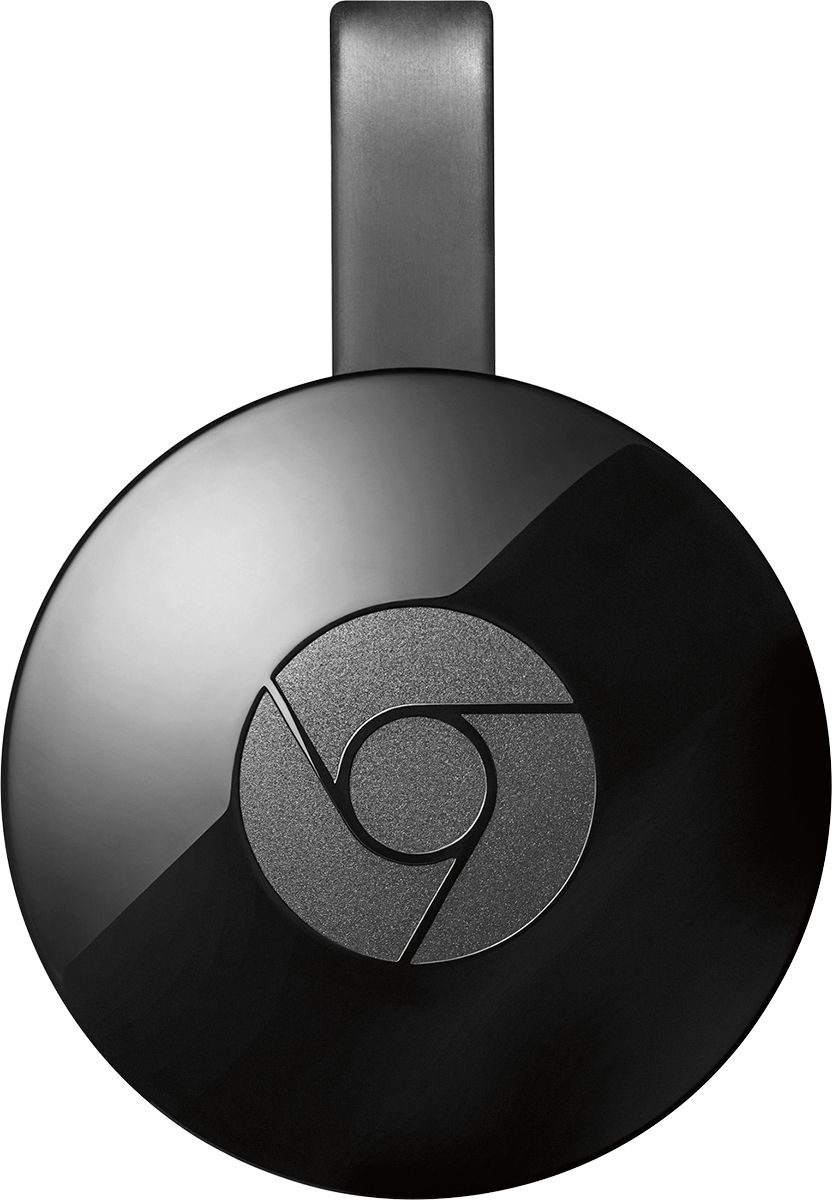
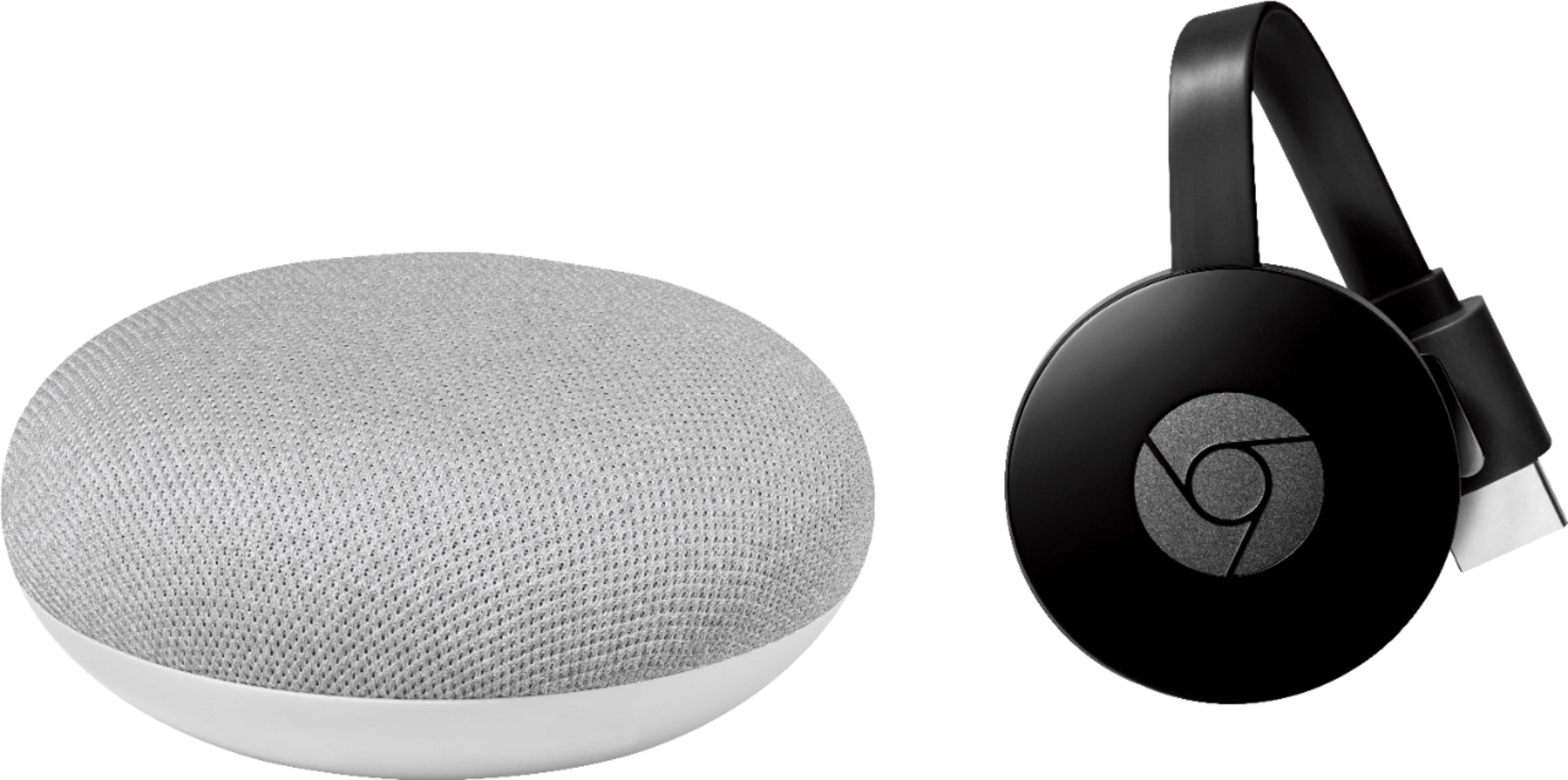


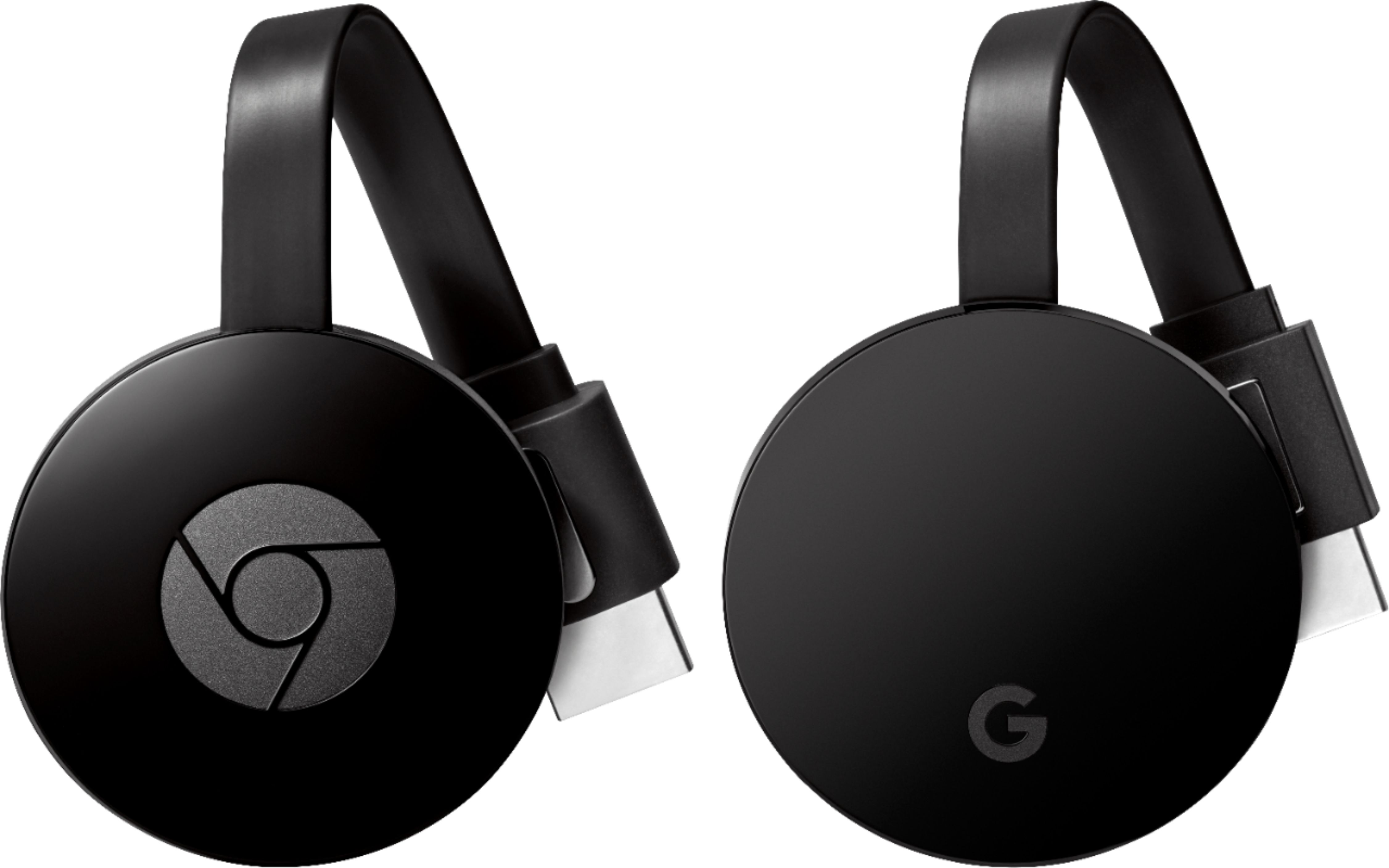
A:AnswerFrom Wikipedia: Chromecast is a line of digital media players developed by Google. The devices, designed as small dongles, enable users with a mobile device or personal computer to initiate and control playback of Internet-streamed audio/visual content on a high-definition television or home audio system through mobile and web apps that support the Google Cast technology. Alternatively, content can be mirrored from the Google Chrome web browser running on a personal computer, as well as from the screen of some Android devices.
A:AnswerNo internet required. The chromecast needs to connect to your wifi router. That's all you need. If you want to watch Youtube, Netflix, Hulu, etc..your phone will need internet access. Otherwise you can mirror your phone without internet and play content that's on your phone already.
A:AnswerYes and no. You'll need to sign up for a separate tv service (like playstation vue or sling tv or something similar) to get a very similar experience. That being said, I've ditched my TV service and only use streaming with netflix, hulu, hbo now, watchESPN, etc... and haven't missed much. It's not as great for local channels, but for general TV watching, it easily replaces it.
A:AnswerIt does require a power source,(cord and Adapter provided but you can opt to not use the adapter and plug into the usb on your tv usb for the power source)