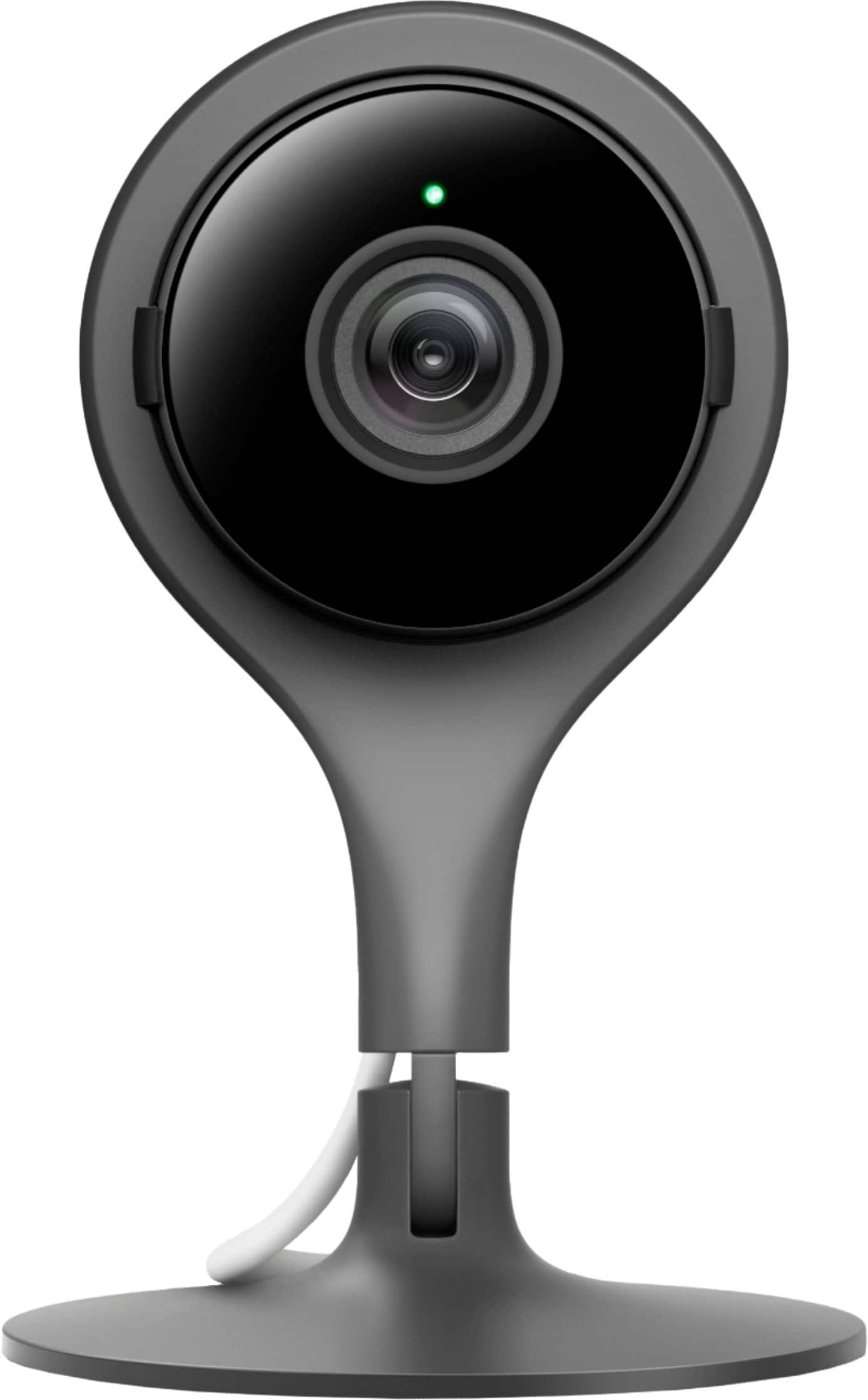
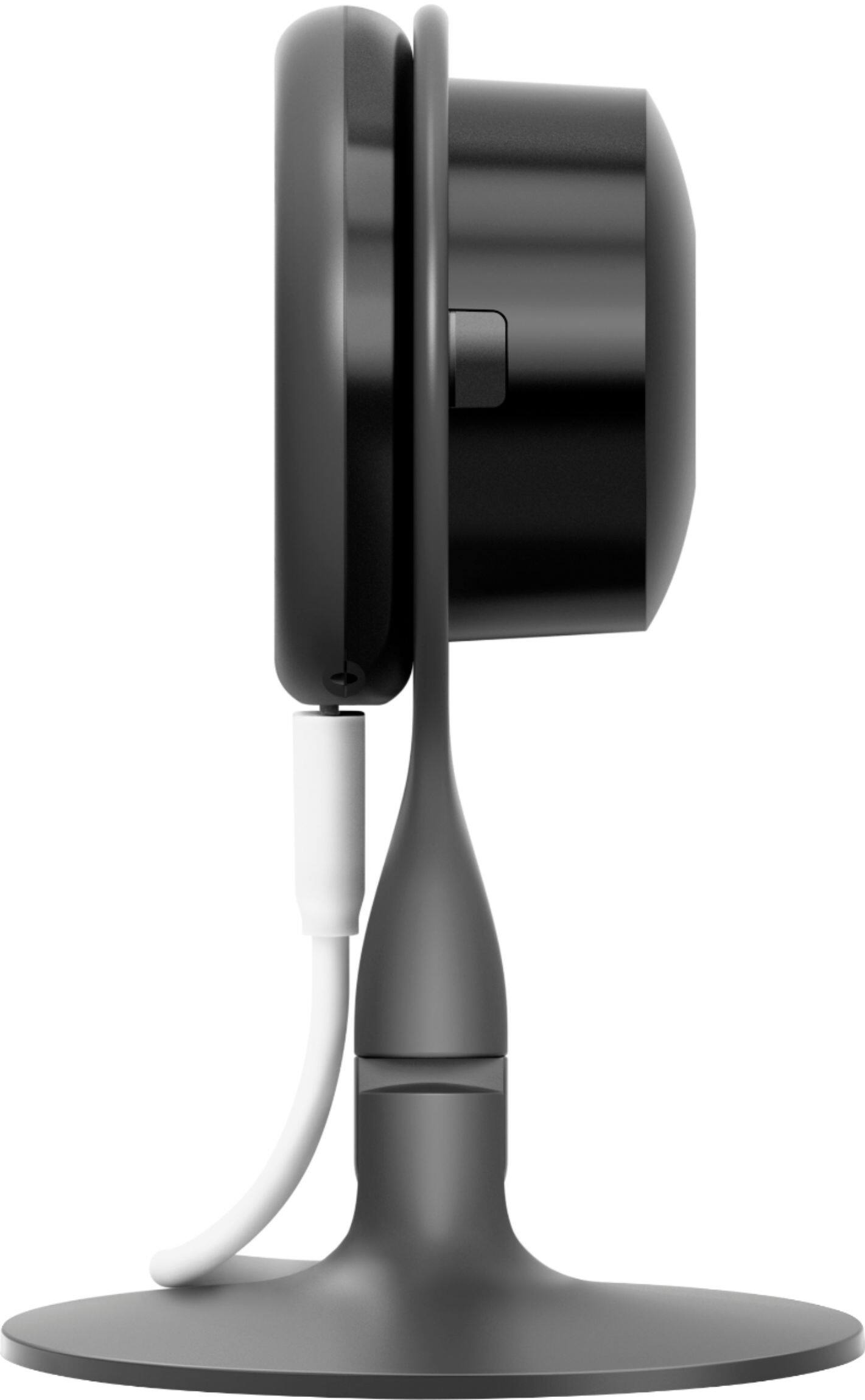
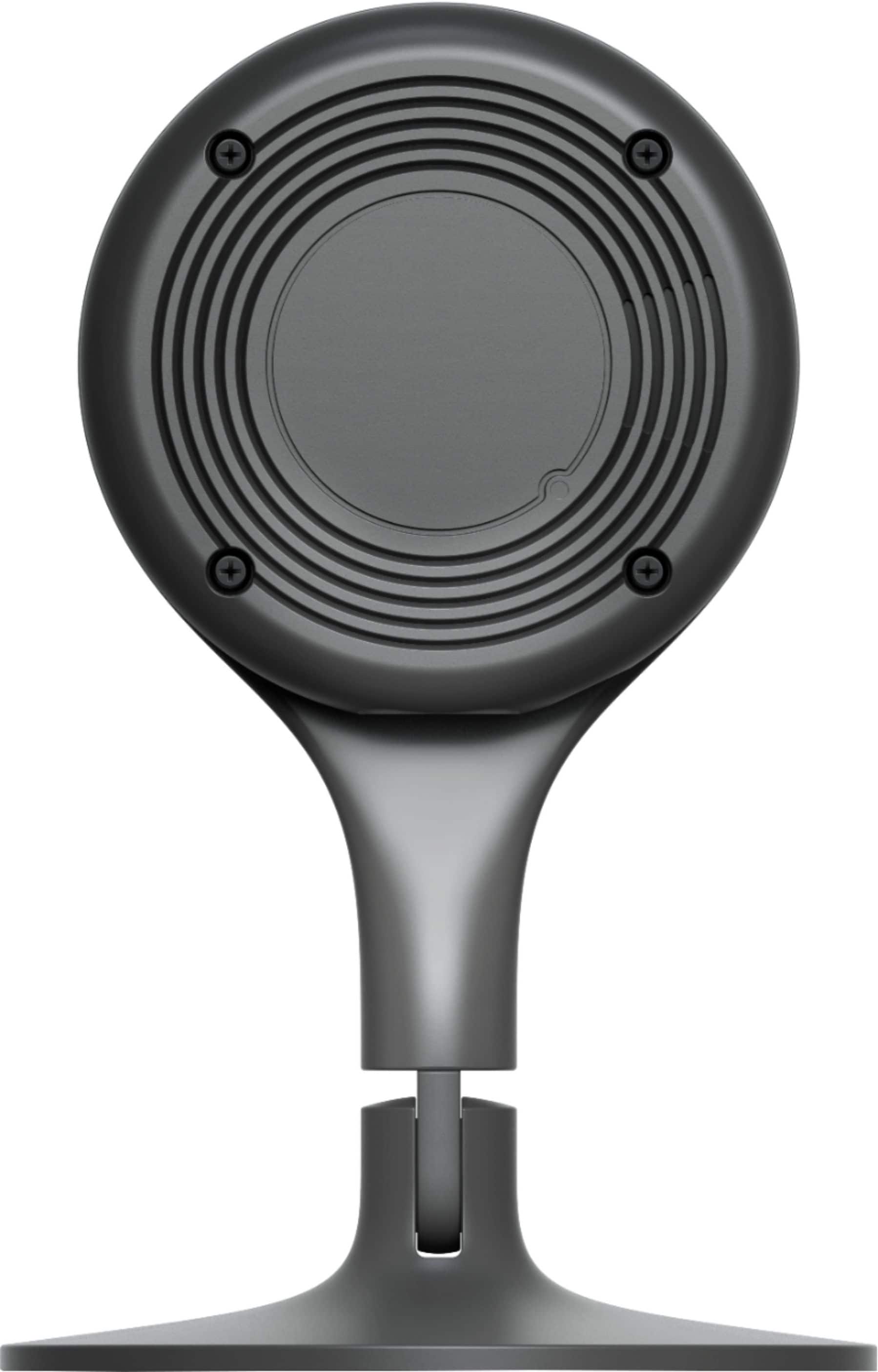
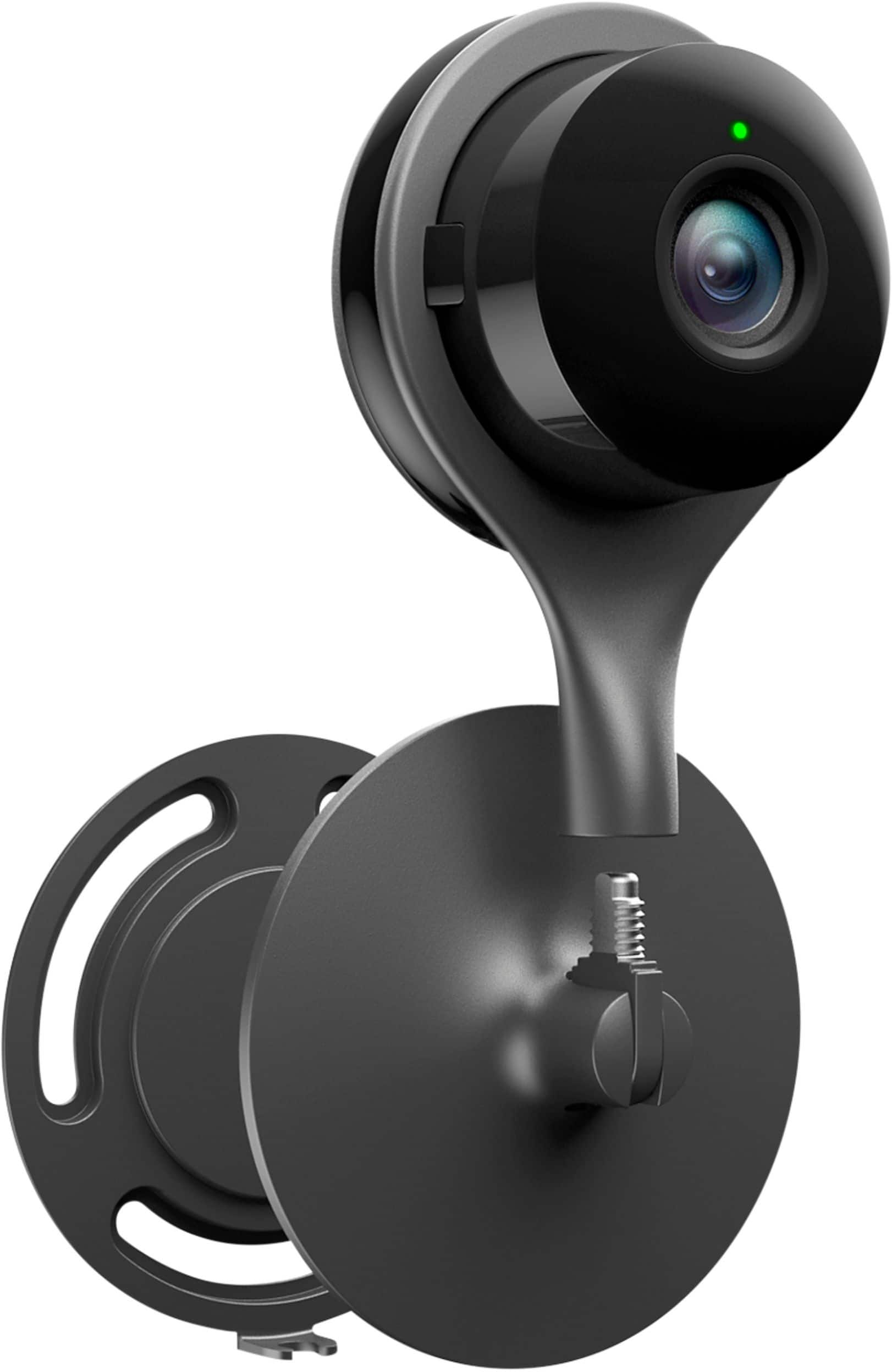
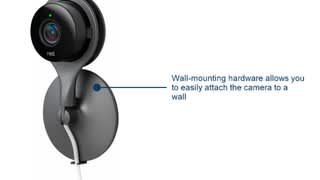
A:AnswerYes, you can set up to get email or phone notifications. You can even make the settings so that the cameras only run when your device isn't connected to your wifi network so you aren't being recorded while your home. Just make sure you sign up for the subscription service or it will only hold your data for a short period of time.
A:Answeri think all you would have to do is change the password attached to your camera and they no longer have access. If not change both email and password attached to the camera.
A:AnswerAnswers seems to be no as there is no official Nest app for Windows Phone OS. There are some 3rd party app but they seem to only work with the Nest thermostats and not cameras.
A:AnswerClip and save to hard drive, then you can have it forever, I don't think you can save to the cloud for longer than a few weeks, could be wrong though.