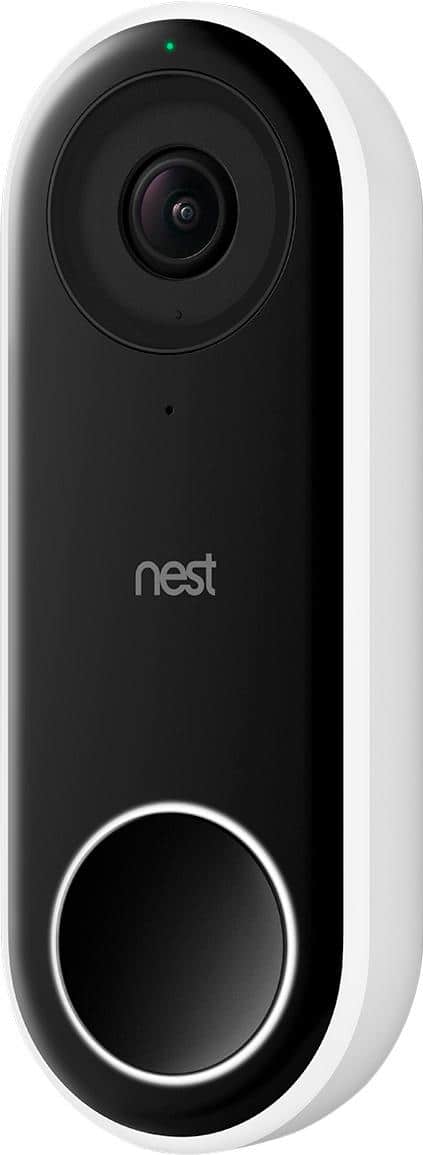
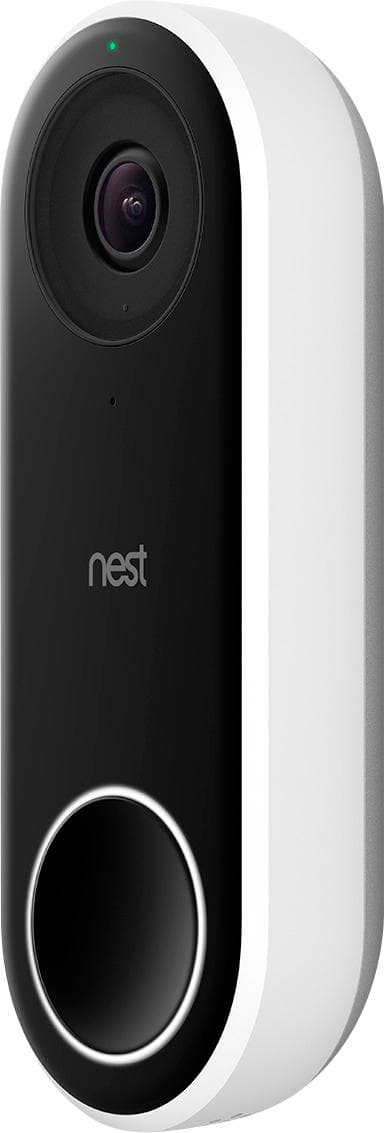
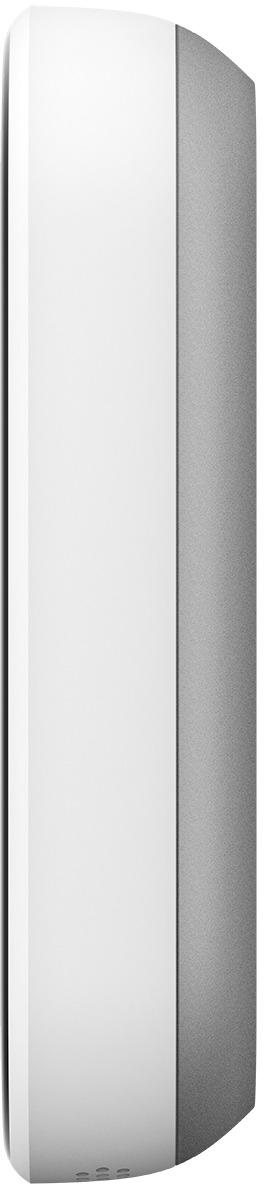
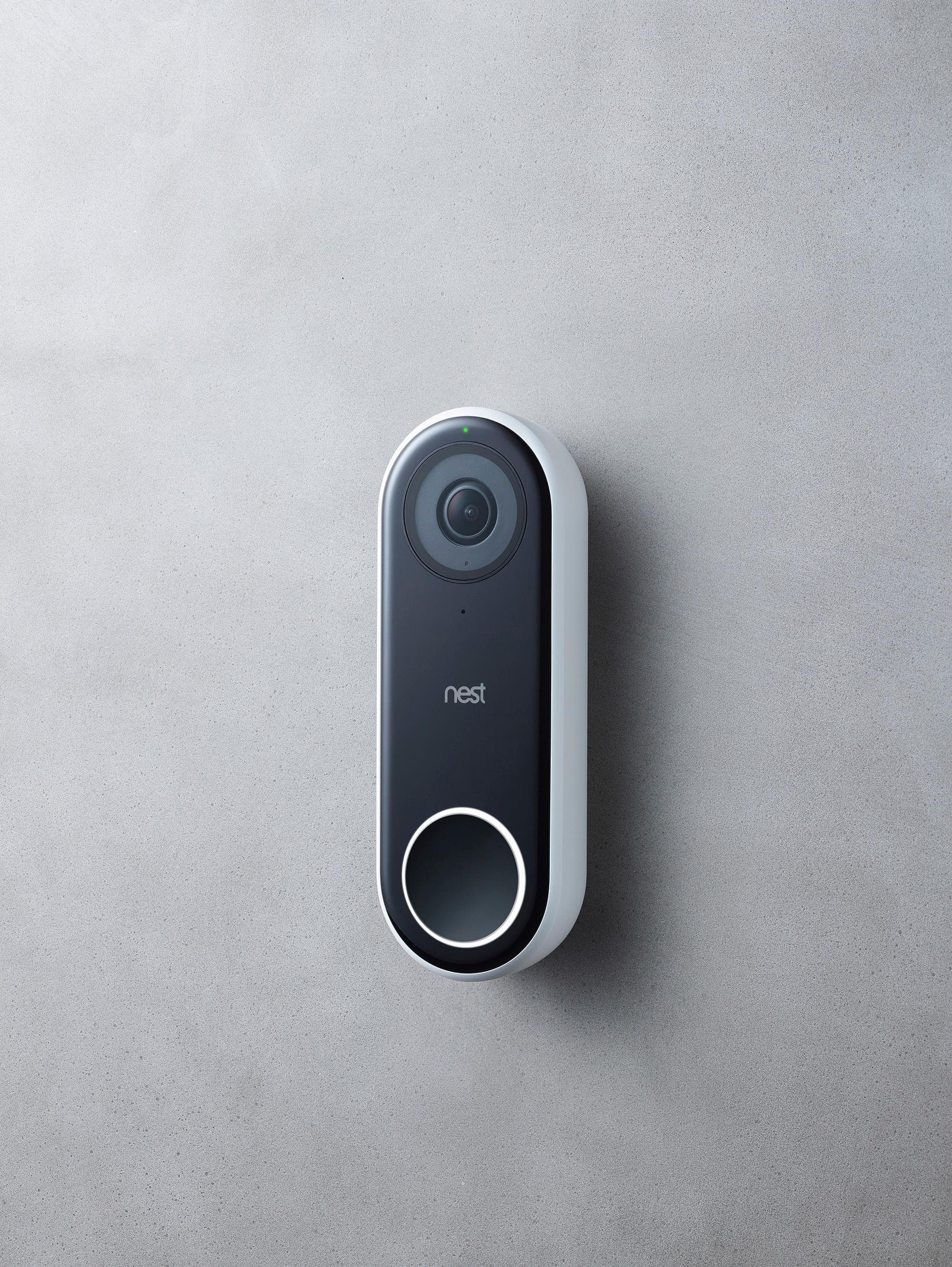
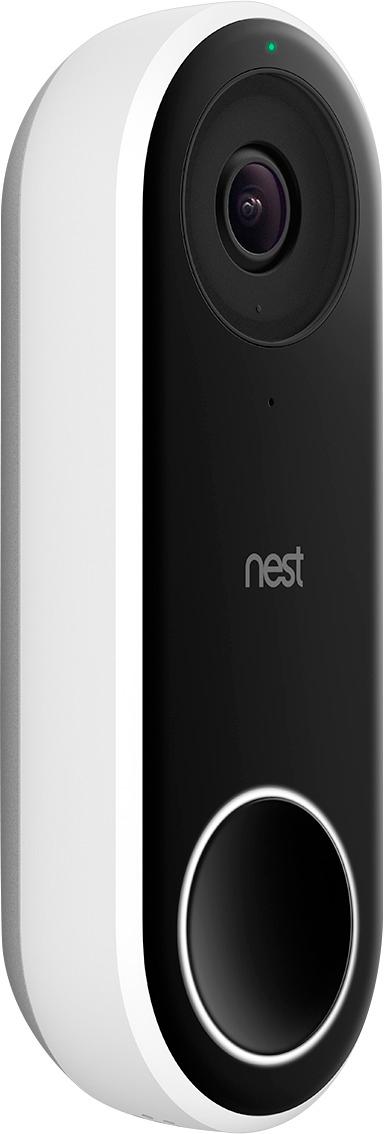
A:AnswerThe field of view is approx. 170 degrees, and yes it has an angle mount, I think its either 5 or 15 degrees, it can be installed left or right. I didn't need it for my application. excellent doorbell and great video resolution on my smart phone via the nest app.
A:AnswerYou don't need either Google Assistant nor Amazon Alexa. They definitely help you bring more coolness to this, but the Nest app on the phone is actually more complete than the extension through Google Home. Hope this helps.
A:AnswerSo to add more clarity to my question: I would like to know if only motion detection by the Hello, and not a solid push of the button, can be used as the event to trigger the Hello camera to overtake the Home Hub's display? In other words, I want to see the camera view on the Hub display when only motion has been detected, no button push on the doorbell required. Thanks!
A:AnswerNo and yes. It saves I believe 3 days or 8 hours for free, but for $50 per year you can save 30 days rolling. You can also download and email clips so you can ultimately save indefinately. Paying a subscription is only necessary if you dont listen to your phone notifications as they come in and check in days later.
A:AnswerNo difference in quality with or without subscription. Without is not just snapshots. You get video stream as well, just oy the last 3 days or 8 hours cant remember. But I ended up paying 50 us per year for a thrifty day memory storage. I think I can check my clips once per day but if I miss something it will be there for 30 days if I dont otherwise download it and save it.
The clips are only what the device sends you via email as an alert. (If you set that up for free).
A:AnswerYes, you can. In the box you have all the necessary connectors, just make sure your doorbell transformer can output enough voltage, some old transformers are not compatible but it is easy to upgrade.
A:AnswerYes and no. Mine sometimes sends me an alert when my across the street neighbor opens his garage door at night and it sees the burst of light. I can also see him during the day pull in and out of his drive way. I own 4 acres and he is at least 2.5 acres away form me so we are not close. However you can program the camera zones to either NOT or to HI RISK specific spots in the frame to either IGNORE or to emergency alert you. For instance you can say to it only send clips alert of people not just movement, or ignore thus area of the screen it is just trees but if anyone goes near this 1 inch area (my mailbkx) at the bottom if the drive definately alert me.
A:AnswerThere is no native support for Nest with HomeKit. You need to setup a home bridge server to trick HomeKit into recognizing and accessing your nest products. Google and Apple don’t play well together.
A:AnswerYes it detects motion (if you want that setting enabled through the app). You can set zones as well, but I believe this is only if you subscribe to the nest service. That being said, all reviews I’ve seen rate the Nest Hello over the Ring