A:AnswerYes, you can control the volume and song selection on the earbuds. By default swiping on the bud will control the volume. Doble taps will skip songs and triple taps will go back a song.
A:AnswerThe Google Pixel Bud pros fall out at the slightest touch or head tilt. While you can wear them under a helmet, I recommend duct taping them to your ear because they will fall out.
A:AnswerI have a Samsung Galaxy S21 Ultra and these work amazing. Even better than the Galaxy Buds Pro in my opinion. They connect seamlessly (you should download the app for them though). I can't say for sure how it will work with the computer, but I'm sure it'll be great. Cheers!
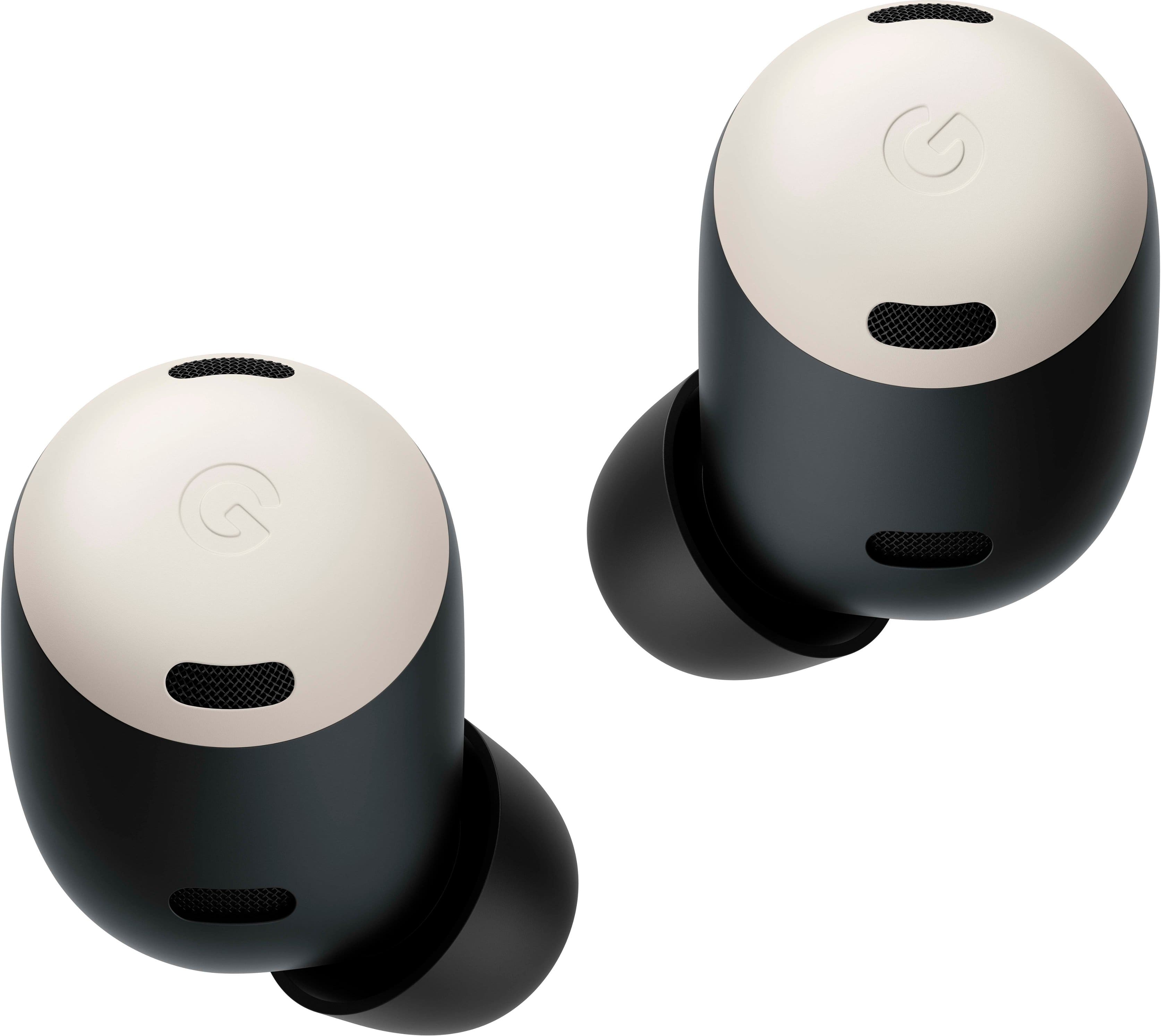
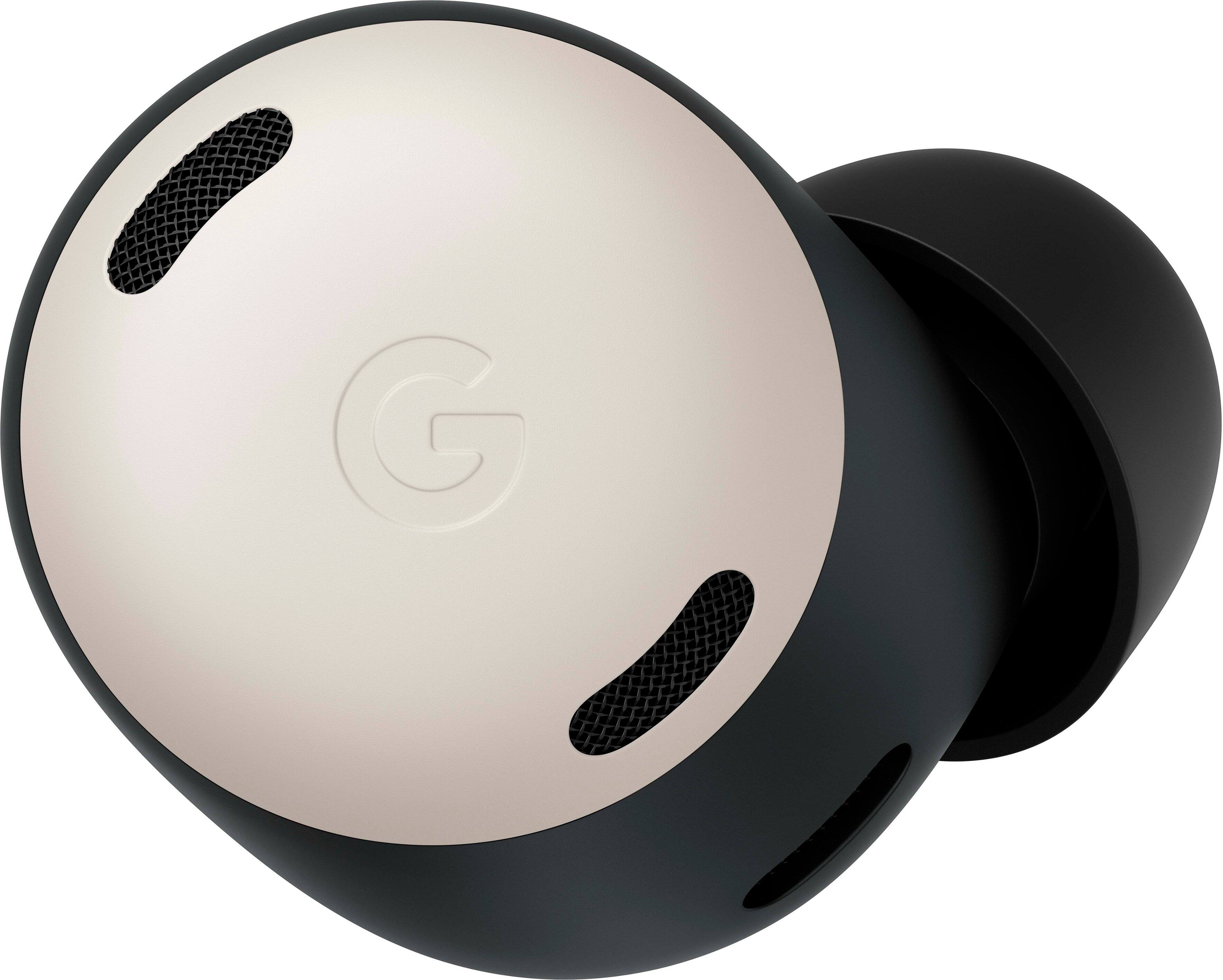
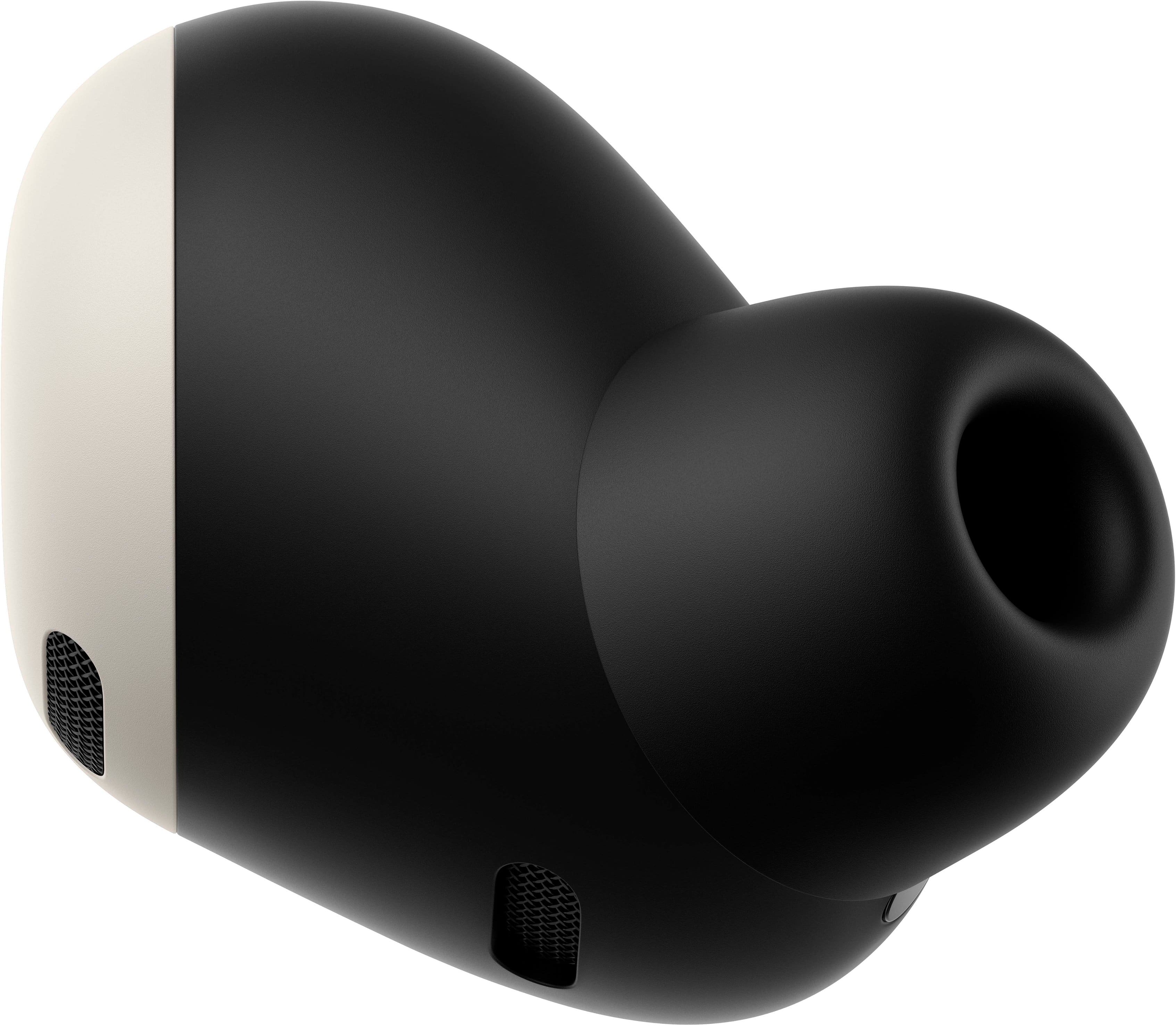
A:AnswerPixel Buds Pro come with beamforming mics, a voice accelerometer, and wind-blocking mesh cover that enable your voice to sound crystal clear even in transparency mode.
A:AnswerIf you are talking to a person who doesn't speak the same language you speak you can use the Buds and the Google Translate app to facilitate communication across language barriers.
A:AnswerThere is no noticable latency in certain applications like YouTube for example, as the app compensates for the latency. However if you're gaming, there will be a noticable amount of lag. Turning off hd audio helps.