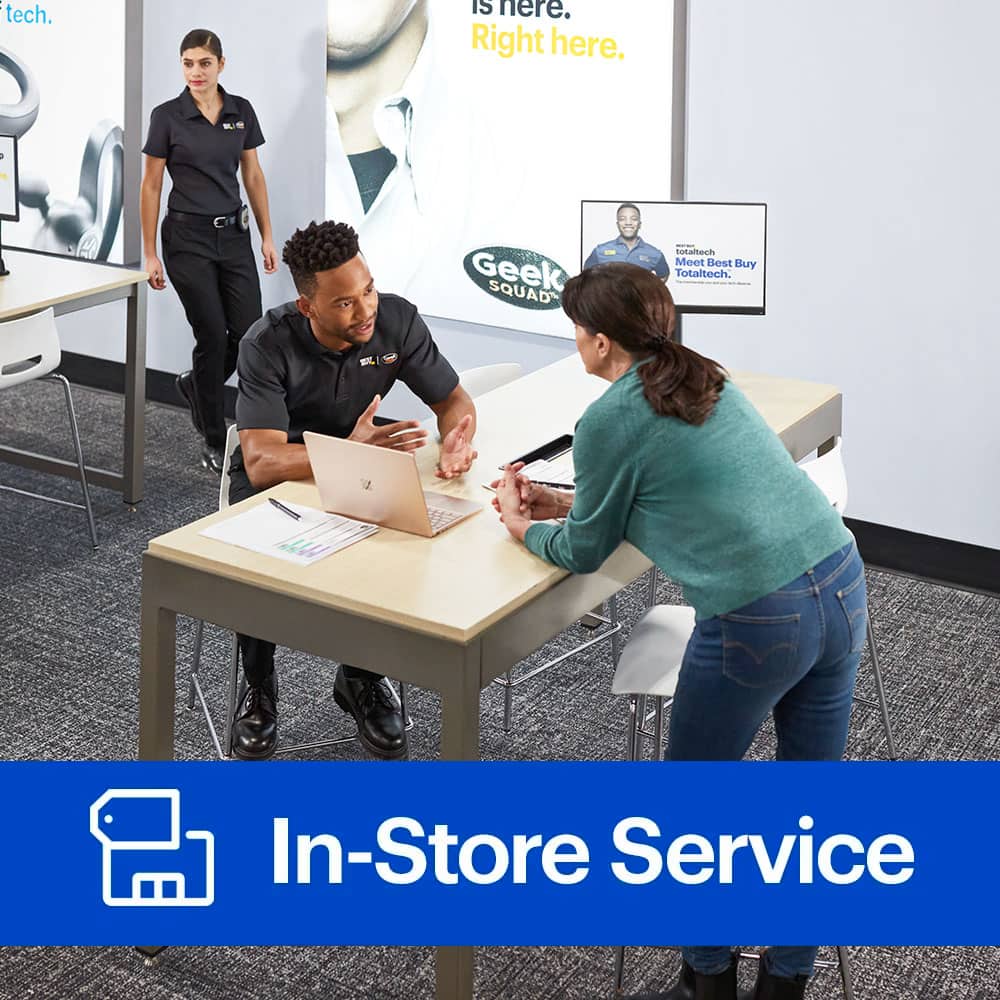
A:AnswerHi Lee. Thank you for your question! We may be able to take care of this for you. We will want to take a look at the computer in the store before you make any purchasing decisions. To get started, please visit www.geeksquad.com/schedule to set up a free consultation at your local Best Buy.
A:AnswerHi, Just David. I'm not the Geek Squad. I'm a just customer with a Best Buy membership. First, you can shop online for the replacement hard drive you want.. (or at any store). We purchased a lower GB replacement hard drive for a ruined one in a 2016 computer... I don't think the year or brand/model matters.. I might be wrong, but that was my general understanding. We purchased our hard drive from one Best Buy, and set the first available appointment for the Geek Squad, which happened to be at a different Best Buy store. They took care of everything for us in a couple days. When they install a replacement hard drive or SSD (Solid State Drive... which is more universal... but also more expensive bit for bit), they charge for the service, and if you want them to transfer data from your previous drive, that's an extra charge. So you pay for the appointment and install, and also for the transfer. If you buy your new drive from Best Buy, they like to bundle, so everything I mentioned may be discounted. Also if you happen to purchase Best Buy's Total Tech Support, you may be able to save significantly on your service. If you don't have their Total Tech Support, I recommend that you ask a floor tech sales person for assistance... these folks are highly informed, and should be able to help you with your merchandise purchase along with fully explaining a bundle offered for your purchase and service, and also the amazing Total Tech Support plan... which covers all electronics in your home regardless of what companies you purchased from... even toaster, refrig... on and on.... with just a low service/visit fee. I really hope, Just David, that this information helps you. I wish you well in your follow-up, and blessings in the New Year.
A:AnswerJust before Christmas I had the techs at Best Buy install the memory I purchased on Amazon in my HP All in one computer.. I had the machine the next day. The computer runs faster than before, that's why I did the upgrade. I'd use this service again.
A:AnswerHi there. Thanks for your question! We are able to install graphics cards. We'd want to see the computer in the store before you purchase anything. Please visit www.geeksquad.com/schedule to set up a free consultation at your local Best Buy to get started.
A:AnswerHi there. Thanks for your question! We should be able to get this taken care of. It would be best if we saw both of these in the store first to go over all the work to be performed. Please visit www.geeksquad.com/schedule to set up a free consultation at your local Best Buy to get that started.
A:AnswerThanks for your question! We should be able to do that. To get more information on this, please visit www.geeksquad.com/schedule to set up a free consultation at your local Best Buy. This way, we can see it in person and best take care of you.
A:AnswerWe should be able to install your new processor and fan. For support with this, please visit www.geeksquad.com/schedule to set up a free consultation at your local Best Buy. Your local Best Buy may not have the liquid cooler available in store. You can find information about your local store at www.bestbuy.com/storelocator.
A:AnswerThanks for your question. It would depend on what kind of games you play. The RAM may be able to be upgraded and the HDD possibly replaced with an SSD. However, the described unit does not appear to have a dedicated graphics card which will limit the level of gaming the computer can handle efficiently.
A:AnswerWe may be able to do this install but we would want to check out the laptop to ensure compatibility and fit. Please visit www.geeksquad.com/schedule to set up a free consultation at your local Best Buy.
A:AnswerWe should be able to assist with that. Please go ahead and visit www.geeksquad.com/schedule to set up a free consultation at your local Best Buy.
A:AnswerHi Dave, we should be able to help you with that. Please go ahead and visit www.geeksquad.com/schedule to set up a free consultation at your local Best Buy.
A:AnswerWe do offer data services in-store and should be able to help get the hardware installed and data copied over. Please visit www.geeksquad.com/schedule to set up a free consultation at your local Best Buy.
A:AnswerWe should be able to do that, but we’d want to check the computer out first to be sure. Please visit www.geeksquad.com/schedule to set up a free consultation at your local Best Buy.
A:AnswerHi Austin, we should be able to assist with that. Please go ahead and visit www.geeksquad.com/schedule to set up a free consultation at your local Best Buy to get started.
A:AnswerYou’ll want one of our Geek Squad Agents to check your computer out before making any purchasing decisions to ensure compatibility and best fit. For support with this, please visit www.geeksquad.com/schedule to set up a free consultation at your local Best Buy.
A:AnswerWe may be able to do that, but we’d want to check the computer out first to be sure. Please visit www.geeksquad.com/schedule to set up a free consultation at your local Best Buy.