A:AnswerIt's a 60Hz panel.
The motion rate is an effective rate, achieved through some sort of processing.
Every TV that I am aware of has an effective rate that is much higher than its actual refresh rate. Check the specs on the other TVs that BestBuy sells. (You may have trouble finding the actual refresh rate listed, though.)
A:AnswerAbsolutely, works great as pc monitor as long as your graphics card has hdmi. Windows recognized as Hisense display. One major reason why I got this t.v. pc gaming in 4k.
A:AnswerThank you for contacting Hisense. You will find a link to the FW Update Download below. Please follow the below instructions to update your TV’s Firmware.
FW Upgrade Download: http://drive.hisense.us/owncloud/ind...i87S01xSRaAClp
*This link will EXPIRE in 10 days. Please email me back if you did not complete the update by that time.
Instructions:
1. Follow the link above and download the file, ‘50H8C_HU50K3300UWG_G0921.zip’. The file will be compressed, so using a built-in or downloaded (i.e. Winzip) unzipping software, extract all files.
2. Locate the file ‘upgrade_loader.pkg’. Copy and paste this file into an EMPTY FAT32 formatted USB Stick.
a. Please ensure that NOTHING ELSE is on the USB, ONLY the ‘upgrade_loader.pkg’ file.
b. DO NOT CHANGE OR RENAME THE ‘upgrade_loader.pkg’ FILE!
3. Safely Eject the USB from your PC by right clicking on the USB(on your Desktop or in your My Computer) and selecting ‘Eject’, then unplug the USB from your PC.
4. Turn OFF the Hisense TV.
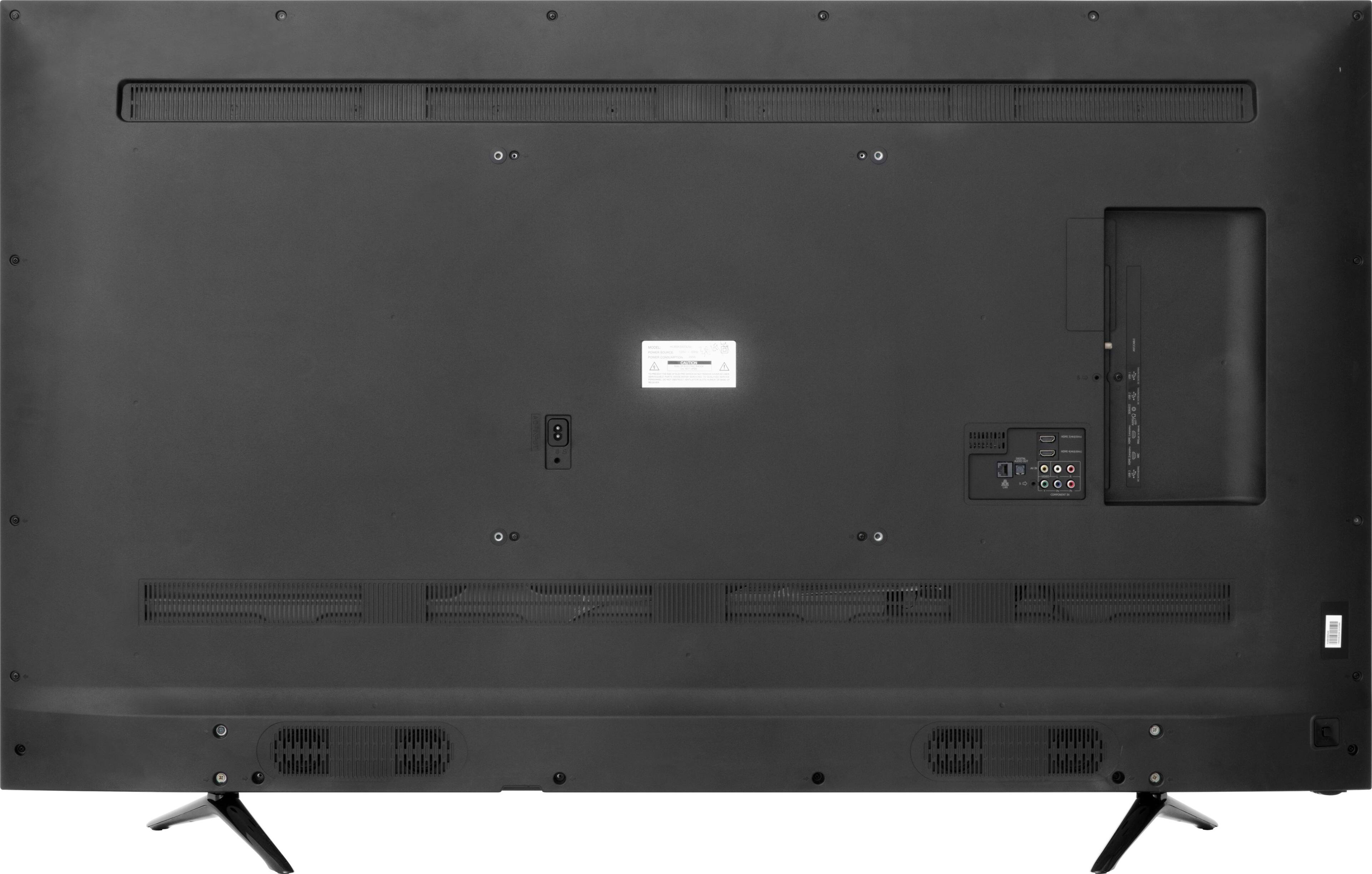
5. Plug the USB in to the TV’s top most USB port(located on the rear of the TV).
6. Press and hold the POWER button on the Hisense TV Remote Control, once you see “Software updating…” appear on the screen you may RELEASE the power button.
7. Please wait and let the Software Update process finish.
a. The Software Update Process will complete without any further user interaction.
b. The Process should take between 5-8 minutes.
c. Please DO NOT turn OFF the TV during this process.
8. When the update is complete, the “Software updating…” Screen will disappear and the TV will come up as it normally does.
9. Remove the USB from the back of the TV.
And now your TV is updated!
A:AnswerHi Koup! The update for this model is coming out on September. And you should be able to get the update by going to "settings">"About TV" > "Check Firmware Update". If for any reason you cannot receive the update, please contact us at 1-888-935-8880 so that we can email one to you.
A:AnswerYes. When you register your TV at www.hisense-usa.com, you will receive the additional two years extended warranty. I tried registering online through the TV interface with wifi, but it would not accept my email address as valid. No problem when accessed and registered via my desktop computer.
A:AnswerGlad I'm not the only one. You will have to return the sound bar and get another brand. I bought a Samsung and it doesn't have the play pause issue that the LG had. Samsung has a much better subwoofer anyways...
A:AnswerI believe that the 50H6C doesn't support HDR (high dynamic range). The 50H8C does, as an entry-level HDR TV.
There may be other differences, but that would be the major one.
A:AnswerI just got off the phone with upper management at Hisense and they claim that 2 updates are being released soon to fix the HDR, HDM 2.0a issue etc...
The first update will be pushed out on 8/31/2016. The second one should follow on 9/8/2016.
Let's see if it actually happens.