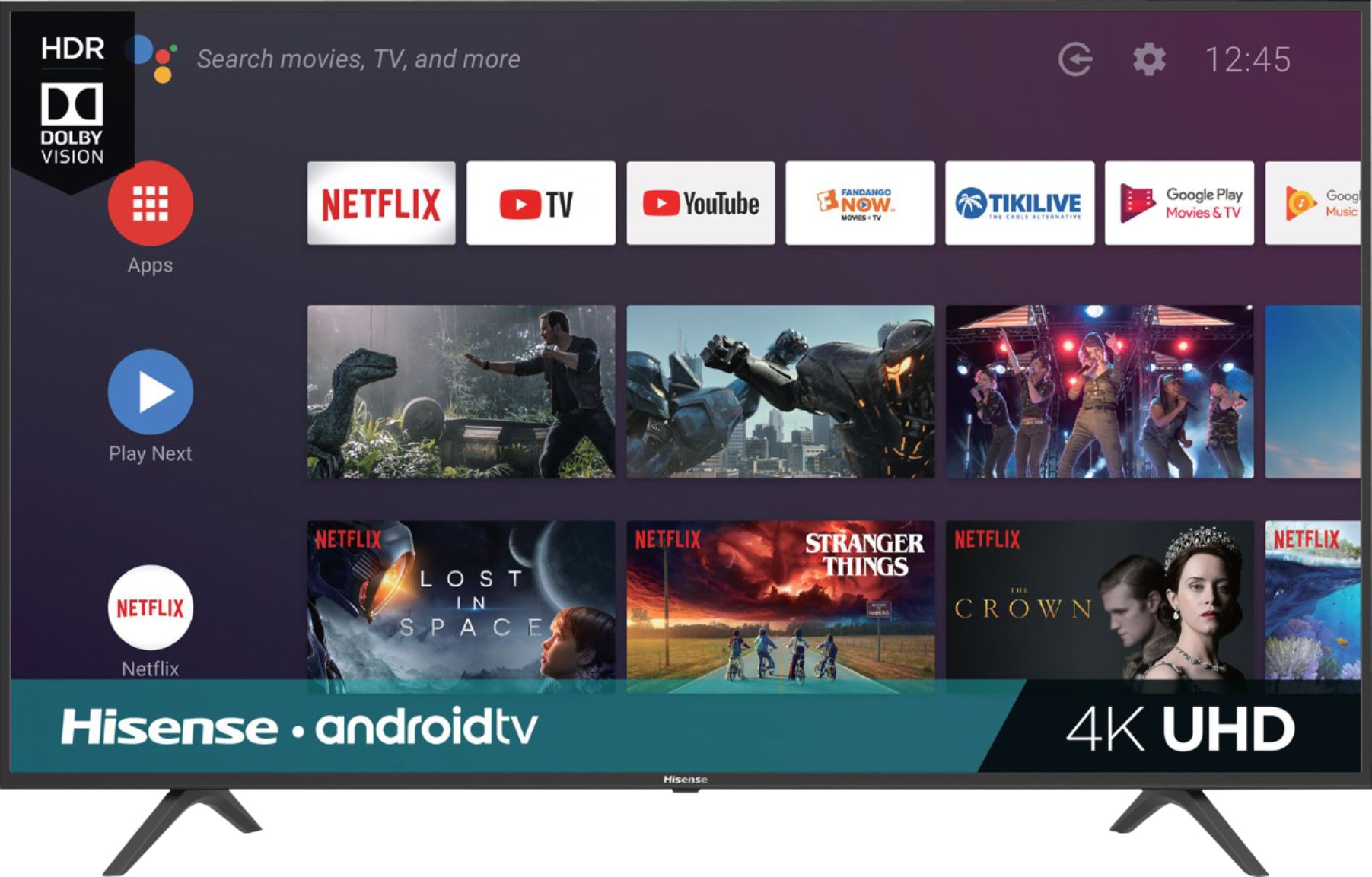
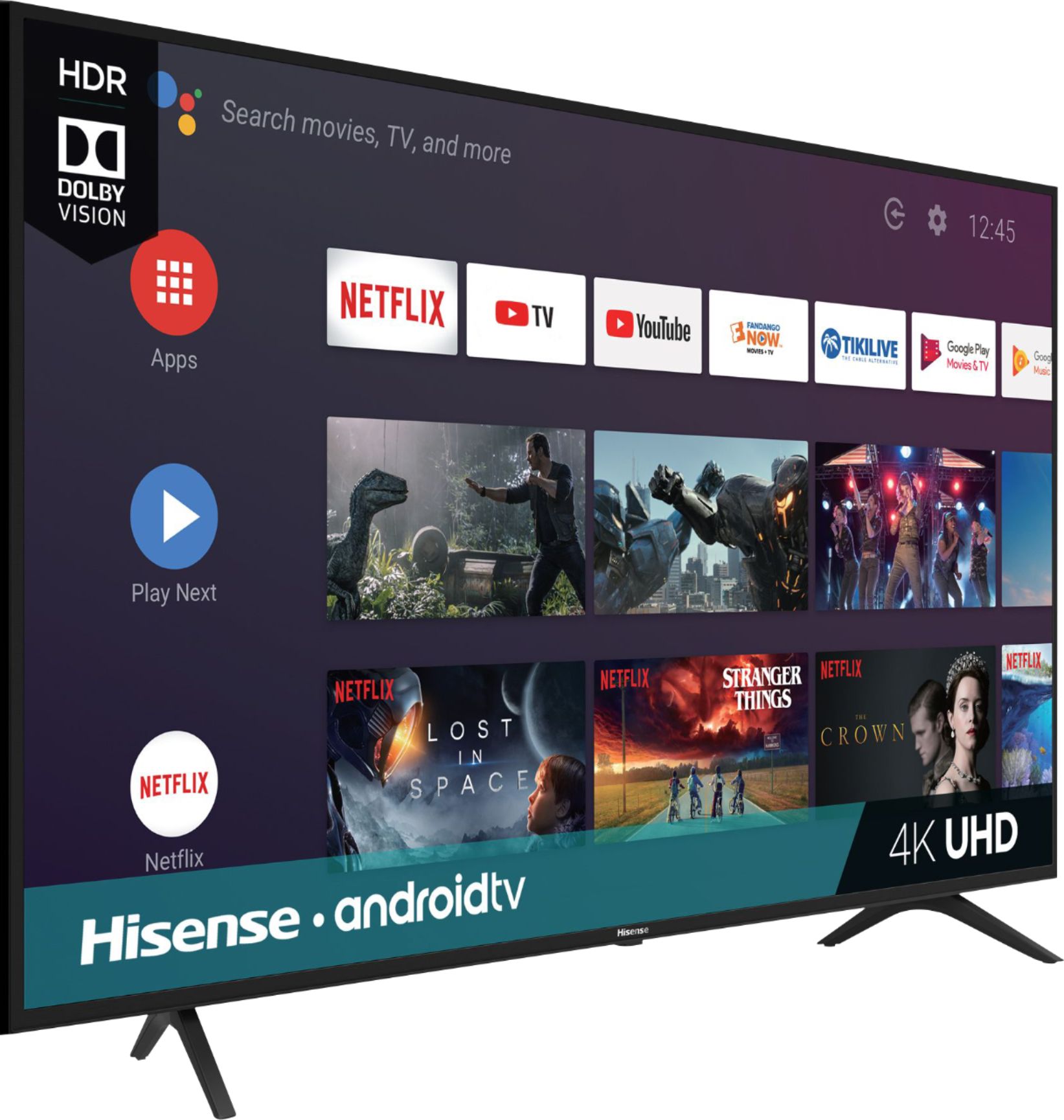
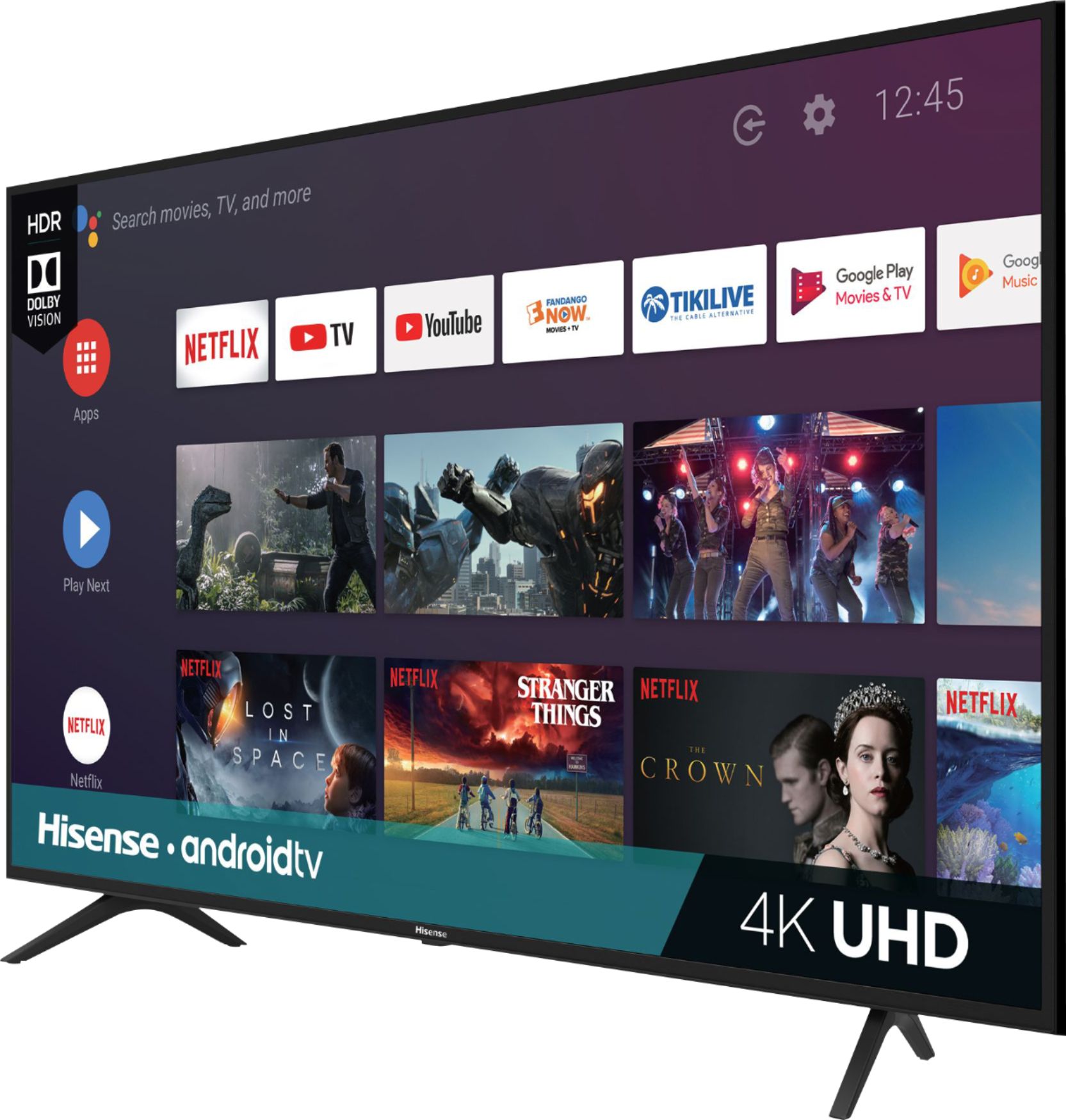
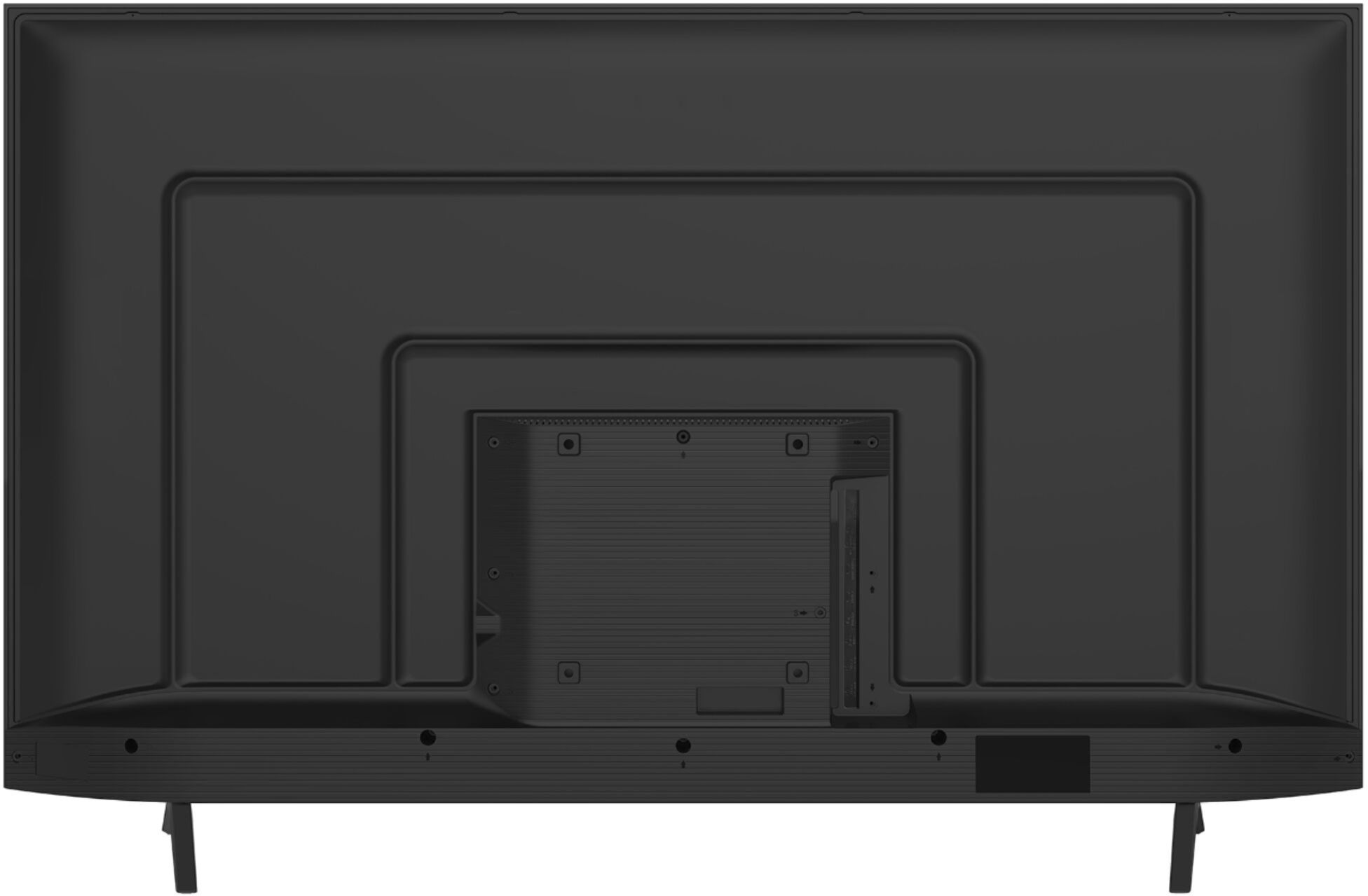
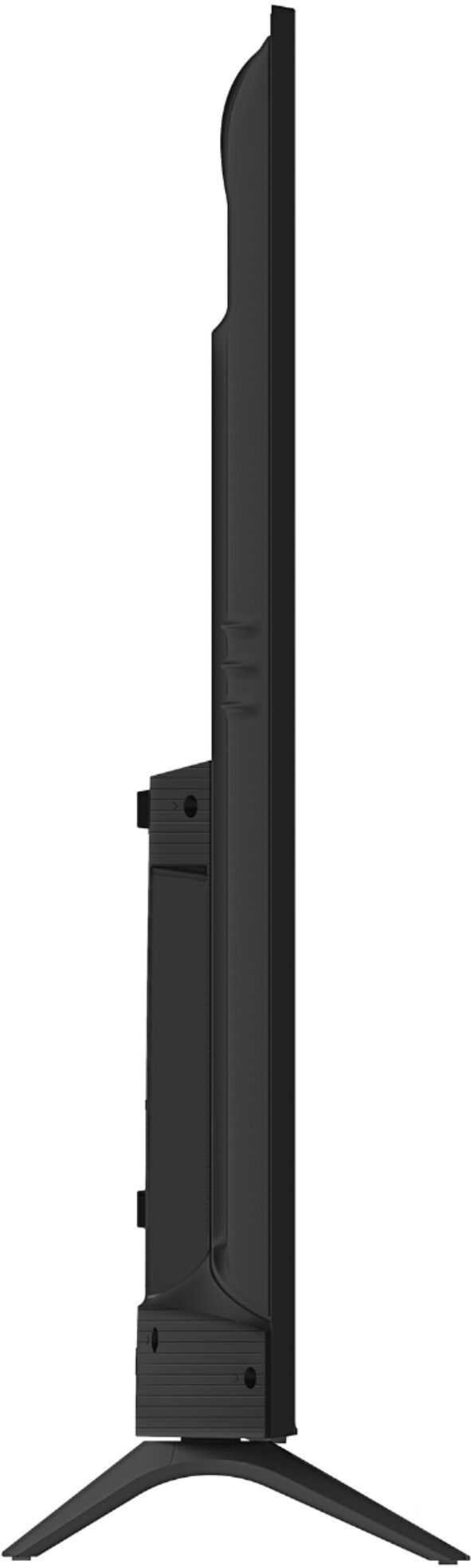
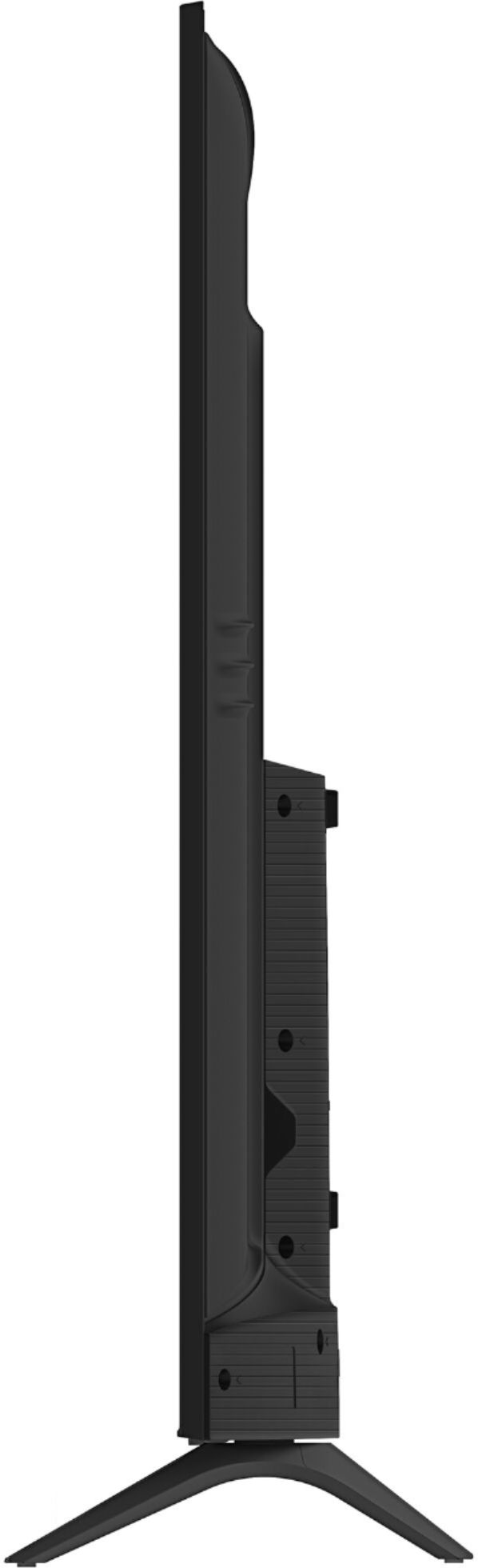
A:AnswerThe tv has two (2) different stand support locations: you can make it as wide as the screen where the legs will be from one side to the other - Or you can put them more in the middle and about 8" from the power button underneath. I'd suggest the 2nd option because having the legs at the very edges is pretty wide.
A:AnswerFigured what the issue was after a storm and the TV restarted. I originally opted into the Active Content Recognition. That's what triggered the constant pop-ups and stuttering. Disabled it and the problems went away.
A:AnswerIt's not as bad as I was expecting but it's definitely not a plasma TV either. If you are sitting more than 45 degrees off center you will be disappointed. Hope this helps
A:AnswerThe box dimensions are 40.6 inches x 64.1 inches x 7.3 inches. Thank you for your interest in Hisense USA and If you have any other questions give us a call at 1-888-935-8880.
A:Answerthe box for the TV measures out at 40.6 inches 64.1 inches 7.3 inches. Thank you for your interest in Hisense USA and If you have any other questions give us a call at 1-888-935-8880.
A:AnswerIt has dolby vision. Easiest way to check is to play a dolby vision film on netflix. Play the film bright and it will say dolby vision. U must have the 4k netflix plan though
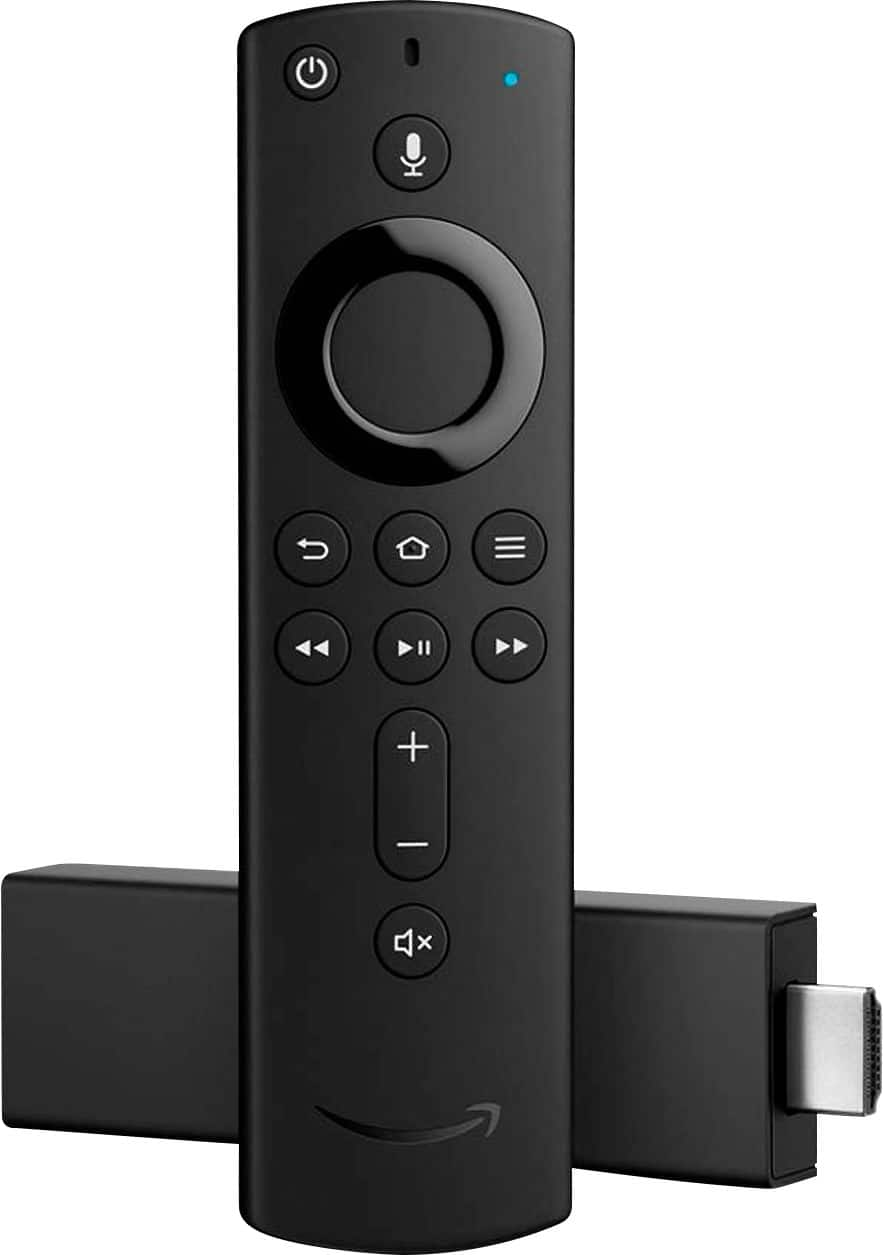
A:AnswerYes, you can; however, since this is a 4K UHD TV, you should look into using a 4K Fire Stick, rather than the regular 1080P Fire Stick, as this TV at times has difficulty upscaling all video to 4K.
A:AnswerHello Trey, Thank you for your interest in the Hisense 65H6570F. Yes the television does work with Alexa and is also compatible with the Alexa programme. You can find the Amazon Alexa settings under Device Preferences in the Settings menu. If you have any further questions please give us a call at 1-888-935-8880 or email us at [email protected]. We look forward to hearing from you!
Thanks Again, Harley with the Hisense Support Team
A:AnswerHello Spoon, Thank you for your interest in the Hisense 65H6570F. This is a Android Smart TV. The Roku application or software program is not provided on this model, however you can still connect to the internet wirelessly and download a few of your favorite apps such as Hulu and Netflix. If you have any further questions or concerns please give us a call at 1-888-935-8880 or email us at [email protected].
Thanks Again, Harley with the Hisense Support Team
A:AnswerHello Jake, Thank you for your interest in the 65H6570F. We sincerely apologize for the issue you are having with your television lagging. Please perform a factory reset on the television by going to Settings>Device Preferences>Reset. The television will then shut off and after coming back on will prompt you to set up the TV like when it was just out of box. If this does not resolve the issue please give us a call at 1-888-935-8880 or email us at [email protected].
Thanks Again,
We look forward to hearing from you!
Harley with the Hisense Support Team
A:AnswerThank you for your interest in the Hisense 65H6570F. You are able to connect a PC to this television using HDMI connectivity. Thank you for your interest in Hisense USA if you have any further questions or concerns please give us a call at 1-888-935-8880 or email us at [email protected]. Thanks Again, Harley with the Hisense Support Team
A:AnswerHello Joe, Thank you for your interest in the 65H6570F. Yes the Fubo app is available for this television and can be downloaded from the Google Play Store. If you have any further questions please give us a call at 1-888-935-8880 or email us at [email protected].
Thanks Again,
We look forward to hearing from you!
Harley with the Hisense Support Team