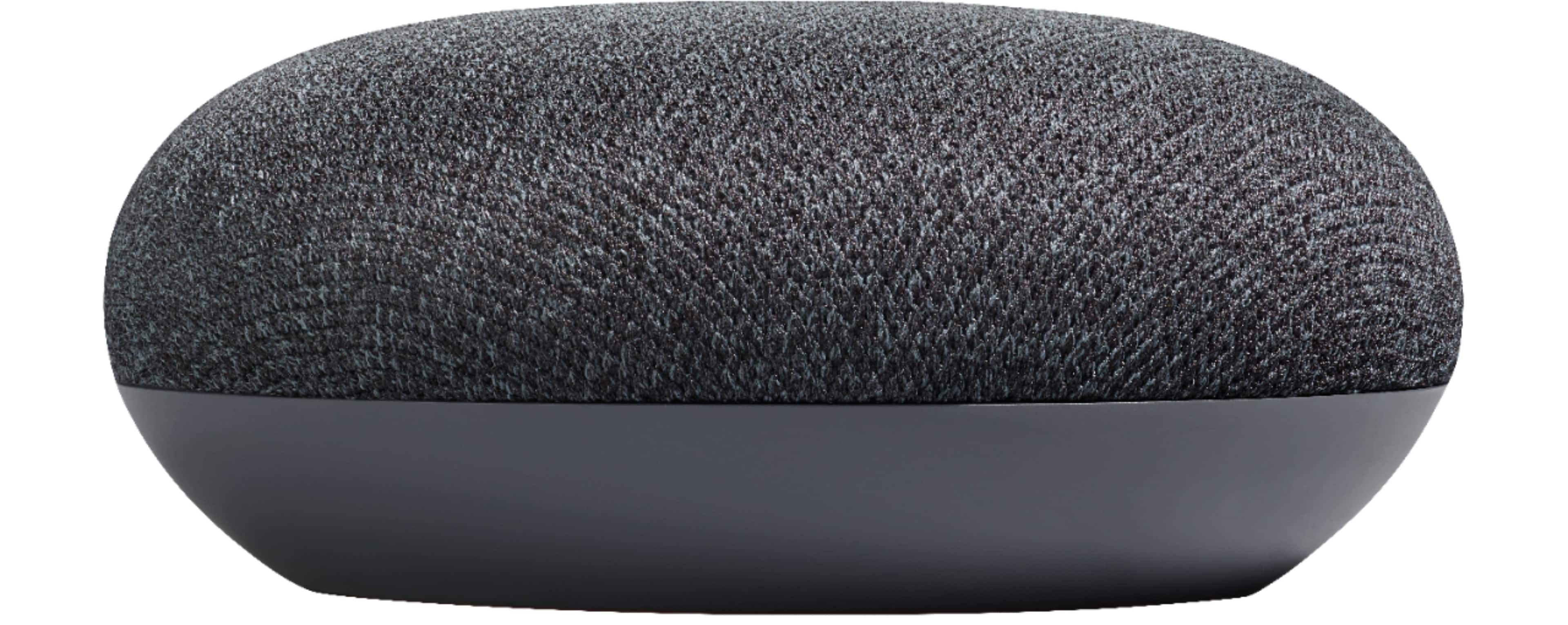
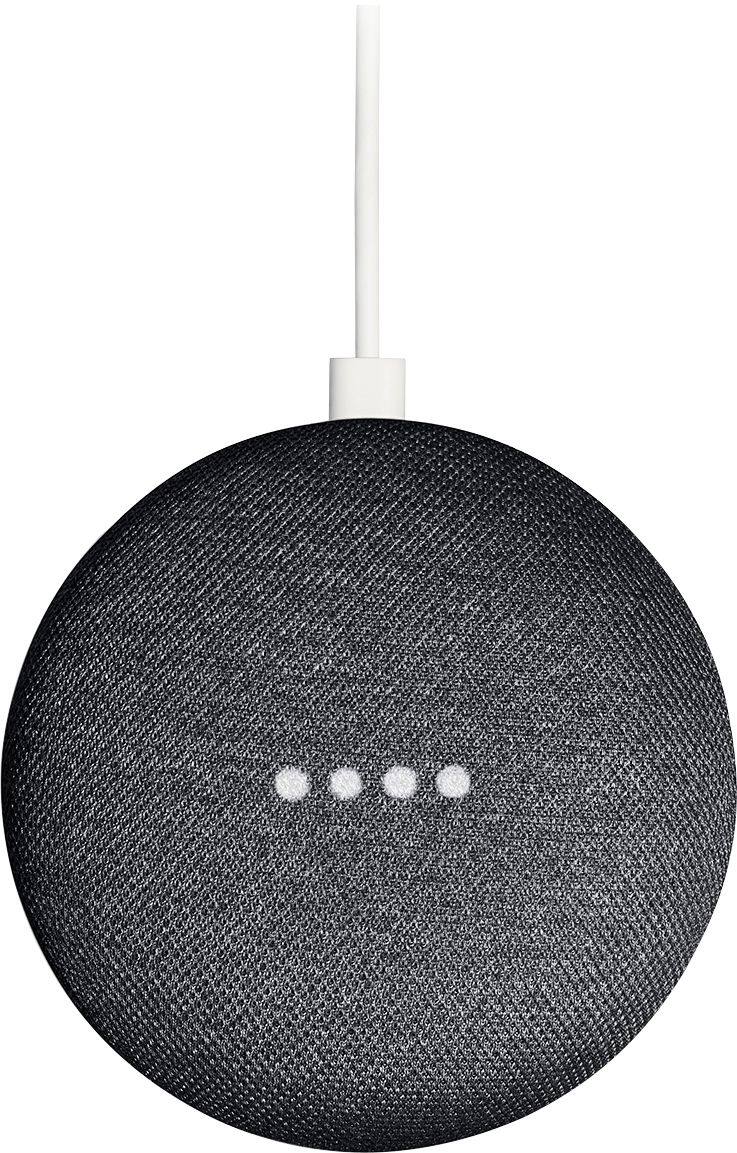
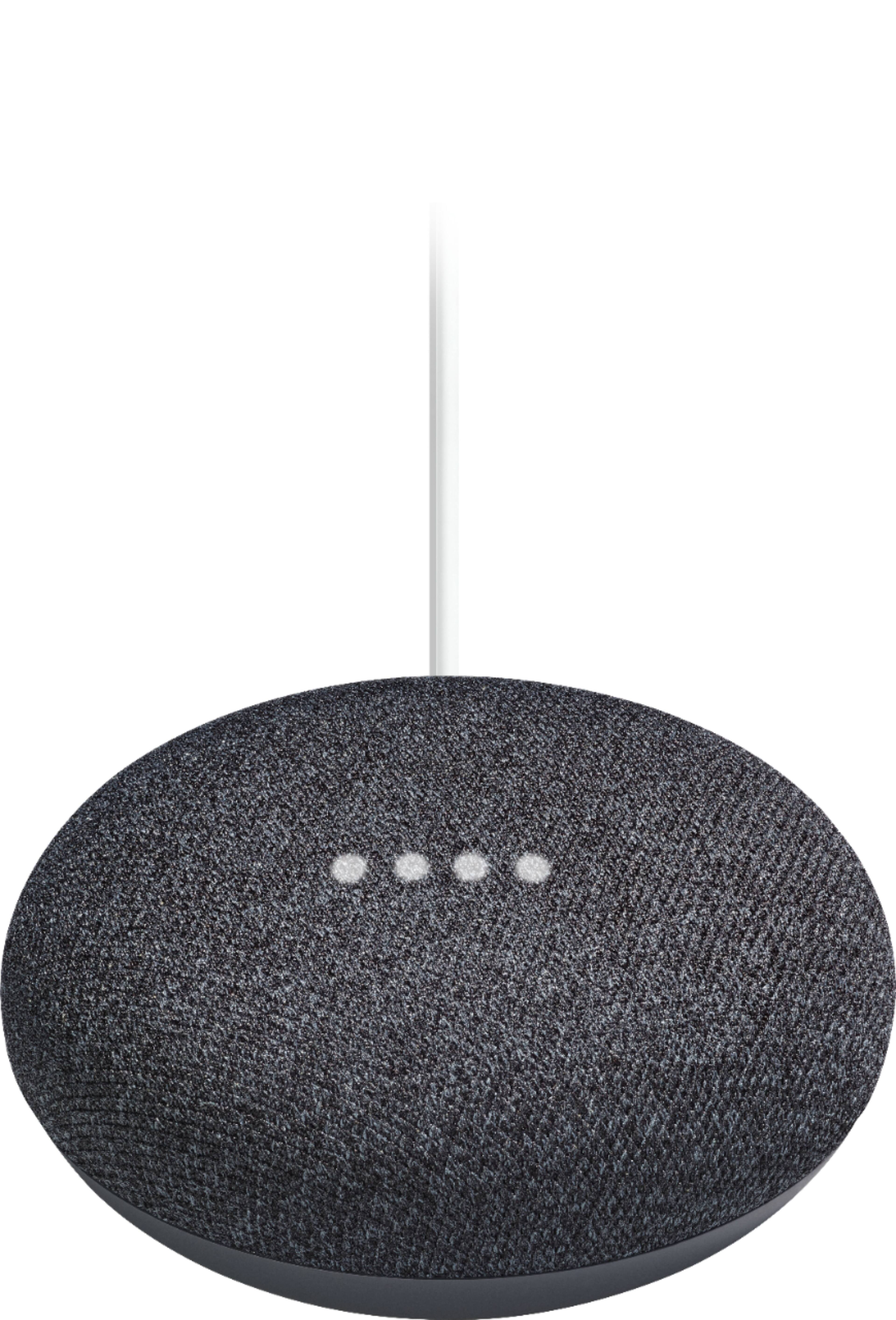
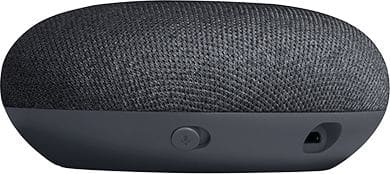
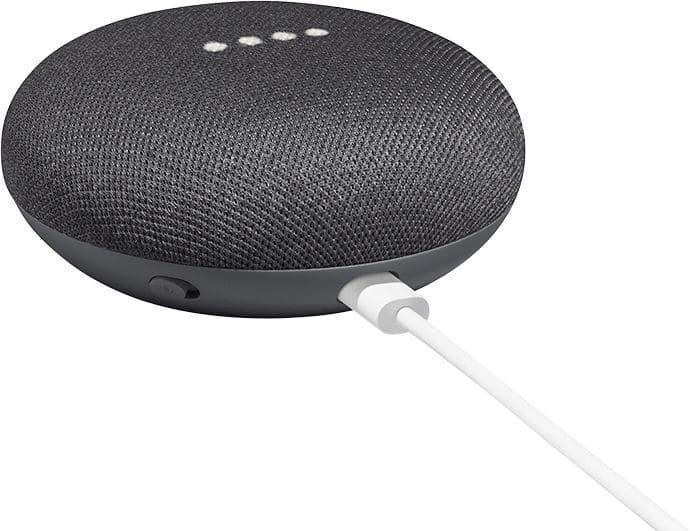
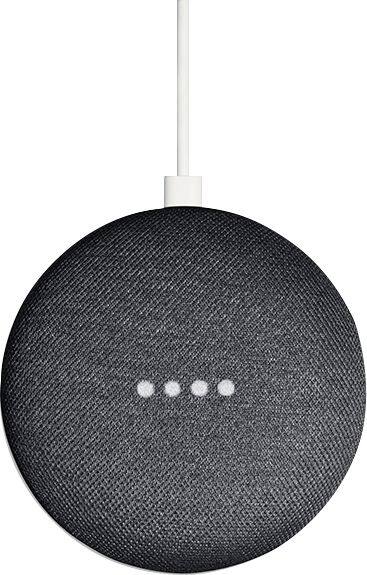
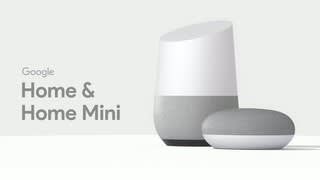
A:AnswerIt is a smaller version of google home with all the sam 3rd features. It works with other connected devices like wemo switches and ecobee smart thermostats. It can make calls l, tell jokes, take notes, set timers, read you recipes, search google etc
A:AnswerAbsolutely. The only time you'll need to set it up again is if you change networks. (I'm assuming, if you're asking this question, that there's only one in your house.) If you unplug it and move it to, say, an office or other location, you'll have to reconnect it to the network.
A:AnswerCould be many things, more info is really needed. Did you move your router or Mini? Do you have multiple frequency (2.4 or 5 GHZ) for your router change to the other one. Have it forget your wifi and then re-enter it. Reset your router and modem, sometimes you get two ip addresses assigned to different devices. Basically you need to troubleshoot the system to find out exactly what happened. My first step is always to unplug everything for about a minute then plug it back in and then see if it works and go from there. Be aware the mini needs to be set up through the app EVERY TIME it's power is disconnected.
A:AnswerAbsolutely not, but you will have to download the 'Home App' to a phone or tablet in order to get it hooked up to your wireless network. This is all free, but you will need to create a Google account if you don't already have one.
A:AnswerNone of the Google Home products have a radio antenna. To listen to live radio, it uses an integration with TuneIn. You can see which stations they support on their website: https://tunein.com/
A:AnswerNo. I don't have any paid serves. You will need a Google account (your gmail account) but that is free. To get the premium music serves like spotty with out adds or YouTube Red you will need a paid service but you can still use the Google Home mini with out them.