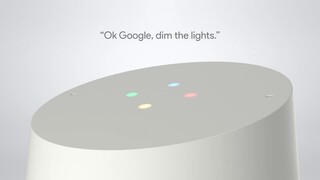
A:AnswerGoogle Home only starts to record after the trigger words "ok google" "hey google". See the details here: https://support.google.com/googlehome/answer/7072285?hl=en
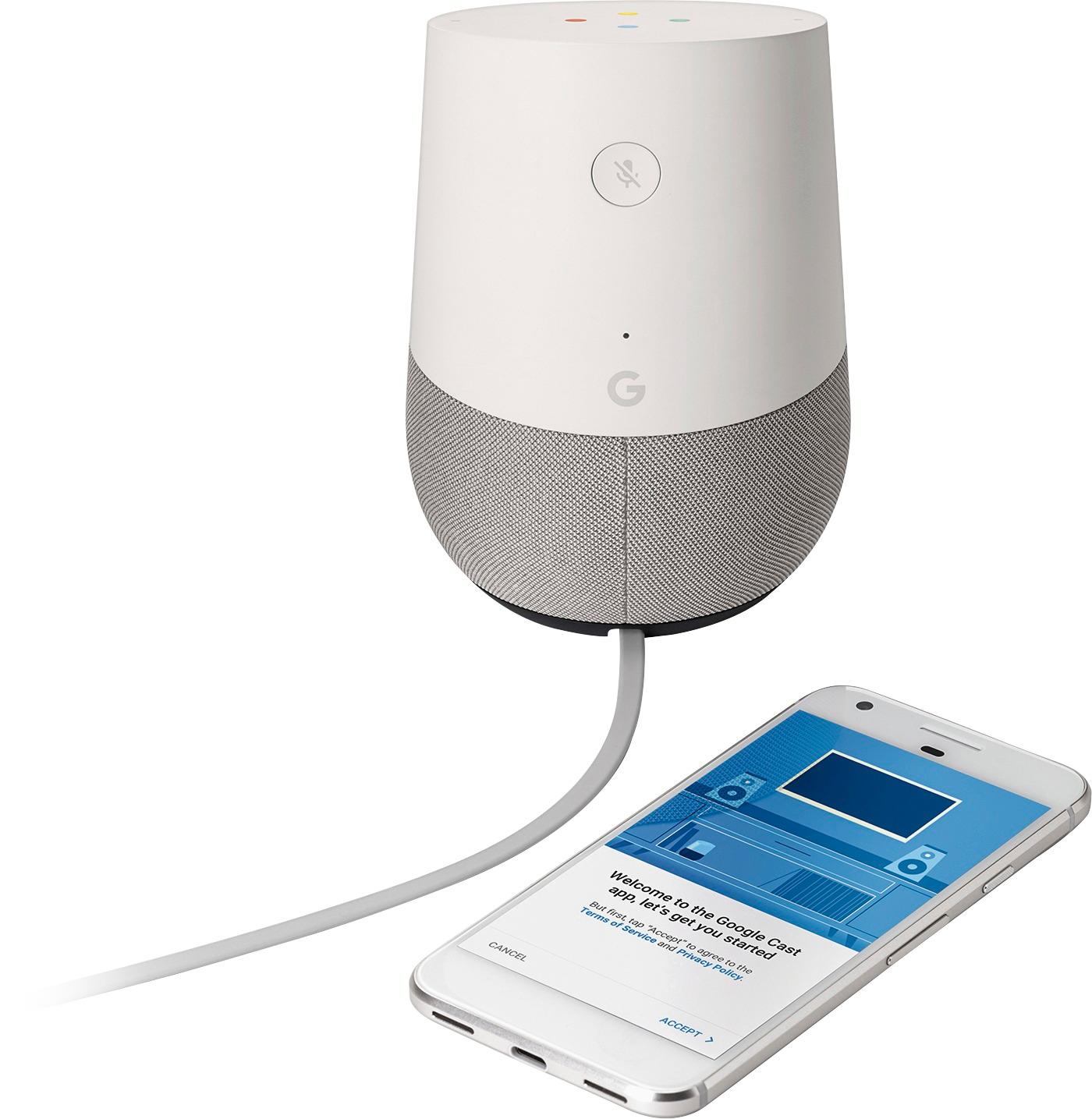
A:AnswerThe Google Home requires your phone to be attached to the same Wifi as your Google devices. If your home phone can connect to your wifi, then yes. If not, no.
A:AnswerHomePod all the way. We tried them all, they all sound like crappy little speakers except for apples. If you must go non Apple at least go for google max. That is if you plan on using it as a speaker.
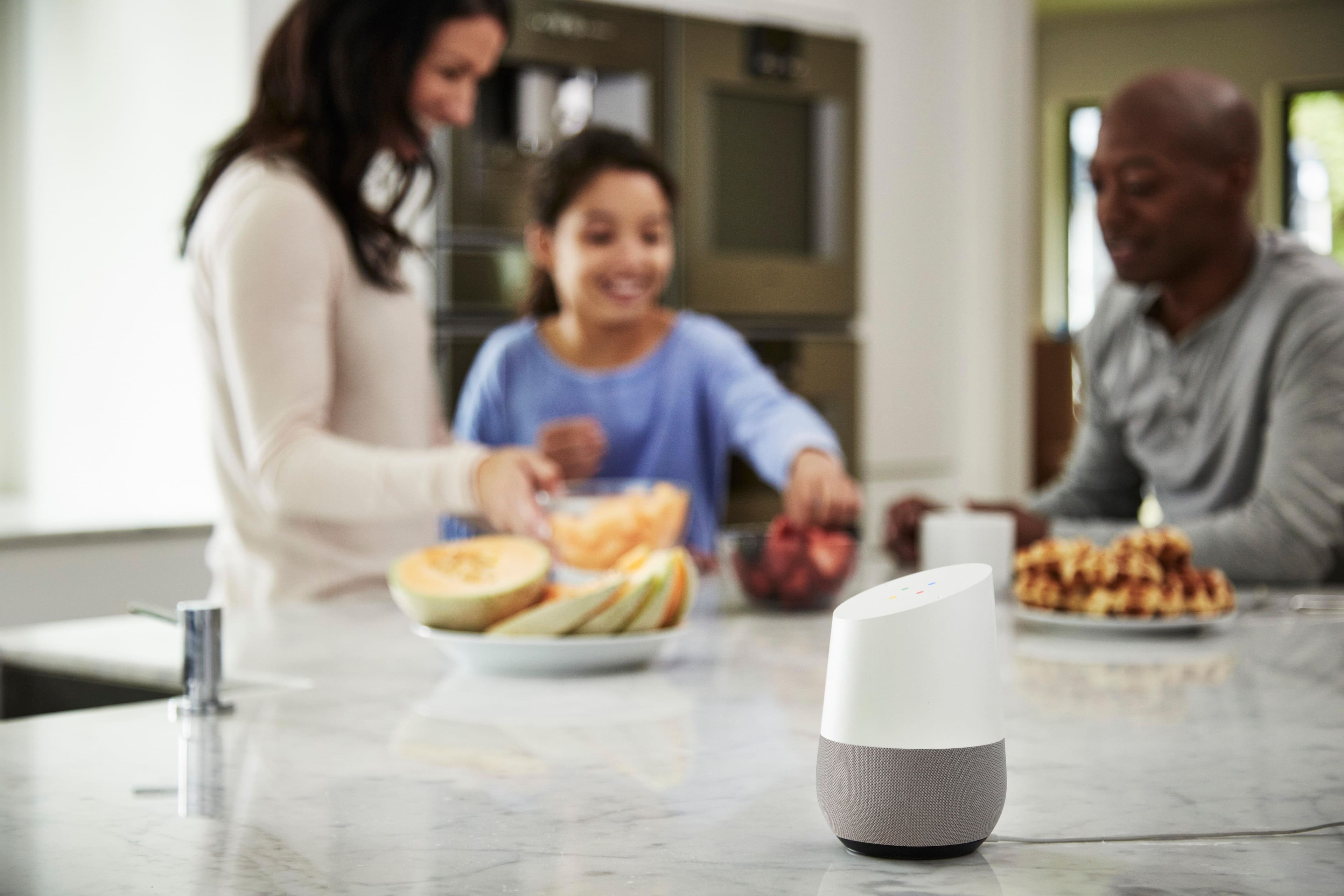
A:AnswerOnly if you want them to . . . They can use it for a radio, alarm clock, help with their homework ? ? ? Absolutely . . . we have one in bedroom, office & family room/kitchen . . .works great.
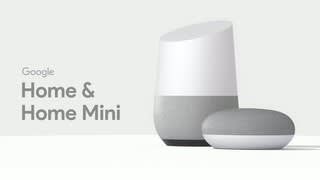
A:AnswerYes it only plays mono audio out of the google home. The google home max has some stereo effect. You can also use multiple google home max's in a stereo mode.
Rumour has it we'll be able to use google home and google home mini's in a stereo array like the max, but that feature hasn't been turned on yet--and may never be.
A:AnswerYou set up a Spotify account access through the Google Home app. A phone is not needed to be paired. It will work while you are out. The same goes for Netflix.
A:AnswerShort phrases work OK. I just did this: "Hey Google, how do you say what's for dinner in Italian"; and a man's voice responded in a language that I assumed is Italian :-)
A:AnswerYou need a google account to set it up, in the initial setup one of the steps it asks you log in , if you don’t have a google account/email already then create one and then resume setting your googl home again.
A:AnswerWe are not as tech savvy as most people and have found using Google Home to be simple yet amazingly useful. We use it to check the weather, check traffic, update on current events, ask questions (some serious, most silly), and play music. It's response time is instantaneous and will tell you if it can't assist or needs clarity.