A:AnswerThe screen will always stay lit unless you turn the screen timeout on and to zero brightness. Mine is programmed to timeout after a minute or so and will go completely dark until touched.
A:Answeryou do need a common wire which does power the unit. if your old thermostat uses battery your common wire still maybe ran if not they give you very detailed instructions and videos on how to make it work. I had the common wire ran but not hooked up went to my ac unit and hooked up my self. if you can watch a simple video its a breeze took about 10 min to install
A:AnswerHello Dale! Good news! The Honeywell Smart Thermostat does offer a safety net in the case that the Wi-Fi connection to the thermostat is lost. When the connectivity is lost, the thermostat will revert back to the last setting. For example, if the heating is set to 70 degrees F, then the thermostat will remain at this temperature setpoint until manually changed at the thermostat or the Wi-Fi connection is re-established. I hope this is what you are looking for. Thank you.
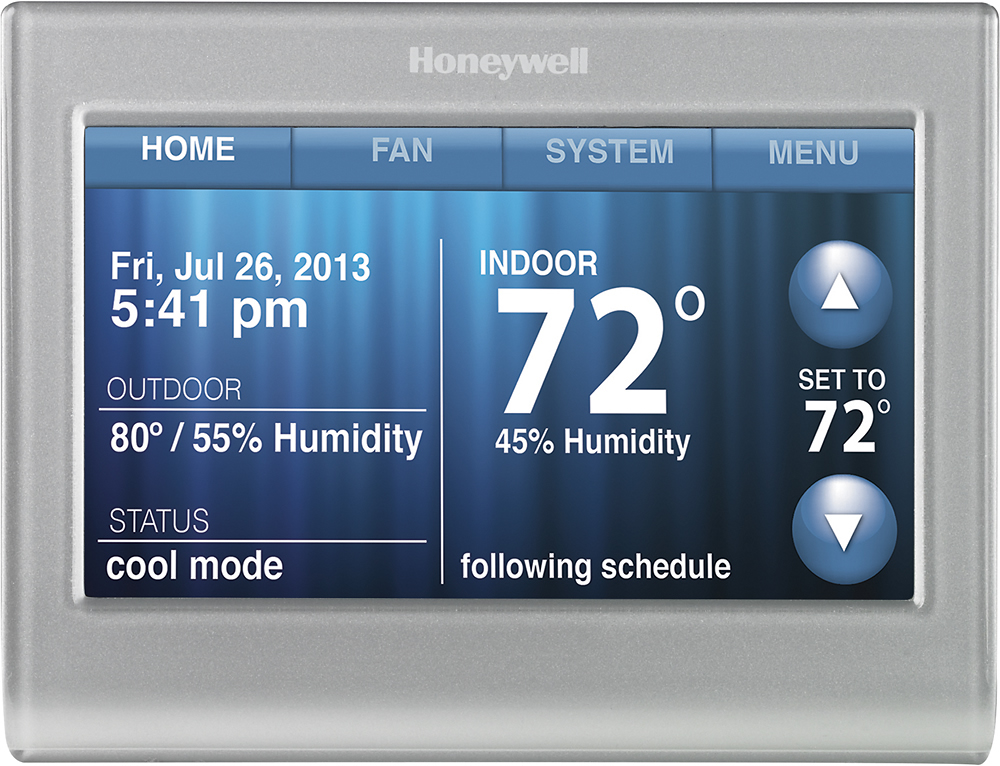
A:AnswerYes, it is possible to control the fan independently from the system. You can also control the fan remotely via the Total Connect Comfort app. Please give us a call at 1-855-733-5465 with any further questions. You can reach us from 8 a.m. to 7 p.m. (CST), Monday through Friday; 8 a.m. to 6 p.m. on Saturday and 9 a.m. to 6 p.m. on Sunday. Thanks!
A:AnswerHi, Thank you for your question! Yes, the screen of this thermostat can be locked and the thermostat itself is still able to be operated remotely via the app. If you have any further questions please let us know.