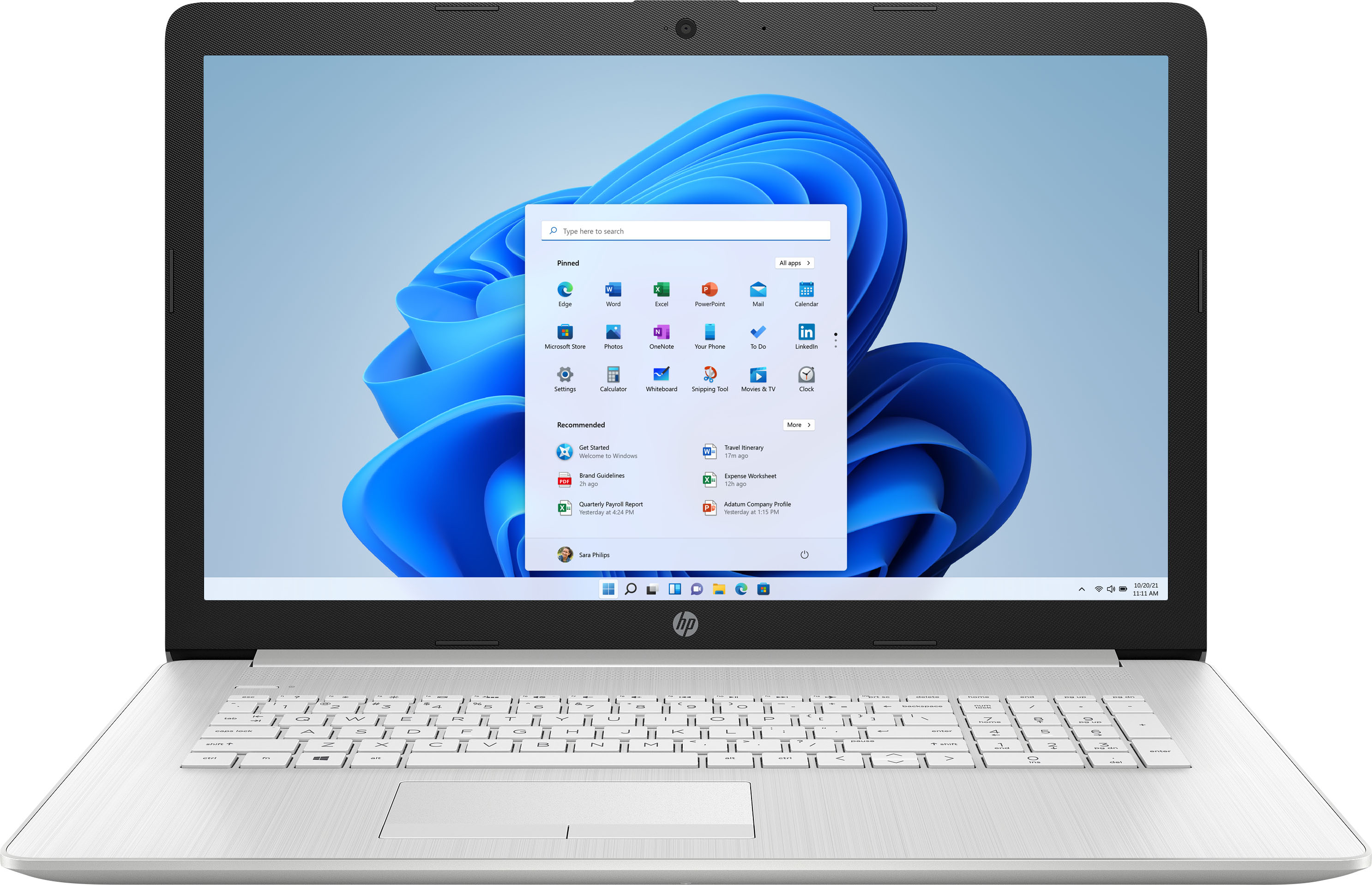
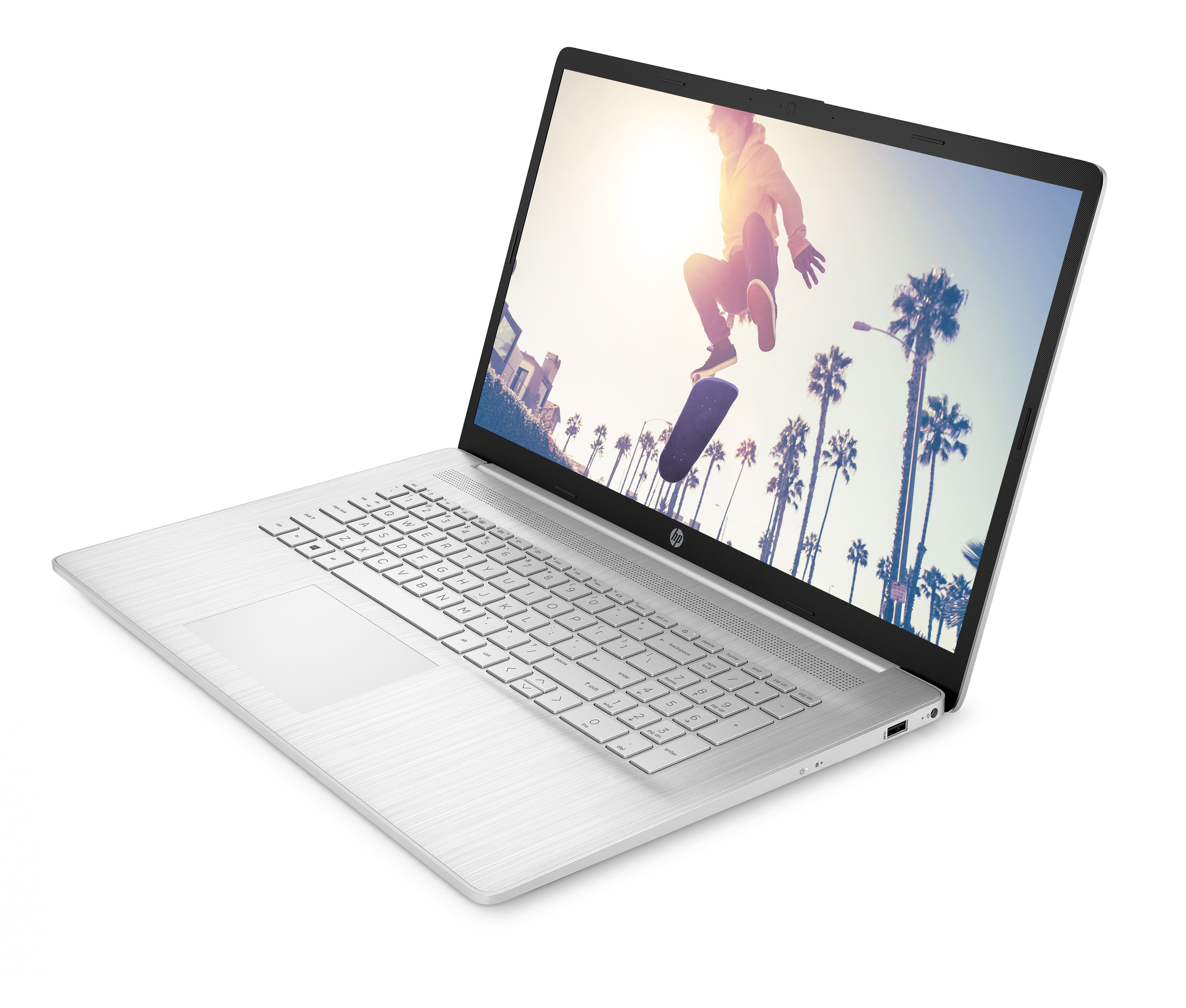
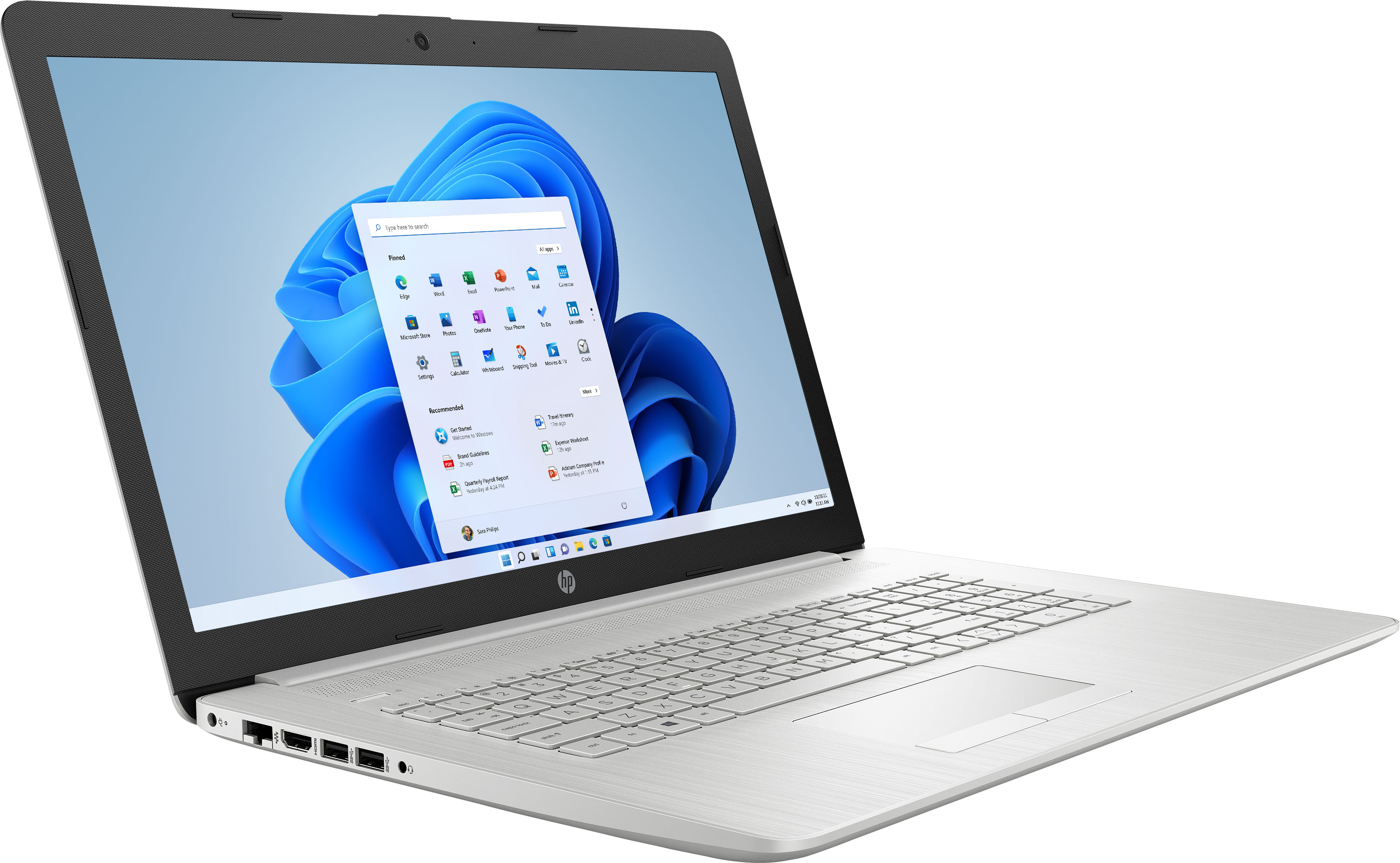
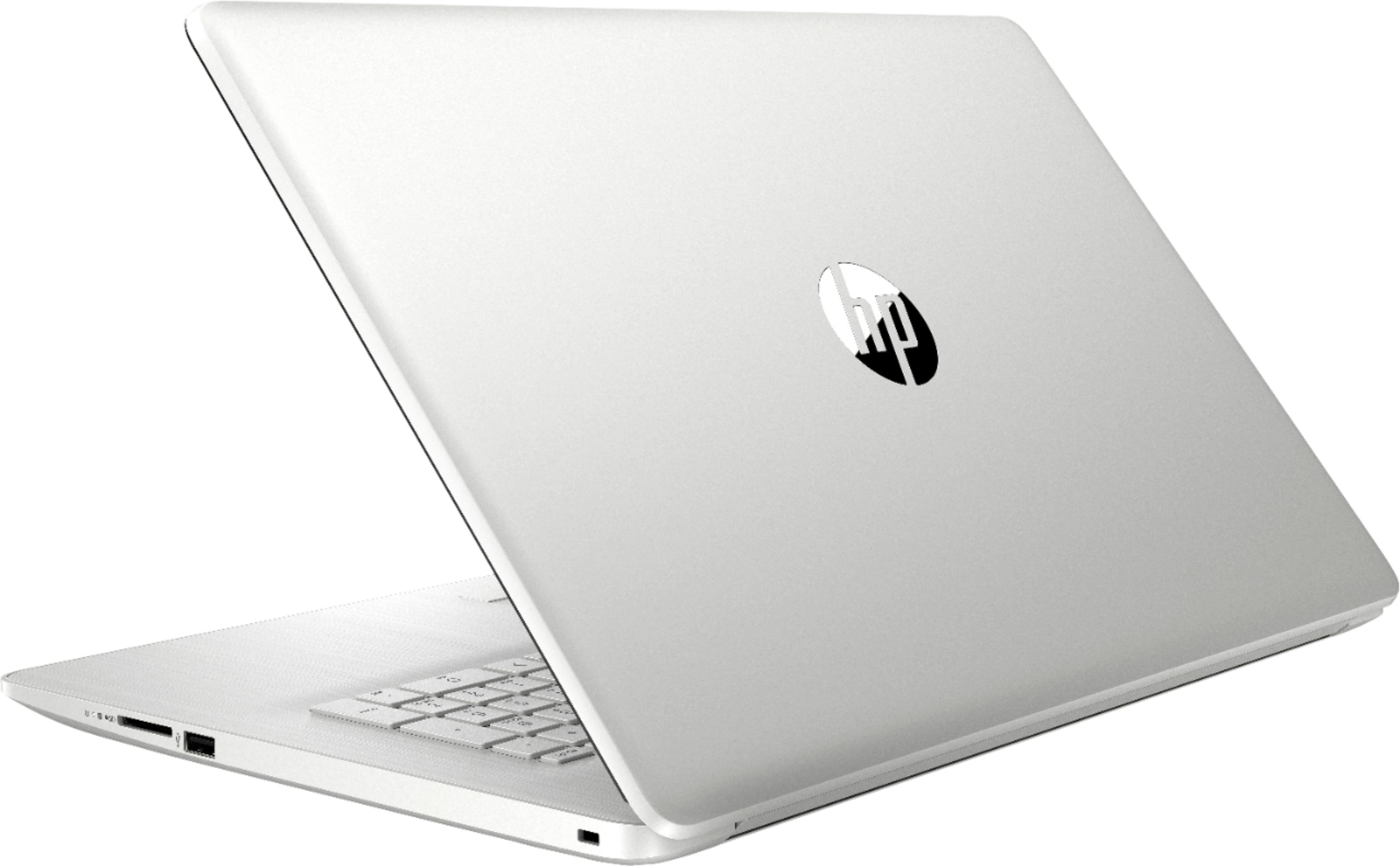
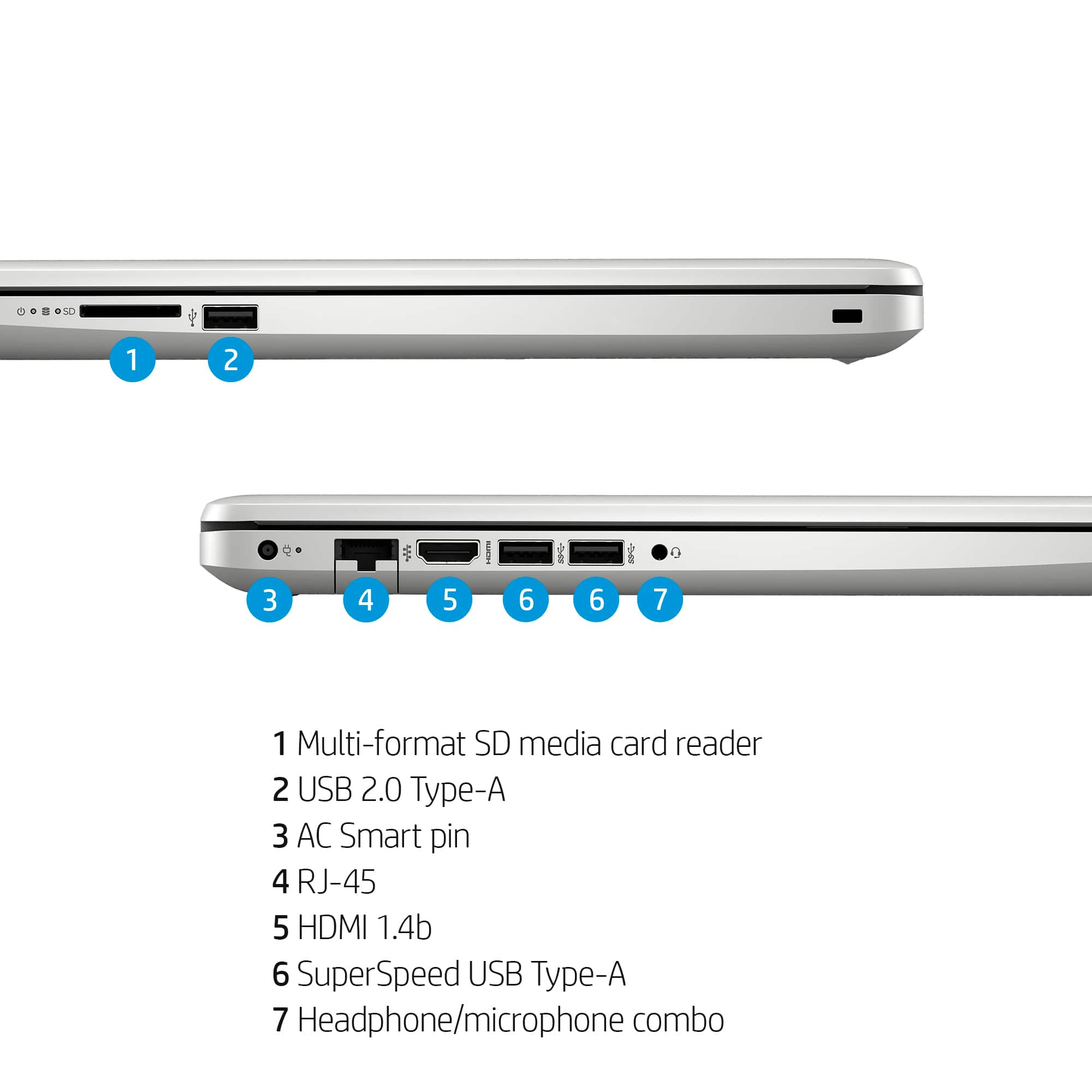
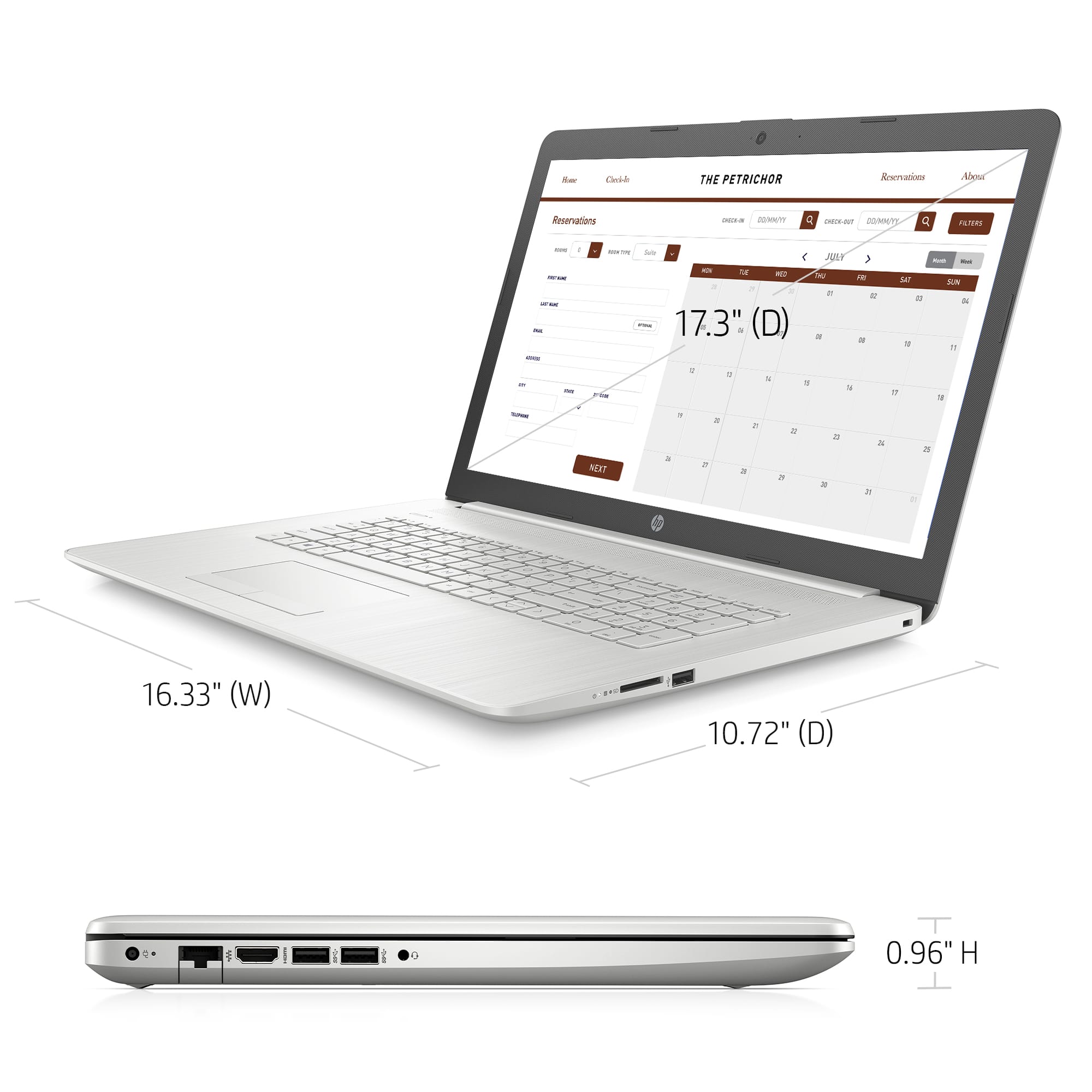
A:AnswerIt appears that they accidentally used a picture from a similar model that _does_ have an optical drive. The official HP spec sheet shows that it doesn't not include one, and none of the HP pictures for this model show one. I've documented the error so that Best Buy can correct it.
A:AnswerYou will need to remove the S-Mode feature from the system before attempting to install any non Microsft apps. I have removed S-Mode from mine and have successfully installed multiple non Micosoft apps to include Chrome and Firefox. Be aware that this system only has a 250 GB NVME drive. So space is limited. There is no hardware internally that will allow you to upgrade with a standard or SSD harddrive. It cost me roughly $200 to upgrade the NVME to 1 TB and the NVME clone device to copy all the files over.
A:AnswerHello, Richard. This HP laptop comes with Windows 11 in S Mode. That means you can only download apps from the Microsoft Store and use the Microsoft Edge browser. You can switch out of the S Mode. It is free and easy to do. Here are some instructions: https://bit.ly/3okv4Mj
A:AnswerMine does that too, sometimes. A restart is required to fix it from my experience. It'll take longer than normal, but should work after that. This is a recurring issue, though, and I've yet to find a permanent fix
A:AnswerOne of the key things with a SSD is that they're much faster and use much less power than a conventional hard drive, which improves battery life. You should find that programs load and save much faster than with a conventional hard drive.
A:AnswerHello, James. Thanks for your question. Here are the instructions: https://support.microsoft.com/en-us/help/4456067/windows-10-switch-out-of-s-mode
A:AnswerHi Brody, thank you for the question. You can see the power cable at about 2:48 in this unboxing video of the 17-by4013dx: https://www.youtube.com/watch?v=2dIGGjlLqo4