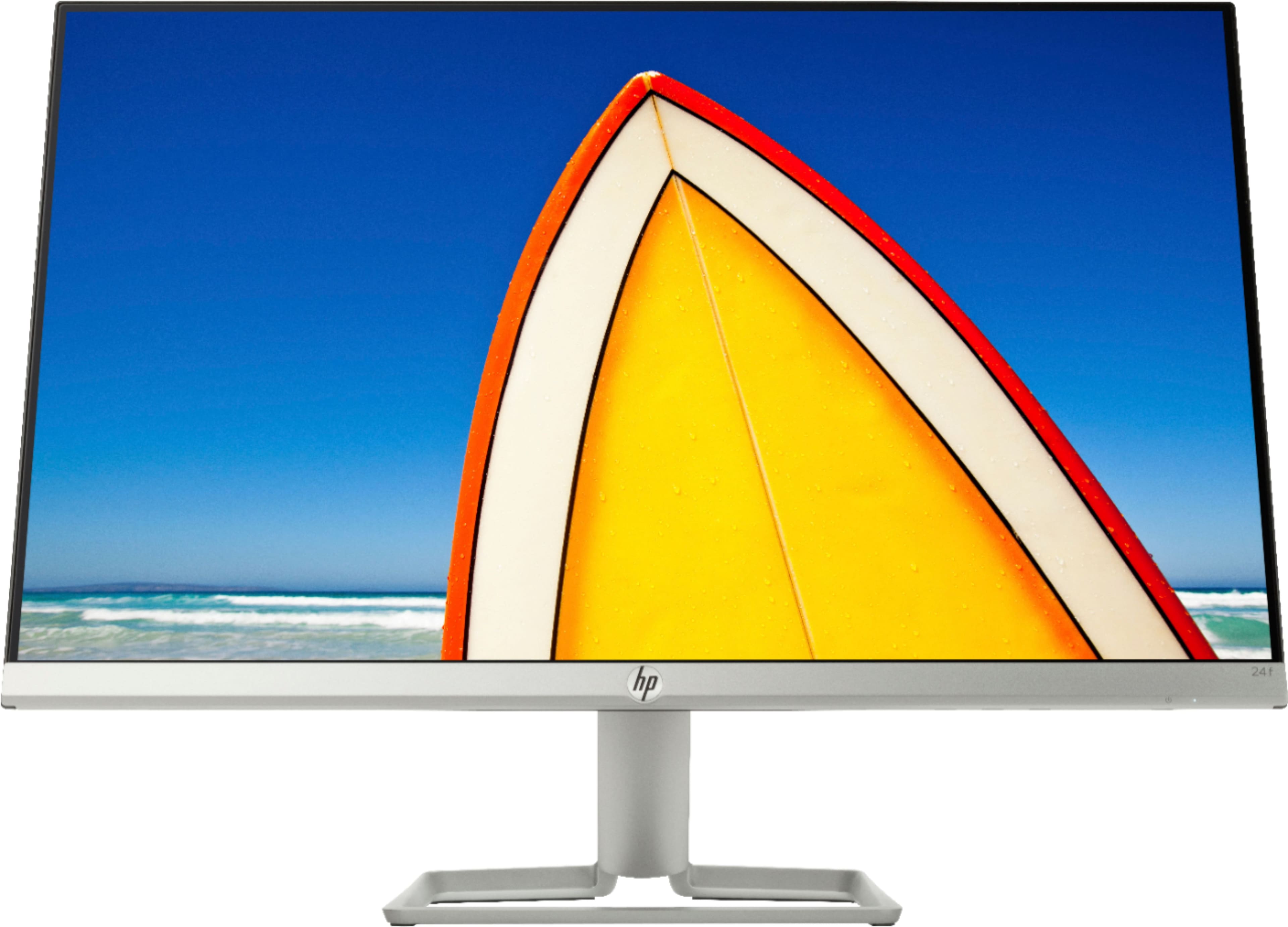
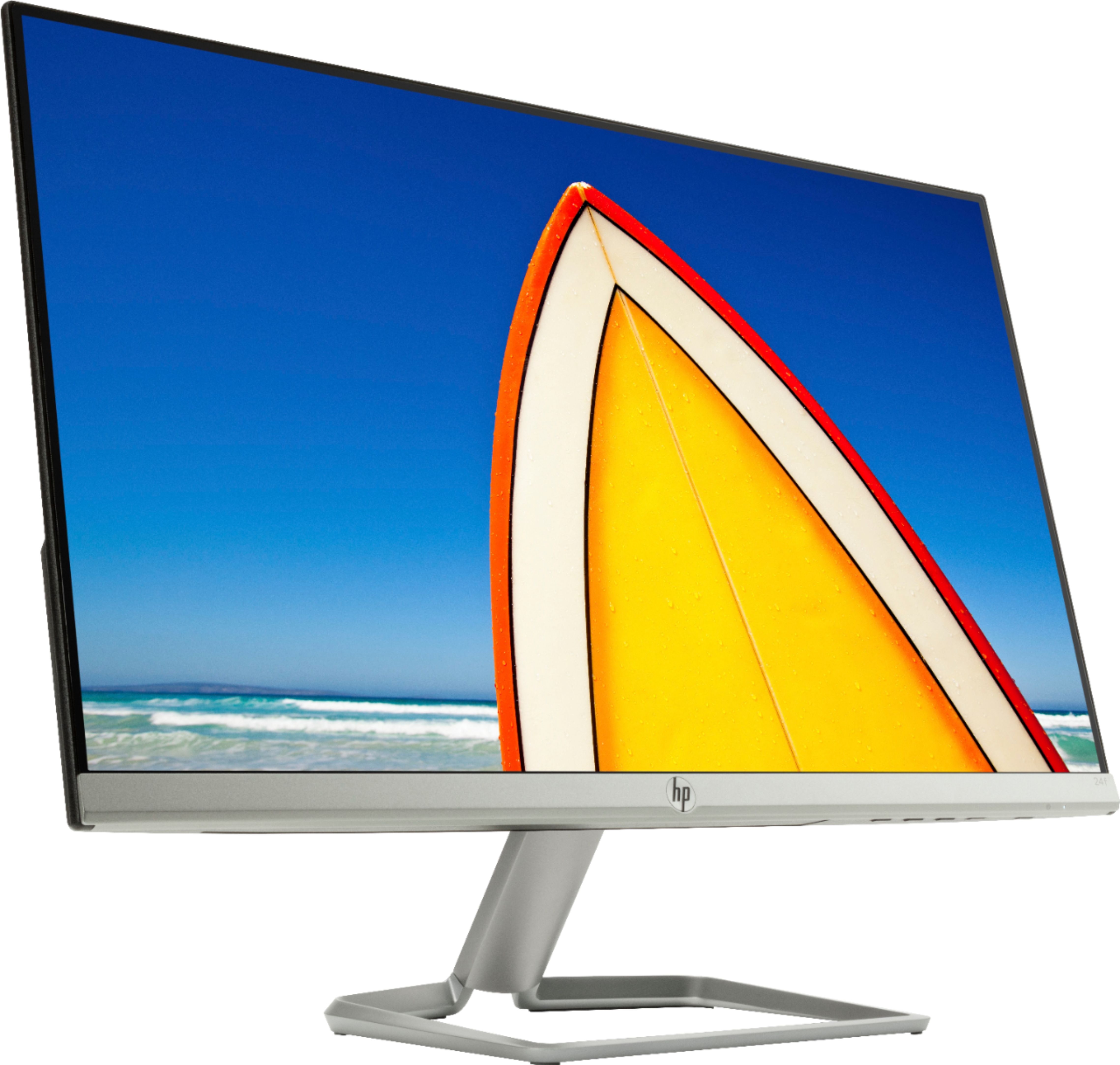
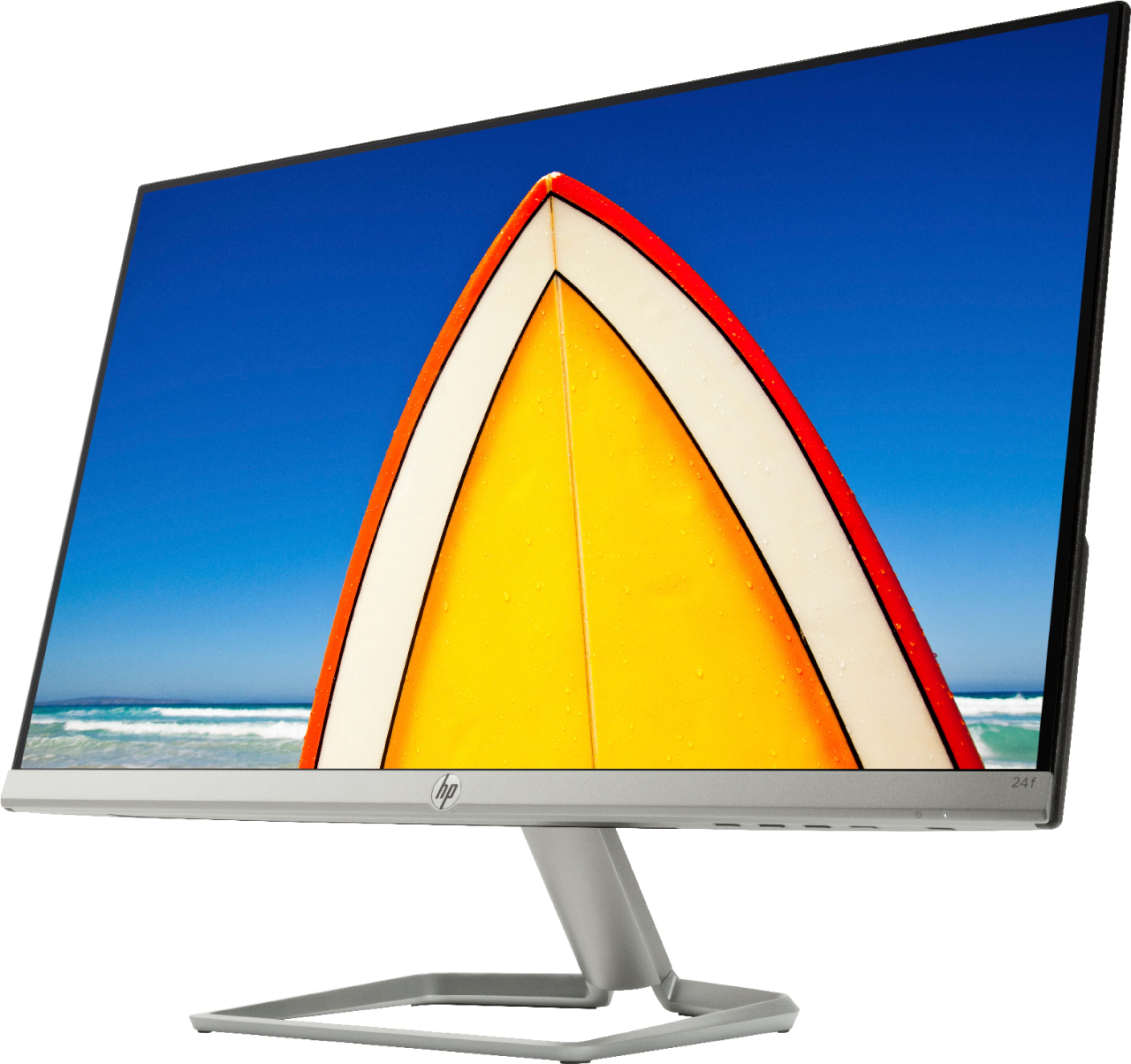
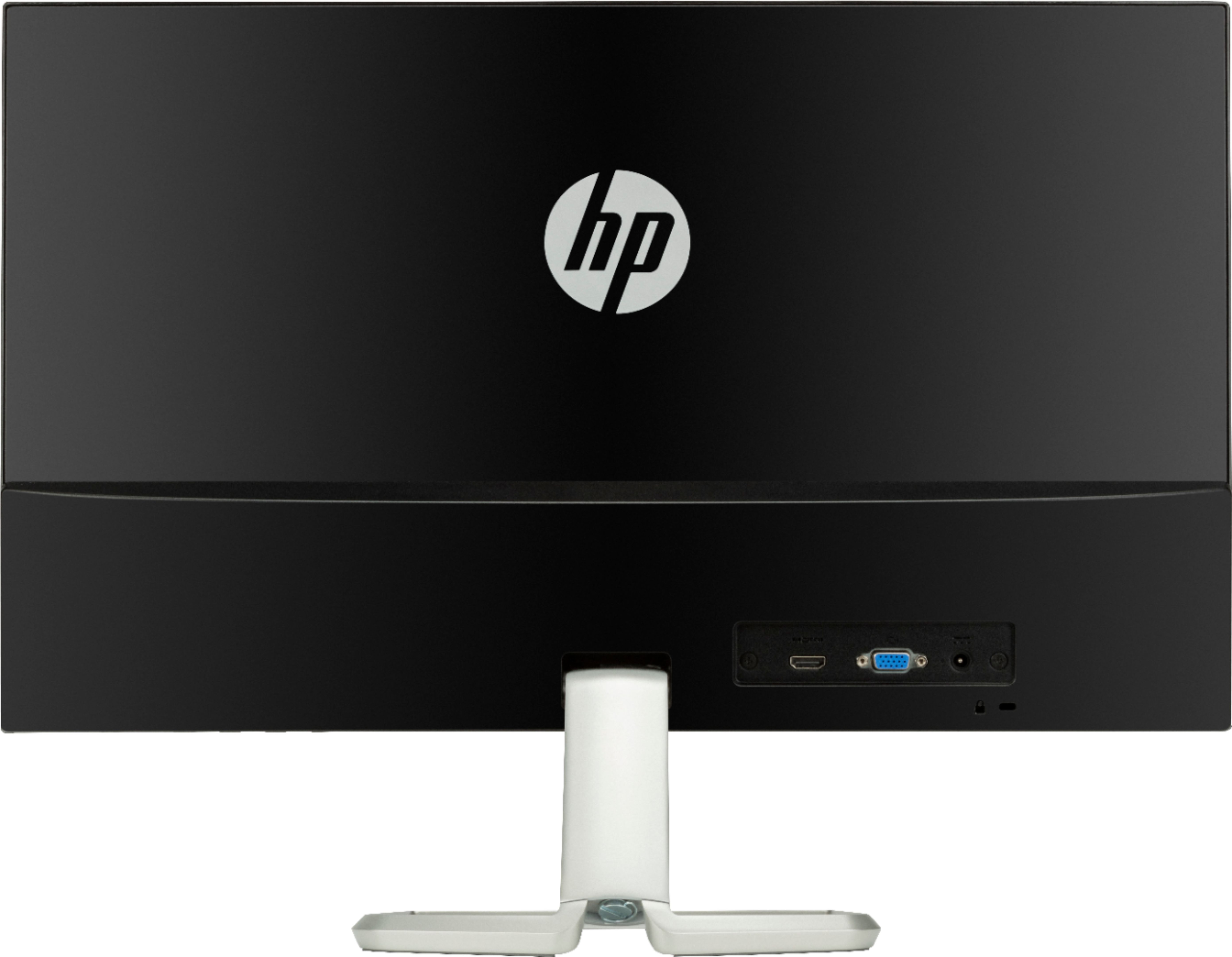
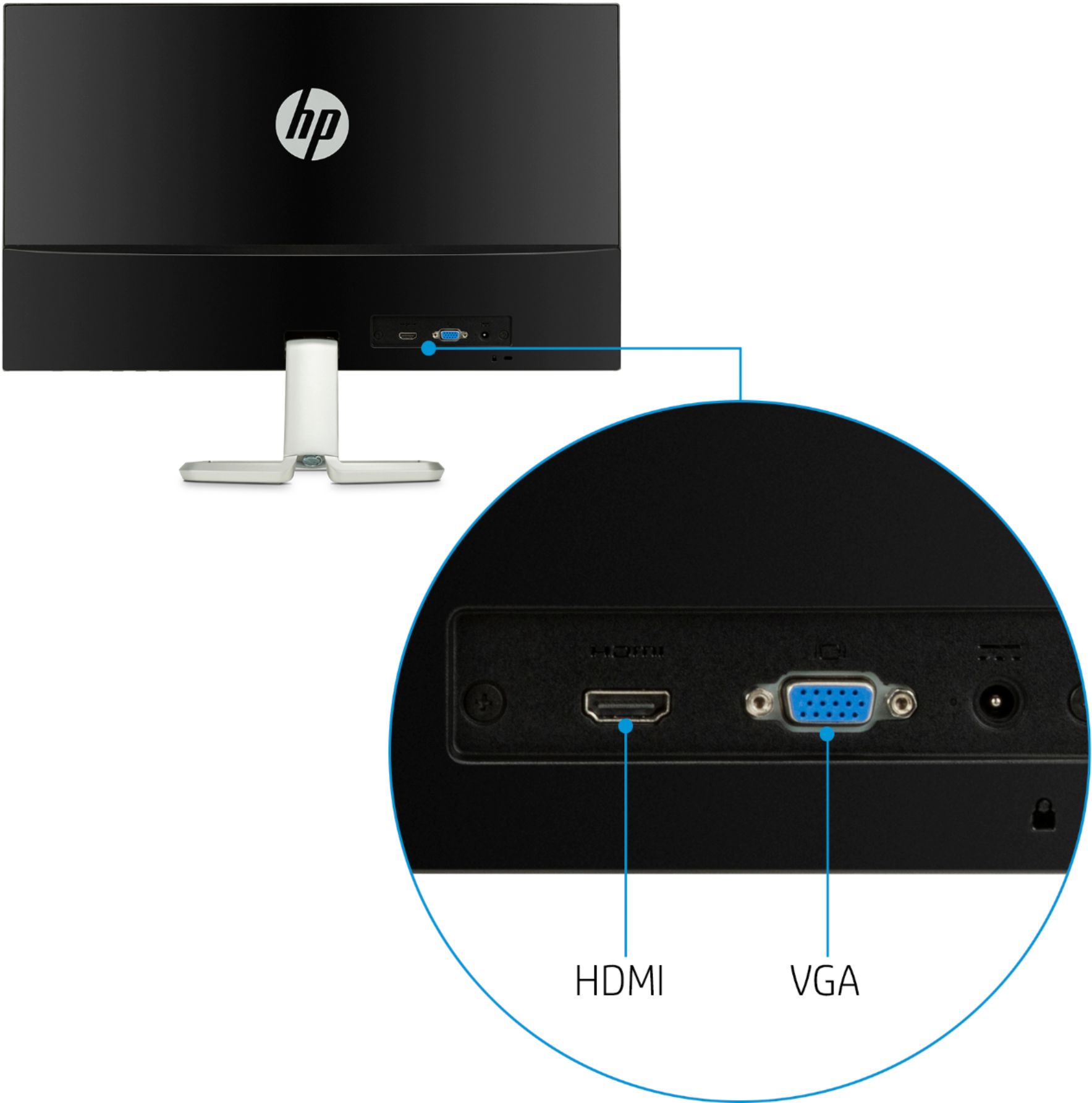
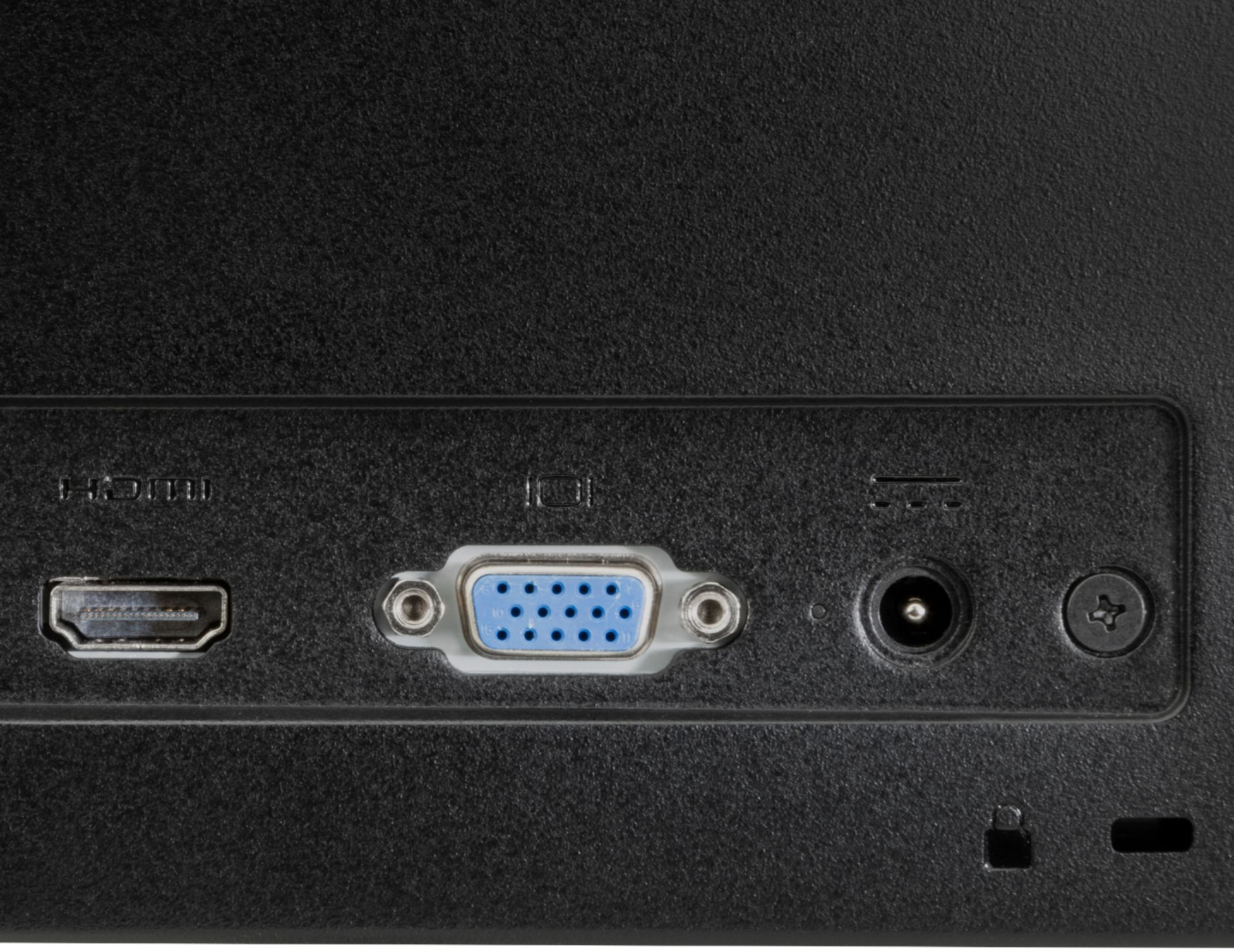
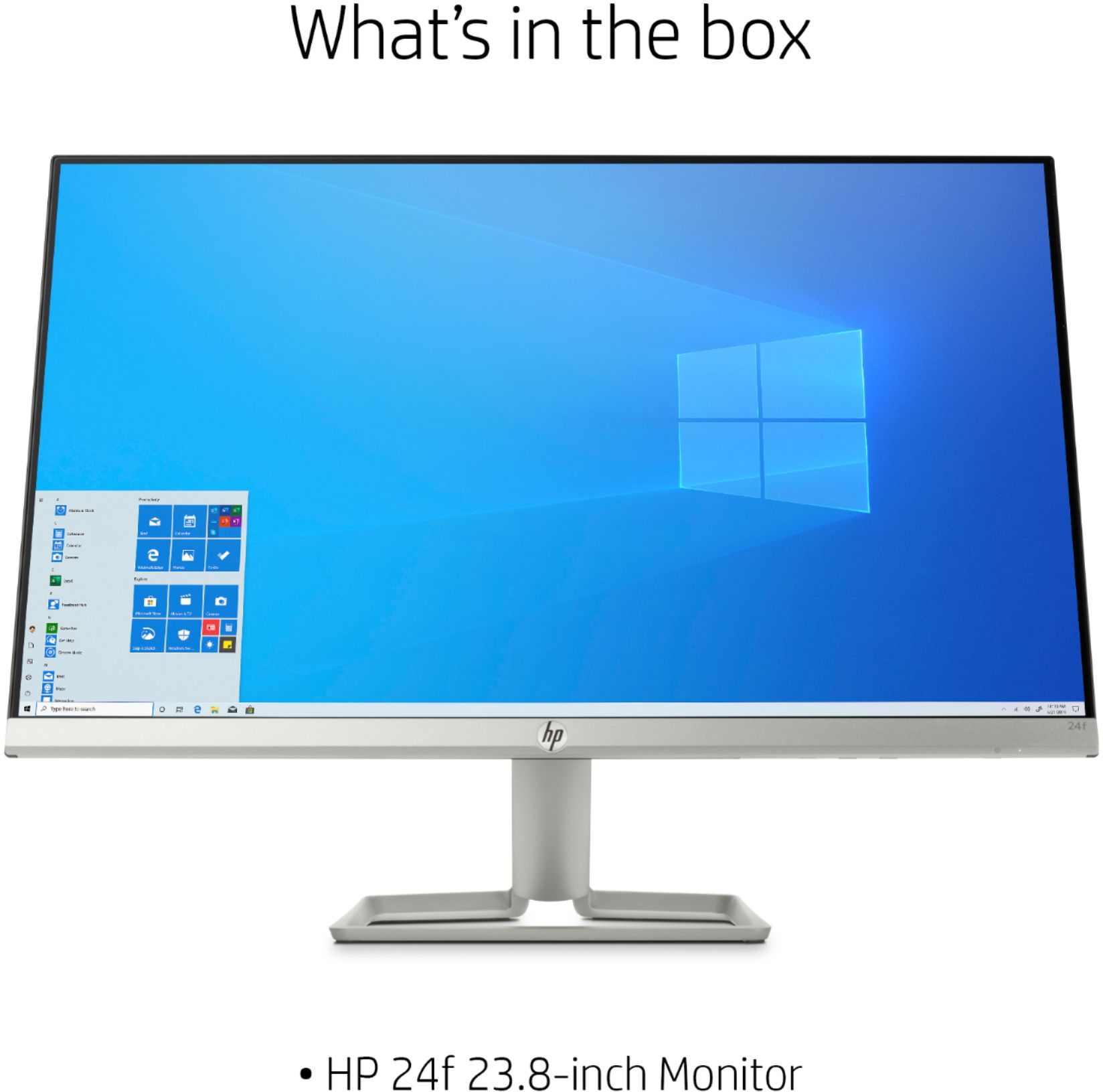
A:AnswerThe monitor includes both an HDMI and VGA cable in the box, so as long as the all-in-one that you have has one of those video outputs, you'll be able to use it as a second monitor.
A:AnswerThe 2020 MacBook Air has Thunderbolt 3 digital video output and can give VGA, HDMI, and Thunderbolt 2 output using adapters. The monitor comes with an HDMI cable. So you need something like this:
https://www.bestbuy.com/site/j5create-usb-type-c-to-hdmi-video-adapter-gray-white/6201446.p?skuId=6201446
A:AnswerYou will need to change the settings. You should be able to right click on the speaker icon on your task bar and set the playback sound to your laptop speakers.
A:AnswerWorks great with mine.HDMI cable connection plugs into the monitor and the port on my laptop. If you have an older laptop with a VGA port (the blue head with thumb screws) this monitor has a port you could use instead
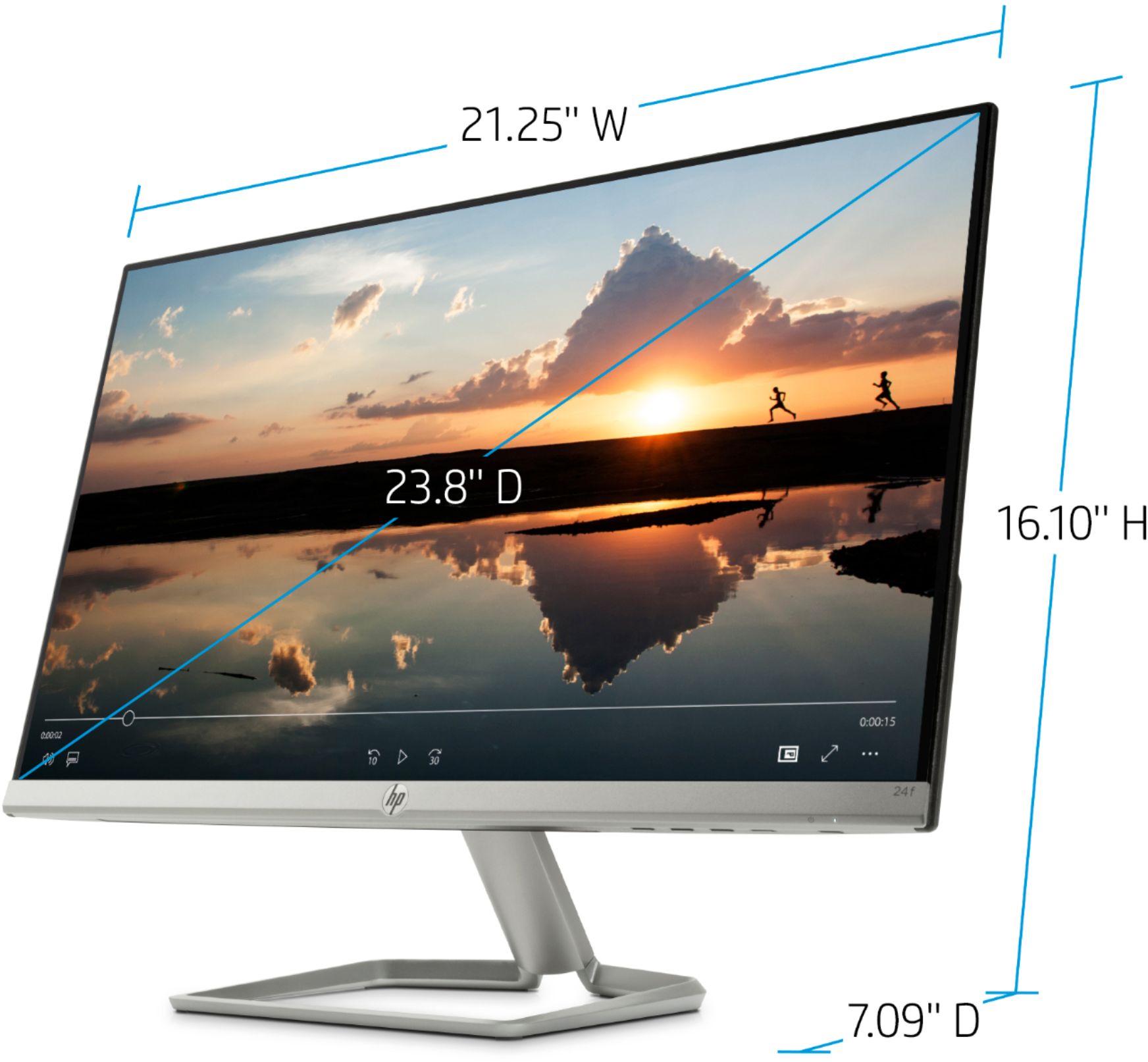
A:AnswerCan't swear that this is exact, but my tape measure reads 21 1/4 inches wide by 15 7/8 inches high by 7 1/4 inches deep (front to back of the stand.)
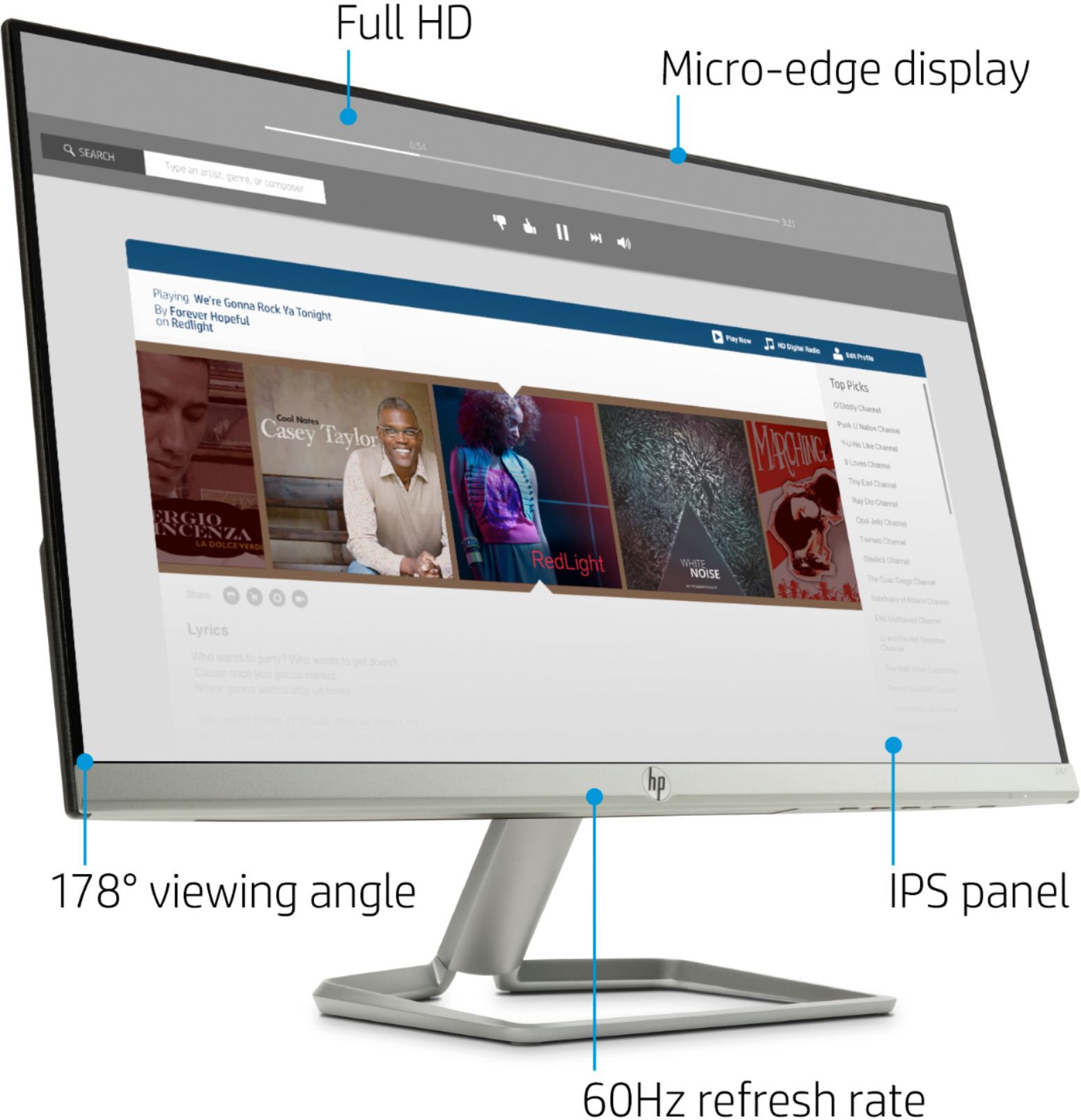
A:AnswerNot sure if my previous answer posted yet, but I had initially referenced that this was a 60hz monitor. It's actually a 75hz.
You should still not have to worry about g-sync capabilities. It'll display just fine. Just make sure you change the refresh rate to 75hz in windows display settings and make sure your nvidia drivers have this as your primary source of graphics display (if using an Intel chip with integrated graphics).
Sorry for the incorrect answer previously.
A:AnswerWhen you connect this as a display to your laptop, you'll need to go into the display settings and advanced settings to change the refresh rate.
A:AnswerThere is no way to connect a flash drive to the monitor. The flash drive would need to be plugged into the system you are using for surveillance.
A:AnswerThis monitor doesn't supply an audio port to your speakers. Instead, connect your speakers to your computer's speaker port, which on most desktop units is in the rear and labelled for connecting speakers.
A:AnswerThe computer has an DVI-D and VGA port. You'll be able to use an adapter that goes from the included HDMI cable to the DVI-D port on the computer