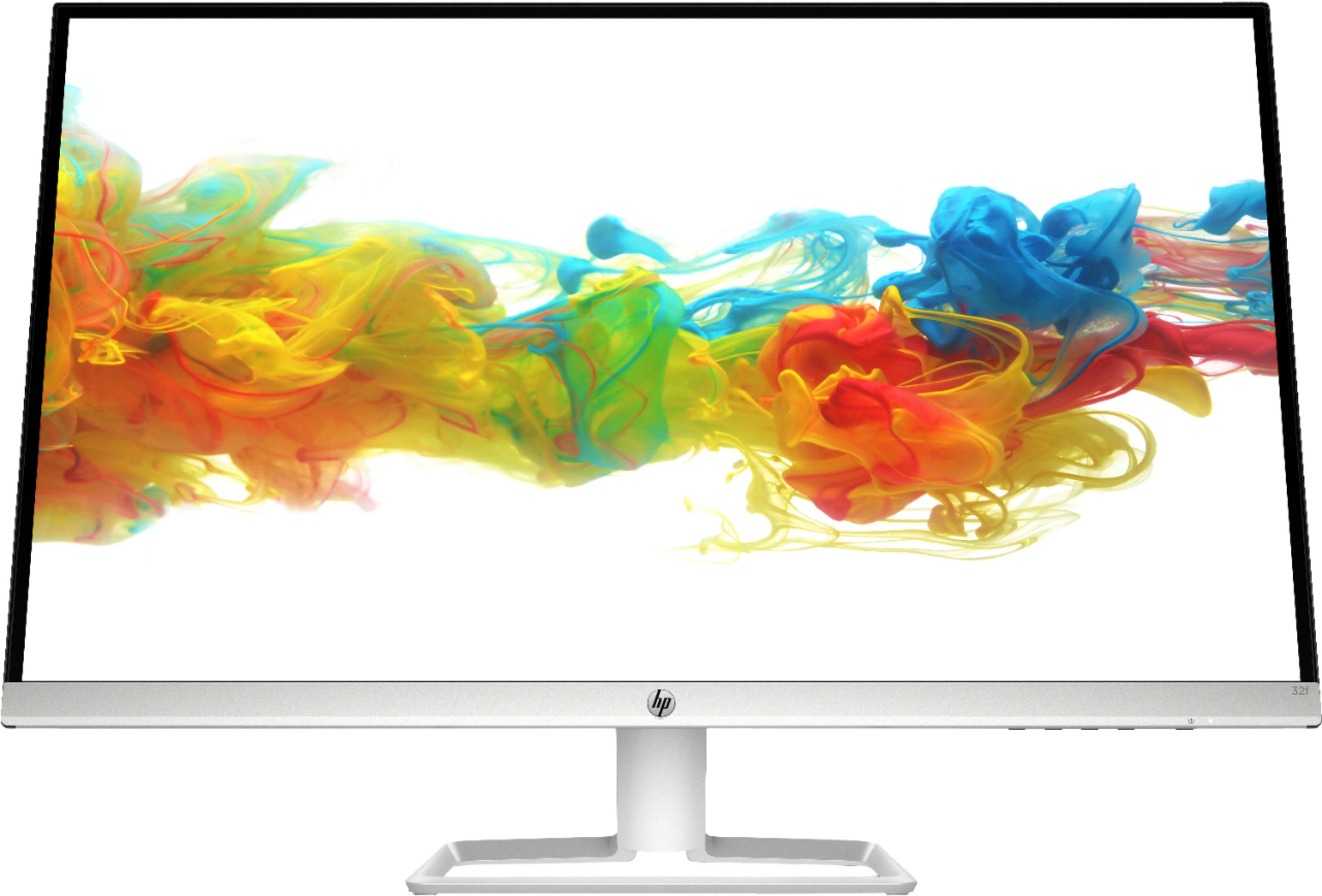
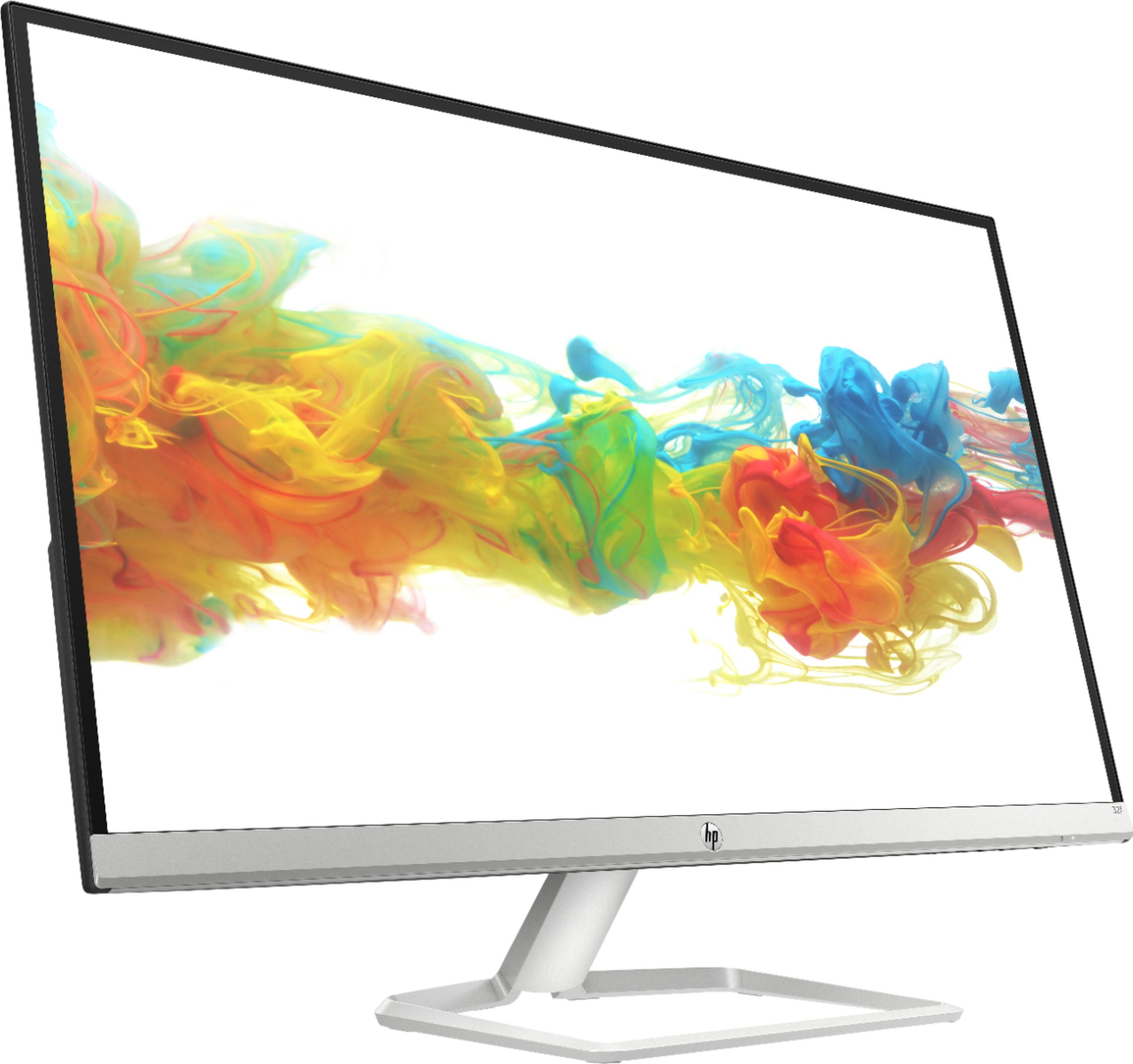
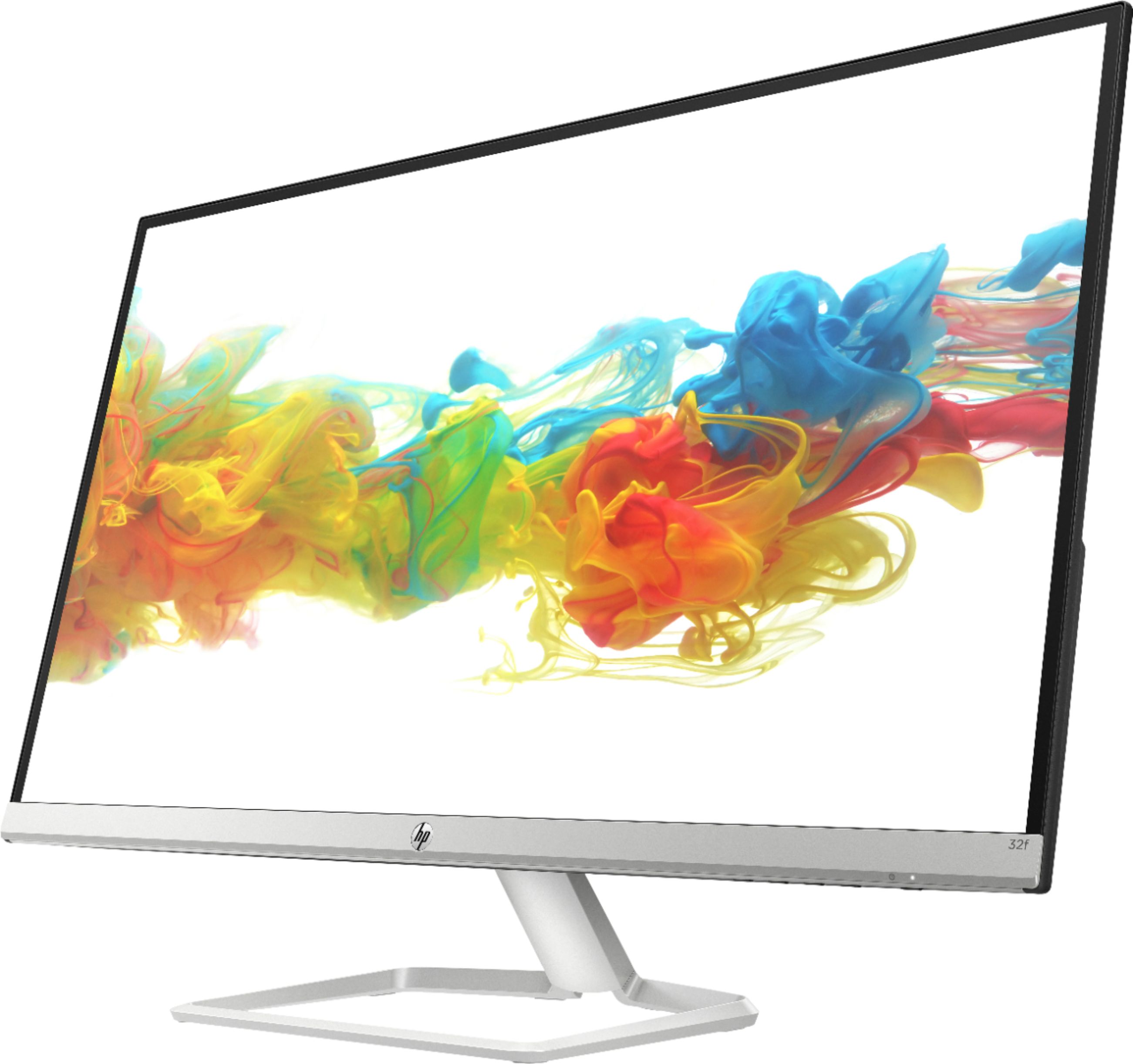
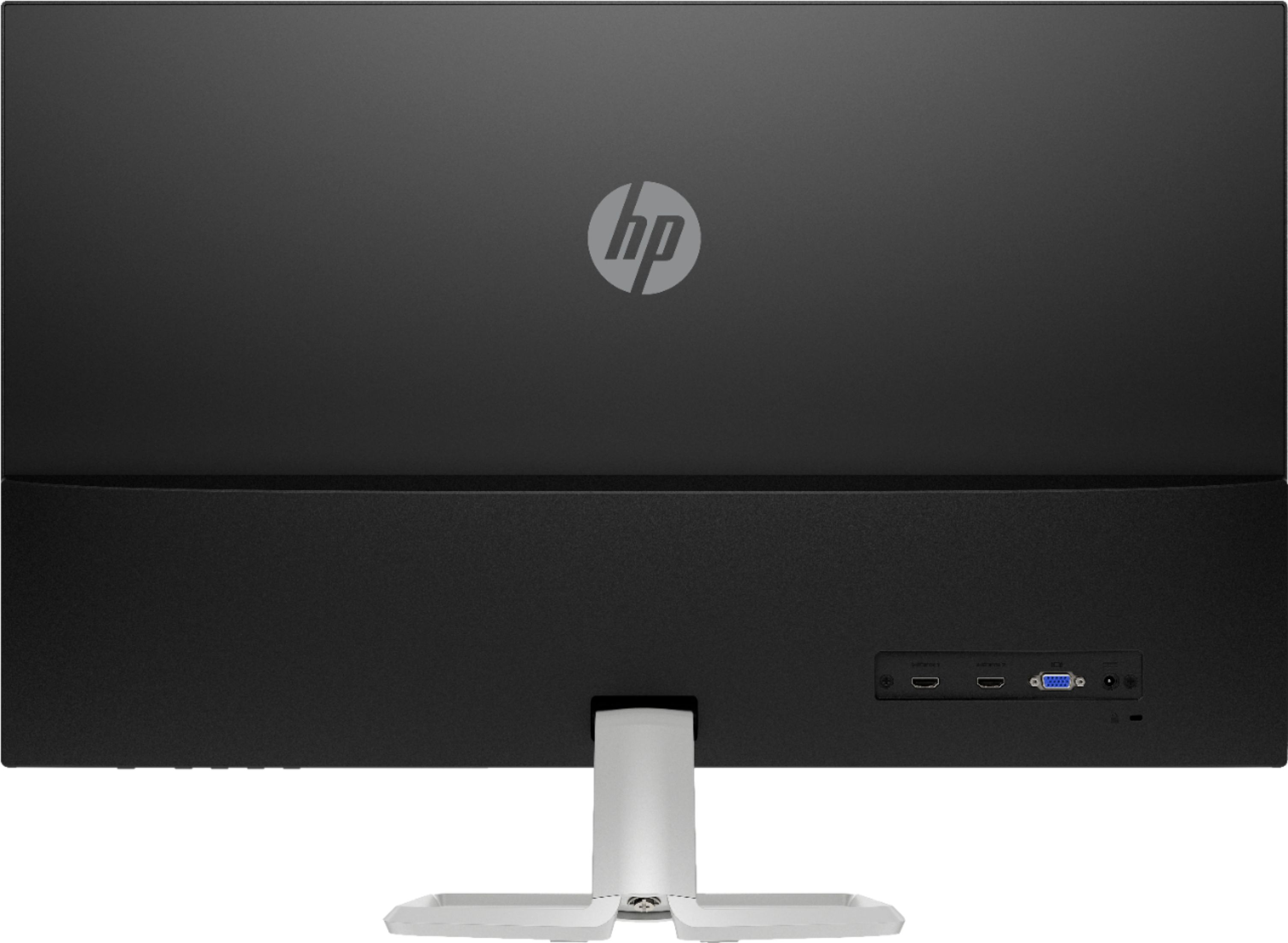
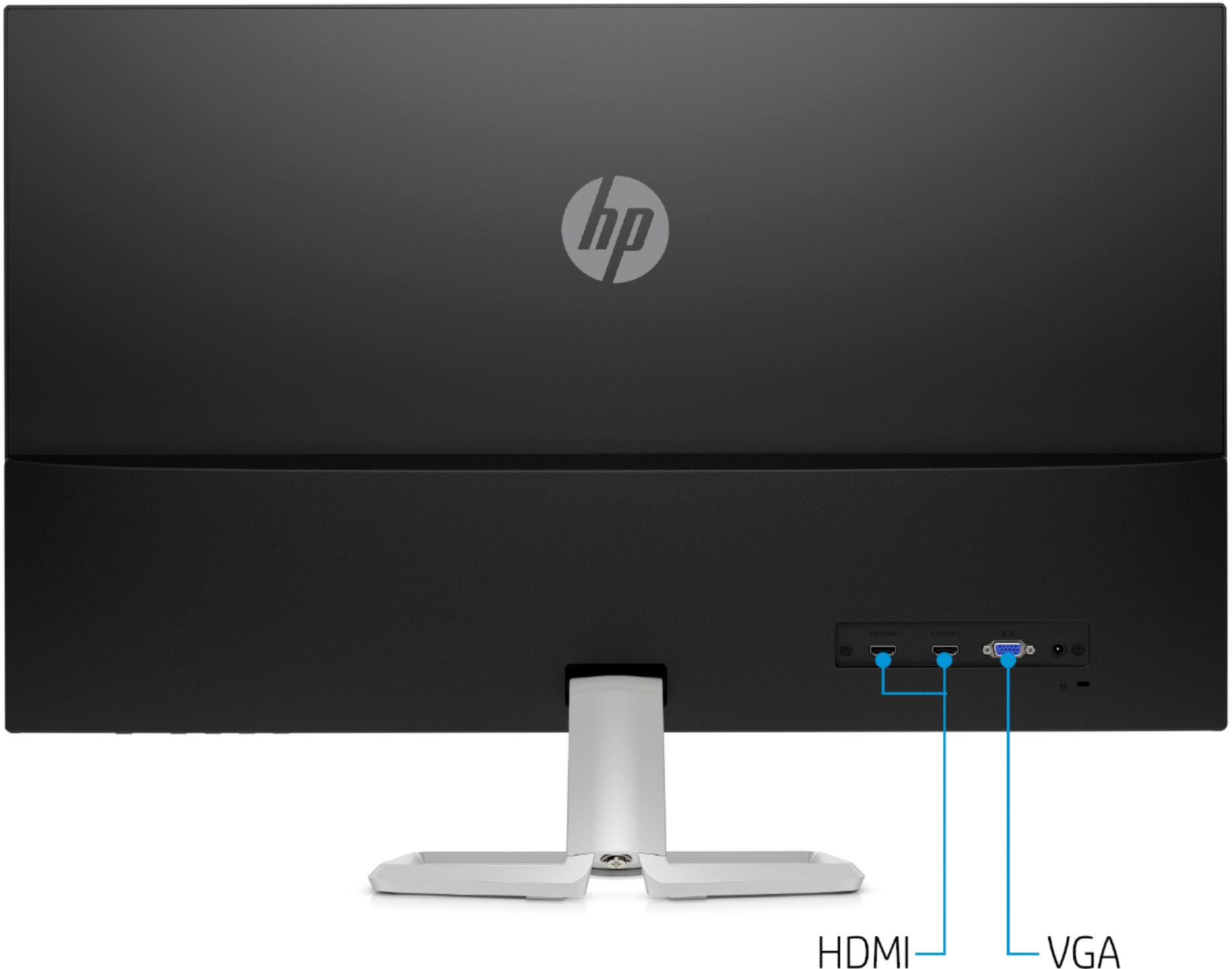
A:AnswerYes, this monitor is perfect for what you are looking for. I have an older model desk top with Windows 7 as well. The monitor comes with both HDMI and standard cables, so it is working perfectly with my old system. And I love the size and clarity.
A:AnswerIt depends on how old your MacBook is and what available ports it has. I have the older MacBook Pro with the Super Drive (2012) and it can drive an external monitor as well as the laptop monitor. Most of the MacBooks have Thunderbolt 2 or 3 and USB-C ports. You simply need to buy an adapter that goes from USB-C to either VGA or HDMI. It looks like this monitor has the capability to receive either type. BestBuy has these type of adapters in-store and online.
A:AnswerNot without fabricating something entirely new out of the desktop stand it comes with.
There are no mounting holes on the back of the monitor.
I have two of them on my desk that need to be higher... some old phone books wood come in handy now.
A:AnswerYou can, however, there will be no sound. You would need something like this to get the audio out:
https://www.bestbuy.com/site/insignia-hdmi-audio-extractor-black/6324750.p?skuId=6324750
Then you would need some kind of speakers for your audio.