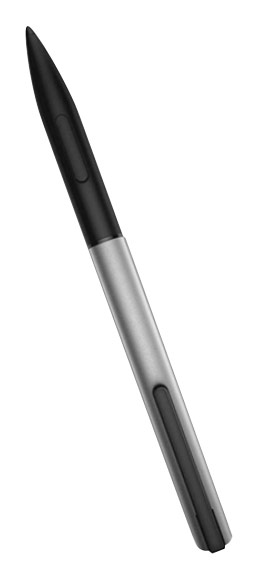
A:AnswerGo to your settings, under Bluetooth you will need to pair your pen. To pair the pen you just have to push the top of your pain and let your computer discover the pen. It should only take a few seconds to pair. If nothing happens you may need to let your computer be seen. You can find instructions on the Microsoft Web Site if you need additional help.
A:AnswerI have found that some styli do not work with some touch screens. This was a more frequent problem as recently as 2-3 years ago, less so now. But I always try a stylus on my phone before purchasing. The problem is exacerbated on the perphery of the screen.
A:AnswerGood question. The Envy x360 models are currently not compatible wth the HP Active Stylus. This stylus is only compatible with the Spectre x360. A regular rubber tipped stylus is compatible with the Envy x360.
I hope this helps.
A:AnswerYes, I've used it on an iPad mini and Samsung tab 4. It doesn't work well on screens sellers than 7" such as an iPhone 6 or other smart phones.
A:Answerit will technically draw in photoshop.
but it doesn't support pressure sensitivity so it's pretty useless.
all the lines will be uniform thickness and your drawings will look like garbage.
get the dell alternative.