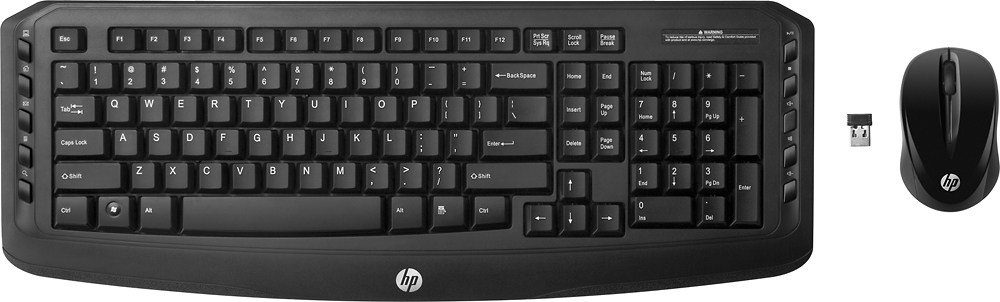
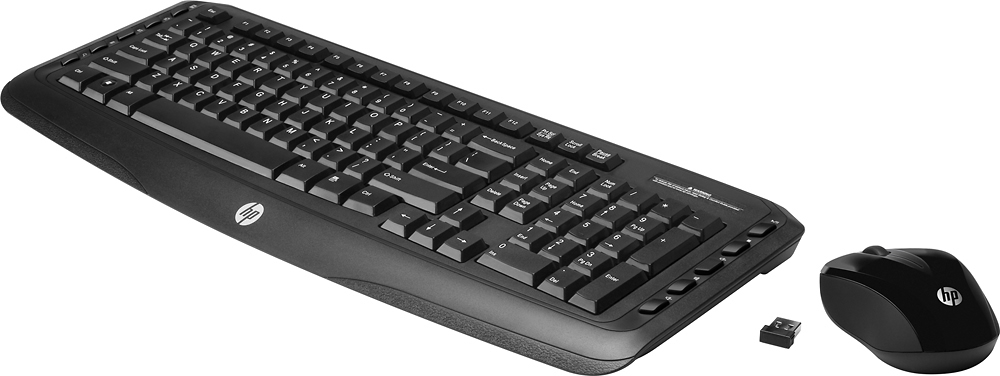
A:AnswerThe Pavilion 400 keyboard is a "standard" keyboard. This keyboard is very similar but it has added buttons on both sides for 1 key control of play and stop and speaker control on the right side. You can cut and past and copy with these add buttons on the left side. This is handy once you get used to them.
A:AnswerWhen using Windows, pressing the PrtScr button will take a screen print (a copy) of your screen(s). You can then Right-Click and paste (or Ctrl +V) that copied screen into a document, email or paint program. Holding the "Alt" key then pressing the PrtScr button will copy only the active window. You can also think of it as "Printing to your clipboard and not to your printer".
A:AnswerHello! Thank you for your question, Jenny! Yes, this keyboard has volume controls on the right side - as well as many other useful keys to quickly launch the Internet, your e-mail, a media player, and more.
A:AnswerHi, I'm sorry but I don't know the answer to your question. I don't use them myself, but the buttons on the right seem to have something to do with sound. Hope this helps!
A:AnswerAs long as that computer had either Bluetooth built in or a free USB port to connect the included "dongle", you'll be able to use it with the computer.